
FrameCraft-Frames & Watermarks
Batch Art Frames & Watermarks
Designed for iPhone, iPad, iPod touch
Free · In-app purchases
- Age rating4+
- CategoryProductivity
- Developer秀文 石
- LanguagesEnglish+ 9 more
- Size41.3 MB
Links to the official App Store page
Download.org hosts no file of FrameCraft-Frames & Watermarks. The button opens its official App Store page, published by 秀文 石. Listing last checked on Nov 12, 2026.
Screenshots

About
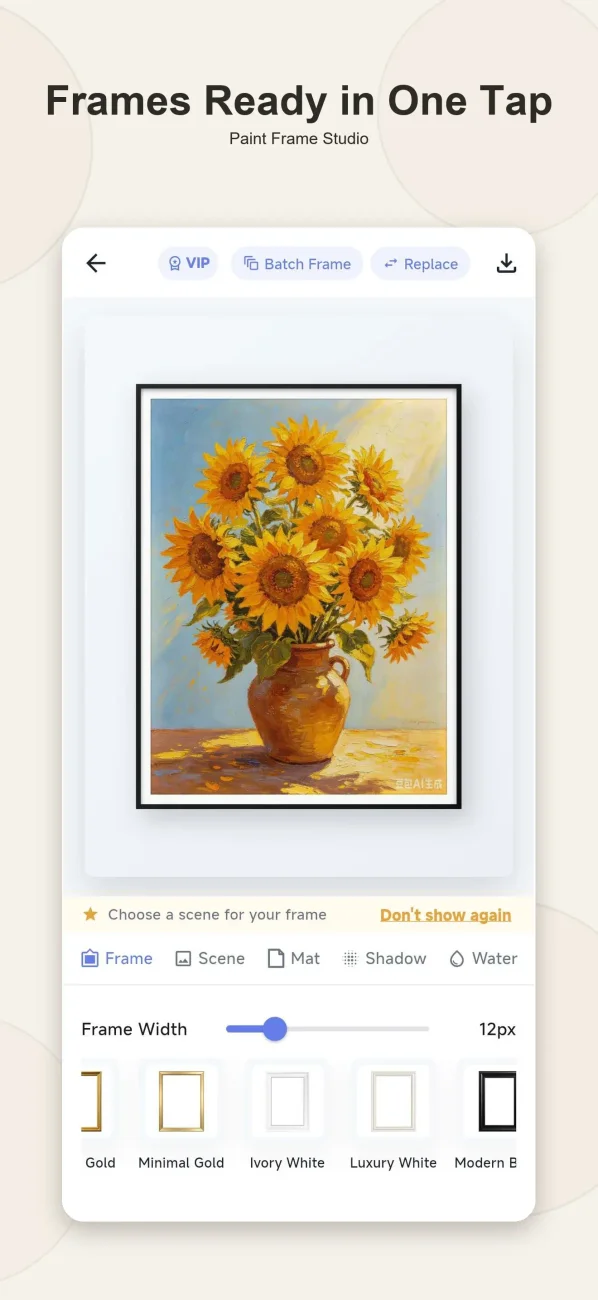
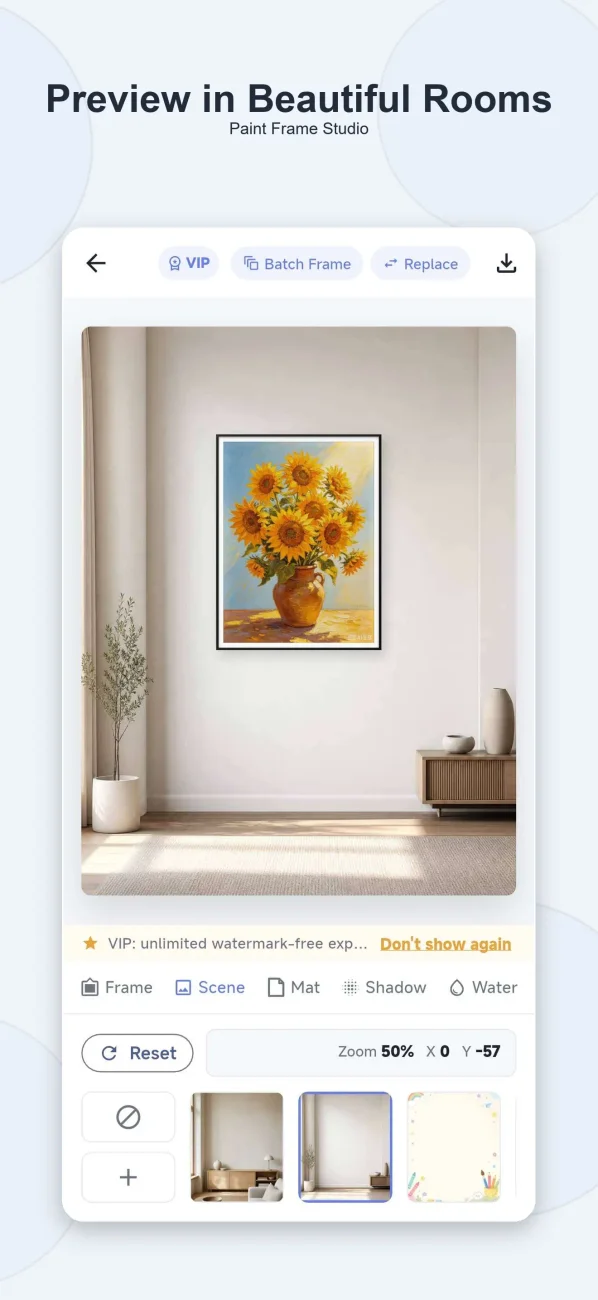
Paint Frame Studio is a mobile framing tool for artwork, calligraphy, photography, and image presentation. Add frames in different styles, mats, scene backgrounds, and watermarks, preview the finished look quickly, and create polished images for saving, displaying, or sharing.
The app supports choosing local images, taking photos, cropping and editing, frame previews, mat settings, scene previews, watermark editing, saving finished work, and system sharing. Whether you want to create presentation images for paintings and calligraphy or add a more refined border to your photos, Paint Frame Studio helps you complete the process with ease.
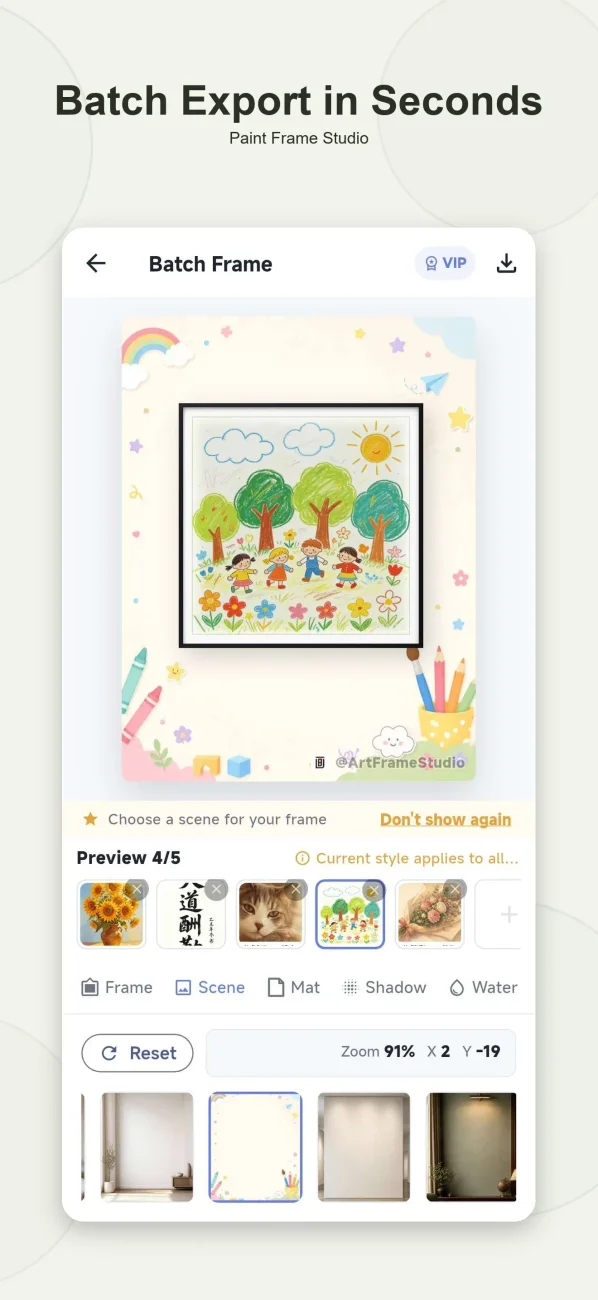
The new batch framing feature lets you apply frames and mats to multiple works at once. It is useful for art and calligraphy teachers who need to process students' work quickly, and for photography lovers who want to organize and export finished images in batches.
Key features:
• Multiple frame styles: wood, gold, black and white, modern minimal, vintage, and light luxury styles.
• Mat and margin settings: add a more natural framed look to your work.
• Batch framing: select multiple images and apply frames and mats in one tap.
• Scene preview: place your work in different display scenes.
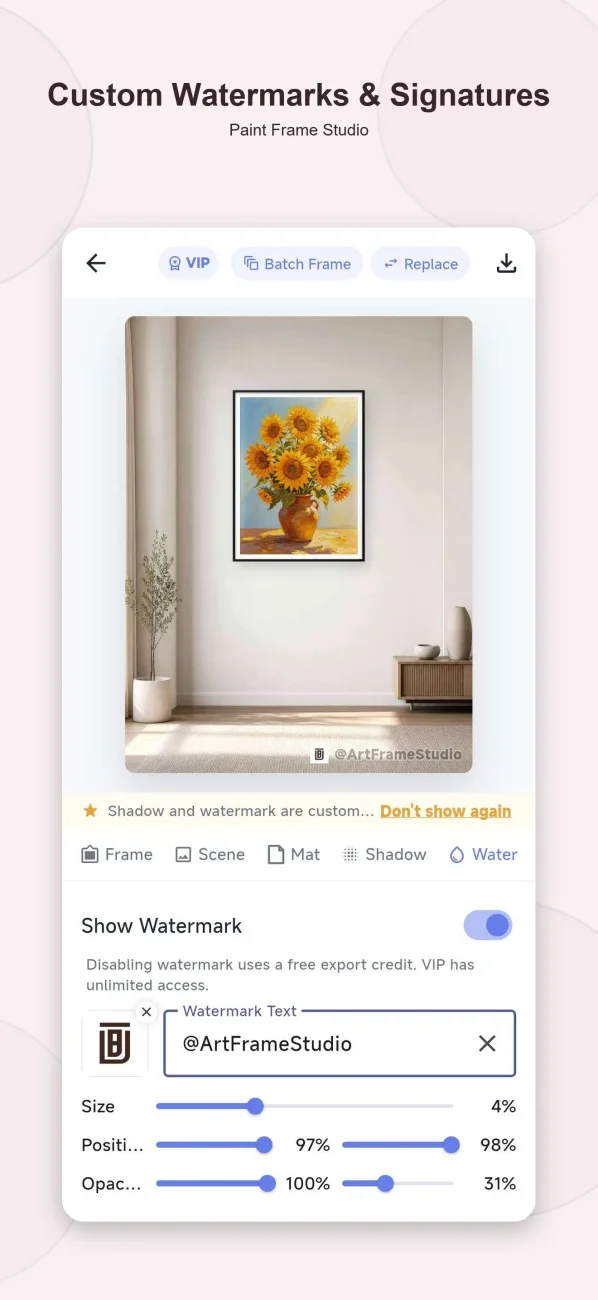
• Watermark editing: add your own text watermark.
• Cropping and adjustment: crop and fit images after selection.
• High-quality saving and sharing: save framed images locally or share them with friends.
• Creation history: review and reuse previously created work.
Paint Frame Studio helps you present every piece with the care of arranging an exhibition wall.
What’s new
Version 1.0.1 · Aug 18, 2026
1. Fixed bugs from the previous version
2. Improved watermark features
3. Added more multilingual support
App privacy
What 秀文 石 declares on the App Store about how this app handles data.
-
Data linked to you
May be collected and linked to your identity.
- Purchases
- Contact info
- User content
- Identifiers
Privacy practices may vary, for example with the features you use or your age.
Information
- Seller
- 秀文 石
- Category
- Productivity
- Version
- 1.0.1
- Updated
- Aug 18, 2026
- Released
- Jun 19, 2026
- Size
- 41.3 MB
- Requires
- iOS 15.0 or later
- Age rating
- 4+
- Price
- Free
- In-app purchases
- Yes
- Languages
- English, French, German, Italian, Japanese, Korean, Portuguese, Simplified Chinese, Spanish, Traditional Chinese
- Copyright
- © 2026 SHI XIUWEN
You might also like
-
 篆刻印章私藏:收藏管理Productivity
-
 Floato: Lock Screen PassesScreenshot to Live Activity
-
 Art Clock - Flip Clock WidgetsDesk flip clock & time widgets
-
 Screen Time Control: SundialApp Blocker & Daily Limits
-
 ZeroTimer+: Visual TimerBeautiful Timer Faces & Themes
-
 OWrite ProDo every little thing well.
-
 WHITEBOARD -smooth-Productivity
-
 Scanner: PDF & OCR ScannerDocument & Photo Converter App
-
 QRcode App - Simplify for LifeQR Code,URL,WiFi,PDF Generator
-
 Notiq: AI Voice to Text NotesPrivate Offline Transcription