Art Clock - Flip Clock Widgets
Desk flip clock & time widgets
Designed for iPhone, iPad
Free · In-app purchases
- Age rating4+
- CategoryProductivity
- Developer振山 董
- LanguagesEnglish+ 7 more
- Size14.9 MB
Links to the official App Store page
Download.org hosts no file of Art Clock - Flip Clock Widgets. The button opens its official App Store page, published by 振山 董. Listing last checked on Nov 23, 2026.
Screenshots

About
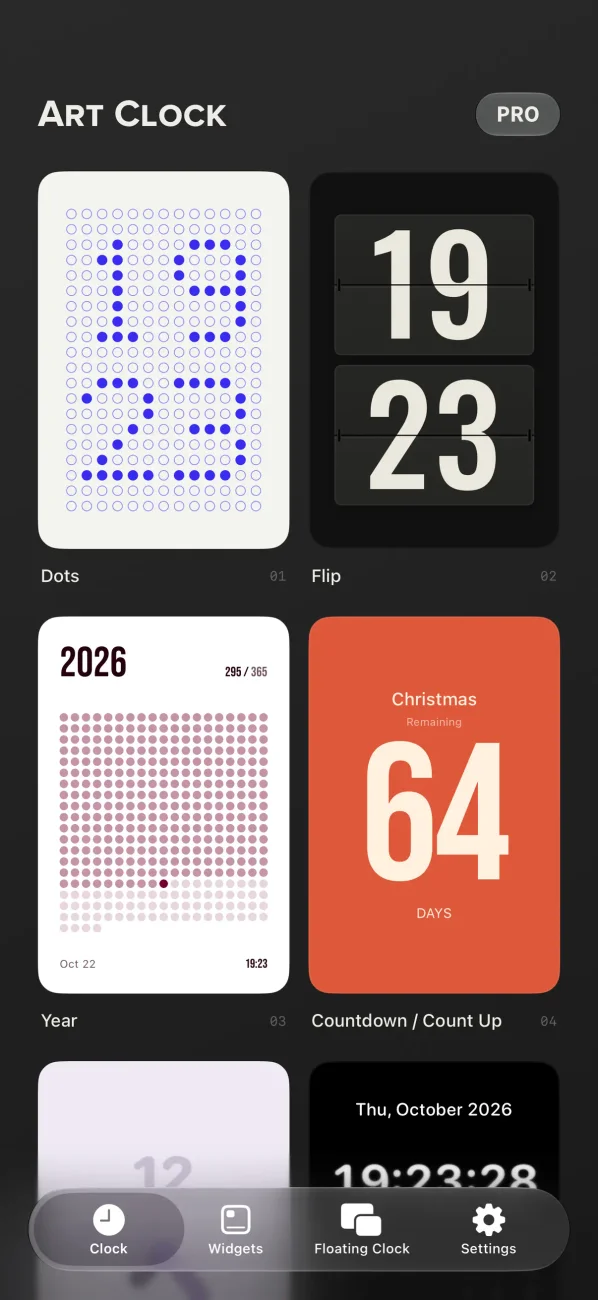
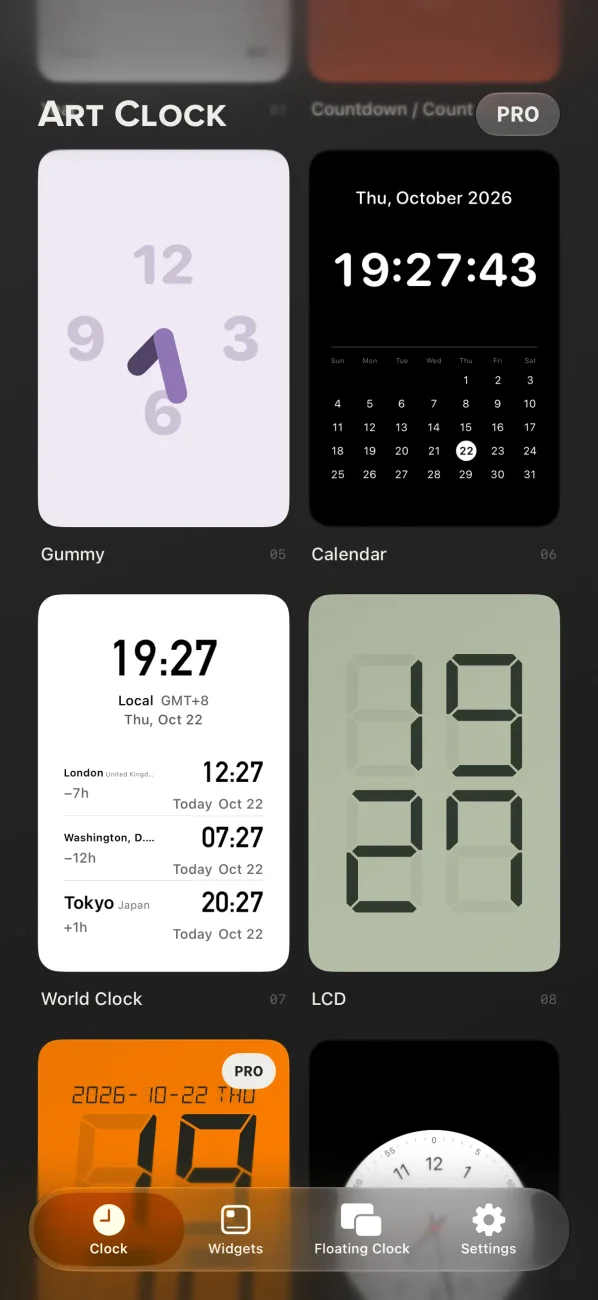
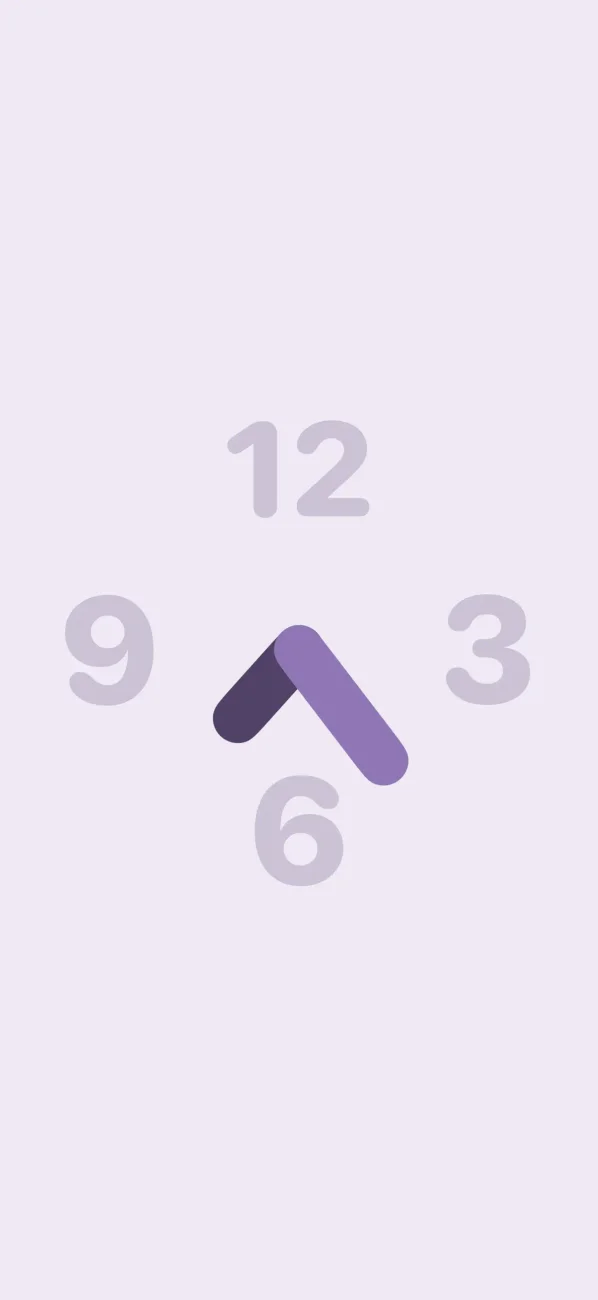
Choose a clock face and tap to go full screen.
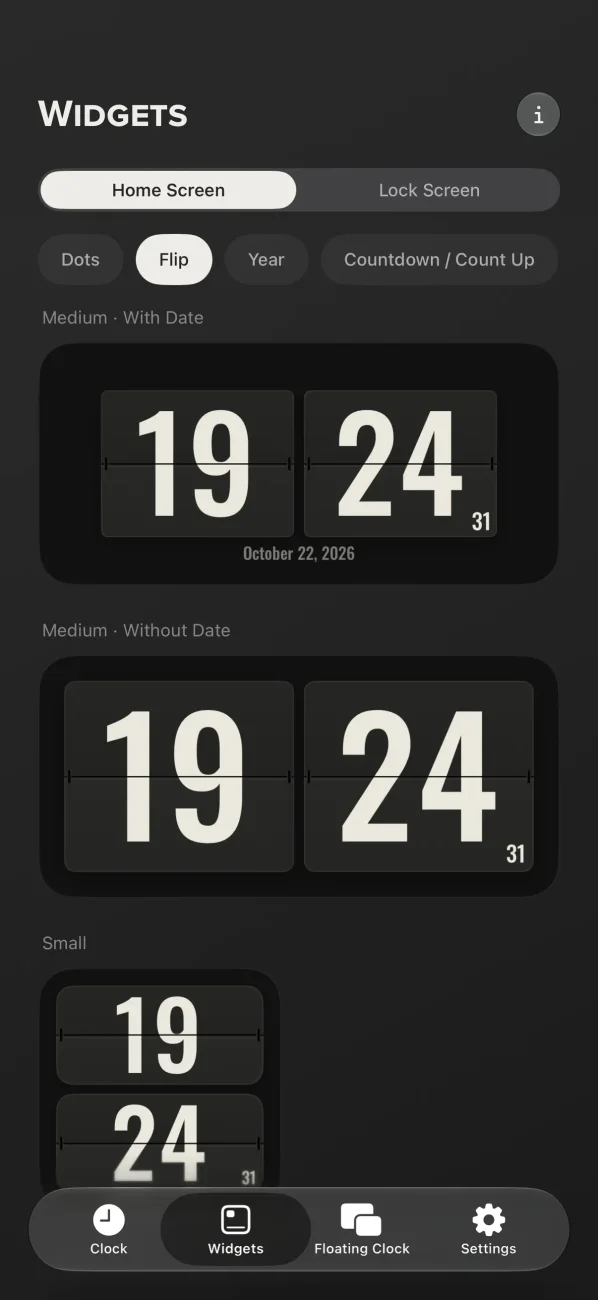
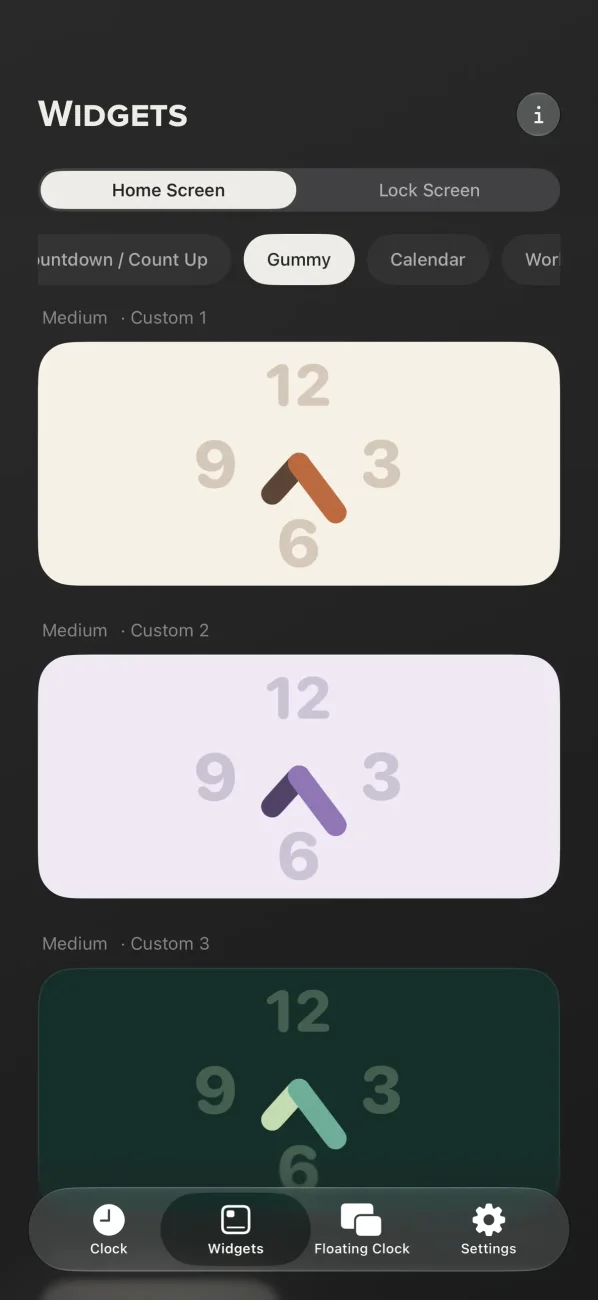
Art Clock offers 25 clock faces, from classic flip clocks and dot matrix displays to retro LCD, minimalist, world clock and analog designs. Keep it on your desk or bedside table, or add a matching widget to your Home Screen.
• CLOCK FACES
Choose from a variety of styles, colors and number designs, with flip and dot animations in the app.
• FULL-SCREEN DISPLAY
Use your clock in portrait or landscape. Keep the screen awake and adjust the brightness.
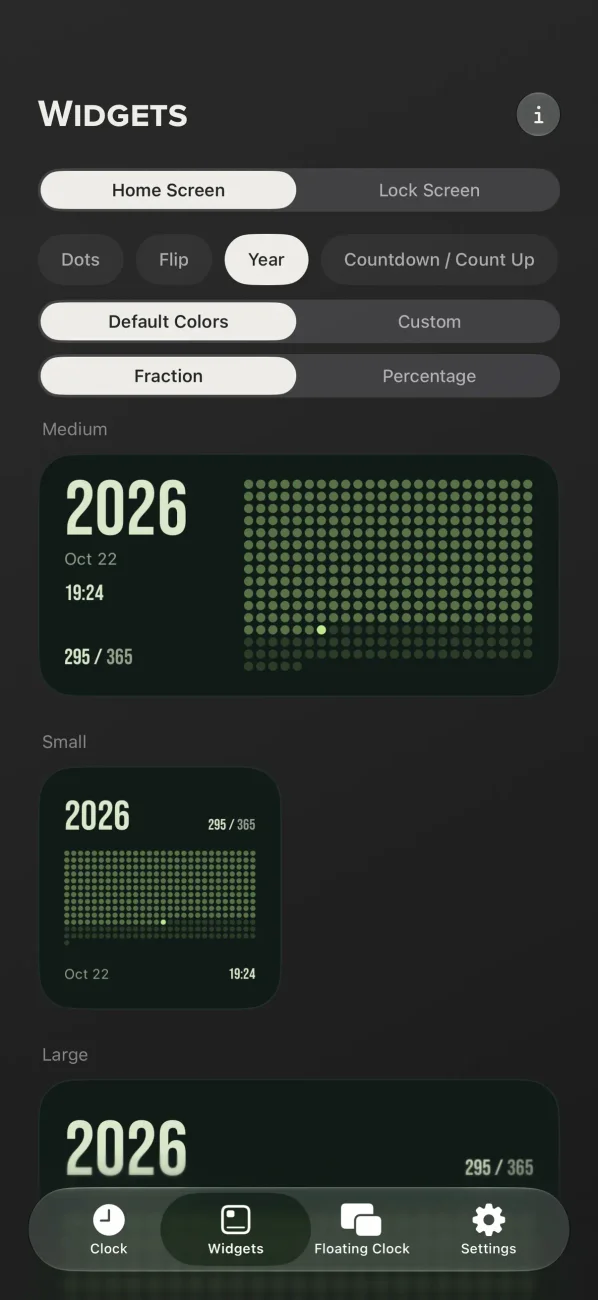
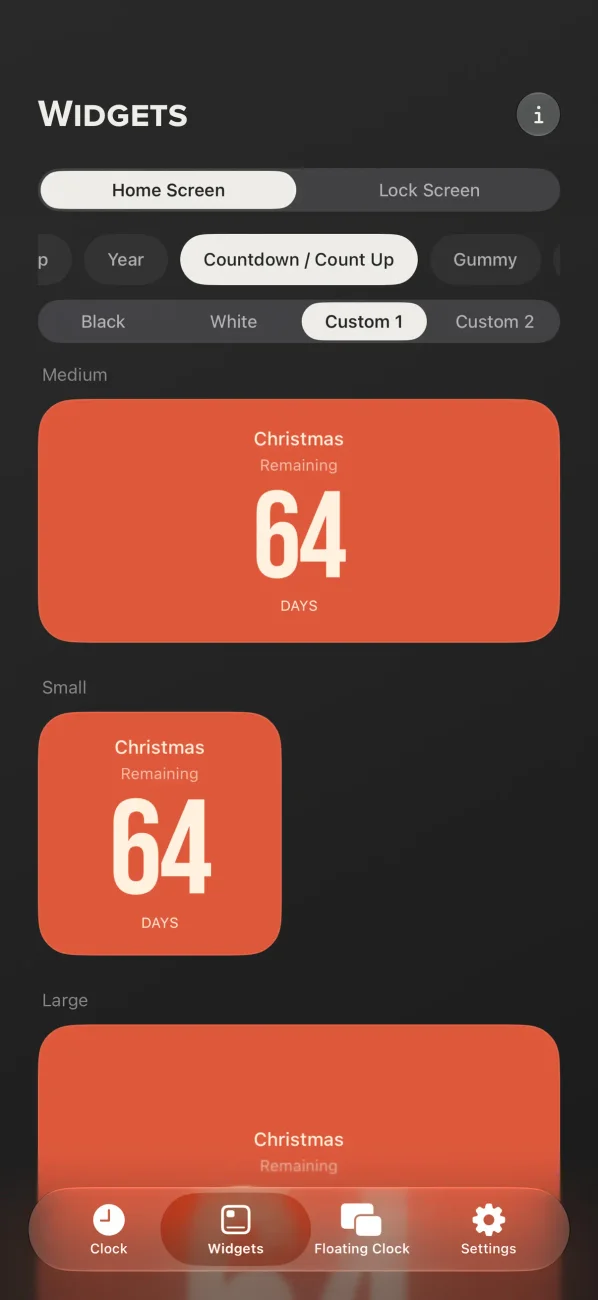
• HOME SCREEN WIDGETS
Choose small, medium or large widgets. Tap a widget to open its clock face. Show seconds on widgets for Digits, Bedside and Minimal.
• CALENDARS & COUNTDOWNS
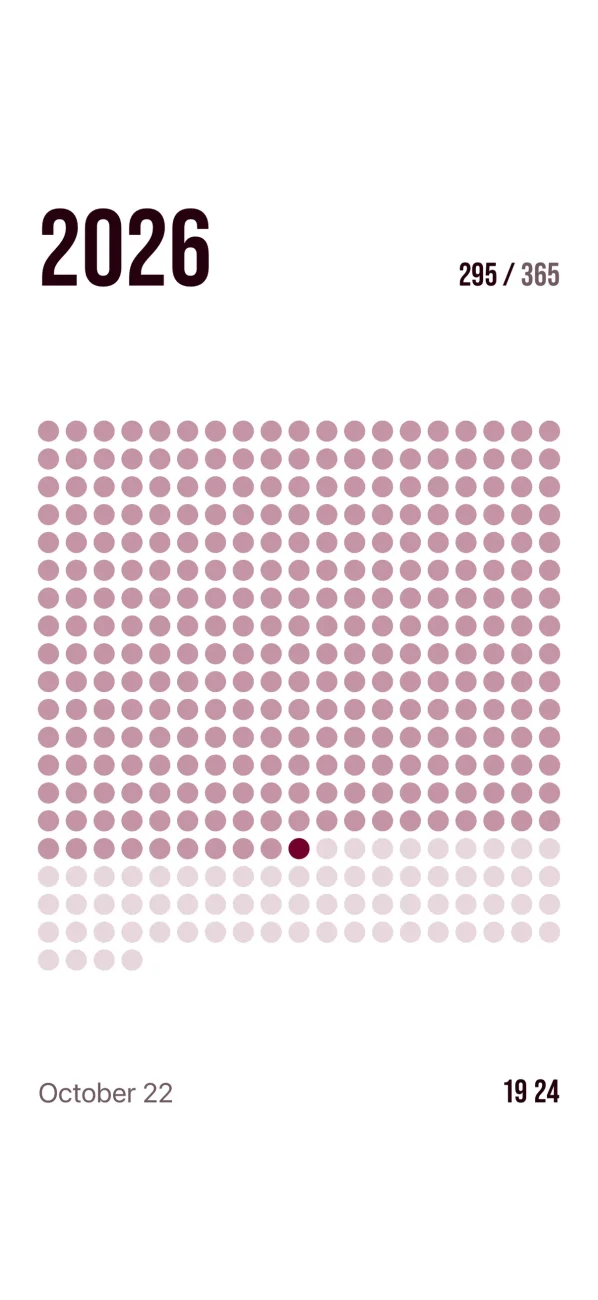
See the month at a glance, follow the year's progress in a daily grid, or set an event and count the days until it arrives. Customize the colors for Year and Countdown.
• PERSONAL SETTINGS
Adjust the time format, date and seconds on supported faces. Each face remembers your choices. Customize the text and background colors of the Solar face.
Available for iPhone and iPad. Some clock faces and widgets require PRO, available as a one-time purchase with no subscription.
What’s new
Version 1.1.9 · Nov 23, 2026
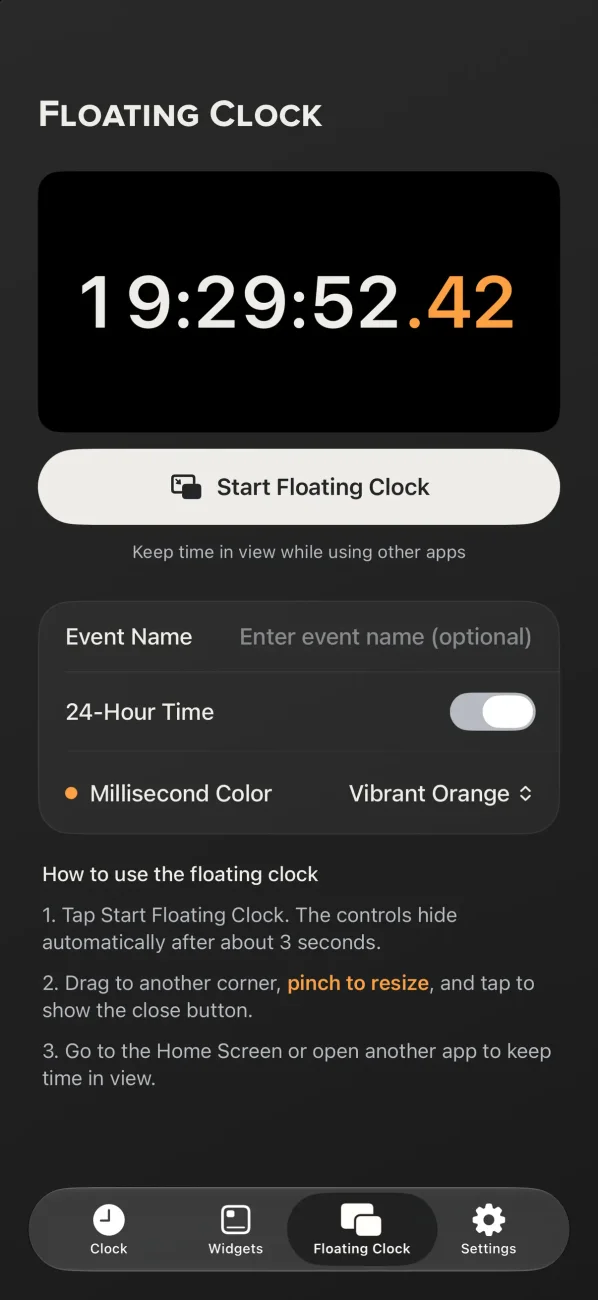
- The floating clock’s new Minute Countdown Bar shows the last 5 seconds of each minute at a glance, making it easier to time things precisely.
- Count down to a specific time of day.
- Shortcuts now supports countdown notifications on the Dynamic Island.
App privacy
What 振山 董 declares on the App Store about how this app handles data.
-
Data not collected
The developer does not collect any data from this app.
Privacy practices may vary, for example with the features you use or your age.
Information
- Seller
- 振山 董
- Category
- Productivity
- Version
- 1.1.9
- Updated
- Nov 23, 2026
- Released
- Oct 7, 2026
- Size
- 14.9 MB
- Requires
- iOS 17.0 or later
- Age rating
- 4+
- Price
- Free
- In-app purchases
- Yes
- Languages
- English, French, German, Japanese, Korean, Portuguese, Simplified Chinese, Traditional Chinese
- Copyright
- © 2026 Zhenshan Dong
You might also like
-
 Kizami 刻みPromise yourself. It stays.
-
 ZeroTimer+: Visual TimerBeautiful Timer Faces & Themes
-
 Screen Time Control: SundialApp Blocker & Daily Limits
-
 OWrite ProDo every little thing well.
-
 BlinkPaste: Snippet KeyboardQuick Replies, Less Retyping
-
 TimeColorCue: Focus TimerVisual timers for every stage
-
 DoTask: Plan & Focus & ReviewPomodoro, Widgets & Insights
-
 Synca · Sync Your Aha MomentCapture Ideas, Synced Anywhere
-
 OneDay: Focus on today’s todoOnly what matters today
-
 Capylist: Countdown & HabitWater Habit Tracker · Calendar