ZeroTimer+: Visual Timer
Beautiful Timer Faces & Themes
Designed for iPhone, iPad, iPod touch
Free · In-app purchases
- Age rating4+
- CategoryProductivity
- Developer月蓬 桂
- LanguagesEnglish+ 7 more
- Size40.2 MB
Links to the official App Store page
Download.org hosts no file of ZeroTimer+: Visual Timer. The button opens its official App Store page, published by 月蓬 桂. Listing last checked on Nov 15, 2026.
Screenshots

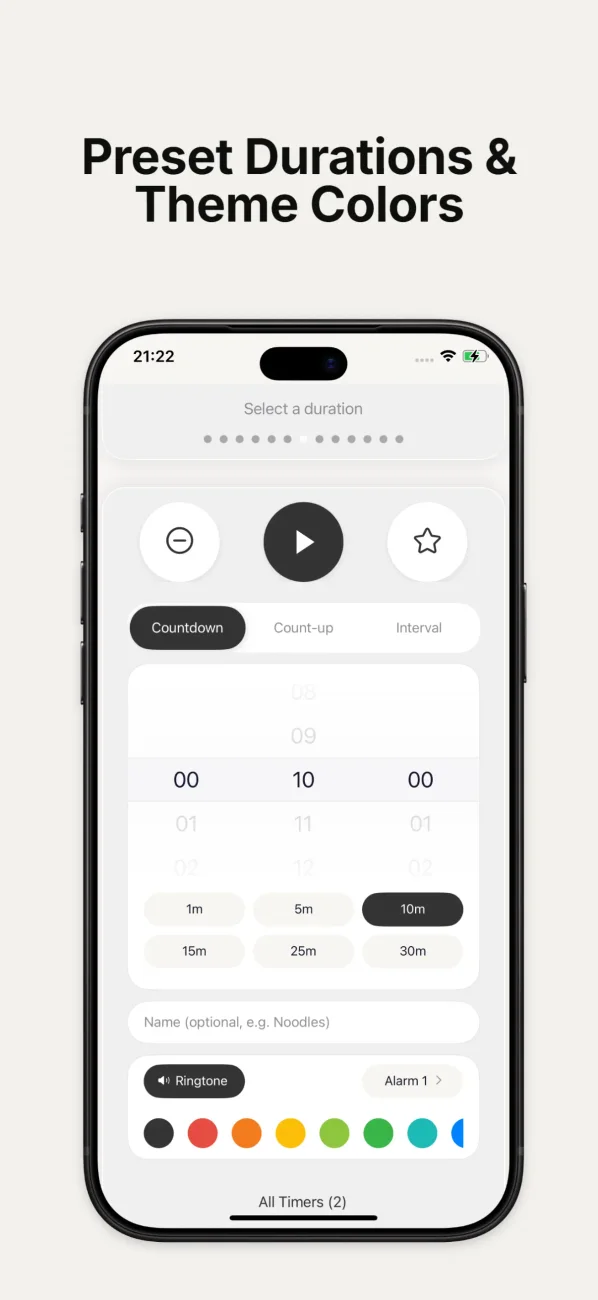
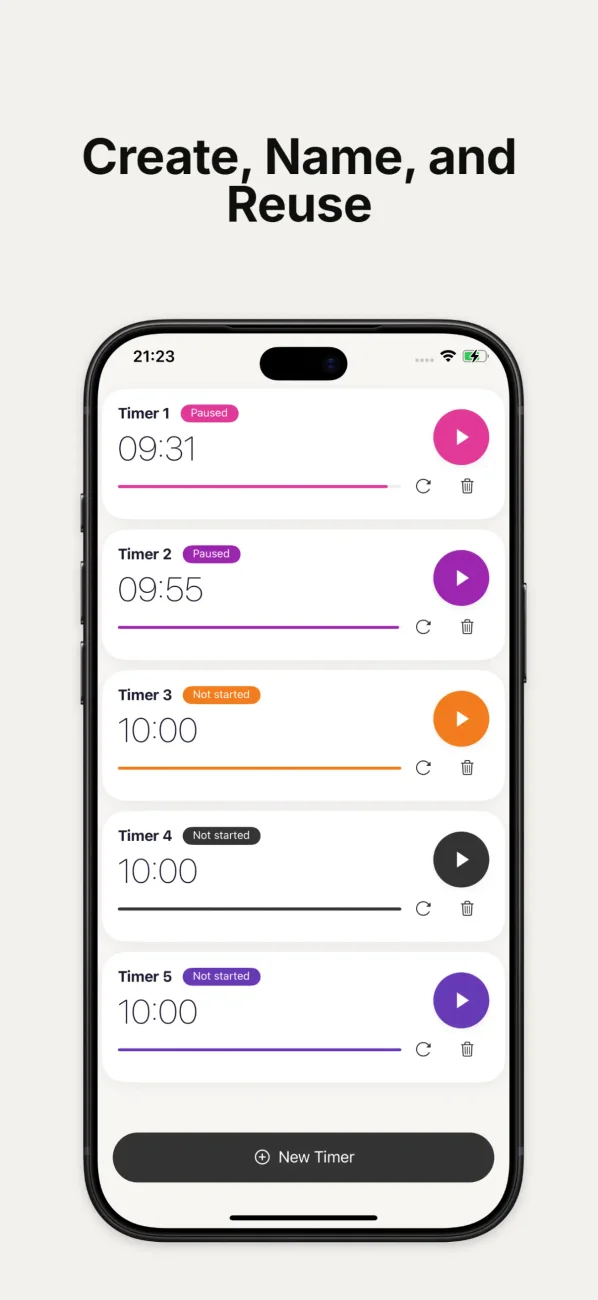
About
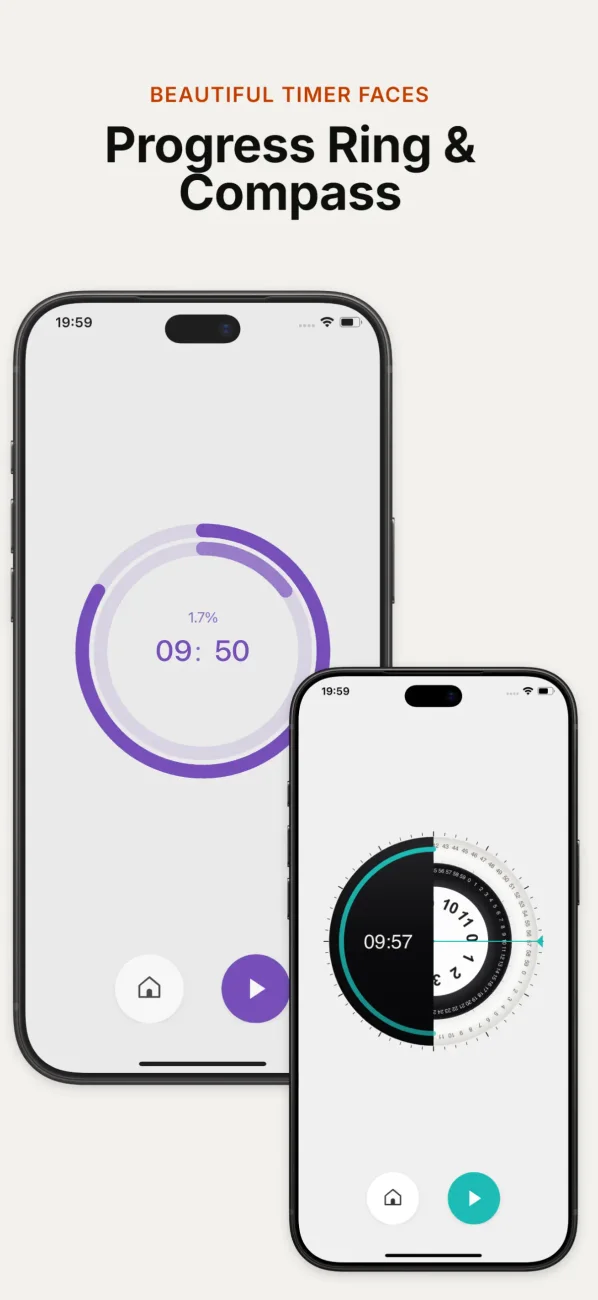
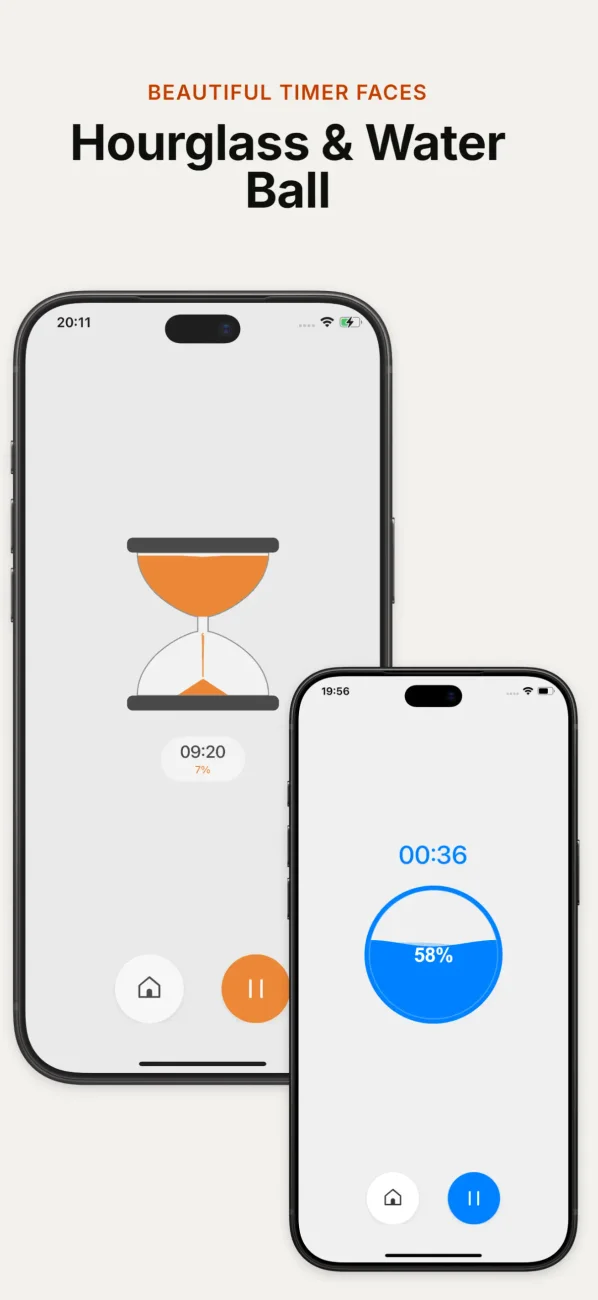
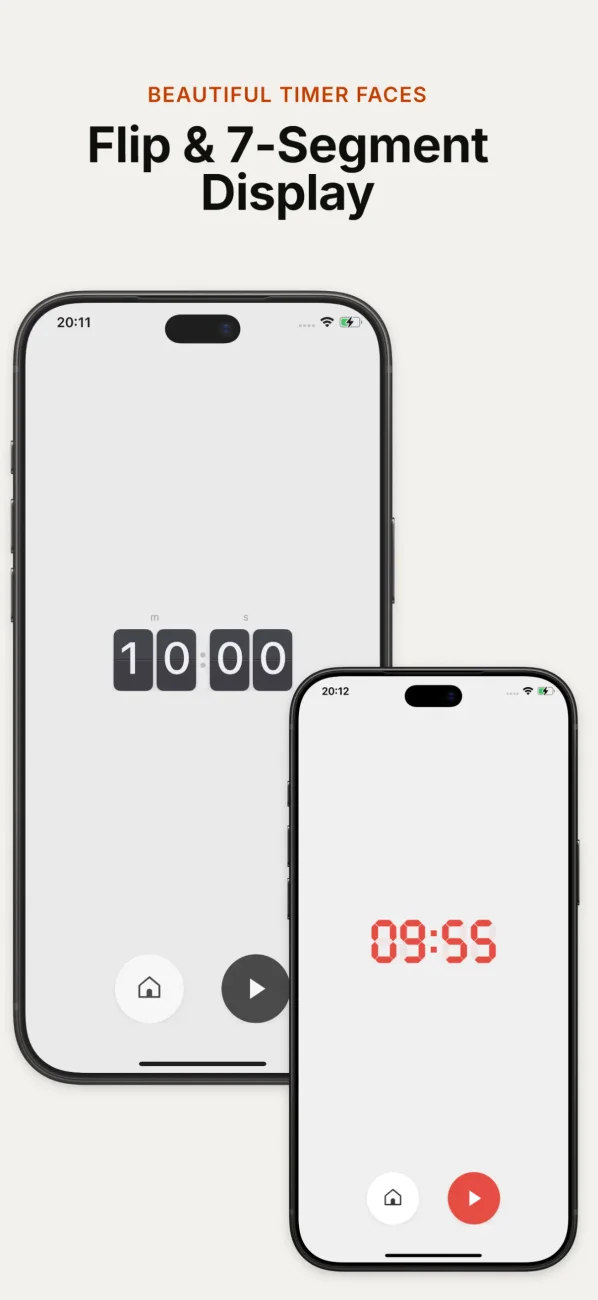
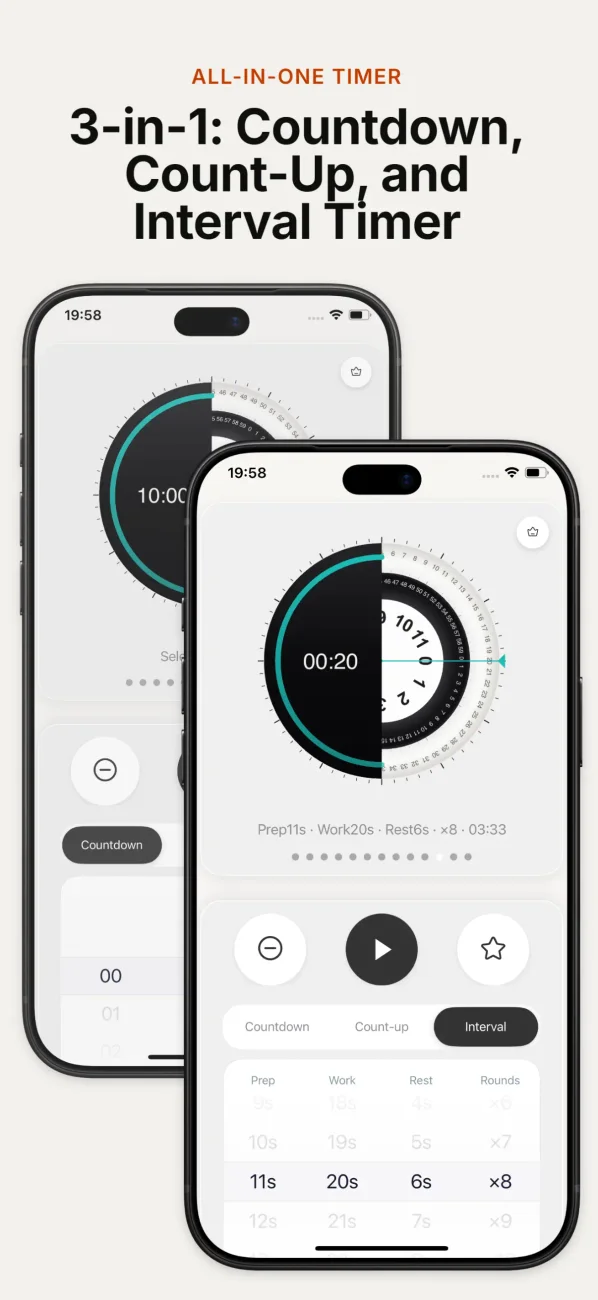
ZeroTimer+ is an elegant timer app that combines countdown and stopwatch functionalities in one, you can choose beautiful watch faces, customizable theme and create, name, and reuse multiple timers. Whether you need precise timing for focus, workouts, cooking, studying, or productivity sessions, it has you covered.
Key Features:
Dual Mode: Switch seamlessly between countdown (set your target time) and stopwatch (elapsed time) with a single tap.
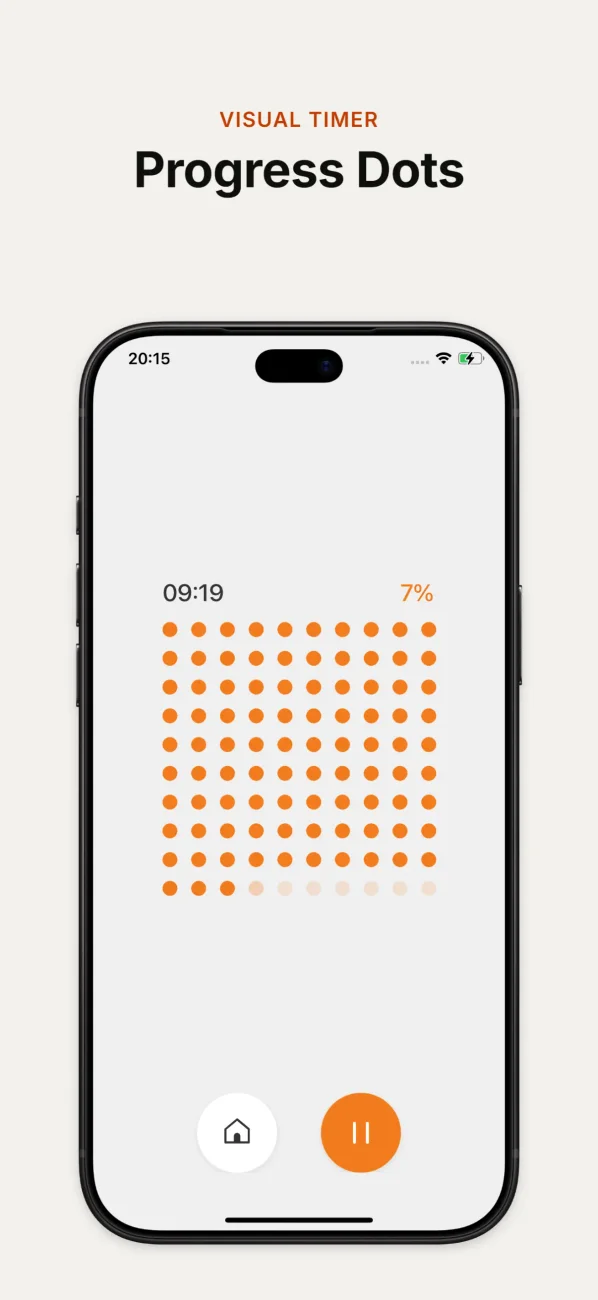
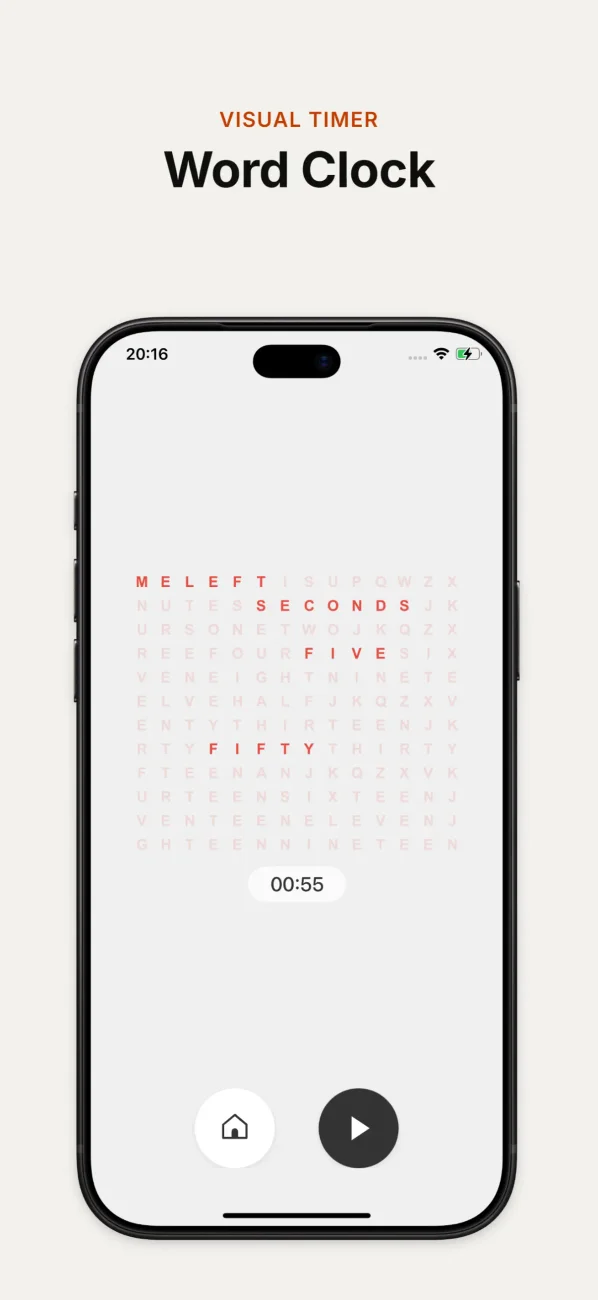
Beautiful Watch Faces: Choose from a collection of stunning, hand-crafted watch faces to match your style and mood. Each face is optimized for clarity and readability at a glance.
Multiple Timers: Create and manage as many timers as you need. Save them for different activities – focus, exercise, cooking recipes, meditation, work intervals, and more.
Reusable Presets: Each timer can be saved as a preset and reused anytime, so you don’t have to set up from scratch every time.
Background Operation: Timers keep running reliably even when the app is in the background or your device is locked.
Sound Alerts: Choose from various alert tones or vibrate notifications when time is up.
No clutter, no confusion. ZeroTimer+ gives you exactly what you need – a timer that's actually easy to use. Tap to start, pause, reset, or flip between countdown and stopwatch. Perfect for workouts, cooking, study sessions, or just getting stuff done.
Download today and take control of your time!
Terms of Use: https://www.apple.com/legal/internet-services/itunes/dev/stdeula/
Privacy Policy: https://a.tools/Apps/zero-timer/privacy-policy.html
What’s new
Version 1.5.0 · Oct 22, 2026
Zero Timer 1.5.0 Release Notes
This update brings a brand-new interval training mode and a fullscreen timer experience:
● New Interval Training Mode
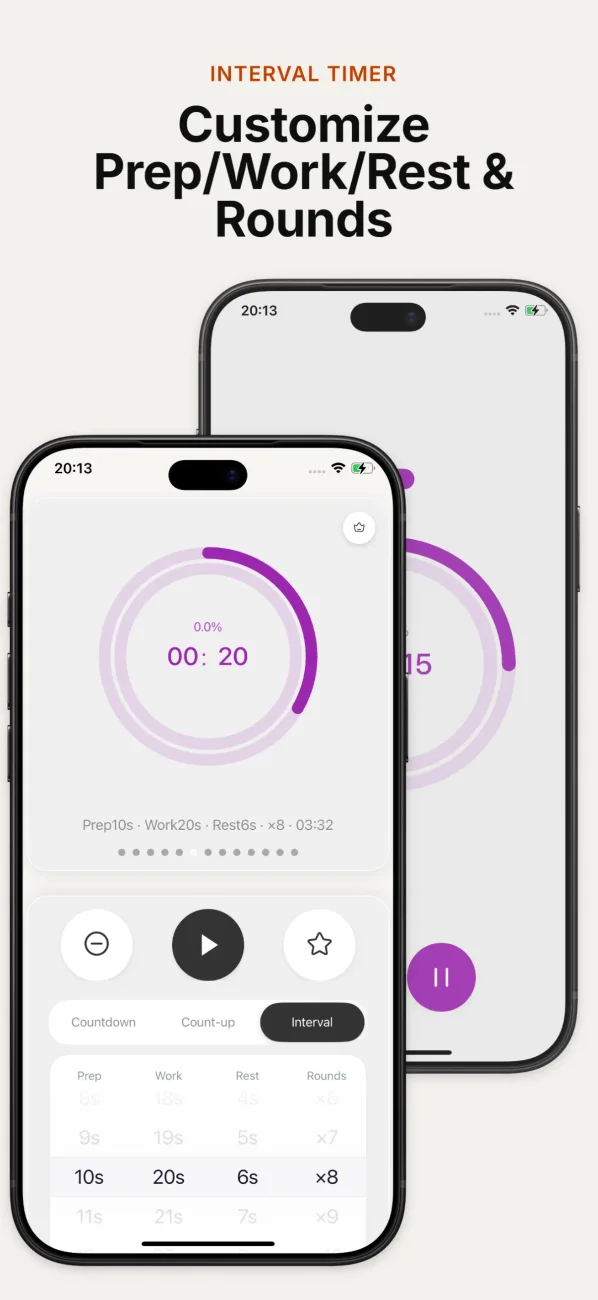
- New "Interval" timer type: freely adjust the prep, work and rest durations, plus the number of rounds (great for HIIT, gym sets, alternating focus sessions and more)
- The current phase and round are shown live during training (e.g. 3/8 · Work), with a cue sound and vibration on every phase change — no need to keep your eyes on the screen
- Set rest to 0 seconds for back-to-back work, prep to 0 seconds to start instantly, and up to 30 rounds
- Your last settings are remembered, so you can jump straight into the next session
● New Fullscreen Timer Page
- Starting a timer now opens a fullscreen page with large digits — more immersive and easier to read from a distance
- Landscape orientation is supported, and the screen stays on while timing
- Tap the finish notification to jump straight to that timer's fullscreen page — no need to search inside the app
● Sound Upgrades
- 10 new ringtones: Alarm, Bell, Marimba, Music Box, Birds, Droplet and more
- Preview any ringtone before choosing it; the finish alarm loops until you stop it, so you won't miss it
● Improvements
- Various experience optimizations and stability improvements
If you enjoy Zero Timer, please take 30 seconds to rate it on the App Store — it means the world to an independent developer!
App privacy
What 月蓬 桂 declares on the App Store about how this app handles data.
-
Data not linked to you
May be collected but is not linked to your identity.
- Identifiers
Privacy practices may vary, for example with the features you use or your age.
Information
- Seller
- 月蓬 桂
- Category
- Productivity
- Version
- 1.5.0
- Updated
- Oct 22, 2026
- Released
- Sep 10, 2026
- Size
- 40.2 MB
- Requires
- iOS 15.0 or later
- Age rating
- 4+
- Price
- Free
- In-app purchases
- Yes
- Languages
- English, French, German, Japanese, Korean, Simplified Chinese, Spanish, Traditional Chinese
- Copyright
- Copyright © 2026 ZeroTimer+ All Rights Reserved.
You might also like
-
 Art Clock - Flip Clock WidgetsDesk flip clock & time widgets
-
 Sticky NoteaQuick notes, simply organized
-
 AuthGuard - PA RecordsPrior Auth & Appeal Tracker
-
 Inky Habits: Daily TrackerStamp your day with Inky
-
 TimeColorCue: Focus TimerVisual timers for every stage
-
 LemonLogRepair history & evidence log
-
 OneDay: Focus on today’s todoOnly what matters today
-
 FacilityLogNursing home audit for family
-
 OneVoice: Offline RecorderPrivate voice notes, offline
-
 序日Track plans, journals & dates