Frameday: Timelapse Maker
Photo diary to timelapse video
Designed for iPhone
Free · In-app purchases
- Age rating4+
- CategoryPhoto & Video
- DeveloperAdem Ulutas
- LanguagesEnglish+ 11 more
- Size12.2 MB
Links to the official App Store page
Download.org hosts no file of Frameday: Timelapse Maker. The button opens its official App Store page, published by Adem Ulutas. Listing last checked on Nov 12, 2026.
Screenshots
About
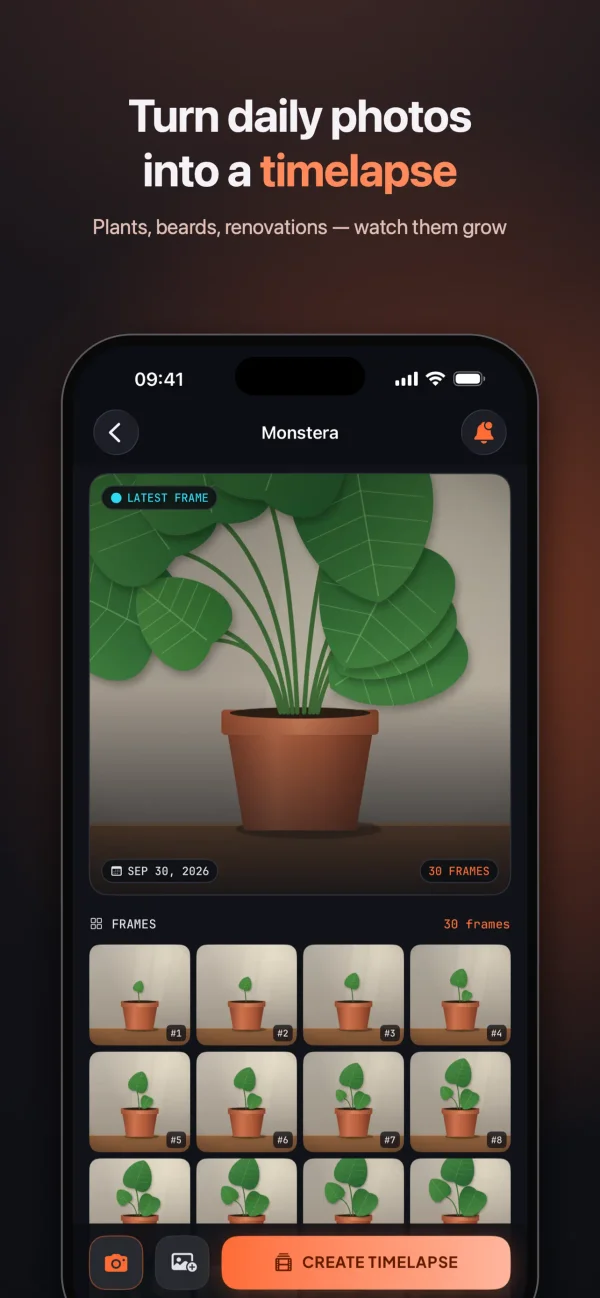
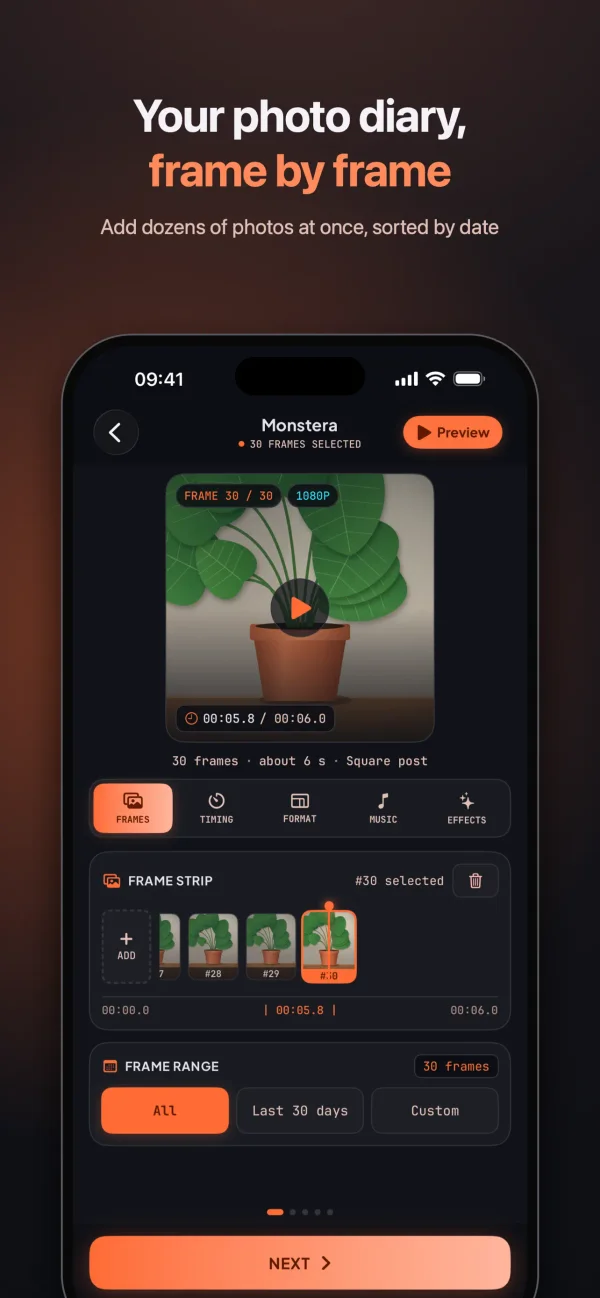
Watch change happen. Frameday turns photos of the same subject — a plant, a beard, a renovation, a fitness journey — into a smooth timelapse video you can share in seconds.
CAPTURE
• Create a project for anything that changes over time
• Add photos and short videos from your library, dozens at once
• Frames are sorted by the date they were taken
LINE UP EVERY SHOT
• Built-in camera with a ghost overlay of your last photo
• Outline mode, opacity control and a level indicator
• Remembers the lens and zoom from your first shot
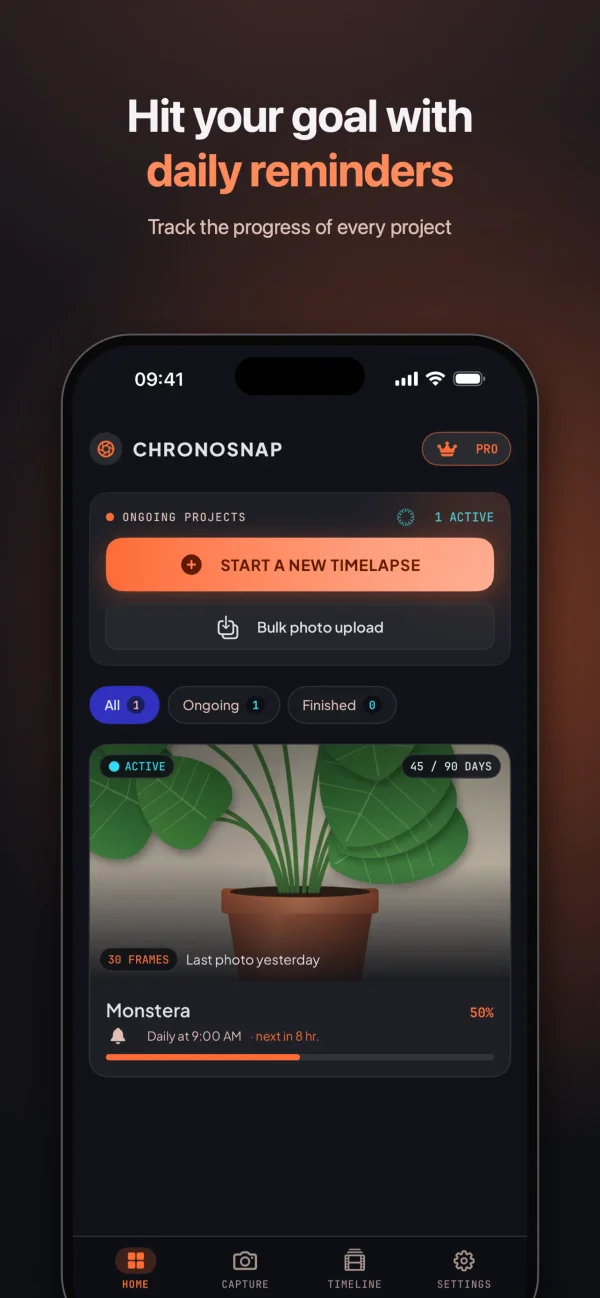
NEVER MISS A DAY
• Daily, weekly or interval reminders for each project
• Set a goal of 7, 30, 90 or 365 days and track your progress
• Tap a reminder to jump straight into the project
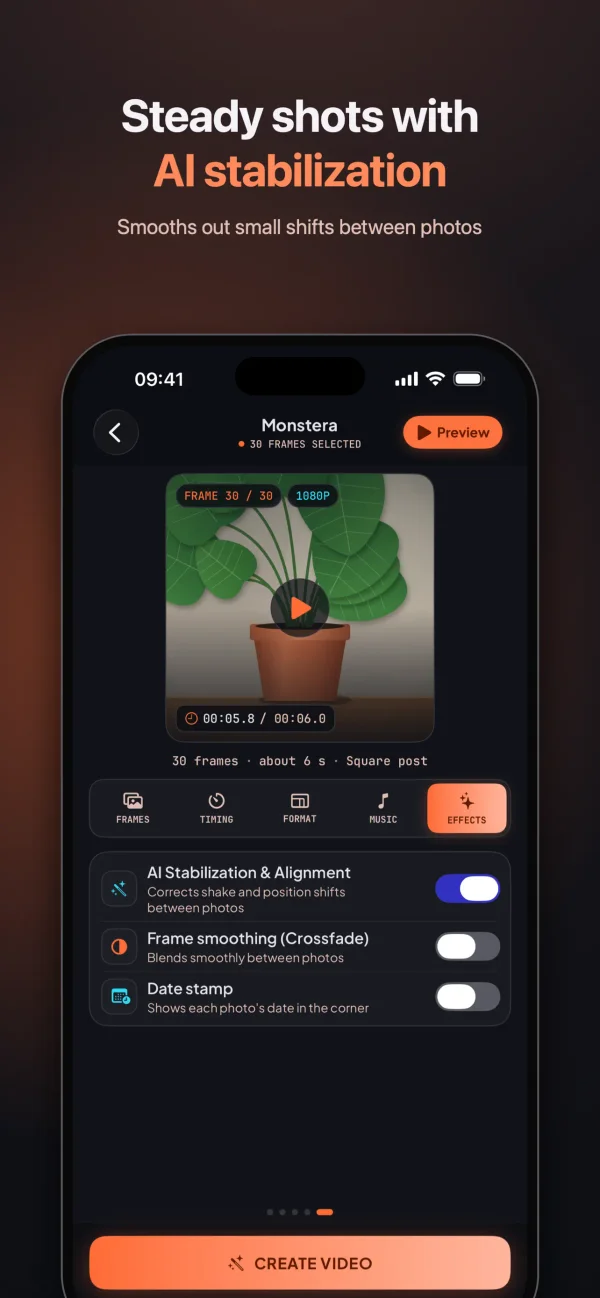
MAKE YOUR TIMELAPSE
• Choose the frame range, speed and frame rate
• Vertical (9:16), widescreen (16:9) and square (1:1) formats
• Add your own music from the Files app
• Crossfade between frames and an optional date stamp
• AI stabilization corrects small shifts between photos
• Export as MP4 or GIF
SHARE ANYWHERE
• Send it to your favorite apps and friends in a tap
• Or save to your photo library
YOUR PHOTOS STAY YOURS
Your photos and videos are stored on your device. Frameday has no account and doesn't upload your pictures.
FRAMEDAY PRO
The free version exports up to 1080p and 30 FPS with a small Frameday watermark. Pro removes the watermark and unlocks 4K and 60 FPS. Projects, music, video clips and GIF export are unlimited in both.
Pro is available as a weekly or yearly auto-renewing subscription. Payment is charged to your Apple Account at confirmation of purchase. The subscription renews automatically unless it is cancelled at least 24 hours before the end of the current period. You can manage or cancel it in your App Store account settings.
Terms of Use: https://www.apple.com/legal/internet-services/itunes/dev/stdeula/
Privacy Policy: https://claude.ai/artifact/1QMpispNgtPE8d6Fk7Sutd
App privacy
What Adem Ulutas declares on the App Store about how this app handles data.
-
Data not collected
The developer does not collect any data from this app.
Privacy practices may vary, for example with the features you use or your age.
Information
- Seller
- Adem Ulutas
- Category
- Photo & Video
- Version
- 1.0
- Updated
- Nov 4, 2026
- Released
- Nov 4, 2026
- Size
- 12.2 MB
- Requires
- iOS 17.0 or later
- Age rating
- 4+
- Price
- Free
- In-app purchases
- Yes
- Languages
- English, Dutch, French, German, Italian, Japanese, Korean, Portuguese, Simplified Chinese, Spanish, Traditional Chinese, Turkish
- Copyright
- © 2026 Adem Ulutaş
You might also like
-
 Silder - Swipe & DeleteSwipe to Clean Your Photos
-
 Interval Pro: Timelapse CameraHyperlapse, manual control, 4K
-
 Large Video ToolOptimize Your Video Storag
-
 Dayloop: 1 Selfie EverydayDaily Timelapse Video Journal
-
 SnapLapse: Progress PhotosBefore & After Photo Tracker
-
 Black and White Camera for IGPhoto Effects and Filters
-
 PixMe: AI Photo EditorSelfie & Body Photo Filters
-
 Skyflow – Time-lapse CameraPhoto & Video
-
 Combine Video MakerTrim Crop Video Editor
-
 TattStencil • Tattoo StencilTattSafe LLC