Frigd: Shared Shopping List
Family grocery & recipe ideas
Designed for iPhone
In-app purchases
- Age rating12+
- CategoryProductivity
- DeveloperLaury Karin MOUBAMBA
- LanguagesJapanese+ 16 more
- Size97.0 MB
Links to the official App Store page
Download.org hosts no file of Frigd: Shared Shopping List. The button opens its official App Store page, published by Laury Karin MOUBAMBA. Listing last checked on Nov 14, 2026.
Screenshots

About
Your shopping list writes itself.
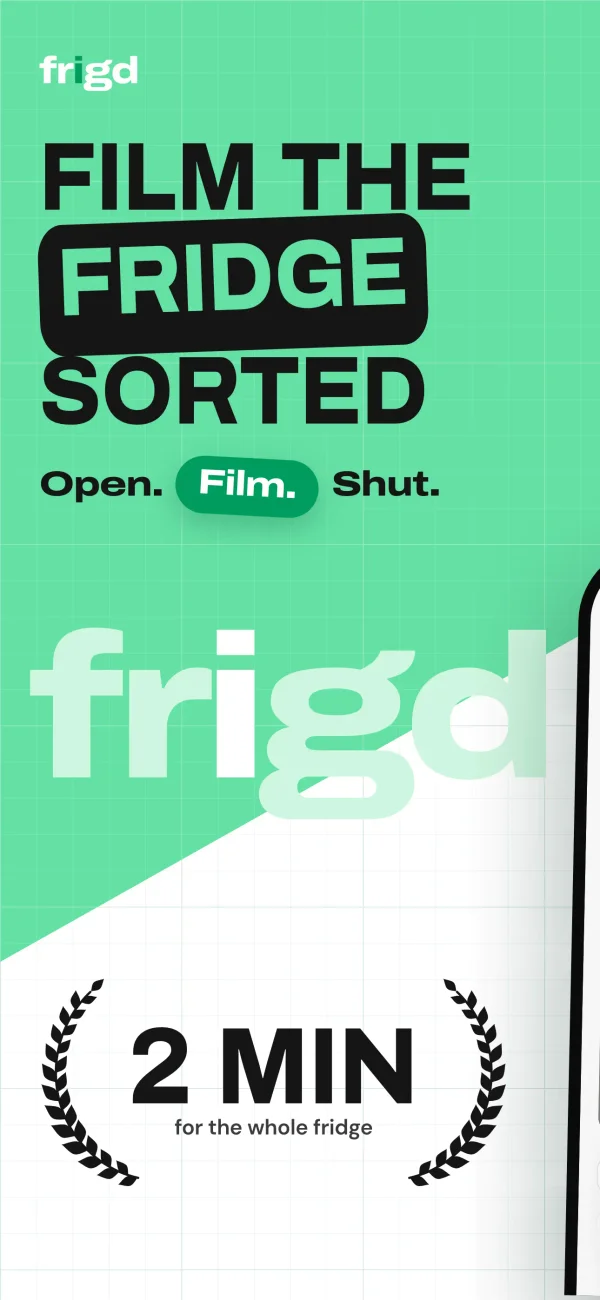
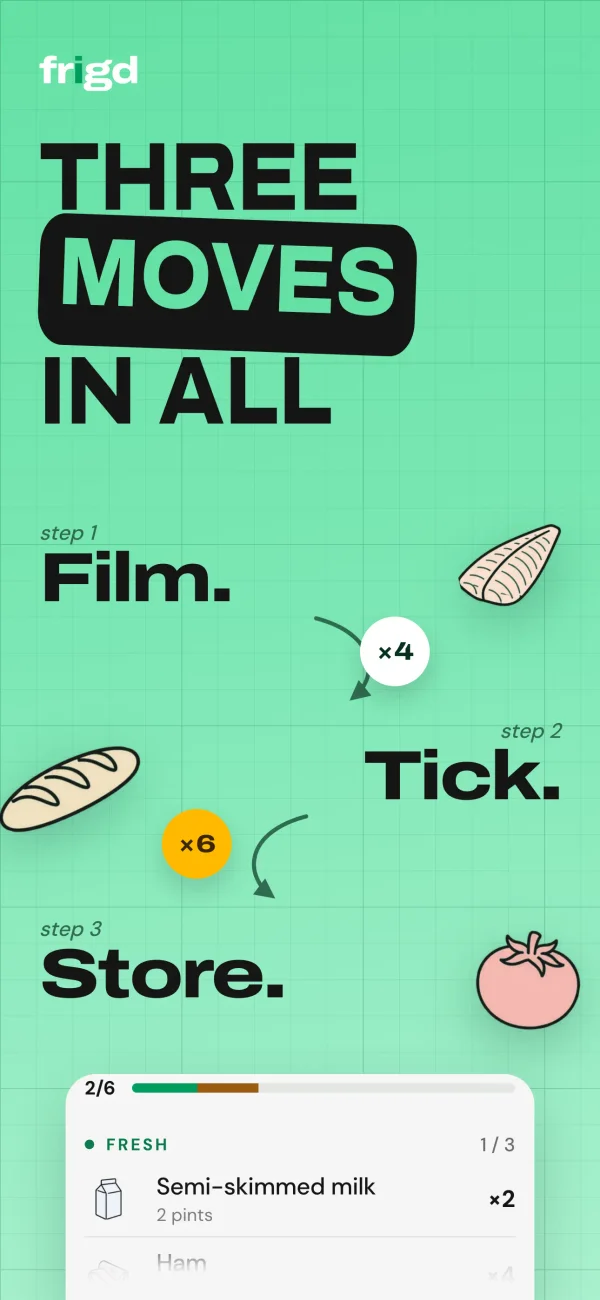
Film your fridge. Show your receipt to the camera. The rest happens without you. Need to add something? Type it, say it or show it. And when you wonder what to cook, Frigd suggests recipes with what you already have.
THE LIST
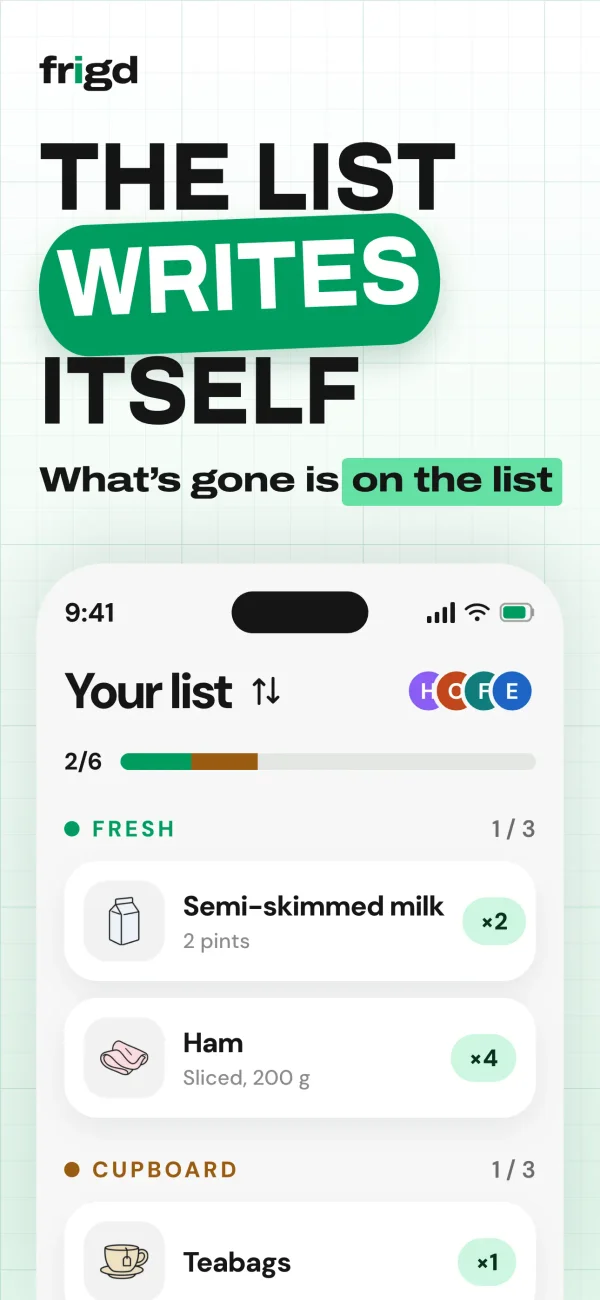
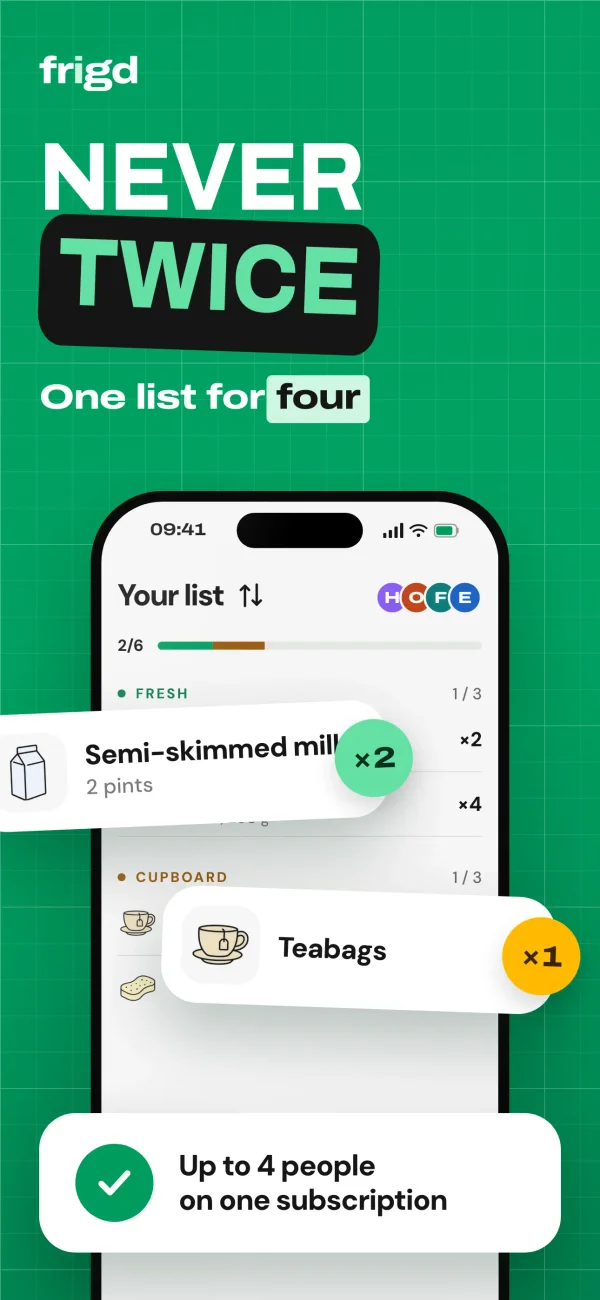
One shopping list for the whole house, in real time. It fills in without you typing, you tick it off at the shop, and the items sort themselves the way you walk the aisles.
• On first launch, the note under the fridge magnet becomes your list with one photo.
• Nothing to keep up to date — the list keeps up with you.
ADD AN ITEM
The "+" turns into a field, on your list and in "At home".
• Type several items at once: "3 apples, milk".
• Or say them: only the items show up, not your sentence.
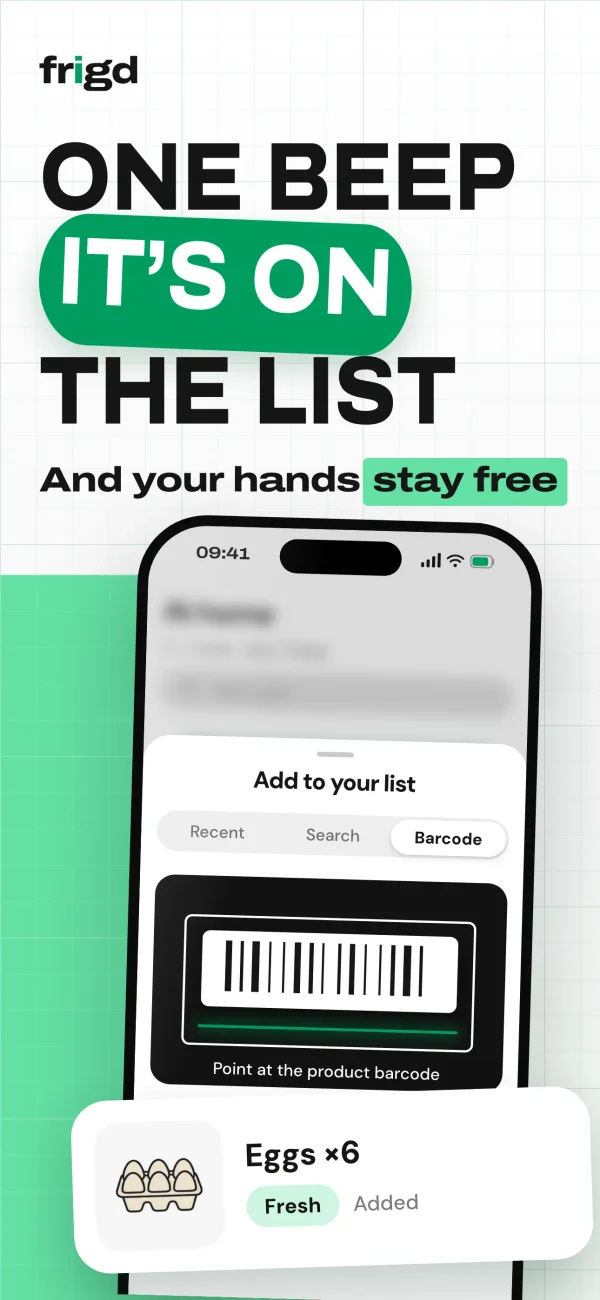
• Or show them to the camera: a barcode, a product or your receipt.
• Suggestions with a reason: "1 left", or what a recipe this week is missing.
INVENTORY
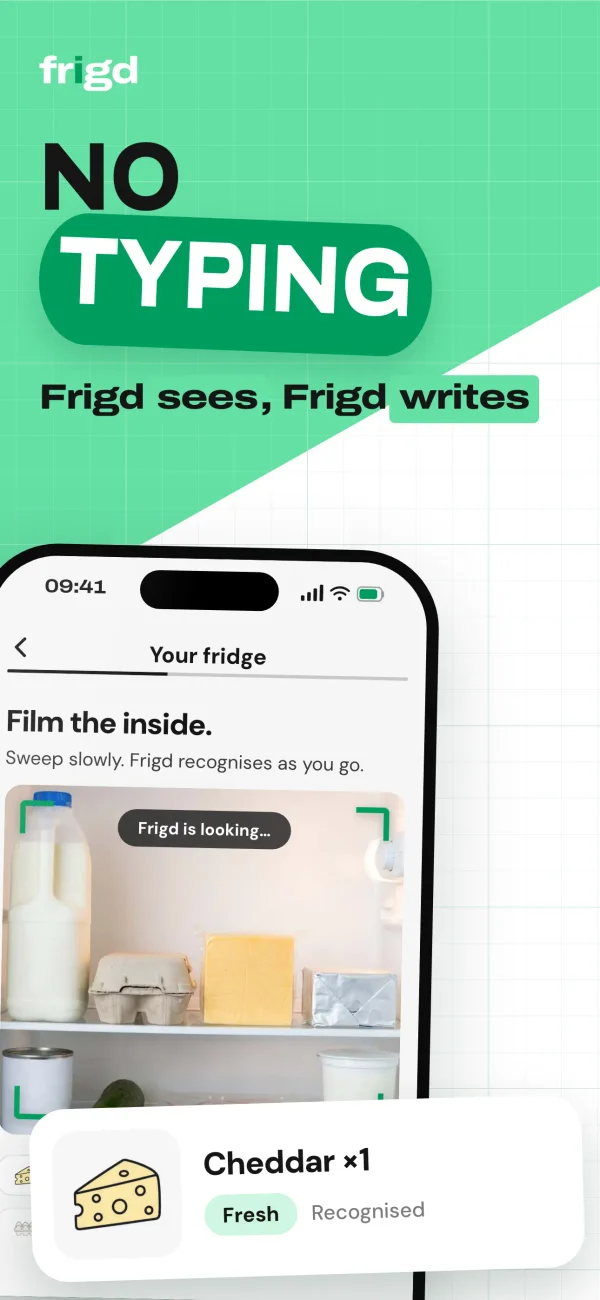
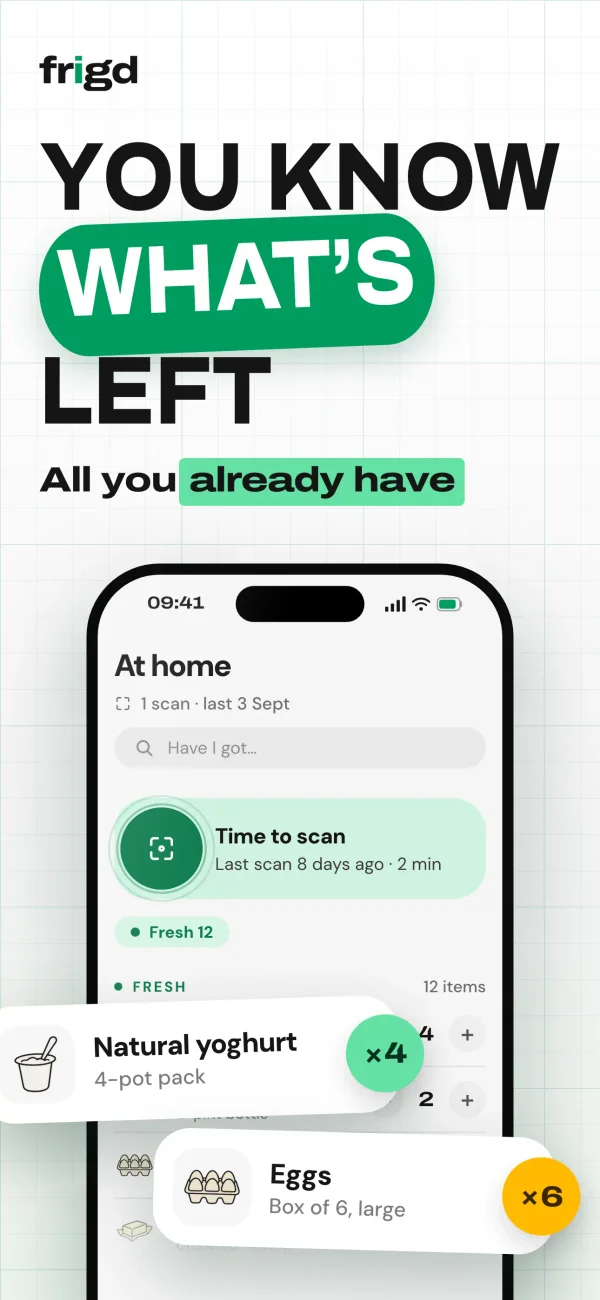
One video sweep of your fridge, cupboards and freezer. Frigd recognises the products and the quantities. At the next inventory, whatever has run out goes straight onto the list.
• One video is enough — not a photo per product.
• The torch, one tap away, for a dark freezer.
• Fix whatever you like on the review screen.
THE RECEIPT
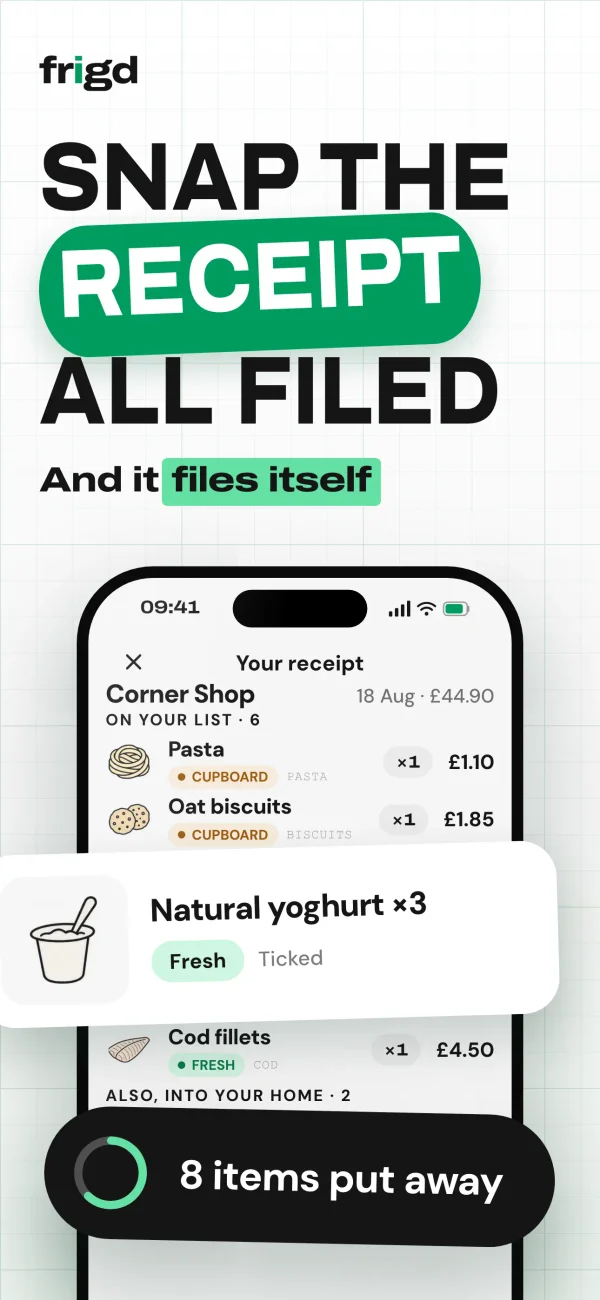
On your way out of the shop, show your receipt to the camera: the photo takes itself.
• From your list, what you bought goes into the cart. "Everything is bought" puts it all away at home.
• From "At home", the items go straight in.
• Unsure about a line? You answer yes or no.
• A long receipt: Frigd asks for the rest.
• A digital receipt arrives through the share sheet: PDF or image.
AT THE SHOP
• Shopping mode calls out the next item on the Lock Screen, in the Dynamic Island and from Control Centre.
• Items are sorted the way you walk the aisles.
RECIPES
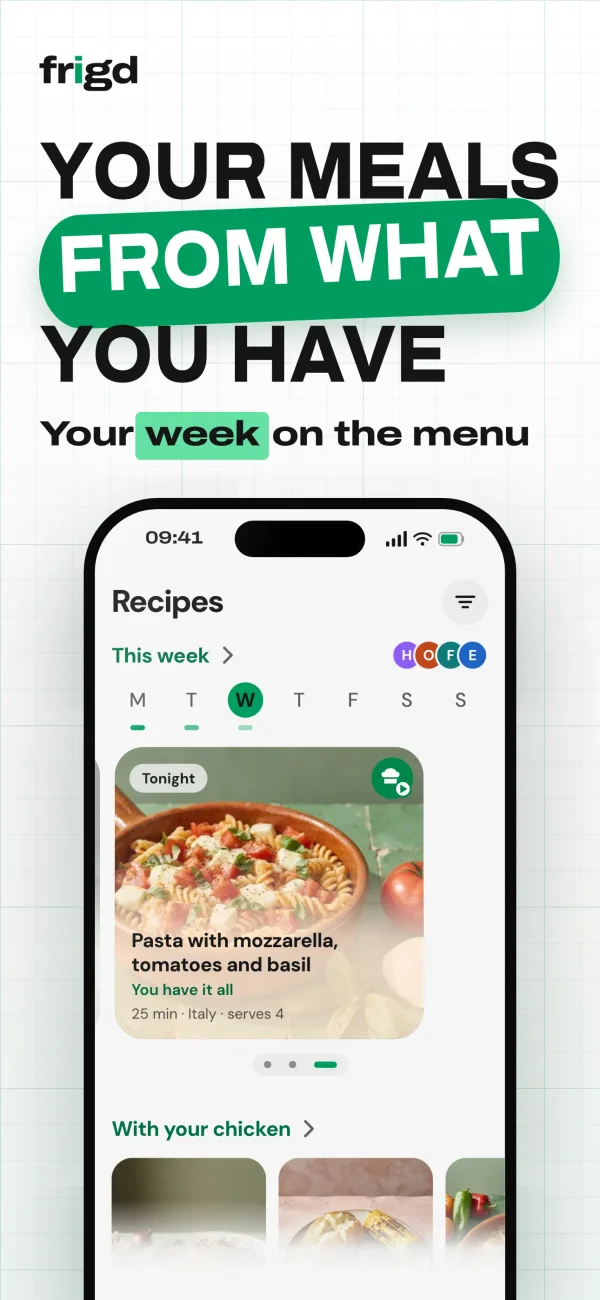
Every week, Frigd suggests recipes and shows you what you already have at home. Anything missing goes on your list in one tap.
• A week of recipes, ready on Sunday.
• Dish of the day: a morning notification for lunch.
• Filters by time, difficulty and country, plus search by name.
• Indulgent desserts, afternoon treats, nibbles with friends, homemade drinks.
• Your favourites, saved in one tap.
• Cooking mode: one step at a time, with a timer that stays on the Lock Screen.
• "Any left?": after the meal, "At home" updates itself.
• Quantities adjust to the number of servings.
• Share a recipe: the link opens it in Frigd for friends and family.
TO EACH THEIR OWN
Diet, restrictions, everyone's tastes: set them in Profile, and Frigd takes them into account in the recipes it suggests. Sensitive choices are saved only with your consent, and you can remove them at any time.
Sorting is automatic and can get things wrong. Always read product labels.
FOR THE WHOLE HOUSEHOLD
Up to 4 accounts, one list, in real time. What one person ticks off, the other sees. The "At home" inventory and the recipes are shared.
Two people in the household can take inventory and show a product without a barcode.
One subscription covers all four: whoever creates the household pays, the others never do.
WITHOUT OPENING THE APP
• The "Your list" widget on the Home Screen, with its tick box.
• Siri to add an item or ask what is left.
THE SUBSCRIPTION
Frigd is an auto-renewing subscription. The price and the period are shown in the app before any payment. Subscriptions renew automatically unless cancelled at least 24 hours before the end of the current period. Manage and cancel in your App Store account settings.
Terms: https://frigd-app.web.app/terms
Privacy: https://frigd-app.web.app/privacy
What’s new
Version 1.2.0 · Oct 6, 2026
You add an item by typing it, saying it or showing it to the camera: a barcode, a product in your hand or a receipt. The fridge scan is now Inventory, and two new screens say when there is nothing left: "Nothing to buy" on the List, "Nothing at home" in "At home". Your restrictions now name the food itself ("Gluten", "Sugar"…). You can pick several places where you shop.
App privacy
What Laury Karin MOUBAMBA declares on the App Store about how this app handles data.
-
Data linked to you
May be collected and linked to your identity.
- Purchases
- Contact info
- User content
- Identifiers
Privacy practices may vary, for example with the features you use or your age.
Information
- Seller
- Laury Karin MOUBAMBA
- Category
- Productivity
- Version
- 1.2.0
- Updated
- Oct 6, 2026
- Released
- Sep 28, 2026
- Size
- 97.0 MB
- Requires
- iOS 18.0 or later
- Age rating
- 12+
- In-app purchases
- Yes
- Languages
- Japanese, Arabic, Italian, Dutch, Swedish, Spanish, Danish, German, Norwegian Bokmål, Hindi, French, Hebrew + 5 more
- Copyright
- © 2026 SmartZonesIndicators
You might also like
-
 SaveIt.nowFind everything
-
 Focus MinimalSimple, Fast, Effective!
-
 Today - Focused Task ManagerFocus on Today
-
 FocusOn: Flip Clock PomodoroAI Pomodoro & Deep Work Timer
-
 Got Done: Tasks & HabitsPrivate tasks & real habits
-
 Pomodoro⁺ & Time ManagementFocus & Time Management
-
 ro - minimal widgetsDistraction-free home screen
-
 Task Office lite: to-do listDaily GTD organizer and CRM
-
 ScriptAI - Record, TranscribeOn-Device AI Speech-to-Text
-
 TooTask·Checklist&Task ManagerTask Manager & To Do List