
- Age rating4+
- CategoryUtilities
- DeveloperMasato Shigemura
- LanguagesEnglish+ 9 more
- Size845.0 KB
Links to the official App Store page
Download.org hosts no file of FullSpan: Edge to Edge. The button opens its official App Store page, published by Masato Shigemura. Listing last checked on Nov 26, 2026.
Screenshots
About
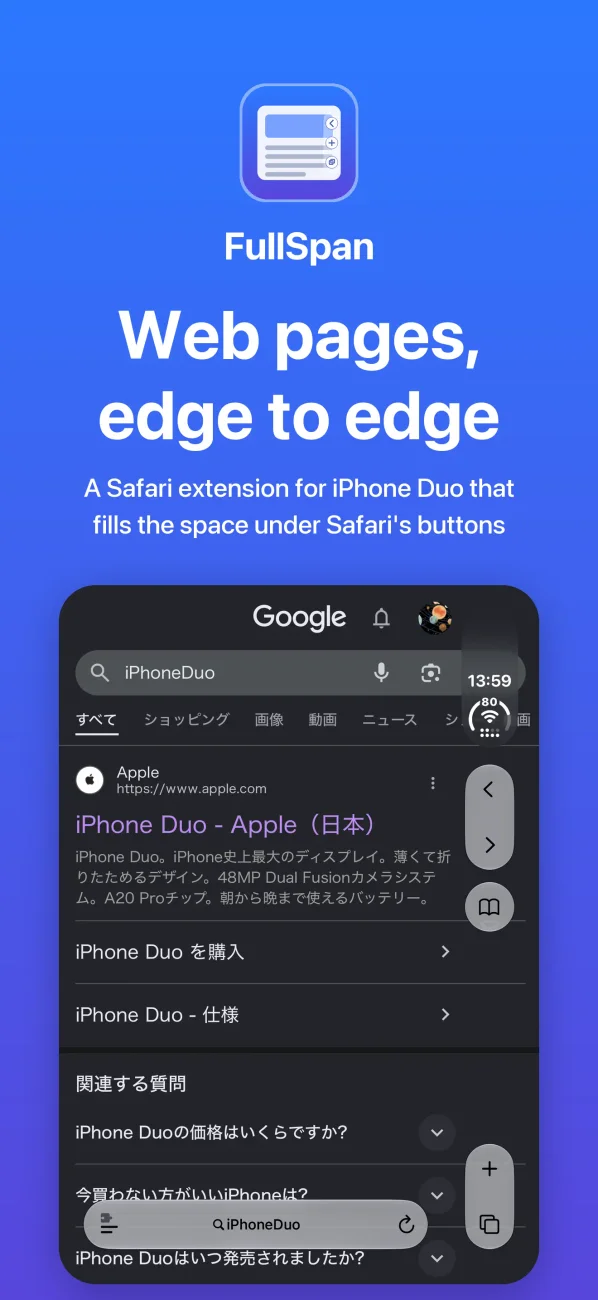
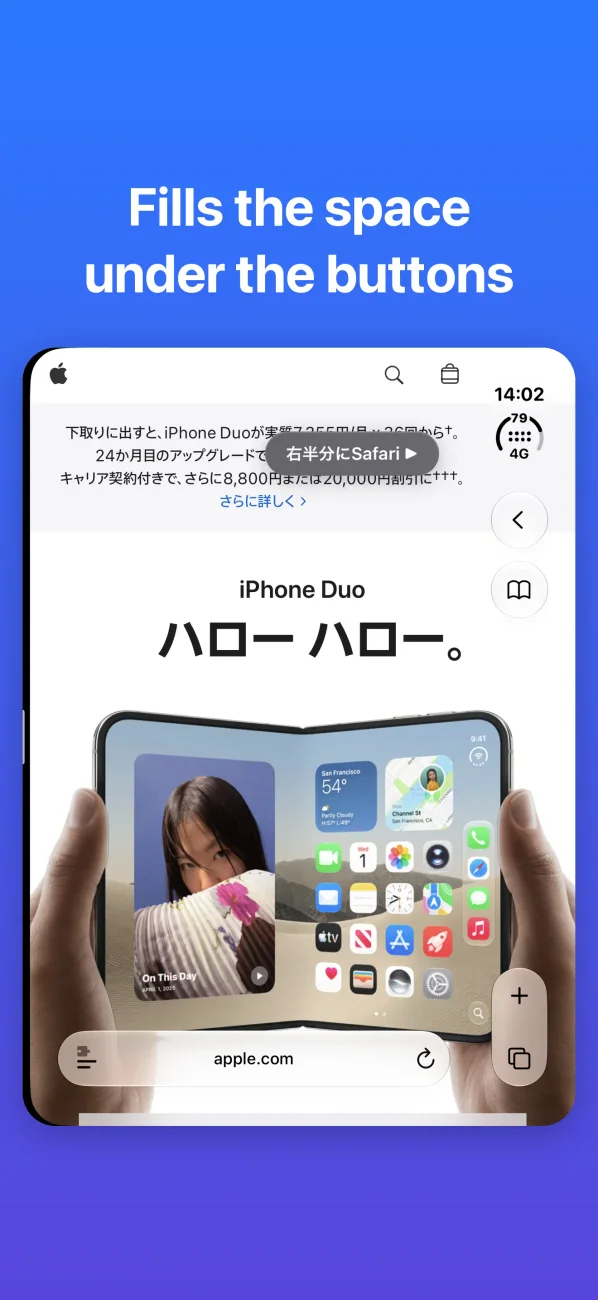
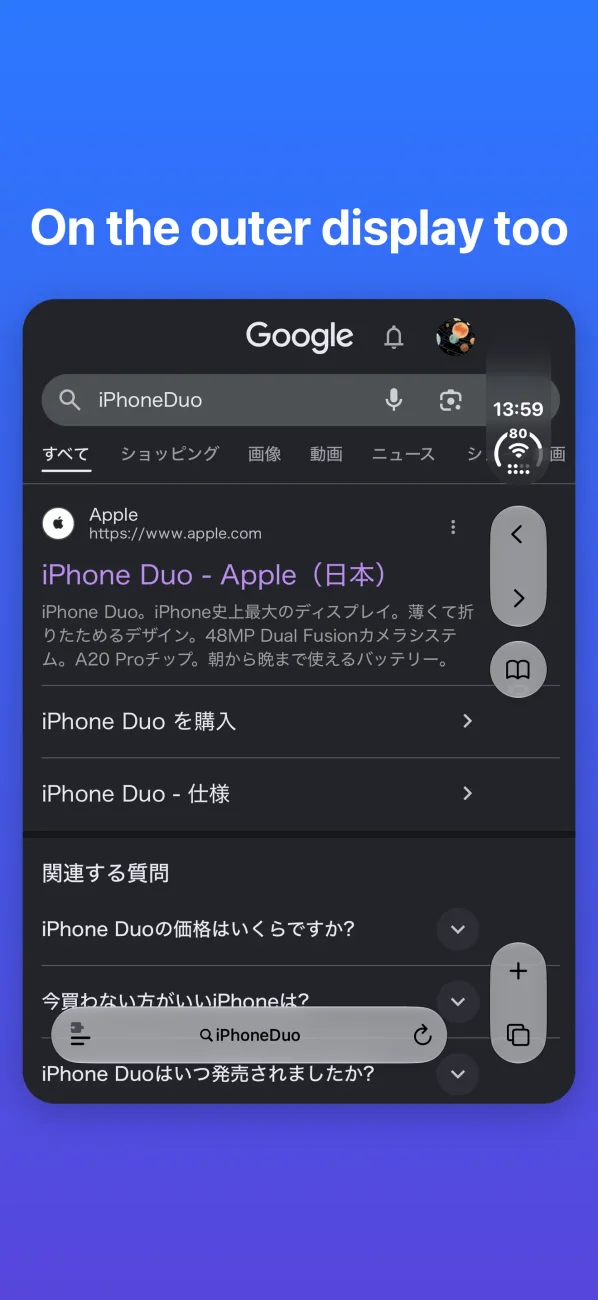
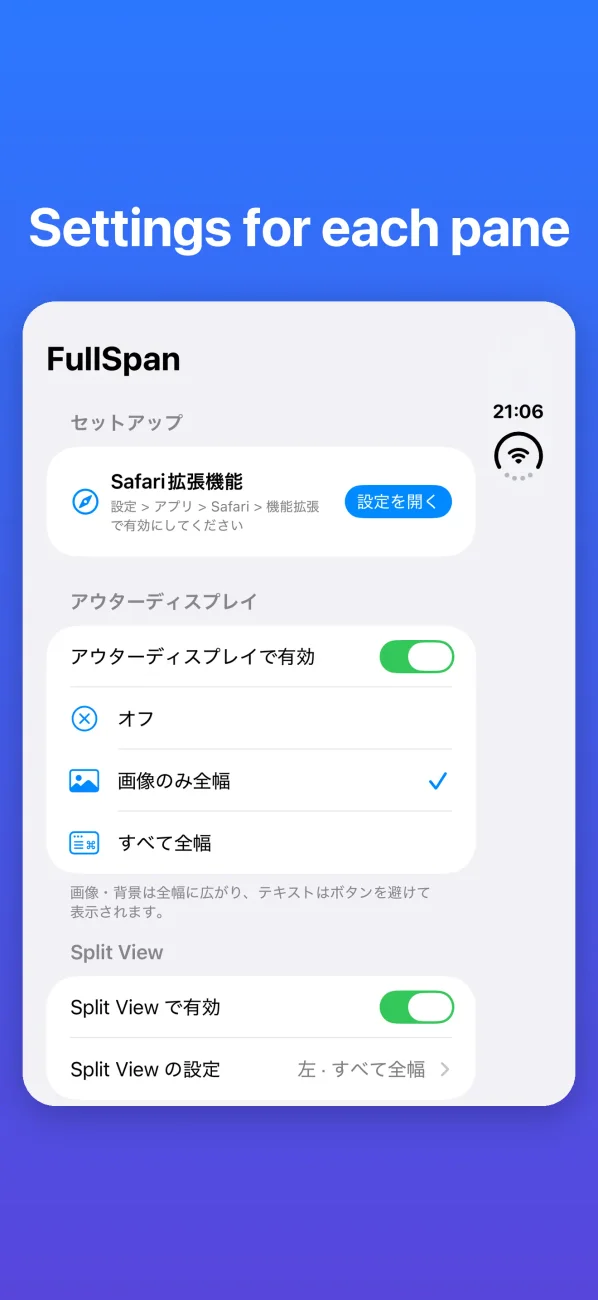
On iPhone Duo, Safari's button column takes a slice of the screen and web pages are shown narrower than they could be. FullSpan is a Safari extension that lets pages extend under the button column so you use the whole screen.
■ Two display modes
• Images full width: images and backgrounds run edge to edge, while text and links stay clear of the button column. Nothing hides under the buttons.
• Everything full width: the whole page is widened as is.
■ Built for Split View
• Set a mode for each pane (default: "Everything" on the left, "Images" on the right).
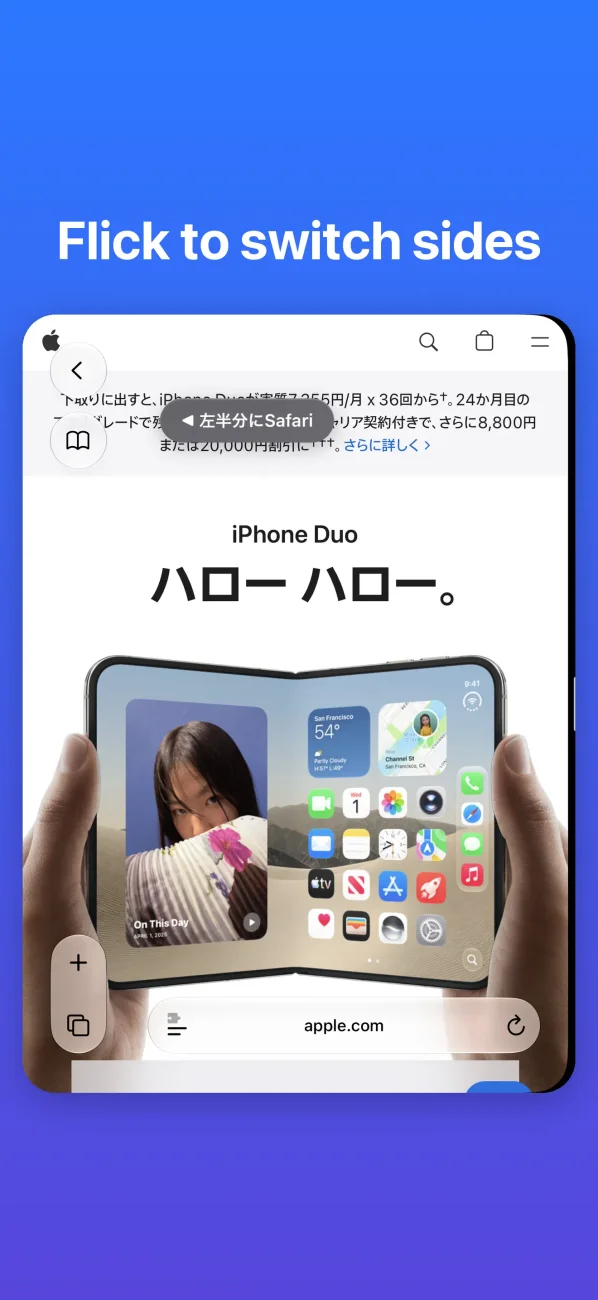
• Moved Safari to the other side? Just flick the page sideways to switch. No need to open settings.
• A small L / R indicator above the "+" button shows the current setting (can be hidden).
■ More
• Per-site modes, right from Safari's toolbar
• Choose whether it runs in portrait, landscape or both
• Choose whether centered logos and titles align to the visible area or the whole screen
• Optionally hide a site's fixed header/footer while scrolling
■ Privacy
FullSpan does not read or transmit page content. Settings are stored on your device. It contacts a server only when you choose to report a page.
■ Getting started
Open Settings > Apps > Safari > Extensions, turn on FullSpan and allow it on all websites.
What’s new
Version 1.0.4 · Nov 24, 2026
• Fixed pages appearing shrunk on sites that change their display settings after loading.
• Fixed bars pinned to the bottom of the screen shifting after the keyboard appears, including when you tap the address bar.
• Fixed closed menus being narrowed, so that their text wrapped one character per line when opened.
• Page buttons under Safari's button column (such as "back to top") are now moved slightly so you can tap them.
App privacy
What Masato Shigemura declares on the App Store about how this app handles data.
-
Data not linked to you
May be collected but is not linked to your identity.
- User content
- Browsing history
- Identifiers
- Diagnostics
Privacy practices may vary, for example with the features you use or your age.
Information
- Seller
- Masato Shigemura
- Category
- Utilities
- Version
- 1.0.4
- Updated
- Nov 24, 2026
- Released
- Nov 10, 2026
- Size
- 845.0 KB
- Requires
- iOS 27.0 or later
- Age rating
- 4+
- Price
- $1.99
- Languages
- English, French, German, Italian, Japanese, Korean, Portuguese, Simplified Chinese, Spanish, Traditional Chinese
- Copyright
- © 2026 hotahota
You might also like
-
 Dual TimerUtilities
-
 Parail - 2画面ブラウザ・画面分割Utilities
-
 Duo Trackpad - Touch ControlTrackpad, gestures & shortcuts
-
 パタログUtilities
-
 Farroom: Remote DesktopVNC, RDP & Sunshine streaming
-
 片手キーボードPROUtilities
-
 映画ノート【映画鑑賞記録】Utilities
-
 KumiKey: 自由に配置できるフリックキーボードUtilities
-
 MeowDisplaySecond display for your Mac
-
 WidenFull-width outer-display pages