- Age rating4+
- CategoryNavigation
- DeveloperObjectGraph LLC
- LanguagesEnglish+ 4 more
- Size7.5 MB
Links to the official App Store page
Download.org hosts no file of Geo Tracker: GPS Tracking. The button opens its official App Store page, published by ObjectGraph LLC. Listing last checked on Nov 8, 2026.
Screenshots
About
Record your route. Keep the photos with it.
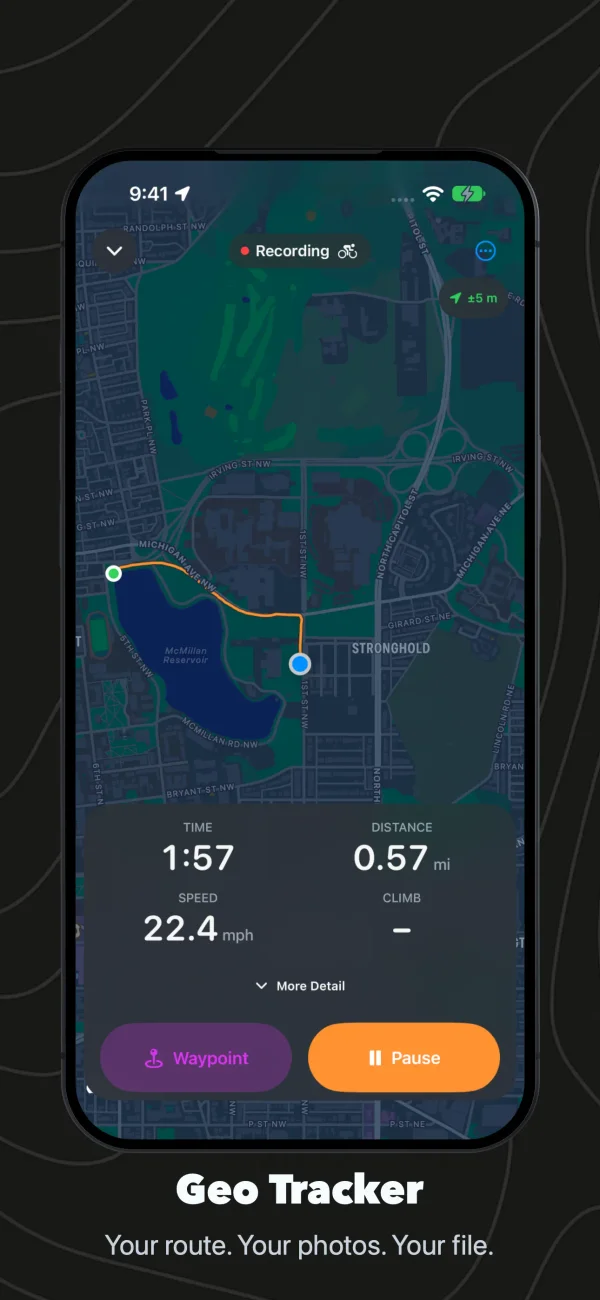
Track your walks, hikes, runs and rides with Geo Tracker. See how far you’ve travelled, mark places along the way and keep your photos on the route. When you finish, save a GPX file you can open, share and keep.
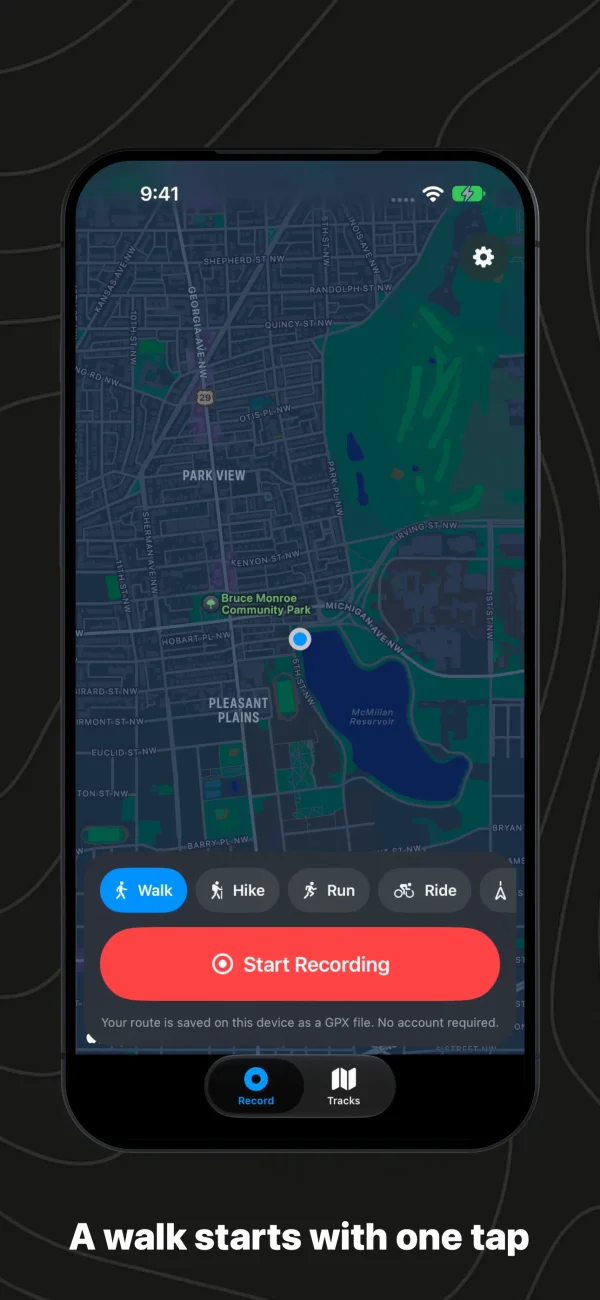
START RECORDING AND GO
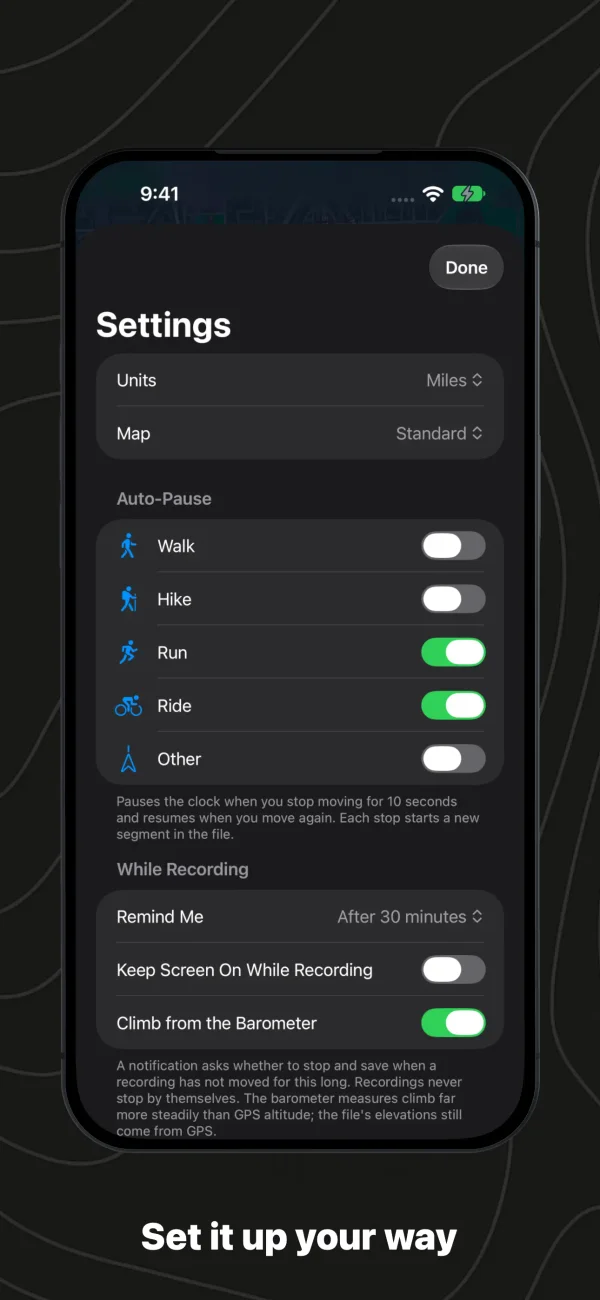
Watch your route grow on the map, with distance, time, pace or speed, and climb at a glance. Recording continues with the screen locked. Pause for a break and resume when you’re ready, or turn on auto-pause to handle stops for you.
REMEMBER THE PLACES ALONG THE WAY
A viewpoint, a trail junction, a stop for lunch. Add a waypoint or take a photo to mark the spot. Capture photos in the app or from the Lock Screen, or add them afterwards and place them along the route by capture time.
CONTROL IT FROM YOUR WRIST
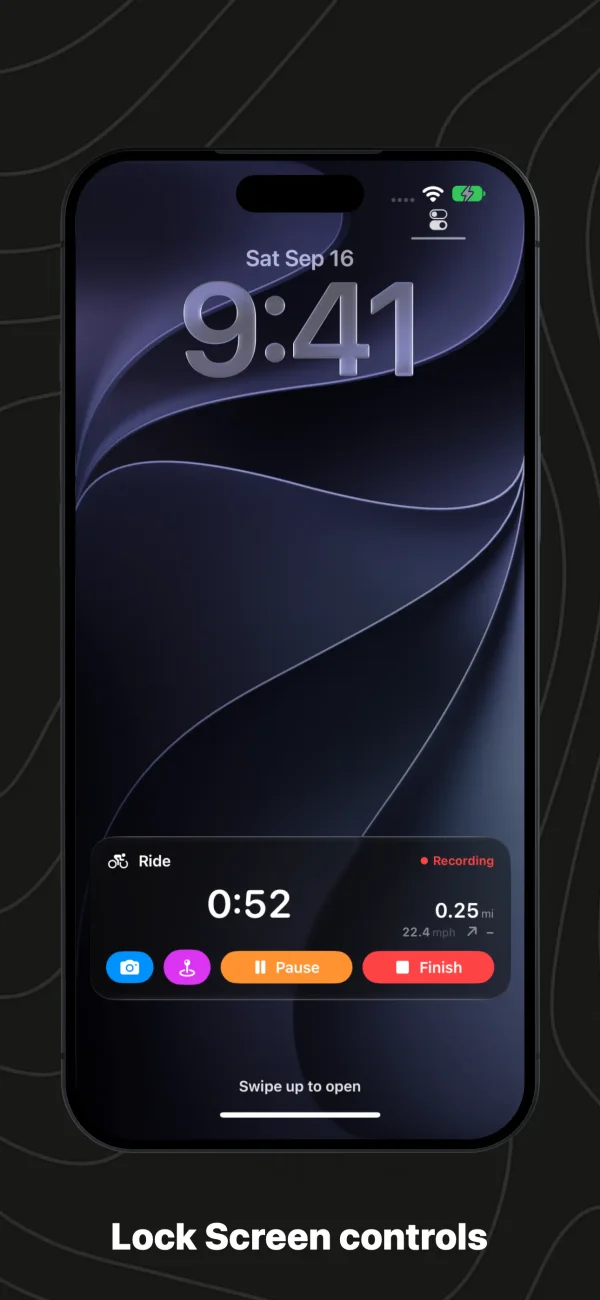
Pause, resume, or stop and save from a paired Apple Watch while your iPhone records the route. You can also see and control your recording on the Lock Screen and in the Dynamic Island on supported iPhones.
FOLLOW YOUR ROUTE BACK
Open Retrace Route to see your recorded path, current position and starting point. Follow the line back while recording continues.
SEE THE WHOLE OUTING
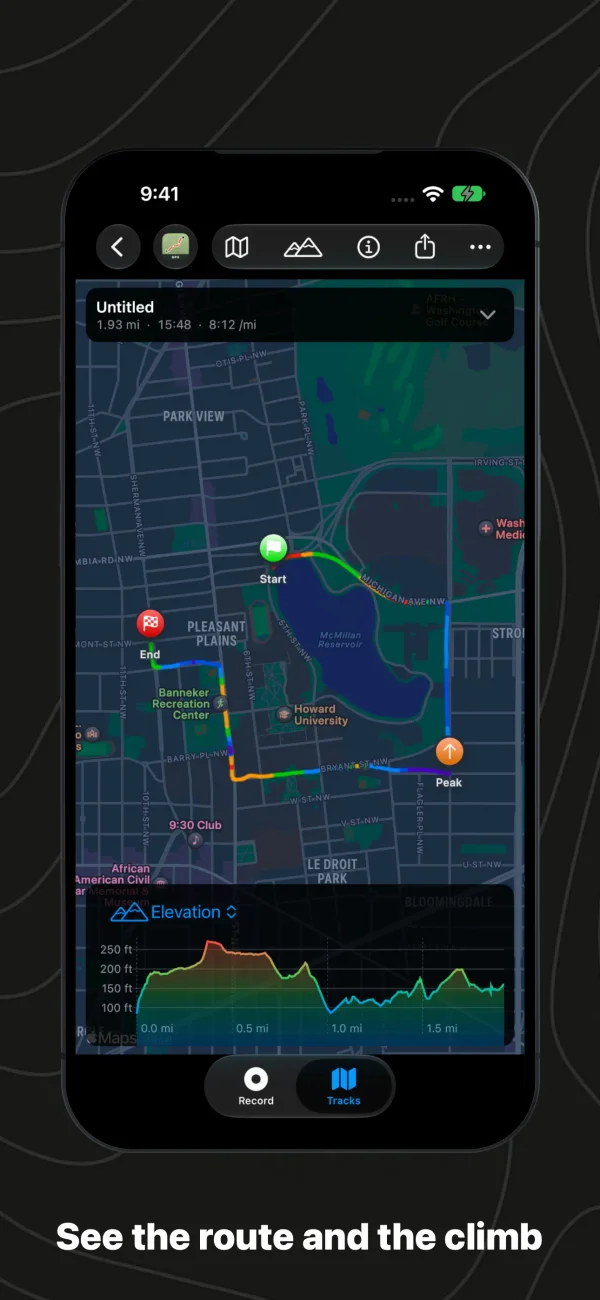
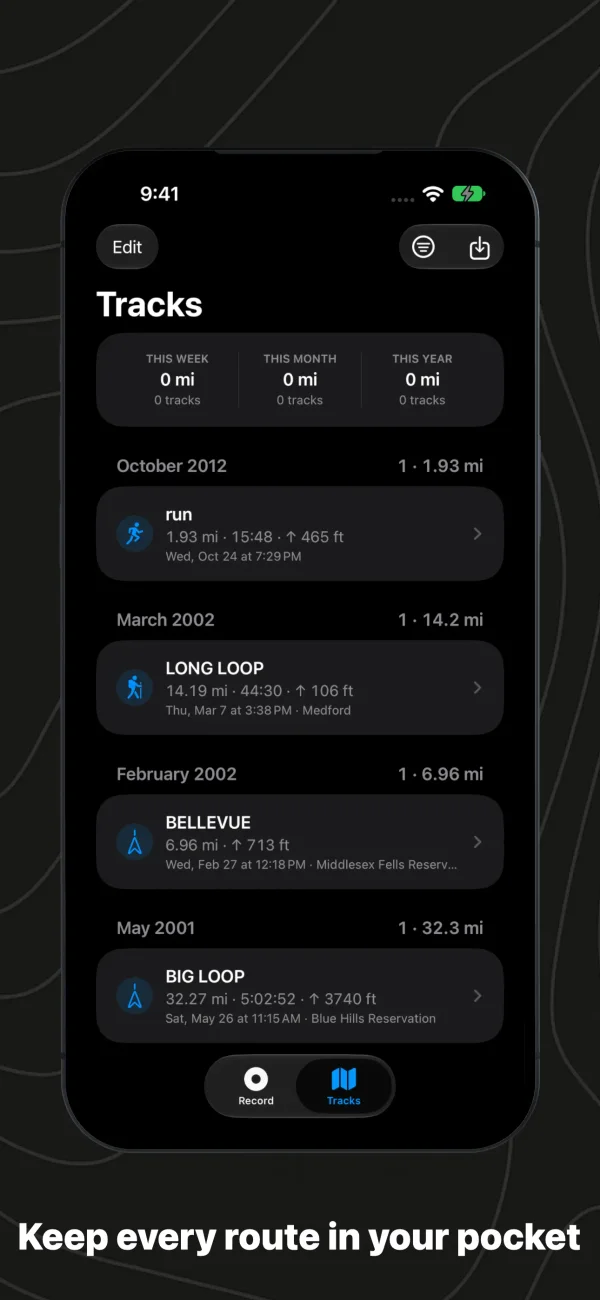
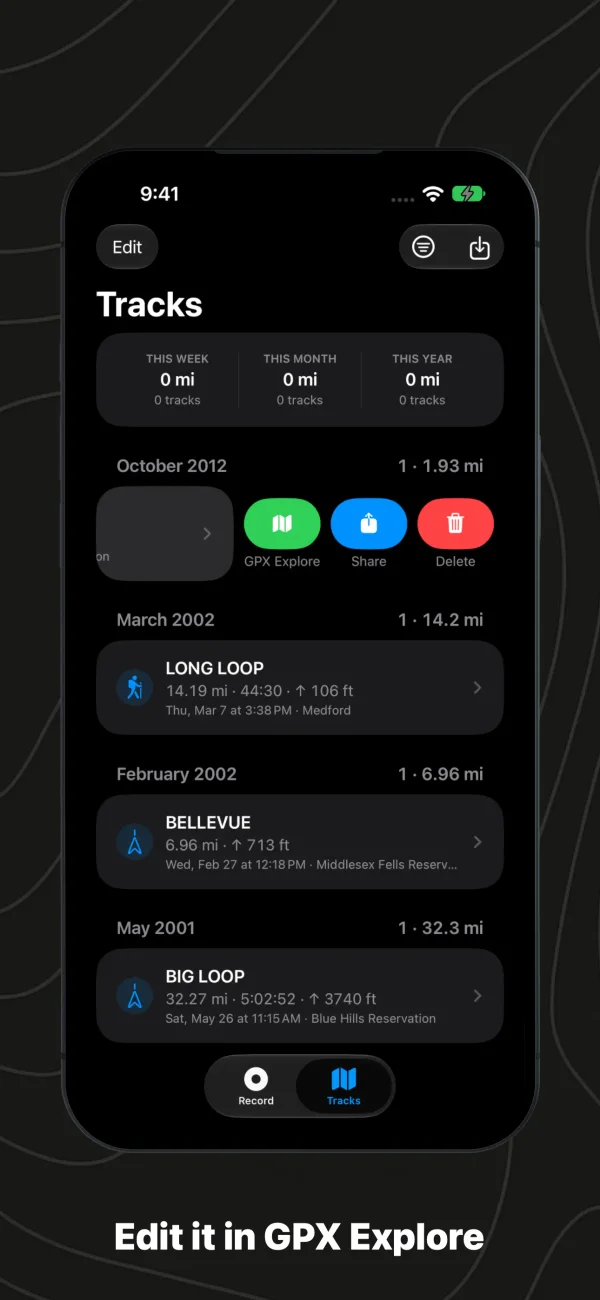
Open a saved track to explore its map, elevation profile and statistics. Keep your recordings together with GPX files imported from Files, Mail or AirDrop. Save a recording to Apple Health as a workout with its route.
TAKE YOUR TRACKS WITH YOU
Share a GPX file, export KML, or send the route and its photos together in a ZIP. Your tracks and waypoint photos are saved on your device, ready to revisit or share.
What’s new
Version 3.1 · Oct 26, 2026
• Edit in GPX Explore: open a track there in one tap to trim, fix or join it, from the track's view, a swipe in Tracks or its menu.
• Truer distances: GPS jumps, the drift while you stand still or take a call, and positions without a satellite fix no longer add to a recording.
• Climb leaves out height noise, and shows "–" until there is a height to trust.
• The distance you see while recording is the distance of the saved track.
• The Lock Screen keeps your recording in view through long stops, and finishes it with one tap.
• A new icon, and our other apps in Settings.
App privacy
What ObjectGraph LLC declares on the App Store about how this app handles data.
-
Data not collected
The developer does not collect any data from this app.
Privacy practices may vary, for example with the features you use or your age.
Information
- Seller
- ObjectGraph LLC
- Category
- Navigation
- Version
- 3.1
- Updated
- Oct 26, 2026
- Released
- May 16, 2025
- Size
- 7.5 MB
- Requires
- iOS 18.0 or later
- Age rating
- 4+
- Languages
- English, French, German, Japanese, Spanish
- Copyright
- © ObjectGraph LLC
You might also like
-
 Avenly: Trip Itinerary PlannerTravel plans without conflicts
-
 RecCarDash Cam for Your Phone
-
 Travel & Trip Video Animator3D Animated Route Map Maker
-
 DriveCluster for TeslaEV speedometer & range
-
 FotoTrans Premium TranslateSnap & Translate Photos
-
 Site Photos - Timestamp CameraGPS Stamp Proof & Job Reports
-
 Speedometer Lite - Mph TrackerTachometer & Drive Tracker
-
 GeoTracker: GPS & Trail MapHike, Bike & Run Offline Maps
-
 Odo Speedometer: Drive TrackerGPS Speed, Car, Bike, Map, OBD
-
 GeoTracker LiteGPS+Weather Tracking