
Gimbse Camera
Nº 1 for Architectural Photos
Designed for iPhone, iPad, iPod touch
$12.99
- Age rating4+
- CategoryPhoto & Video
- DeveloperChristian Kappertz
- LanguagesEnglish+ 10 more
- Size1.9 MB
Links to the official App Store page
Download.org hosts no file of Gimbse Camera. The button opens its official App Store page, published by Christian Kappertz. Listing last checked on Nov 17, 2026.
Screenshots



About
Improve the presentation of real estate, cityscapes, exhibition stands, and much more with professional architectural photography! Gimbse offers the perfect alignment of your camera without complicated post-processing or additional technical equipment. How it works? Very simple: take a photo – done. The unique perspective assistant always has the recording situation in view and takes care of the detailed work in real time. So you can fully concentrate on your subject.
Also profit from the intuitively designed interface of the great and professional functions with which the Gimbse camera app makes your pictures even better.
PERSPECTIVE ASSISTANT
The Perspective Assistant ensures that your pictures are always straight, no matter from which angle they were taken. But “straight“ doesn‘t just mean that people stand upright in the picture and the horizon is really horizontal. With the help of the various modes, you can freely choose which additional perspective tools you want to use for your subject. Perspective alignment has never been so easy!
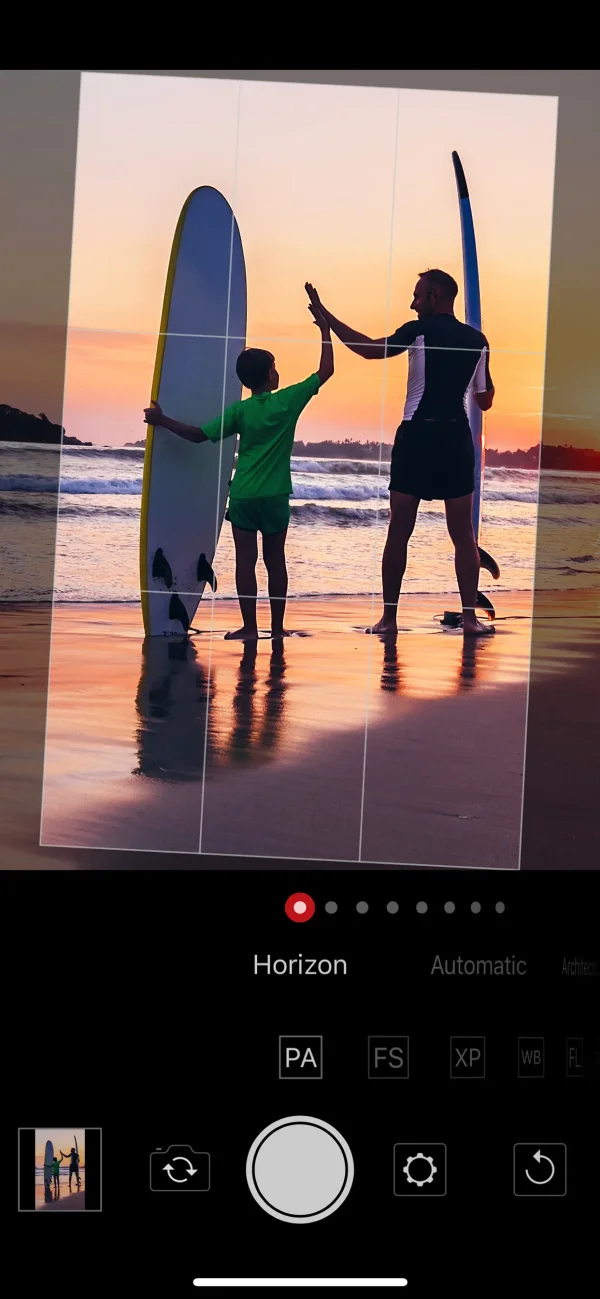
• Horizon
It automatically does what many photographers usually do by hand or with gimbals: Hold the camera straight.
• Automatic
Let the Perspective Assistant automatically select between Architecture and Horizon modes to avoid extreme distortion at the edges of the image.
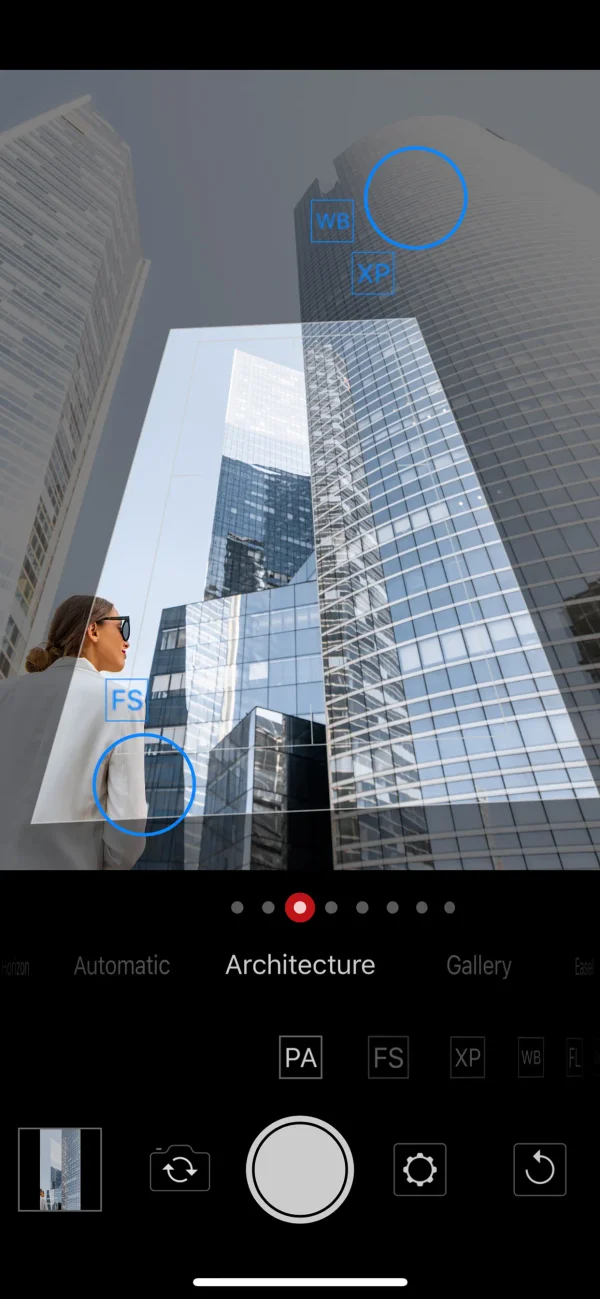
• Architecture
The mode for professional architectural photography – the perspective is automatically corrected to avoid falling lines.
• Gallery
In Gallery mode, photograph vertical or horizontal surfaces exactly from the front, even though the situation only allows a sloping shooting angle. The magnetic axis makes alignment easy and very accurate.
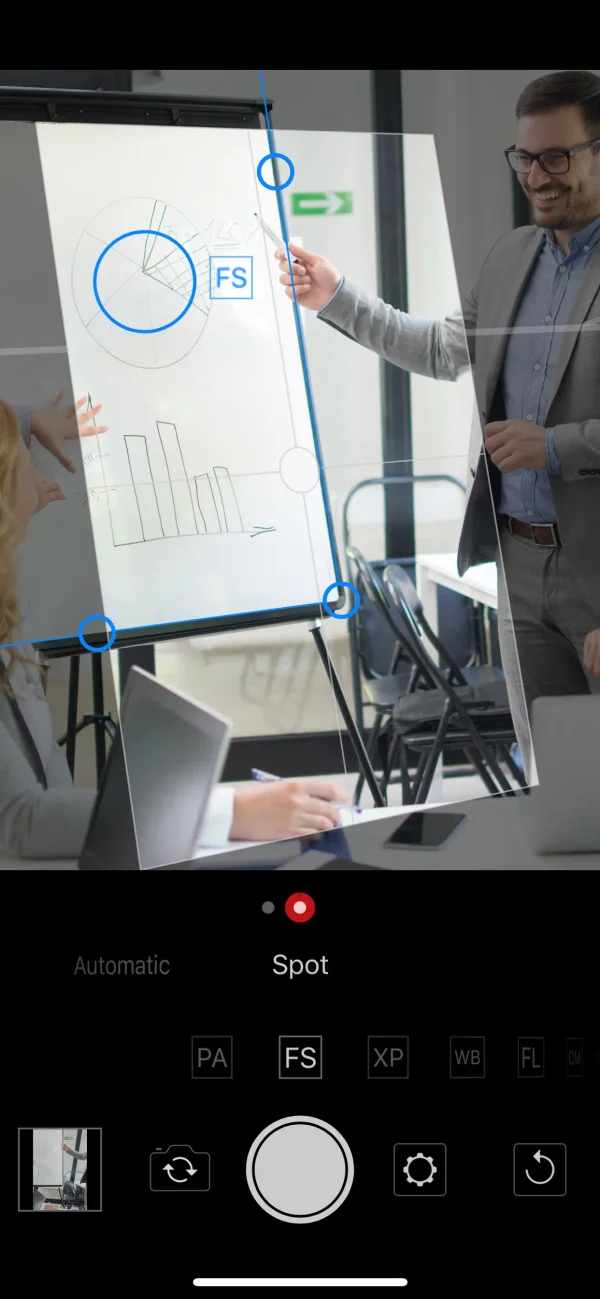
• Easel
For inclined surfaces such as flipcharts, screens or simply easels, there is also the Easel mode with the practical magnetic angle.
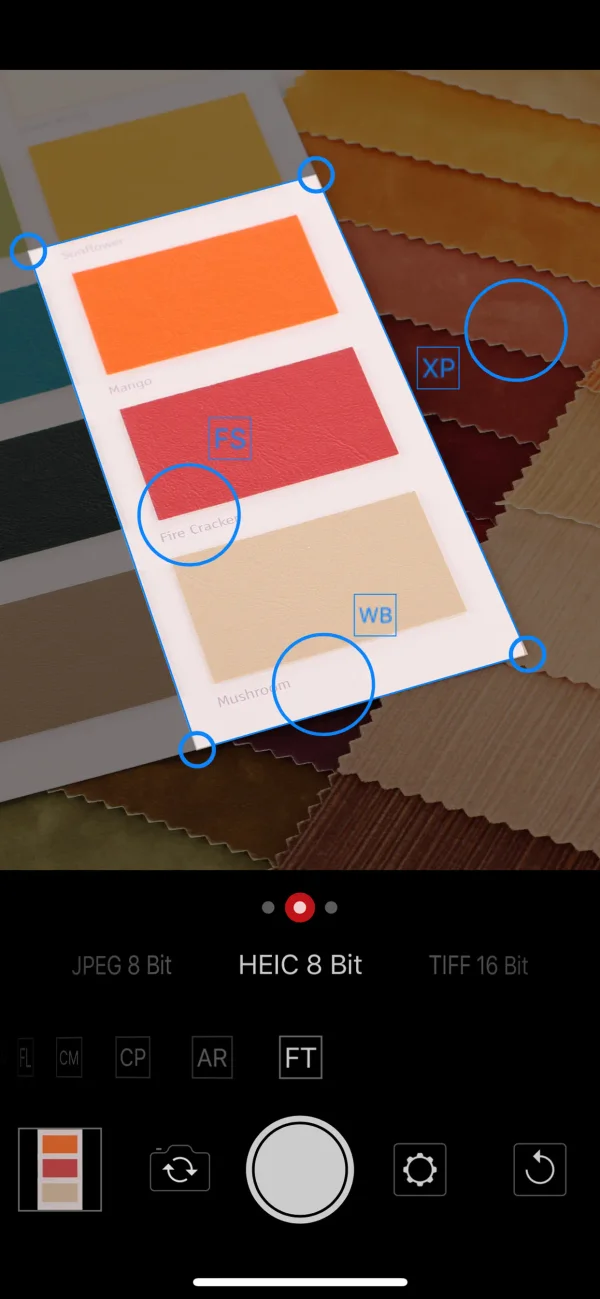
• Rectangle
With the magnetic frame, you can shoot rectangular objects of any kind as if they were taken from the front and crop them in their original proportions, (almost) regardless of the shooting angle.
• Calibrate
Also use the Calibrate mode with its magnetic axes to achieve even more precision in aligning your photos. Once performed, the calibration is always maintained.
• Deactivated
With this you can also take really skewed pictures.
FOCUS
• Automatic
• Spot
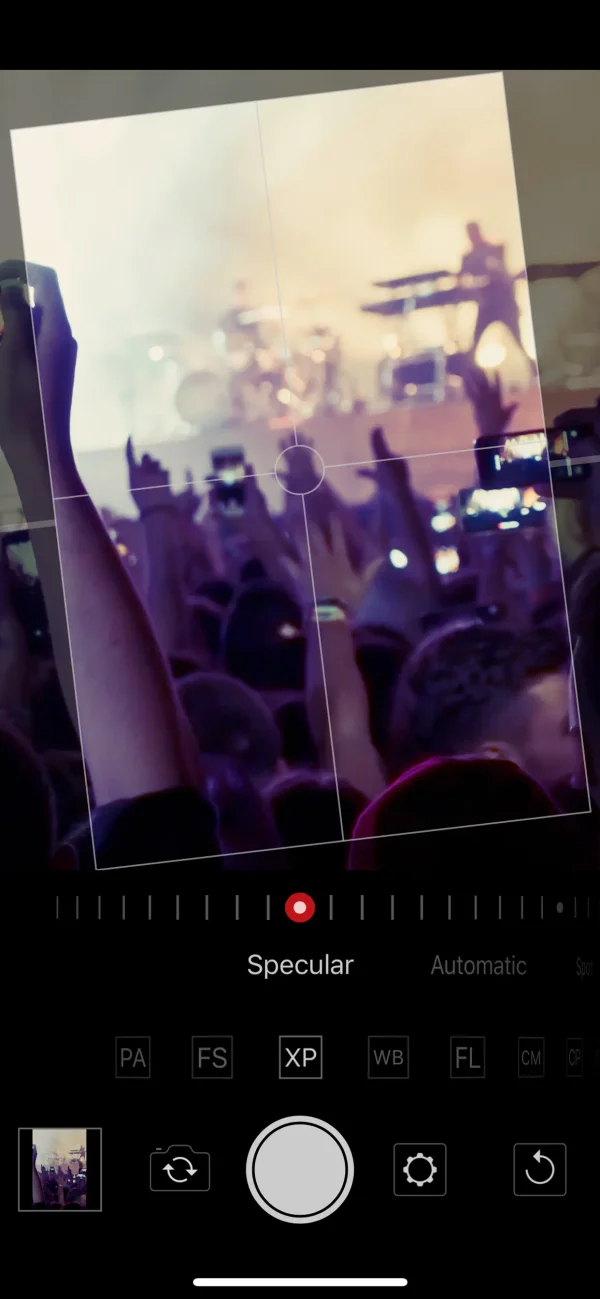
EXPOSURE
• Lights
• Automatic
• Spot
• Lock
WHITE BALANCE
• Cold
• Neutral
• Warm
• Spot
• Lock
FOCAL LENGTH
• Ultra Wide Angle (if available)
• 20 mm (if available)
• Wide Angle
• 35 mm
• 50 mm
• Telephoto Lens (if available)
• 80 mm
• 135 mm
• 200 mm
• 300 mm
COLOR MODE
• Color (in gradations)
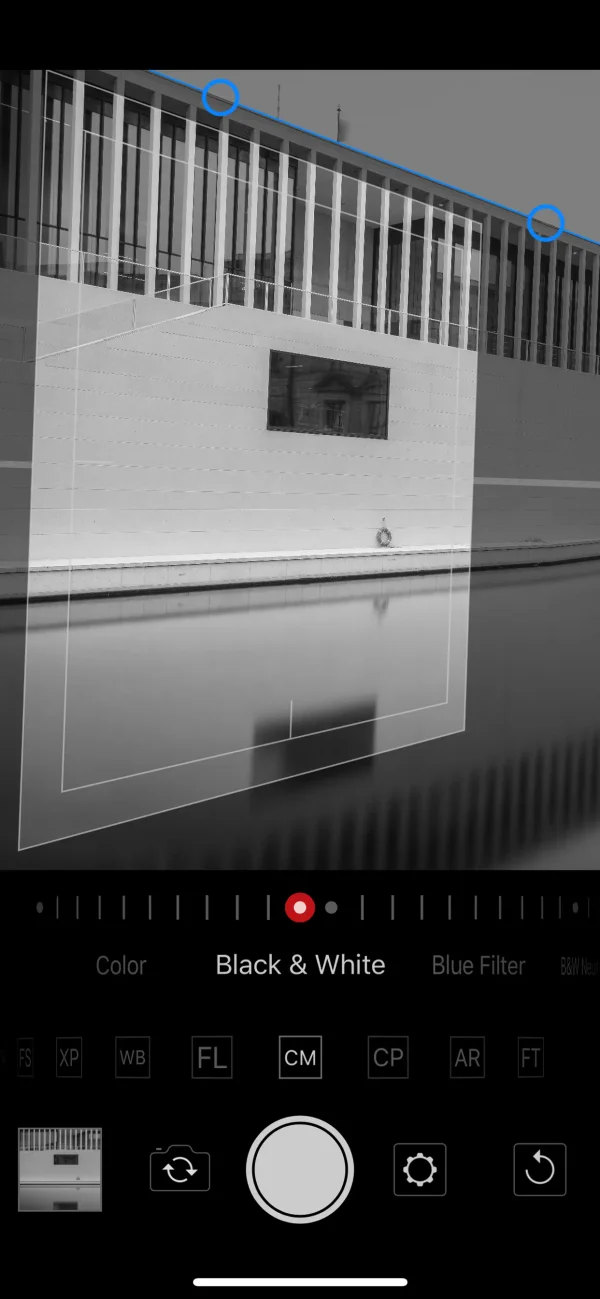
• Black & White
• Blue Filter
• BW Neutral
• Red Filter
COMPOSITION
• Empty
• Frame
• Crosshair
• Grid
• Golden Section
• Golden Spiral
ASPECT RATIO
• Square
• 7 : 6
• 5 : 4
• 4 : 3
• DIN A Format
• 3 : 2
• Golden Section
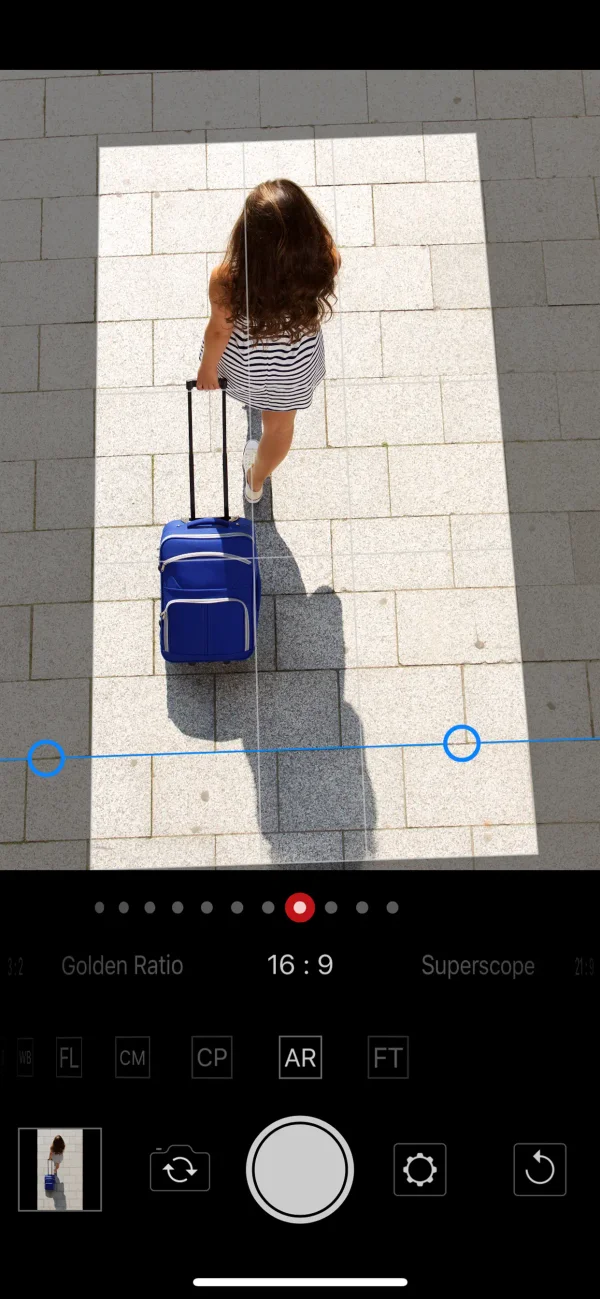
• 16 : 9
• Superscope
• 21 : 9
• CinemaScope
FILE TYPE (iOS 13 and higher)
• L97JPEG 8 sRGB
• JPEG 8 P3
• TIFF 16 sRGB (high memory requirement!)
• TIFF 16 P3 (high memory requirement!)
With the practical reset button, you can quickly reset Gimbse at any time to be ready for the next snapshot. Configure Gimbse conveniently in the settings. You can also have a comparison image saved for each shot. This shows a before/after comparison between the captured image and the version created by Gimbse.
Discover the incredible new design options that Gimbse can offer you!
What’s new
Version 2.5 · Jun 9, 2026
Various optimisations and bug fixes in the focal length function.
App privacy
What Christian Kappertz declares on the App Store about how this app handles data.
-
Data not collected
The developer does not collect any data from this app.
Privacy practices may vary, for example with the features you use or your age.
Information
- Seller
- Christian Kappertz
- Category
- Photo & Video
- Version
- 2.5
- Updated
- Jun 9, 2026
- Released
- Apr 28, 2018
- Size
- 1.9 MB
- Requires
- iOS 13.0 or later
- Age rating
- 4+
- Price
- $12.99
- Languages
- English, Danish, Dutch, Finnish, French, German, Italian, Norwegian Bokmål, Portuguese, Spanish, Swedish
- Copyright
- © 2018-2020 Christian Kappertz
You might also like
-
 Instant CameraDoodle on Photos
-
 Panorama Calculator ProFrom a Pro for Pros
-
 myFilm SLR-likeBeautiful Blur Effects
-
 Cam+ (for geeks)displays ISO/SS/spirit level
-
 iFilters - Express SelfiesBest Aesthetic Selfie Filters
-
 Poster Shine Pro - posterizePhoto & Video
-
 BlackieBlack & White Photography
-
 Color Splash for iPadSelective color photo effect
-
 Collage Maker for PhotosPicture Layouts & Templates
-
 Mobiography MagazineLearn Mobile Photography 101