
Gimbse Camera
Nº 1 for Architectural Photos
Được thiết kế cho iPhone, iPad, iPod touch
- Độ tuổi4+
- Danh mụcẢnh & Video
- Nhà phát triểnChristian Kappertz
- Ngôn ngữTiếng Anh+ 10 ngôn ngữ khác
- Kích thước1,9 MB
Gimbse Camera hiện có thể không có trên App Store
Ở lần kiểm tra gần nhất, chúng tôi không truy cập được trang trên cửa hàng. Liên kết vẫn dẫn đến trang App Store chính thức.
Ảnh chụp màn hình
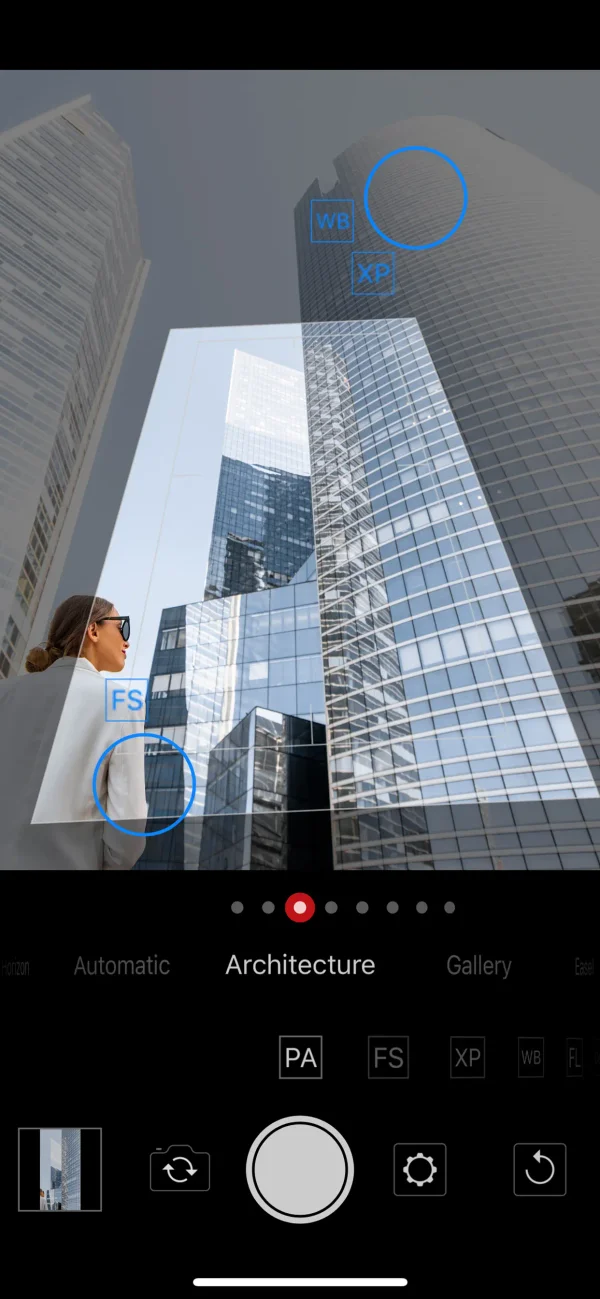
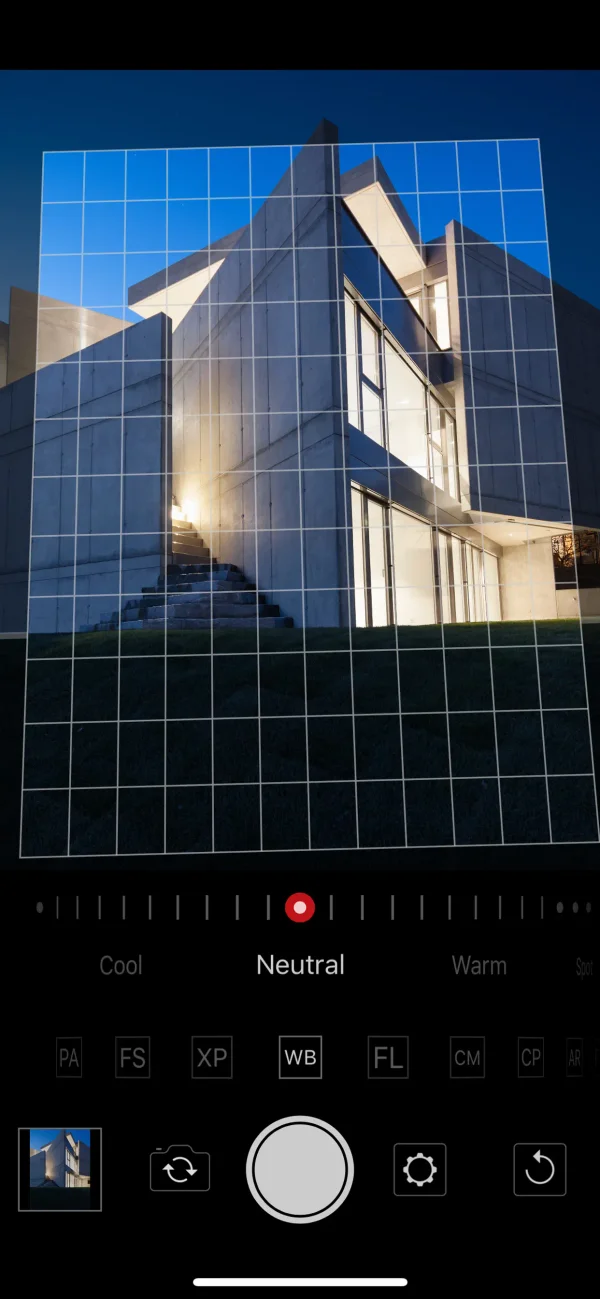
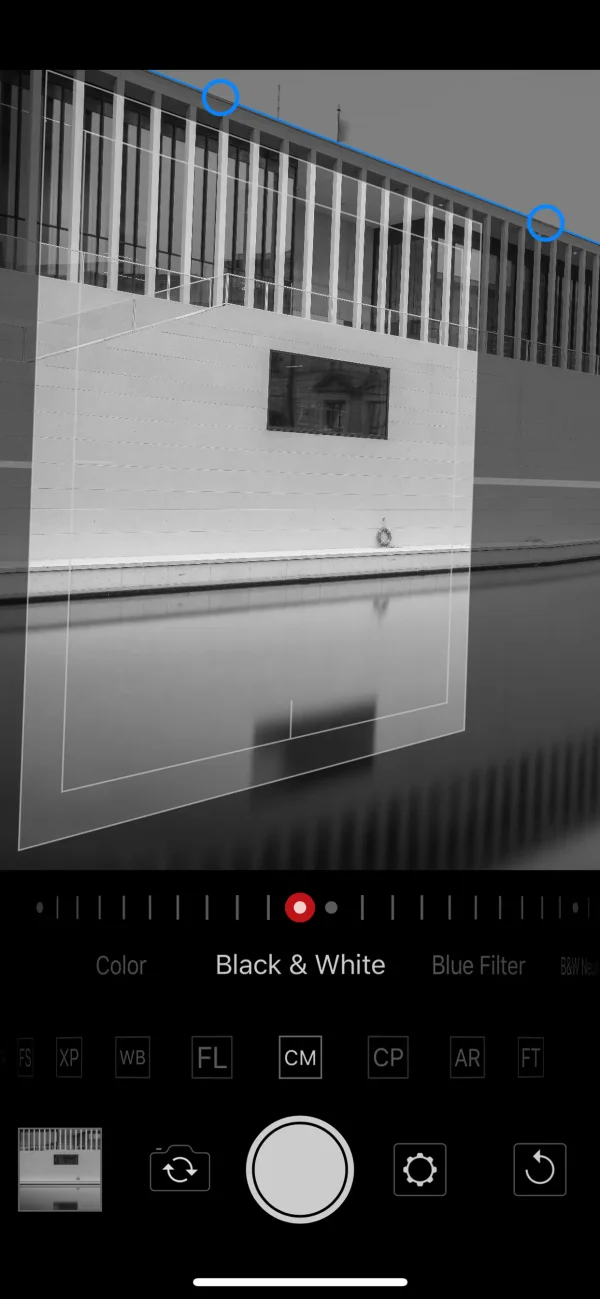
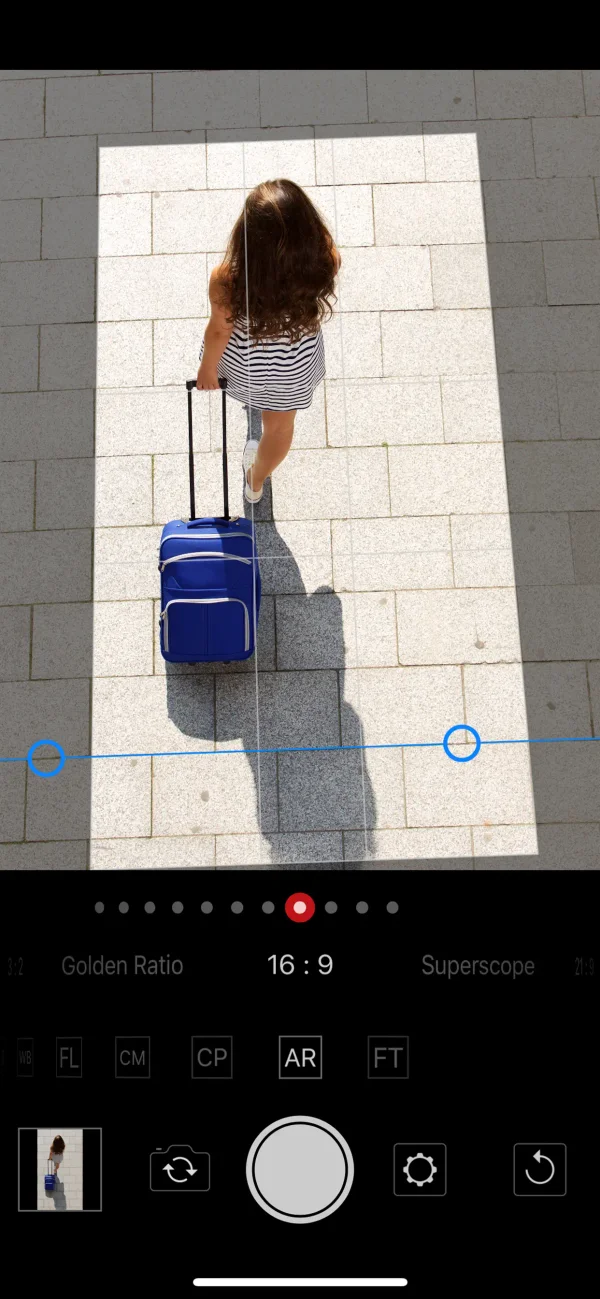

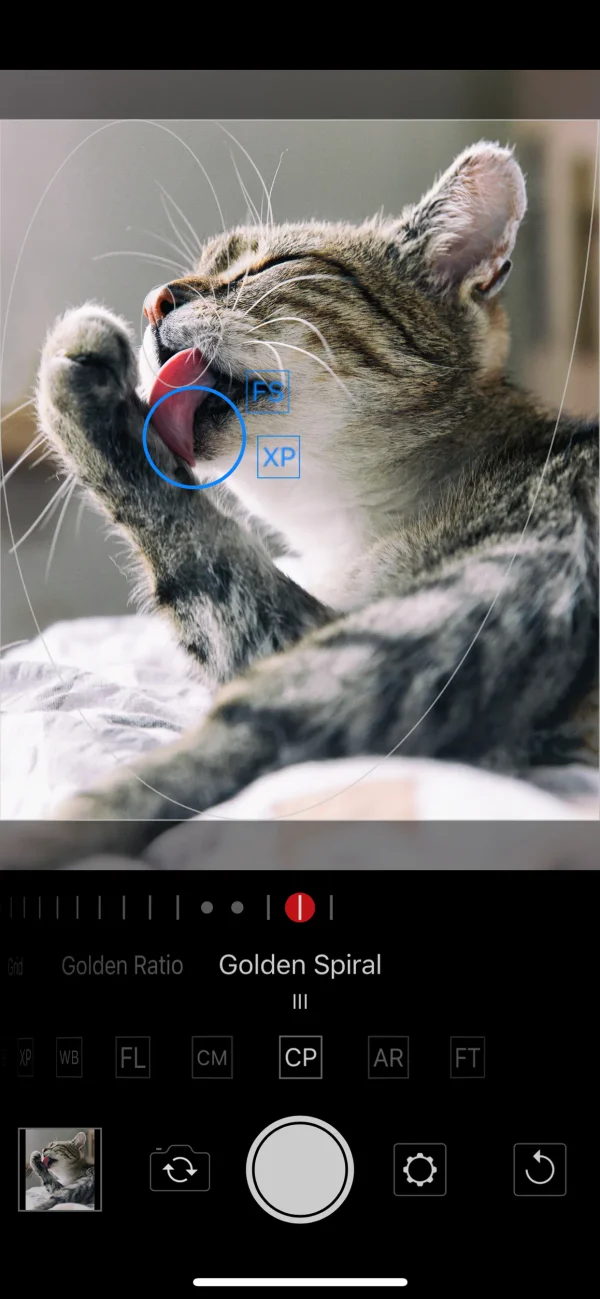
Giới thiệu
Nhà phát triển chưa cung cấp nội dung này bằng ngôn ngữ của bạn.
Improve the presentation of real estate, cityscapes, exhibition stands, and much more with professional architectural photography! Gimbse offers the perfect alignment of your camera without complicated post-processing or additional technical equipment. How it works? Very simple: take a photo – done. The unique perspective assistant always has the recording situation in view and takes care of the detailed work in real time. So you can fully concentrate on your subject.
Also profit from the intuitively designed interface of the great and professional functions with which the Gimbse camera app makes your pictures even better.
PERSPECTIVE ASSISTANT
The Perspective Assistant ensures that your pictures are always straight, no matter from which angle they were taken. But “straight“ doesn‘t just mean that people stand upright in the picture and the horizon is really horizontal. With the help of the various modes, you can freely choose which additional perspective tools you want to use for your subject. Perspective alignment has never been so easy!
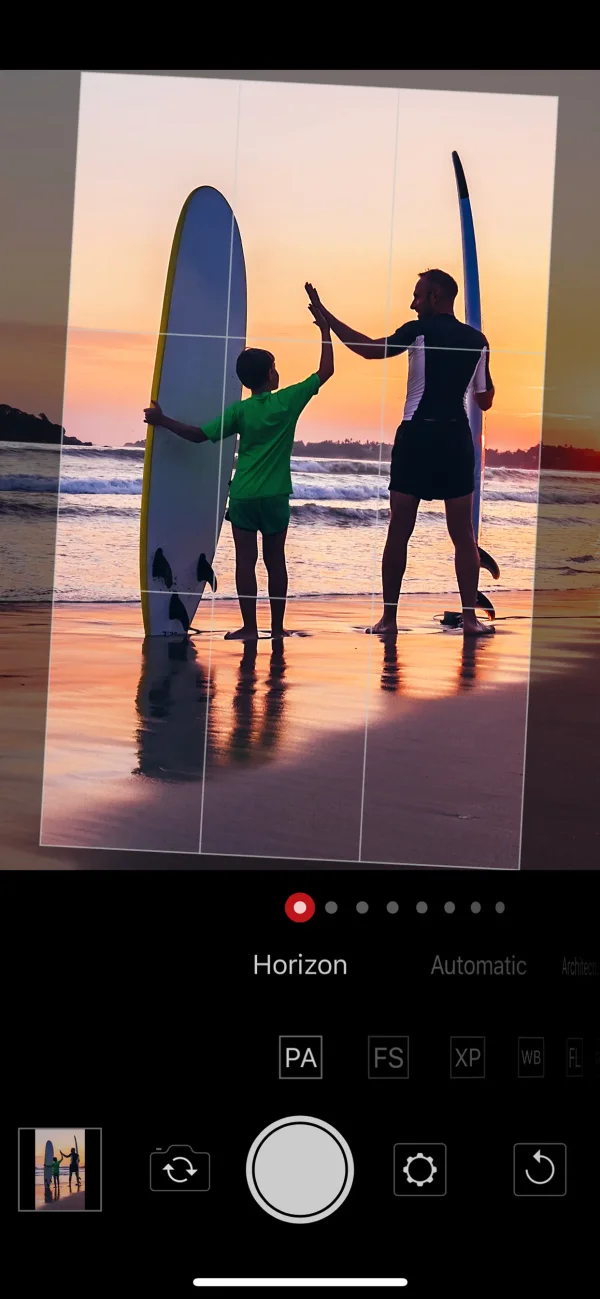
• Horizon
It automatically does what many photographers usually do by hand or with gimbals: Hold the camera straight.
• Automatic
Let the Perspective Assistant automatically select between Architecture and Horizon modes to avoid extreme distortion at the edges of the image.
• Architecture
The mode for professional architectural photography – the perspective is automatically corrected to avoid falling lines.
• Gallery
In Gallery mode, photograph vertical or horizontal surfaces exactly from the front, even though the situation only allows a sloping shooting angle. The magnetic axis makes alignment easy and very accurate.
• Easel
For inclined surfaces such as flipcharts, screens or simply easels, there is also the Easel mode with the practical magnetic angle.
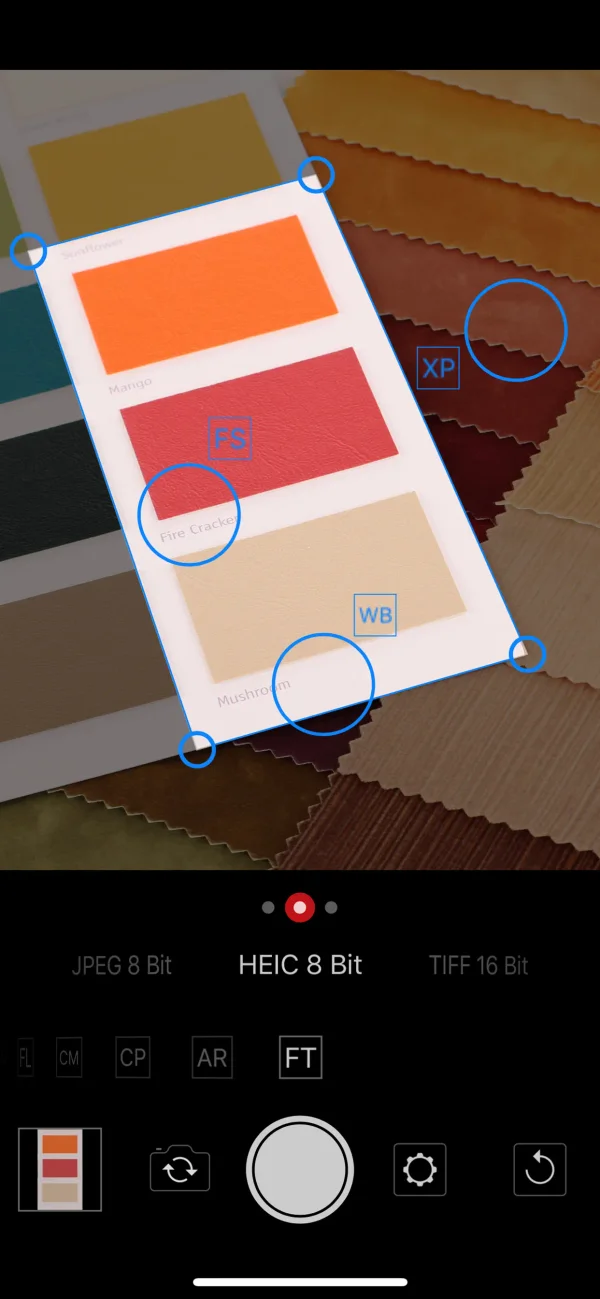
• Rectangle
With the magnetic frame, you can shoot rectangular objects of any kind as if they were taken from the front and crop them in their original proportions, (almost) regardless of the shooting angle.
• Calibrate
Also use the Calibrate mode with its magnetic axes to achieve even more precision in aligning your photos. Once performed, the calibration is always maintained.
• Deactivated
With this you can also take really skewed pictures.
FOCUS
• Automatic
• Spot
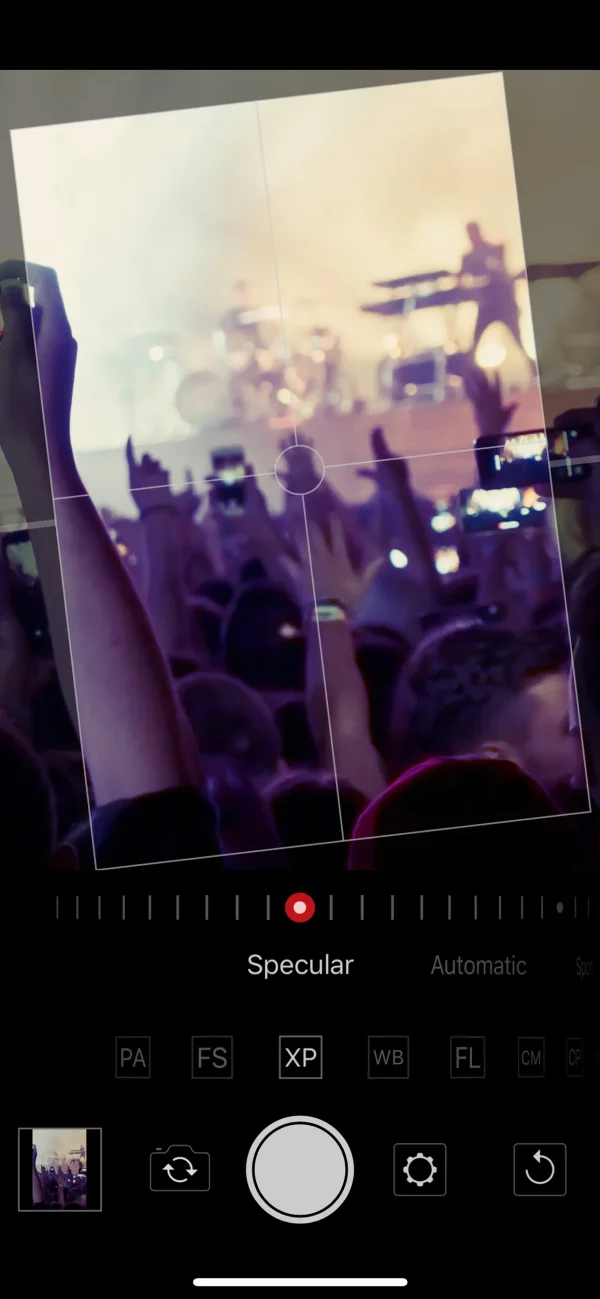
EXPOSURE
• Lights
• Automatic
• Spot
• Lock
WHITE BALANCE
• Cold
• Neutral
• Warm
• Spot
• Lock
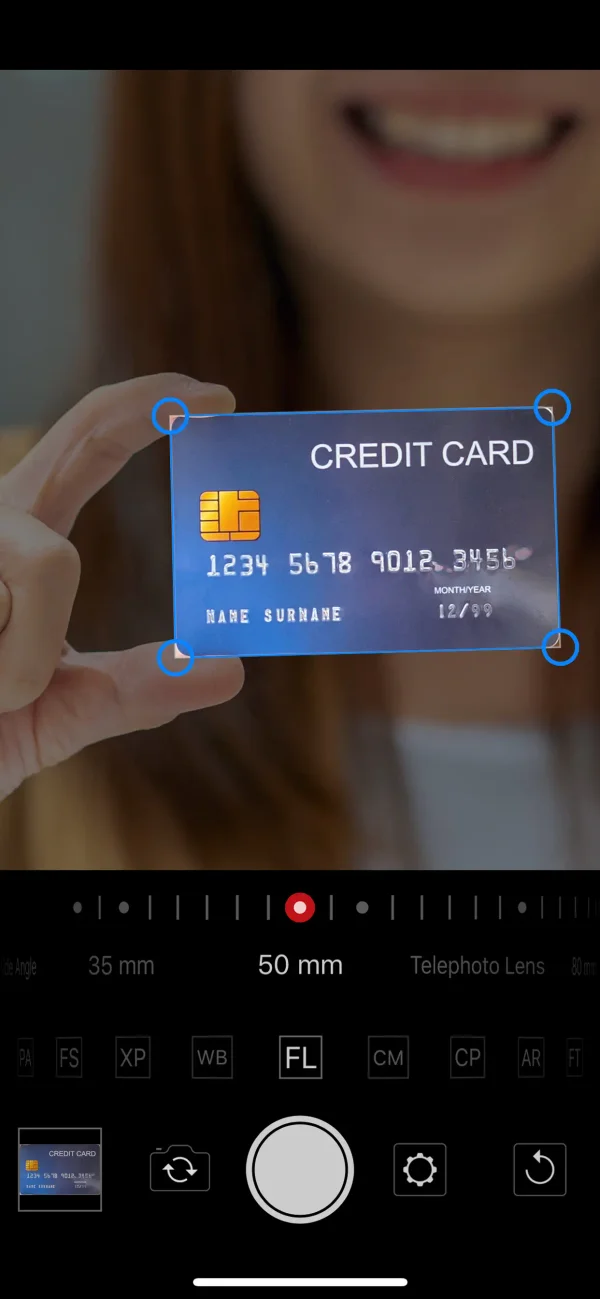
FOCAL LENGTH
• Ultra Wide Angle (if available)
• 20 mm (if available)
• Wide Angle
• 35 mm
• 50 mm
• Telephoto Lens (if available)
• 80 mm
• 135 mm
• 200 mm
• 300 mm
COLOR MODE
• Color (in gradations)
• Black & White
• Blue Filter
• BW Neutral
• Red Filter
COMPOSITION
• Empty
• Frame
• Crosshair
• Grid
• Golden Section
• Golden Spiral
ASPECT RATIO
• Square
• 7 : 6
• 5 : 4
• 4 : 3
• DIN A Format
• 3 : 2
• Golden Section
• 16 : 9
• Superscope
• 21 : 9
• CinemaScope
FILE TYPE (iOS 13 and higher)
• L97JPEG 8 sRGB
• JPEG 8 P3
• TIFF 16 sRGB (high memory requirement!)
• TIFF 16 P3 (high memory requirement!)
With the practical reset button, you can quickly reset Gimbse at any time to be ready for the next snapshot. Configure Gimbse conveniently in the settings. You can also have a comparison image saved for each shot. This shows a before/after comparison between the captured image and the version created by Gimbse.
Discover the incredible new design options that Gimbse can offer you!
Có gì mới
Phiên bản 2.5 · 09/06/2026
Various optimisations and bug fixes in the focal length function.
Quyền riêng tư của ứng dụng
Những gì Christian Kappertz khai báo trên App Store về cách ứng dụng này xử lý dữ liệu.
-
Dữ liệu không được thu thập
Nhà phát triển không thu thập bất kỳ dữ liệu nào từ ứng dụng này.
Phương thức đảm bảo quyền riêng tư có thể khác nhau, chẳng hạn như tuỳ theo các tính năng bạn sử dụng hoặc độ tuổi của bạn.
Thông tin
- Người bán
- Christian Kappertz
- Danh mục
- Ảnh & Video
- Phiên bản
- 2.5
- Cập nhật
- 09/06/2026
- Phát hành
- 28/04/2018
- Kích thước
- 1,9 MB
- Yêu cầu
- iOS 13.0 trở lên
- Độ tuổi
- 4+
- Ngôn ngữ
- Tiếng Anh, Tiếng Đan Mạch, Tiếng Hà Lan, Tiếng Phần Lan, Tiếng Pháp, Tiếng Đức, Tiếng Ý, Tiếng Bokmål Na Uy, Tiếng Bồ Đào Nha, Tiếng Tây Ban Nha, Tiếng Thụy Điển
- Bản quyền
- © 2018-2020 Christian Kappertz
Có thể bạn cũng thích
-
 InstantCam DoodleVẽ lên ảnh
-
 Panorama Calculator ProẢnh & Video
-
 myFilm SLR-likeẢnh & Video
-
 Cam+ (for geeks)Ảnh & Video
-
 iFilters - Express SelfiesChỉnh ảnh & camera làm đẹp
-
 Poster Shine Pro - posterizeẢnh & Video
-
 BlackieẢnh & Video
-
 Color Splash for iPadẢnh & Video
-
 Collage Maker for PhotosẢnh & Video
-
 Mobiography MagazineẢnh & Video