
- 対象年齢4+
- カテゴリ写真/ビデオ
- 開発元Christian Kappertz
- 言語英語ほか10言語
- サイズ1.9 MB
Gimbse Cameraは現在App Storeで入手できない可能性があります
前回の確認時、ストアのページにアクセスできませんでした。リンク先は引き続きApp Storeの公式ページです。
スクリーンショット

概要
開発元はこのテキストをお使いの言語で提供していません。
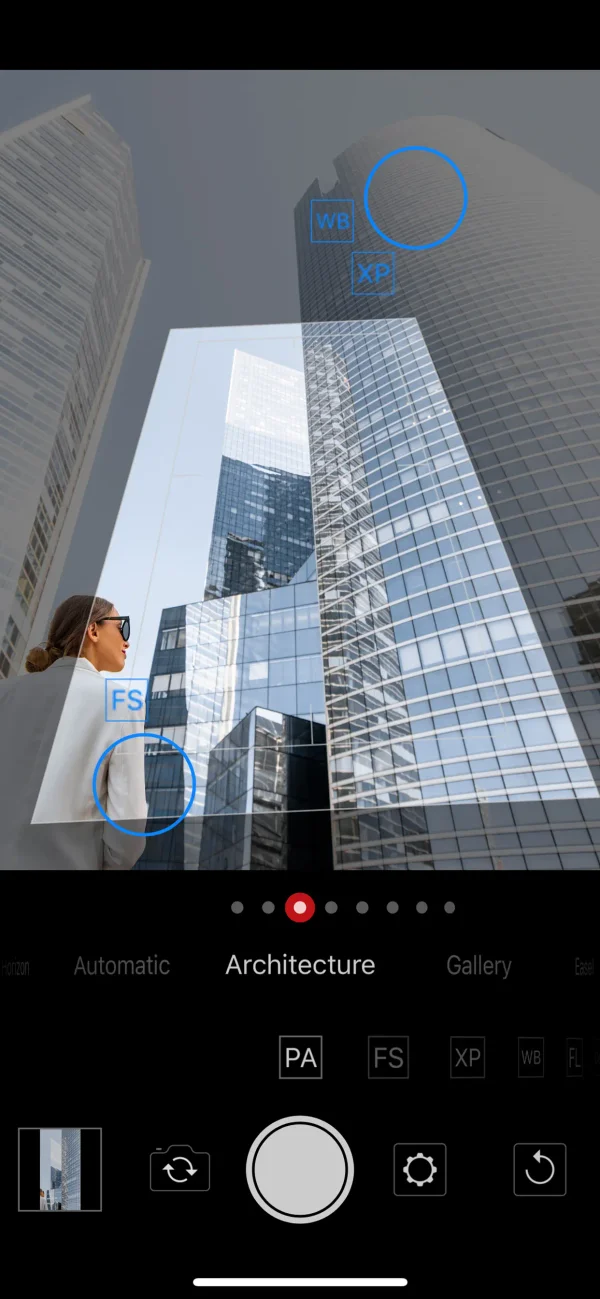
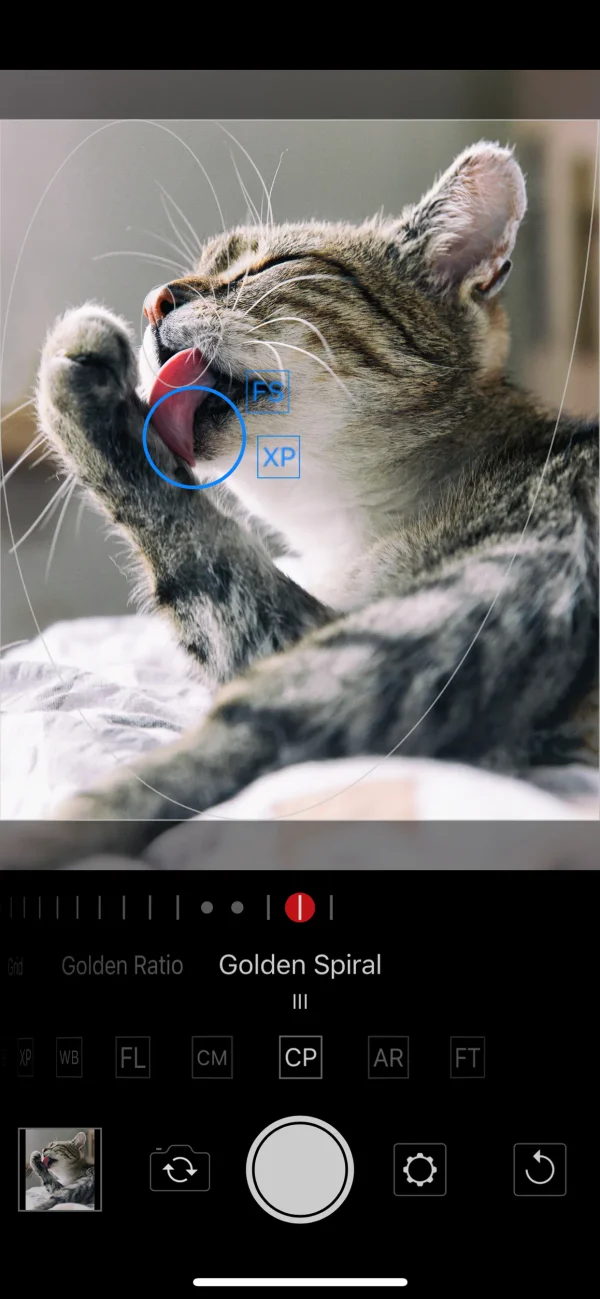
Improve the presentation of real estate, cityscapes, exhibition stands, and much more with professional architectural photography! Gimbse offers the perfect alignment of your camera without complicated post-processing or additional technical equipment. How it works? Very simple: take a photo – done. The unique perspective assistant always has the recording situation in view and takes care of the detailed work in real time. So you can fully concentrate on your subject.
Also profit from the intuitively designed interface of the great and professional functions with which the Gimbse camera app makes your pictures even better.
PERSPECTIVE ASSISTANT
The Perspective Assistant ensures that your pictures are always straight, no matter from which angle they were taken. But “straight“ doesn‘t just mean that people stand upright in the picture and the horizon is really horizontal. With the help of the various modes, you can freely choose which additional perspective tools you want to use for your subject. Perspective alignment has never been so easy!
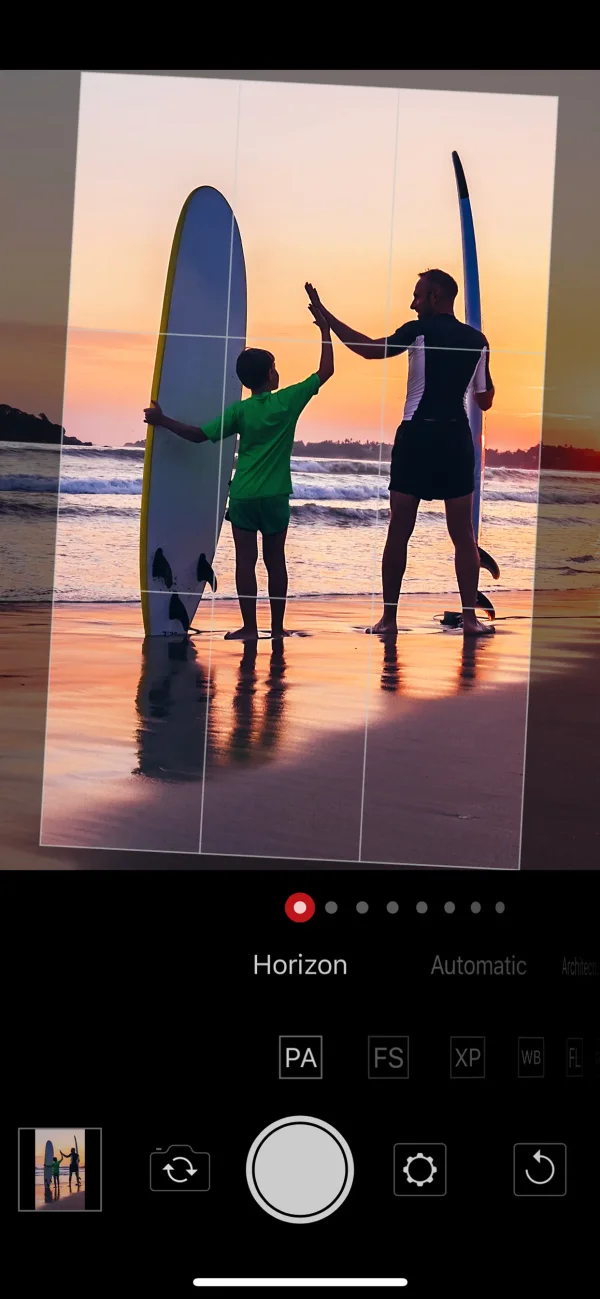
• Horizon
It automatically does what many photographers usually do by hand or with gimbals: Hold the camera straight.
• Automatic
Let the Perspective Assistant automatically select between Architecture and Horizon modes to avoid extreme distortion at the edges of the image.
• Architecture
The mode for professional architectural photography – the perspective is automatically corrected to avoid falling lines.
• Gallery
In Gallery mode, photograph vertical or horizontal surfaces exactly from the front, even though the situation only allows a sloping shooting angle. The magnetic axis makes alignment easy and very accurate.
• Easel
For inclined surfaces such as flipcharts, screens or simply easels, there is also the Easel mode with the practical magnetic angle.
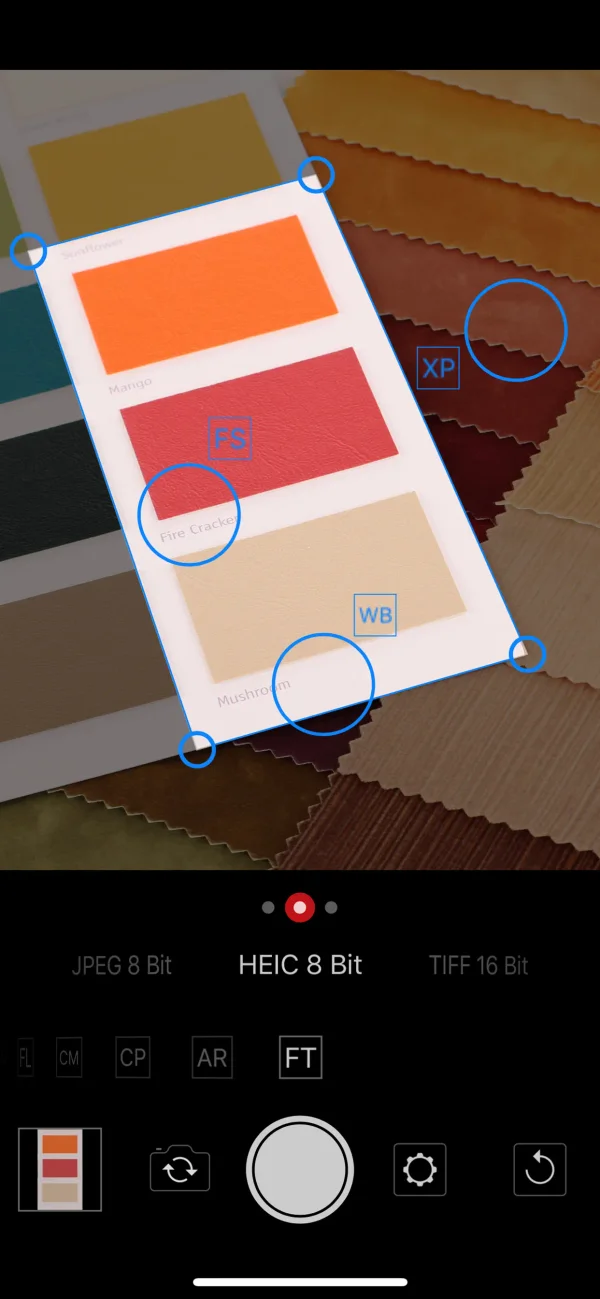
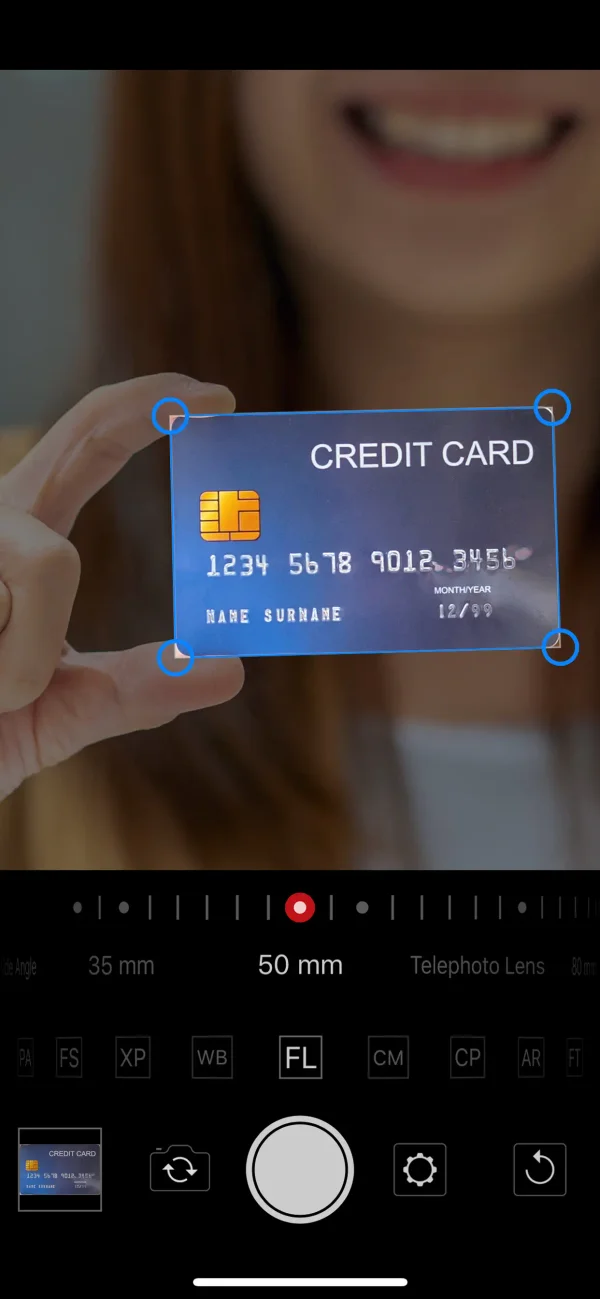
• Rectangle
With the magnetic frame, you can shoot rectangular objects of any kind as if they were taken from the front and crop them in their original proportions, (almost) regardless of the shooting angle.
• Calibrate
Also use the Calibrate mode with its magnetic axes to achieve even more precision in aligning your photos. Once performed, the calibration is always maintained.
• Deactivated
With this you can also take really skewed pictures.
FOCUS
• Automatic
• Spot
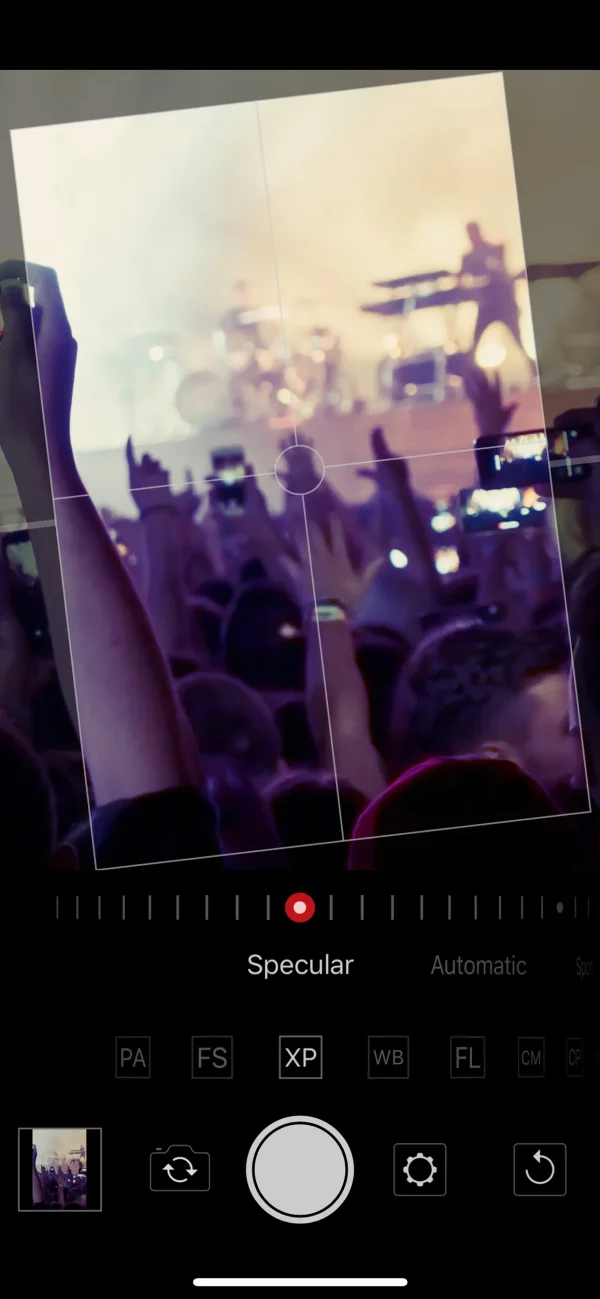
EXPOSURE
• Lights
• Automatic
• Spot
• Lock
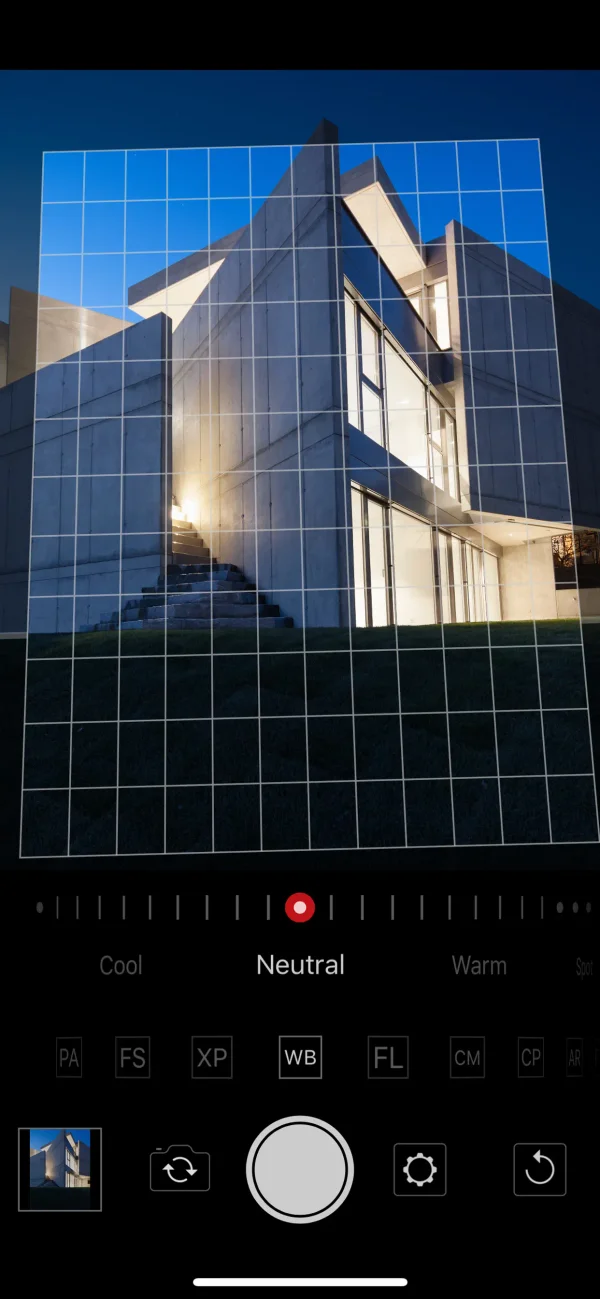
WHITE BALANCE
• Cold
• Neutral
• Warm
• Spot
• Lock
FOCAL LENGTH
• Ultra Wide Angle (if available)
• 20 mm (if available)
• Wide Angle
• 35 mm
• 50 mm
• Telephoto Lens (if available)
• 80 mm
• 135 mm
• 200 mm
• 300 mm
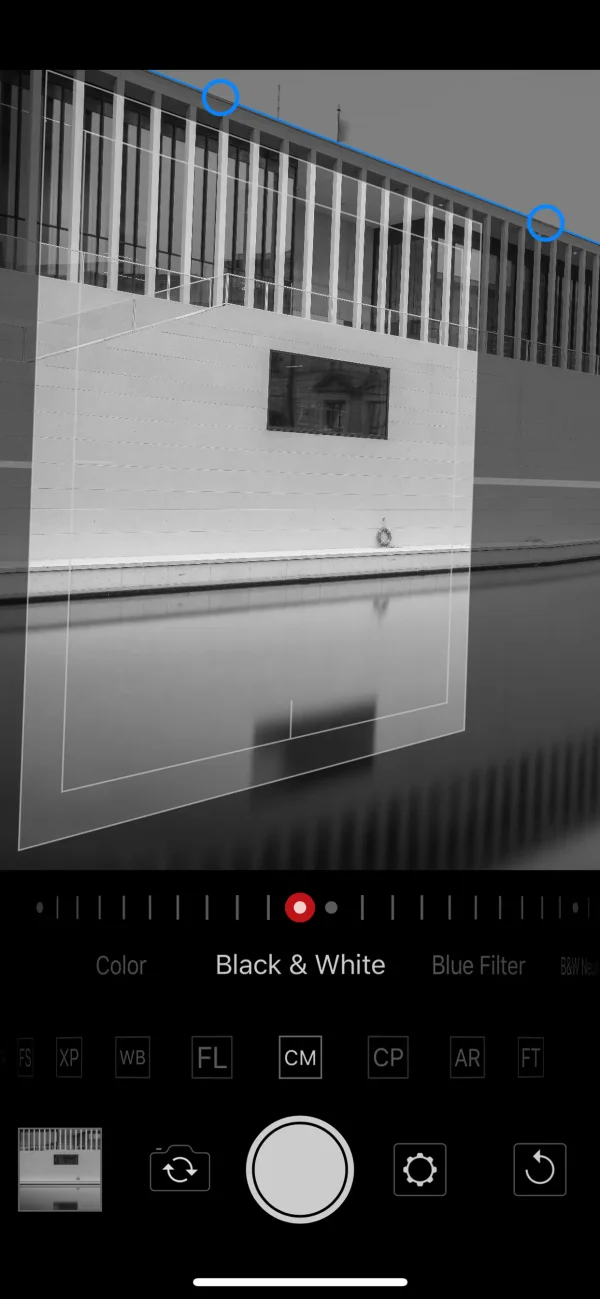
COLOR MODE
• Color (in gradations)
• Black & White
• Blue Filter
• BW Neutral
• Red Filter
COMPOSITION
• Empty
• Frame
• Crosshair
• Grid
• Golden Section
• Golden Spiral
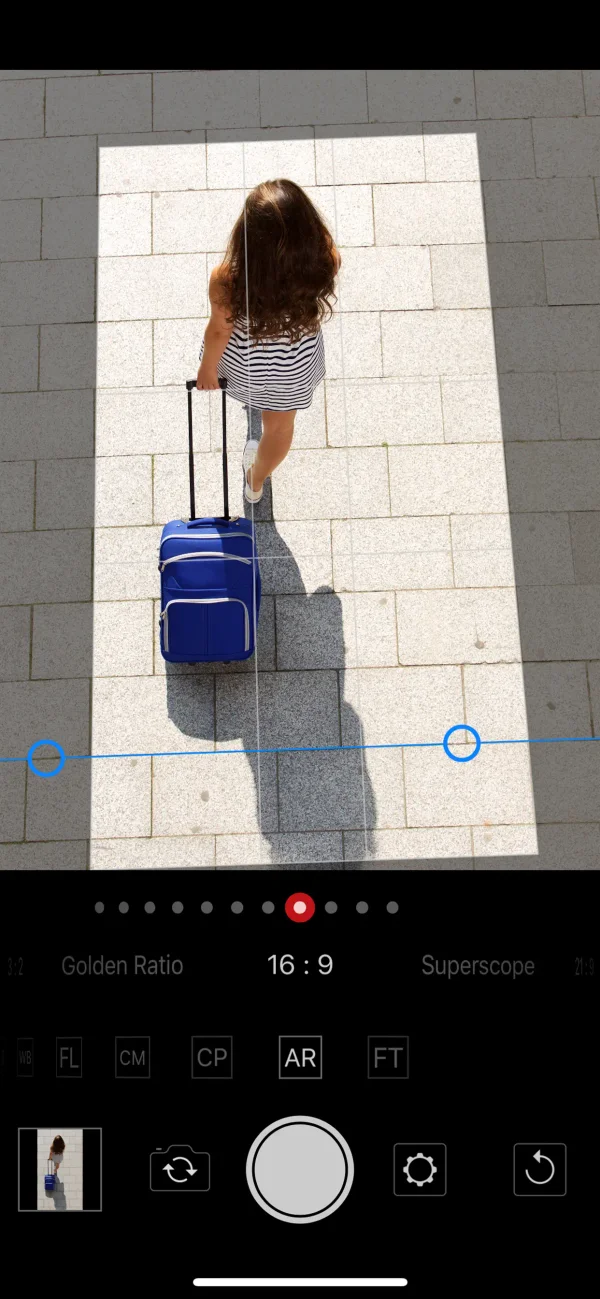
ASPECT RATIO
• Square
• 7 : 6
• 5 : 4
• 4 : 3
• DIN A Format
• 3 : 2
• Golden Section
• 16 : 9
• Superscope
• 21 : 9
• CinemaScope
FILE TYPE (iOS 13 and higher)
• L97JPEG 8 sRGB
• JPEG 8 P3
• TIFF 16 sRGB (high memory requirement!)
• TIFF 16 P3 (high memory requirement!)
With the practical reset button, you can quickly reset Gimbse at any time to be ready for the next snapshot. Configure Gimbse conveniently in the settings. You can also have a comparison image saved for each shot. This shows a before/after comparison between the captured image and the version created by Gimbse.
Discover the incredible new design options that Gimbse can offer you!
新機能
バージョン 2.5 · 2026/6/9
Various optimisations and bug fixes in the focal length function.
アプリのプライバシー
このアプリのデータの取り扱いについて、Christian KappertzがApp Storeで申告している内容です。
-
データの収集なし
開発元はこのアプリからデータを収集しません。
プライバシーの取り扱いは、ご利用の機能やお客様の年齢などに応じて異なる場合があります。
情報
- 販売元
- Christian Kappertz
- カテゴリ
- 写真/ビデオ
- バージョン
- 2.5
- 更新日
- 2026/6/9
- リリース
- 2018/4/28
- サイズ
- 1.9 MB
- 必要条件
- iOS 13.0以降
- 対象年齢
- 4+
- 言語
- 英語, デンマーク語, オランダ語, フィンランド語, フランス語, ドイツ語, イタリア語, ノルウェー語 (ブークモール), ポルトガル語, スペイン語, スウェーデン語
- 著作権
- © 2018-2020 Christian Kappertz
こちらもおすすめ
-
 Instant Camera 落書きOK!インスタントカメラ
-
 パノラマ電卓 Proプロフェッショナルのためのプロフェッショナルから
-
 myFilm 一眼レフ風カメラ一眼レフのようなボケのある仕上がり
-
 Cam+ (for geeks)ISO/SS/電子水準器の表示に対応
-
 iFilters - Express Selfies写真編集と美容カメラ
-
 Poster Shine Pro - posterize写真/ビデオ
-
 Blackie写真/ビデオ
-
 Color Splash for iPad写真/ビデオ
-
 Collage Maker for Photos写真/ビデオ
-
 Mobiography Magazine写真/ビデオ