
- Age rating4+
- CategoryUtilities
- DeveloperGallagher & Robertson AS
- Size61.5 MB
Links to the official App Store page
Download.org hosts no file of Glink VT. The button opens its official App Store page, published by Gallagher & Robertson AS. Listing last checked on Nov 17, 2026.
Screenshots

About
Glink VT for iOS is a terminal emulator application that runs on iPad, iPhone and Mac's with M1/M2 chip. It is a port of our immensely successful and popular Glink for Windows product that has been chosen by more than 600,000 people world wide for connection to legacy host applications.
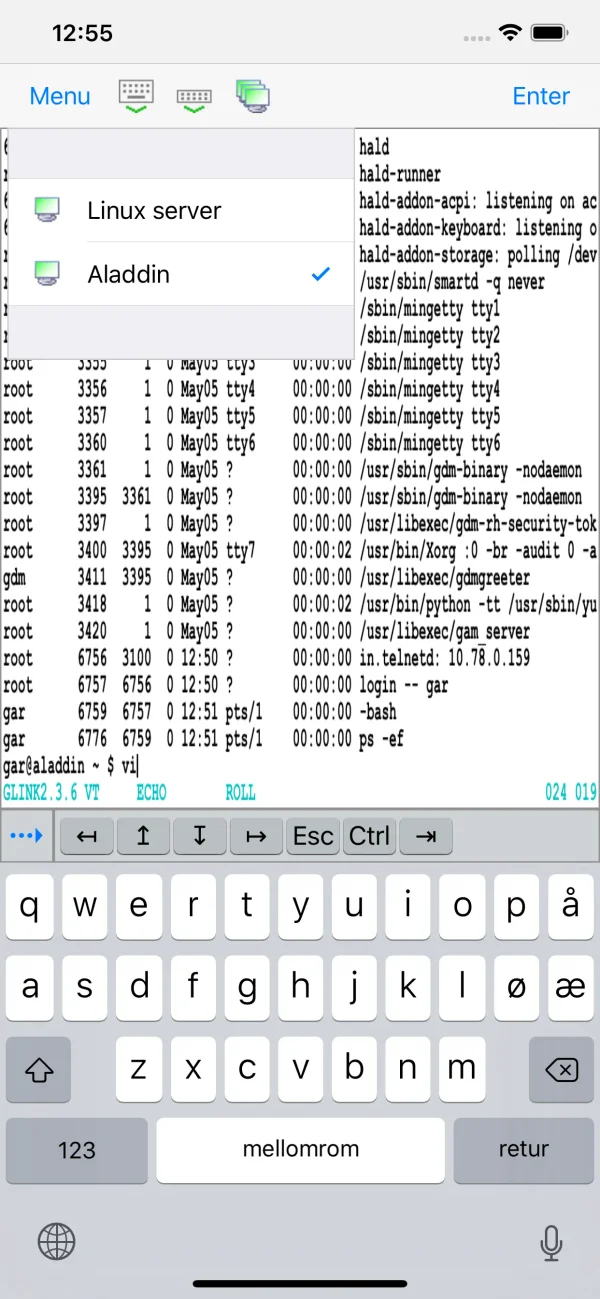
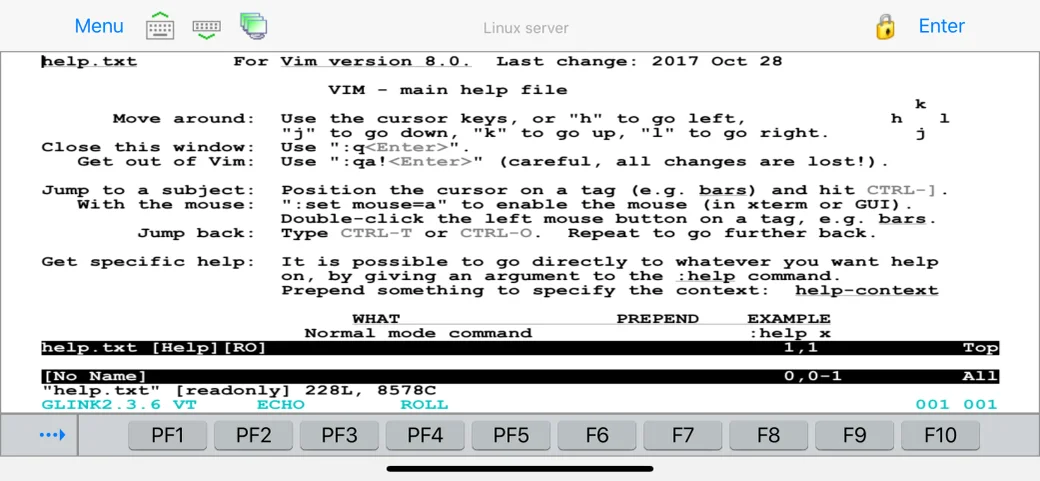
Glink VT is used to access applications running on UNIX, AIX, Linux and DEC host systems. Glink VT emulates DEC VT100/102/220/320/340/420 terminals and uses the Telnet or SSH protocols for communication with the host systems.
Glink brings you a high quality and proven emulator on your iPad, iPhone or iPod touch devices.
Glink supports GlinkProxy, a server application designed to provide persistent host connections for Glink clients where the connection from the client device is unreliable. This may be because the device enters sleep mode or goes out of Wi-Fi range.
FEATURES
- DEC VT420, VT320/340, VT220 and VT100/VT102 terminal emulation, all screen sizes
- Telnet communication to host
- IPv6 (Internet Protocol version 6) supported
- SSL/TLS support for secure communication
- SSH for direct communication with the SSH Daemon
- SSH tunneling for Telnet protocol
- Username/password or private key for SSH authentication
- Multiple concurrent host sessions
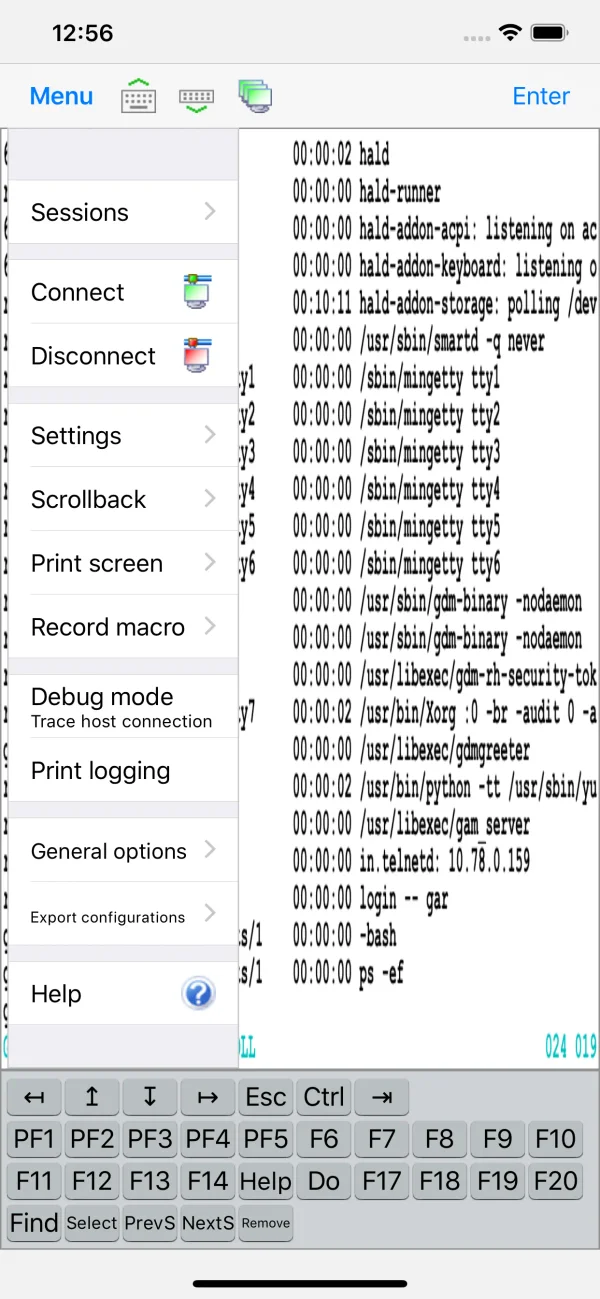
- Configurable multi line toolbar with function keys and macros
- Configurable hot spots for function keys, numbers, characters and URLs
- Macro recording for auto-login and for assignment to toolbar
- Pop-up standard keyboard with support of international characters
- Tab/shift-Tab and arrow-keys supported on external Bluetooth keyboard
- All major function keys available as keyboard shortcuts
- Press and hold Command-key on external keyboard to see list of built-in keyboard shortcuts
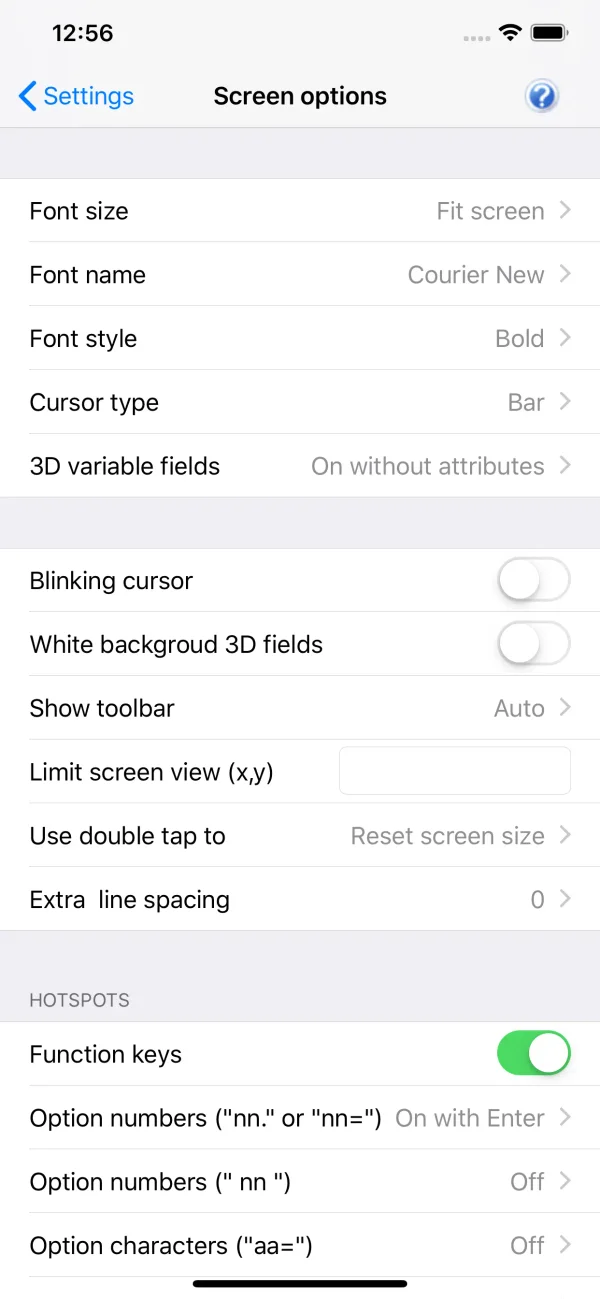
- Colors can be customized
- Supports GlinkProxy Session Persistence Server
- Multiple host configurations supported
- Export and import of configurations
- Supports Managed App Configuration, which allows users to configure Glink remotely through Mobile Device Management (MDM)
- Optional password to access configurations
- Optional auto-connect and auto-login at startup
- Optional use of double-tap as Enter/Transmit
- Configurable scroll-back buffer contains history of your host session
- Print or e-mail host print data
- Print or e-mail terminal emulation content or scroll-back buffer content
- Zoom and scroll as the Safari browser
- Dynamic zoom to cursor position
- Blinking attribute supported
- Blinking cursor supported
- Two finger swipe gesture to move cursor
- Tap and hold to open Mail with e-mail address on screen
- Supports external Bluetooth keyboards and barcode scanners
What’s new
Version 2.5.6 · Jun 30, 2025
- Correction for shifted function keys on physical keyboard
- Horizontal toolbar / snap to next set of buttons when swiped
- Max consecutive host bells
- Minor corrections and new features
App privacy
What Gallagher & Robertson AS declares on the App Store about how this app handles data.
-
Data not collected
The developer does not collect any data from this app.
Privacy practices may vary, for example with the features you use or your age.
Information
- Seller
- Gallagher & Robertson AS
- Category
- Utilities
- Version
- 2.5.6
- Updated
- Jun 30, 2025
- Released
- Jul 24, 2012
- Size
- 61.5 MB
- Requires
- iOS 11.0 or later
- Age rating
- 4+
- Price
- $9.99
- Copyright
- © Gallagher & Robertson AS
You might also like
-
 Viewer3DView STL, STEP, OBJ & 3DM
-
 uFTP Server2ultra small FTP server
-
 Simply: CountdownEvent tracker with widgets
-
 Easy Markdown ReaderUtilities
-
 Device Tester Pro:System CheckMemory Checker & Hardware Test
-
 TERMinator - BBS TerminalRetro BBS Telnet & SSH Client
-
 Thermal KitUtilities
-
 Simple Countdown WidgetSimple Important Event tracker
-
 TinyTERM Enterprise ASUtilities
-
 VersaDeskUtilities