Google Drive
Store, access and scan files
Designed for iPhone, iPad
Free · In-app purchases
- Age rating4+
- CategoryProductivity
- DeveloperGoogle
- LanguagesEnglish+ 66 more
- Size453.2 MB
Links to the official App Store page
Download.org hosts no file of Google Drive. The button opens its official App Store page, published by Google. Listing last checked on Nov 23, 2026.
Screenshots
About
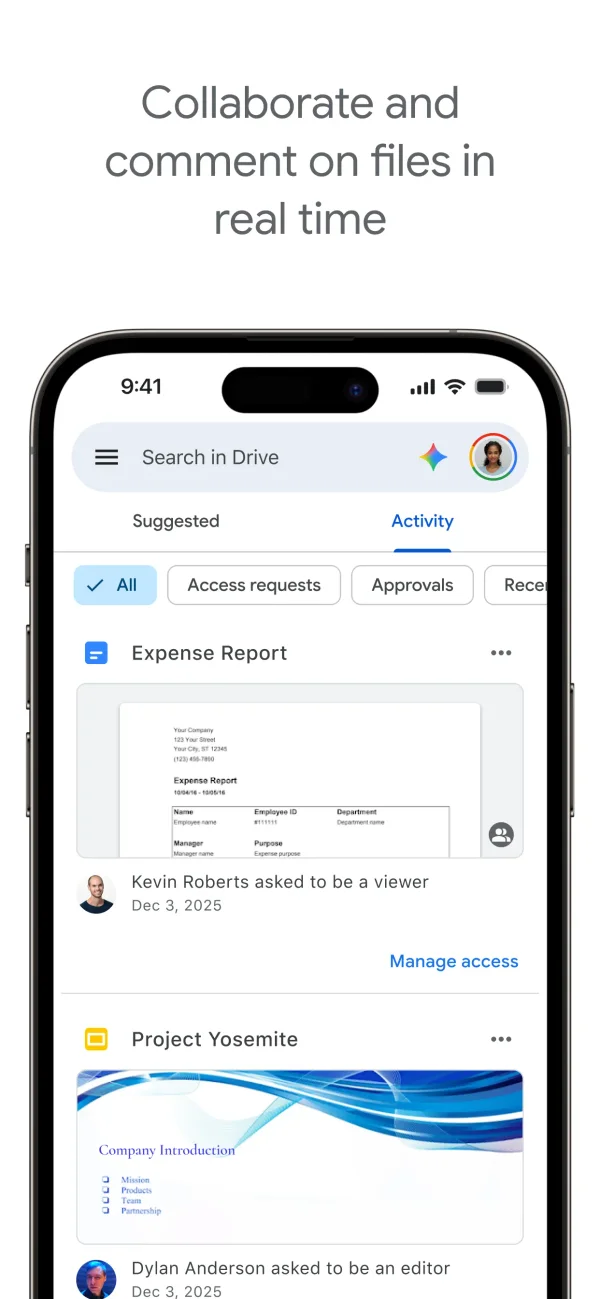
Google Drive lets you securely store, intelligently organize and collaborate on files and folders from anywhere, on any device.
With Drive, you can:
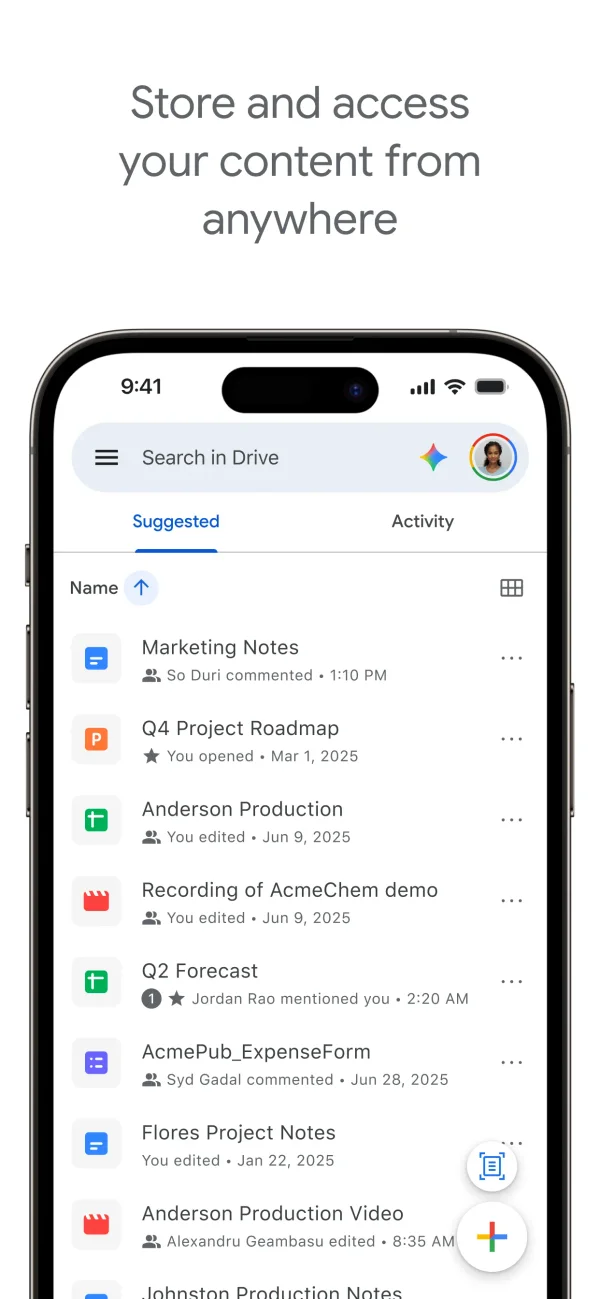
• Safely store and access your files anywhere
• Edit and store 100+ file types, including PDFs, Office files, videos and more
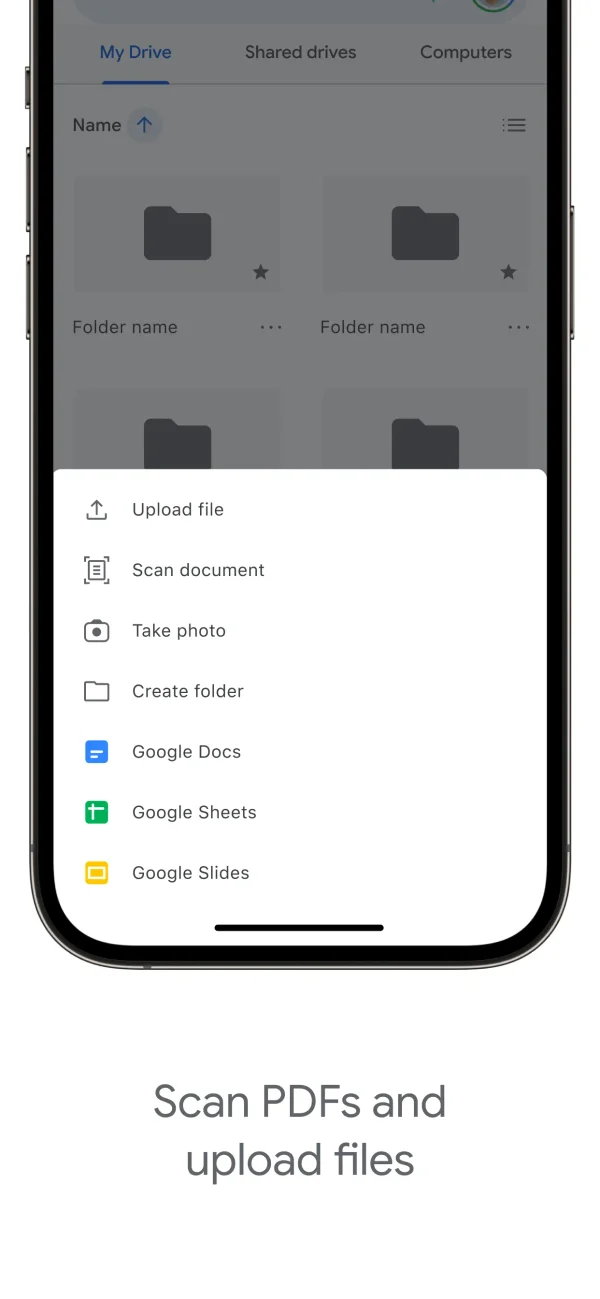
• Scan and upload paper documents using your device’s camera
• Quickly access recent and important files
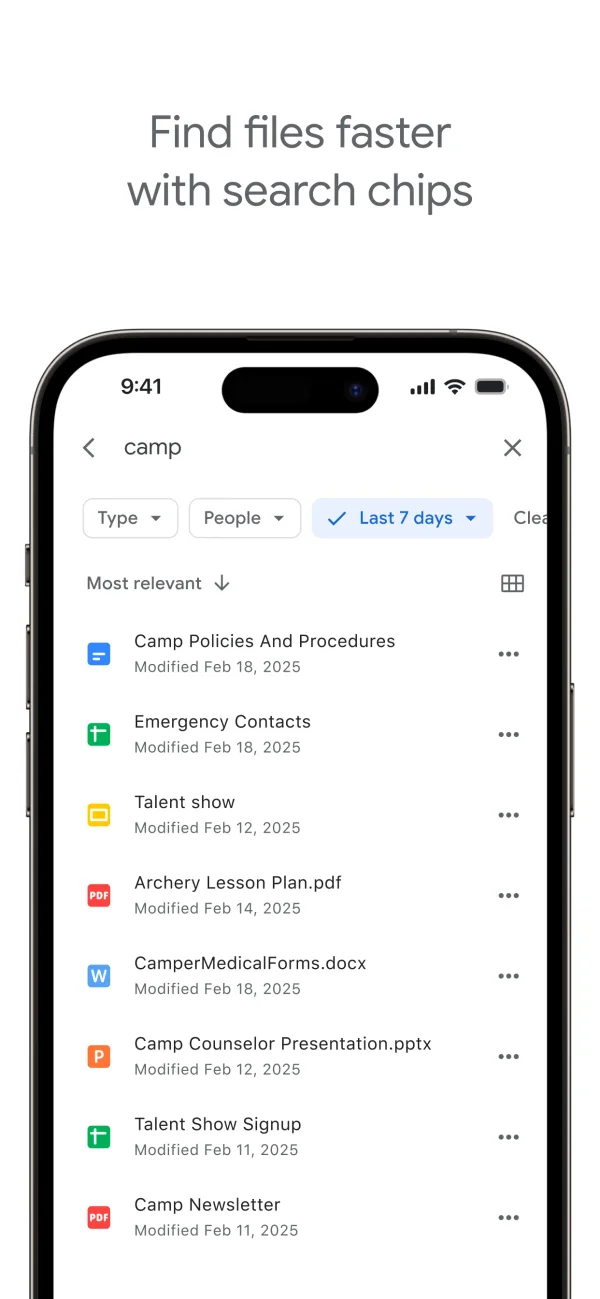
• Search for files by name and content
• Filter files by type, last modified date and more
• Share and set permissions for files and folders
• View your content on the go while offline
• Receive notifications about important activity on your files
Google Workspace subscribers have access to additional Drive functionality, including:
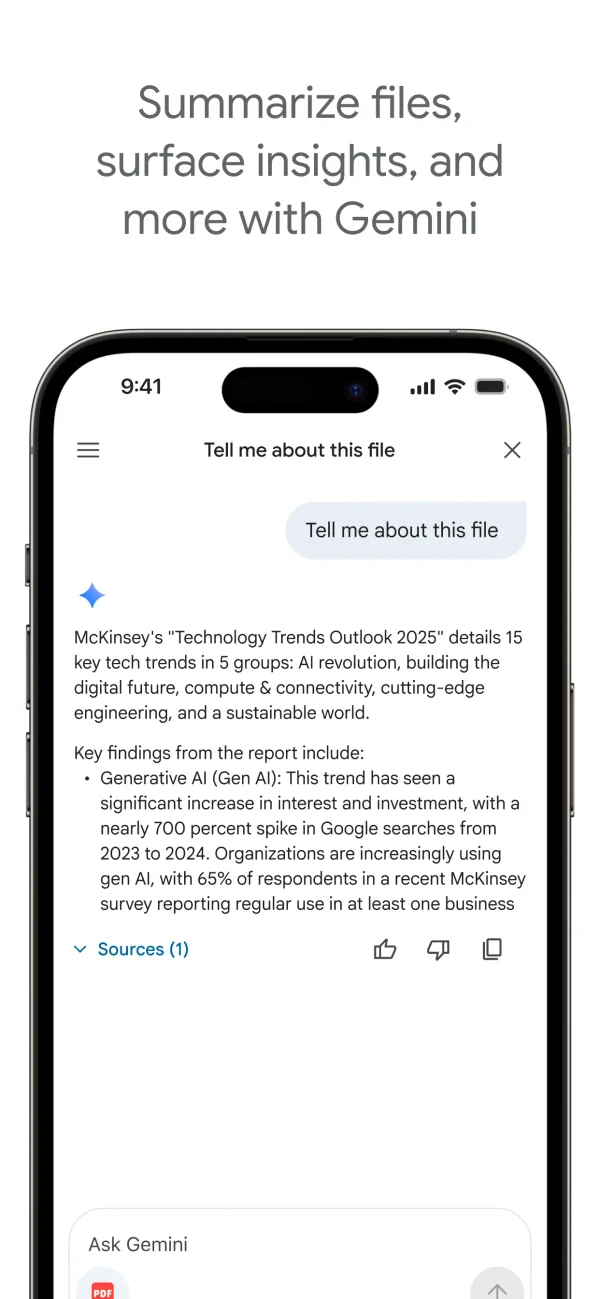
• Using AI to summarize information, retrieve quick facts, and surface insights from your files
• Security and management controls for admins to help meet data compliance needs
• Sharing files and folders directly with groups or teams within your organization
• Creating a shared drive to store all of your team’s content
• Requesting electronic signatures and manage vendor agreements, customer contracts, and more
Learn more about Google Apps update policy: https://support.google.com/a/answer/6288871
Google accounts get 15GB of storage, shared across Google Drive, Gmail, and Google Photos. For additional storage, you can upgrade to Google Workspace or Google One as an in-app purchase.
Storage subscriptions purchased from the app will be charged to your iTunes Account, and automatically renew unless auto-renew is turned off at least 24 hours before the end of the current period. Subscriptions and auto-renewal may be managed by going to iTunes Account Settings after purchase.
Google Privacy Policy: https://www.google.com/intl/en_US/policies/privacy
Google Drive Terms of Service: https://www.google.com/drive/terms-of-service
Follow us for more:
X: https://x.com/googleworkspace and https://x.com/googledrive
LinkedIn: https://www.linkedin.com/showcase/googleworkspace
Facebook: https://www.facebook.com/googleworkspace/
What’s new
Version 4.2645.41004 · Nov 12, 2026
* Bug fixes and performance improvements
App privacy
What Google declares on the App Store about how this app handles data.
-
Data linked to you
May be collected and linked to your identity.
- Purchases
- Location
- Contact info
- Contacts
- User content
- Search history
- Identifiers
- Usage data
- Diagnostics
- Other data
Privacy practices may vary, for example with the features you use or your age.
Information
- Seller
- Google LLC
- Category
- Productivity
- Version
- 4.2645.41004
- Updated
- Nov 12, 2026
- Released
- Jun 28, 2012
- Size
- 453.2 MB
- Requires
- iOS 17.0 or later
- Age rating
- 4+
- Price
- Free
- In-app purchases
- Yes
- Languages
- English, Afrikaans, Amharic, Arabic, Armenian, Azerbaijani, Basque, Belarusian, Bengali, Bulgarian, Cambodian, Catalan + 55 more
- Copyright
- © Google Inc.
You might also like
-
 Microsoft OneDriveFile & photo cloud storage
-
 Verizon CloudProductivity
-
 Contacts Sync: Google & MoreSync Google, Outlook, & More!
-
 4shared MobileProductivity
-
 WPS Office-AI Doc, PDF, SheetWord, Excel, PPT & Forms
-
 Microsoft OutlookSecure Email, Calendar & Files
-
 MEGA: Encrypted Cloud StoragePrivate cloud & file sharing
-
 Microsoft WordCreate a Resume, Essay or PDF
-
 Dropbox: Cloud Storage BackupFile Transfer & Photo Drive
-
 iLovePDF - PDF Editor & ScanFor Work, Study & E-Signing