
Microsoft OneDrive
File & photo cloud storage
Designed for iPhone, iPad
Free · In-app purchases
- Age rating4+
- CategoryProductivity
- DeveloperMicrosoft Corporation
- LanguagesEnglish+ 32 more
- Size356.3 MB
Links to the official App Store page
Download.org hosts no file of Microsoft OneDrive. The button opens its official App Store page, published by Microsoft Corporation. Listing last checked on Nov 23, 2026.
Screenshots





About
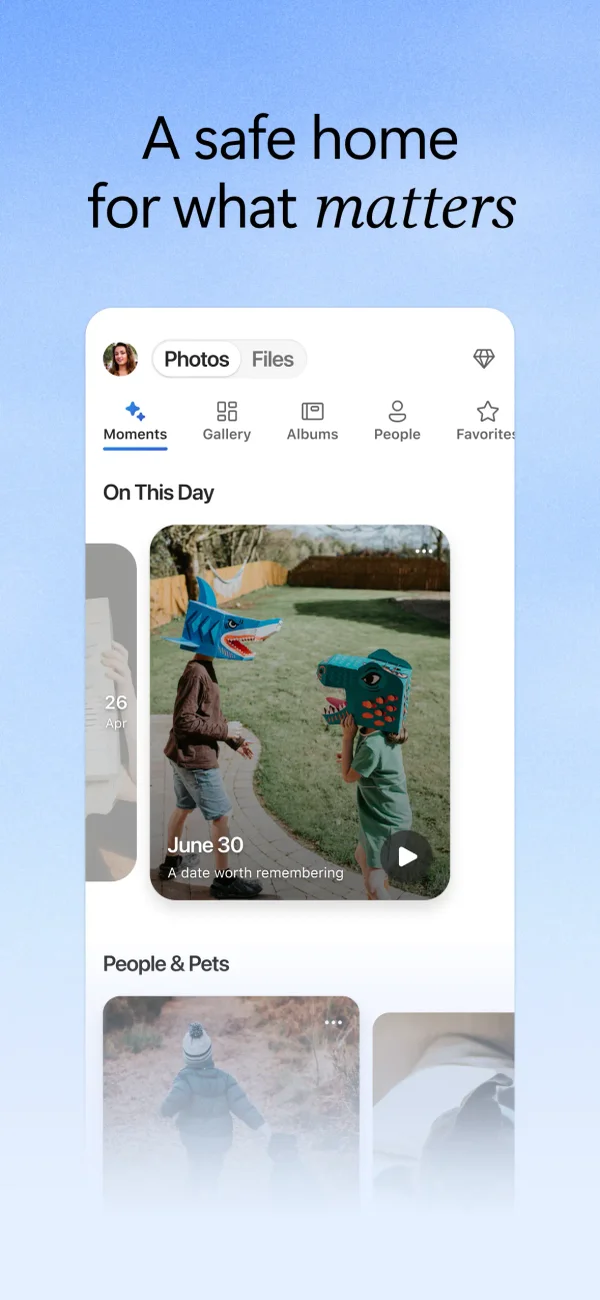
Microsoft OneDrive keeps your photos and files backed up, protected, synced, and accessible on all your devices. The OneDrive app lets you view and share OneDrive files, documents, photos, and videos with friends and family. You can use the app to automatically back up your phone's photos and videos. Start with 5 GB of free cloud storage or upgrade to a Microsoft 365 subscription to get 1 TB of storage.
Microsoft OneDrive offers the following features:
Back up photos and videos
• Automatic photo and video backup when you turn on Camera Upload
• Find photos easily thanks to automatic tagging
• View photos on your phone, computer, and online
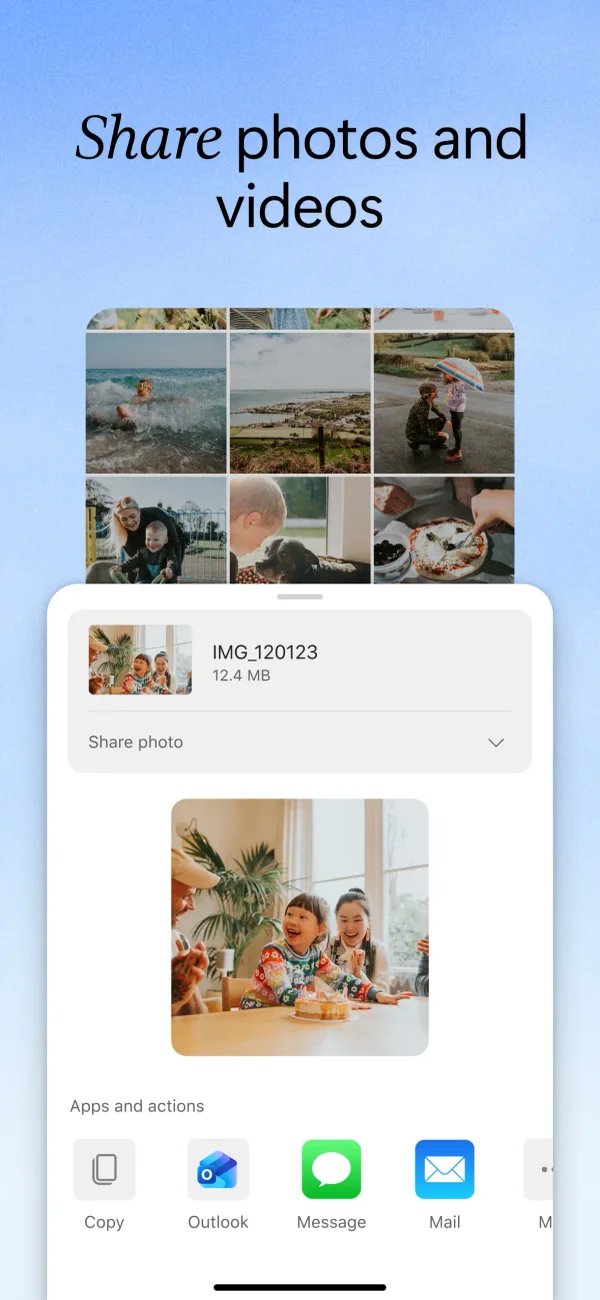
File sharing and management
• Share docs, photos, videos, and albums with friends and family
• Get notifications when a shared document is edited
• Set password-protected or expiring sharing links*
• Access entire folders on the app without being online*
Scan
• Scan documents, business cards, receipts, whiteboards, and more
• Mark up, sign, and send docs right from the OneDrive mobile app
Search
• Search photos by what's in them (i.e. beach, snow, etc.)
• Search docs by name or content
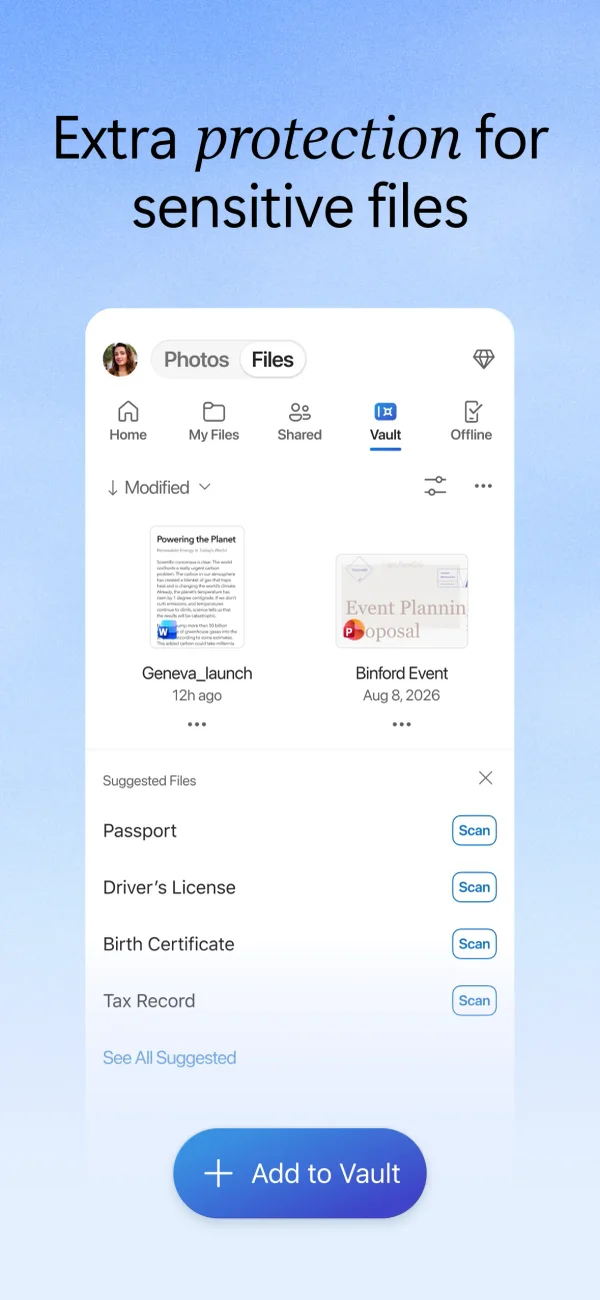
Security
• Personal Vault lets you protect your important files with identity verification
• Restore documents with version history on all files
• Ransomware detection and recovery*
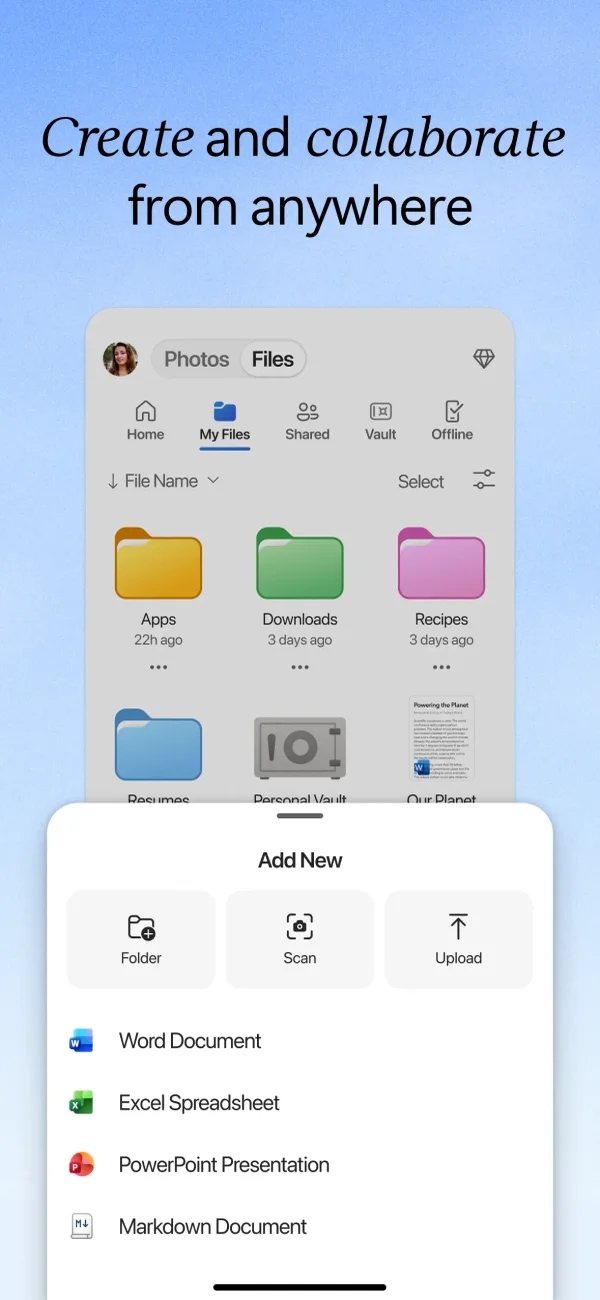
Works with Microsoft Word, Excel, PowerPoint, OneNote, Outlook
• Back up, view, and save your Office documents.
• Use Microsoft Office apps to edit and collaborate in real time on Word, Excel, PowerPoint, and OneNote files stored in OneDrive.
Upgrade to a Microsoft 365 subscription
With a Microsoft 365 Personal subscription you get 1 TB of storage with Personal, or 2 TB of shared storage for up to 6 people with Family, OneDrive premium features, and access to all features in Word, Excel, PowerPoint, Outlook, and OneNote on iPad, iPhone, and iPod touch, and you can install Word, Excel, PowerPoint, and Outlook on PCs or Macs.
To make an in-app purchase of a Microsoft 365 Personal or Family subscription: open the app, tap the Me tab, then tap your storage or the diamond icon.
Subscriptions begin at $6.99 a month in the US, and can vary by region. Microsoft 365 subscriptions and OneDrive standalone subscriptions purchased from the app will be charged to your iTunes account and will automatically renuew within 24 hours prior to the end of the current subscription period, unless auto-renewal is disabled beforehand.
To manage your subscriptions or to disable auto-renewal, after purchase, go to your iTunes account settings. A subscription cannot be cancelled or refunded during the active subscription period.
Using this OneDrive app for work or school
For you to sign into your work or school account on OneDrive, your organization needs to have a qualifying OneDrive, SharePoint Online or Microsoft 365 business subscription plan.
Privacy
This app is provided by Microsoft. Data provided through the use of this store and this app may be accessible to Microsoft and transferred to, stored, and processed in the United States or any other country where Microsoft or its affiliates maintain facilities.
Privacy Policy: https://go.microsoft.com/fwlink/?LinkID=507539.
Terms of Use: https://go.microsoft.com/fwlink/p/?LinkID=246338.
Consumer Health Data Privacy Policy: https://go.microsoft.com/fwlink/?linkid=2259814.
*Requires Microsoft 365 Personal or Family subscription
What’s new
Version 26.2.2 · Nov 16, 2026
We've updated OneDrive to make the most of iPhone Duo's unique design, with improvements to how you browse and manage your files and photos.
App privacy
What Microsoft Corporation declares on the App Store about how this app handles data.
-
Data linked to you
May be collected and linked to your identity.
- Contact info
- User content
- Identifiers
- Usage data
- Diagnostics
-
Data not linked to you
May be collected but is not linked to your identity.
- Diagnostics
Privacy practices may vary, for example with the features you use or your age.
Information
- Seller
- Microsoft Corporation
- Category
- Productivity
- Version
- 26.2.2
- Updated
- Nov 16, 2026
- Released
- Dec 13, 2011
- Size
- 356.3 MB
- Requires
- iOS 26.0 or later
- Age rating
- 4+
- Price
- Free
- In-app purchases
- Yes
- Languages
- English, Arabic, Catalan, Croatian, Czech, Danish, Dutch, Finnish, French, German, Greek, Hebrew + 21 more
- Copyright
- © 2025 Microsoft Corporation. All rights reserved.
You might also like
-
 Verizon CloudProductivity
-
 Google DriveStore, access and scan files
-
 Box: The power of Content + AIIntelligent Content Management
-
 Google OneCloud storage, backup & more
-
 Dropbox: Cloud Storage BackupFile Transfer & Photo Drive
-
 Google Keep - Notes and listsNotes and lists
-
 Google CloudProductivity
-
 Google Calendar: Get OrganizedEasily plan & schedule
-
 Google DocsEdit Documents and Collaborate
-
 Easy Voice RecorderAudio and voice recorder