
- Age rating12+
- CategoryProductivity
- DeveloperVerizon Wireless
- LanguagesEnglish+ 1 more
- Size165.8 MB
Links to the official App Store page
Download.org hosts no file of Verizon Cloud. The button opens its official App Store page, published by Verizon Wireless. Listing last checked on Nov 20, 2026.
Screenshots
About
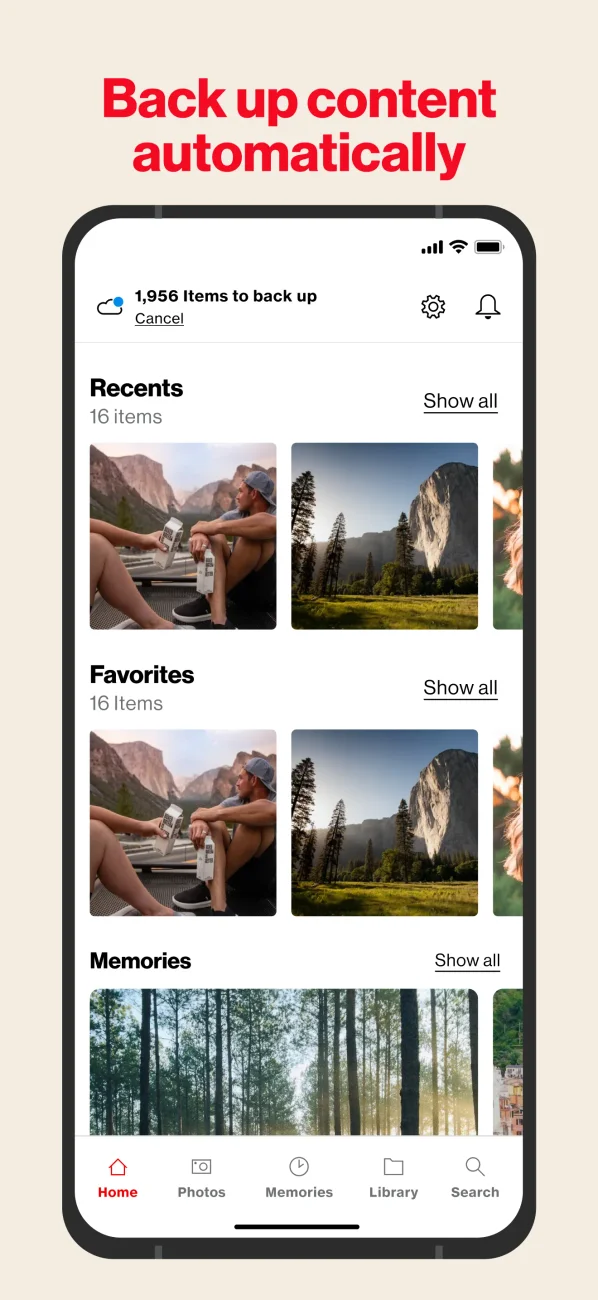
Verizon Cloud gives you space for your digital world, so you can easily backup and access your
photos, videos and documents securely and privately. Keep your content handy on your mobile
devices, access it when you need it from your smartphone/tablet and computer and easily transfer
content when changing devices.*
The Verizon Cloud app lets you:
- Enjoy unlimited storage across unlimited compatible devices (with our Unlimited Individual
or Unlimited Group plan, shareable by up to 5 users).*
- Share your content easily with family and friends using your favorite apps.
- Share storage with up to 5 users on compatible devices with our Unlimited Group plan. Each
user that becomes a member of an Unlimited Group plan gets their own Unlimited Cloud
storage; at no extra charge.
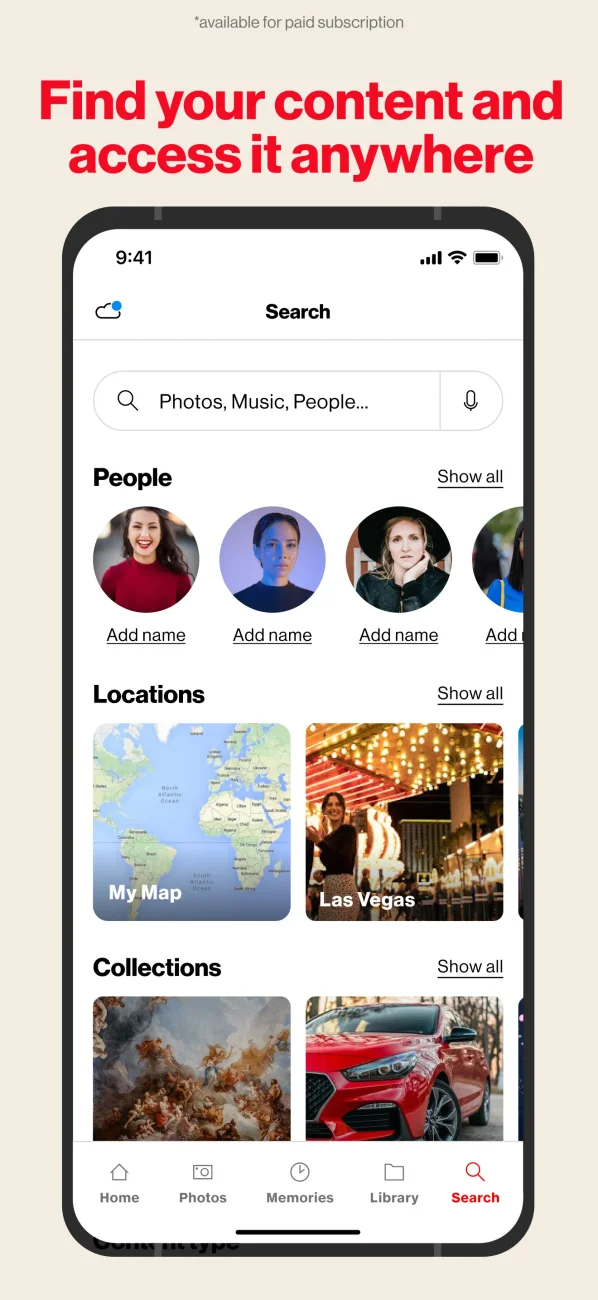
- Organize and find your photos by labeling friends and family using Tag and Search.
- View and interact with photos/videos on a geographical map with Locations.
- Order prints and gifts displaying your favorite photos.
- Share your content freely across compatible devices, regardless of which operating system
they use.
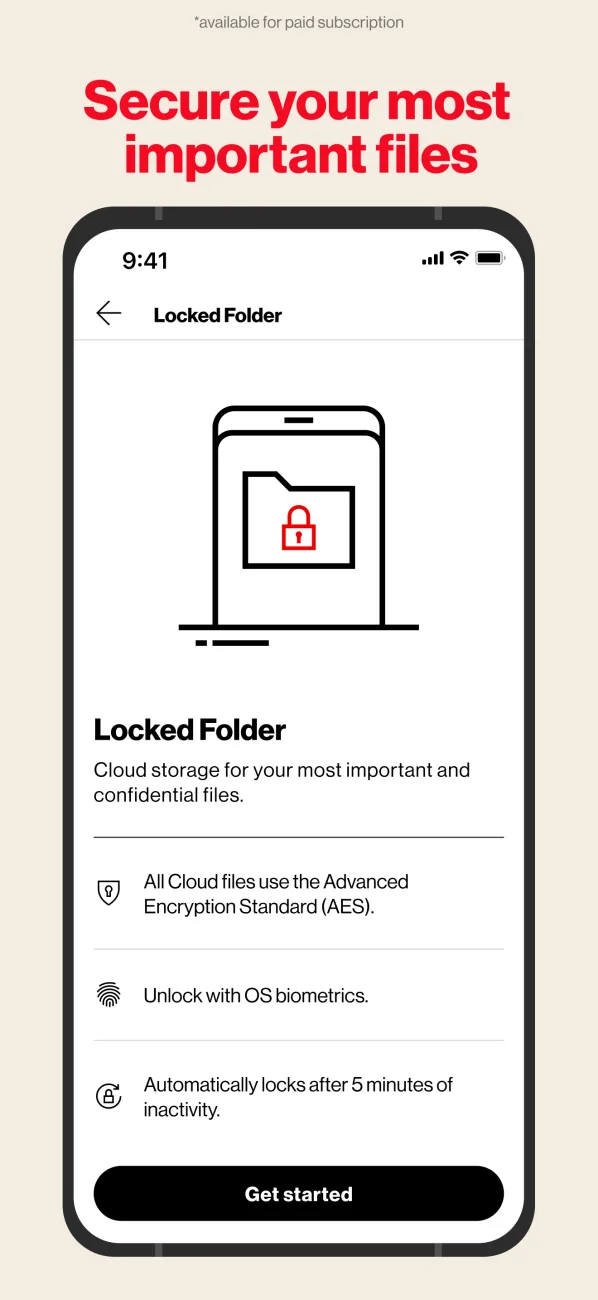
- Safeguard sensitive content with a PIN-protected private folder.
- Create movies and customize photos with filters and fun stickers to share.
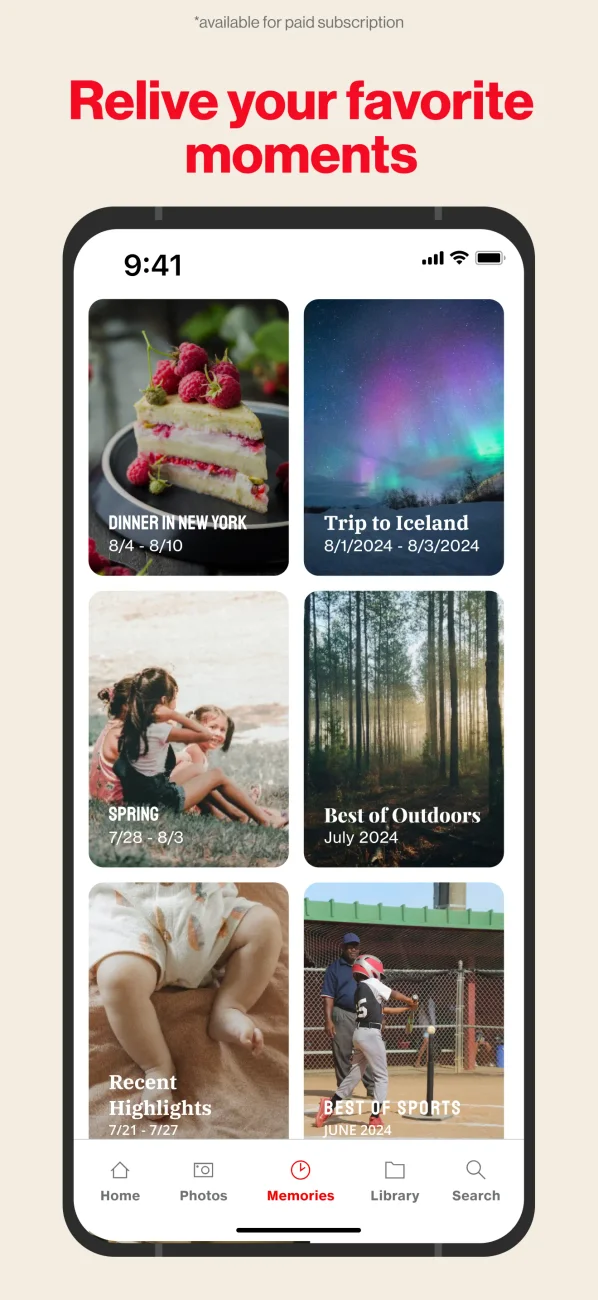
- Relive your memories with weekly photo and video Flashbacks and Stories.
- Back up the original sizes of your photos, videos (with no degradation in quality), and sync
your contacts.
Download Verizon Cloud today and make the most of your digital memories.
Available Plan options: 600GB (single user), Unlimited Individual (single user) and Unlimited Group
(up to 5 users). Sign up today and your first 30 days are on us.**
*Verizon's Cloud App requires a Verizon standard monthly account on an eligible device. Verizon
Cloud does not back up operating systems, settings, apps, emails, external drives and uncommon
file types. Backup varies by operating platform. See www.verizon.com/support/verizon-cloud-faqs
for service limitations. To view complete Terms and Conditions go to
http://www.verizonwireless.com/support/cloud-legal/
** First 30 days free for new Cloud customers. Thereafter, you will be charged $13.99/mo. for
Unlimited Individual, $19.99/mo. for Verizon Cloud Unlimited Group, or $5.99/mo. for 600 GB,
respectively, unless you cancel before the promo period ends. Cancel anytime through the Verizon
Cloud app or My Verizon
What’s new
Version 26.11.8 · Oct 29, 2026
- Improved performance and bug fixes
App privacy
What Verizon Wireless declares on the App Store about how this app handles data.
-
Data linked to you
May be collected and linked to your identity.
- Purchases
- Contact info
- Contacts
- User content
- Identifiers
- Usage data
- Diagnostics
-
Data not linked to you
May be collected but is not linked to your identity.
- Diagnostics
Privacy practices may vary, for example with the features you use or your age.
Information
- Seller
- Verizon Wireless
- Category
- Productivity
- Version
- 26.11.8
- Updated
- Oct 29, 2026
- Released
- May 16, 2013
- Size
- 165.8 MB
- Requires
- iOS 18.4 or later
- Age rating
- 12+
- Price
- Free
- Languages
- English, Spanish
- Copyright
- © Verizon Wireless
You might also like
-
 Microsoft OneDriveFile & photo cloud storage
-
 AOL Mail, News, WeatherFast, secure & organized email
-
 Link to WindowsLink your phone and PC
-
 Google CloudProductivity
-
 LastPass Password ManagerStore & Autofill Passwords
-
 Google Keep - Notes and listsNotes and lists
-
 Cloud Storage: Cloud Drive AppSecure Photo & Video Backup
-
 Google DriveStore, access and scan files
-
 Smart Switch my Phone TransferMove Data to iOS & Contacts
-
 Google OneCloud storage, backup & more