Google Tasks: VIBRA Tasks
Multiple Accounts & Widgets
Designed for iPhone, iPad
Free · In-app purchases
- Age rating4+
- CategoryProductivity
- DeveloperVIBRA K.K.
- LanguagesEnglish+ 10 more
- Size31.6 MB
Links to the official App Store page
Download.org hosts no file of Google Tasks: VIBRA Tasks. The button opens its official App Store page, published by VIBRA K.K. Listing last checked on Nov 23, 2026.
Screenshots
About
Now with Siri AI support. On supported devices running iOS 27 or later, ask Siri to create, update, complete, reopen, or delete tasks and create lists. Requires Apple Intelligence and Siri to be set up and a Google account connected in VIBRA Tasks. Language and regional availability depend on Apple.
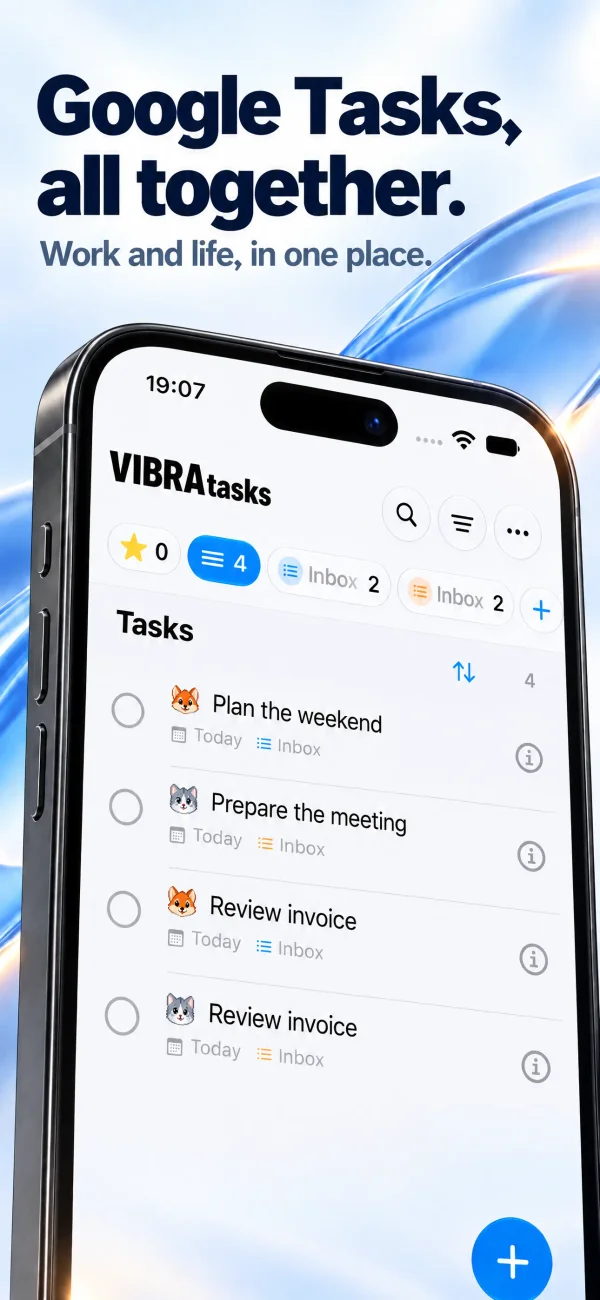
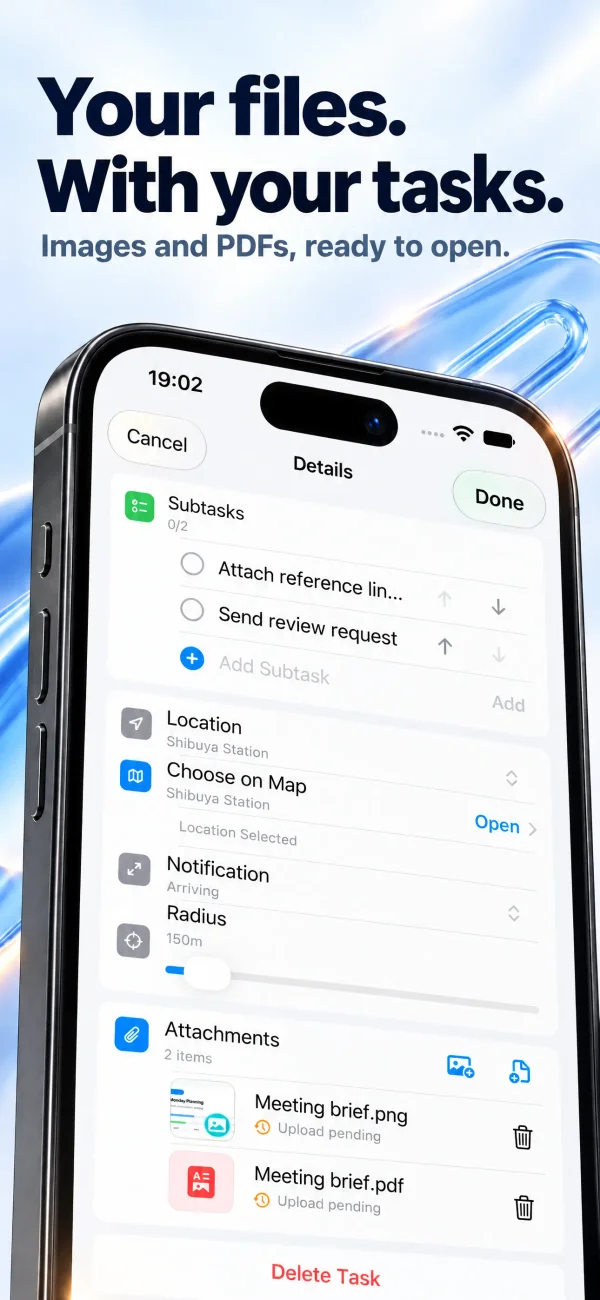
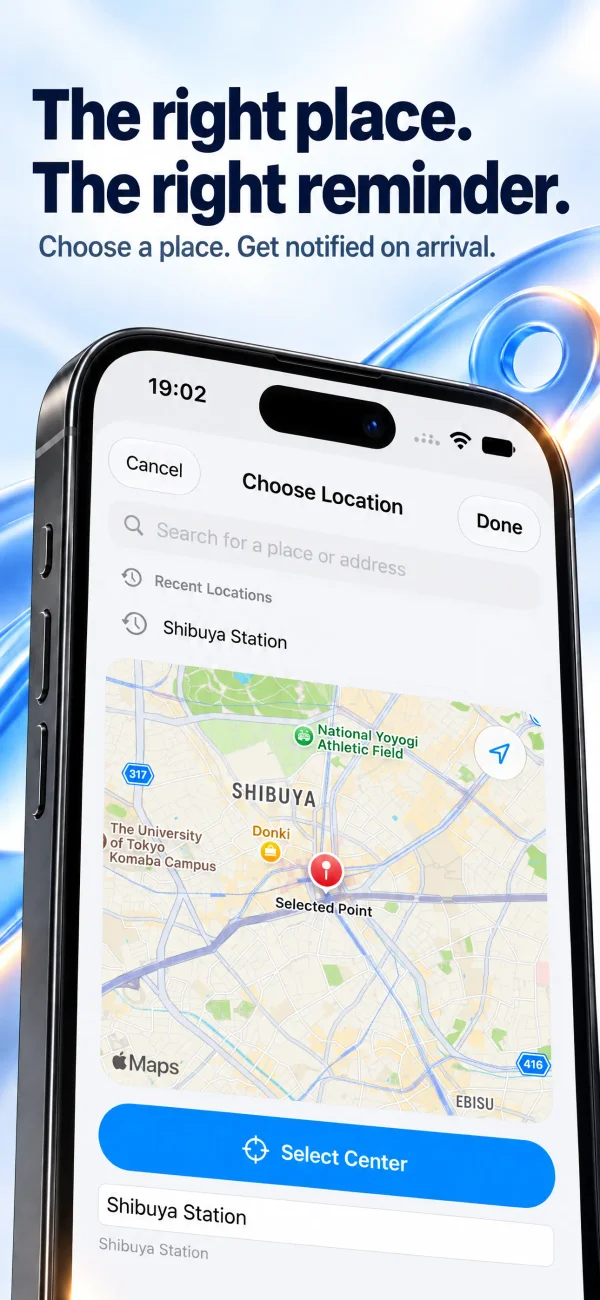
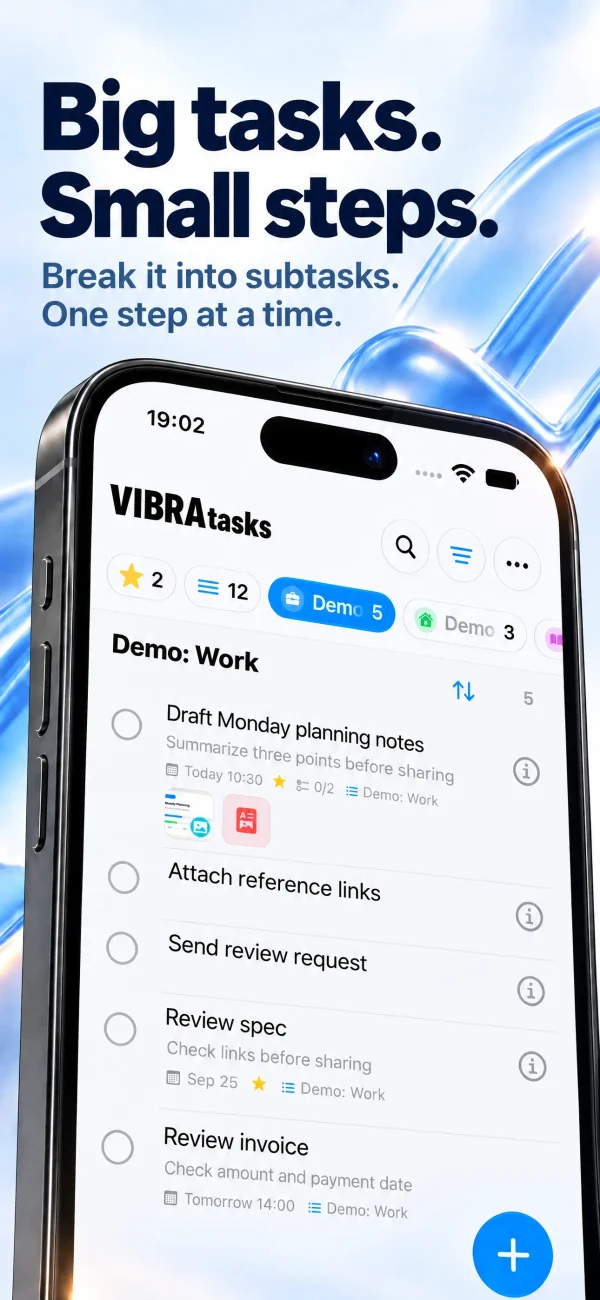
See tasks from multiple Google accounts in one view, without switching accounts. Set location reminders for arrivals and departures, attach photos and documents, and manage subtasks. View and edit saved tasks even when you’re offline.
Find what you need with Today, Scheduled, Starred, All, and Completed views. Organize lists with colors and icons, and pin the ones you use most. Create and edit tasks and lists, mark tasks complete, or reopen them.
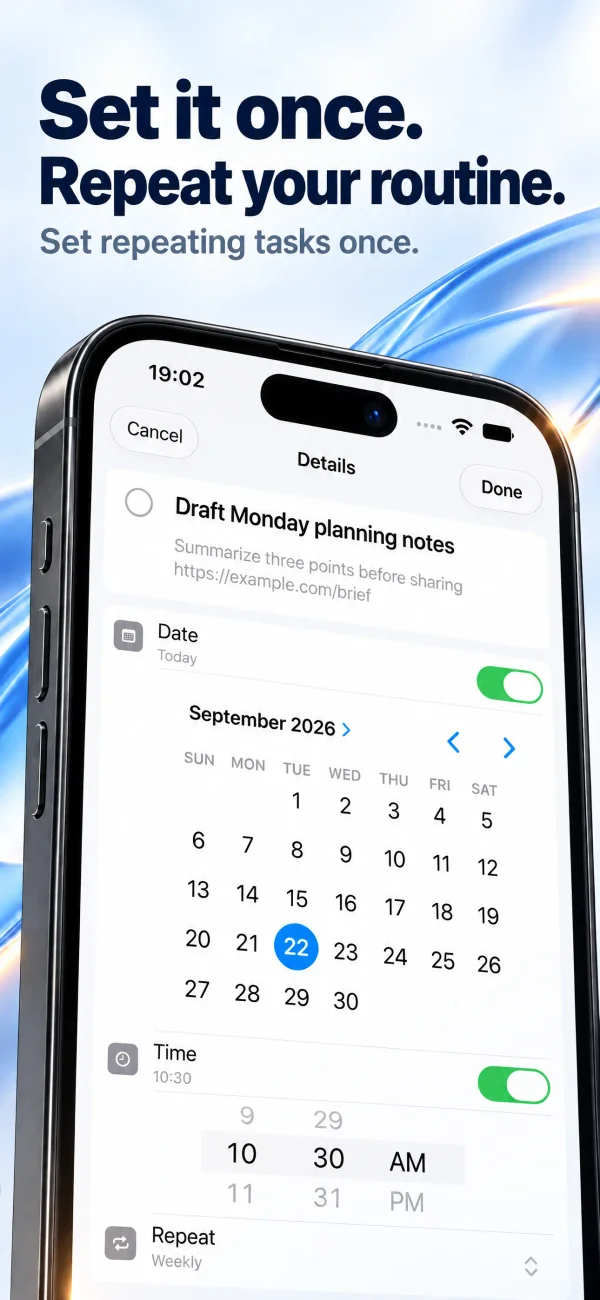
Set a time as well as a date, schedule repeating tasks, and get reminders when you arrive at or leave a place. Attach photos, documents, and scans to keep the information you need with each task.
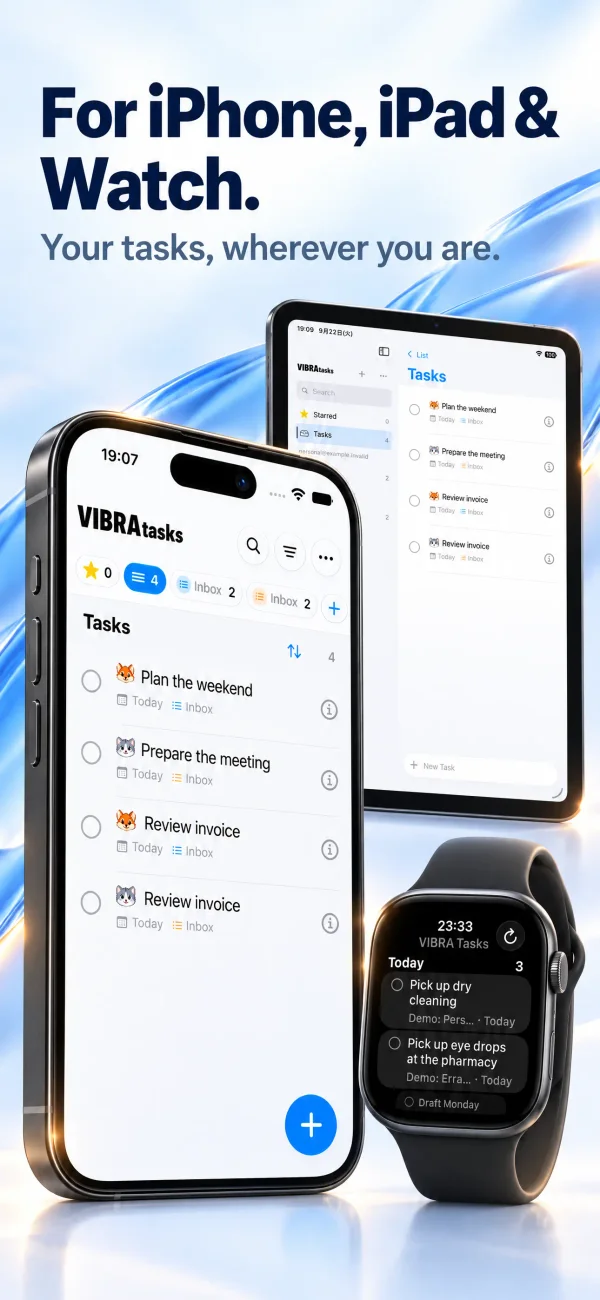
Available on iPhone, iPad, and Apple Watch. Access tasks from Home Screen and Lock Screen widgets or the share sheet, and use Siri Shortcuts to open or complete tasks.
Key features:
- Location reminders for arrivals and departures
- Photo, document, and scan attachments
- View, create, edit, complete, and reorder subtasks
- Offline access to view and edit saved tasks
- All, Today, Scheduled, Starred, and Completed views
- Create, rename, and delete Google Tasks lists
- Create, edit, complete, reopen, and delete tasks
- Notes, due times, stars, recurring tasks, and links in notes
- Home Screen and Lock Screen widgets
- Share sheet, Home Screen Quick Actions, Shortcuts, and deep links
- List colors, icons, pinning, ordering, and organization
Terms of Use (EULA): https://www.apple.com/legal/internet-services/itunes/dev/stdeula/
What’s new
Version 1.0.59 · Nov 19, 2026
Improved app stability.
App privacy
What VIBRA K.K. declares on the App Store about how this app handles data.
-
Data used to track you
May be used to track you across apps and websites owned by other companies.
- Purchases
- Identifiers
- Usage data
-
Data linked to you
May be collected and linked to your identity.
- Purchases
- Contact info
- User content
- Identifiers
- Usage data
- Diagnostics
-
Data not linked to you
May be collected but is not linked to your identity.
- Purchases
- Identifiers
- Usage data
Privacy practices may vary, for example with the features you use or your age.
Information
- Seller
- VIBRA K.K.
- Category
- Productivity
- Version
- 1.0.59
- Updated
- Nov 19, 2026
- Released
- Jul 10, 2026
- Size
- 31.6 MB
- Requires
- iOS 26.0 or later
- Age rating
- 4+
- Price
- Free
- In-app purchases
- Yes
- Languages
- English, French, German, Italian, Japanese, Korean, Portuguese, Russian, Simplified Chinese, Spanish, Traditional Chinese
- Copyright
- © 2026 VIBRA K.K.
You might also like
-
 Organizly: Task & NotesPlan projects, capture notes
-
 AI Blocker for GoogleHide AI Overviews
-
 Search Console ToolSEO Analytics & Rank Tracker
-
 ToDo for Google - Manage tasksMake task management easier!
-
 Form - for Google FormsCreate Forms & View Responses
-
 Forms – for Google FormsCreate & Manage Forms
-
 One TasksManage your tasks & todo lists
-
 AnySchedule - Shared CalendarPlanner, To-Do & Habit Tracker
-
 Tasks: To Do Lists & RemindersKanban Board, Planner & Widget
-
 Authenticator App °MFA, 2FA & TOTP Authentication