Gravity Notes: Minimal Notepad
Quick ideas, offline memo pad
Designed for iPhone, iPad
$9.99
- Age rating4+
- CategoryProductivity
- DeveloperTristan Manchester
- LanguagesEnglish
- Size79.2 MB
Links to the official App Store page
Download.org hosts no file of Gravity Notes: Minimal Notepad. The button opens its official App Store page, published by Tristan Manchester. Listing last checked on Nov 20, 2026.
Screenshots

About
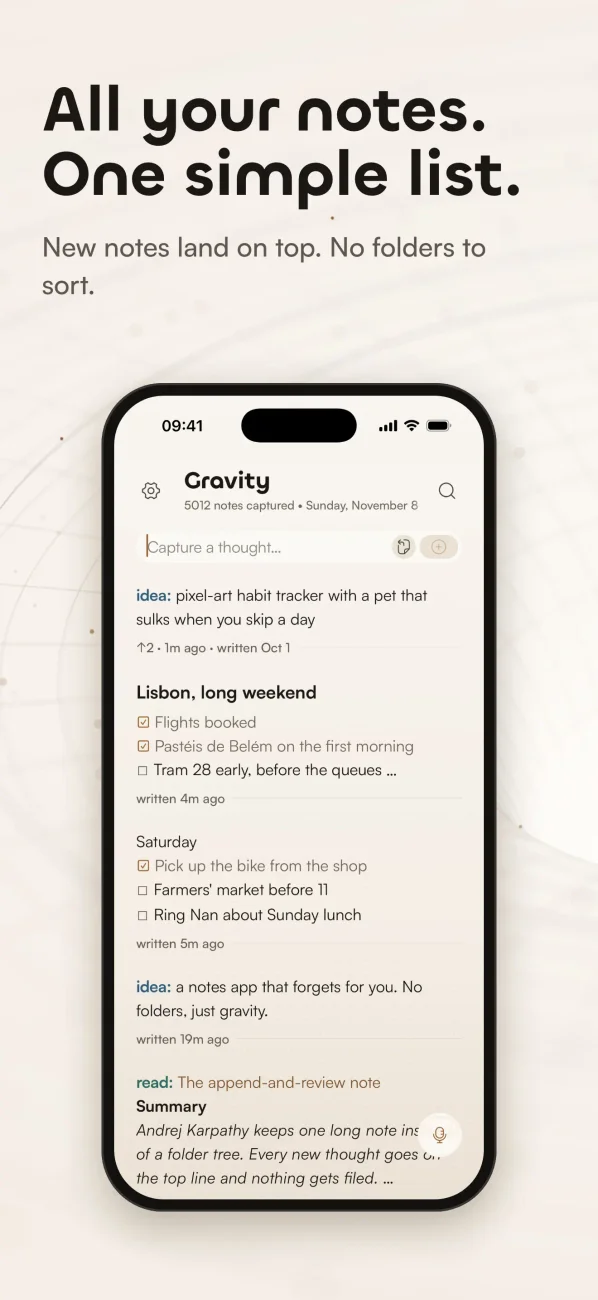
Gravity keeps all your notes in one list, with the newest at the top. As you add more, older notes sink down the list. When one of them still matters, swipe it right and it comes back to the top.
The idea comes from Andrej Karpathy's append-and-review note: write everything in one place, read back through it now and then, and move up whatever you still care about. Gravity has no folders, so there's nothing to file.
Writing
The cursor is waiting at the top when you open the app. Type your note and press Return twice, or tap the add button. A half-written draft stays where you left it.
Rescuing and tidying
Swipe right on a note to rescue it. Swipe left to archive, delete, share or copy. Archived notes have a page of their own, and deleted notes stay in Deleted Notes until you restore them or clear them out.
Markdown and checklists
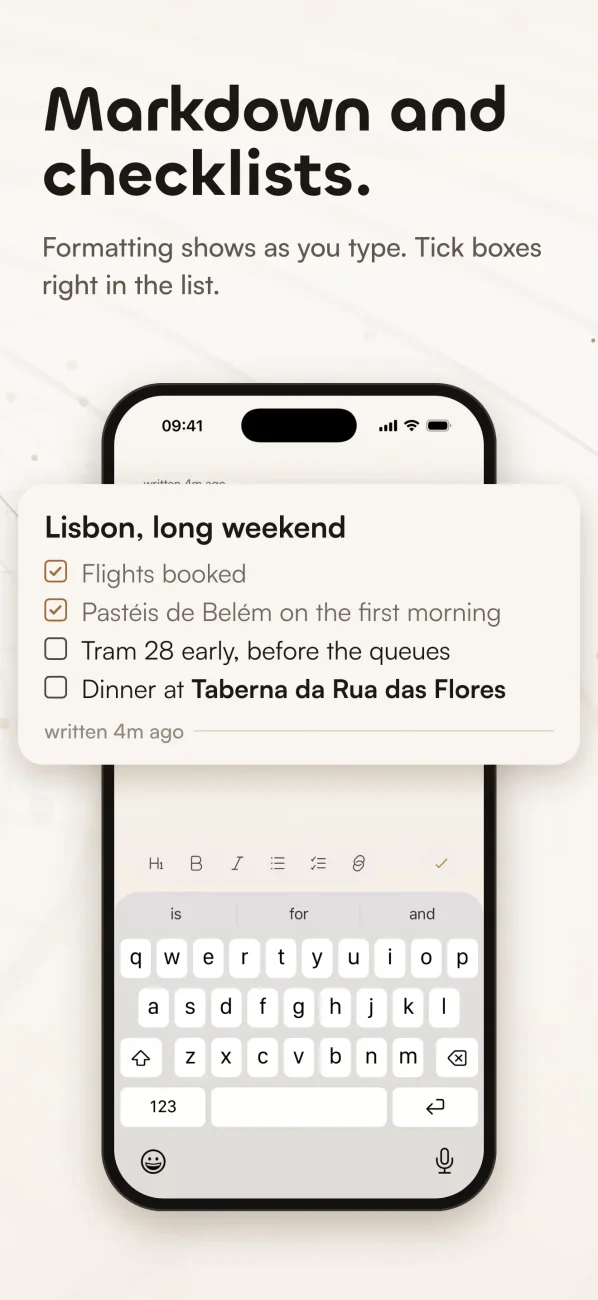
Headings, bold, italics, lists, links and quotes show formatted in the list. Start a line with "- [ ]" to make a checklist, then tick items off without opening the note. In the editor the formatting appears as you type, and a small bar above the keyboard adds headings, bold, lists and checklists. Everything is saved as plain Markdown text.
Tags
Start a note with todo:, idea:, read: or any word followed by a colon, and it gets a colour of its own. Type todo: into search to see only those notes. There's no tag manager to look after.
Search
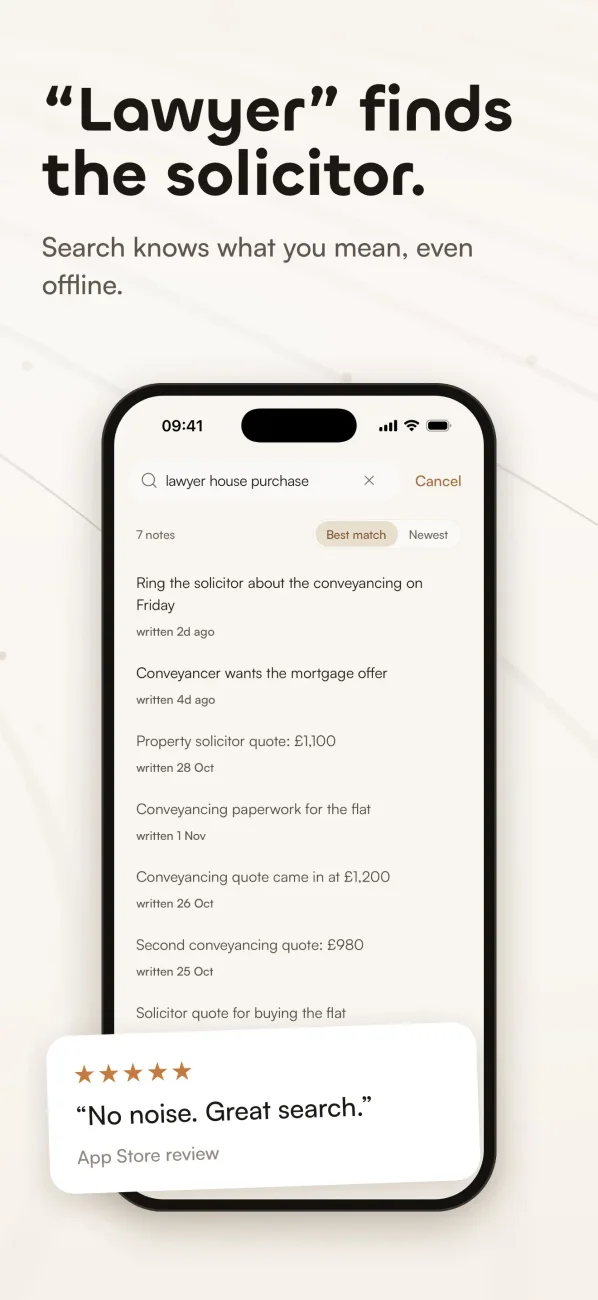
Search covers every note on your phone, archived ones too, and works offline. It finds what you mean as well as what you typed: "sofa" finds your note about the couch. Typos, plurals, accents and shorthand like appt still find the note, and dates, phone numbers and amounts match however you write them.
Getting notes in
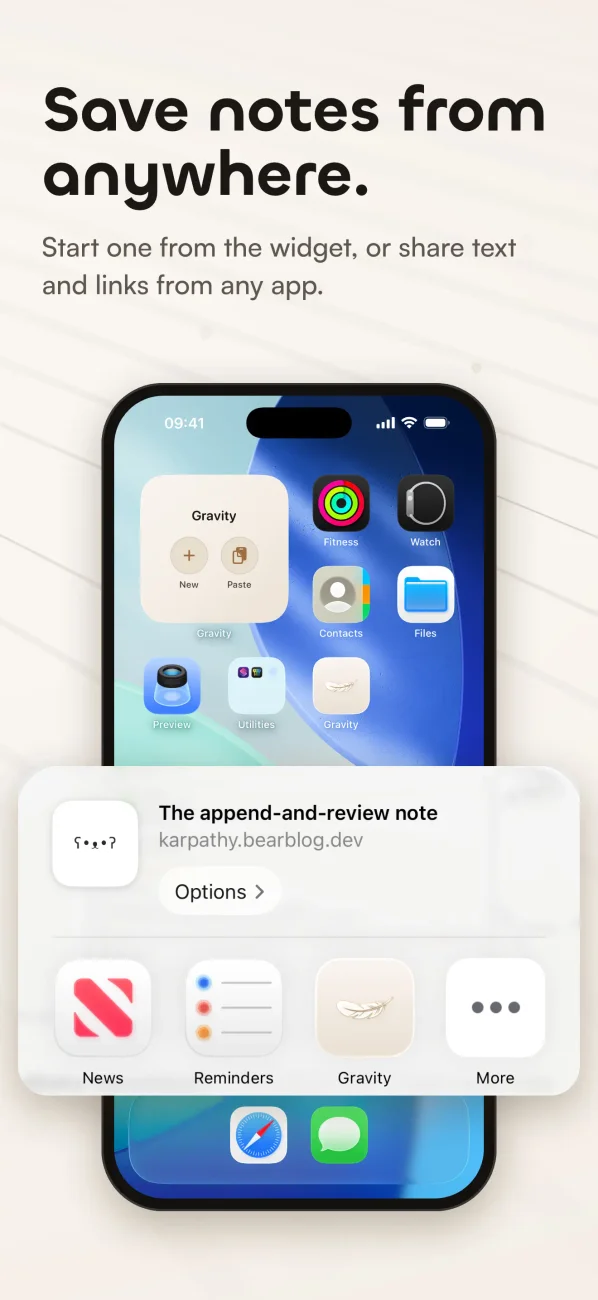
The Home Screen widget starts a new note or pastes in whatever you last copied. You can also share text or a link from another app, and it becomes a new note at the top of the list.
Privacy
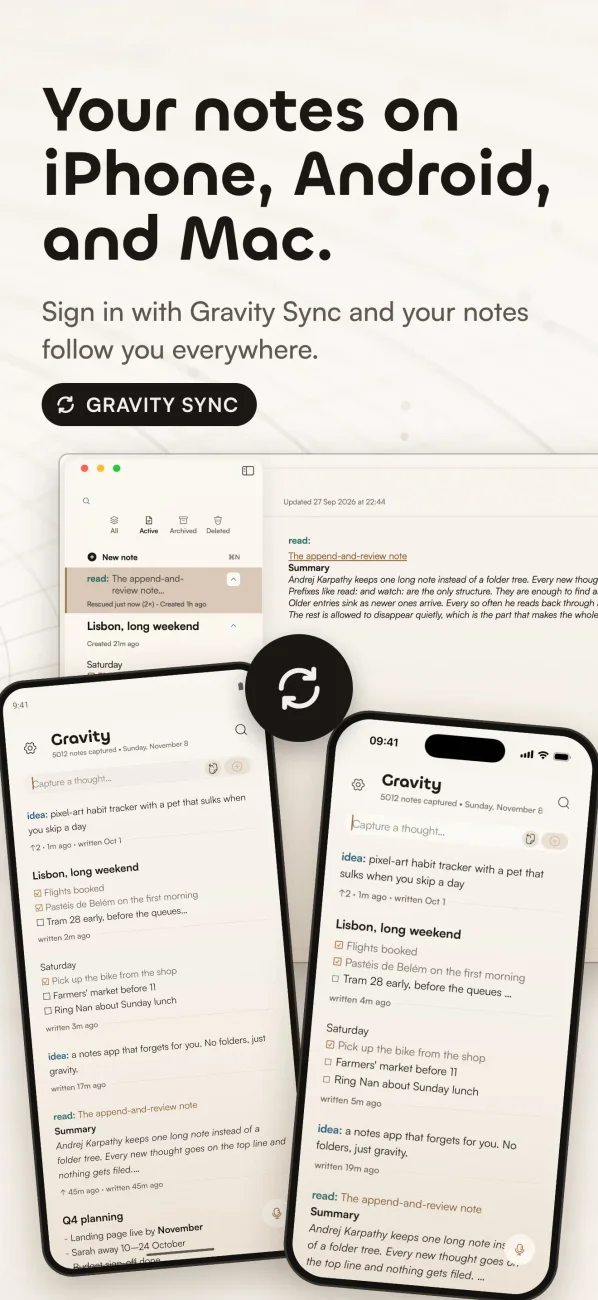
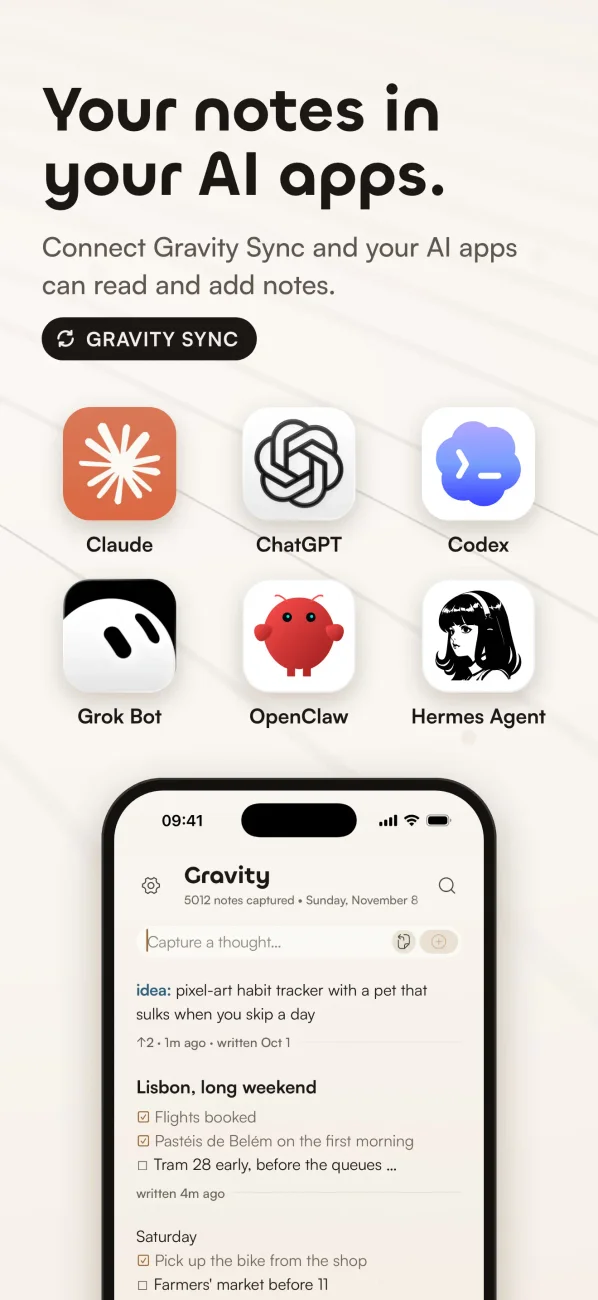
Your notes are stored on your iPhone. Gravity has no ads, and you don't need an account. If you want your notes on your other Apple devices, turn on iCloud sync; it also works with Gravity for Mac, which is sold separately. Gravity Sync (Beta) syncs with Android too, free during the beta. You can export everything as JSON or Markdown at any time.
Looks
Choose light, dark or OLED black, or follow the system, and pick from six text sizes. There's a stats page too, worked out on your phone, of course.
Price
You pay once. There's no subscription, no in-app purchases and no ads.
Privacy policy: https://www.gravitynotes.app/privacy-policy
What’s new
Version 2.6.1 · Nov 17, 2026
• Search shows notes that match fewer of your words when there are only a few close matches
• Search for price, number or ref to find notes with a price, a phone number or a reference code
• Search for a month, like march, to find notes with a date in it
• Type £, $ or € to find notes with a price
• When nothing matches, Gravity tries a shorter word that yours starts with
• Archive and Deleted Notes update their count as soon as you restore or delete a note
App privacy
What Tristan Manchester declares on the App Store about how this app handles data.
-
Data linked to you
May be collected and linked to your identity.
- Contact info
- User content
- Identifiers
- Usage data
- Diagnostics
Privacy practices may vary, for example with the features you use or your age.
Information
- Seller
- Tristan Manchester
- Category
- Productivity
- Version
- 2.6.1
- Updated
- Nov 17, 2026
- Released
- Dec 9, 2025
- Size
- 79.2 MB
- Requires
- iOS 17.0 or later
- Age rating
- 4+
- Price
- $9.99
- Languages
- English
- Copyright
- © 2026 Tristan Manchester
You might also like
-
 Notice: Workspace For ClarityCapture Every Thought
-
 HabitBook - Habit TrackerBuild lasting habits.
-
 Gravity Notes - Smart NotesVoice, media & timeline notes
-
 Sticky Tasks: Snap it, Do itPhoto reminders that stick
-
 DayVo: Searchable Voice MemosTiny AI Voice Notes, Live Text
-
 ThoughtsLeft: Brain DumpQuick Notes, Snap & Let Go
-
 Prism NotesCapture thoughts and links
-
 Shelver: Home OrganizationHome Inventory Tracker
-
 SumNote - Notes with SumsAdd it up. Save it.