Gravity Notes - Smart Notes
Voice, media & timeline notes
Designed for iPhone, iPad
Free · In-app purchases
- Age rating4+
- CategoryProductivity
- DeveloperZhenwei Liu
- LanguagesEnglish+ 21 more
- Size145.8 MB
Links to the official App Store page
Download.org hosts no file of Gravity Notes - Smart Notes. The button opens its official App Store page, published by Zhenwei Liu. Listing last checked on Nov 20, 2026.
Screenshots



About
Gravity Notes is a powerful notes app with voice recording, AI speech-to-text transcription, and creative photo tools — all organized in a beautiful timeline.
Capture ideas with voice memos, text, photos, and video. Revisit them exactly when and where they happened.
Free to download with a generous free tier. Some features require Gravity Notes Premium (in-app purchase).
Free Tier:
• Up to 50 standard notes
• 2 AI transcription uses
• 2 quote image generations
• 2 teleprompter uses
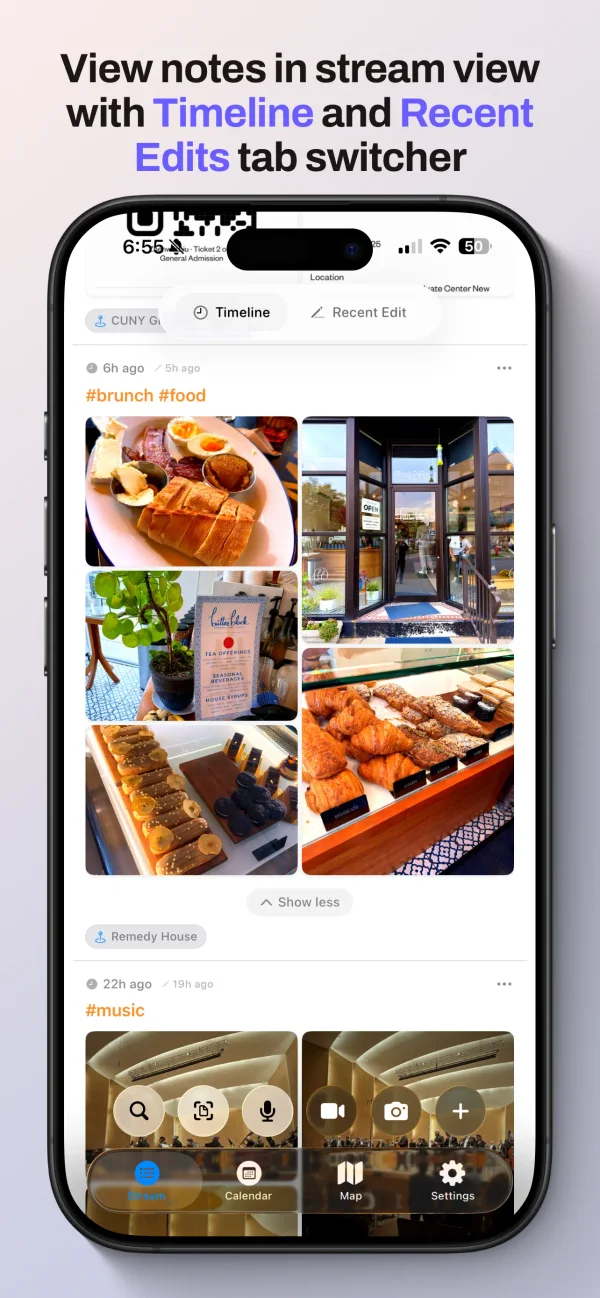
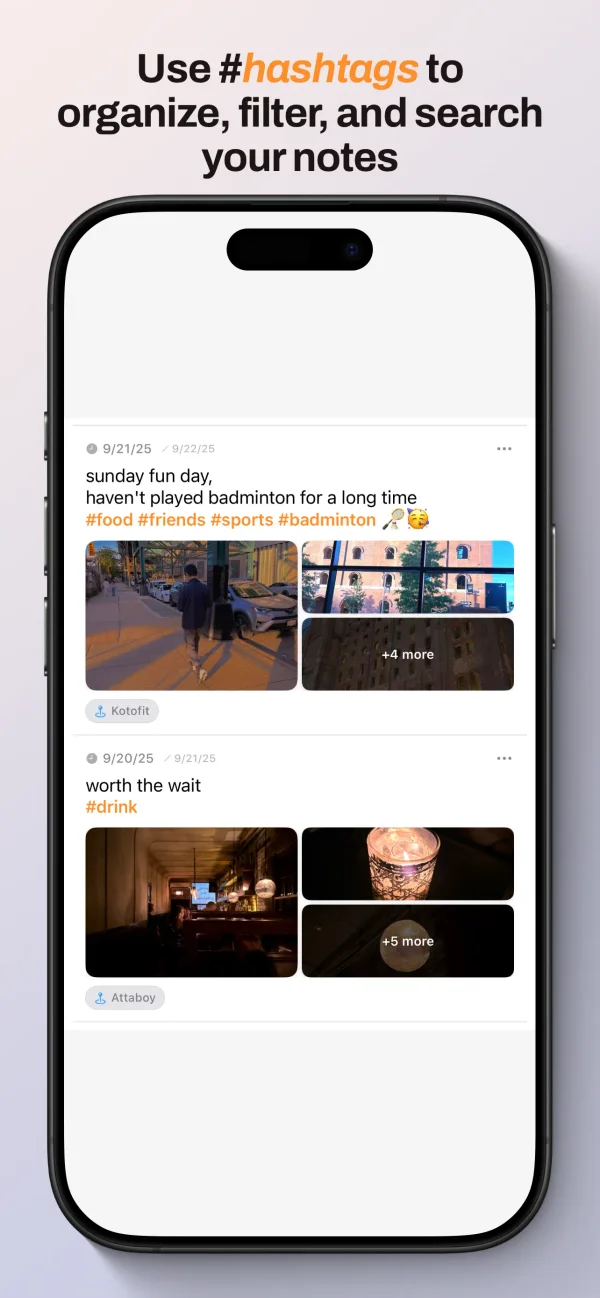
• Stream, Calendar, Map & Gallery views
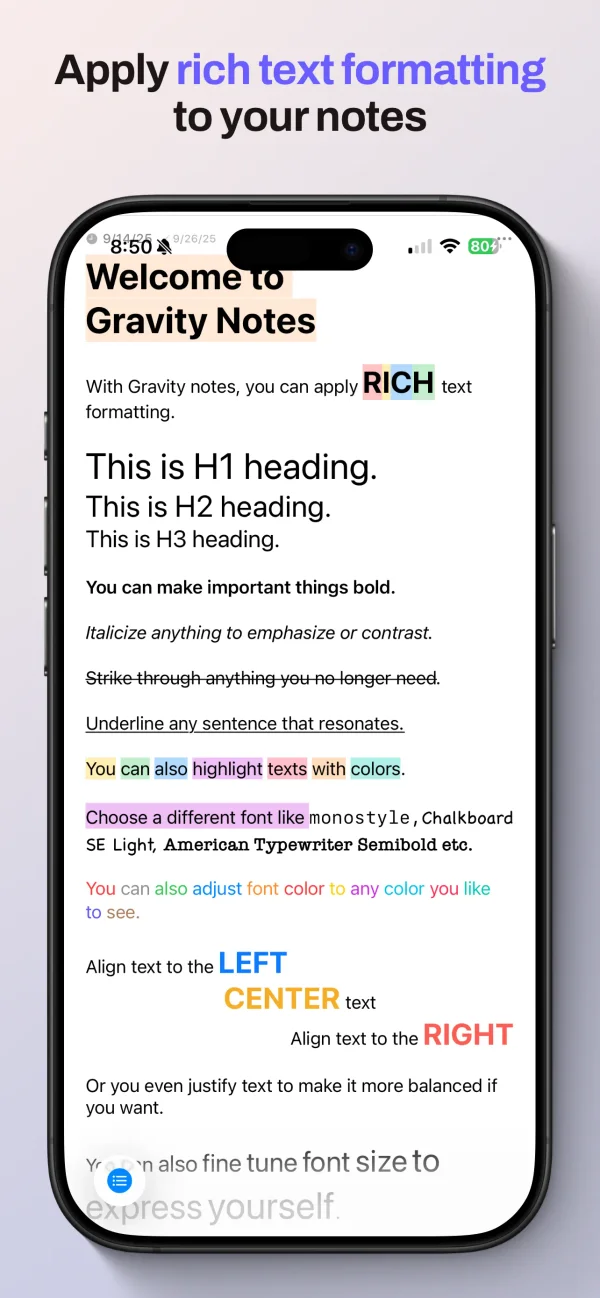
• Rich text formatting
• Photos, videos & document scans
• Search, sharing & location tagging
Voice Notes & Transcription:
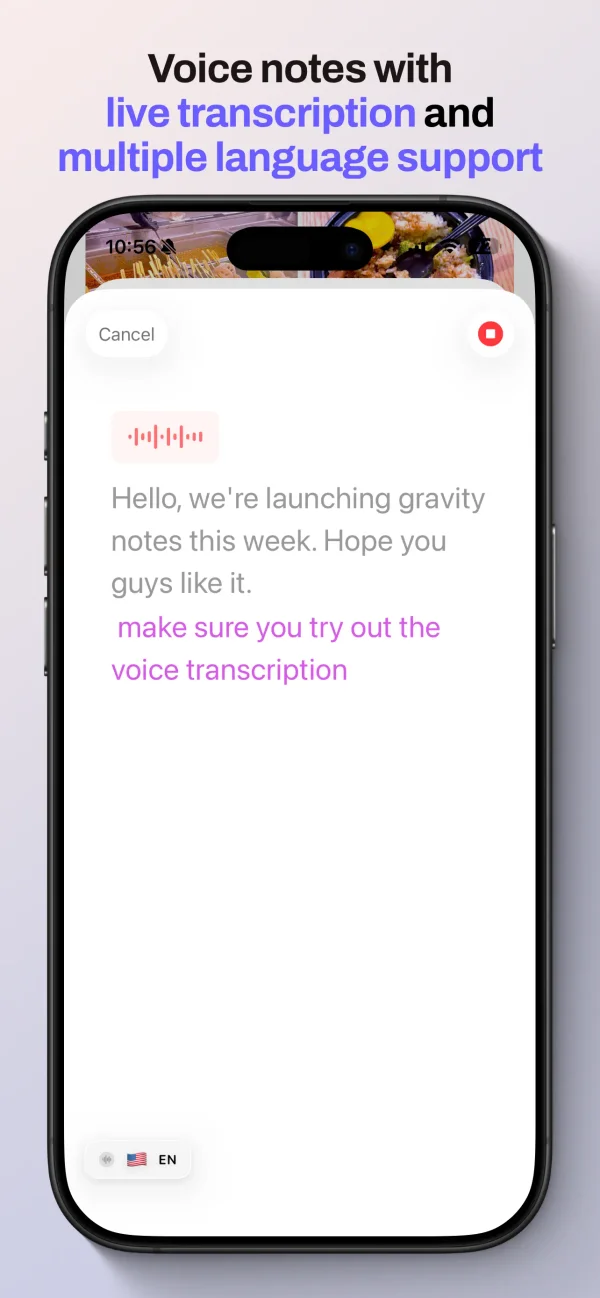
• Record audio notes with AI speech-to-text
• Every word syncs to the audio timeline — tap any word to jump to that moment
• Unlimited transcription with Premium
Creative Photo Tools:
• Make Stamp — Turn photos into vintage stamp art with classic, scallop, wave & square borders. Add paper texture and postmark effects with custom text
• Make Sticker — Extract subjects from photos with multi-subject selection to create custom stickers
• Quote Images — Design beautiful visual quotes with custom fonts, colors & layouts for sharing
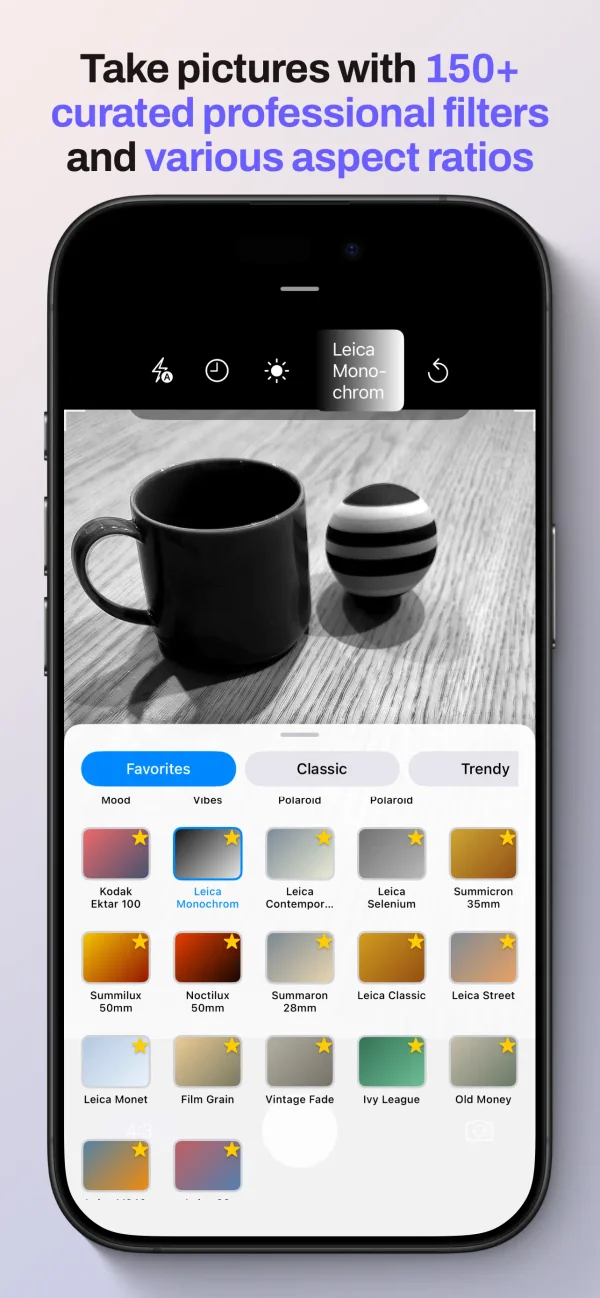
• 150+ Photo Filters — Professional effects including duotone, halftone & shaded material
• Polaroid Sharing — Generate styled memory-card layouts
Four Intuitive Views:
• Stream — Chronological timeline of all notes
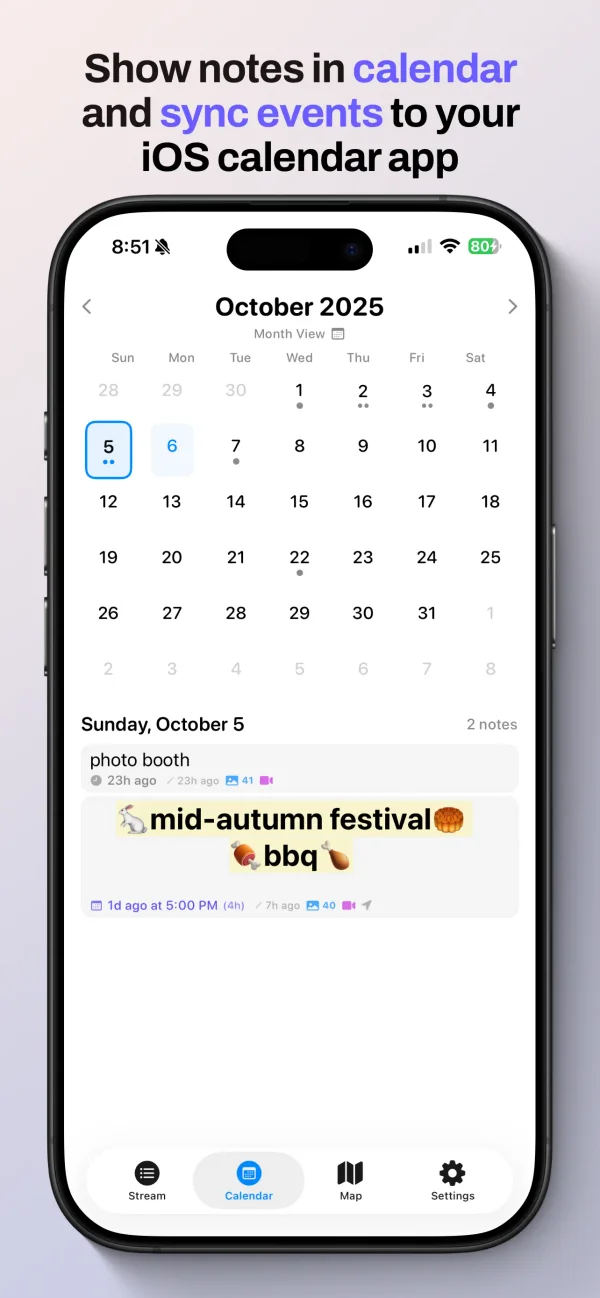
• Calendar — Browse notes by date
•Map — Explore notes by location
• Gallery — Visual grid of photos and media
Premium Features:
• Unlimited AI transcription
• iCloud sync across devices
• 150+ photo filters
• Live Text (OCR) — Extract text from images
• Calendar integration — Create Apple Calendar events from notes
• Quote image generation with full customization
• Bilingual conversation — Real-time translation between languages
• Teleprompter — Auto-scrolling script with recording and virtual backgrounds
• Polaroid sharing layouts
Built with privacy in mind and a clean, modern iOS interface. Gravity Notes turns every note into a connected, searchable memory.
Terms of Use: https://www.gravitynotesapp.com/terms
Privacy Policy: https://www.gravitynotesapp.com/privacy
What’s new
Version 1.1.16 · Nov 8, 2026
Fix the teleprompter orientation issue for newer devices
App privacy
What Zhenwei Liu declares on the App Store about how this app handles data.
-
Data not collected
The developer does not collect any data from this app.
Privacy practices may vary, for example with the features you use or your age.
Information
- Seller
- Zhenwei Liu
- Category
- Productivity
- Version
- 1.1.16
- Updated
- Nov 8, 2026
- Released
- Oct 9, 2025
- Size
- 145.8 MB
- Requires
- iOS 26.0 or later
- Age rating
- 4+
- Price
- Free
- In-app purchases
- Yes
- Languages
- English, Arabic, Danish, Dutch, Finnish, French, German, Hebrew, Hindi, Hungarian, Italian, Japanese + 10 more
- Copyright
- © Zhenwei Liu
You might also like
-
 Gravity Notes: Minimal NotepadQuick ideas, offline memo pad
-
 Save It Later Bookmark ManagerSave Web Links & Bookmarks
-
 Nutbox: bookmarks, screenshotsSave it now, find it later
-
 Clipboard Manager - PastelyUniversal clipboard sync
-
 Refine: Build Habits and GoalsDaily Lifestyle Growth
-
 TimeGuide - Daily PlannerTasks, Calendar Sync, Widgets
-
 Sticky Tasks: Snap it, Do itPhoto reminders that stick
-
 Sticky Notes: Notes & TodosMemo Widget & To Do Checklist
-
 DayVo: Searchable Voice MemosTiny AI Voice Notes, Live Text
-
 GLI: Goals & Focus TrackerLock In & Achieve Your Goals