
Grid Maker for Instagram・Grid9
Panorama Split & No Crop Edit
Designed for iPhone, iPad, iPod touch
Free · In-app purchases
- Age rating4+
- CategoryGraphics & Design
- DeveloperSS Media
- LanguagesEnglish
- Size56.0 MB
Links to the official App Store page
Download.org hosts no file of Grid Maker for Instagram・Grid9. The button opens its official App Store page, published by SS Media. Listing last checked on Nov 15, 2026.
Screenshots

About
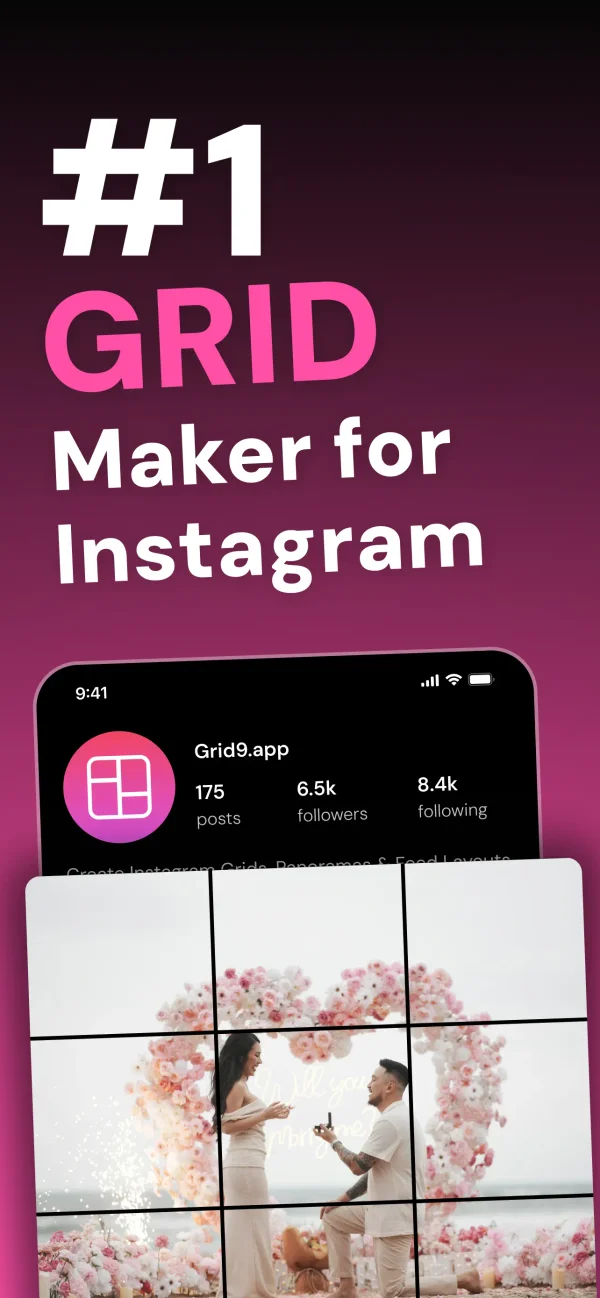
Grid9 helps you split photos into Instagram Grid Posts, Panorama Carousel Posts, and No Crop layouts from a single image.
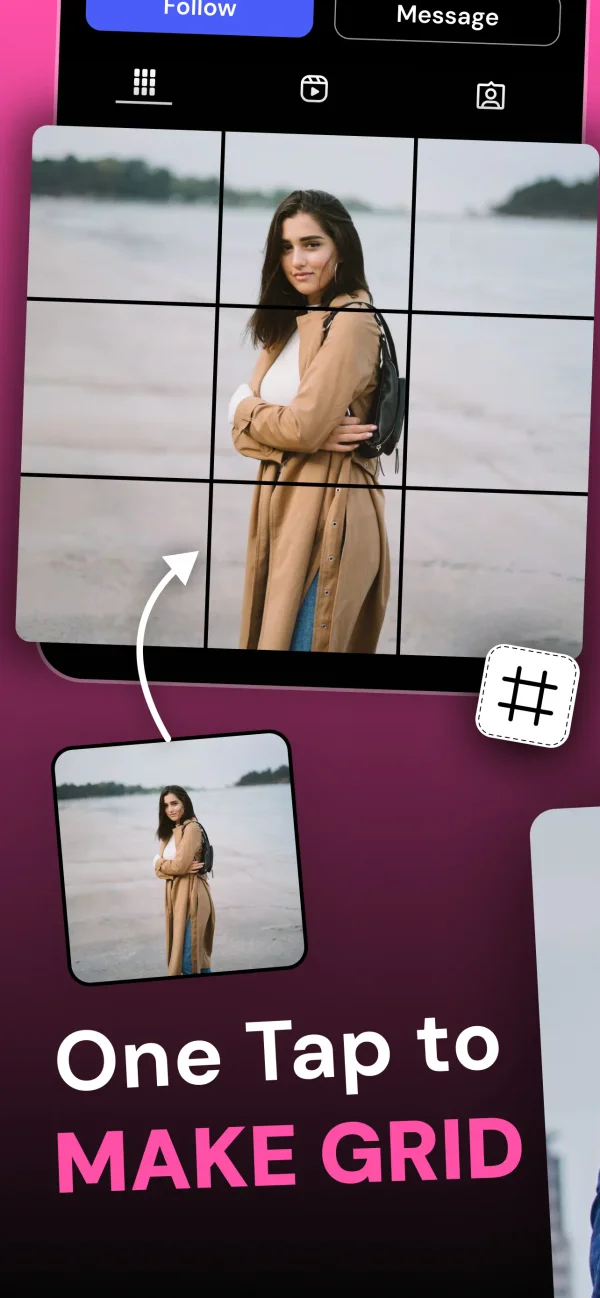
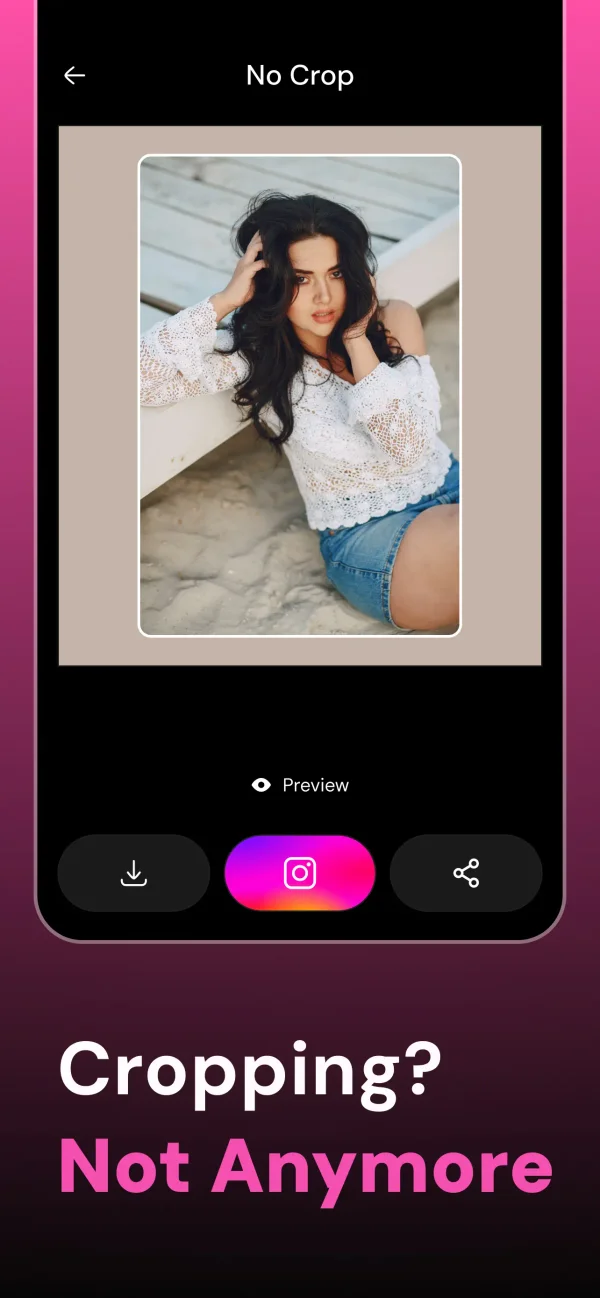
Turn one image into a multi-post Instagram grid, split wide photos into a seamless swipeable panorama carousel, or post full photos without cropping.
Grid9 is built for people who want their social posts to look cleaner, more polished, and ready to share in just a few taps.
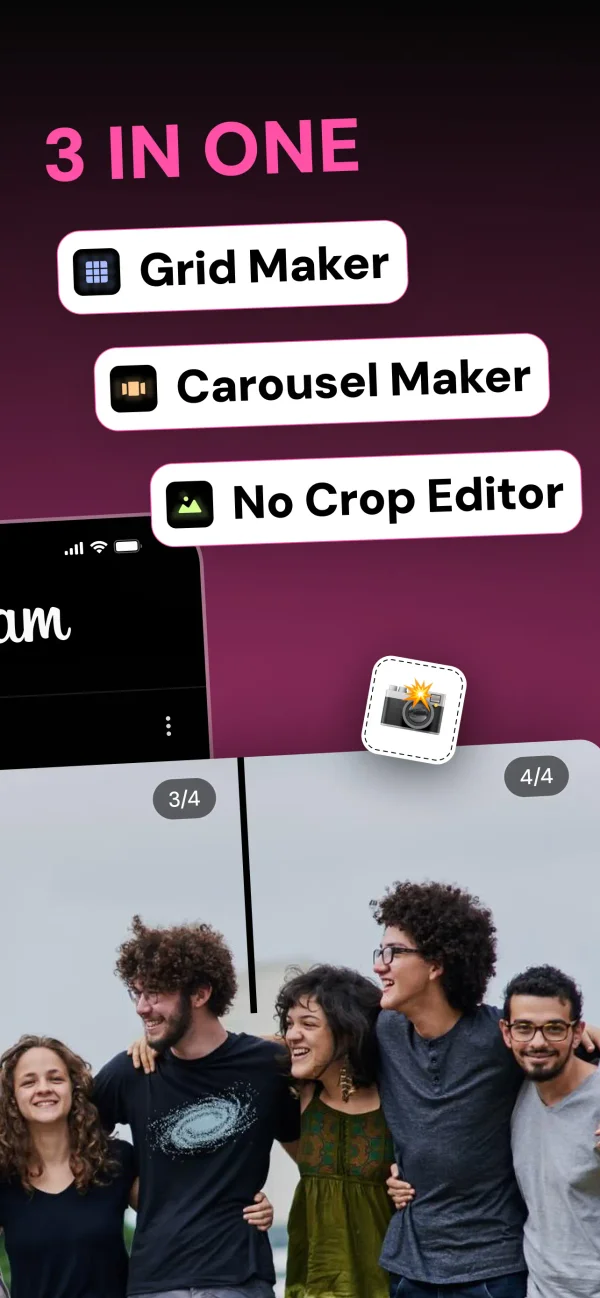
Whether you want a classic 3x3 grid, a scrolling carousel effect, or a full-size post with blur, borders, gradients, and custom ratios, Grid9 gives you the tools to prepare your content fast and post it in the right order.
THE FEATURES
Instagram Grid Post Maker
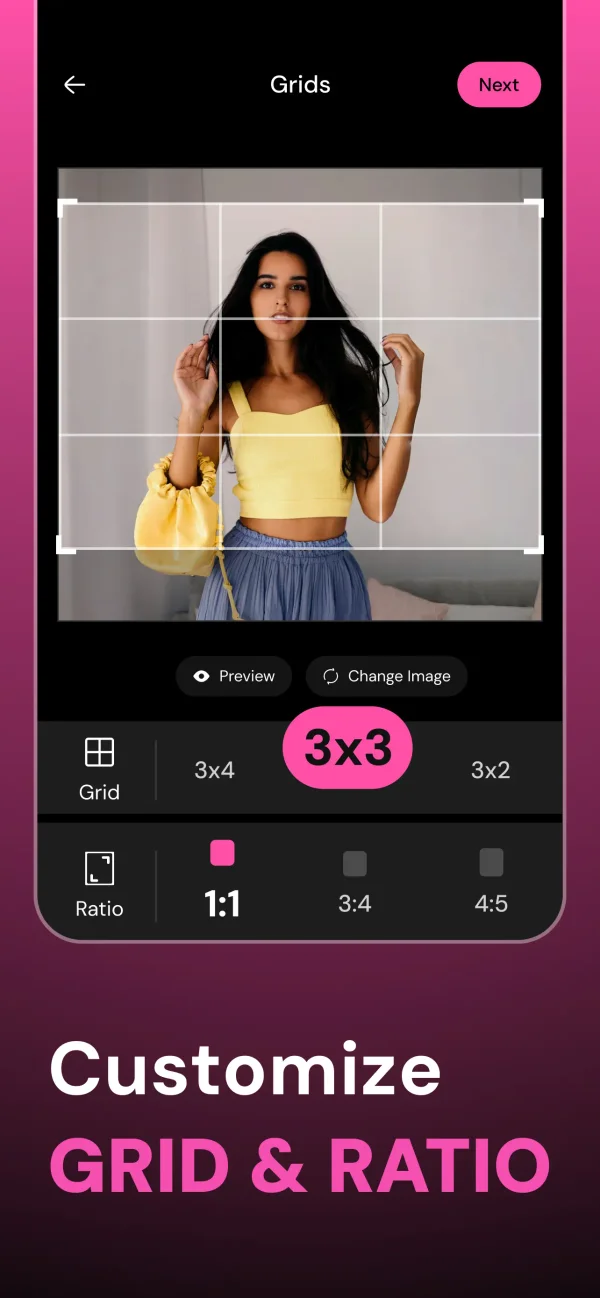
Upload one photo and split it into a grid for your Instagram profile. Choose from grid layouts with 3 fixed columns and up to 4 rows, including popular formats like 3x3. Grid9 also gives you a numbered posting order so your profile looks right when uploaded piece by piece.
Panorama Carousel Maker
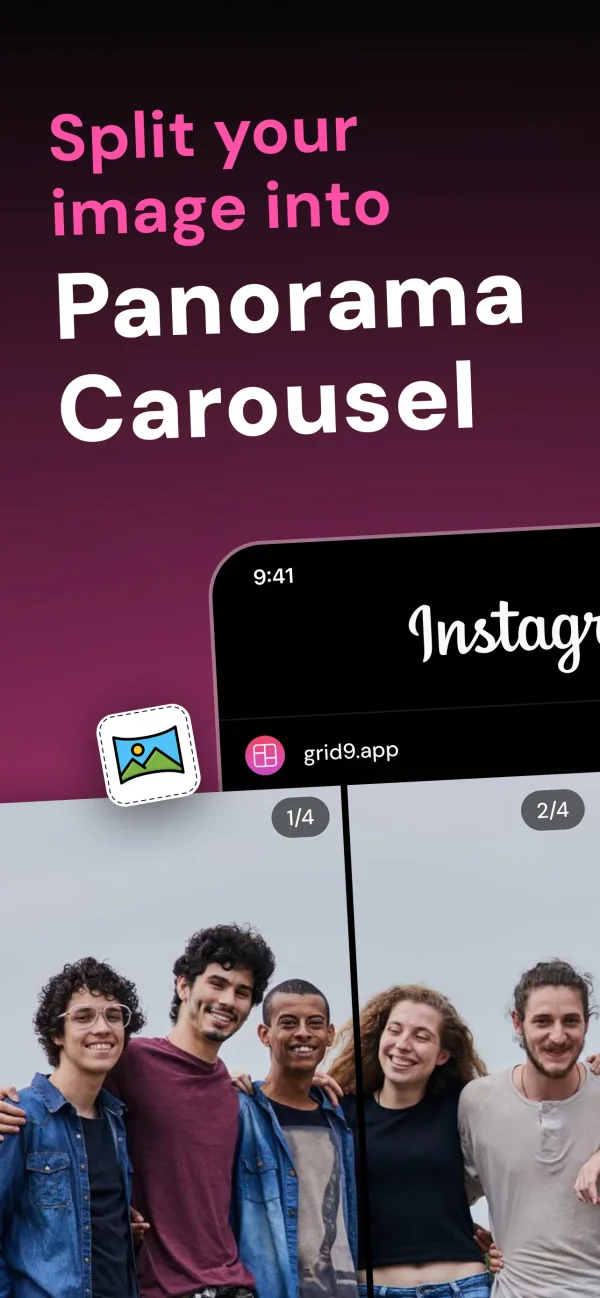
Turn one wide image into a smooth horizontal carousel post. Choose how many slides you want, split the image automatically, and get the correct order to post so the final swipe feels seamless.
No Crop Photo Editor
Post full-size images without cutting out important parts. Resize your image for social sharing while keeping the complete photo visible and balanced.
Customise Your No Crop Layout
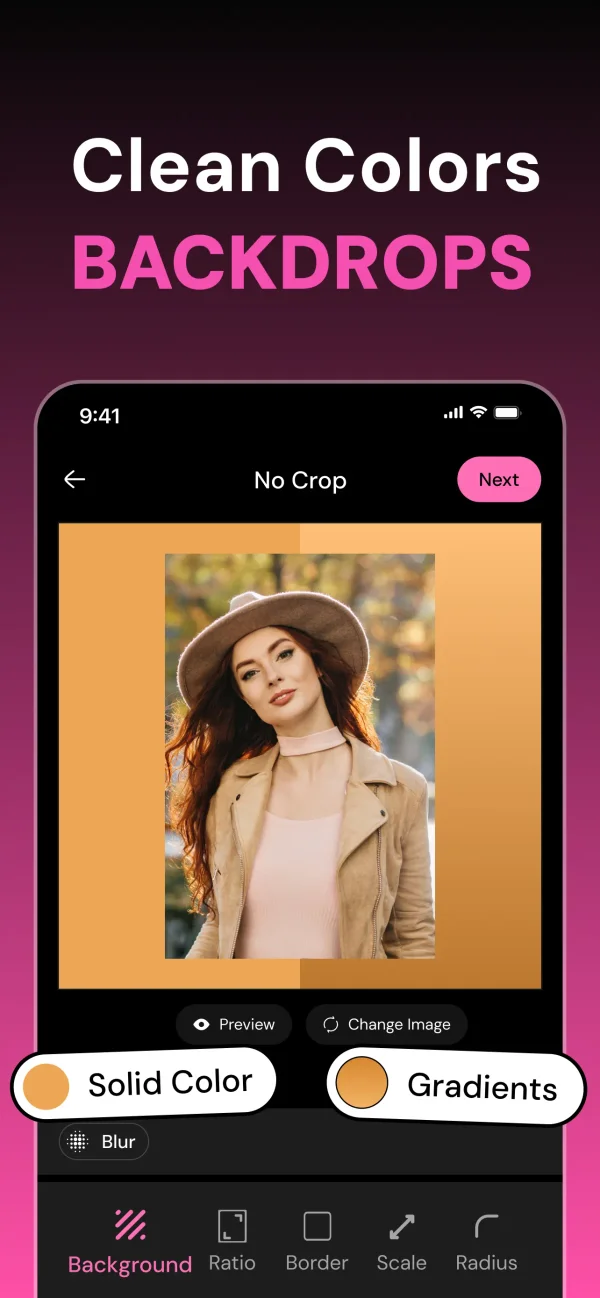
Adjust blur intensity, add solid color backgrounds, use gradients, change border thickness, set corner radius, choose aspect ratios, and scale the image inside the frame without needing to drag everything manually.
Preview Before You Export
See how your final design will look before saving. Grid9 helps you prepare your image for posting with a simple, clean workflow.
Made for Faster Posting | Works Offline
No complicated editing flow. Just upload your image, select your format, customize it, and export. Local processing, your pictures never leave your device. This app works without internet connectivity.
PERFECT FOR THOSE WHO WANT TO
-Create a clean Instagram grid profile from one image
-Make swipeable panorama carousel posts
-Post full photos without cropping important details
-Make social content look polished and well-formatted
Grid9 makes it easy to create profile grids, carousel-ready panoramas, and no-crop photo posts from one simple editor.
Support: https://ss-media.co/contact/
Privacy Policy: https://ss-media.co/privacy-policy/
Terms & Conditions: https://ss-media.co/terms-and-conditions/
App privacy
What SS Media declares on the App Store about how this app handles data.
-
Data not collected
The developer does not collect any data from this app.
Privacy practices may vary, for example with the features you use or your age.
Information
- Seller
- SS Media
- Category
- Graphics & Design
- Version
- 1.0
- Updated
- Mar 24, 2026
- Released
- Mar 24, 2026
- Size
- 56.0 MB
- Requires
- iOS 15.0 or later
- Age rating
- 4+
- Price
- Free
- In-app purchases
- Yes
- Languages
- English
- Copyright
- © Grid9
You might also like
-
 Photo Layout Maker - Grid PostGrid Maker for Collage
-
 Instagram Grid Maker& SplitterCarousel, Grid, Gradient tools
-
 Grid Post Pic Collage MakerPhoto Video Collage In Profile
-
 Panorama : Scroll Post MakerCarousel Post for instagram
-
 Griddy: Split Photo Grid PostsMarketing Banner for Instagram
-
 Pixislice - Image SplitterGrid Maker, Panorama
-
 Grid layout for Instagram feedPhoto Collage & Split Pic
-
 GridyGrid method drawing made easy
-
 Post Maker: Stories & QuotesSocial Media Post Maker App
-
 AI Tattoo Generator: Ink4Dream・Create・Try-on・Simulate