
Gridley - Image Grid Generator
High-res photo grid maker
Designed for iPhone
$12.99 · In-app purchases
- Age rating4+
- CategoryUtilities
- DeveloperEmerson Design
- LanguagesEnglish+ 7 more
- Size16.7 MB
Links to the official App Store page
Download.org hosts no file of Gridley - Image Grid Generator. The button opens its official App Store page, published by Emerson Design. Listing last checked on Nov 23, 2026.
Screenshots
About
Put two photos side by side in seconds — or up to 30 in one clean, high-res grid. No ads, no subscription trap.
Gridley makes it simple to turn a few images—or a whole collection—into clean, high-resolution grids in seconds. Whether you're a designer, photographer, or just organizing screenshots, Gridley helps you control spacing, layout, borders, backgrounds, and more. Preview changes instantly and export your grid as an image or PDF at full quality.
---
Why Gridley Stands Out
---
• Combine up to 5 images per grid for Free, or up to 30 with Gridley Pro.
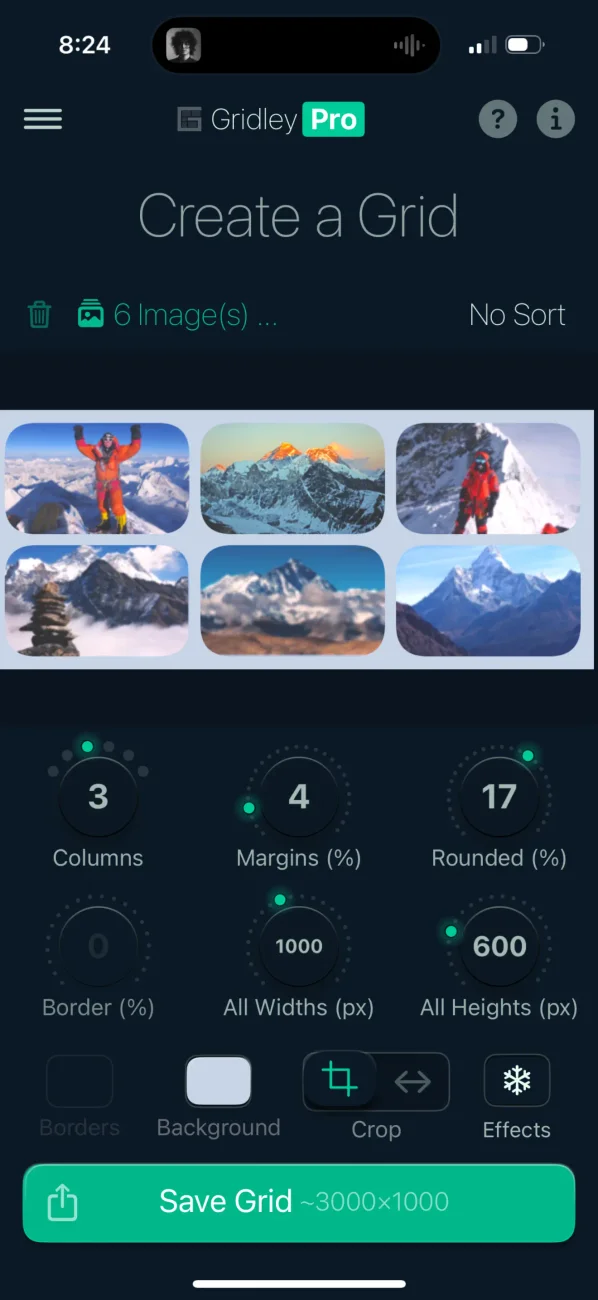
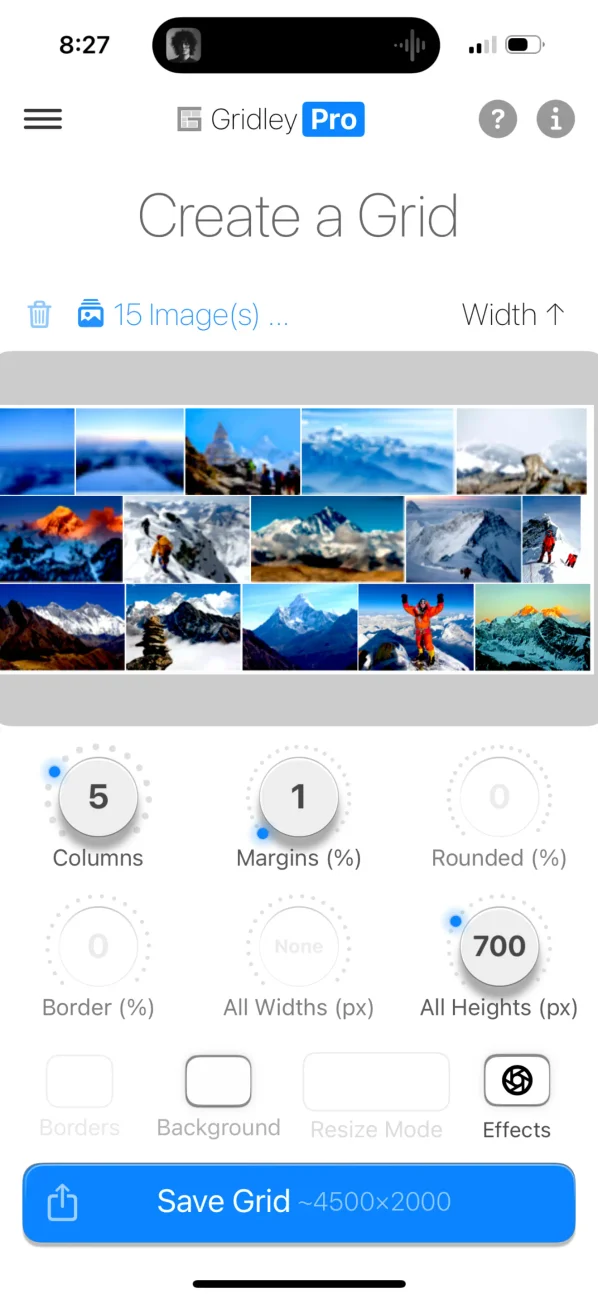
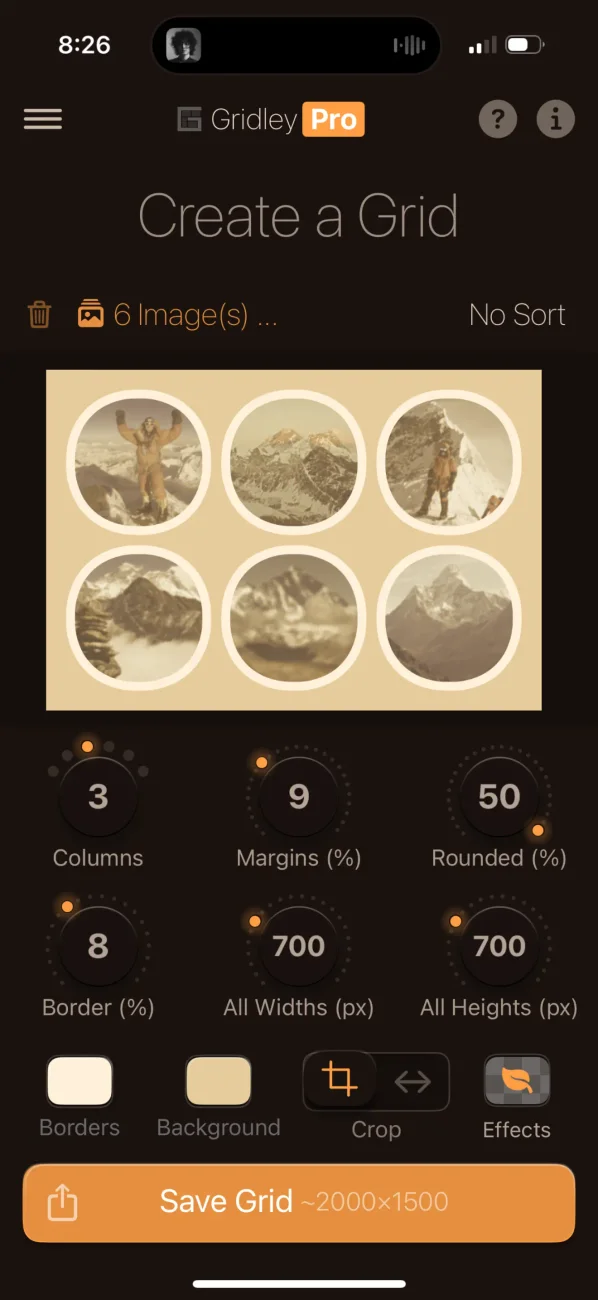
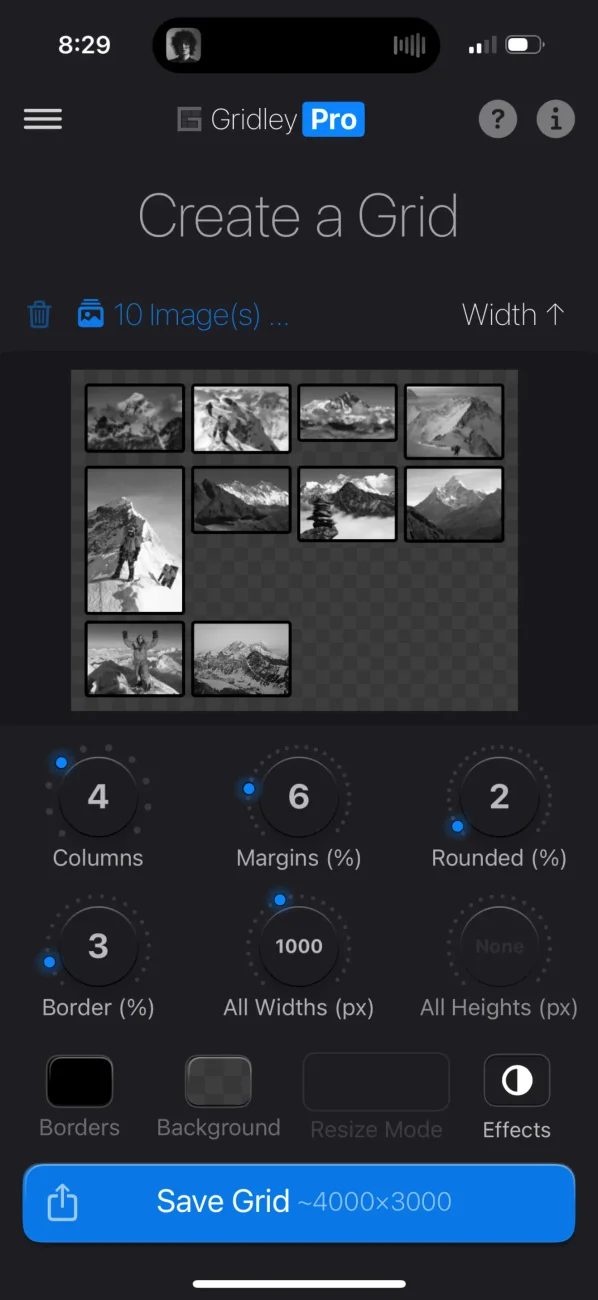
• Adjust spacing, borders, corners, and other grid settings
• Live preview — see edits as you make them
• Export sharp images or PDFs
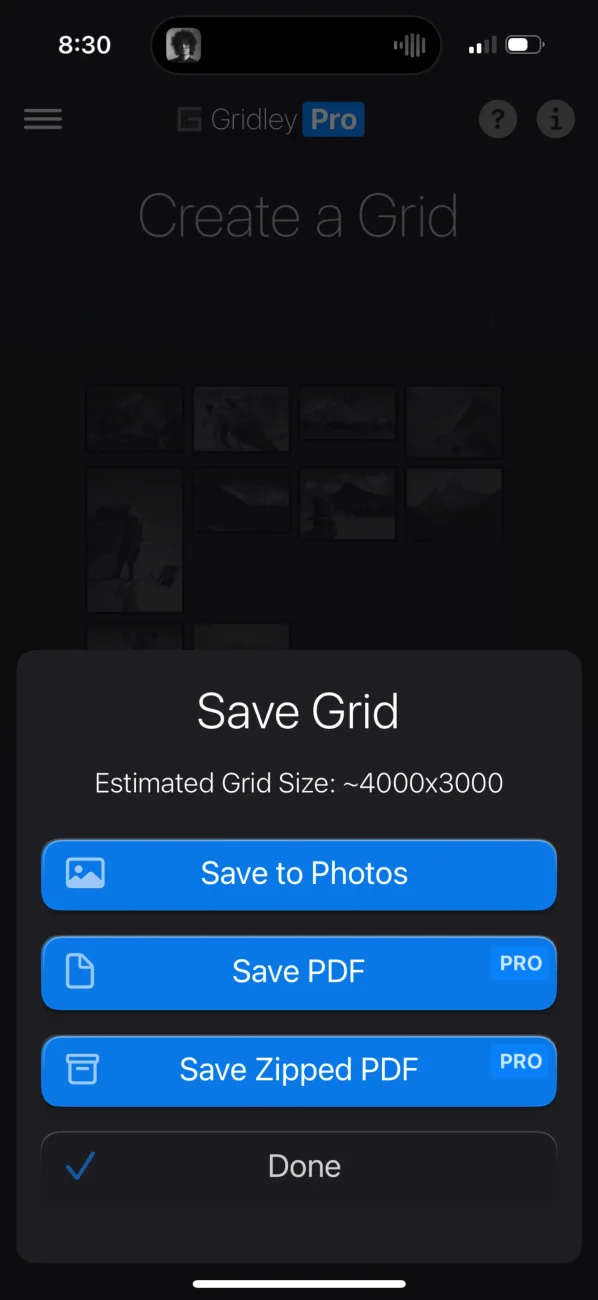
• Save or share as photos, PDFs, or zipped PDF files
• Available in 8 languages: English, Japanese, Chinese, French, Hindi, German, Korean, Russian
---
Powerful Layout Options
---
• Set columns (images per row)
• Customize margins, borders, corners, and fixed image sizes
• Crop or stretch images to fit your grid
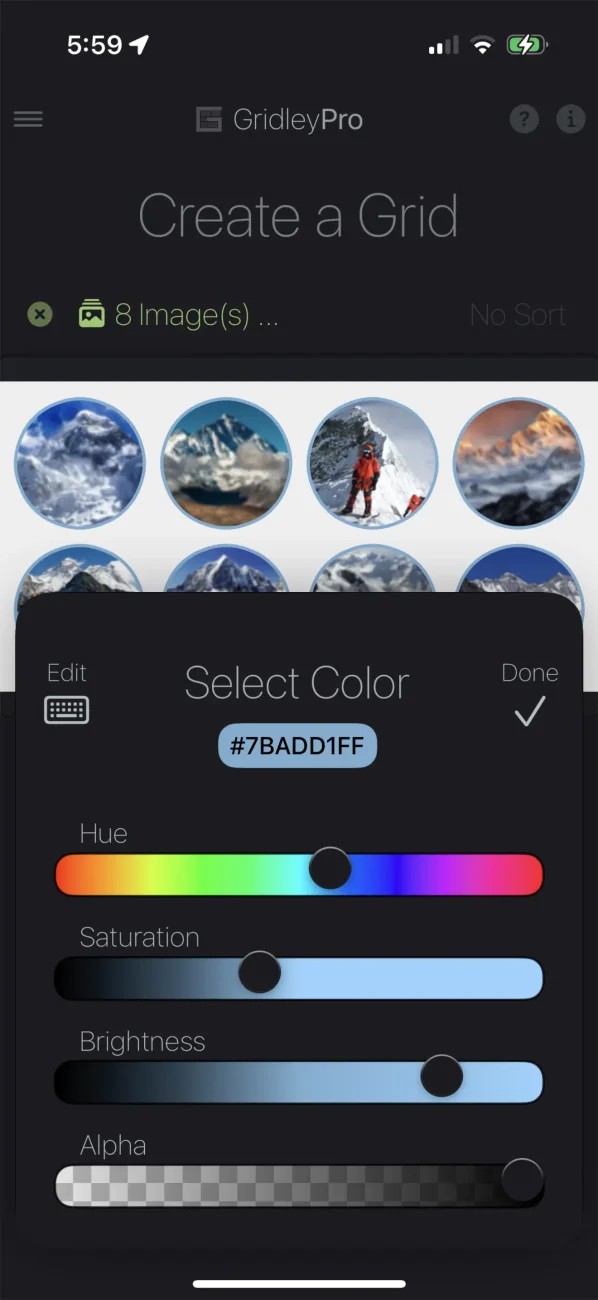
• Change background and border colors with a full HSB color picker with opacity controls
• Apply an image effect from options like Vibrant Pop, Warm, Dramatic, Pixelated, Color Leak, Black & White… and more.
• Global opacity settings
---
Designed for Flexibility
---
• Export grids up to 1,000 px in Free mode and up to 15,000 px with Gridley Pro
• Save as JPG for smaller files, or keep lossless PNG — your choice, with a quality setting
• Set all images to a fixed width or height, from 200 px up to 3,000 px
• Sort images by date, name, or size
• Responsive UI with smooth, animated controls
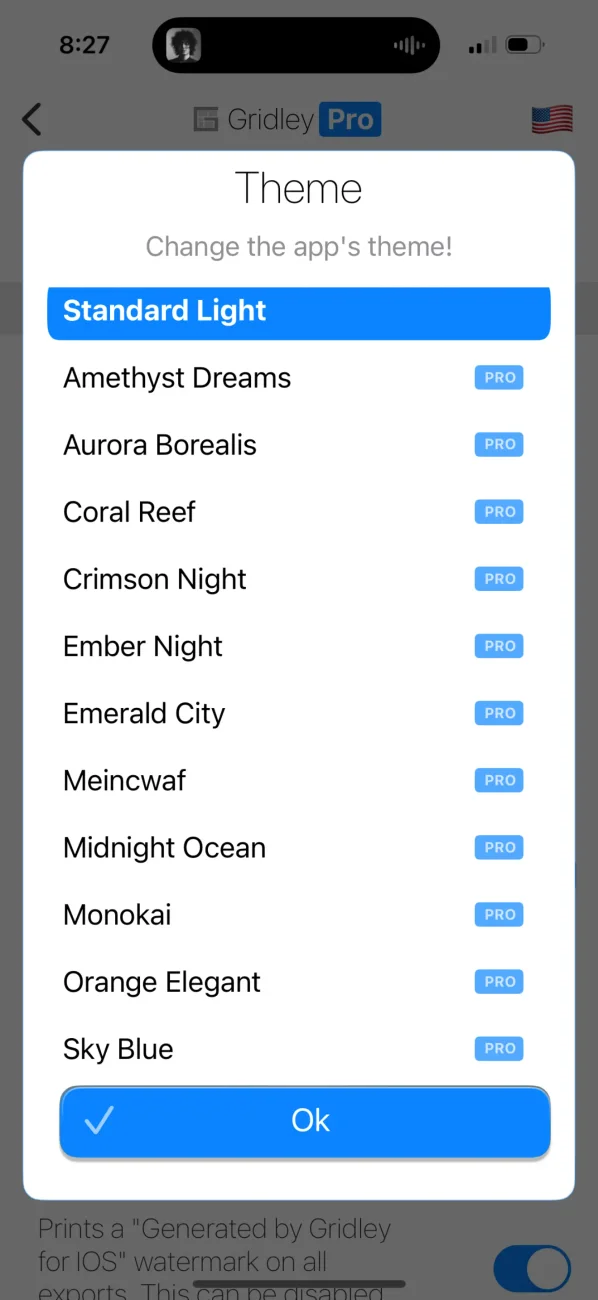
• Choose from a variety of light and dark app themes to suit your style
---
Go Gridley Pro Your Way
---
• Work with up to 30 images per grid
• Export at maximum resolution — up to 15,000 px
• Unlock all image filters, including Pixelated effect
• Access the full list of 15 app themes to fully customize your interface
• Save grids as Photos, PDFs, or zipped PDFs
• Access full control of all grid settings
• Optionally remove the watermark
• Upgrade with either a one-time Lifetime purchase ($12.99) or a flexible monthly subscription ($1.99/month) — choose what fits you best
---
Perfect For
---
• Designers previewing layouts
• Quickly stitching photos together or consolidating multiple screenshots
• Making collages, visual summaries, or storyboards
• Students, bloggers, or teams organizing images efficiently
• Photographers sharing polished sets or print-ready photo grids
• Content creators making social posts or marketing visuals
• Anyone who wants clean, high-resolution grids in seconds
---
Download Gridley and start building your perfect grid today.
---
Terms of Use: https://www.apple.com/legal/internet-services/itunes/dev/stdeula
What’s new
Version 1.1 · Nov 19, 2026
• Large exports are now rock-solid — grids up to 15,000px export reliably, even with 30 images.
• New Save as JPG option — export smaller files with a quality setting, or keep lossless PNG.
• Pixelated effect is smoother and more stable at large sizes.
• Rounded corners now look the same in the preview as in the final export.
• Pixelated grids now show the same block size on every photo, matching the preview.
App privacy
What Emerson Design declares on the App Store about how this app handles data.
-
Data not collected
The developer does not collect any data from this app.
Privacy practices may vary, for example with the features you use or your age.
Information
- Seller
- Emerson Design, Inc.
- Category
- Utilities
- Version
- 1.1
- Updated
- Nov 19, 2026
- Released
- Aug 18, 2025
- Size
- 16.7 MB
- Requires
- iOS 17.6 or later
- Age rating
- 4+
- Price
- $12.99
- In-app purchases
- Yes
- Languages
- English, French, German, Hindi, Japanese, Korean, Russian, Simplified Chinese
- Copyright
- © 2026 Emerson Design
You might also like
-
 Screenshot ExtractorUtilities
-
 Web Clipper PlusWeb Page to Local or PDF
-
 Video Lite: Compress & ResizeShrink & reduce file size
-
 Shrimpminder: Posture AlertsFix slouching & back pain.
-
 Daria ExplorerSmart Image Explorer
-
 Bookly - appAppointment manager
-
 Simple Video ResizerUtilities
-
 KeepTrack: AI Home InventoryHouse inventory tracking
-
 ADFEST 2026Utilities
-
 Tally Counter – Tap ProPeople, Scores & Clicker