
Gridley - Image Grid Generator
High-res photo grid maker
iPhone için tasarlandı
₺699,99 · Uygulama içi satın alma
- Yaş sınırı4+
- KategoriYardımcılar
- GeliştiriciEmerson Design
- Dillerİngilizce+ 7 dil daha
- Boyut16,7 MB
Resmi App Store sayfasına bağlanır
Download.org, Gridley - Image Grid Generator için hiçbir dosya barındırmaz. Düğme, uygulamanın App Store üzerindeki sayfasını açar; uygulamayı orada Emerson Design yayınlar. Sayfanın son kontrolü: 23.11.2026.
Ekran görüntüleri
Hakkında
Geliştirici bu metni dilinizde sunmamış.
Put two photos side by side in seconds — or up to 30 in one clean, high-res grid. No ads, no subscription trap.
Gridley makes it simple to turn a few images—or a whole collection—into clean, high-resolution grids in seconds. Whether you're a designer, photographer, or just organizing screenshots, Gridley helps you control spacing, layout, borders, backgrounds, and more. Preview changes instantly and export your grid as an image or PDF at full quality.
---
Why Gridley Stands Out
---
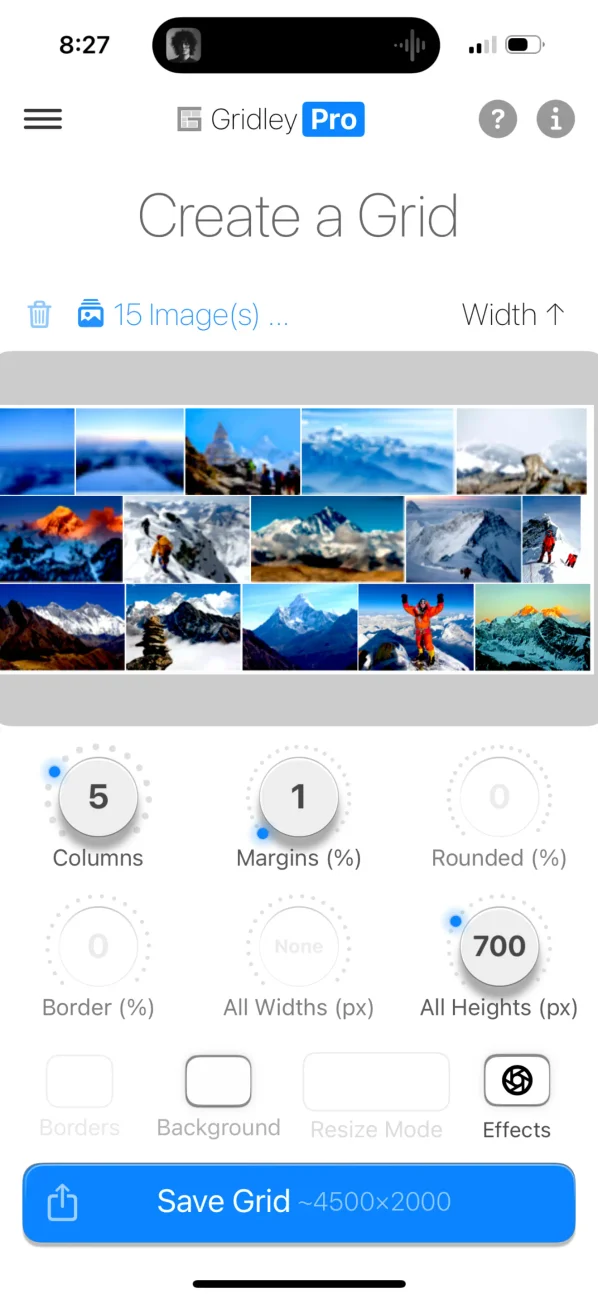
• Combine up to 5 images per grid for Free, or up to 30 with Gridley Pro.
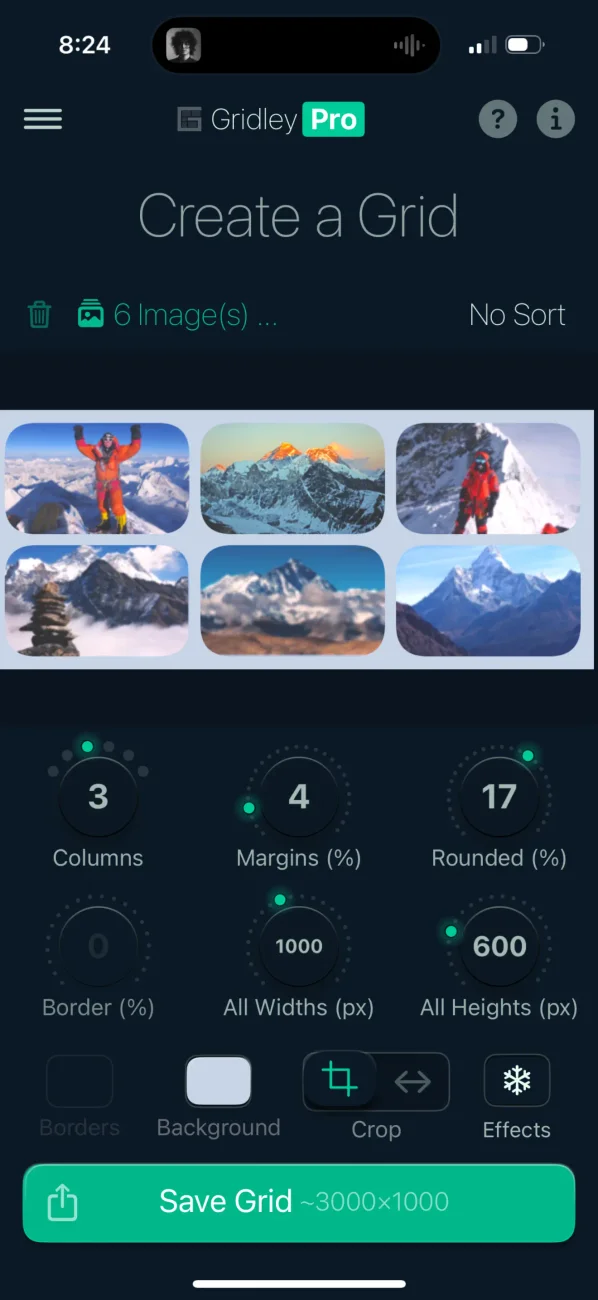
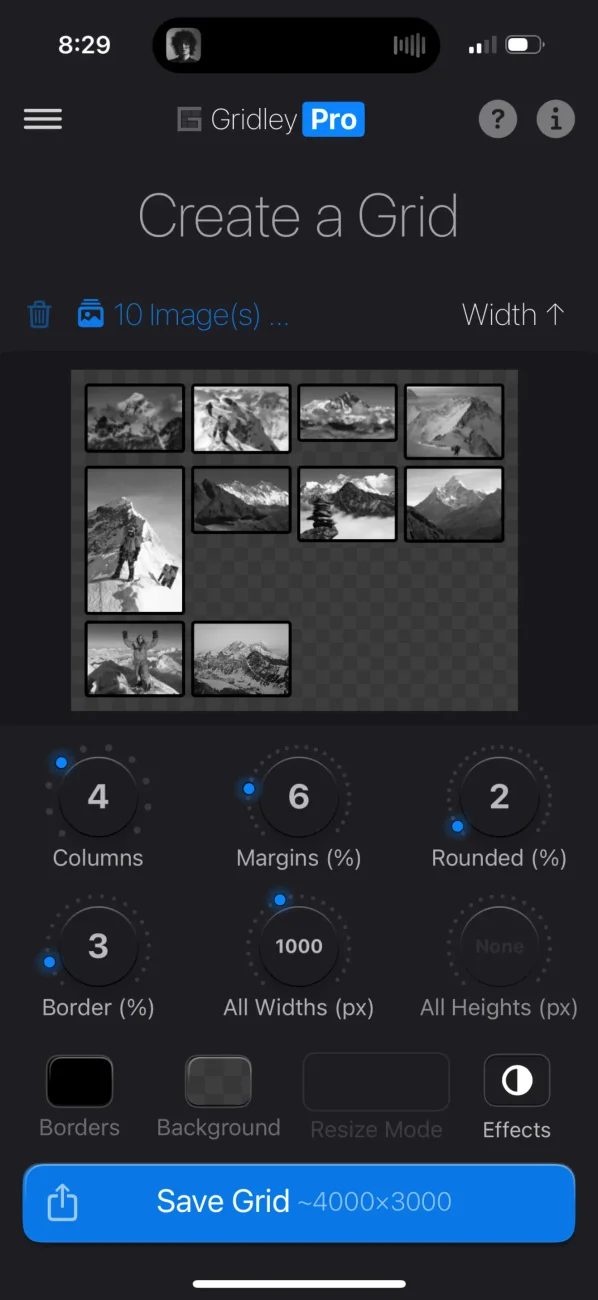
• Adjust spacing, borders, corners, and other grid settings
• Live preview — see edits as you make them
• Export sharp images or PDFs
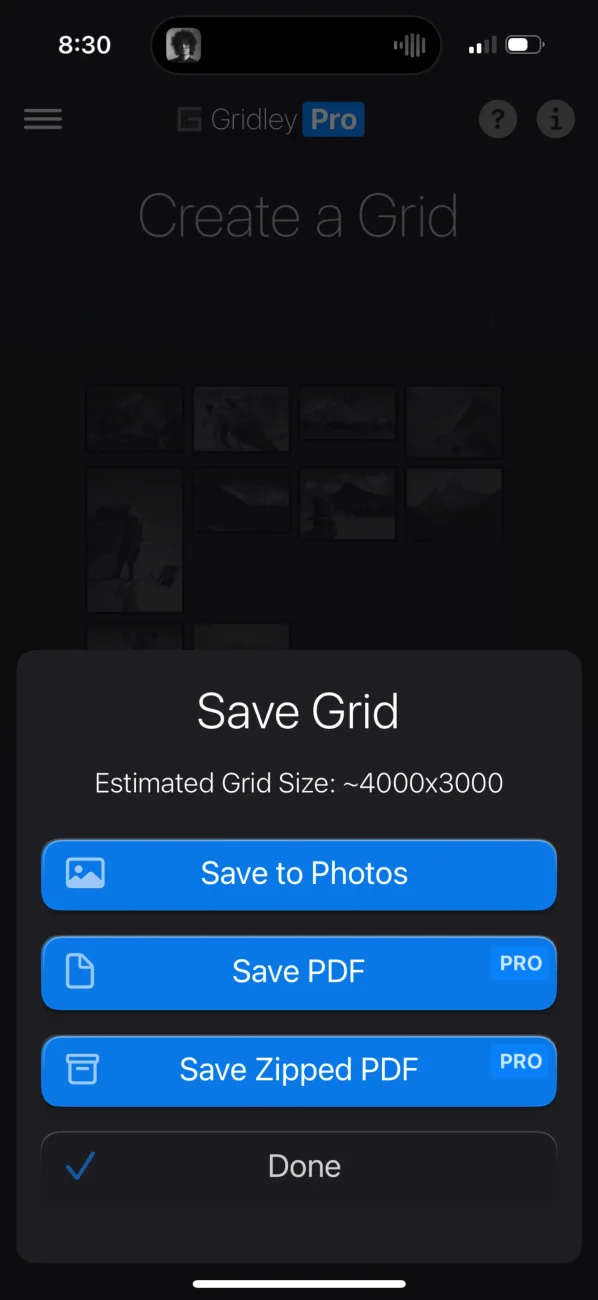
• Save or share as photos, PDFs, or zipped PDF files
• Available in 8 languages: English, Japanese, Chinese, French, Hindi, German, Korean, Russian
---
Powerful Layout Options
---
• Set columns (images per row)
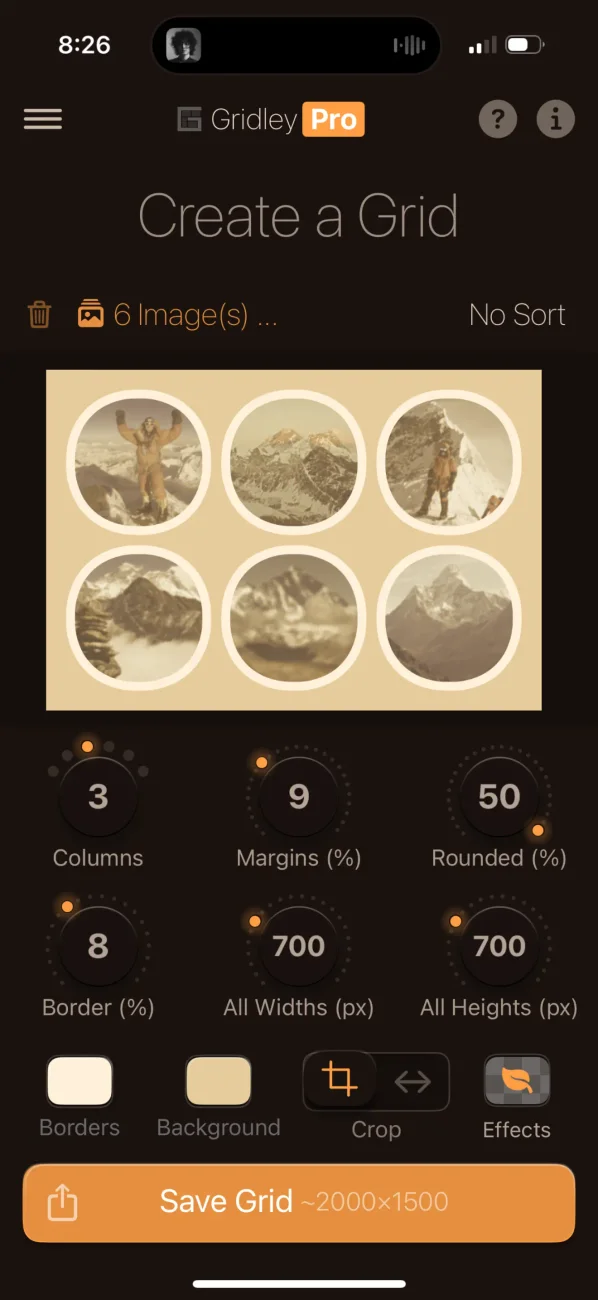
• Customize margins, borders, corners, and fixed image sizes
• Crop or stretch images to fit your grid
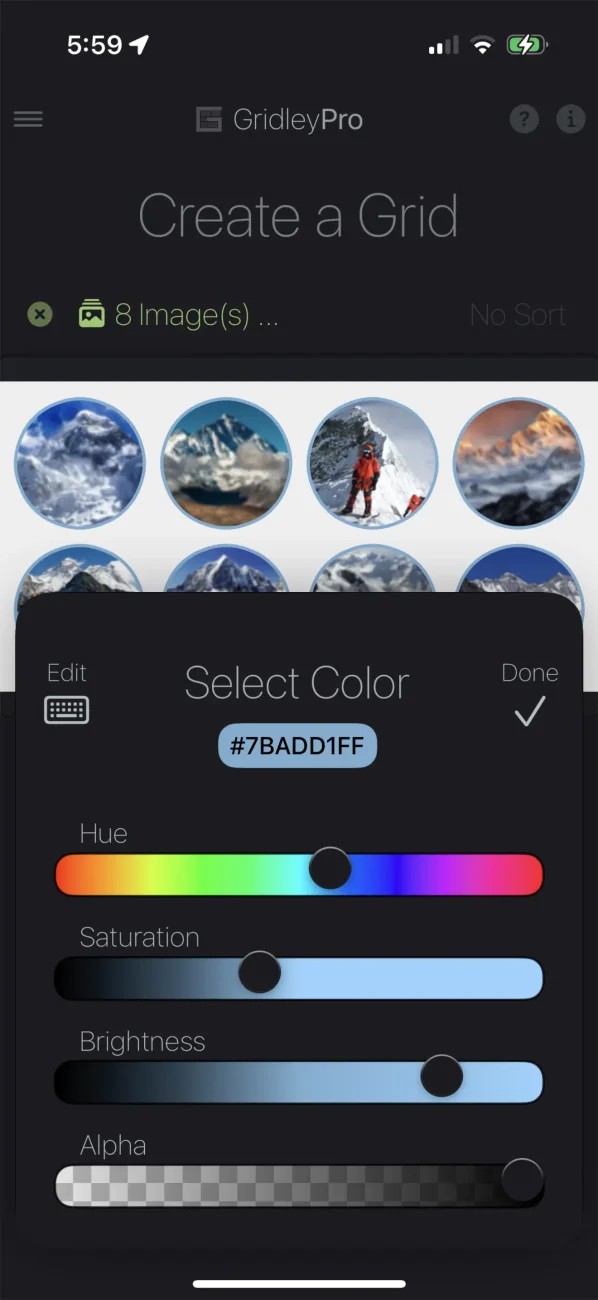
• Change background and border colors with a full HSB color picker with opacity controls
• Apply an image effect from options like Vibrant Pop, Warm, Dramatic, Pixelated, Color Leak, Black & White… and more.
• Global opacity settings
---
Designed for Flexibility
---
• Export grids up to 1,000 px in Free mode and up to 15,000 px with Gridley Pro
• Save as JPG for smaller files, or keep lossless PNG — your choice, with a quality setting
• Set all images to a fixed width or height, from 200 px up to 3,000 px
• Sort images by date, name, or size
• Responsive UI with smooth, animated controls
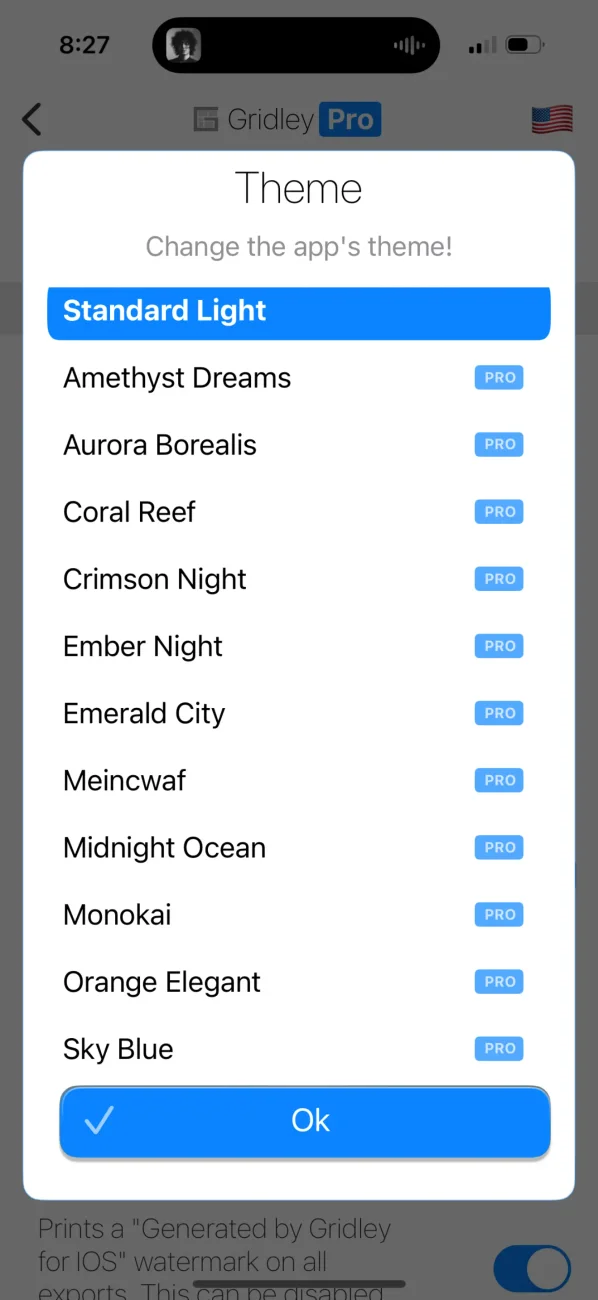
• Choose from a variety of light and dark app themes to suit your style
---
Go Gridley Pro Your Way
---
• Work with up to 30 images per grid
• Export at maximum resolution — up to 15,000 px
• Unlock all image filters, including Pixelated effect
• Access the full list of 15 app themes to fully customize your interface
• Save grids as Photos, PDFs, or zipped PDFs
• Access full control of all grid settings
• Optionally remove the watermark
• Upgrade with either a one-time Lifetime purchase ($12.99) or a flexible monthly subscription ($1.99/month) — choose what fits you best
---
Perfect For
---
• Designers previewing layouts
• Quickly stitching photos together or consolidating multiple screenshots
• Making collages, visual summaries, or storyboards
• Students, bloggers, or teams organizing images efficiently
• Photographers sharing polished sets or print-ready photo grids
• Content creators making social posts or marketing visuals
• Anyone who wants clean, high-resolution grids in seconds
---
Download Gridley and start building your perfect grid today.
---
Terms of Use: https://www.apple.com/legal/internet-services/itunes/dev/stdeula
Yenilikler
Sürüm 1.1 · 19.11.2026
• Large exports are now rock-solid — grids up to 15,000px export reliably, even with 30 images.
• New Save as JPG option — export smaller files with a quality setting, or keep lossless PNG.
• Pixelated effect is smoother and more stable at large sizes.
• Rounded corners now look the same in the preview as in the final export.
• Pixelated grids now show the same block size on every photo, matching the preview.
Uygulama gizliliği
Bu uygulamanın verileri nasıl işlediği hakkında Emerson Design tarafından App Store üzerinde yapılan beyan.
-
Veri toplanmıyor
Geliştirici bu uygulamadan hiçbir veri toplamıyor.
Gizlilik uygulamaları, örneğin kullandığınız özelliklere veya yaşınıza göre değişiklik gösterebilir.
Bilgiler
- Satıcı
- Emerson Design, Inc.
- Kategori
- Yardımcılar
- Sürüm
- 1.1
- Güncellendi
- 19.11.2026
- Yayın tarihi
- 18.08.2025
- Boyut
- 16,7 MB
- Gereksinim
- iOS 17.6 veya sonrası
- Yaş sınırı
- 4+
- Fiyat
- ₺699,99
- Uygulama içi satın alma
- Evet
- Diller
- İngilizce, Fransızca, Almanca, Hindi, Japonca, Korece, Rusça, Basitleştirilmiş Çince
- Telif hakkı
- © 2026 Emerson Design
Bunları da beğenebilirsiniz
-
 Screenshot ExtractorYardımcılar
-
 Web Clipper PlusYardımcılar
-
 Video Lite: Compress & ResizeYardımcılar
-
 Shrimpminder: Posture AlertsYardımcılar
-
 Daria ExplorerYardımcılar
-
 Bookly - appYardımcılar
-
 Simple Video ResizerYardımcılar
-
 KeepTrack: AI Home InventoryYardımcılar
-
 ADFEST 2026Yardımcılar
-
 Tally Counter – Tap ProYardımcılar