- 対象年齢4+
- カテゴリユーティリティ
- 開発元Emerson Design
- 言語英語ほか7言語
- サイズ16.7 MB
App Storeの公式ページにリンクしています
Download.orgはGridley - Image Grid Generatorのファイルを一切ホストしていません。ボタンを押すと、Emerson Designが公開しているApp Storeのアプリページが開きます。ページの最終確認:2026/11/23。
スクリーンショット
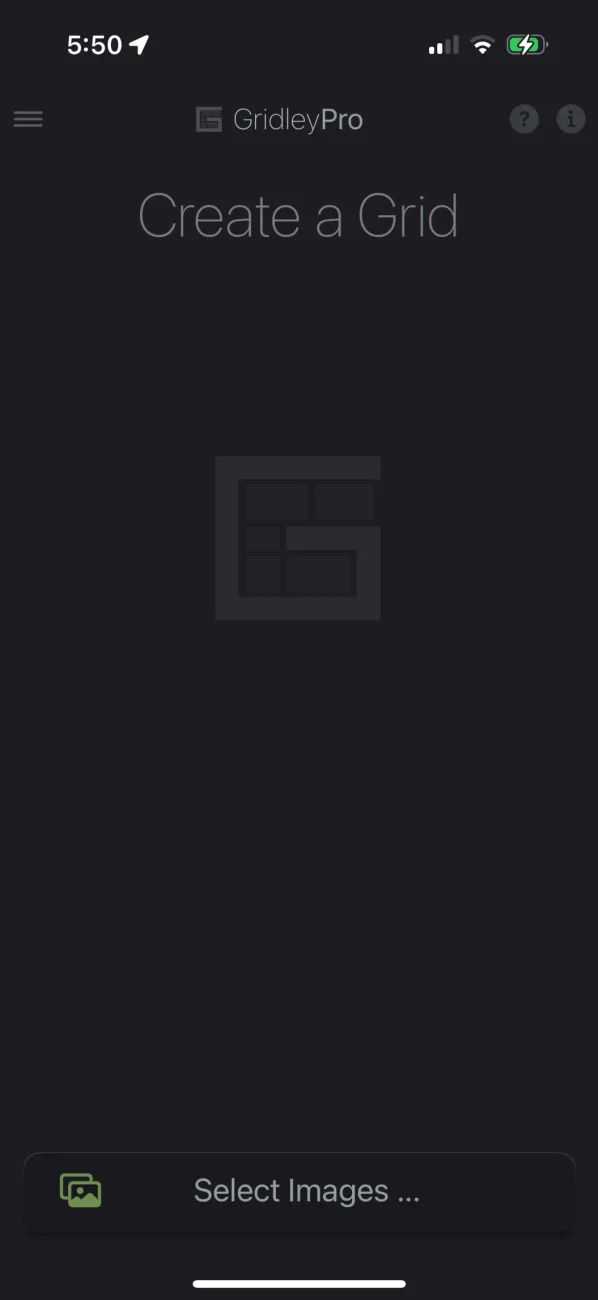
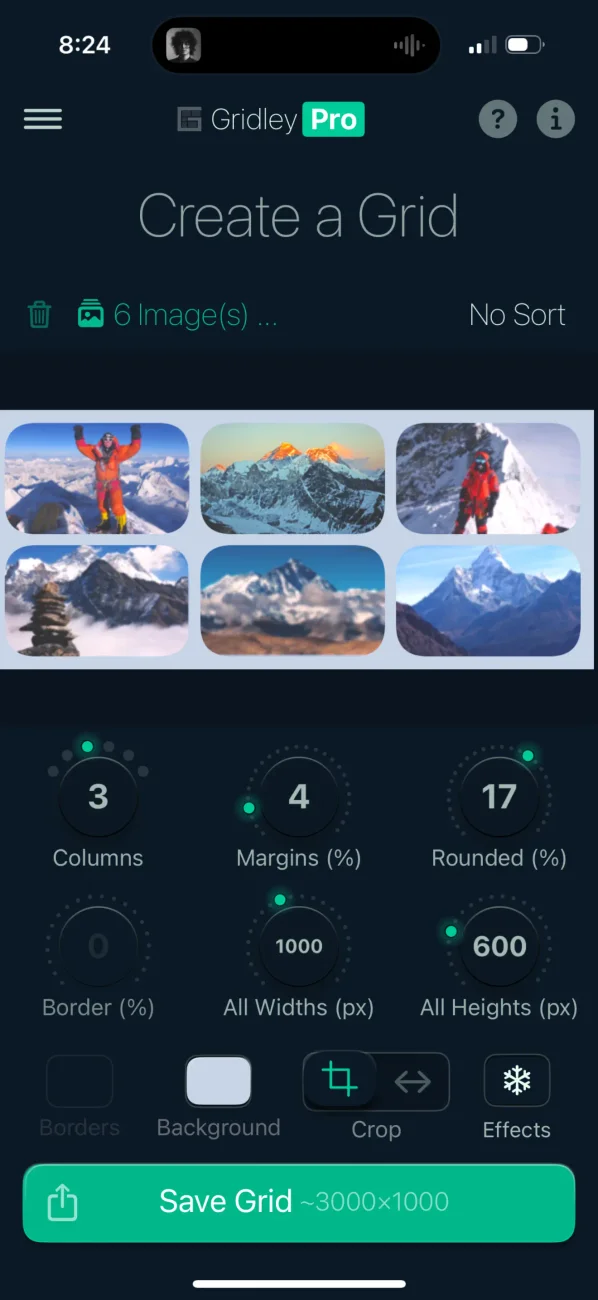
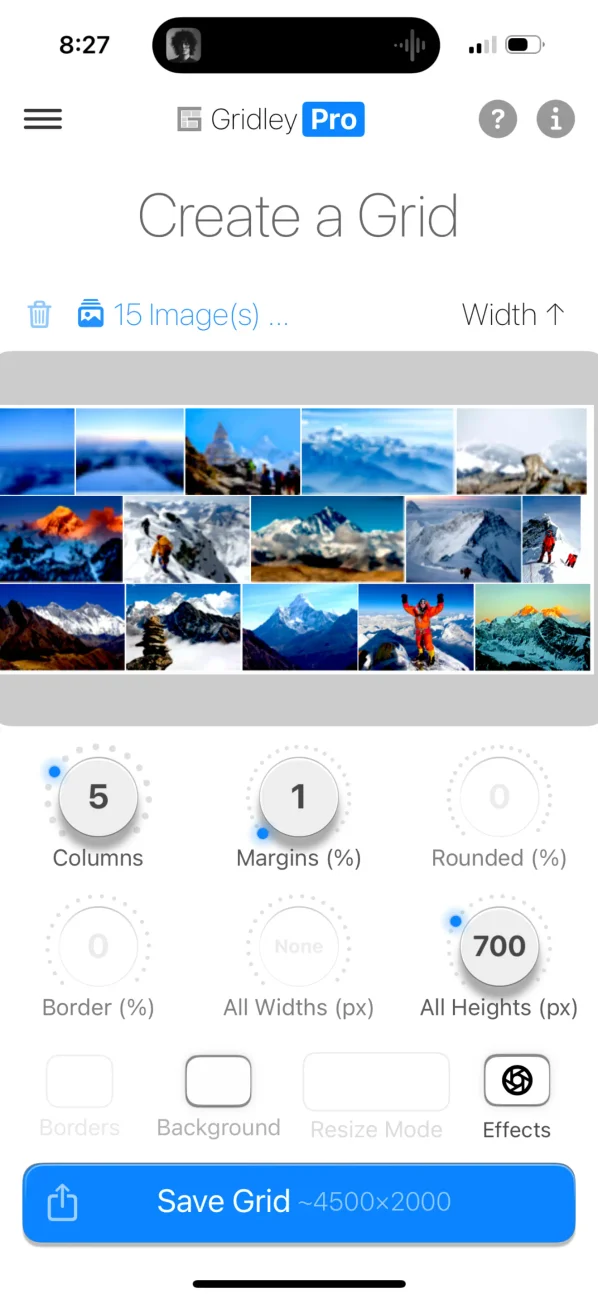
概要
開発元はこのテキストをお使いの言語で提供していません。
Put two photos side by side in seconds — or up to 30 in one clean, high-res grid. No ads, no subscription trap.
Gridley makes it simple to turn a few images—or a whole collection—into clean, high-resolution grids in seconds. Whether you're a designer, photographer, or just organizing screenshots, Gridley helps you control spacing, layout, borders, backgrounds, and more. Preview changes instantly and export your grid as an image or PDF at full quality.
---
Why Gridley Stands Out
---
• Combine up to 5 images per grid for Free, or up to 30 with Gridley Pro.
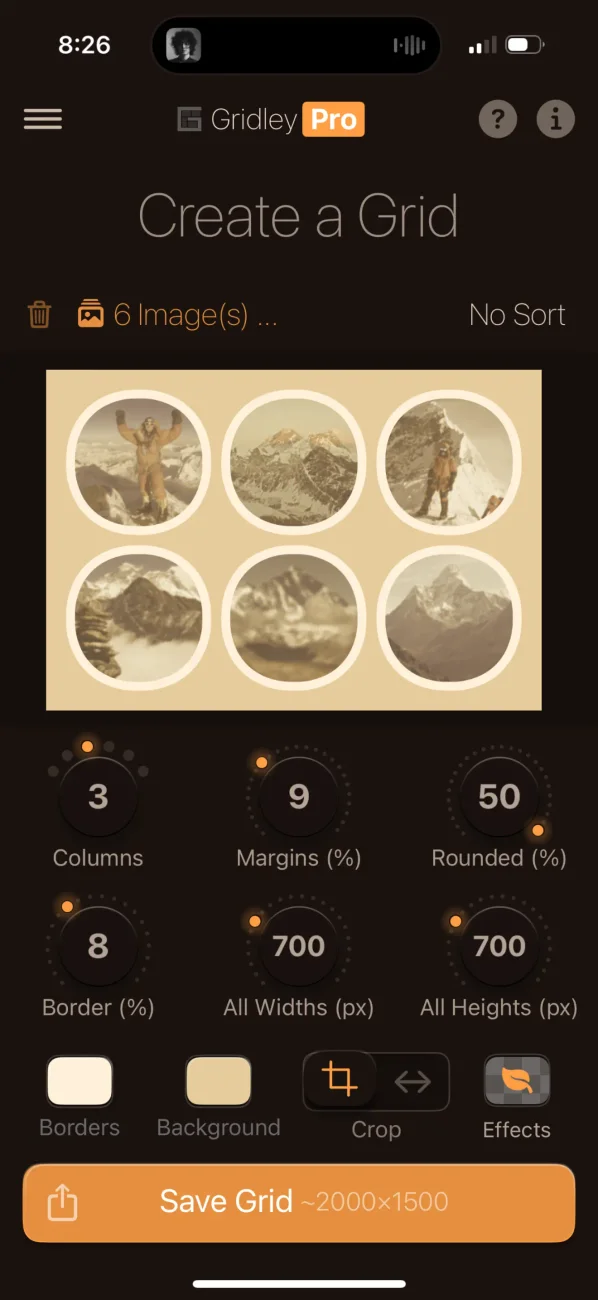
• Adjust spacing, borders, corners, and other grid settings
• Live preview — see edits as you make them
• Export sharp images or PDFs
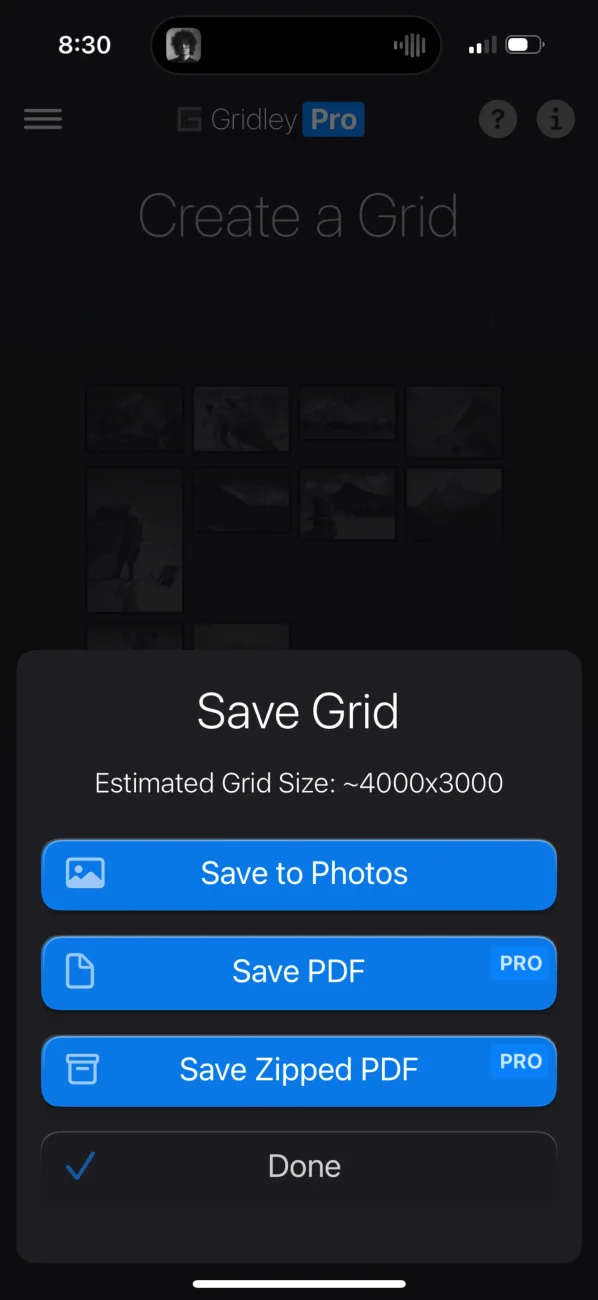
• Save or share as photos, PDFs, or zipped PDF files
• Available in 8 languages: English, Japanese, Chinese, French, Hindi, German, Korean, Russian
---
Powerful Layout Options
---
• Set columns (images per row)
• Customize margins, borders, corners, and fixed image sizes
• Crop or stretch images to fit your grid
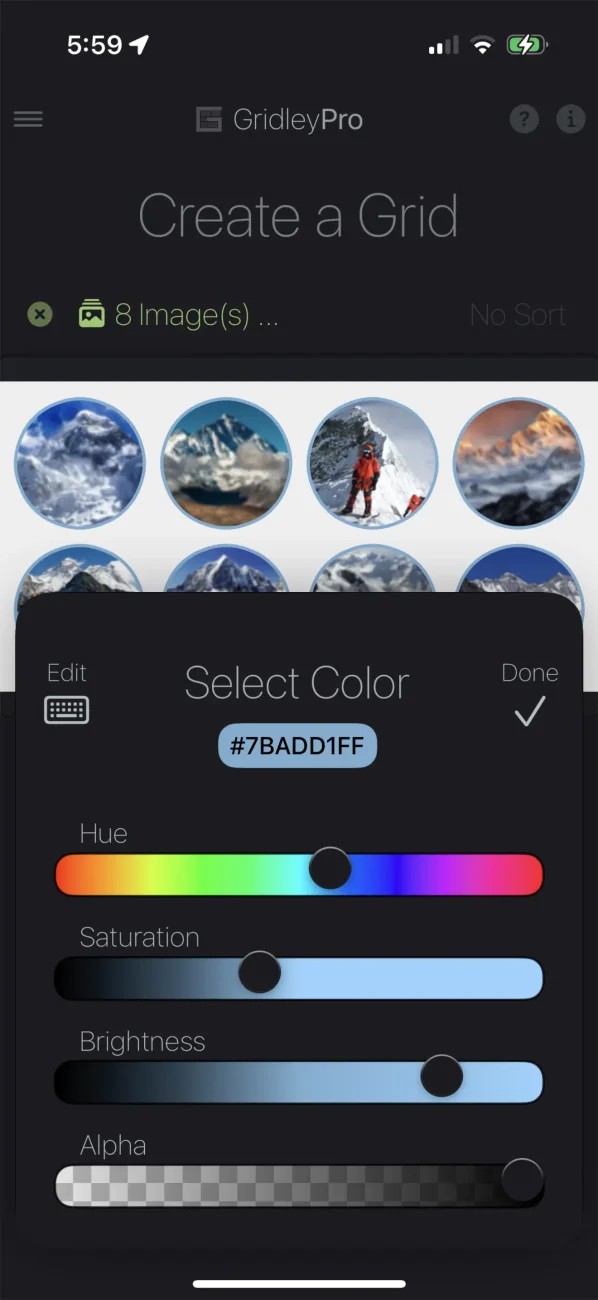
• Change background and border colors with a full HSB color picker with opacity controls
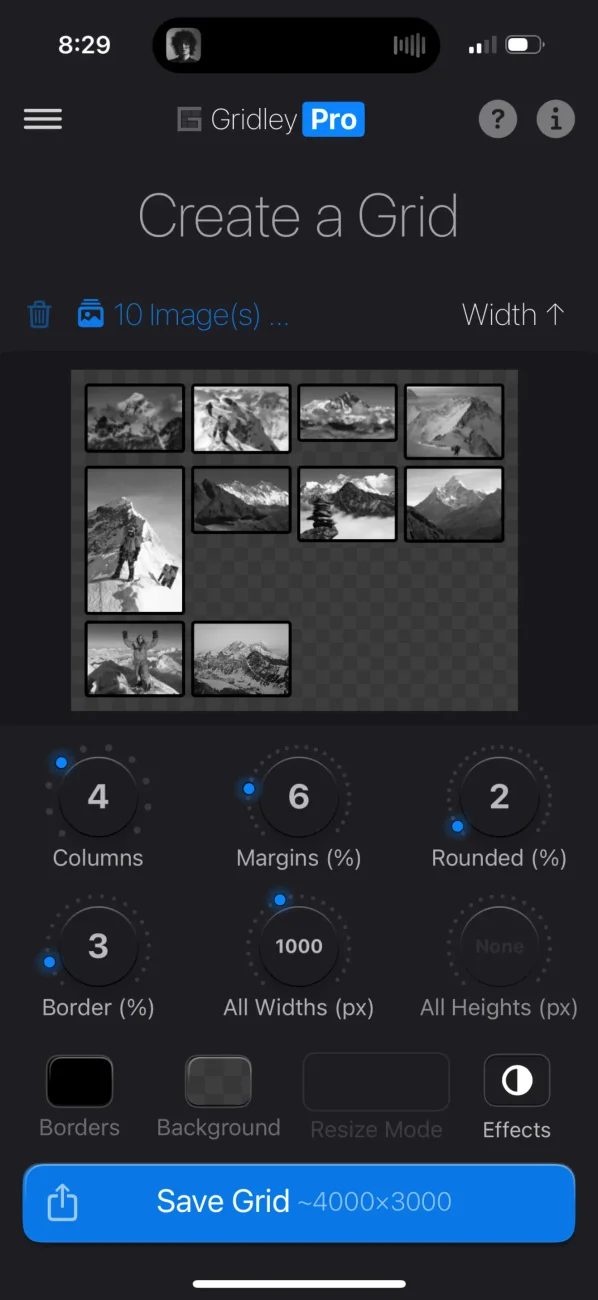
• Apply an image effect from options like Vibrant Pop, Warm, Dramatic, Pixelated, Color Leak, Black & White… and more.
• Global opacity settings
---
Designed for Flexibility
---
• Export grids up to 1,000 px in Free mode and up to 15,000 px with Gridley Pro
• Save as JPG for smaller files, or keep lossless PNG — your choice, with a quality setting
• Set all images to a fixed width or height, from 200 px up to 3,000 px
• Sort images by date, name, or size
• Responsive UI with smooth, animated controls
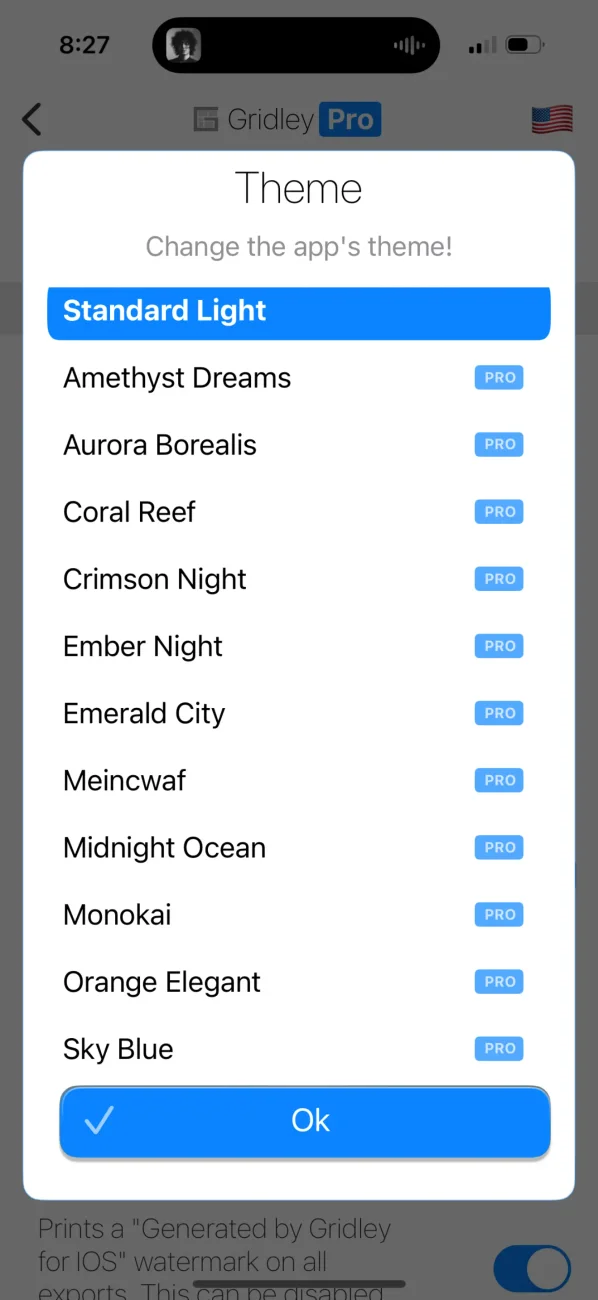
• Choose from a variety of light and dark app themes to suit your style
---
Go Gridley Pro Your Way
---
• Work with up to 30 images per grid
• Export at maximum resolution — up to 15,000 px
• Unlock all image filters, including Pixelated effect
• Access the full list of 15 app themes to fully customize your interface
• Save grids as Photos, PDFs, or zipped PDFs
• Access full control of all grid settings
• Optionally remove the watermark
• Upgrade with either a one-time Lifetime purchase ($12.99) or a flexible monthly subscription ($1.99/month) — choose what fits you best
---
Perfect For
---
• Designers previewing layouts
• Quickly stitching photos together or consolidating multiple screenshots
• Making collages, visual summaries, or storyboards
• Students, bloggers, or teams organizing images efficiently
• Photographers sharing polished sets or print-ready photo grids
• Content creators making social posts or marketing visuals
• Anyone who wants clean, high-resolution grids in seconds
---
Download Gridley and start building your perfect grid today.
---
Terms of Use: https://www.apple.com/legal/internet-services/itunes/dev/stdeula
新機能
バージョン 1.1 · 2026/11/19
• Large exports are now rock-solid — grids up to 15,000px export reliably, even with 30 images.
• New Save as JPG option — export smaller files with a quality setting, or keep lossless PNG.
• Pixelated effect is smoother and more stable at large sizes.
• Rounded corners now look the same in the preview as in the final export.
• Pixelated grids now show the same block size on every photo, matching the preview.
アプリのプライバシー
このアプリのデータの取り扱いについて、Emerson DesignがApp Storeで申告している内容です。
-
データの収集なし
開発元はこのアプリからデータを収集しません。
プライバシーの取り扱いは、ご利用の機能やお客様の年齢などに応じて異なる場合があります。
情報
- 販売元
- Emerson Design, Inc.
- カテゴリ
- ユーティリティ
- バージョン
- 1.1
- 更新日
- 2026/11/19
- リリース
- 2025/8/18
- サイズ
- 16.7 MB
- 必要条件
- iOS 17.6以降
- 対象年齢
- 4+
- 価格
- ¥2,000
- アプリ内課金
- あり
- 言語
- 英語, フランス語, ドイツ語, ヒンディー語, 日本語, 韓国語, ロシア語, 簡体字中国語
- 著作権
- © 2026 Emerson Design