
- Age rating4+
- CategoryProductivity
- Developerdick hartog
- LanguagesEnglish
- Size647.0 KB
Links to the official App Store page
Download.org hosts no file of Half Keyboard: Compact. The button opens its official App Store page, published by dick hartog. Listing last checked on Nov 11, 2026.
Screenshots
About
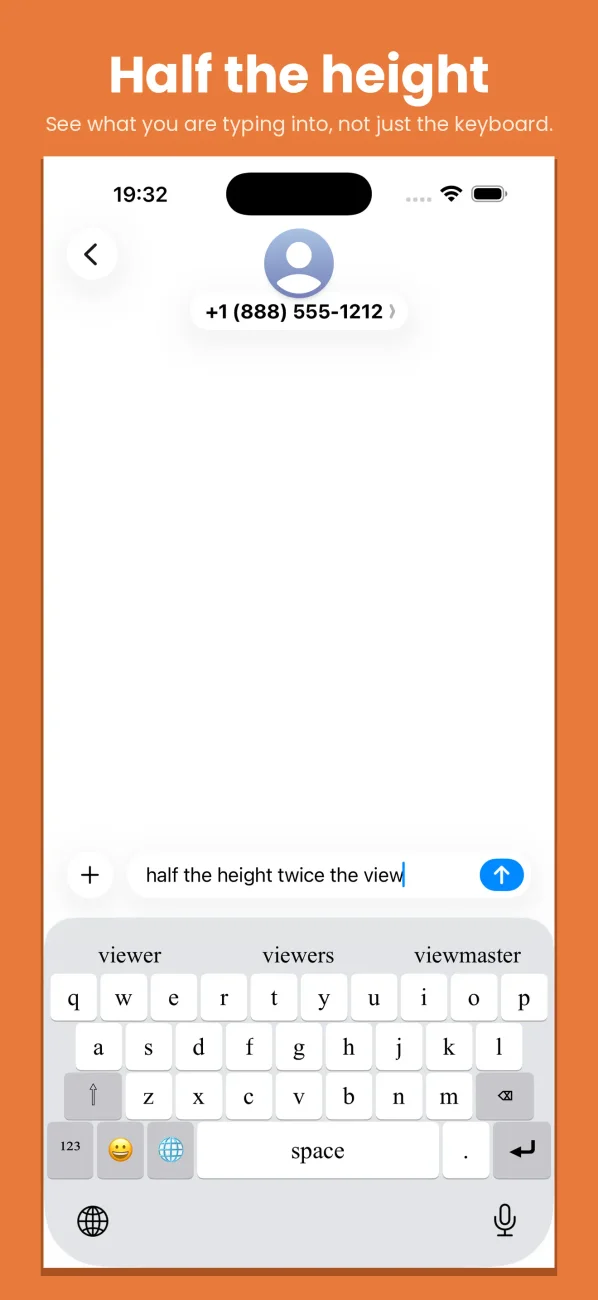
The standard iOS keyboard takes up almost half your iPad HalfKeyboard takes about two thirds of that, so you keep seeing what you're typing into — your chat, your form, your note.
But it's not a stripped-down version. Everything you expect from a keyboard is there, right where your thumb already rests.
SWIPE DOWN FOR THE SECOND CHARACTER
Swipe down on a letter key to get the character above it: q becomes 1, a becomes @, z becomes %. On the period key, a swipe down gives a comma. You'll rarely need the number layer.
SET IT UP YOUR WAY
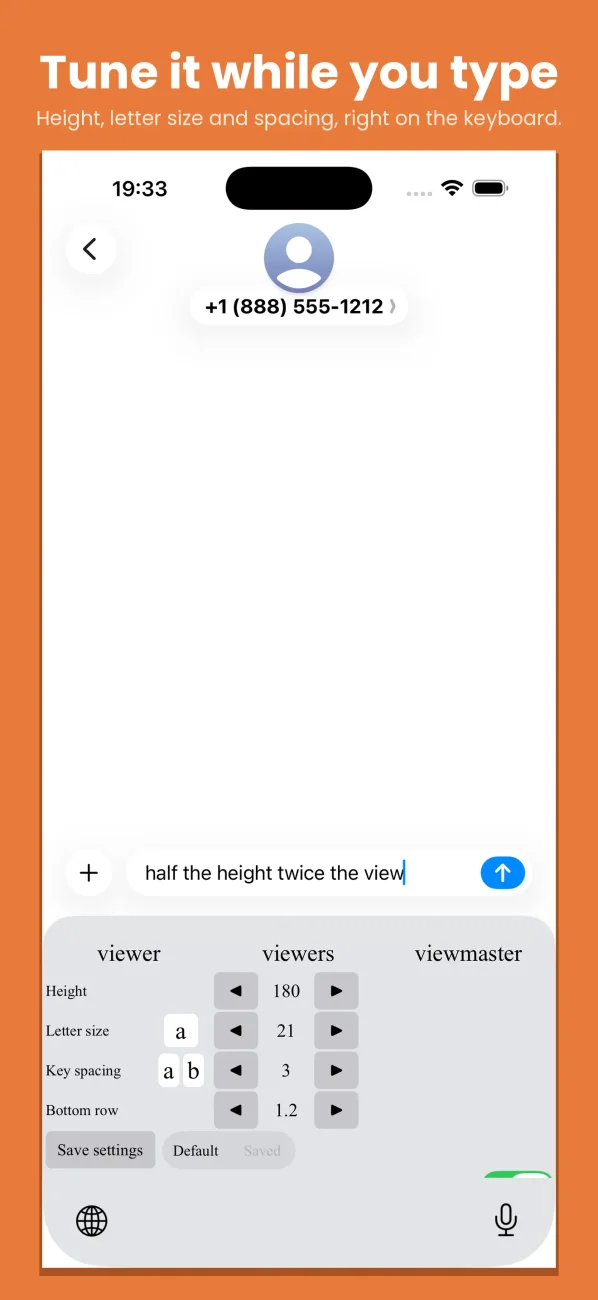
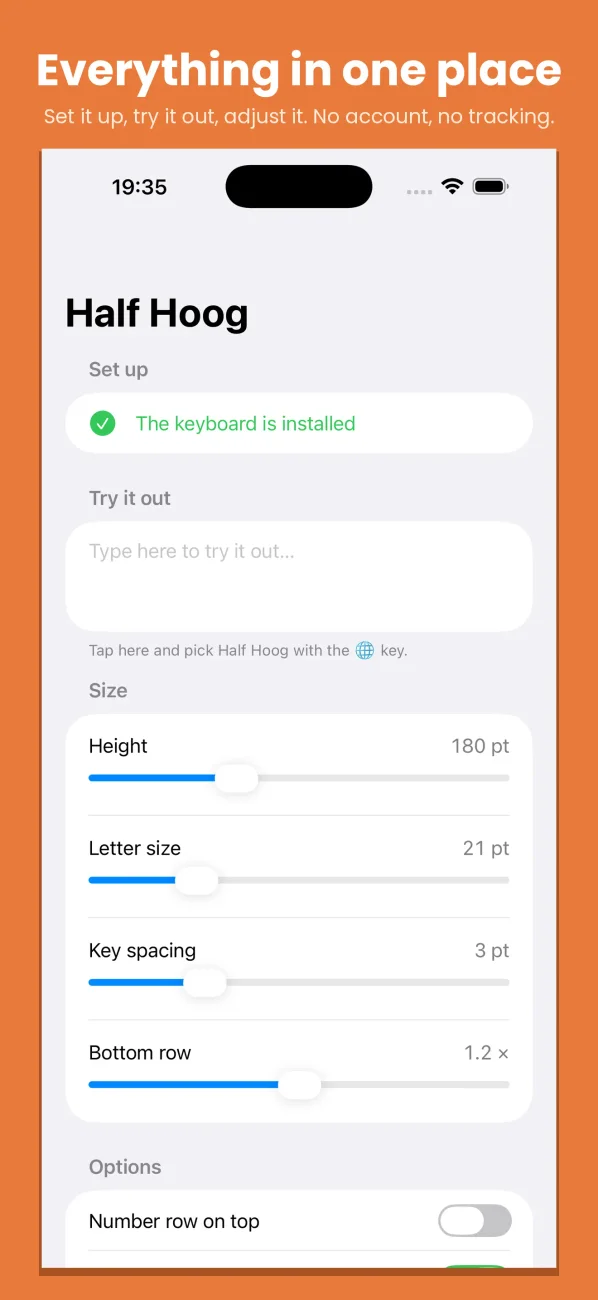
Height, font size, key spacing, bottom row thickness, typeface — all with a slider. Both in the app and in the keyboard itself, so you see the effect right away. Settings made in the app go to the keyboard; not the other way round, because a keyboard without full access isn't allowed to write back.
SPACE BAR AS A TRACKPAD
Hold the space bar and drag to move the cursor through your text. No more aiming for a single letter.
WORD SUGGESTIONS THAT SEND NOTHING
A suggestion bar in Dutch, English or German, or automatic. The word list lives inside the app; nothing is looked up and nothing is remembered.
EMOJI
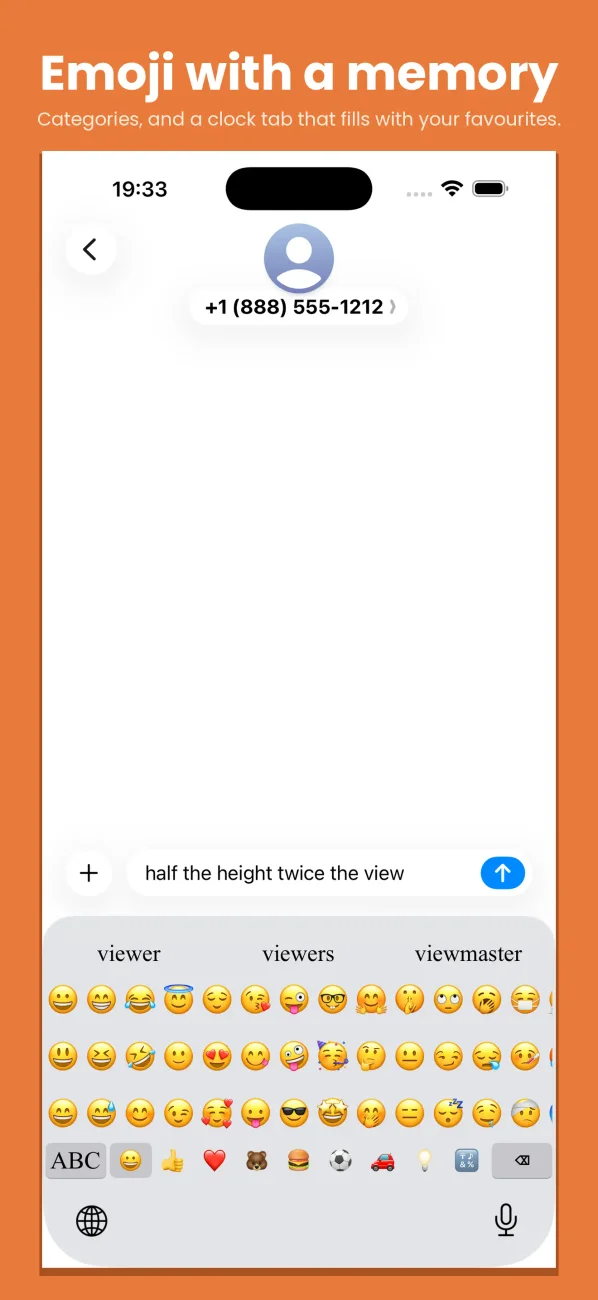
Its own emoji board with categories and a clock tab that fills with what you used last.
ROOMIER ON IPAD
On iPad you get two extra layouts: a numeric pad on the right, and a split layout with the pad in the middle and a space bar under each thumb.
PRIVACY HERE IS NOT A PROMISE BUT A BOUNDARY
HalfKeyboard does not ask for full access. Without that permission, a keyboard on iOS cannot connect to the internet — a technical limit, not a word of honour. No analytics, no ads, no account, no third-party SDKs. What you type stays on your device.
Free, with no strings attached: no ads, no subscription, no in-app purchases.
What’s new
Version 1.1 · Sep 27, 2026
- New: an enlarged key pops up above your finger as you type, just like on the standard keyboard.
- Small improvements and fixes.
App privacy
What dick hartog declares on the App Store about how this app handles data.
-
Data not collected
The developer does not collect any data from this app.
Privacy practices may vary, for example with the features you use or your age.
Information
- Seller
- dick hartog
- Category
- Productivity
- Version
- 1.1
- Updated
- Sep 27, 2026
- Released
- Sep 2, 2026
- Size
- 647.0 KB
- Requires
- iOS 17.0 or later
- Age rating
- 4+
- Price
- Free
- Languages
- English
- Copyright
- © 2026 Dick Hartog
You might also like
-
 OfflendarOffline calendar & tasks
-
 One Big Keyboard: Operatorssite:, filetype: & more, 1 tap
-
 Surnia – Offline AI ChatPrivate AI that runs on device
-
 Aspen Local AIProductivity
-
 1C Big KeyboardBig keyboard for fat fingers
-
 Weavly: AI Dictation KeyboardPrivate On-Device Voice Typing
-
 Annota NotesAI powered note taking app
-
 Chromium Vault-Password KeeperPassword Manager,Passkeys,2FA
-
 Keyda: AI Keyboard & AssistantKeyboard That Thinks With You
-
 UXAR KeyboardCustom keyboard