
- Age rating17+
- CategoryProductivity
- DeveloperTiago Mendes
- LanguagesEnglish
- Size4.7 MB
Links to the official App Store page
Download.org hosts no file of Halo OS. The button opens its official App Store page, published by Tiago Mendes. Listing last checked on Nov 14, 2026.
Screenshots


About
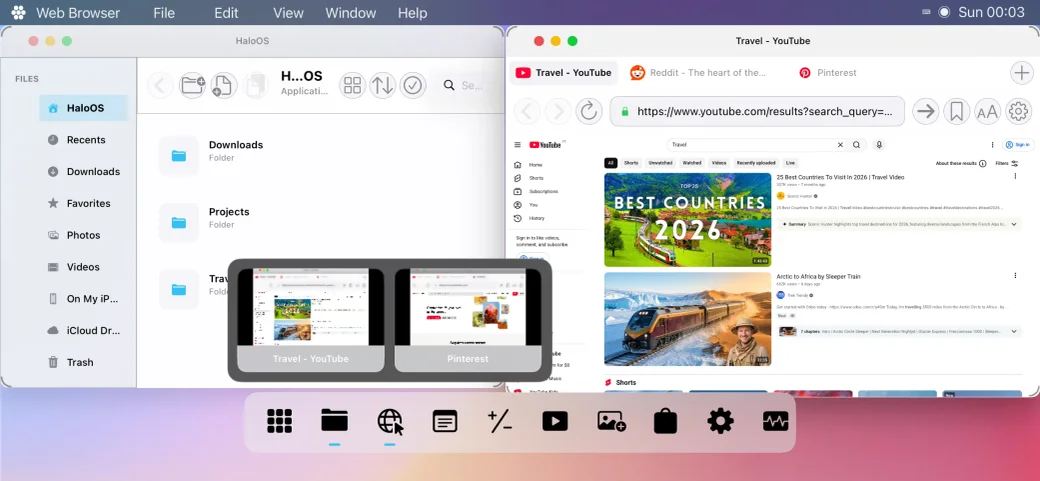
Initial Project to turn your iPhone/iPad into a computer.
How to use this app:
- Connect your iPhone/iPad to an external monitor (use Lightning Digital AV Adapter, HDMI (for iPad) or use Apple AirPlay)
- Connect Bluetooth Mouse and Bluetooth Keyboard
(if you are using iPhone you gonna need to activate Assistive Touch and screen orientation change to Off so you can rotate the iPhone screen)
Feature:
Web browser
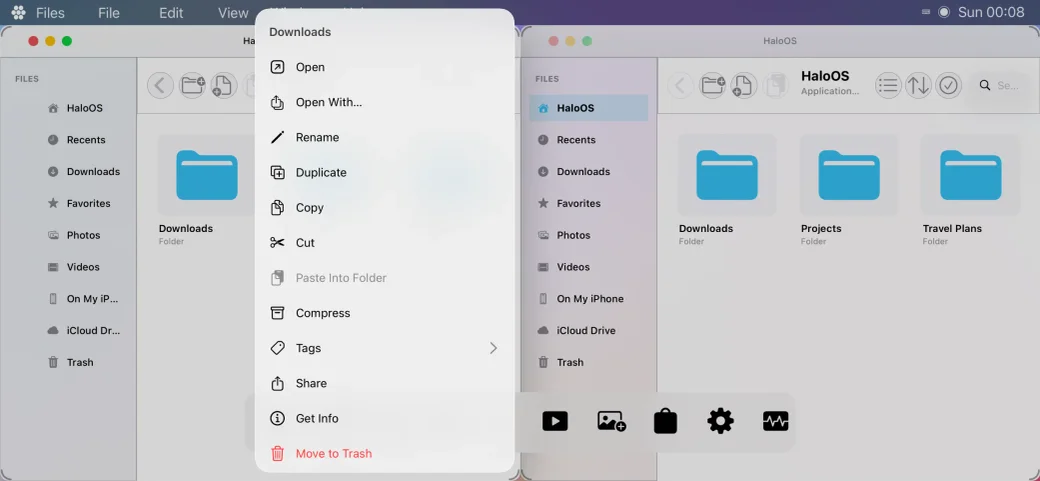
File Explorer with a txt file reader.
-- How to use the app ---
Double click to open files and folders
Click the window top bar so that windows became top window
Double click top bar will expand the screen
What’s new
Version 2.0.0 · Aug 10, 2026
Attention Halo OS Users! Version 2.0 is LIVE!
App privacy
What Tiago Mendes declares on the App Store about how this app handles data.
-
Data not collected
The developer does not collect any data from this app.
Privacy practices may vary, for example with the features you use or your age.
Information
- Seller
- Tiago Mendes
- Category
- Productivity
- Version
- 2.0.0
- Updated
- Aug 10, 2026
- Released
- Apr 30, 2022
- Size
- 4.7 MB
- Requires
- iOS 15.2 or later
- Age rating
- 17+
- Price
- Free
- Languages
- English
- Copyright
- © Tiago Mendes
You might also like
-
 ThinfinityWork from anywhere
-
 EO.workspaceProductivity
-
 DeskStateDesktop mode for any display
-
 Inuvika OVD Mobile ClientEnterprise Mobile Client iOS
-
 InfiniteX2P Pro — Desktop ModePro Desktop for Your iPhone
-
 Desktop Mode OS: ProDocktiveExternal Display Multitasking
-
 PXS External Screen DesktopYour phone is the computer
-
 NetSupport Manager ControlProductivity
-
 XeOS: External Display DesktopPro Full Screen Desktop Mode
-
 Telnet Client TerminalConnect to your Telnet Server