- Age rating4+
- CategoryProductivity
- DeveloperJeongwon KO
- LanguagesEnglish
- Size82.2 MB
Links to the official App Store page
Download.org hosts no file of HighMemo. The button opens its official App Store page, published by Jeongwon KO. Listing last checked on Nov 15, 2026.
Screenshots
About
HighMemo saves every memo to your device first, shows how your memos relate, and adds AI, Drive sync, and calendar only when you connect them yourself.
No account. No API key. No setup. HighMemo works before you connect anything — and you decide what to connect.
Sync across mobile and desktop
Connect Google Drive to keep the same memos, images, and attachments in sync across iPhone, iPad, Android, and the HighMemo desktop app.
Saving never waits
The memo is on your device the moment you send it, and any tidying happens afterwards in the background. If that tidying fails, nothing you already had is erased.
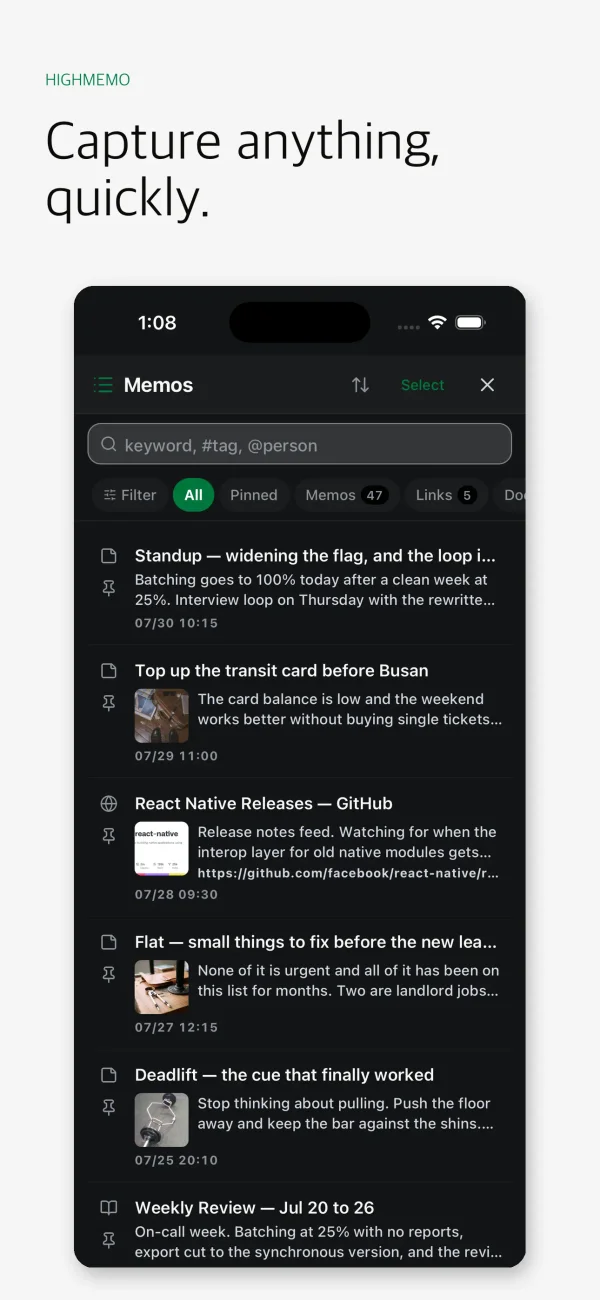
Share a link from any app and it lands as a memo — the title, summary and thumbnail fill in behind you. Attach a photo from your library and it stays with the memo.
How your memos relate
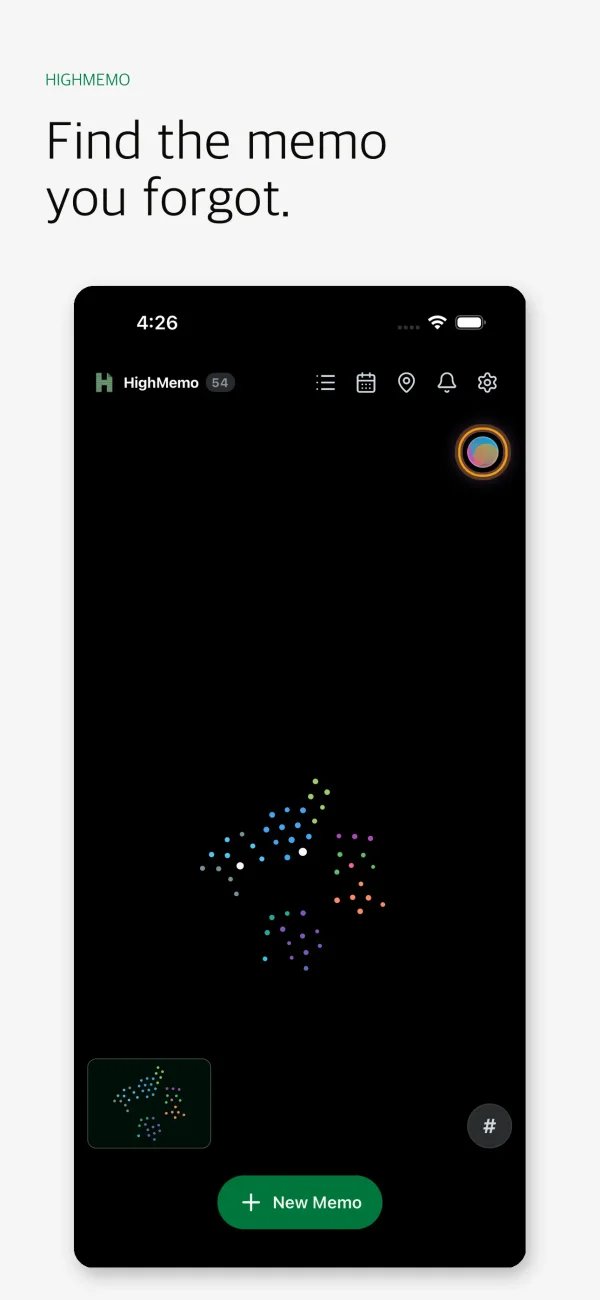
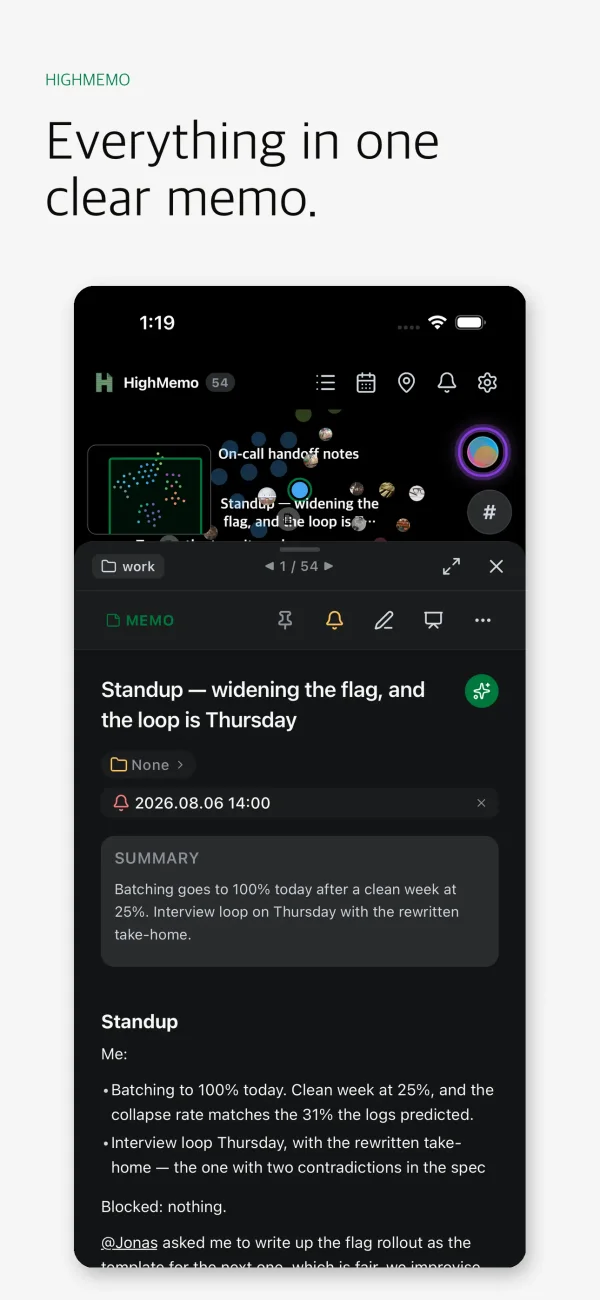
Memos that share a tag gather together, and the tag's name sits at the centre. Link two memos yourself, or mention one inside another with @ — those links are never removed by an automatic rebuild.
Folders, tags and pinning work with no account and no AI. Type to filter by title, body or tag; #tag matches that tag exactly.
Organized automatically when you connect an AI
Once an AI provider is connected, HighMemo automatically creates a title, summary, tags and category for every memo, helping you review and organize captured information with less manual work.
On supported Apple devices, choose Apple Intelligence and start using AI immediately without a separate API key or model download. Processing uses Apple's on-device system model.
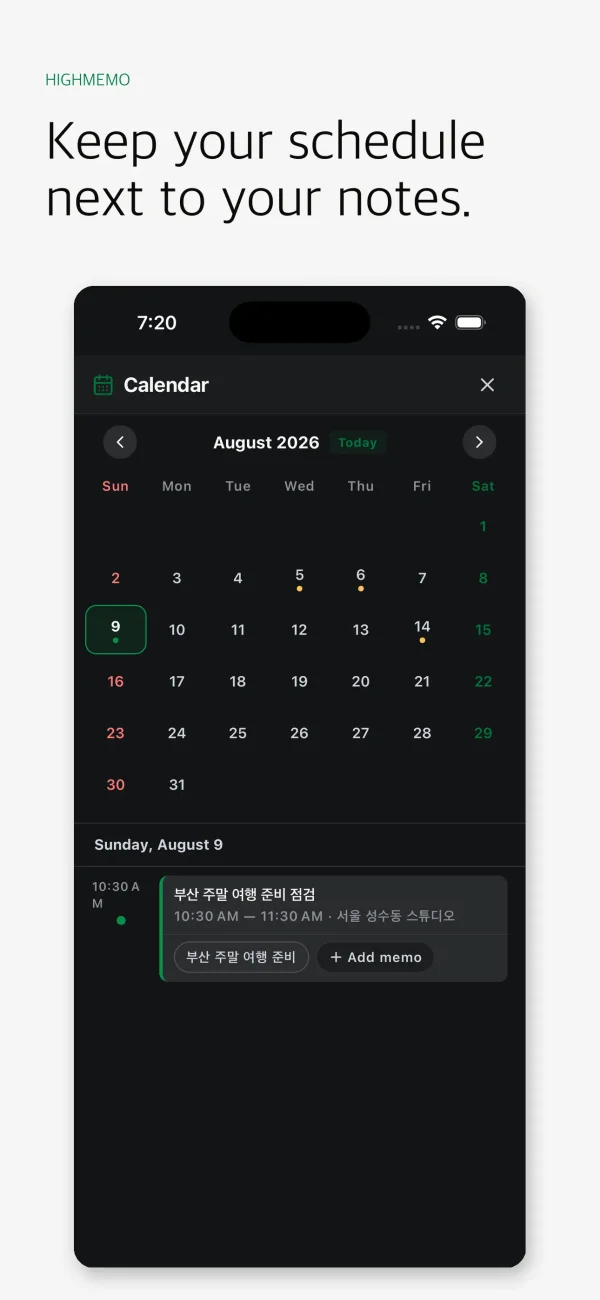
Connect Google Calendar and your schedule sits beside your memos — access is read-only, so HighMemo never creates, edits or deletes an event. Save a memo and HighMemo suggests the events it looks related to; you choose whether to link it. Open an event and tap Add memo to start a memo already attached to it.
Reminders that know when and where
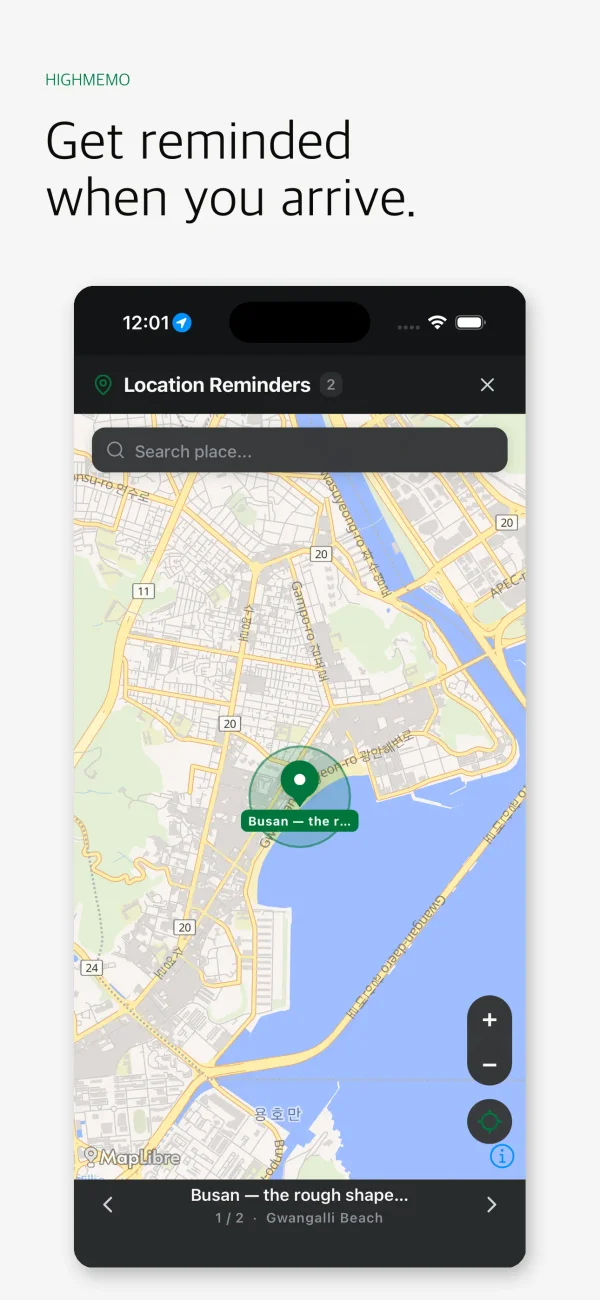
Put a reminder on a memo — once, daily, weekly or monthly. Or pin a place: when you arrive, the memo comes back. Arrival is decided on the device and the notification is created there too — it fires once per visit.
Your storage, not ours
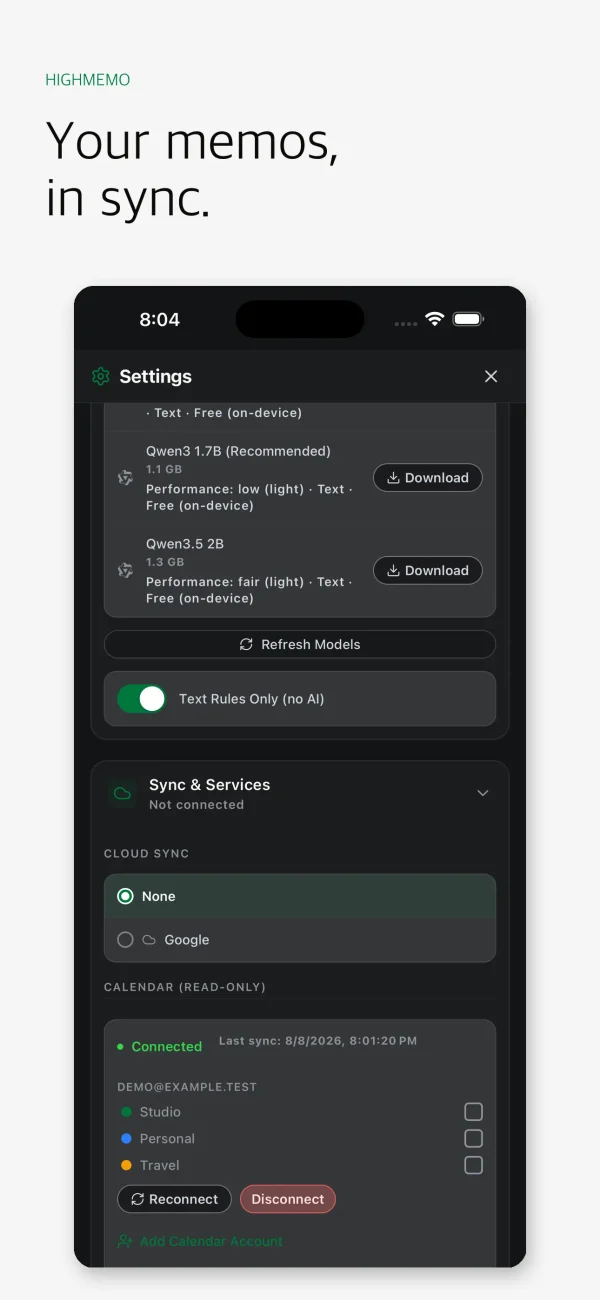
Connect a Google account and your mobile devices and HighMemo desktop app see the same memos. They live in your own Google Drive app-data folder — there is no HighMemo server and no HighMemo account, so we cannot look at them. Images and attachments travel too. Sync runs when you open the app and every 5 minutes while it is open, plus a button whenever you want.
Your AI, your key — or no AI at all
You bring the AI. Paste the API key of a service you already pay for and requests go from your device straight to that provider — there is no server of ours in between. Or use a supported on-device model so your memo text never leaves the device. Or connect nothing at all and keep using the app.
Export everything as one JSON file, with your attached photos embedded in it.
Before you install
- HighMemo shows ads. There is no paid or ad-free version.
- On first launch HighMemo asks whether to download a small model (about 330 MB) used for search and related memos. Decline and the app keeps working.
- Connecting Google for sync asks for app-data folder access and read-only calendar access together.
- Location access is requested only when a memo actually has a location reminder.
- The interface is in English. AI output follows the language of your memo, or a language you pick in Settings.
Most memo apps decide where your memos live and which AI reads them. HighMemo makes both of those your choice — and works before you choose either.
What’s new
Version 1.1.1 · Oct 3, 2026
Fixed duplicate memos that could be created when sharing content into HighMemo. Improved navigation reliability on fresh installs and overall app stability.
App privacy
What Jeongwon KO declares on the App Store about how this app handles data.
-
Data used to track you
May be used to track you across apps and websites owned by other companies.
- Location
- Identifiers
- Usage data
-
Data not linked to you
May be collected but is not linked to your identity.
- Location
- User content
- Identifiers
- Usage data
Privacy practices may vary, for example with the features you use or your age.
Information
- Seller
- Jeongwon KO
- Category
- Productivity
- Version
- 1.1.1
- Updated
- Oct 3, 2026
- Released
- Sep 3, 2026
- Size
- 82.2 MB
- Requires
- iOS 17.0 or later
- Age rating
- 4+
- Languages
- English
- Copyright
- © 2026 HighGarden Studio
You might also like
-
 CutieDoProductivity
-
 Jeku.aiYour AI Companion
-
 AgenticsAI Agent: Chat & App Builder
-
 Modaly: Professional AI AgentAI for Pro Ideas & Outputs
-
 Timing – Calendar & PlannerMindful Organizer & To Do List
-
 Ollie Timer: Cozy Focus TimerFocus time with Ollie
-
 Text to Speech: AI Voice & TTSRead Aloud & Voice Generator
-
 Transcription ProSpeech to Text · Offline
-
 Moe MemosQuick capture ideas
-
 Super To-Do'sSimplicity is its superpower