- Age rating12+
- CategoryEntertainment
- DeveloperHologram Co.,Ltd.
- LanguagesEnglish
- Size446.9 MB
Links to the official App Store page
Download.org hosts no file of holochan. The button opens its official App Store page, published by Hologram Co.,Ltd. Listing last checked on Nov 14, 2026.
Screenshots

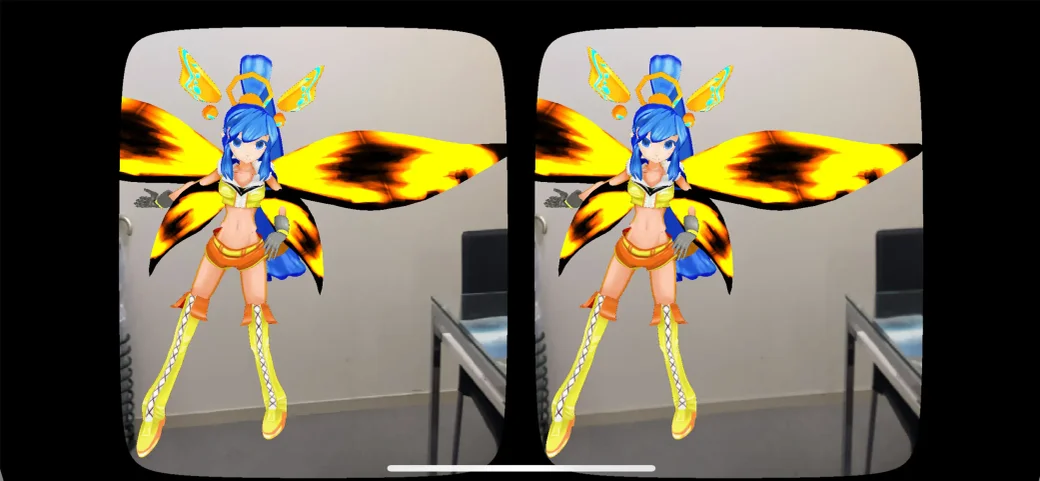
About
iPhone
1: Start the app while tilting the iPhone 90 degrees left, then set the iPhone to the MR glass "Dangla".
2: You can check the menu by looking at Dangla. When only planetary motion is displayed or the menu does not display well in the field of view, tapping the left button of Dangla with the front facing will display the menu in the front.
3: With the body facing to the right, move the sphere cursor at the center of the screen to the right edge [System menu] of the three menus, and tap the right button (hereinafter "Select").
4: Next, Select the [Screen size] at the left end of the menu, and a list of compatible models will appear. Select the iPhone model you are using, and then Select [Decision] to confirm the model you are using.
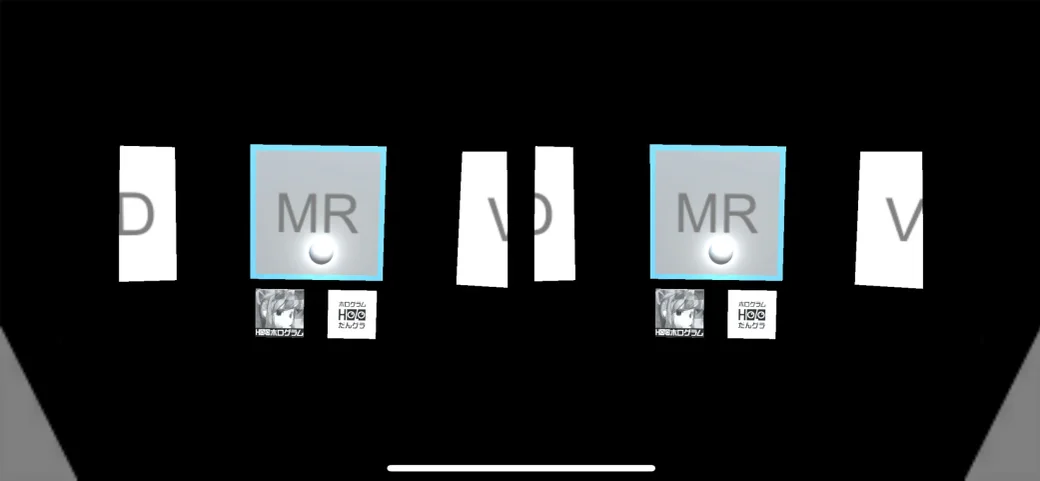
5: Select the scene you want to experience from the [MR] [VR] [AR] that on main menu, and enjoy the application.
6: While using the app, tap the left button of Dangla at any time to display the menu. The functions and roles of each menu are as follows.
***Menu immediately after app start or restart***
[Restart] Returns to the state(menu) immediately after the application start
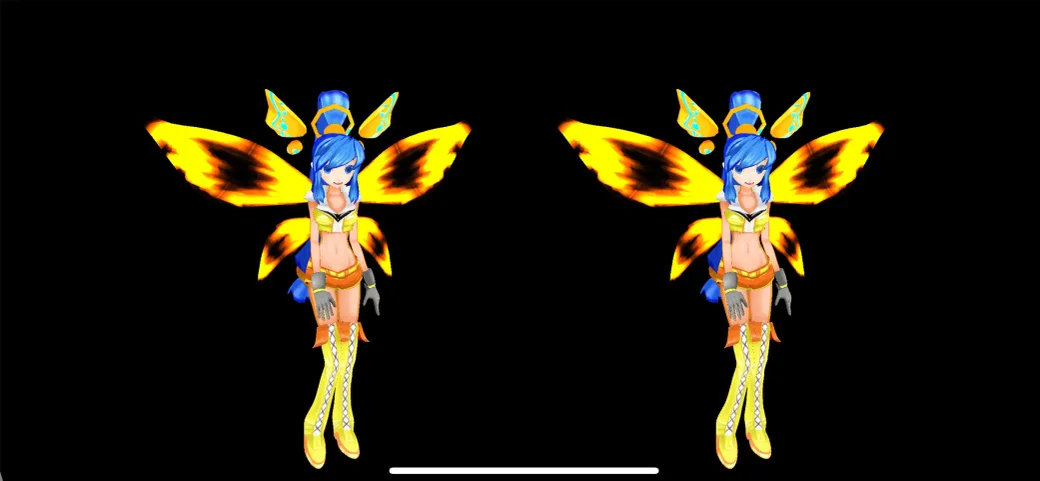
[front] Display the content (SolarSystem) to the Straight ahead.
[System menu] Move to main menu
***Main menu***
[ScreenSize] Select the model from iPhone 6S to XS MAX
※ In order to fit the size of the iPhone screen to the size of the mirror and lens, the screen display will be relatively shrunk as the LCD screen size of the iPhone increases.
[Two eyes / Single eye] Switch the single eye / both eyes mode
[IPD] Correct inter-pupil distance by program
[MR] Mixed reality mode, background image is displayed superimposed with live-action image through the half mirror
[VR] Virtual reality mode, both solar system and background space display 3D produced images
[AR] Augmented reality mode, background image is displayed superimposed with live-action image through iPhone camera
[Startup setting] (a preliminary menu for developers)
iPad
1: Start the app while tilting the iPad 90 degrees left. Since the iPad can not be put in a Dangla, please enjoy using single eye mode alone. (Explained in 5 :)
2: Menu is displayed on the screen of iPad. If you only see the planet or if the menu does not look well, tapping the lower left corner of the screen while facing the front will bring the menu to the front.
3: Point the your body to the right, place the sphere cursor on the [System menu] on the far right, and tap the lower right of the screen (hereinafter "Select").
4: Next, Select the [Screen Size] at the left end of the menu to display the list of compatible models. Select (Not [Maximum XS-Max])[Minimum 6S-7-8 Full Screen] and Select [Decision].
5: Next, Select [Two eyes / Single eye], and when the screen changes, Select [Single eye].
6: While using the app, tap the lower left of the iPad screen at any time to display the menu. The function and role of each menu are the same as the above iPhone.
【please note】
・ Do not use this app on public roads or places with many people.
・ Please be sure to play small children always in the safe with parents.
・ Don't aim "Dangla” at the sun.
・ Don't use in the two eyes mode if you are under the age of 13 in the developmental stage of vision
・ We do not compensate for the damage caused by using this application directly or indirectly.
Distributor
https://dangla.jp/
What’s new
Version 1.1.3 · Oct 28, 2024
Fixed an issue where the motion of the first holo-chan was not correct after the start of the content.
App privacy
What Hologram Co.,Ltd. declares on the App Store about how this app handles data.
-
Data not collected
The developer does not collect any data from this app.
Privacy practices may vary, for example with the features you use or your age.
Information
- Seller
- Hologram Co.,Ltd.
- Category
- Entertainment
- Version
- 1.1.3
- Updated
- Oct 28, 2024
- Released
- Aug 18, 2019
- Size
- 446.9 MB
- Requires
- iOS 11.0 or later
- Age rating
- 12+
- Price
- Free
- Languages
- English
- Copyright
- © 2019 Hologram Co Ltd
You might also like
-
 Lumigram AR3D Holograms in AR
-
 VolucAppEntertainment
-
 DropZone 3D - AR VideoAR AI Video for Social Media
-
 Augmented Vienna - AR CloudEntertainment
-
 Twine AI: Chat & CompanionCharacters That Feel Real
-
 Opic3D Spatial: Videos reelsThe Next Level of Reality
-
 riko matsudaira Official AppEntertainment
-
 VDateNowVirtual Character Photography
-
 ARtoon - Augmented RealityAR Effects & 3D Objects
-
 スタンプ - すんたぷ - 可愛いメイドEntertainment