Hours TimeLord - Time Tracker
Log tasks & billable work
Designed for iPhone, Mac, iPod touch
Free · In-app purchases
- Age rating4+
- CategoryBusiness
- DeveloperHours, LLC
- LanguagesEnglish
- Size106.6 MB
Links to the official App Store page
Download.org hosts no file of Hours TimeLord - Time Tracker. The button opens its official App Store page, published by Hours, LLC. Listing last checked on Nov 17, 2026.
Screenshots


About
You shouldn’t waste time trying to track your time. That’s why we created Hours TimeLord: the go-to time tracker for individuals and teams who log tasks, projects, and billable hours. Here’s how Hours TimeLord integrates into your workflow without disrupting it:
FEATURES:
• Billable Rates
Assign custom bill rates to your timers and entries to visualize your revenue as you’re tracking time and streamline your invoicing.
• Invoicing
Produce an invoice in seconds, complete with your logo, terms, and the time/notes logged against specific timers. Billing for your time has never been easier.
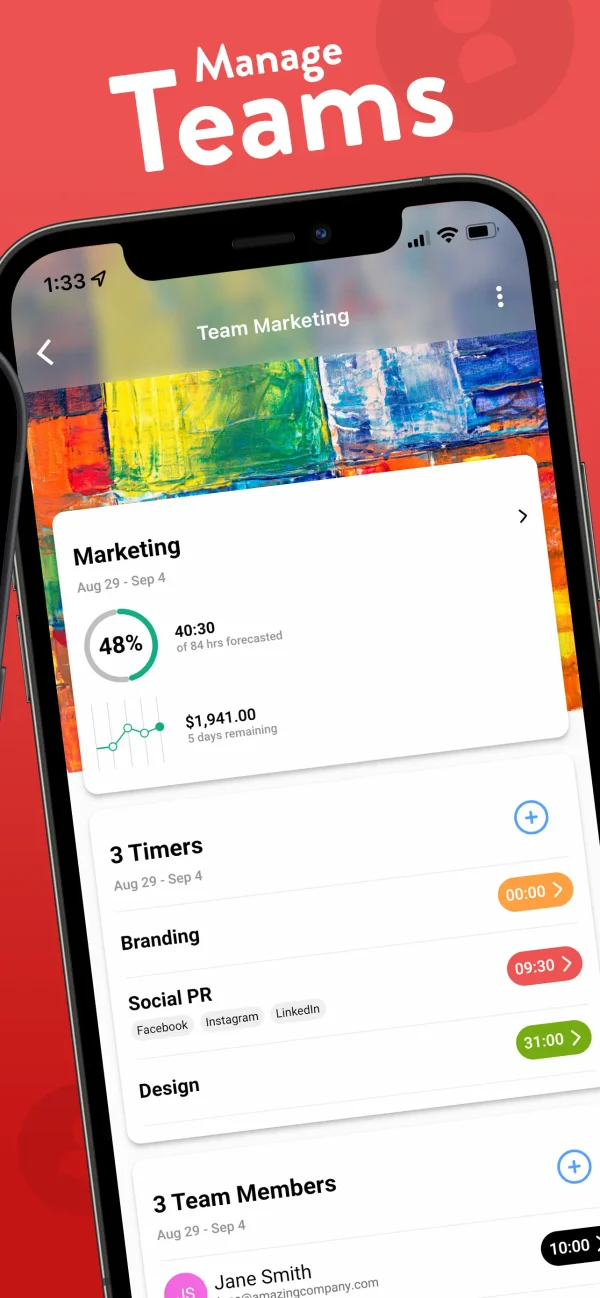
• Forecasting
Forecast how a team member’s time should be allocated for the week against specific projects/clients, and track their progress in real-time.
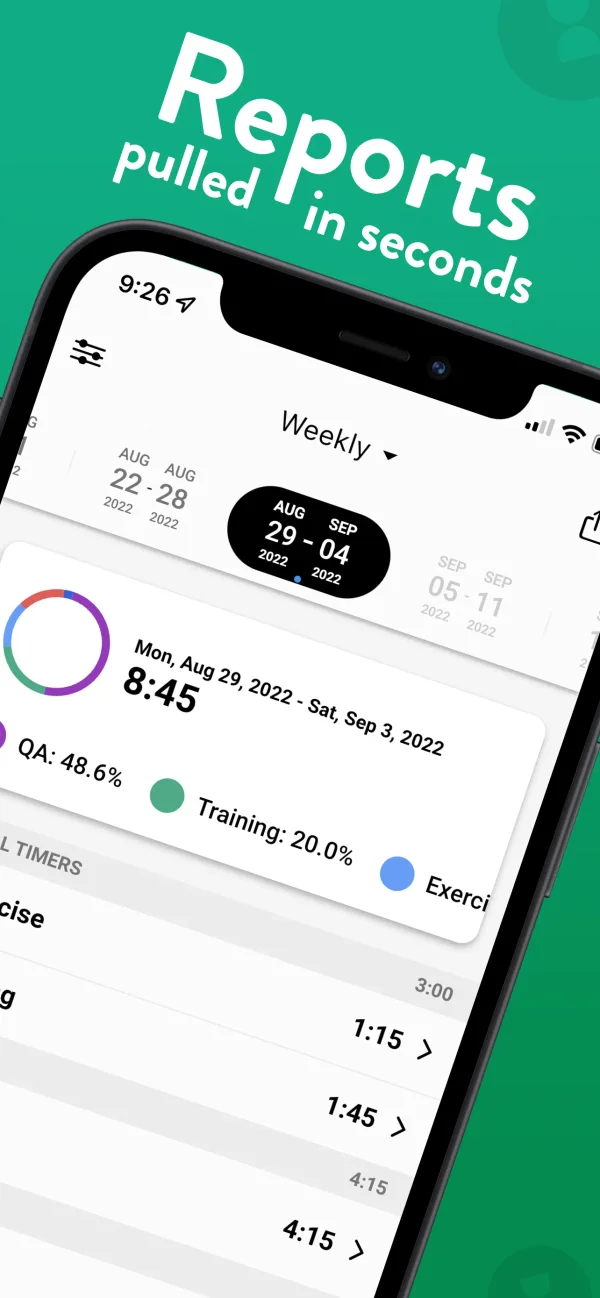
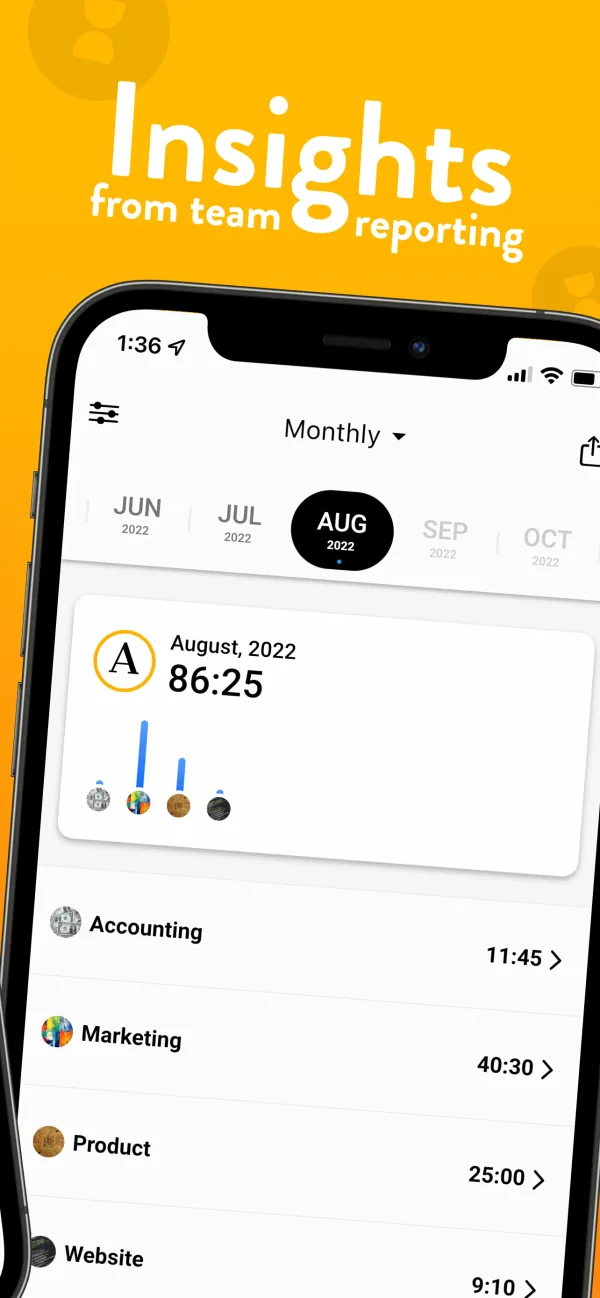
• Reports
Use customizable and exportable reporting to get full visibility into your days, weeks, and months. Analyze your reports or share them as a PDF or CSV with your team or clients.
• Timers
Timers give you the freedom of one-tap time tracking. Quickly switch between clients, projects, and activities with a single tap.
• Timeline
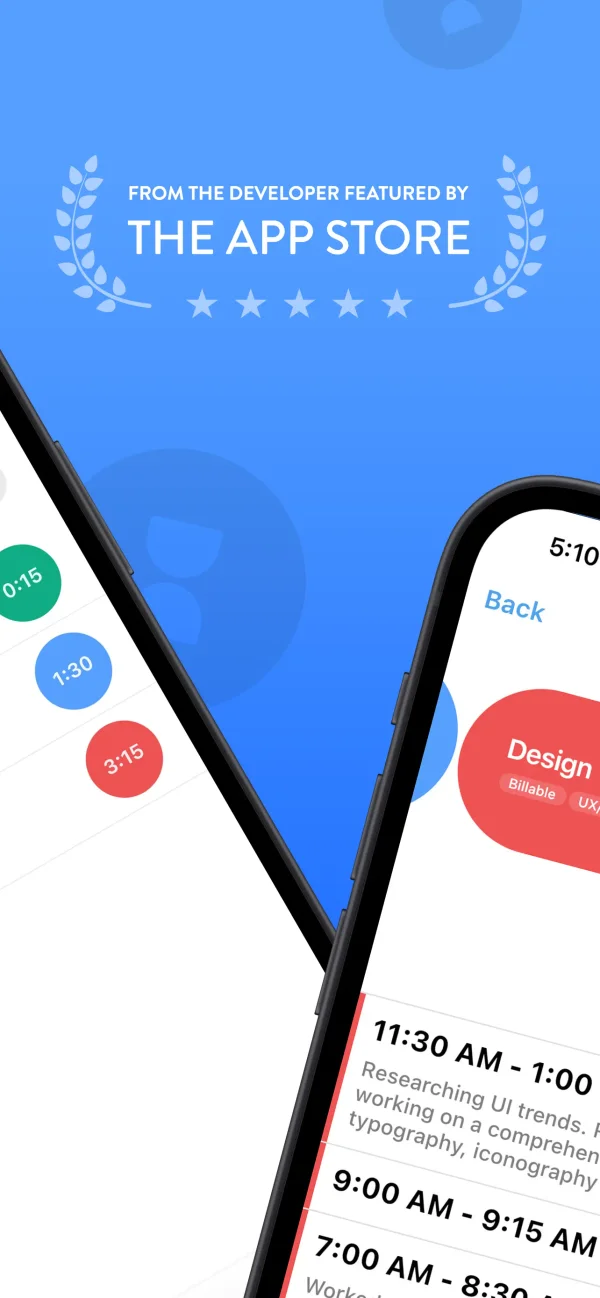
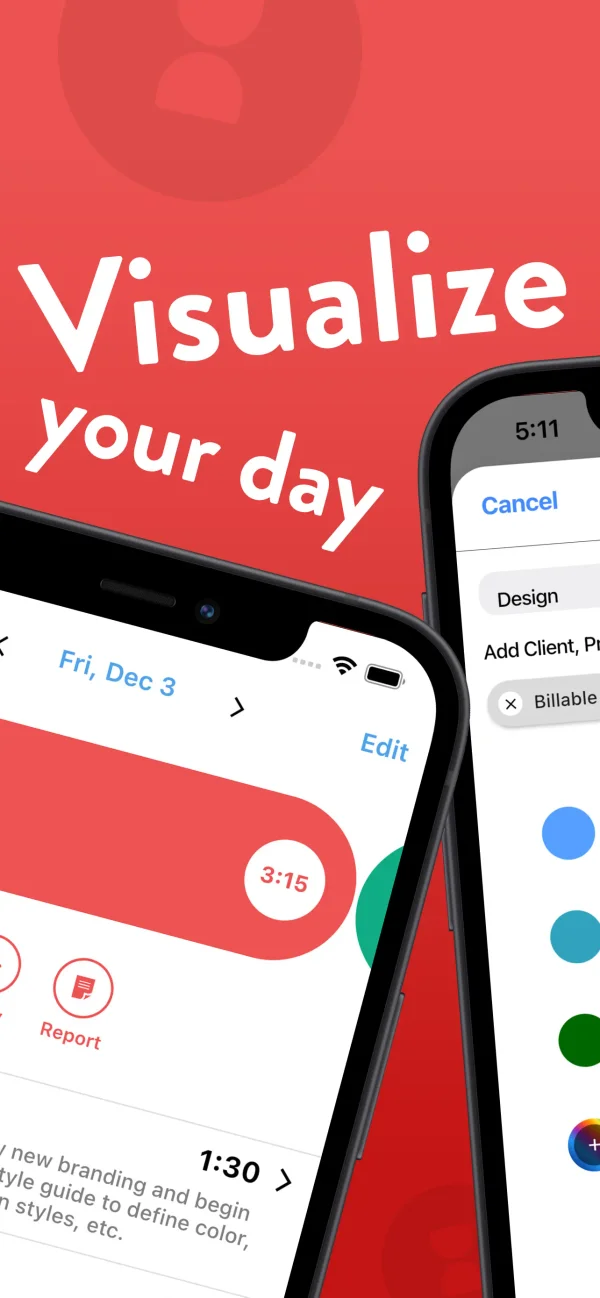
Visualize your day as you’re going through it using the timeline. See exactly how much time you’ve tracked in total, what you’ve been working on, and when with one glance.
• Color Picker
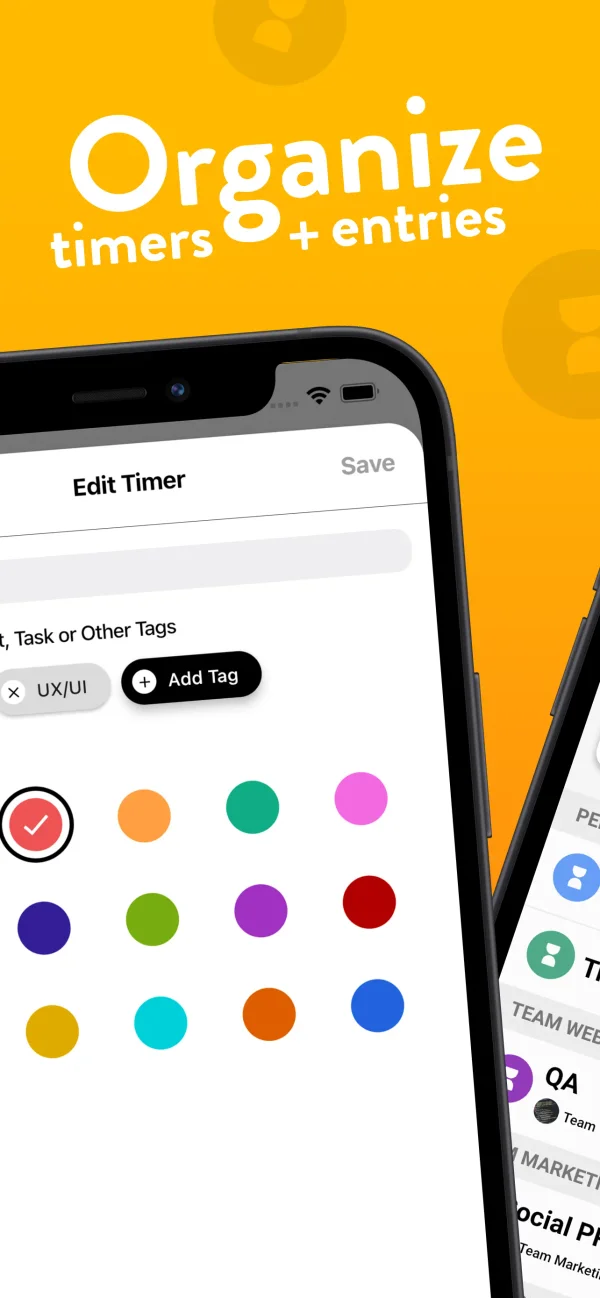
Time tracking doesn’t have to be bland or boring. With a color pallet of 15 bold colors and a custom color picker at your fingertips, you have hundreds of options available to make your UI as colorful and unique as you are.
• Tags
Organize your timers and entries with the power of tags. Tag your entries with a client, project, or task to streamline your reporting.
• Notes
Document exactly what you're working on at the entry-level using notes and see those details reflected in your reports.
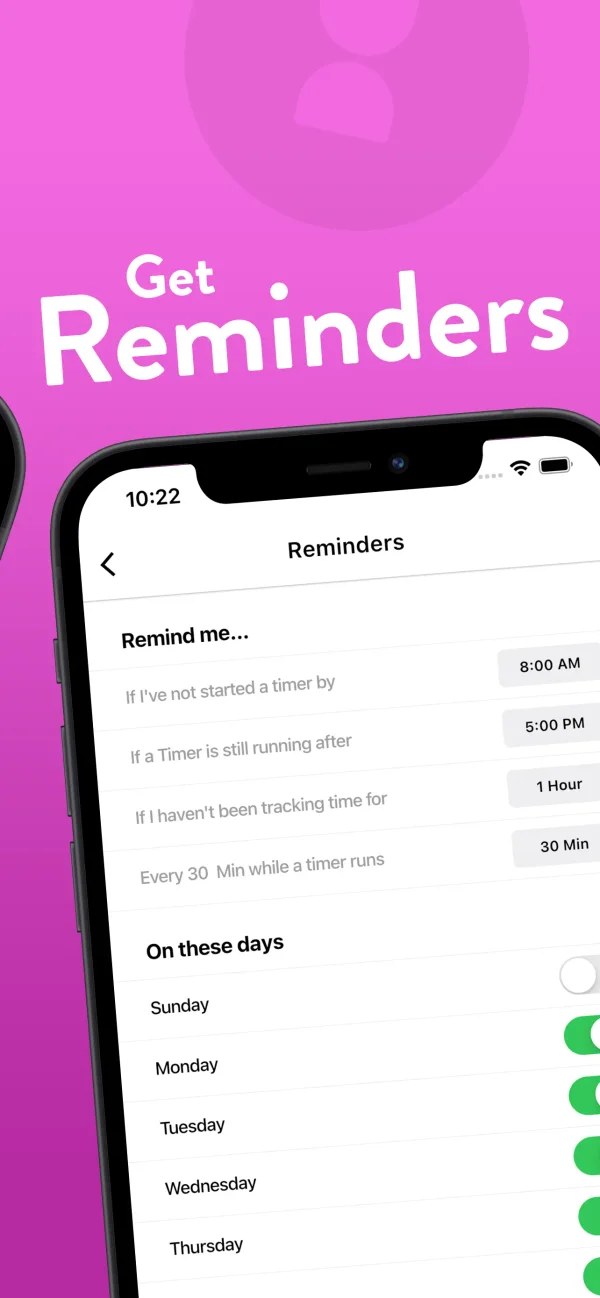
• Reminders
Never forget to track a second with customizable reminders that are tailored to when you need to track time. You can even utilize reminders to work using the Pomodoro technique.
• Widgets
Integrate time tracking right into your phone’s home screen using customizable widgets that will give you insights into your day, week, and month.
Privacy Policy: https://hourstimelord.com/privacy-policy/
Terms of Service: https://hourstimelord.com/terms-of-service/
What’s new
Version 1.5.2 · Aug 14, 2026
- Invoicing image fix
- Decimal / comma amount entry fix
App privacy
What Hours, LLC declares on the App Store about how this app handles data.
-
Data linked to you
May be collected and linked to your identity.
- Purchases
- Financial info
- Contact info
- User content
- Identifiers
- Diagnostics
-
Data not linked to you
May be collected but is not linked to your identity.
- User content
- Search history
- Usage data
- Diagnostics
Privacy practices may vary, for example with the features you use or your age.
Information
- Seller
- Hours, LLC
- Category
- Business
- Version
- 1.5.2
- Updated
- Aug 14, 2026
- Released
- Jan 17, 2022
- Size
- 106.6 MB
- Requires
- iOS 14.1 or later
- Age rating
- 4+
- Price
- Free
- In-app purchases
- Yes
- Languages
- English
- Copyright
- © 2023 Hours, LLC
You might also like
-
 Timelogger Plus: Time TrackerWork hours, tasks & goals
-
 Tiny Hours Tracker, Time ClockShift, salary & pay calculator
-
 Timemator: Time TrackerWork Hours Tracker & Billing
-
 Hours and Pay Tracker: TimeLogTime tracking for hourly work
-
 Hours Tracker: Work SchedulingJob, pay & location tracking
-
 Tyme | Time TrackingWorked Hours & Timesheets
-
 OfficeTime Work & Time TrackerEasily Track Your Hours
-
 TimeTracker ProTime Tracker, Reports, Invoice
-
 Tie TrackerOpen Source Time Tracker
-
 Timeframe - Time TrackingFocus on being productive