Hours Tracker: Work Time Clock
Timesheet & Pay Calculator
Designed for iPhone
Free · In-app purchases
- Age rating4+
- CategoryBusiness
- DeveloperAndreas Duca
- LanguagesEnglish+ 28 more
- Size69.3 MB
Links to the official App Store page
Download.org hosts no file of Hours Tracker: Work Time Clock. The button opens its official App Store page, published by Andreas Duca. Listing last checked on Nov 16, 2026.
Screenshots

About
Track every shift. Check your hours and pay. Hours Tracker is your own time clock, timesheet and pay calculator in one app. All features require a subscription or a one-time purchase.
WHO IT'S FOR
• Hourly and shift workers who want their own record of hours, breaks and overtime to check what they were paid
• Anyone with more than one job or pay rate
• Freelancers and contractors who send timesheets to clients
WHAT IT DOES
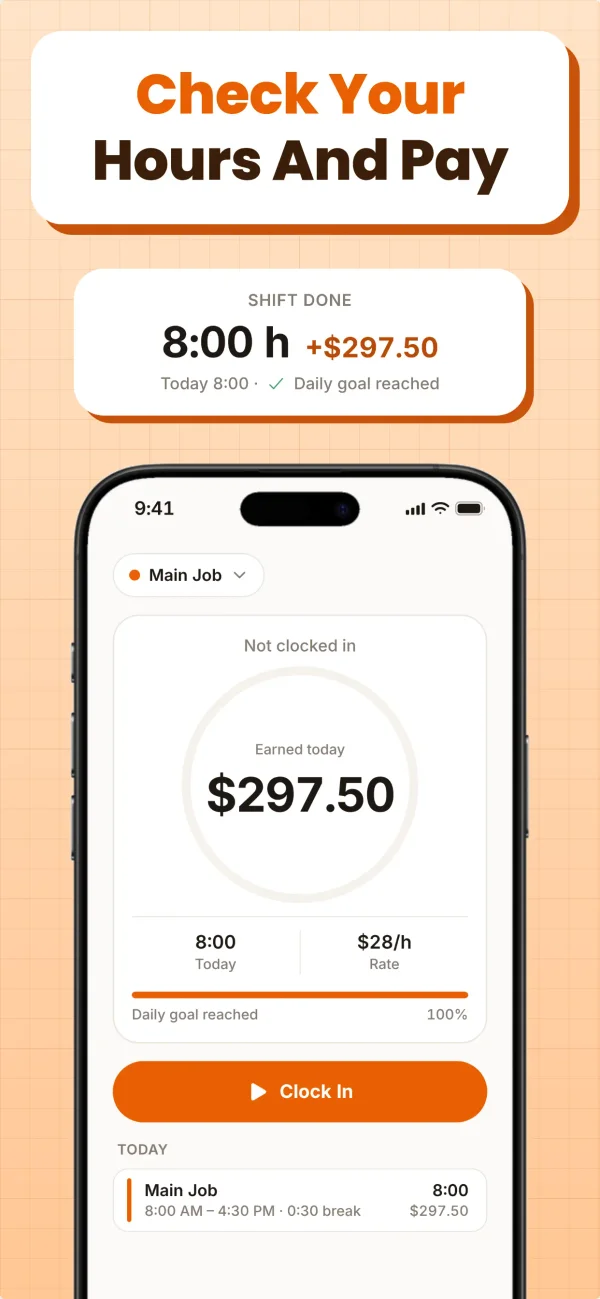
Hours Tracker keeps your own record of every shift and turns it into money: hours worked, breaks, overtime, night and weekend pay, and what you earned per day, week and month.
HOW IT WORKS
1. Add your job and your hourly rate.
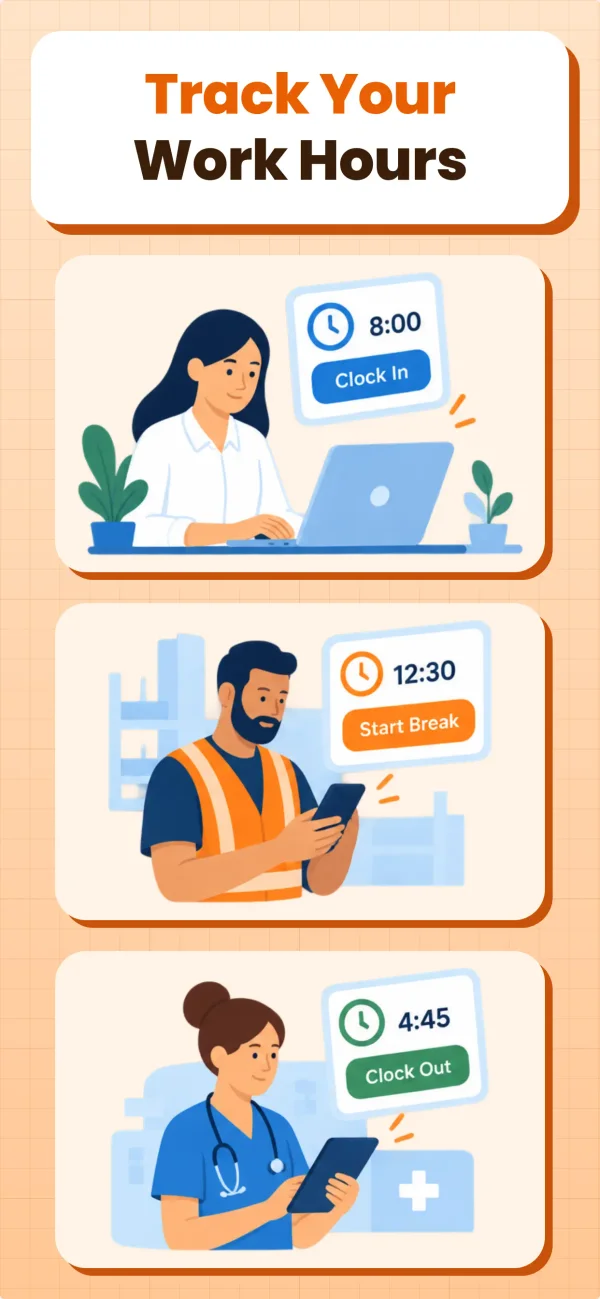
2. Clock in when you start and clock out when you finish, or add your hours by hand.
3. Watch your hours and pay add up, and export a timesheet whenever you need one.
TIME CLOCK
• Live timer with your hours and earnings that keeps running when the app is closed
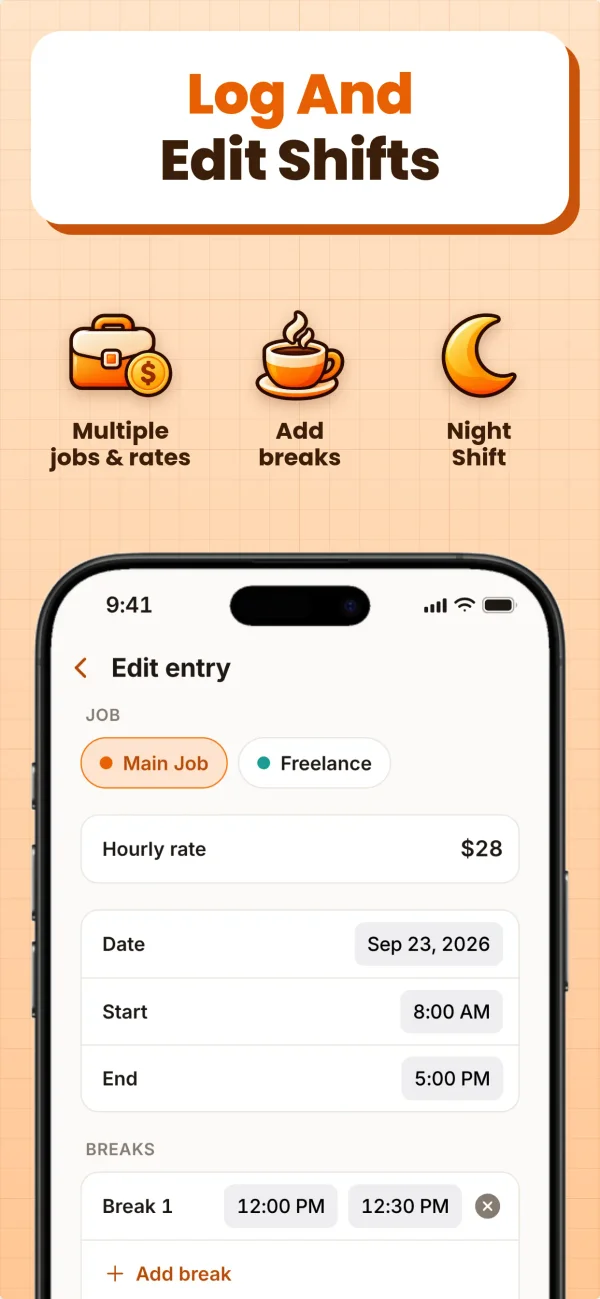
• Start and end breaks, paid or unpaid per job
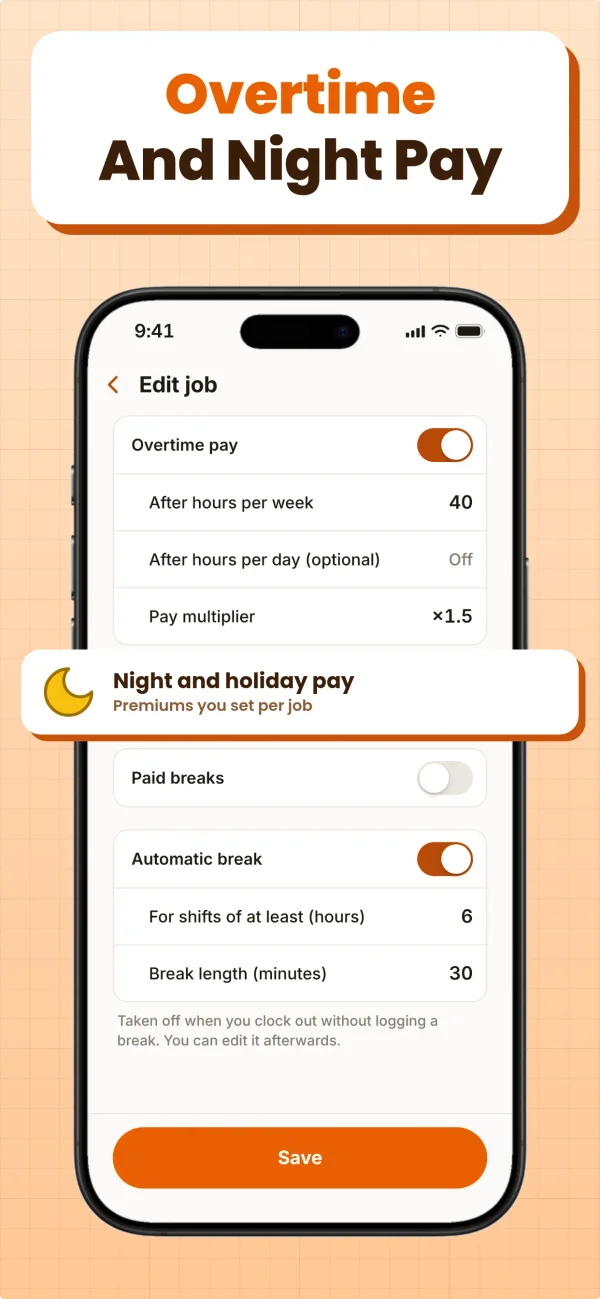
• A job can add a break for you after a set number of hours
• Live Activity on the Lock Screen and in the Dynamic Island
• Home Screen and Lock Screen widgets with today's hours and pay
• Clock-in reminders, and a nudge when you forget to clock out
PAY, OVERTIME AND PREMIUMS
• Hourly rate per job, shown in your currency
• Overtime past a daily or weekly limit at your multiplier
• Extra pay for night, Saturday, Sunday and holiday work, set per job
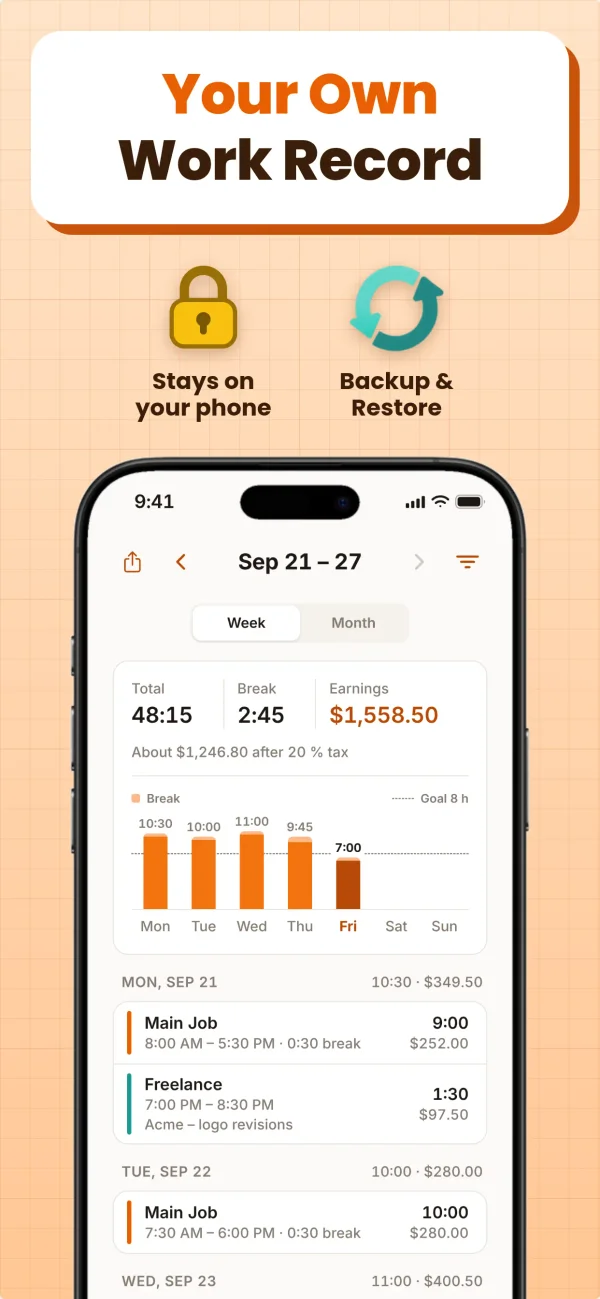
• Flat tax percentage for a take-home pay estimate
• Daily hours goal
WORK LOG
• Every shift by week or in a month calendar, with totals for time, breaks and earnings
• Add, edit or duplicate entries: times, breaks, a note, a different rate
• Night shifts that end the next day are handled correctly
• As many jobs as you need, each with its own rate and color
EXPORT AND BACKUP
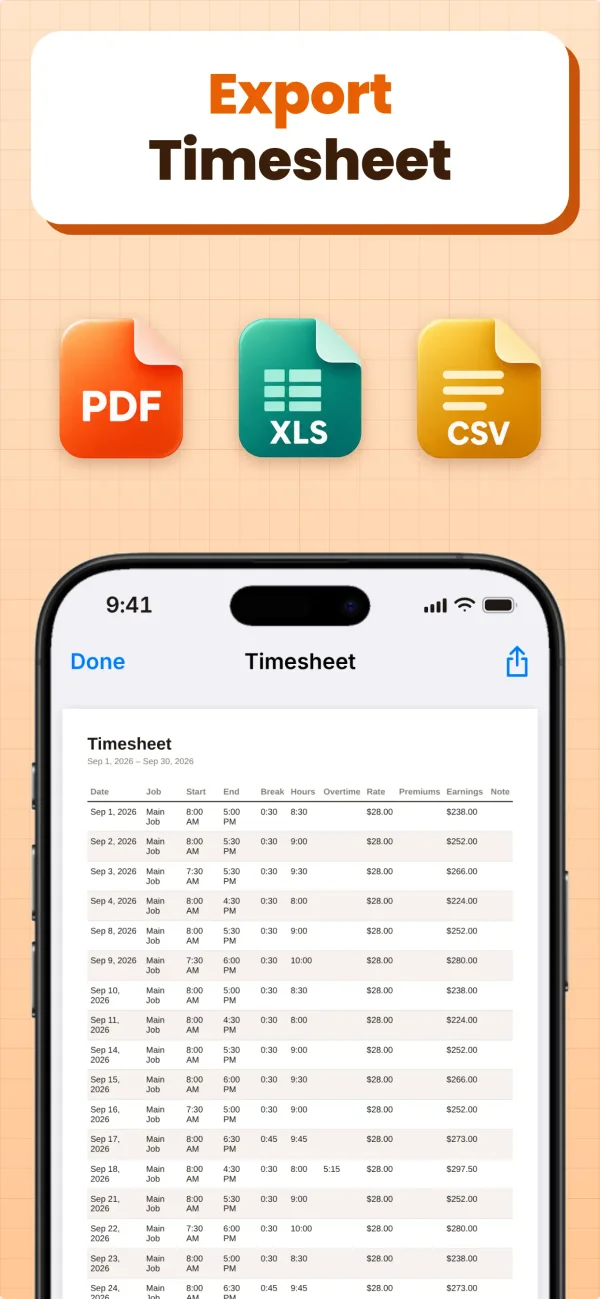
• Timesheet as PDF, Excel or CSV for any date range and any jobs, with overtime and premiums
• Backup file to keep your history safe and move it to a new iPhone
PRIVATE
• Your jobs, hours and notes stay on your iPhone: no account, no sign-up
• Optional Face ID lock
Hours Tracker is your personal record. Pay figures are estimates based on the rates and rules you set.
SUBSCRIPTION INFORMATION
Hours Tracker offers a weekly subscription with a 3-day free trial, a yearly subscription with a 7-day free trial, and a one-time lifetime purchase to unlock all features. Prices are shown in the app in your local currency before you buy. Payment is charged to your Apple ID account at confirmation of purchase. The subscription renews automatically unless it is canceled at least 24 hours before the end of the current period. Your account is charged for renewal within 24 hours before the end of the current period. You can manage and cancel your subscription in your App Store account settings after purchase. Any unused portion of a free trial is forfeited when you purchase a subscription.
Terms of Use (EULA): https://www.apple.com/legal/internet-services/itunes/dev/stdeula/
Privacy Policy: https://hours-tracker.expo.app/privacy/
Support: https://hours-tracker.expo.app/support/
What’s new
Version 1.0.1 · Oct 2, 2026
New in this version:
• New look: a cleaner, clearer design throughout the app.
• Month calendar: see your hours and earnings for the whole month in the Log.
• Shift premiums: extra pay for night work and holidays, also shown in your export.
• Paid breaks: choose per job whether breaks count as paid time.
• Live Activity and widget: your running shift on the Lock Screen and Home Screen.
• Backup reminder, so your history stays safe.
• Available in more languages.
App privacy
What Andreas Duca declares on the App Store about how this app handles data.
-
Data not linked to you
May be collected but is not linked to your identity.
- Purchases
- Identifiers
- Usage data
Privacy practices may vary, for example with the features you use or your age.
Information
- Seller
- Andreas Duca
- Category
- Business
- Version
- 1.0.1
- Updated
- Oct 2, 2026
- Released
- Sep 25, 2026
- Size
- 69.3 MB
- Requires
- iOS 16.4 or later
- Age rating
- 4+
- Price
- Free
- In-app purchases
- Yes
- Languages
- English, Catalan, Croatian, Czech, Danish, Dutch, Finnish, French, German, Greek, Hungarian, Italian + 17 more
- Copyright
- © 2026 Scanly Studio
You might also like
-
 Shift Calendar – BackshiftWork Schedule, Hours & Pay
-
 WorkHourly: Work Hours TrackerShift Schedule & Clock In/Out
-
 Ora: Work Hours & Pay TrackerTimesheet, shifts & overtime
-
 Hours Tracker: Time + PayWage Calculator & Timesheet
-
 Chấm Công Nhân ViênBusiness
-
 Work Hours Tracker - HoursKitTime Clock, Timesheet & Pay
-
 Time Calculator: TimesheetsHours Calculator, Time Tracker
-
 Talvo: Work & Pay TrackerYour money, under control!
-
 WorkLog: Time & Shift TrackerTimesheet & Pay Calculator
-
 Hours Tracker・Time CalculatorClock In and Out + Work Log