Igneous: Markdown Notes
Fast, gesture-driven vault
Designed for iPhone, iPad, Mac
Free · In-app purchases
- Age rating4+
- CategoryProductivity
- DeveloperJASON RANDALL DORFMAN
- LanguagesEnglish+ 5 more
- Size49.8 MB
Links to the official App Store page
Download.org hosts no file of Igneous: Markdown Notes. The button opens its official App Store page, published by JASON RANDALL DORFMAN. Listing last checked on Nov 23, 2026.
Screenshots



About
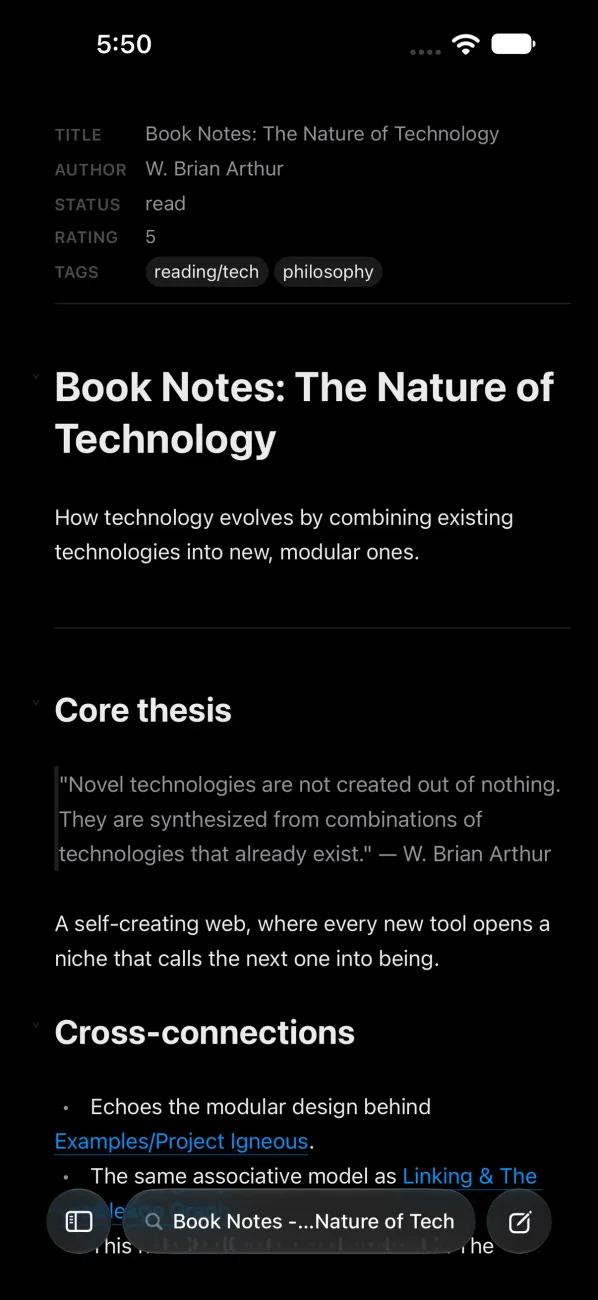
Igneous is a notes app you drive with one thumb. On iPhone there's no toolbar at the top of the screen: everything lives in one dock at the bottom, and it moves the way Safari's tab bar does. Your notes are plain Markdown files in a folder you choose — on your device, in iCloud Drive, or anywhere Files can reach — so they open in any other app, today and in twenty years. No account, no database, no analytics.
GET ANYWHERE WITHOUT REACHING
• Tap the pill in the dock to search every note, like tapping Safari's address bar.
• Swipe it sideways to move between open notes, and keep going past the last one for a new note.
• Swipe up on it and your open notes spread out as cards.
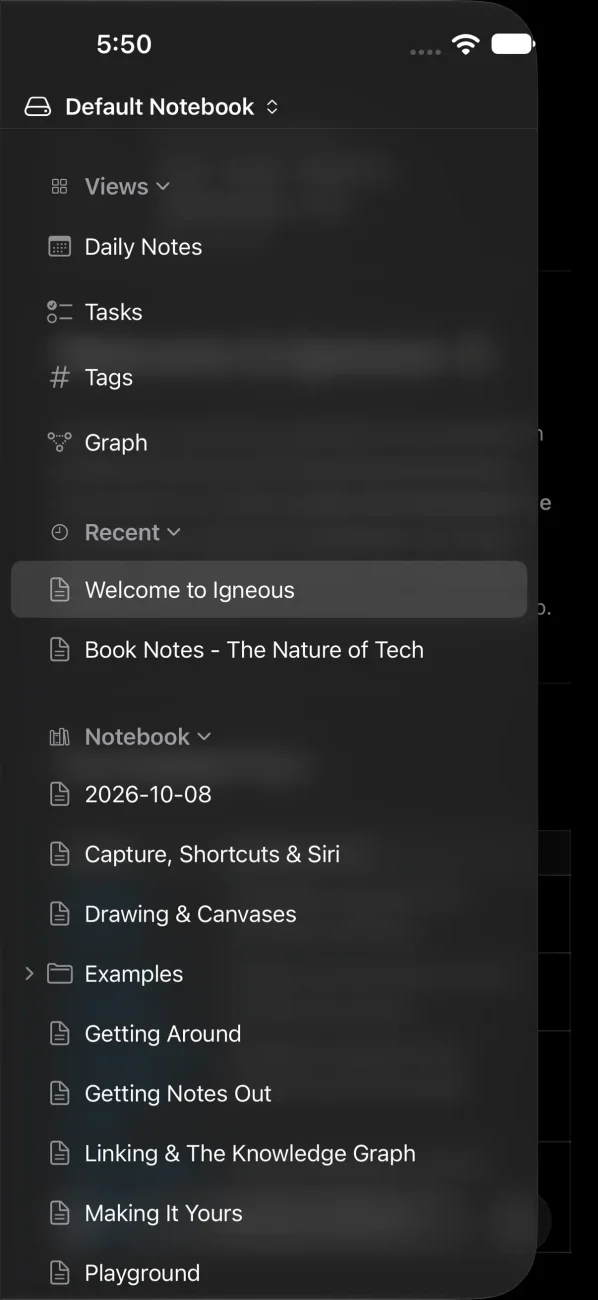
• Swipe in from the left edge for your notebook, and from the right for the Inspector.
• Pull down on a note to find a word in it. Hold any button for more.
• While you read, the dock folds into a slim pill out of the way. Liquid Glass on iOS 26; solid with Reduce Transparency.
• On iPad: a floating notebook pane, a real tab bar, and as many windows as Stage Manager will hold.
CAPTURE THE MOMENT
• Press the Action Button, a Lock Screen widget or a Control Center tile and you're typing in a new note — even from a closed app.
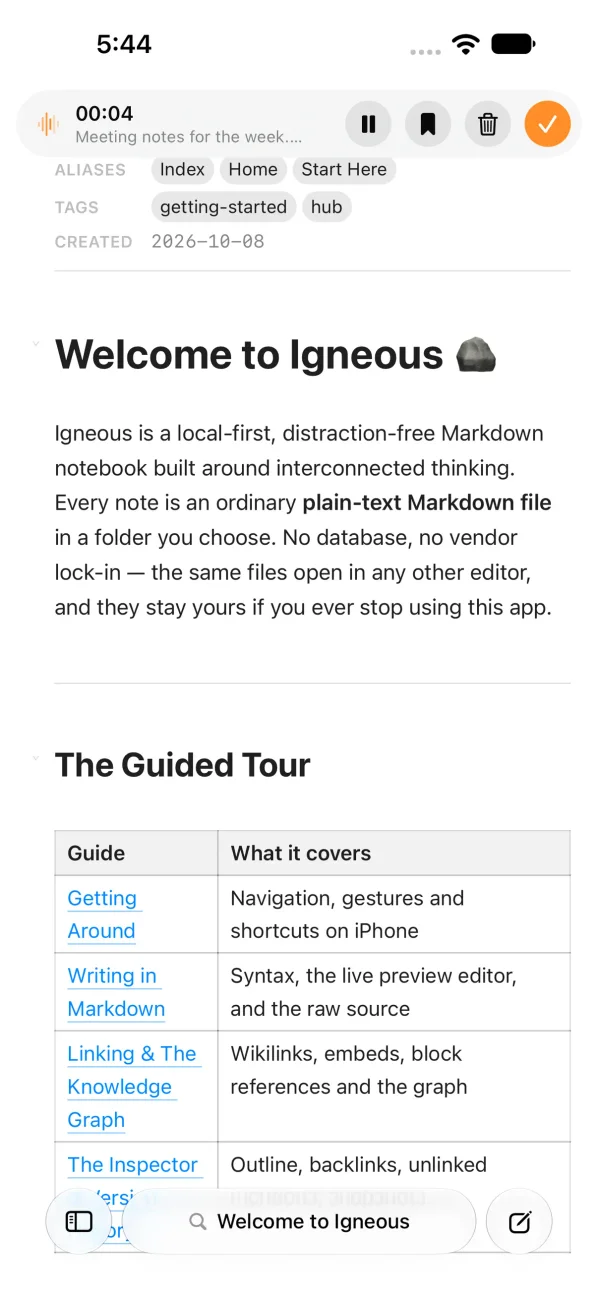
• Record a voice note from the Action Button, Siri, the app icon or the note you're in. Igneous transcribes it on your device while you talk, shows the words on the Lock Screen, and saves the audio and transcript into today's note or a note of its own.
• Copy a voice note — recording and transcript together — and paste it into Messages, Mail or another note.
WRITE IN MARKDOWN, SEE IT BEAUTIFULLY
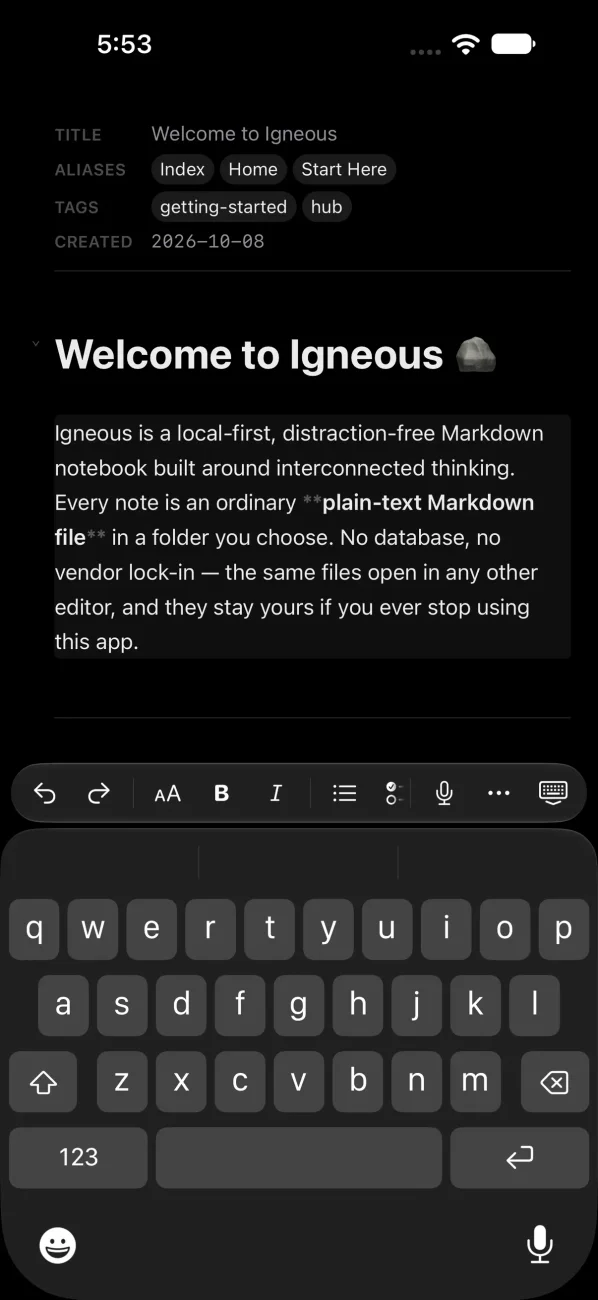
• A live editor that renders headings, lists, tasks, tables, callouts, highlights, maths and diagrams as you type, while the file stays plain text.
• A formatting bar just above the keyboard, and Writing Tools that keep your links and structure intact.
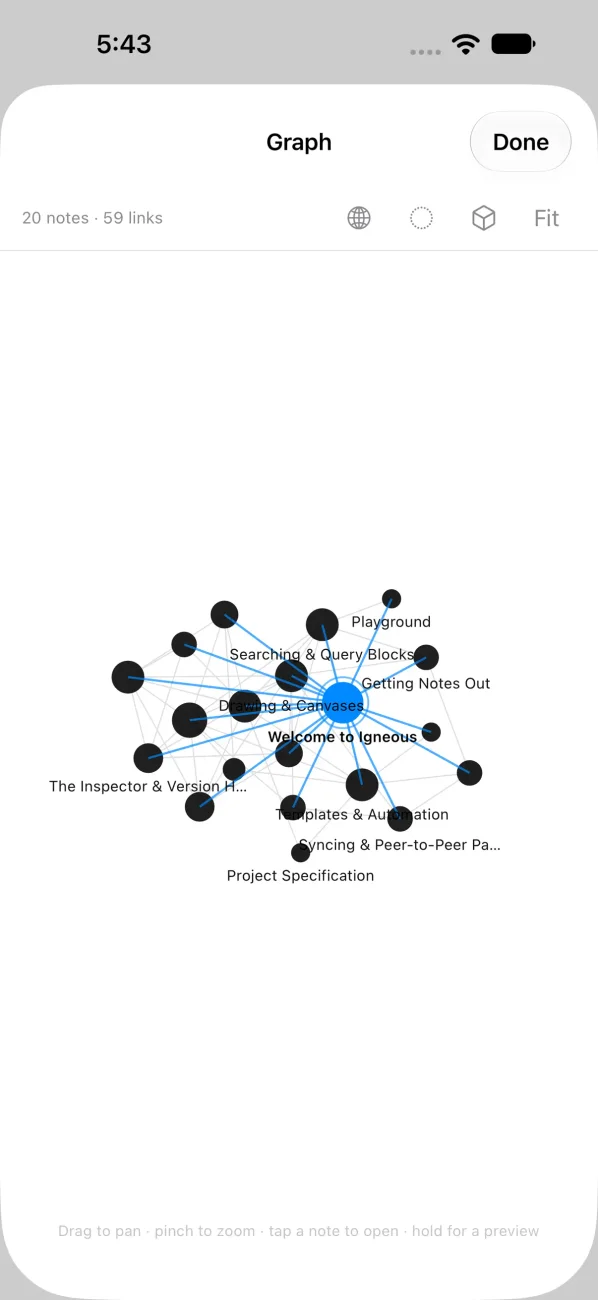
• Wikilinks, embeds, backlinks, tags and a graph of how your notes connect.
• Search every note instantly, including handwriting on your canvases.
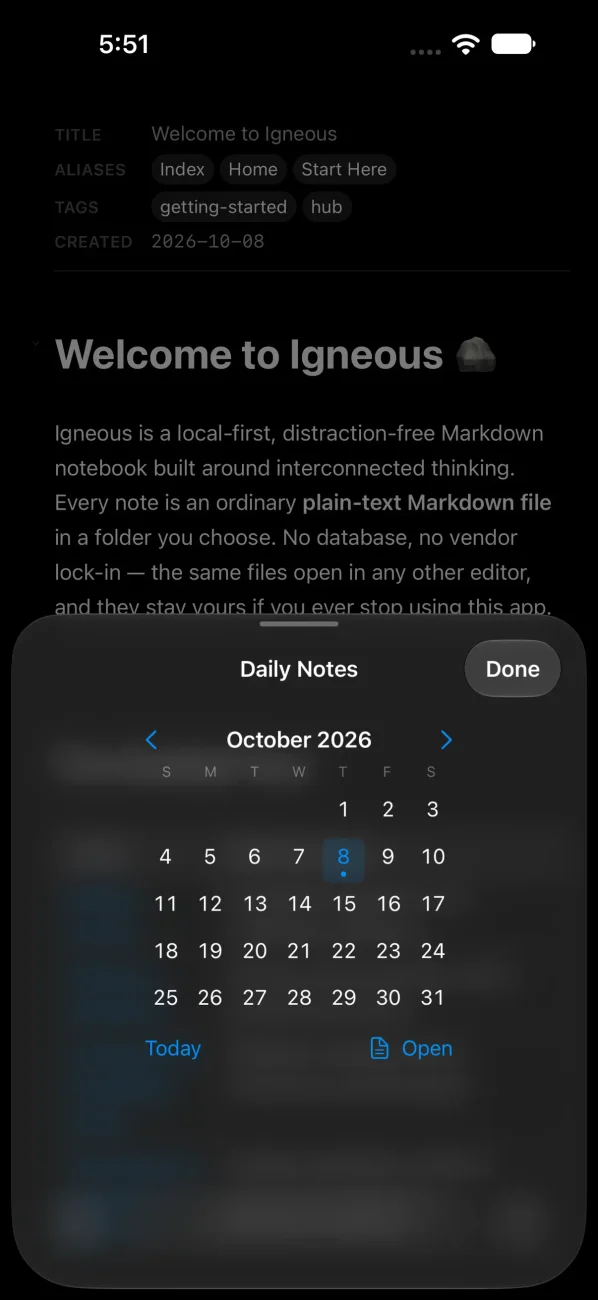
• Daily notes, a calendar, tasks gathered from every note, templates and a board view.
DRAW WHEN WORDS WON'T DO
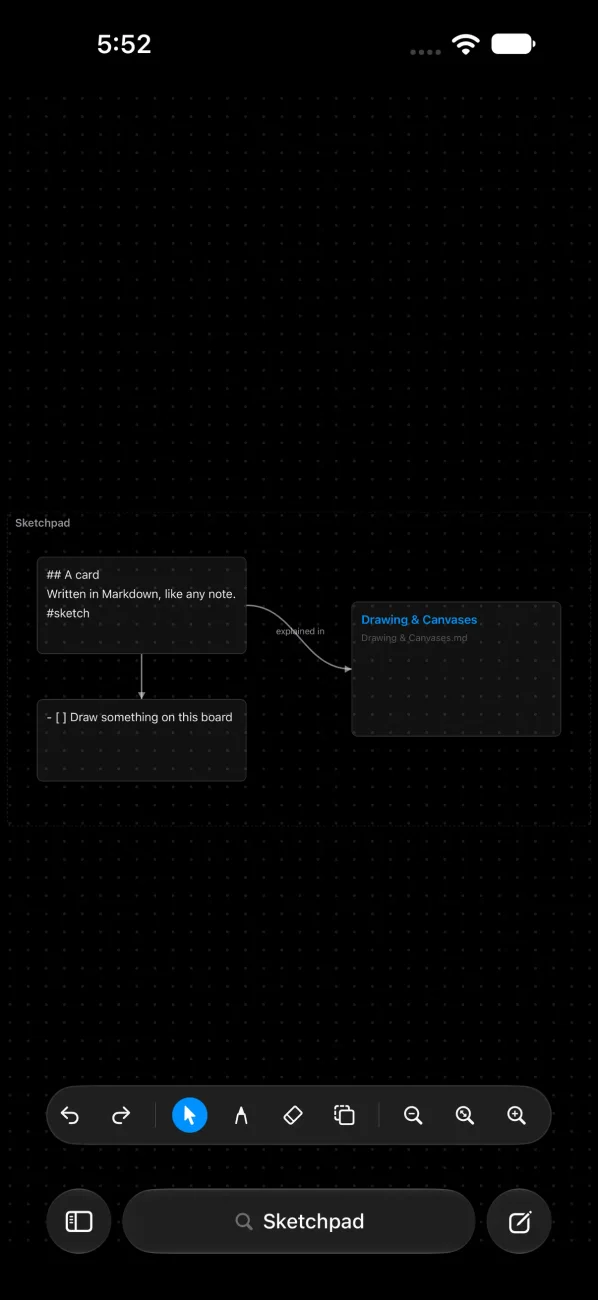
• Canvases for sketches and diagrams, with Apple Pencil on iPad, beside cards and links to your notes.
• Opens JSON Canvas and Excalidraw drawings.
WORKS WITH YOUR MAC — AND OFFLINE
• Keep a notebook in iCloud Drive ▸ Igneous and it's on all your devices.
• Or pair with Igneous on your Mac over your own network: the phone keeps a full offline copy and sends its edits when it's back. Changes to different lines are combined, and if you both changed the same words, both versions are kept. Drawings merge shape by shape.
• Nothing ever passes through a server of ours — there isn't one.
SHORTCUTS, SIRI AND WIDGETS
• Actions for new notes, today's note, tasks, search and voice notes, ready for Shortcuts and Siri.
• Home Screen widgets with buttons you choose, Lock Screen widgets, Control Center controls, Focus filters and Live Activities.
YOUR NOTES, YOUR FILES
Igneous reads Obsidian-flavoured Markdown as written and never adds anything you didn't ask for. Point it at the vault you already keep.
What’s new
Version 1.3.5 · Nov 20, 2026
Choose the template for periodic notes (daily, weekly, monthly) from a list in Settings instead of typing its path.
App privacy
What JASON RANDALL DORFMAN declares on the App Store about how this app handles data.
-
Data not collected
The developer does not collect any data from this app.
Privacy practices may vary, for example with the features you use or your age.
Information
- Seller
- JASON RANDALL DORFMAN
- Category
- Productivity
- Version
- 1.3.5
- Updated
- Nov 20, 2026
- Released
- Oct 7, 2026
- Size
- 49.8 MB
- Requires
- iOS 17.0 or later
- Age rating
- 4+
- Price
- Free
- In-app purchases
- Yes
- Languages
- English, French, German, Japanese, Simplified Chinese, Spanish
- Copyright
- © 2026 Jason Dorfman
You might also like
-
 Folio WriterThe Longform Writing Studio
-
 Flyout: Notes, Markdown, CodeReminders, checklists, tags
-
 WIO: Office Days & WFH TrackerHybrid work, RTO & leave log
-
 Notes by viyaliQuick & Simple Notes
-
 em — Markdown Writer & EditorOwn your drafts and blog posts
-
 mrkdwn — Markdown Notes EditorPrivate writing brain, offline
-
 Marten: Markdown Code NotesDev notebook, snippets & sync
-
 Clarity VaultLocal-first Markdown editor
-
 Notedown: Markdown NotesMarkdown notes, fully offline
-
 QuickNotes - Fast CaptureOpen. Jot down. Done.