
Video Compressor: Target Size
Exact MB for Email & Uploads
Designed for iPhone
Free · In-app purchases
- Age rating4+
- CategoryPhoto & Video
- DeveloperIhar Shaduryn
- LanguagesEnglish+ 44 more
- Size4.0 MB
Links to the official App Store page
Download.org hosts no file of Video Compressor: Target Size. The button opens its official App Store page, published by Ihar Shaduryn. Listing last checked on Nov 25, 2026.
Screenshots

About
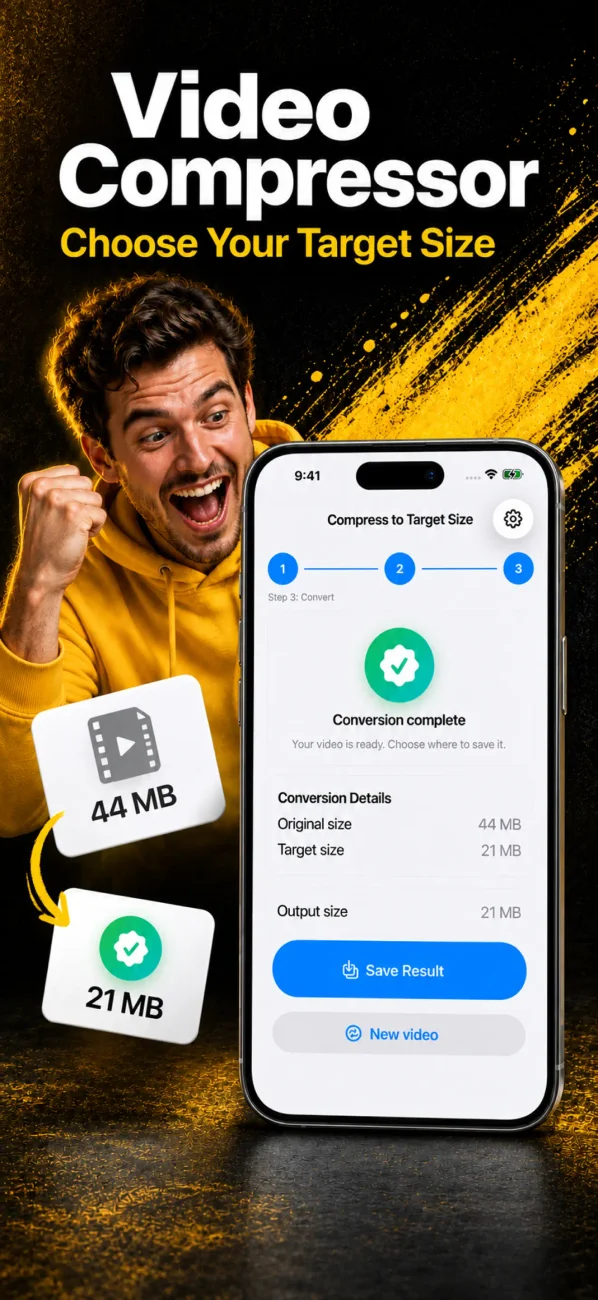
Compress videos to an exact target size in MB for email, chat, upload forms, and storage while keeping quality as high as possible.
Video Compressor: Target Size solves a common problem: a video is too large for its destination. Enter the size you need and let the app plan the conversion around that target, without trial-and-error exports.
SET AN EXACT SIZE
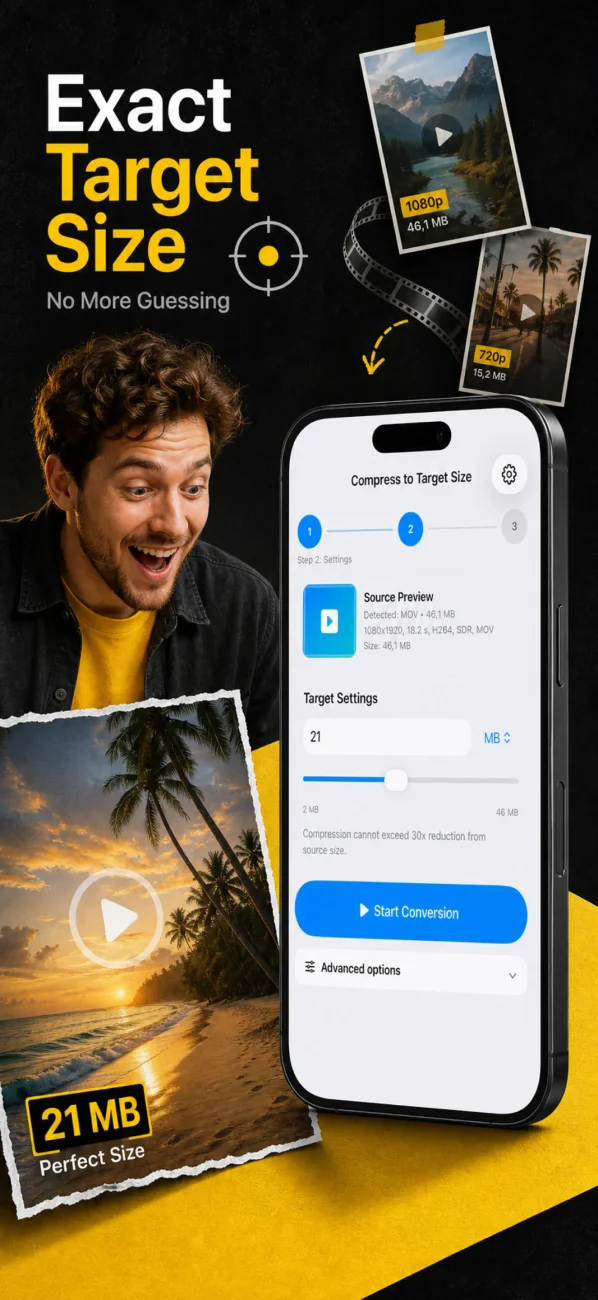
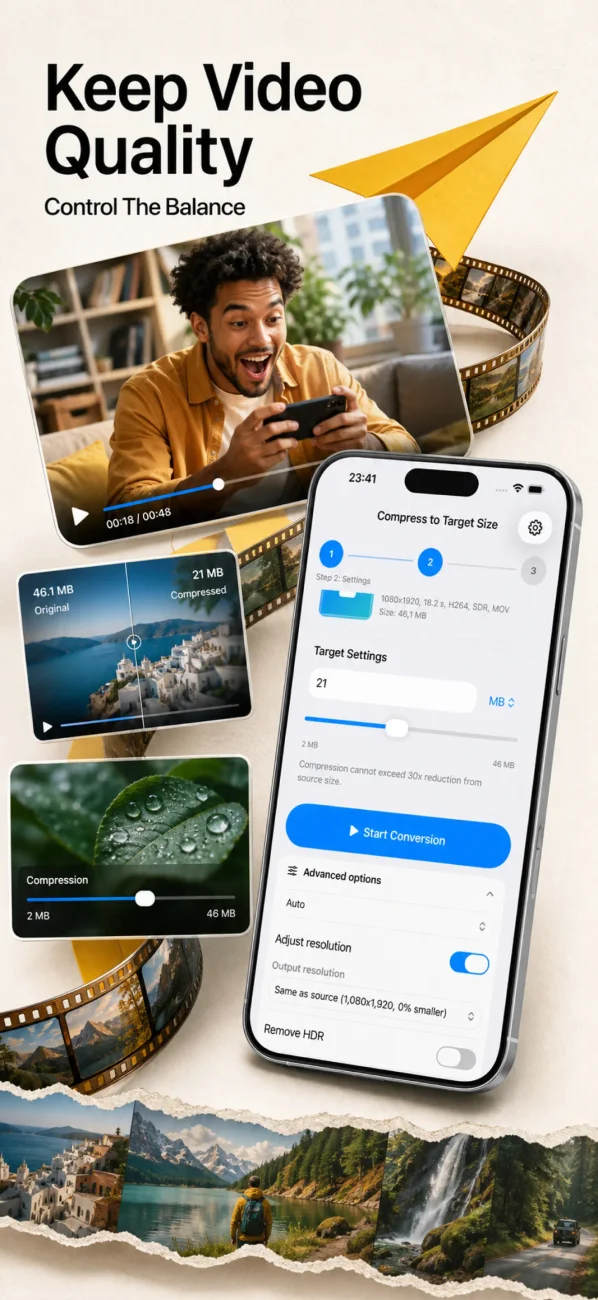
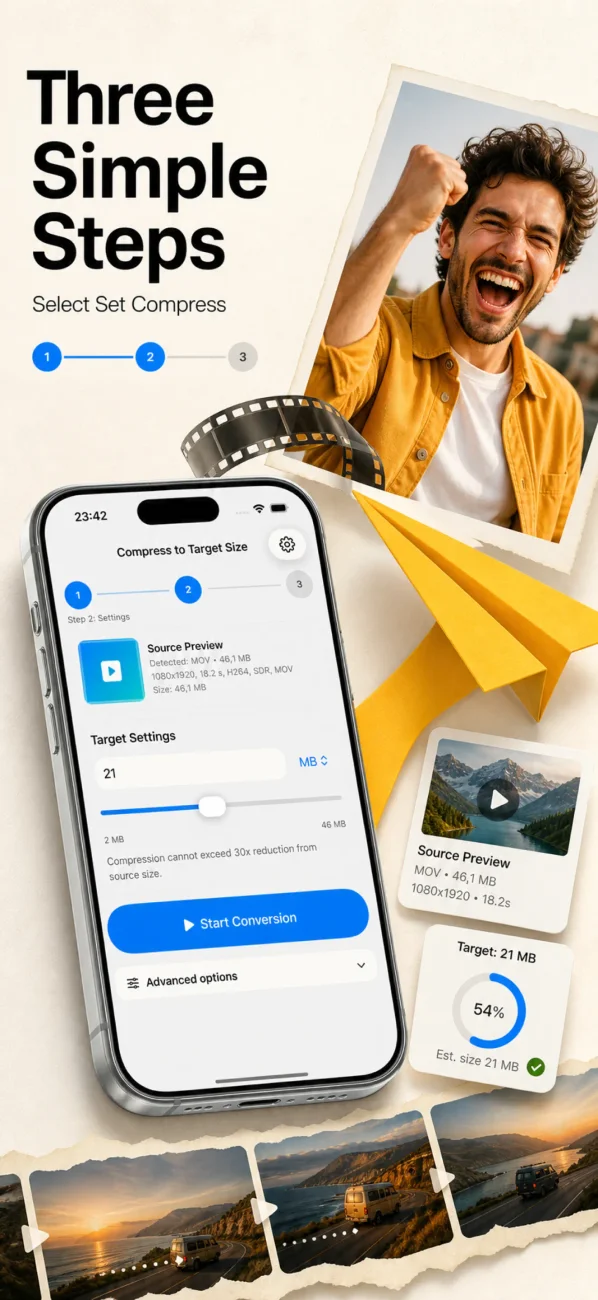
Enter a target in megabytes and review the estimate before you convert. The app uses the source duration, dimensions, frame rate, and audio information to plan an output that fits the requested limit whenever the media and destination allow it. If a target is too restrictive, you get clear guidance before spending time on an export.
BUILT FOR REAL LIMITS
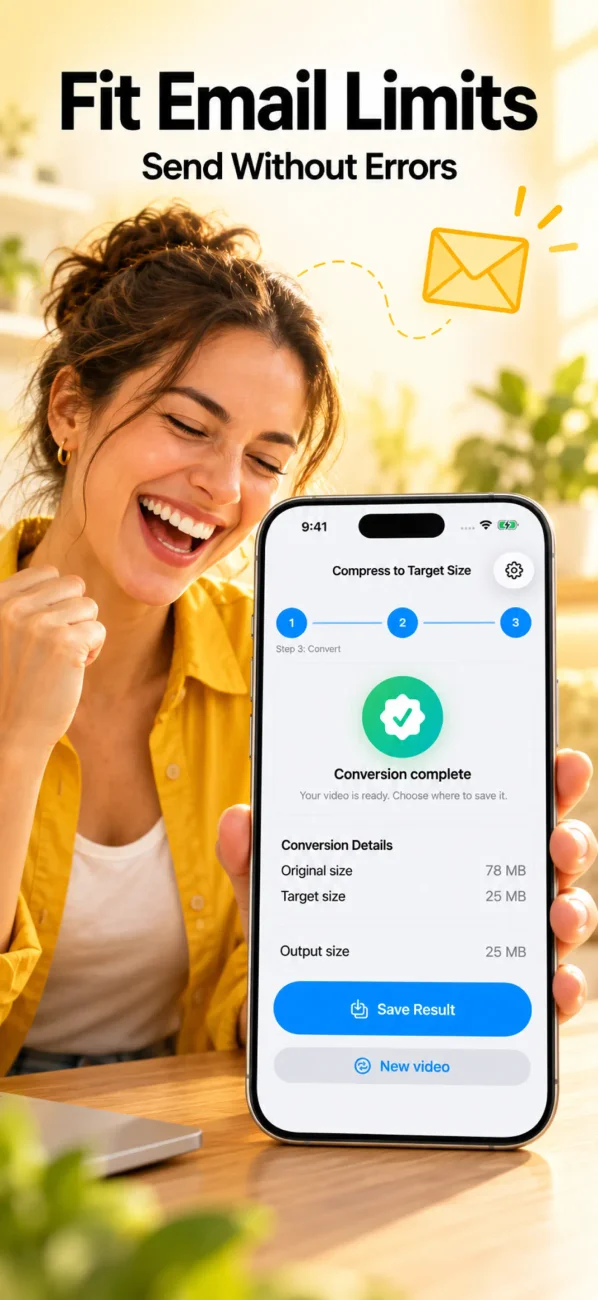
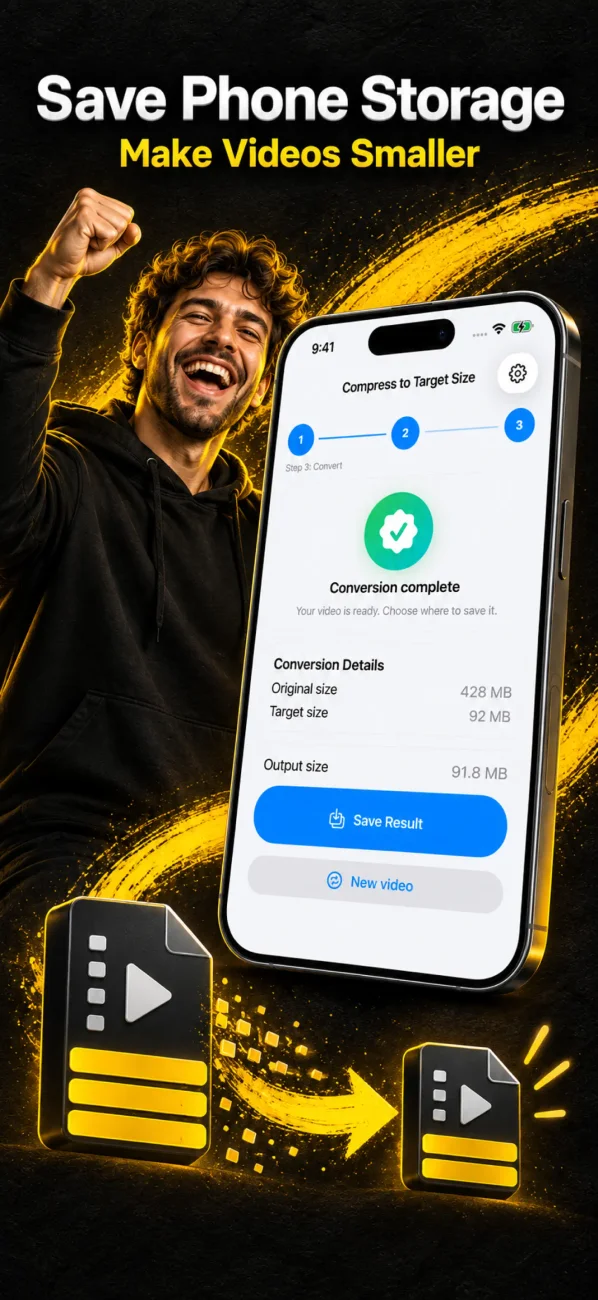
Prepare a smaller clip for an email attachment, a messaging app, an online form, a learning portal, or a cloud upload. You can also reduce videos before archiving them to save device and cloud storage. Choose the number required by the destination instead of repeatedly exporting with different presets.
THREE CLEAR STEPS
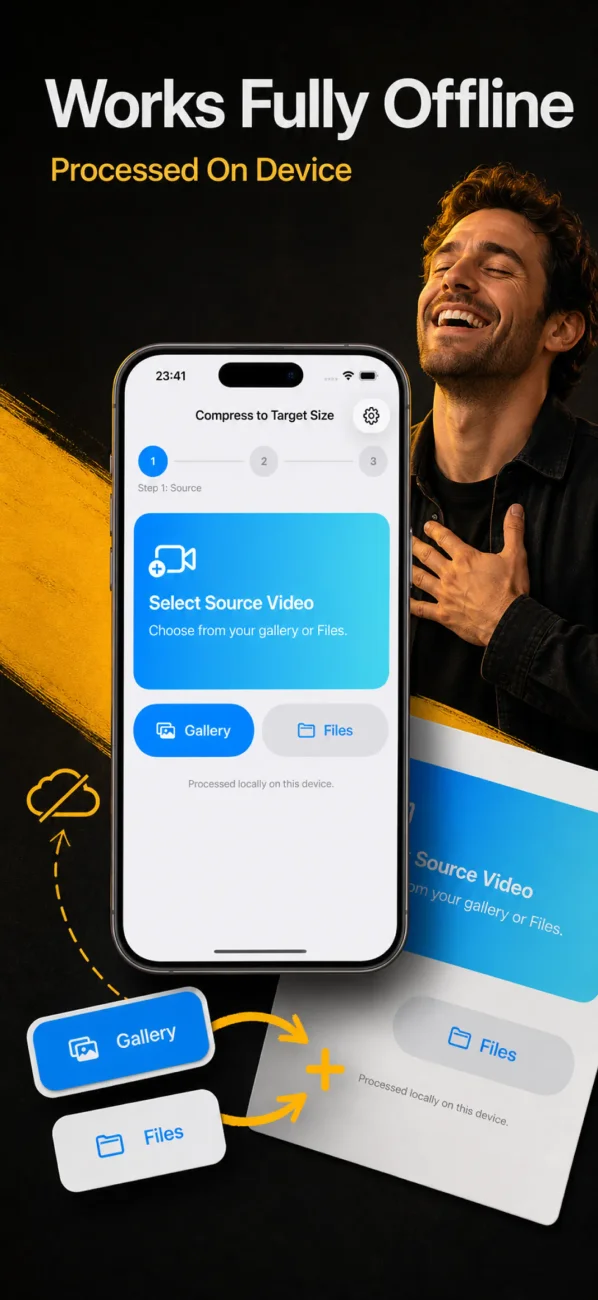
1. Pick one video from Photos or Files.
2. Set the target size and review the planned output.
3. Convert, preview the result, then save or share it.
USEFUL SOURCE DETAILS
See the original file size, duration, resolution, frame rate, format, and other available media details in one place. This makes it easier to understand how demanding a target is and choose an appropriate output.
CONTROL WHEN YOU WANT IT
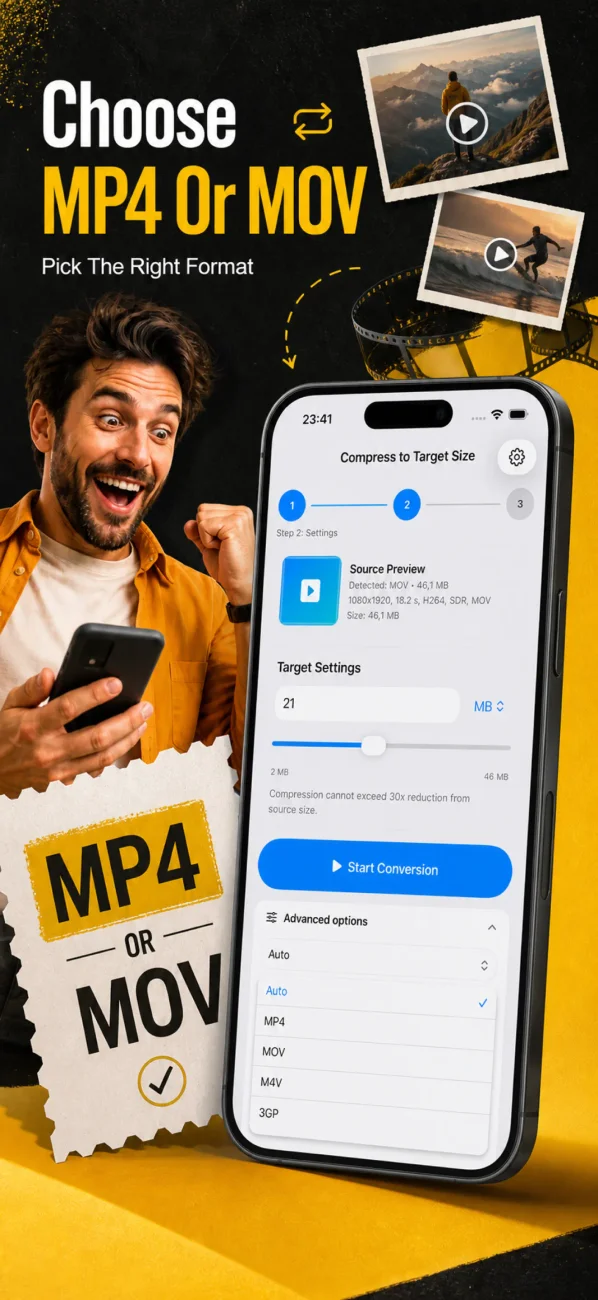
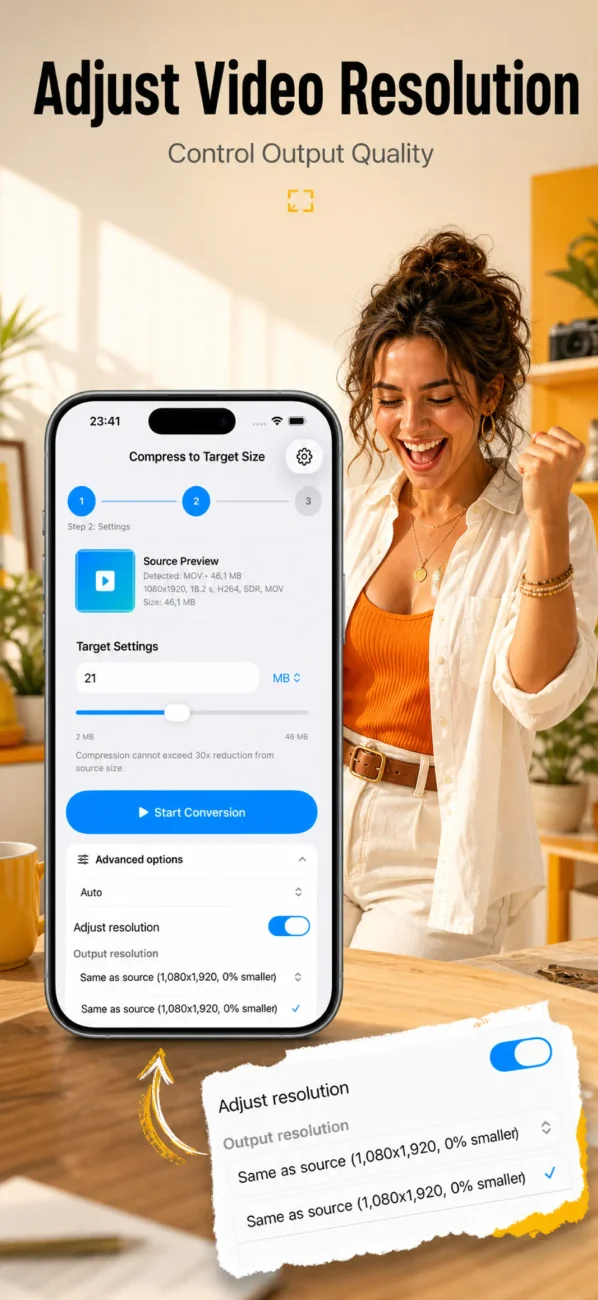
The standard settings are designed for a quick result. Open Advanced Options when you need to choose output format or resolution behavior. The estimate updates with your choices so the target and settings remain easy to review before conversion.
QUALITY-AWARE COMPRESSION
A very small target can require a visible quality tradeoff. The app makes that constraint understandable and aims to retain as much visual quality as possible within the selected size. It never claims that every source can reach every target without compromise.
PRIVATE, ON-DEVICE WORKFLOW
Video analysis and compression run locally on your iPhone. Your source video is not uploaded to a remote compression service. This is useful for personal clips, work attachments, and other media you prefer to keep on your device.
SAVE OR SHARE THE RESULT
Preview the converted video and its final details. Save it to Photos or Files, or open the standard iOS share sheet to send it through apps and services already installed on your device.
ONE CONVERSION EACH DAY
Complete one conversion per day. Choose a yearly subscription or a one-time lifetime purchase for unlimited conversions. The yearly subscription renews automatically until canceled.
RESTORE EXISTING ACCESS
Restore Purchases recovers qualifying purchases made with the same Apple ID. Existing weekly, monthly, yearly, and lifetime customers keep access while their entitlement remains valid. Weekly and monthly plans are no longer offered to new customers.
DESIGNED FOR FOCUS
There is no editing timeline, social feed, account system, or collection of unrelated effects. The app is intentionally centered on one job: selecting a video, choosing an exact target size, converting it, and delivering the smaller result.
OPTIONAL PREMIUM PURCHASES:
- Video Compressor: Target Size offers an auto-renewable yearly subscription or a one-time lifetime purchase for unlimited video conversions.
- The yearly subscription is billed annually and renews automatically each year until canceled. The lifetime purchase does not renew.
- Payment is charged to your Apple ID when you confirm. Manage or cancel subscriptions in your Apple Account settings.
- Restore Purchases recovers qualifying purchases made with the same Apple ID. Existing weekly, monthly, yearly, and lifetime customers keep access while their entitlement remains valid.
Terms of Use: https://www.apple.com/legal/internet-services/itunes/dev/stdeula/
Privacy: https://yumcut.com/mobile/privacy
What’s new
Version 10 · Sep 27, 2026
More reliable target-size compression, including improved handling of HDR and other real-world videos. Choose yearly or lifetime unlimited access, with support for all existing purchases. After your first successful conversion, the app can request a rating through Apple’s system prompt.
App privacy
What Ihar Shaduryn declares on the App Store about how this app handles data.
-
Data used to track you
May be used to track you across apps and websites owned by other companies.
- Location
- Identifiers
- Usage data
- Other data
-
Data linked to you
May be collected and linked to your identity.
- Location
- Identifiers
- Usage data
- Other data
Privacy practices may vary, for example with the features you use or your age.
Information
- Seller
- Ihar Shaduryn
- Category
- Photo & Video
- Version
- 10
- Updated
- Sep 27, 2026
- Released
- Mar 3, 2026
- Size
- 4.0 MB
- Requires
- iOS 18.0 or later
- Age rating
- 4+
- Price
- Free
- In-app purchases
- Yes
- Languages
- English, Arabic, Bengali, Bulgarian, Catalan, Croatian, Czech, Danish, Dutch, Finnish, French, German + 33 more
- Copyright
- © 2026 Ihar Shaduryn
You might also like
-
 Video Compressor – Shrink MP4Reduce Video Size & Resize
-
 Squeeze - Video CompressorReduce File Size & Save Space
-
 Video Compressor - KompressoShrink, Optimize & Save Space
-
 Video Compressor Video ResizerCompress Videos, Converter
-
 Video Compressor & Reduce sizeCompress Photo & Clean Storage
-
 Video Compressor - resize allSimple batch vids size reducer
-
 Video Compressor : Save SpaceReduce Size, Resize & Shrink
-
 Video Compressor-Shrink videosCompress videos & photos
-
 Easy Video Compressor - ResizeReduce File Size, Save Space
-
 Compress Videos & Resize VideoCompress videos, save space