
Image to PDF.
Photos to PDF Converter
Designed for iPhone, iPad, iPod touch
Free · In-app purchases
- Age rating4+
- CategoryBusiness
- DeveloperLe Giang Nam
- LanguagesEnglish
- Size9.6 MB
Links to the official App Store page
Download.org hosts no file of Image to PDF. The button opens its official App Store page, published by Le Giang Nam. Listing last checked on Nov 16, 2026.
Screenshots
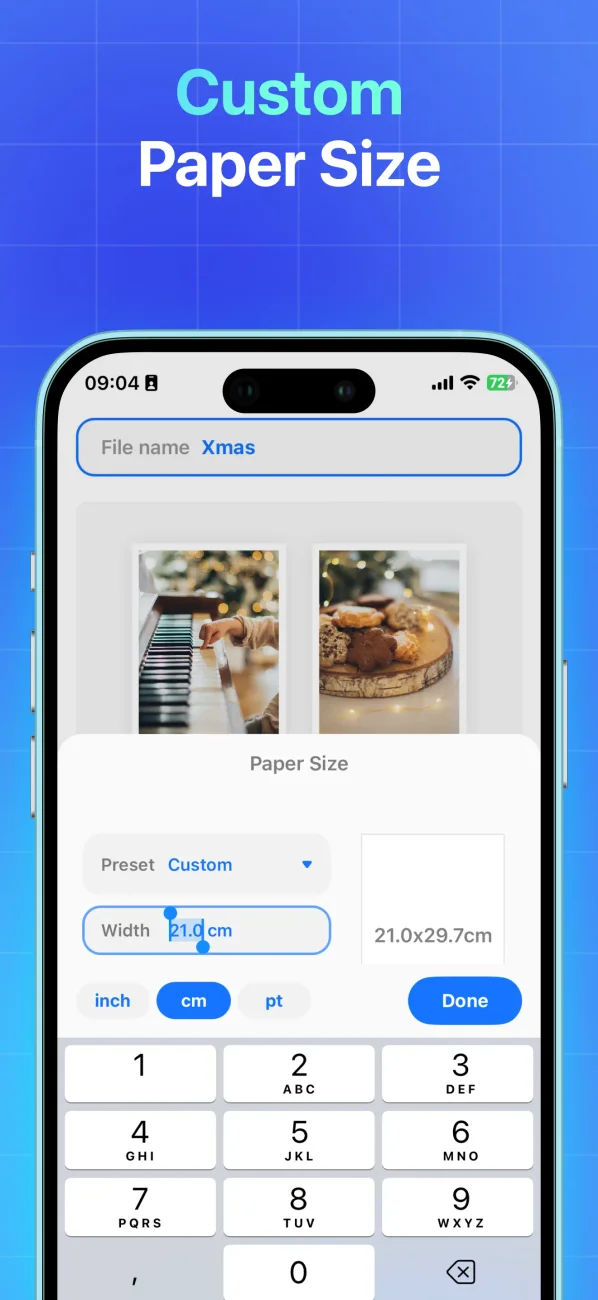

About
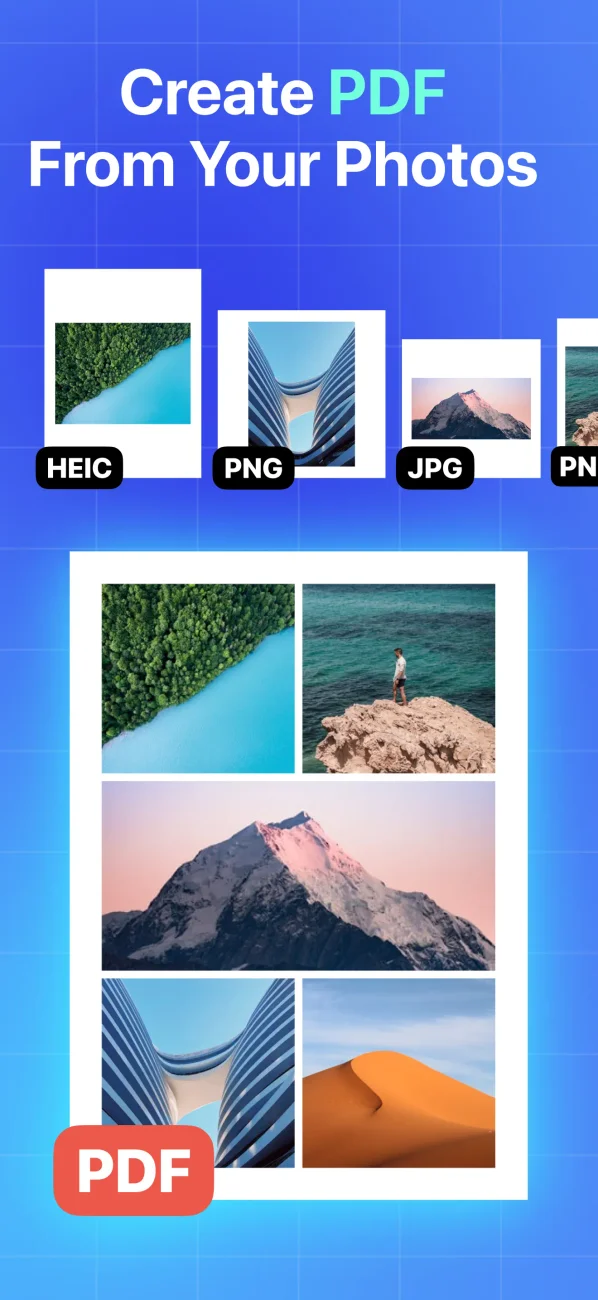
Photo to PDF is the ultimate converter app for you to easily and quickly convert pictures to PDF.
Create PDF file from your image in 3 simple steps:
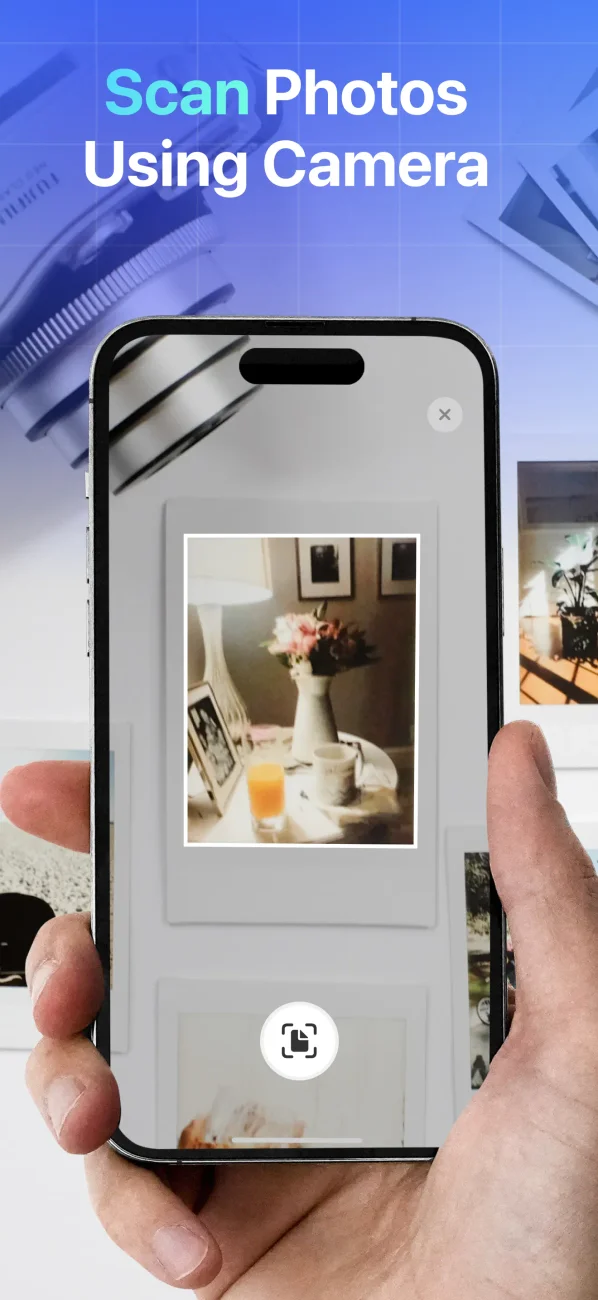
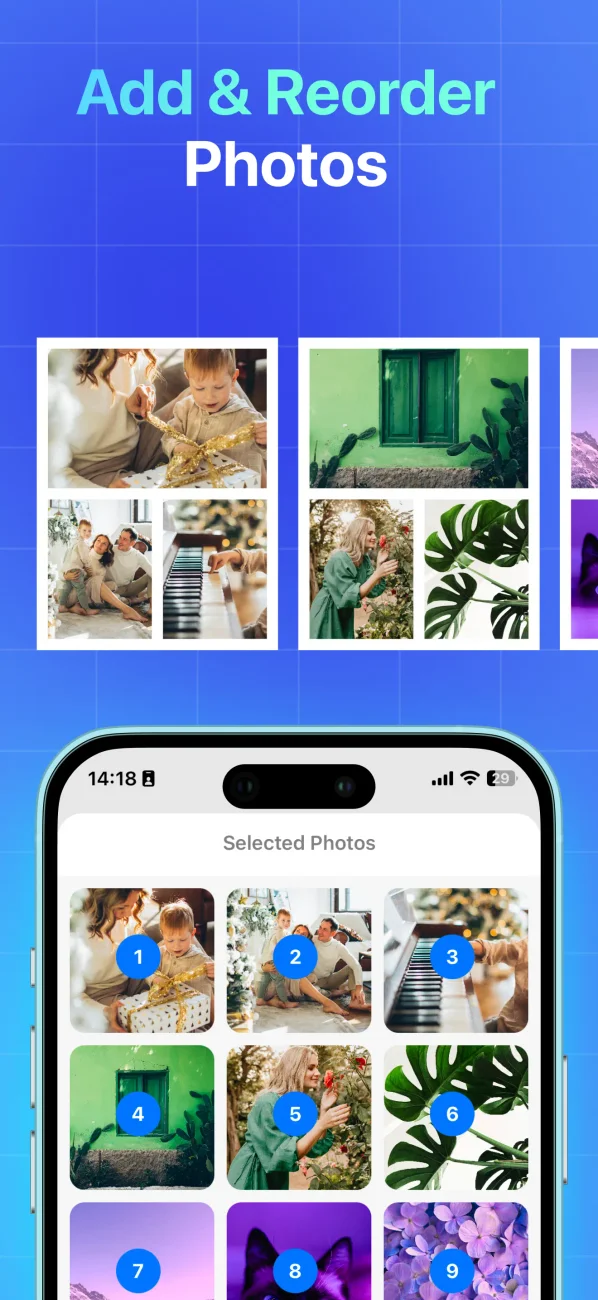
1. Select photos or scan your photos with camera
2. Edit settings and it will automatically convert your photo to PDF
3. Share and print your PDF files right from the app
KEY FEATURES:
- Import photos: You can import files from different sources such as iCloud, File App or gallery
- Supported image formats: jpg, png, bmp, gif, tiff, heic, webp,... and more to come
- PDF files management: Access all the files right in the app, easy to edit, reshare the PDF file or delete it
- Simplicity & friendly design: Our intuitive UI makes it clear and fast to understand for anyone to use.
- Compress PDF files: Support to reduce PDF size, Set the image quality - low, medium, high, and original as needed.
- Work offline: Easily convert your images to PDF offline.
- Share & print: Share the converted files to other apps or send via Message, Email, one tap printing right from the app
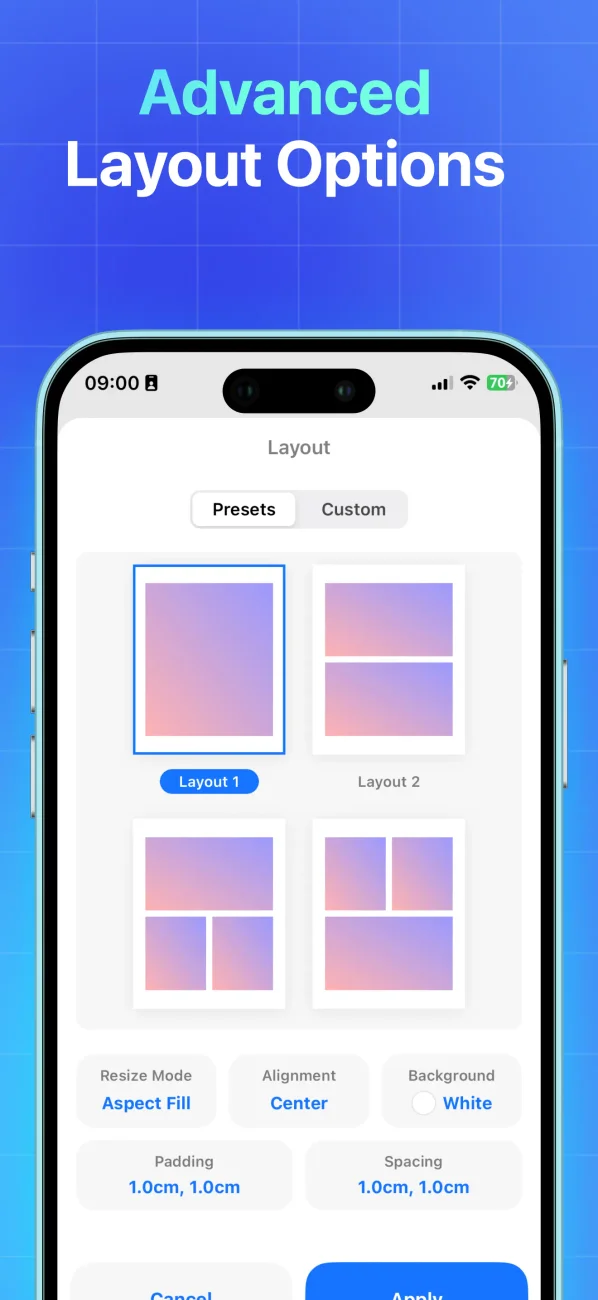
Convert image to PDF file with ease and safe with our app Photo to PDF! With user-friendly UI design, this is the perfect photo to PDF converter app for you to convert image to PDF. You can merge multiple pictures into one single PDF file with our preset layout or you can customize it. We also support reducing image size and compressing the file to make it easier for you to send via Message or Email.
There is no limitation to convert image to PDF, our app supports many photo formats and we will update to support more formats in the future. We hope you will enjoy the great experience with our Photo to PDF app!
Image to PDF+
• You can subscribe for unlimited access to all features within the app and remove ads.
All personal data is protected in accordance with the Terms of Use and Privacy Policy:
https://rockybrain.com/terms/
https://rockybrain.com/policy/
What’s new
Version 1.2.5 · Mar 14, 2026
Bug fixes
App privacy
What Le Giang Nam declares on the App Store about how this app handles data.
-
Data not collected
The developer does not collect any data from this app.
Privacy practices may vary, for example with the features you use or your age.
Information
- Seller
- Le Giang Nam
- Category
- Business
- Version
- 1.2.5
- Updated
- Mar 14, 2026
- Released
- Nov 21, 2023
- Size
- 9.6 MB
- Requires
- iOS 15.0 or later
- Age rating
- 4+
- Price
- Free
- In-app purchases
- Yes
- Languages
- English
- Copyright
- © RockyBrain
You might also like
-
 ScanGo - PDF Document ScannerScan Documents & Photos to PDF
-
 Send Fax & Sign PDF DocumentsSignature Maker & Easy Scanner
-
 PDF Converter: Pictures To PDFPhotos to PDF & Word to PDF
-
 Smart Printer App: PrinterAppAll-In-One Printer app & Scan
-
 Photo to PDF Scanner - DocumaDocument Signer
-
 Penned: Private NotesAI Text Search, Local & Secure
-
 Printer App・Smart PrintPrint Documents, Photo,PDF
-
 Photo Todo Lists - PhotodoManage tasks with image & text
-
 Passport Photo Maker ID PhotoPerfect ID Photo Maker App
-
 inperson digital business cardBusiness Card scanner & CRM