
Smart Printer App: PrinterApp
All-In-One Printer app & Scan
Designed for iPhone, iPod touch
Free · In-app purchases
- Age rating4+
- CategoryBusiness
- DeveloperGaurav Babbar
- LanguagesEnglish+ 32 more
- Size33.3 MB
Links to the official App Store page
Download.org hosts no file of Smart Printer App: PrinterApp. The button opens its official App Store page, published by Gaurav Babbar. Listing last checked on Nov 18, 2026.
Screenshots
About
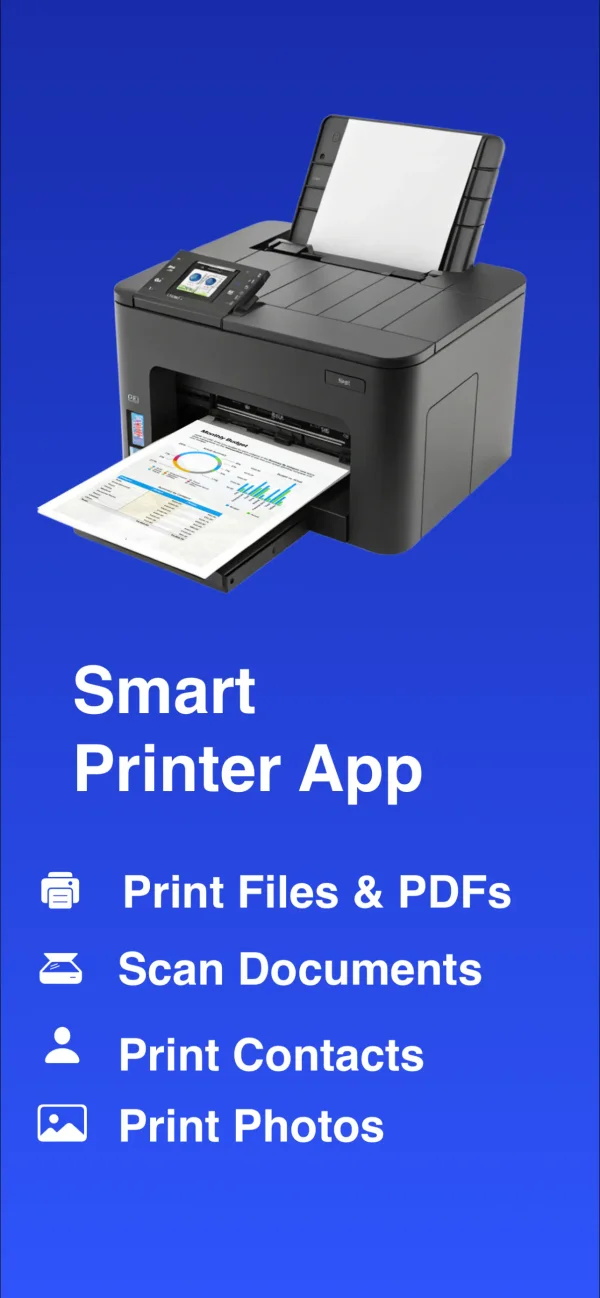
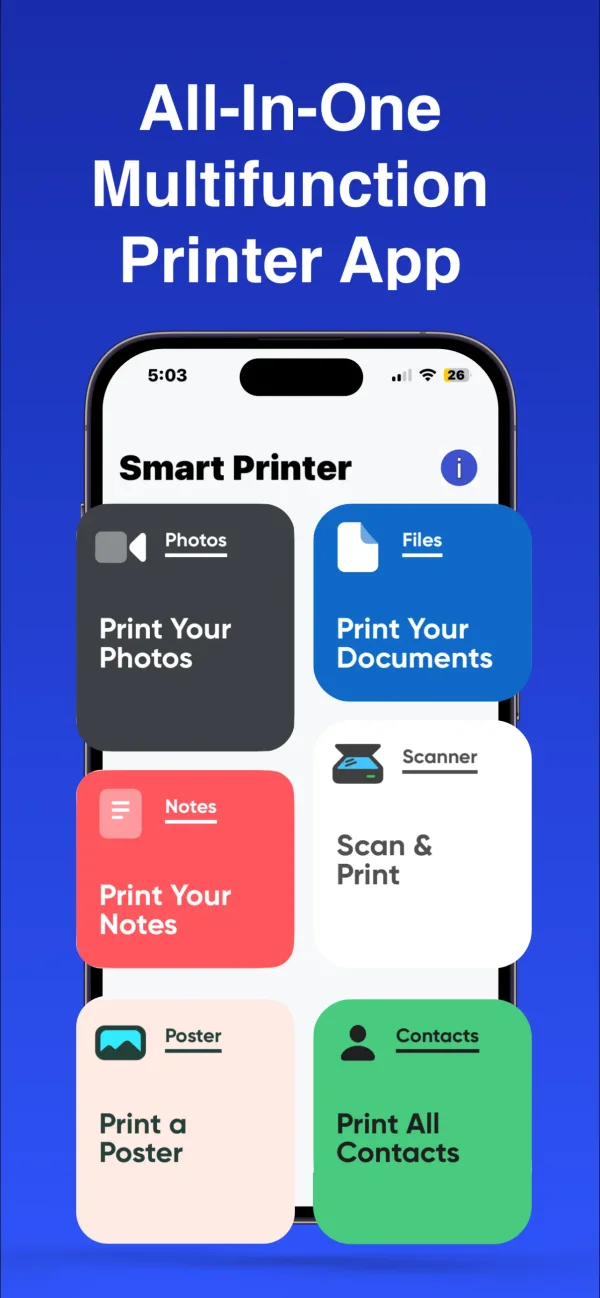
The all-in-one printing and scanning solution for your mobile device.
KEY FEATURES:
Document Printer
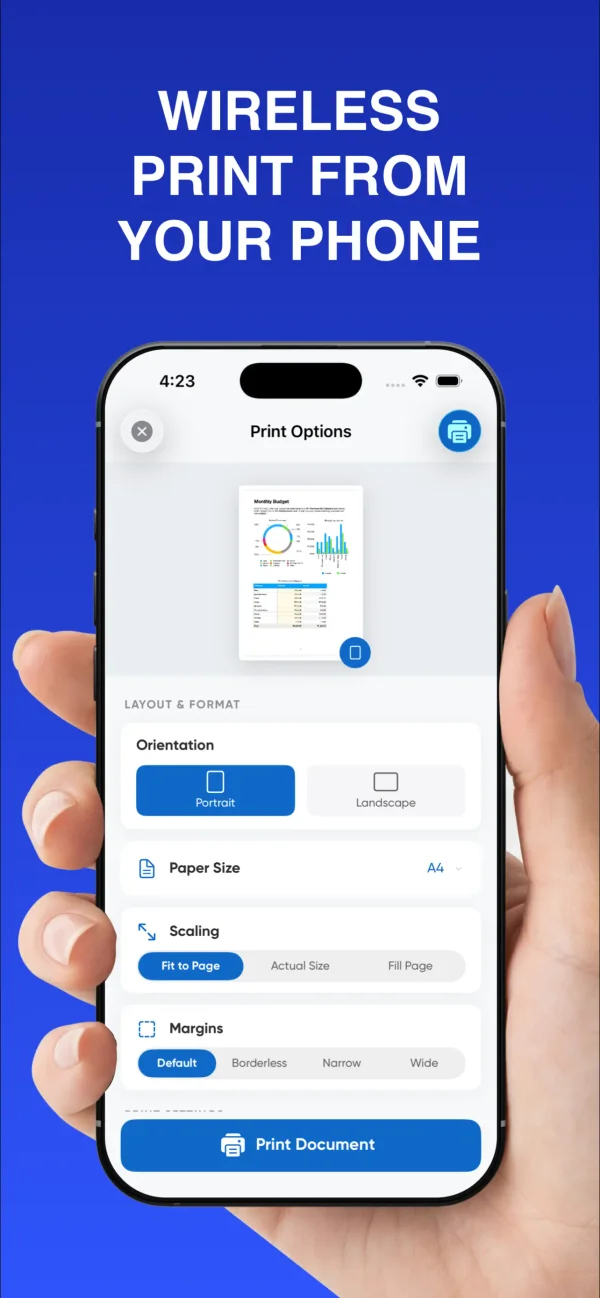
Print PDFs, Word documents, and emails directly from your phone. Supports standard paper sizes including A4, Letter, and Legal with adjustable orientation.
Photo Printer
Print stunning photos in multiple sizes - from wallet-size to full-page prints. Apply filters before printing for professional-quality results.
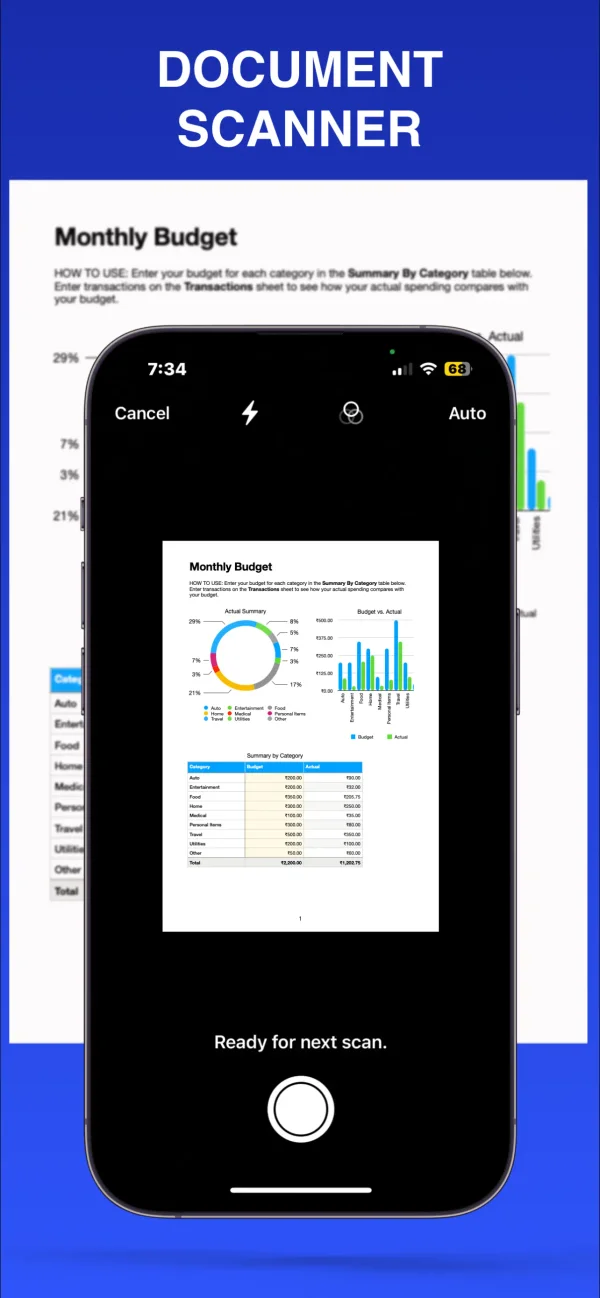
Scanner
Turn your phone camera into a powerful document scanner. Scan receipts, contracts, IDs, and multi-page documents to high-quality PDF files with automatic edge detection and perspective correction.
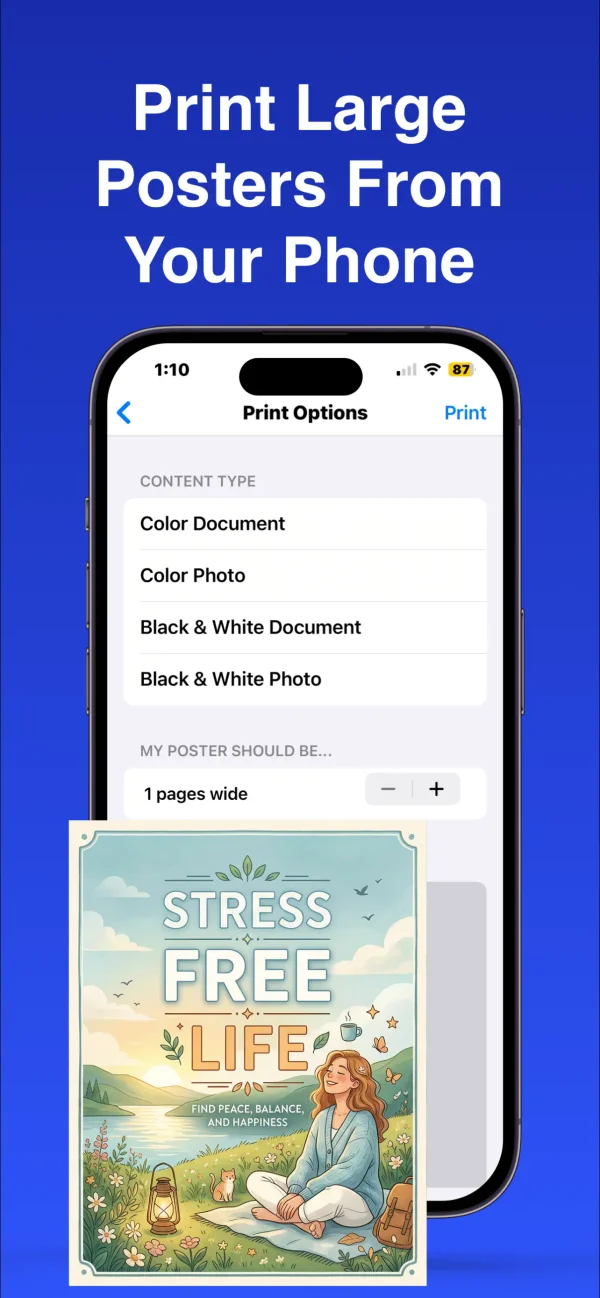
Poster Printer
Create and print posters on multiple pages. Split any image across several sheets and assemble a large-format poster from your standard home or office printer.
Note Printer
Type notes, lists, or letters and print them easily. Perfect for quick memos, shopping lists, or classroom handouts.
Email Attachment Printer
Open and print attachments directly from your email inbox. Supports PDF, images, Word, Excel, and PowerPoint files.
Draw & Print
Unleash your creativity! Draw, sketch, or annotate on a blank canvas or over imported images, then send directly to your printer.
WHY CHOOSE SMART PRINT?
- Works wirelessly with most WiFi-enabled printers
- Simple setup in under 60 seconds
- Supports multiple paper sizes and orientations
- Print preview ensures perfect results every time
- Lightweight app that does not drain your battery
Whether you need to print a boarding pass, scan a contract, create a poster for an event, or print your favorite photos, Smart Print handles it all from one simple app. Your mobile printing companion for home, office, and on-the-go use.
Terms: https://enacti.com/smart_printer/terms-of-use.html
Privacy Policy: https://enacti.com/smart_printer/privacy-policy.html
What’s new
Version 2.1 · Aug 6, 2026
Minor bug Fixes
App privacy
What Gaurav Babbar declares on the App Store about how this app handles data.
-
Data used to track you
May be used to track you across apps and websites owned by other companies.
- Identifiers
- Usage data
- Diagnostics
-
Data linked to you
May be collected and linked to your identity.
- Identifiers
- Usage data
- Diagnostics
-
Data not linked to you
May be collected but is not linked to your identity.
- Diagnostics
Privacy practices may vary, for example with the features you use or your age.
Information
- Seller
- Enacti Ventures Private Limited
- Category
- Business
- Version
- 2.1
- Updated
- Aug 6, 2026
- Released
- Feb 26, 2023
- Size
- 33.3 MB
- Requires
- iOS 15.0 or later
- Age rating
- 4+
- Price
- Free
- In-app purchases
- Yes
- Languages
- English, Arabic, Croatian, Czech, Danish, Dutch, Finnish, French, German, Greek, Hebrew, Hindi + 21 more
- Copyright
- ©2023 Smart Print App
You might also like
-
 Image to PDF.Photos to PDF Converter
-
 PDF Converter: Pictures To PDFPhotos to PDF & Word to PDF
-
 Photo to PDF Scanner - DocumaDocument Signer
-
 ScanGo - PDF Document ScannerScan Documents & Photos to PDF
-
 SimpleScan PDF Contract ScanBestPDF Scanner eSign Export
-
 Printer App・Smart PrintPrint Documents, Photo,PDF
-
 Penned: Private NotesAI Text Search, Local & Secure
-
 AI Meeting Notes - TabloTranscribe, Summarize, ToDos
-
 SleepScout® : Sleep RecoderSleep Music & Snoring Tracker
-
 Mood Board - CreativitBookmark