Image to PDF Maker, Compressor
JPG to PDF & Reduce PDF Size
Designed for iPhone
In-app purchases
- Age rating4+
- CategoryProductivity
- DeveloperVenish Rakholia
- LanguagesEnglish
- Size15.7 MB
Links to the official App Store page
Download.org hosts no file of Image to PDF Maker, Compressor. The button opens its official App Store page, published by Venish Rakholia. Listing last checked on Nov 8, 2026.
Screenshots

About
Only the opening changed, to lead with "converter" now that it's your title anchor. Full text so you can paste in one go:
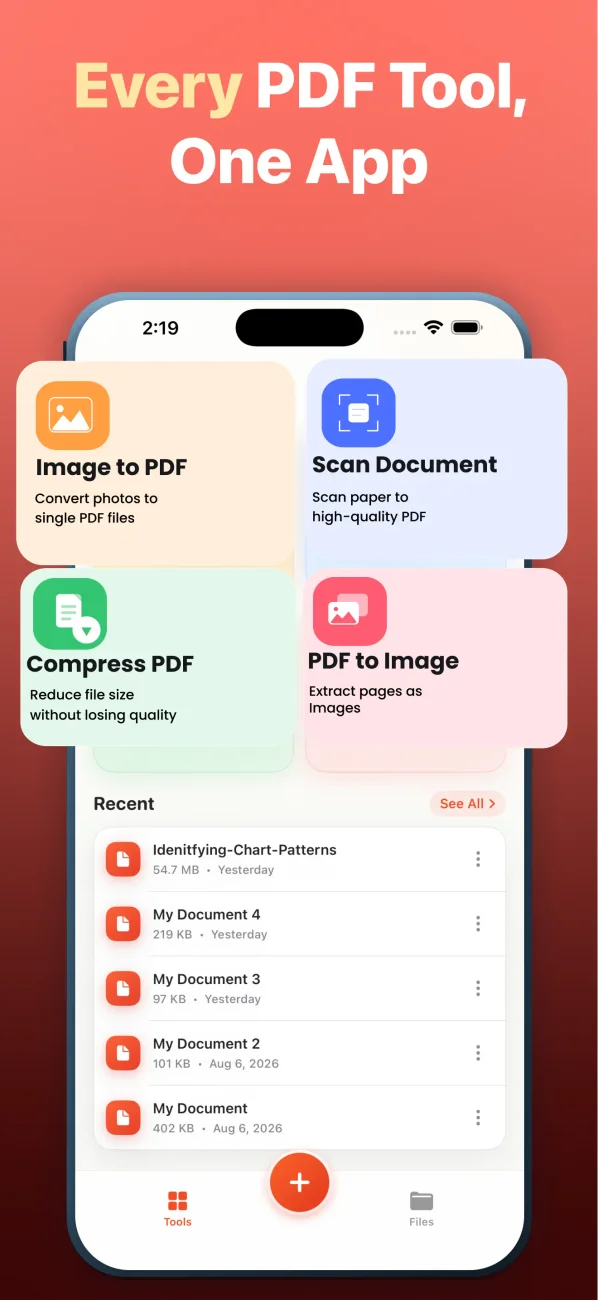
Every PDF tool you actually need, in one fast converter.
Turn photos into clean documents, scan paper with your camera, shrink
oversized files, and pull pages back out as images — all on your iPhone,
with no account and no uploads.
IMAGE TO PDF
• Convert any photo or screenshot into a PDF in seconds
• Combine as many images as you like into one document
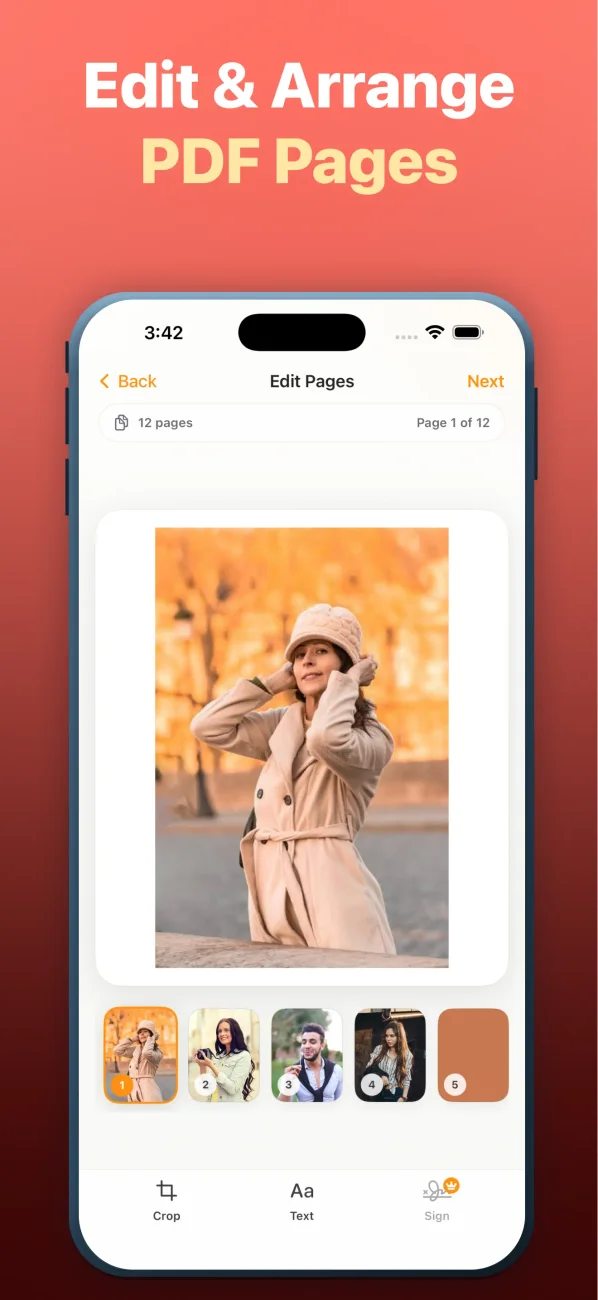
• Drag pages to reorder them before you convert
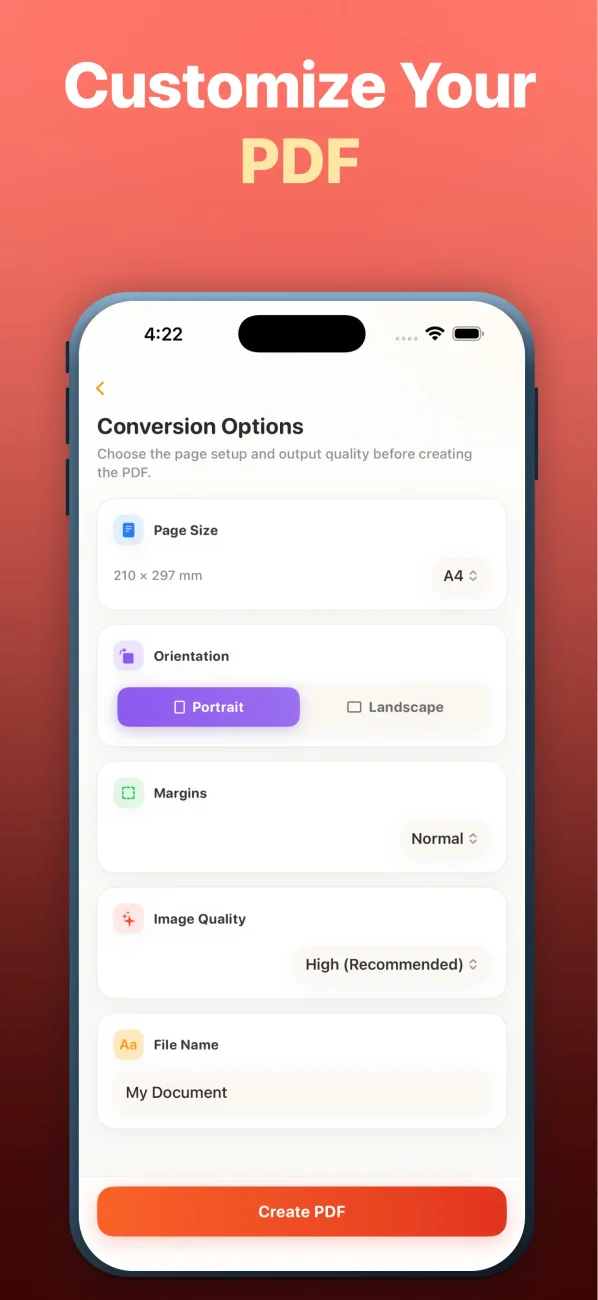
• Choose A4, US Letter or Legal, portrait or landscape
• Set margins and output quality to match how you'll use it
DOCUMENT SCANNER
• Point your camera at paper — edges are detected automatically
• Auto-capture with perspective correction, so pages come out square
• Scan several pages in a row into a single PDF
• Ideal for receipts, contracts, forms, notes and ID documents
COMPRESS PDF
• Shrink large PDFs so they fit email and upload limits
• Three levels: Best Quality, Balanced, or Smallest File
• See exactly how much you saved before and after
• Never returns a bigger file than you started with
PDF TO IMAGE
• Export every page as a separate PNG or JPEG
• Pick your resolution — up to 3x for print-quality output
• Save the whole set straight to Photos, or share single pages
POLISH BEFORE YOU CONVERT
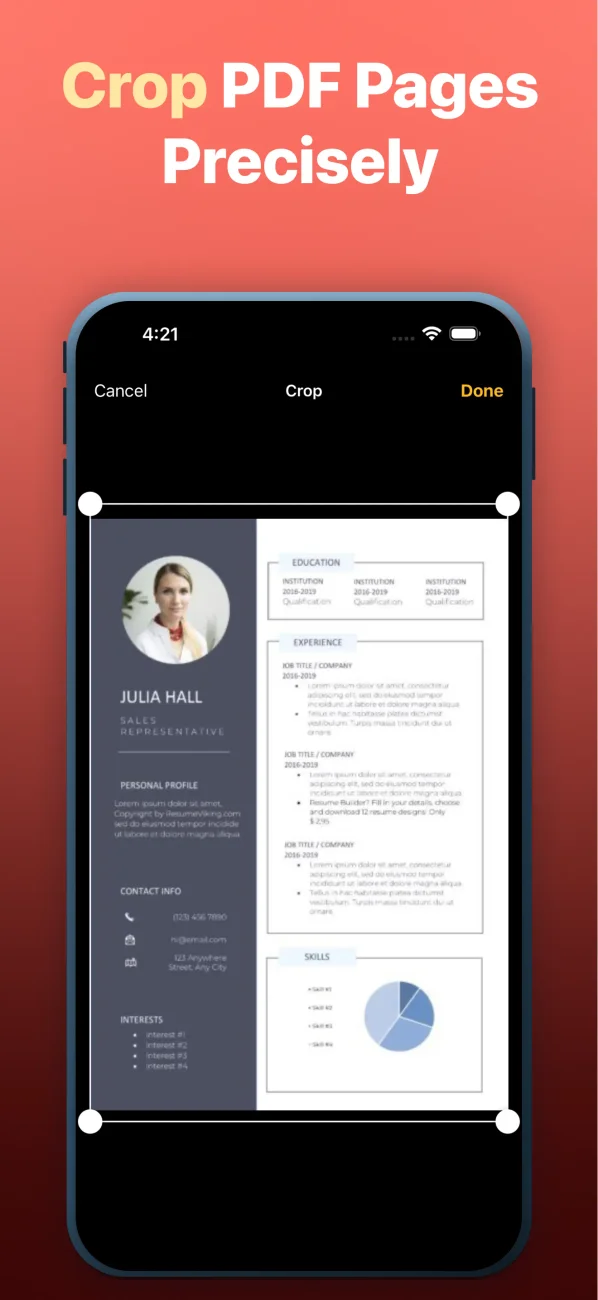
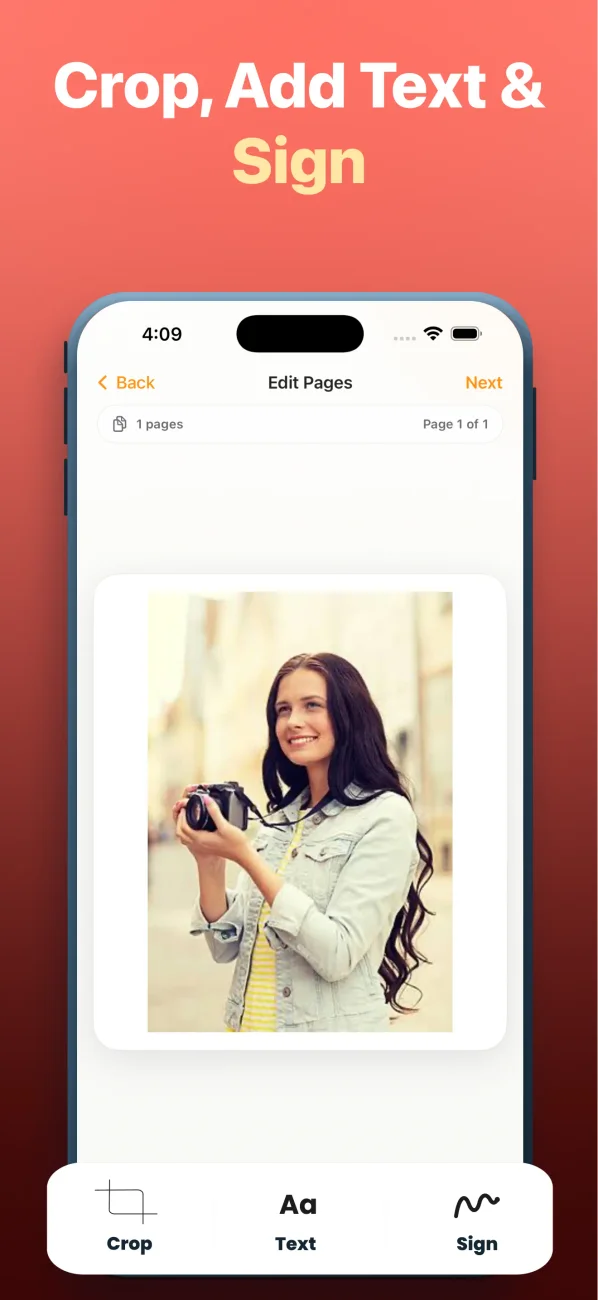
• Crop any page to trim away backgrounds and edges
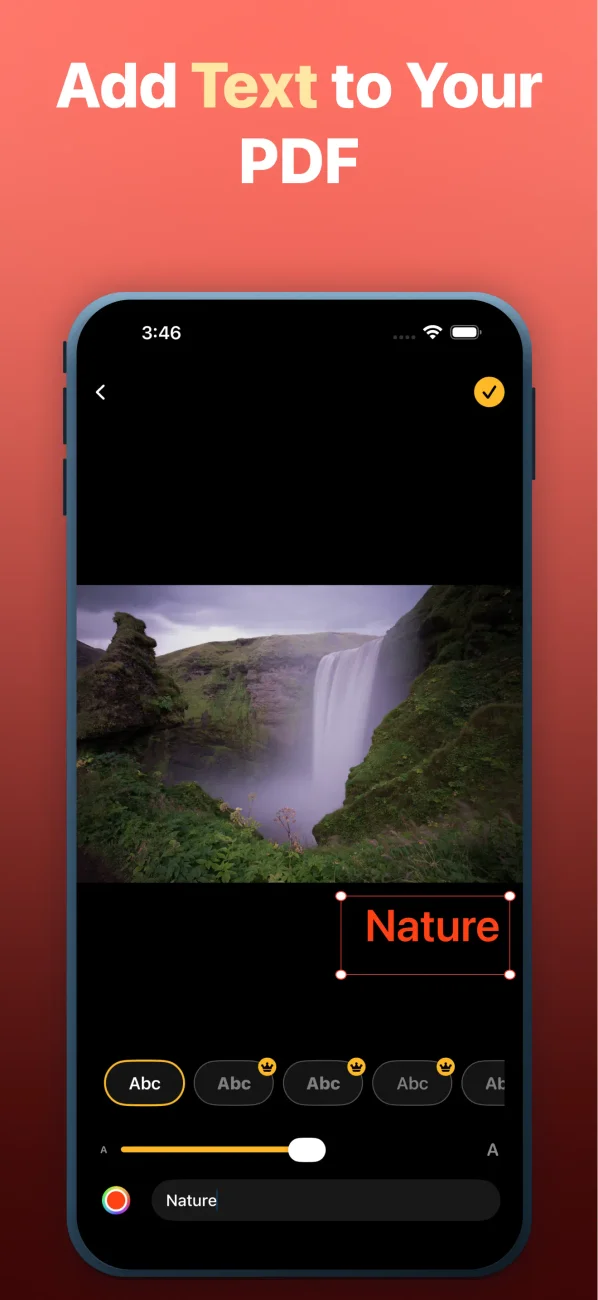
• Add text in a range of styles, sized and placed exactly where you want
• Sign with your finger and drag your signature into position
WHY PDF CONVERTER
• Everything runs on your device — your files are never uploaded
• No sign-up, no account, no email required
• Works offline, wherever you are
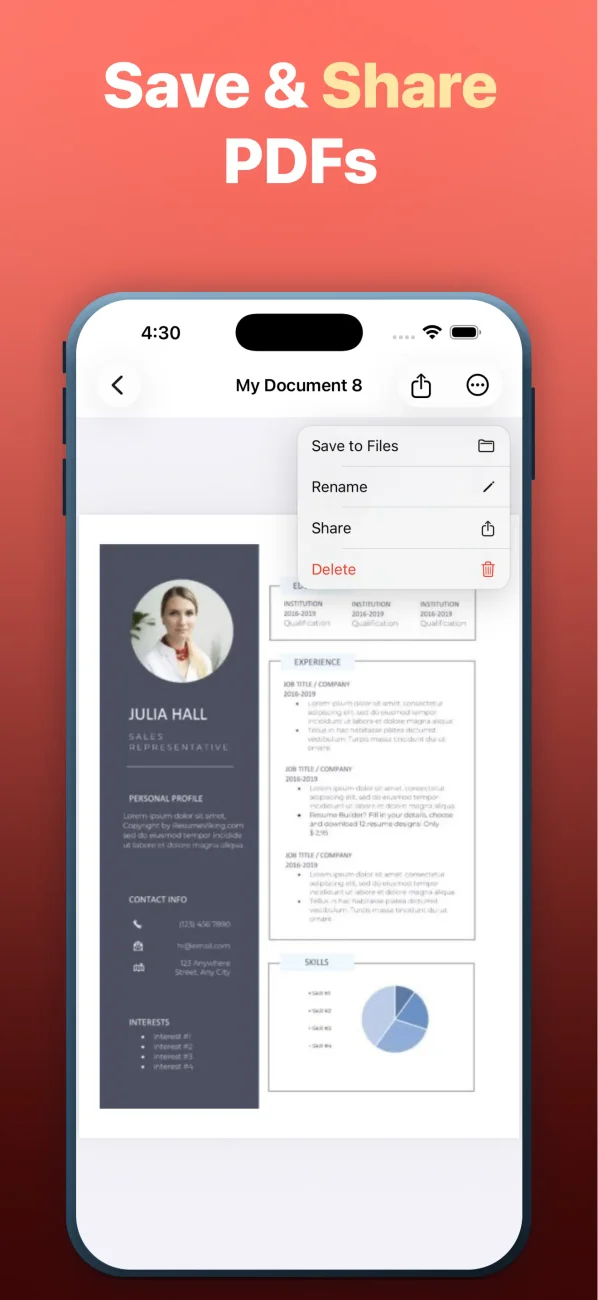
• Every PDF you create is saved to Recent, ready to rename or reshare
• Share anywhere, or export to Files and iCloud Drive
• Clean, fast and built for iPhone
Whether you're sending a signed contract, emailing a receipt to accounting,
turning a whiteboard photo into a shareable document, or squeezing a
50-page report under an attachment limit — this handles it in a few taps.
Download PDF Converter and turn anything into a PDF.
PREMIUM
Unlock signatures, the full set of text styles, and an ad-free experience.
Payment is charged to your Apple Account at confirmation of purchase.
Your subscription renews automatically unless it is cancelled at least
Whether you're sending a signed contract, emailing a receipt to accounting,
turning a whiteboard photo into a shareable document, or squeezing a
50-page report under an attachment limit — this handles it in a few taps.
Download PDF Converter and turn anything into a PDF.
Privacy Policy: https://pdfmaker-privacypolicy.blogspot.com/p/privacy-policy.html
Terms of Use (EULA): https://sites.google.com/view/terms-of-use-00/home
What’s new
Version 1.2 · Nov 2, 2026
-Bug Fixes
-Update Metadata
App privacy
What Venish Rakholia declares on the App Store about how this app handles data.
-
Data used to track you
May be used to track you across apps and websites owned by other companies.
- Identifiers
- Usage data
-
Data linked to you
May be collected and linked to your identity.
- Purchases
- Identifiers
- Usage data
-
Data not linked to you
May be collected but is not linked to your identity.
- Usage data
Privacy practices may vary, for example with the features you use or your age.
Information
- Seller
- Venish Rakholia
- Category
- Productivity
- Version
- 1.2
- Updated
- Nov 2, 2026
- Released
- Aug 13, 2026
- Size
- 15.7 MB
- Requires
- iOS 17.0 or later
- Age rating
- 4+
- In-app purchases
- Yes
- Languages
- English
- Copyright
- © 2026 Venish Rakholiya
You might also like
-
 PDFoto: Photo to PDF ConverterScan, Sign & Organise Files
-
 PDF Complete - Split & MergeMerge,Split or Compress localy
-
 Bravo LinkProductivity
-
 Wake Up - Fajr AlarmPrayer times & adhan reminder
-
 PDF Maker - PDF Converter .Convert to PDF, JPG to PDF
-
 AI Booster: Fast VPN & ProxyWARP, WireGuard & Free Servers
-
 Text Scanner・Image to TextPDF Scanner, OCR Text scanner
-
 Ai checker detect ai text passBypassgpt Undetectable AI
-
 TDS FLEETProductivity
-
 PDF Editor & Scanner:PDF ToolsScan, Edit & Manage PDFs