PDF Complete - Split & Merge
Merge,Split or Compress localy
Designed for iPhone, iPad, iPod touch
Free · In-app purchases
- Age rating4+
- CategoryProductivity
- DeveloperDaniel Viorel Popa
- LanguagesEnglish
- Size7.3 MB
Links to the official App Store page
Download.org hosts no file of PDF Complete - Split & Merge. The button opens its official App Store page, published by Daniel Viorel Popa. Listing last checked on Nov 12, 2026.
Screenshots
About
Transform how you work with PDFs on your iPhone and iPad. PDF Complete is your all-in-one PDF toolkit that works entirely offline, keeping your documents private and secure.
CORE FEATURES
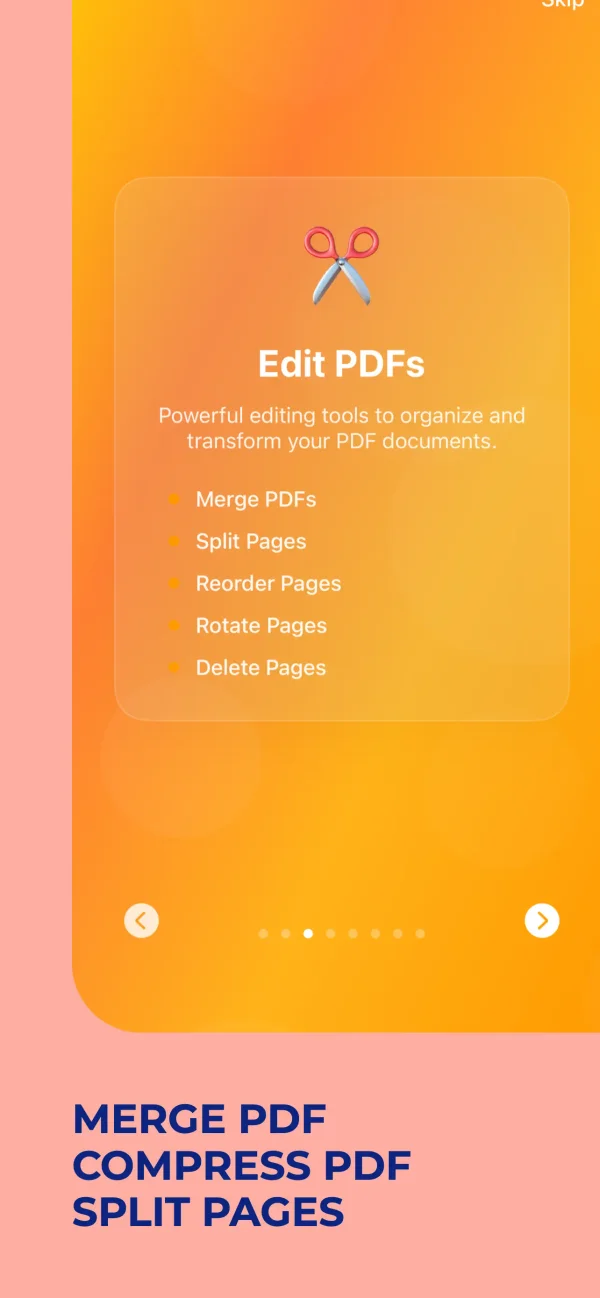
Merge Multiple PDFs
Combine unlimited PDF files into one document. Drag to reorder pages, rotate them, and delete unwanted pages before merging.
Split PDFs
Extract specific pages or ranges from any PDF. Create multiple documents from a single file in seconds.
Document Scanning
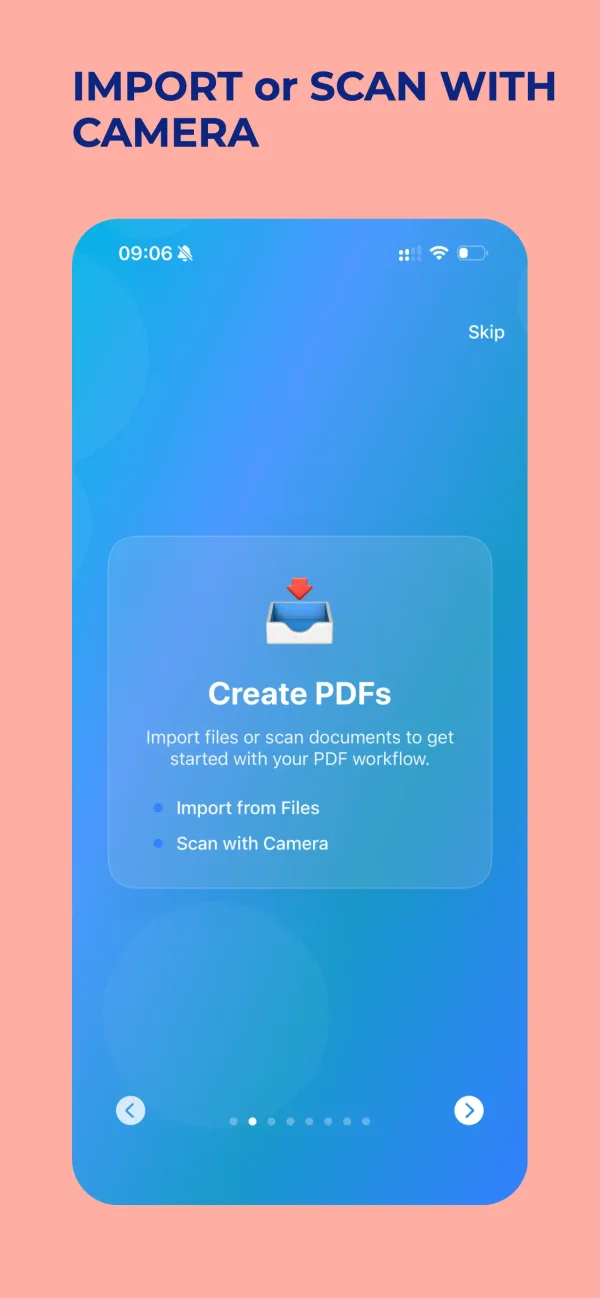
Use your camera to scan paper documents and convert them directly to PDF. Perfect for receipts, contracts, and notes.
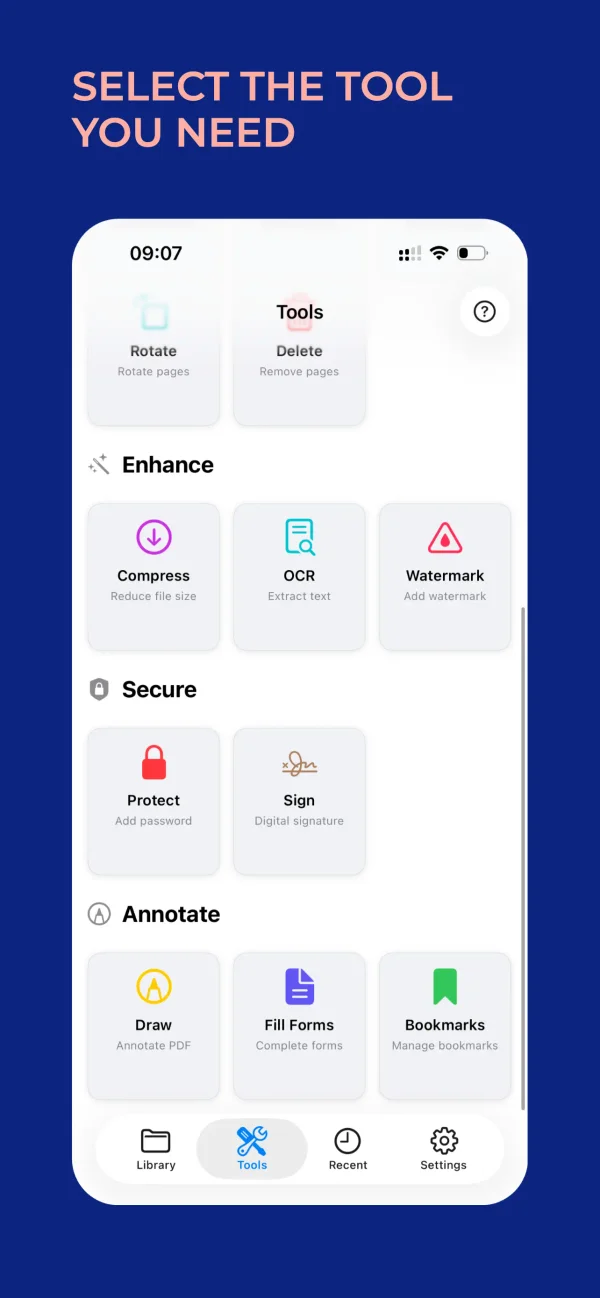
Compress PDFs
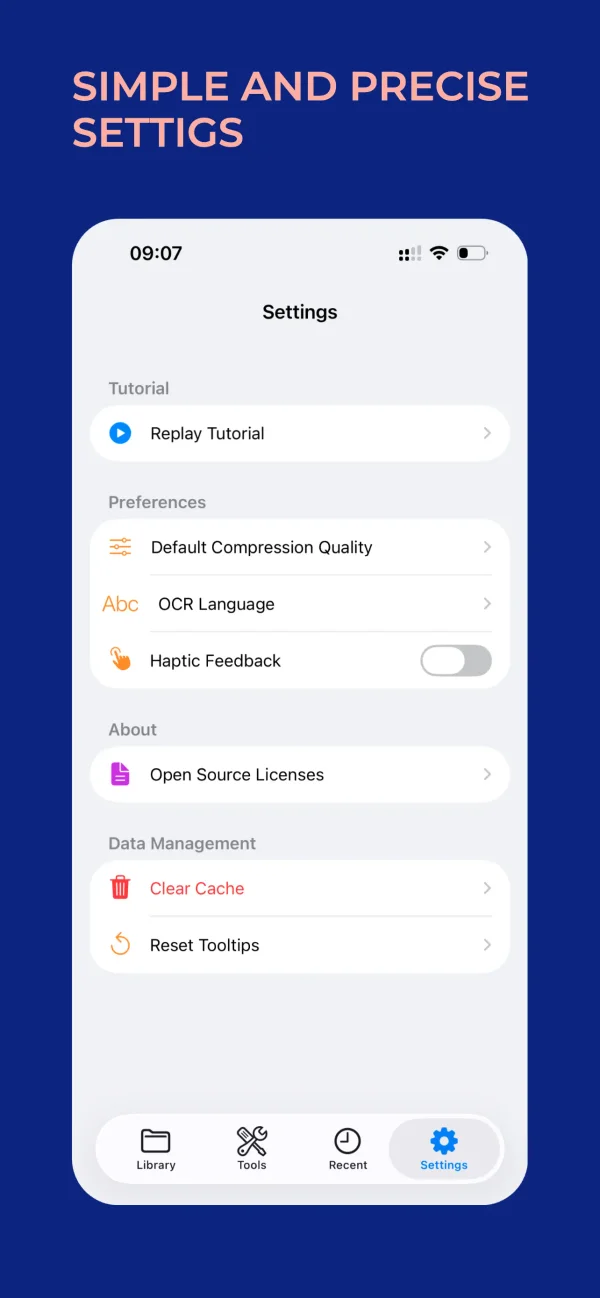
Reduce file size while maintaining quality. Choose from multiple compression levels to balance size and readability.
PDF Library
Keep all your processed documents organized in one place. Quick access to recently merged or edited files.
PROFESSIONAL TOOLS
Digital Signatures
Create and save multiple signatures. Apply them to any PDF with precise placement and sizing controls.
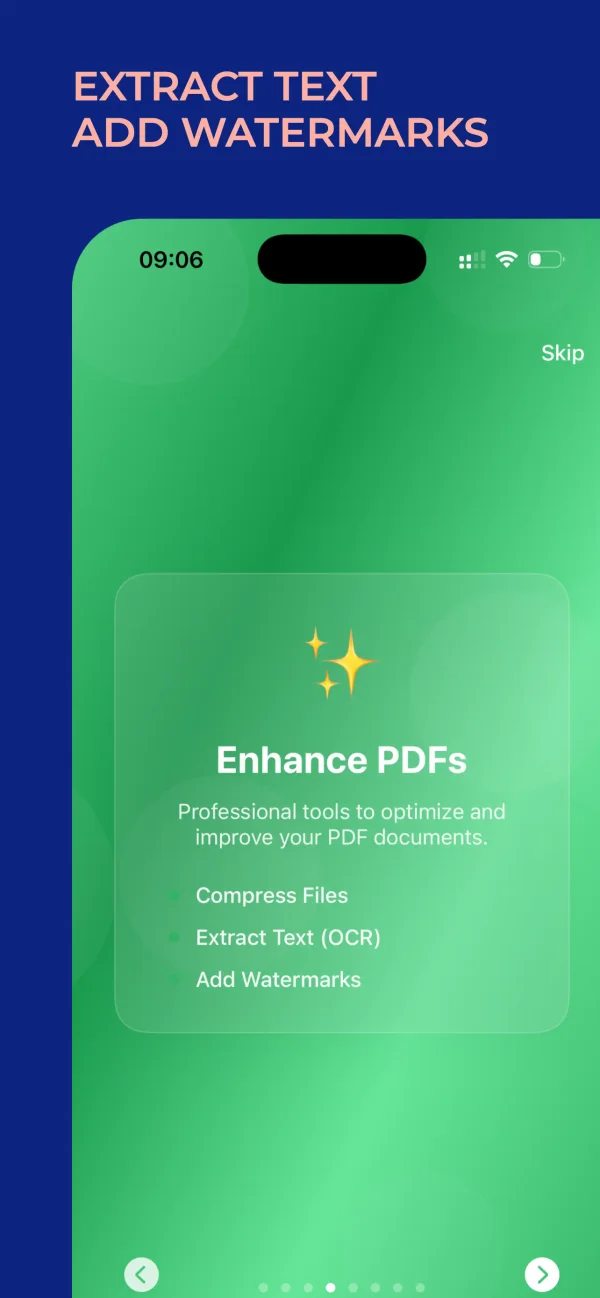
Text Extraction (OCR)
Extract text from scanned documents and images. Copy, share, or search through the extracted content.
Watermarks
Add text or image watermarks to protect your documents. Customize opacity, position, and rotation.
Password Protection
Secure sensitive PDFs with user and owner passwords.
Annotations
Highlight, underline, and add notes to PDFs. Draw freehand or add text annotations anywhere on the page.
Form Filling
Fill out PDF forms directly on your device. Automatically detects and fills form fields.
Bookmarks
Navigate large documents easily with bookmark support. View and manage existing bookmarks.
WHY PDF COMPLETE?
√ 100% Offline - All processing happens on your device. No uploads, no cloud dependency.
√ Privacy First - Your documents never leave your device unless you choose to share them.
√ Fast & Efficient - Optimized for iOS with smooth performance even with large files.
√ Intuitive Interface - Clean design following Apple's Human Interface Guidelines.
√ No Subscriptions Required - Full functionality available without recurring fees.
√ Universal App - Works seamlessly on iPhone and iPad with optimized layouts.
PERFECT FOR
- Students merging lecture notes and assignments
- Business professionals handling contracts and reports
- Remote workers managing documents on the go
- Anyone who needs quick PDF editing without a computer
FILE MANAGEMENT
- Import from Files
- Scan documents using your device camera
- Preview PDFs before sharing
- Share via Mail, Messages, AirDrop, or any app
Save processed documents to your library or Files app
Download PDF Complete today and experience professional PDF editing right on your iPhone or iPad - no internet required!
What’s new
Version 3 · Nov 28, 2025
stability and improvements
App privacy
What Daniel Viorel Popa declares on the App Store about how this app handles data.
-
Data used to track you
May be used to track you across apps and websites owned by other companies.
- Location
- Identifiers
- Diagnostics
-
Data linked to you
May be collected and linked to your identity.
- Purchases
- Location
-
Data not linked to you
May be collected but is not linked to your identity.
- Identifiers
- Usage data
- Sensitive info
- Diagnostics
Privacy practices may vary, for example with the features you use or your age.
Information
- Seller
- Daniel Viorel Popa
- Category
- Productivity
- Version
- 3
- Updated
- Nov 28, 2025
- Released
- Nov 7, 2025
- Size
- 7.3 MB
- Requires
- iOS 15.6 or later
- Age rating
- 4+
- Price
- Free
- In-app purchases
- Yes
- Languages
- English
- Copyright
- © Daniel Viorel Popa
You might also like
-
 All Document Reader ProOpen PDF, Word, Excel, ZIP,RAR
-
 AI Booster: Fast VPN & ProxyWARP, WireGuard & Free Servers
-
 Awesome Copy Mobile ClipboardClipboard history sync manager
-
 Fexo All File ConverterConvert HEIC, PDF, MP3, MP4
-
 PDF Editor & Scanner:PDF ToolsScan, Edit & Manage PDFs
-
 File DoctorScan, read, convert & clean
-
 Scano Docs – PDF MakerFast pdf scanner & OCR
-
 txt.edit: Code & Text EditorMarkdown, JSON, HTML & XML
-
 Contacts Master:Clean & ExportClean, Export, Import Contacts
-
 Nexus universal calculatorSmart Calculator with History