- Age rating4+
- CategoryProductivity
- Developer晗 林
- LanguagesSimplified Chinese+ 1 more
- Size11.9 MB
Links to the official App Store page
Download.org hosts no file of Inkelle. The button opens its official App Store page, published by 晗 林. Listing last checked on Nov 13, 2026.
Screenshots


About
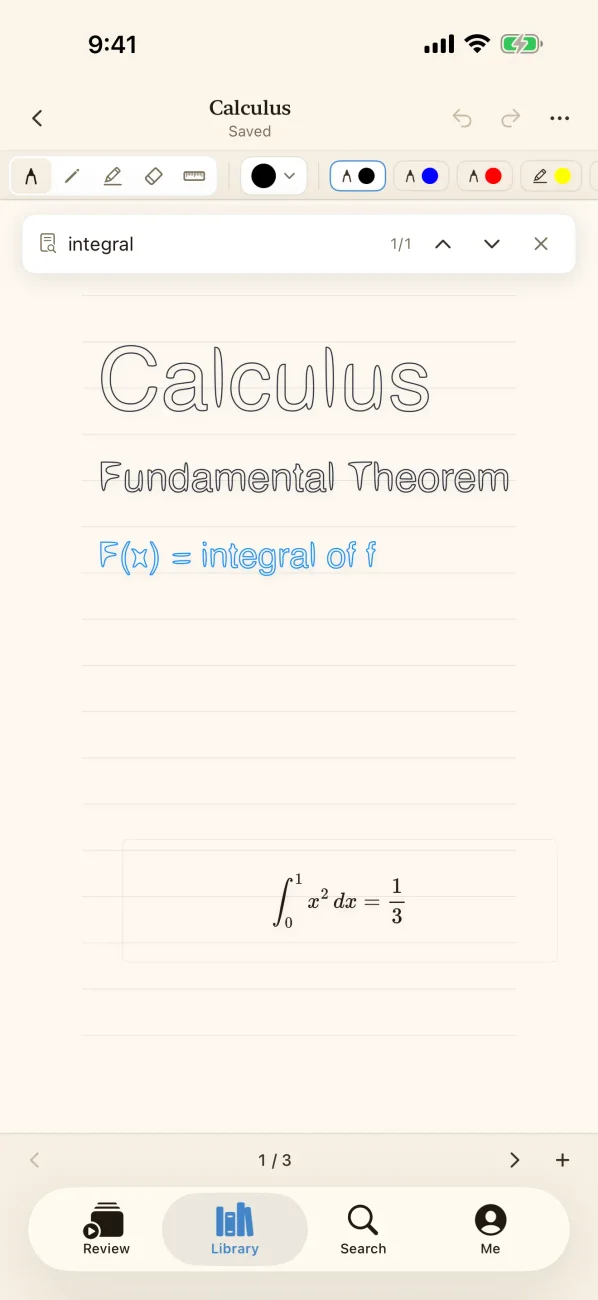
Inkelle is a handwriting notes app built for iPad and Apple Pencil, combining the freedom of natural handwriting with powerful organization and search.
NATURAL HANDWRITING
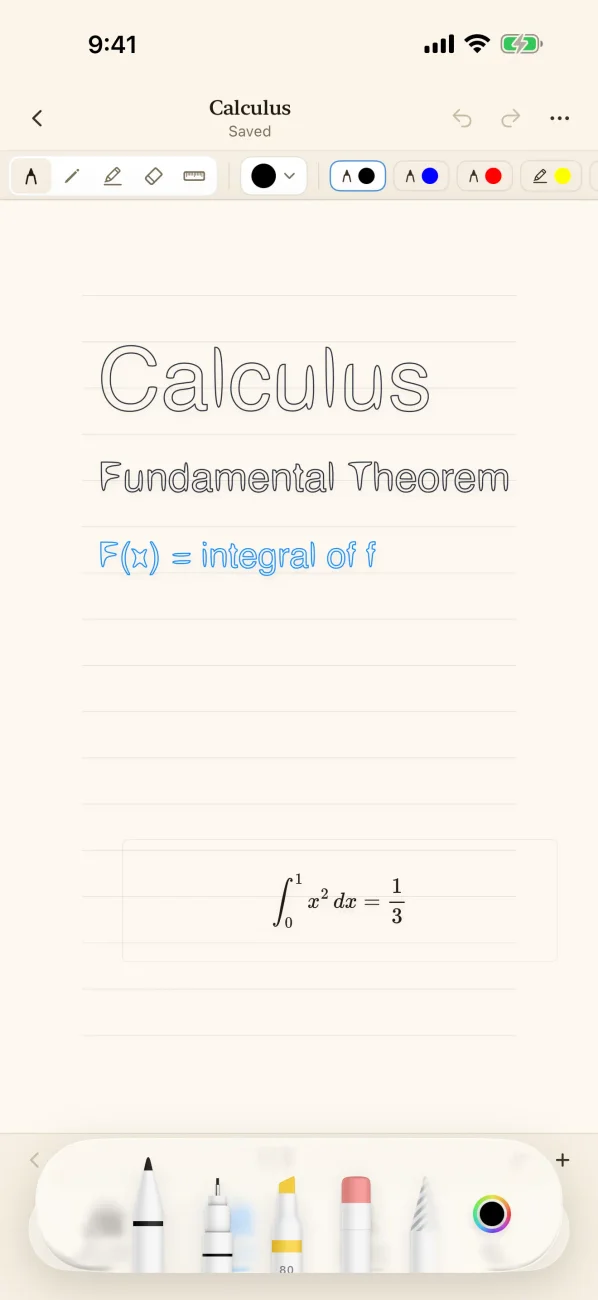
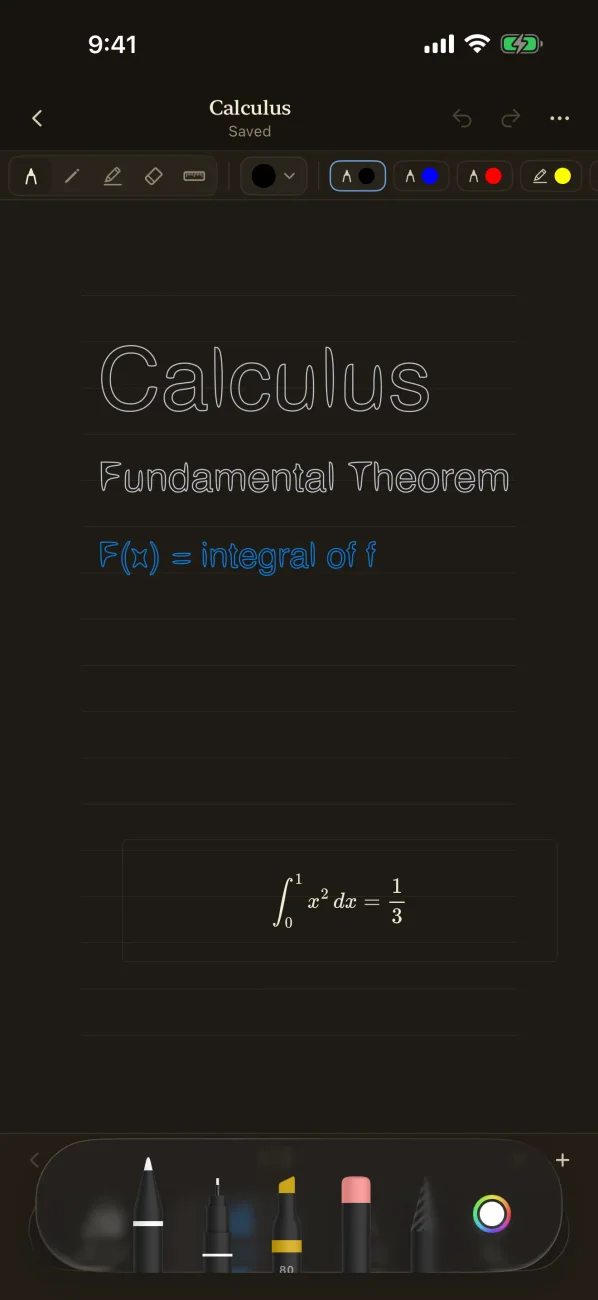
• Smooth PencilKit ink with custom brush presets, pressure sensitivity, and colors
• Finger/stylus toggle, zoomed writing mode, automatic shape recognition
• Multi-page documents, thumbnail sidebar, page outline, and presentation mode
ORGANIZE AND SEARCH
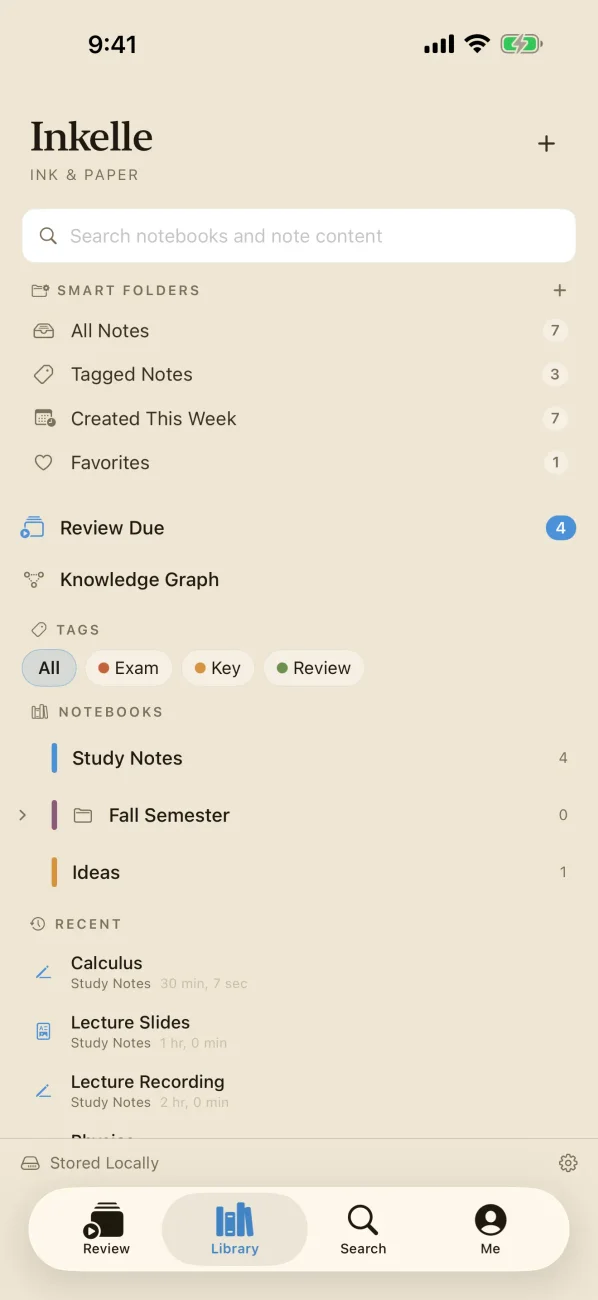
• Notebooks, tags, and smart folders for flexible organization
• On-device handwriting OCR + Spotlight global search
• Trash and version history — recover deletions and roll back changes
IMPORT AND ANNOTATE
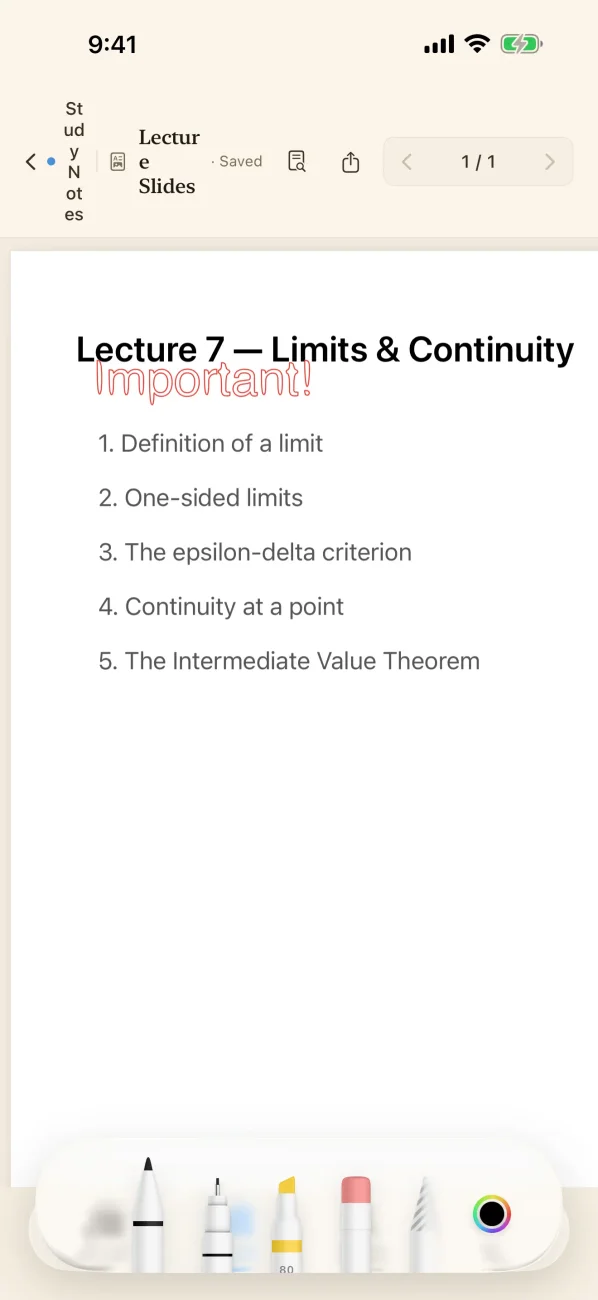
• Import PDFs and annotate them in your own handwriting
• Insert photos from your library or camera, add text boxes and stickers
• Template backgrounds, export to PDF or image, system share sheet
AUDIO AND CALENDAR
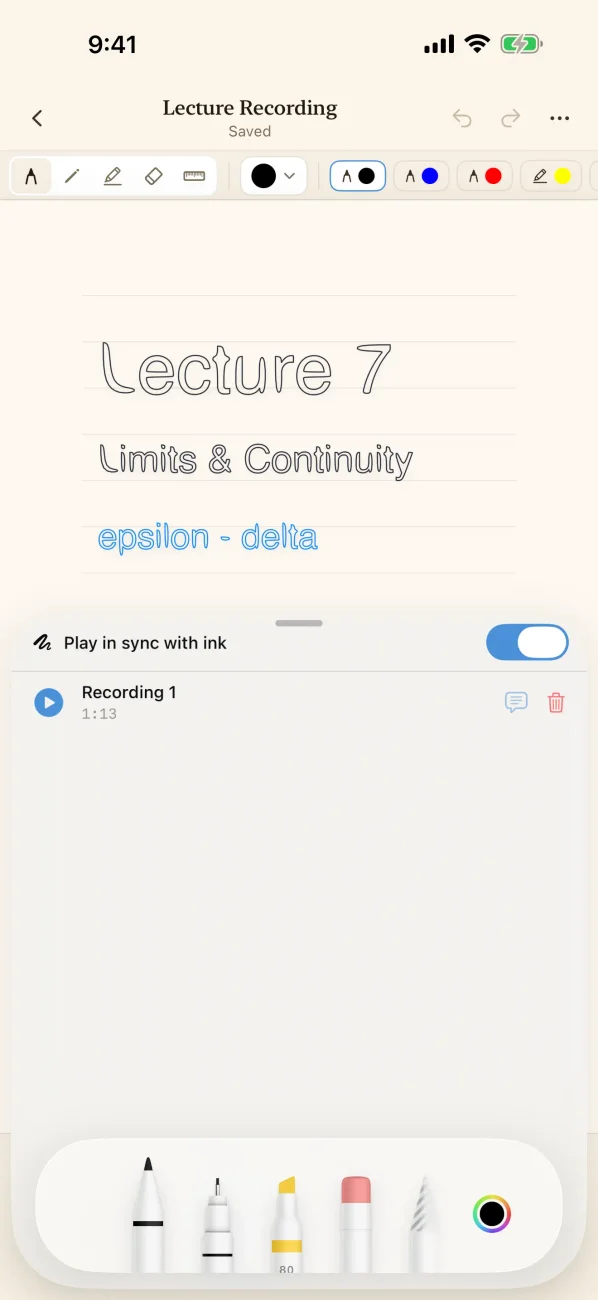
• Attach voice recordings to your notes to capture ideas on the go
• Detect dates in your notes and create calendar events with one tap
AI STUDY KIT (OPTIONAL)
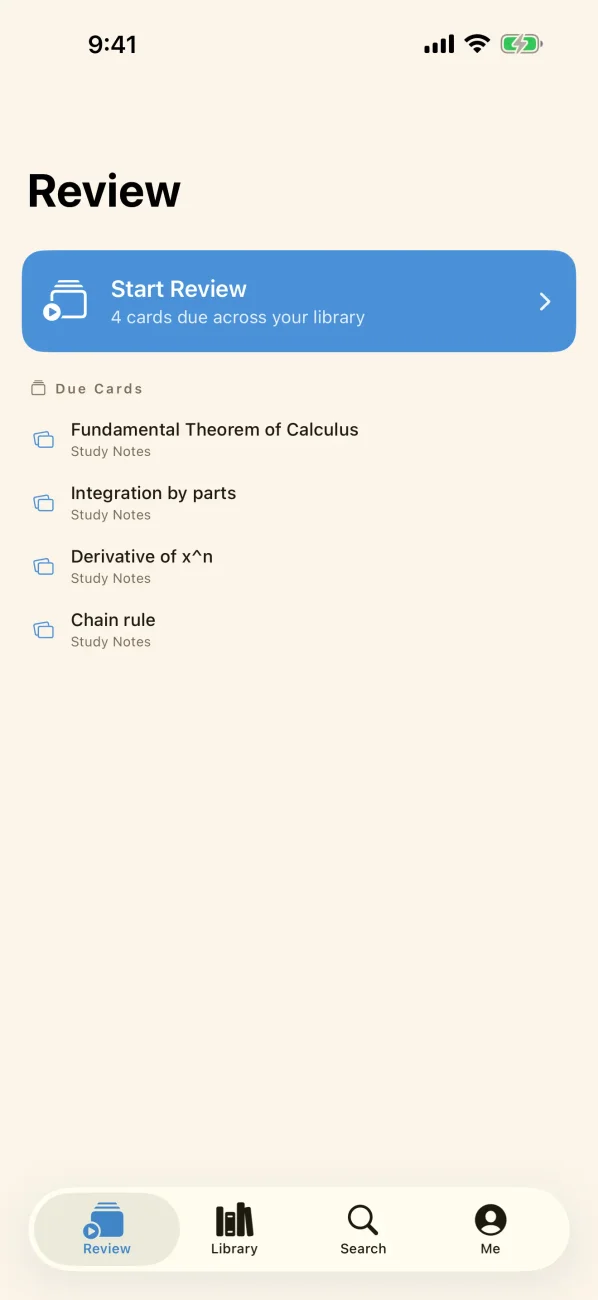
• Summaries, Q&A, math solving, and auto-generated flashcards (SM-2 spaced repetition)
• AI is powered by DeepSeek with your own API key; the app always asks for explicit consent before any text is sent. AI is fully optional — when off, all notes stay on your device and in your iCloud.
ICLOUD SYNC
• Private sync across your devices via iCloud/CloudKit, stored in your own private container
• Home Screen widget for quick access to recent notes
Inkelle respects your privacy: OCR runs on-device, there are no analytics or tracking SDKs, and your AI key is stored only in the local keychain.
Inkelle Pro unlocks unlimited notebooks with an annual subscription or a one-time lifetime purchase. The free version includes 10 notebooks, and viewing, editing, and exporting your existing notes is never restricted.
Privacy & Terms
• Privacy Policy: https://inkelle.pages.dev/privacy.html
• Terms of Use (Apple standard EULA): https://www.apple.com/legal/internet-services/itunes/dev/stdeula/
What’s new
Version 1.8.1 · Oct 25, 2026
This update fixes a display issue in exports and presentation.
- Fixed handwriting appearing upside down and misaligned with the paper in exported PDF and PNG files, printing, the reference panel and presentation mode.
- Fixed exported PDF pages not using the page's actual size; rotated pages and PDF-backed pages now export at the correct size.
- Fixed opening the same note again from a deep link or search result doing nothing.
- Fixed lecture recording stopping when the screen locks or you switch to another app.
If a file you exported earlier was affected, simply export it again after updating.
App privacy
What 晗 林 declares on the App Store about how this app handles data.
-
Data not linked to you
May be collected but is not linked to your identity.
- User content
Privacy practices may vary, for example with the features you use or your age.
Information
- Seller
- 晗 林
- Category
- Productivity
- Version
- 1.8.1
- Updated
- Oct 25, 2026
- Released
- Jun 6, 2026
- Size
- 11.9 MB
- Requires
- iOS 17.0 or later
- Age rating
- 4+
- In-app purchases
- Yes
- Languages
- Simplified Chinese, English
- Copyright
- © 2026 Han Lin
You might also like
-
 Xmd: Web & PDF to MarkdownClip any link to Markdown
-
 Folio: Markdown LibraryMD Editor, Notes & Organizer
-
 DocHarbor: Document VaultPassport, ID & expiry tracker
-
 Brenda's NoteNotebook & PDF Annotation
-
 AI Handwriting to Text MakerDigitize Notes Photo PDF OCR
-
 ShuffleNoteRediscover your notes
-
 OpenScribe: Notes & PDF MarkupHandwriting, PDF & Audio Notes
-
 MemoNoteNotes, PDF markup, canvas
-
 PDF Studio – Editor & ReaderScanner, Sign, Convert & Fill
-
 mimosa: Notes, PDF & ScannerMistake Notebook & Revision