- Age rating4+
- CategoryProductivity
- DeveloperTyler Sherman
- LanguagesEnglish+ 36 more
- Size78.7 MB
Links to the official App Store page
Download.org hosts no file of InkSpace. The button opens its official App Store page, published by Tyler Sherman. Listing last checked on Nov 12, 2026.
Screenshots


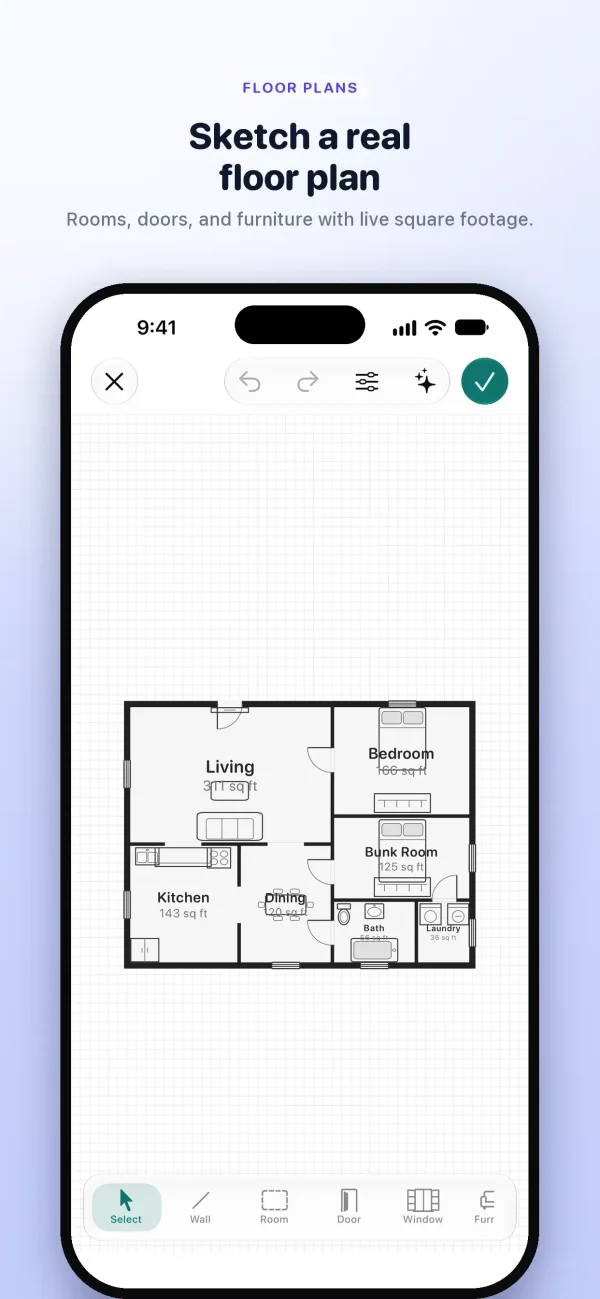


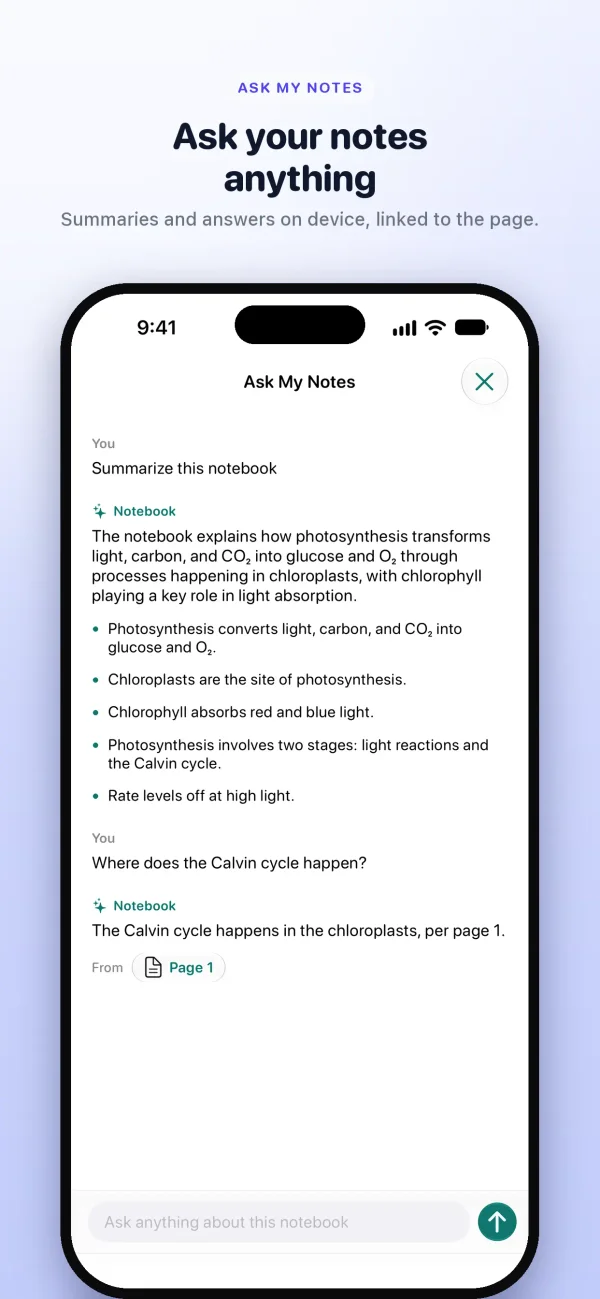

About
The all-in-one notebook for handwriting, typing, PDFs, math, diagrams, and more. Built for students who want to learn faster and professionals who want to work smarter.
Take handwritten notes, mark up PDFs, solve equations, and record lectures, all in one organized space that keeps your work together and in sync across your devices.
Write and draw naturally
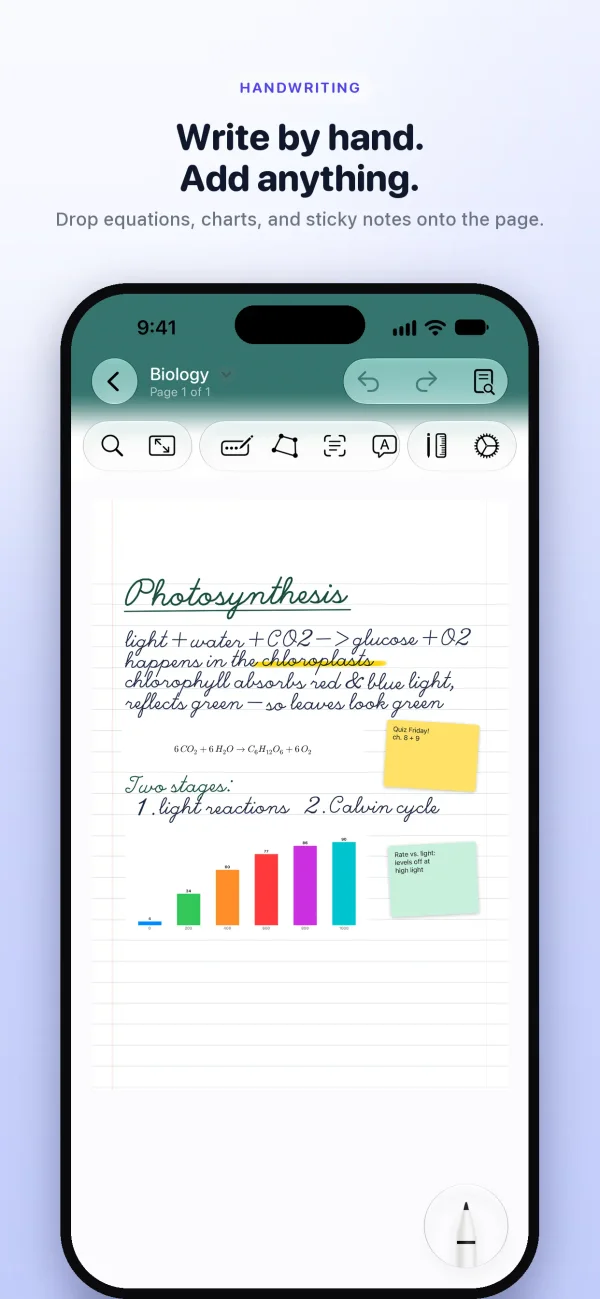
Capture notes in your own handwriting with smooth, responsive ink. Prefer to type? Switch to the keyboard anytime, with a full font picker and control over size, color, bold, italic, underline, and alignment. Add horizontal and vertical rulers to keep everything precise.
Choose the perfect page
Start on college ruled, wide ruled, graph, dotted, or blank paper in A4, A5, B5, or custom sizes, portrait or landscape. Personalize everything with custom notebook and page colors, backgrounds, and tints.
Templates for every purpose
Jump into ready-made template packs for real life:
• Planner templates for daily planning and scheduling
• Journal templates for reflection and journaling
• Fitness templates for workouts and tracking
• Teaching templates for lesson planning and classes
• Finance and trading templates for money and markets
• Handwriting and calendar templates for practice and organization
Or build and save your own so your favorite layouts are always one tap away.
Study and remember more
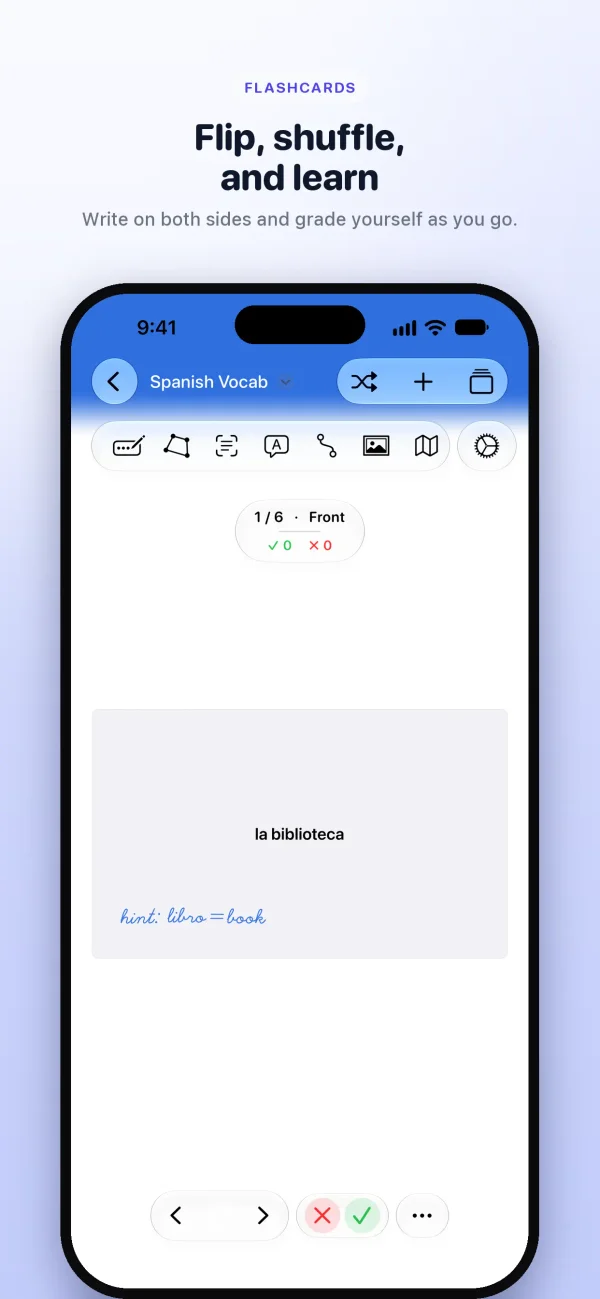
Turn any subject into a quiz set, a deck of flip cards you can shuffle, grade, and drill yourself with until it sticks. Perfect for exam prep, vocabulary, and quick daily review.
Find anything instantly
InkSpace reads your handwriting and makes it searchable. Search across every notebook to surface handwritten notes, typed text, sticky notes, code, lists, and tags in seconds. Spotlight finds notes right from the Home Screen, and Siri Shortcuts let you create, open, and search notes hands-free.
Work smarter with rich, interactive objects
Drop live tools onto your page and move them anywhere:
• Math equations with automatic formatting from everyday notation
• Calculator with named variables, unit and currency conversion, and financial functions like PMT, FV, and PV
• Charts with a built-in data editor and multiple chart types
• Function graphs for visualizing equations
• Code blocks with syntax highlighting for Swift, Python, JavaScript, Java, C++, and many more
• Audio recordings to capture lectures and meetings alongside your notes
• Images, maps, and 3D models embedded directly on your pages
• Tables and grids with fully editable cells and real formulas
• Checklists and lists with bullets, numbers, and checkboxes
• Sticky notes and shapes to structure and highlight your thinking
Build diagrams and connect ideas
Create flowcharts, mind maps, and org-style diagrams by linking shapes, text, and sticky notes with connectors and arrows. Explore without limits using infinite zoom and fractal canvas modes that give you endless room to think.
Write papers that are ready to hand in
Draft a full essay with proper margins, then let InkSpace build your entire bibliography from your sources in APA, MLA, or Chicago style. Export to PDF or Word, formatted and ready to submit.
Organize everything your way
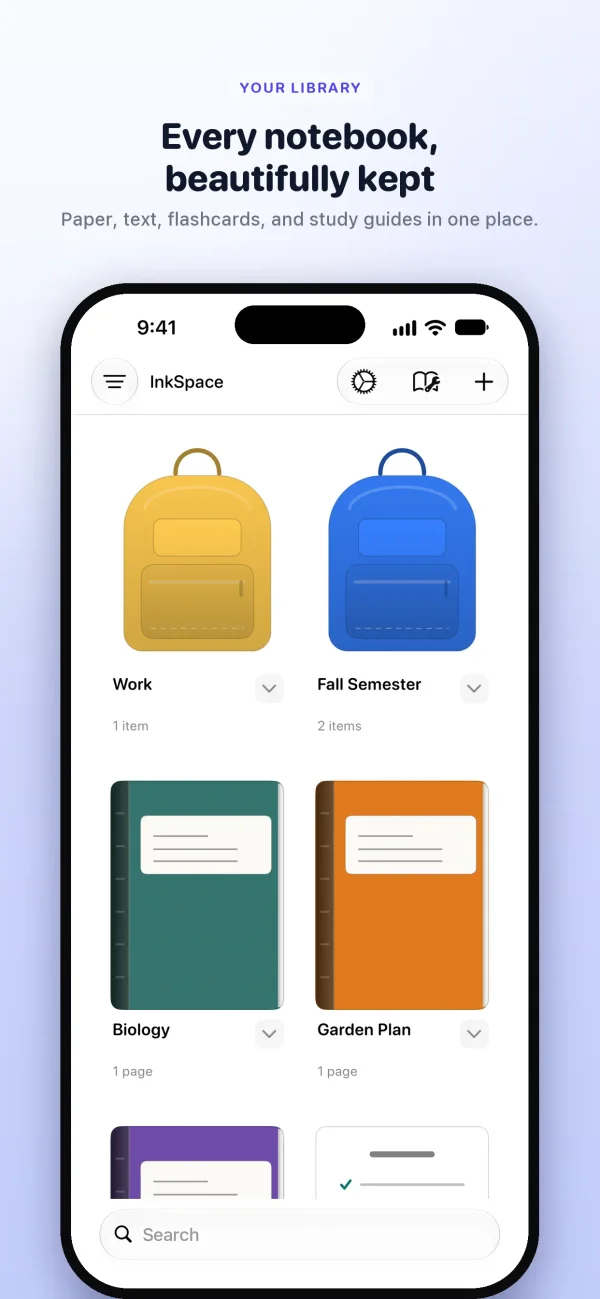
Group your notebooks, papers, and quiz sets together into backpacks. Bookmark notebooks and pages, tag pages for fast filtering, connect notes with cross-notebook page links that preview inline, and add hyperlinks to jump anywhere. Import PDFs to reference, attach files, and export pages to share.
Sync securely with iCloud
Your notebooks stay up to date on every device with iCloud, so your notes are always with you.
Perfect for
• Students: lecture notes, study guides, math and science homework, searchable revision, recorded classes, quiz sets, and notebooks for every subject
• Professionals: meeting notes, project planning, diagrams, referenced PDFs, quick calculations, and reusable templates
What’s new
Version 3.5 · Nov 10, 2026
• Linked planners with tappable calendar days
• Open today's planner page from Siri
• Tappable links in PDFs and planners
• Section tabs for notebooks
• Keep several notebooks open on iPad
• Share from other apps into a notebook
• 31 new graphing, music, art and form papers
• Optional page turn and writing sounds
• Passcode lockout after too many wrong tries
• Locked notebooks hidden from Spotlight and Siri
• Undo in floor plans, mind maps and Kanban boards
• Drag to reorder pages in the page overview
• Bug fixes
App privacy
What Tyler Sherman declares on the App Store about how this app handles data.
-
Data not collected
The developer does not collect any data from this app.
Privacy practices may vary, for example with the features you use or your age.
Information
- Seller
- Tyler Sherman
- Category
- Productivity
- Version
- 3.5
- Updated
- Nov 10, 2026
- Released
- Mar 12, 2025
- Size
- 78.7 MB
- Requires
- iOS 17.0 or later
- Age rating
- 4+
- Price
- Free
- In-app purchases
- Yes
- Languages
- English, Arabic, Bulgarian, Catalan, Croatian, Czech, Danish, Dutch, Estonian, Finnish, French, German + 25 more
- Copyright
- © 2026 Lease Assistant LLC
You might also like
-
 Notedrafts: Note TakingNotebook for study and work
-
 UltraNotes - Note Taking & PDFType, Write & Annotate PDF
-
 MarginNote 3E-reader Redefine your Study
-
 Capacities – Notes & PKMCollect, connect, and reflect.
-
 OrigNotesNotes, PDF Markup & Mind Maps
-
 LiquidTextAnnotate & review documents
-
 Bear Markdown Notes & JournalWriting app, notepad & editor
-
 Prodrafts - Infinite NotesHandwriting, PDF & Mind Maps
-
 Autodesk FusionProductivity
-
 The Image Converter □Convert JPG, PNG, HEIC, PDF