Inkstone Notes Markdown
Plain files that stay in sync
Designed for iPhone, iPad, Mac
Free · In-app purchases
- Age rating4+
- CategoryProductivity
- Developerbo chen
- LanguagesEnglish+ 1 more
- Size9.8 MB
Links to the official App Store page
Download.org hosts no file of Inkstone Notes Markdown. The button opens its official App Store page, published by bo chen. Listing last checked on Nov 18, 2026.
Screenshots



About
Inkstone is a Markdown writing app that keeps your notes as ordinary .md files
in a folder you can open from anywhere.
Your notes are files
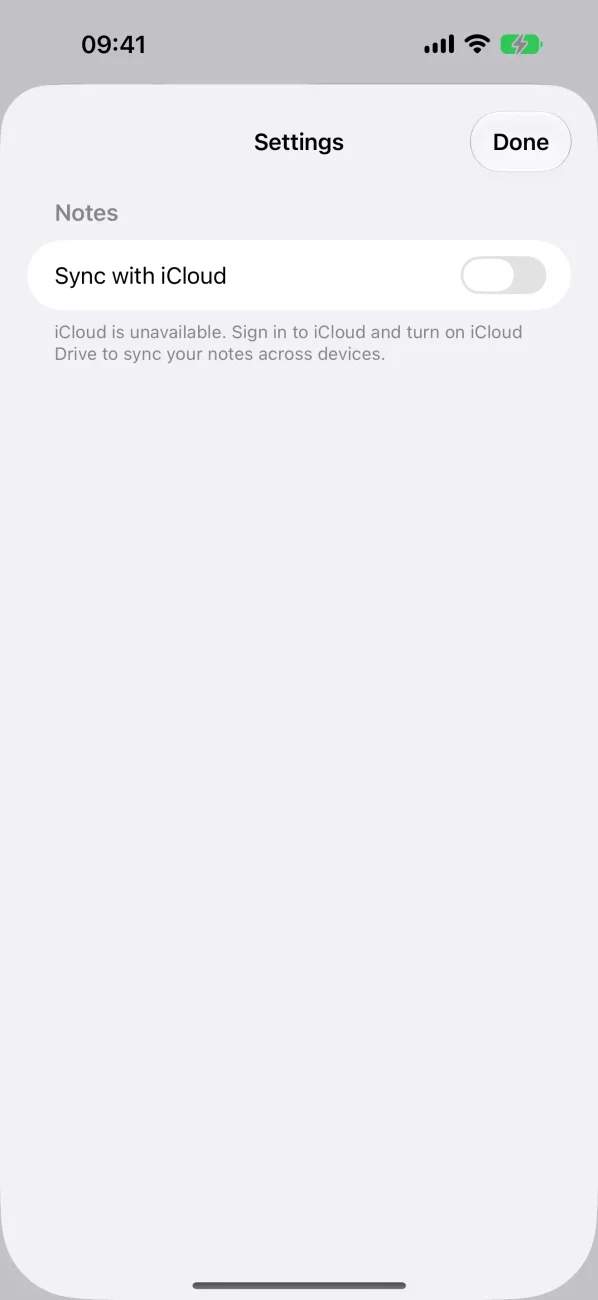
Every note is a plain Markdown file in iCloud Drive. Open the same folder from a
Mac, edit it in another app, or move it somewhere else entirely — nothing is
locked in a database, and nothing needs exporting.
Writing, not formatting
A native editor with syntax highlighting and live preview that hides the markup
outside the paragraph you are working in. Formulas render with KaTeX and
diagrams with Mermaid, both bundled, so neither needs a network.
Notes that link to each other
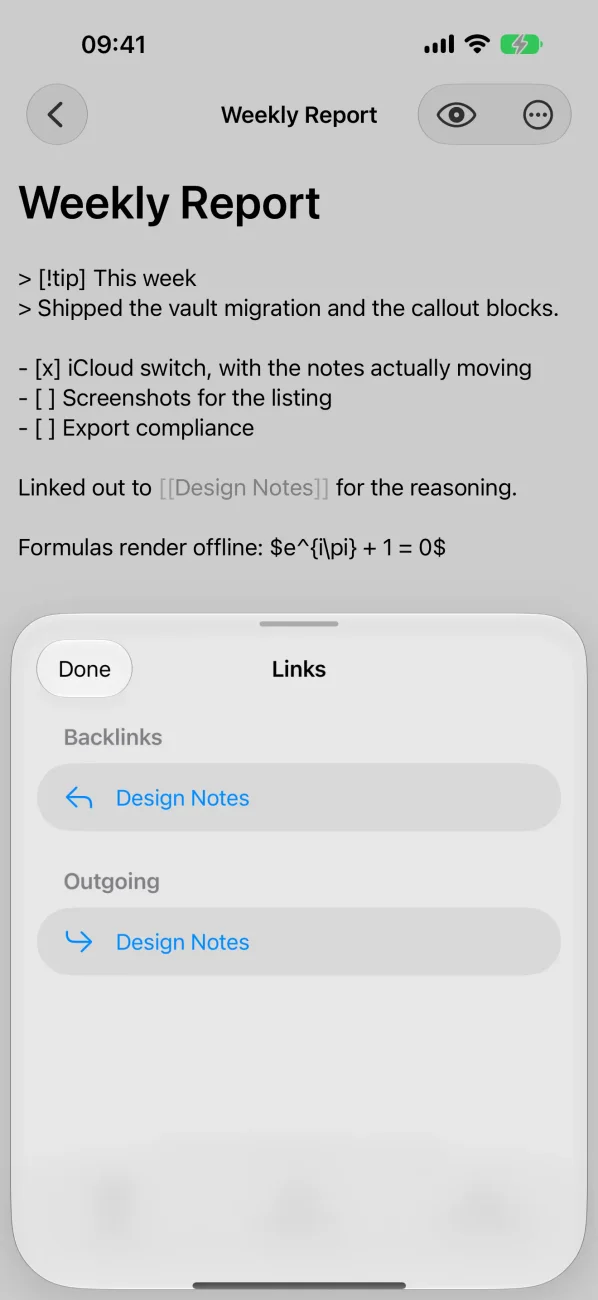
Write [[a note's title]] to link to it. Backlinks show what points at the note
you are reading, unwritten links can be created in a tap, and renaming a note
carries its links with it.
Publishing
Eight typesetting styles, each with its own heading treatment, for pasting into
a publishing composer as rich text with the formatting intact. Export to PDF or
HTML, with images carried inside the document.
Also
Callouts, task lists you can tick from the preview, a note for each day,
outlines, inline tags, full-text search, and image attachments.
Subscription: the free version keeps one note. Inkstone Pro (monthly or yearly, renewing automatically) lets you create as many as you like, on iPhone, iPad and Mac.
Terms of Use (EULA): https://www.apple.com/legal/internet-services/itunes/dev/stdeula/
What’s new
Version 1.2.0 · Oct 23, 2026
Keep one note for free, or subscribe for unlimited notes on iPhone, iPad and Mac. Your existing notes stay readable and editable.
· A note that opens with front matter takes its title from the heading after it, not "---", and the front matter no longer shows in the preview, copies or exports.
· Formulas show as written, \% included.
· A task's checkbox sits on the same line as its text.
· In Dark Mode, the System style's callouts and Mermaid diagrams are easy to read.
· A note that couldn't be read is read again, and one whose save failed stays open until it saves.
App privacy
What bo chen declares on the App Store about how this app handles data.
-
Data not collected
The developer does not collect any data from this app.
Privacy practices may vary, for example with the features you use or your age.
Information
- Seller
- bo chen
- Category
- Productivity
- Version
- 1.2.0
- Updated
- Oct 23, 2026
- Released
- Sep 22, 2026
- Size
- 9.8 MB
- Requires
- iOS 18.0 or later
- Age rating
- 4+
- Price
- Free
- In-app purchases
- Yes
- Languages
- English, Simplified Chinese
- Copyright
- © 2026 Bo Chen
You might also like
-
 Folio - 归册Capture, read, and reflect
-
 仲裁证据-工时记录·加班台账·职场取证Productivity
-
 Inkstone: AI Knowledge BaseDrop files in, AI files them
-
 Offhand TypewriterStories, scripts & journals
-
 TreeletHub -Efficiency ConsoleHoneycomb launcher & remote
-
 AppTime: Screen Time ControlApp Blocker & Timer & Habits
-
 MindPageMind Map & Brainstorm
-
 remio - AI Agent & RecorderCapture ideas on the go
-
 Glimpse: HTML & MarkdownPreview web files fast
-
 Appoint - Smart CalendarNo subscription. One-time Pro.