
Inkstone: Sign PDF & Docs
eSign Contract & Share Link
Designed for iPhone, iPad
In-app purchases
- Age rating4+
- CategoryBusiness
- DeveloperYI SHIH LIU
- LanguagesJapanese+ 6 more
- Size9.6 MB
Links to the official App Store page
Download.org hosts no file of Inkstone: Sign PDF & Docs. The button opens its official App Store page, published by YI SHIH LIU. Listing last checked on Nov 14, 2026.
Screenshots

About
Prepare documents and get them signed in minutes. Generate a secure link — recipients sign right in their browser with no app to install and no account required.
Inkstone makes document signing effortless for landlords, agencies, clinics, and professionals who need fast, legally robust electronic signatures.
WHY PEOPLE CHOOSE INKSTONE
Most signature apps lock basic sending behind £9+ monthly subscriptions with confusing trial traps. Inkstone offers clear, fair pricing and makes signing friction-free for your clients and partners.
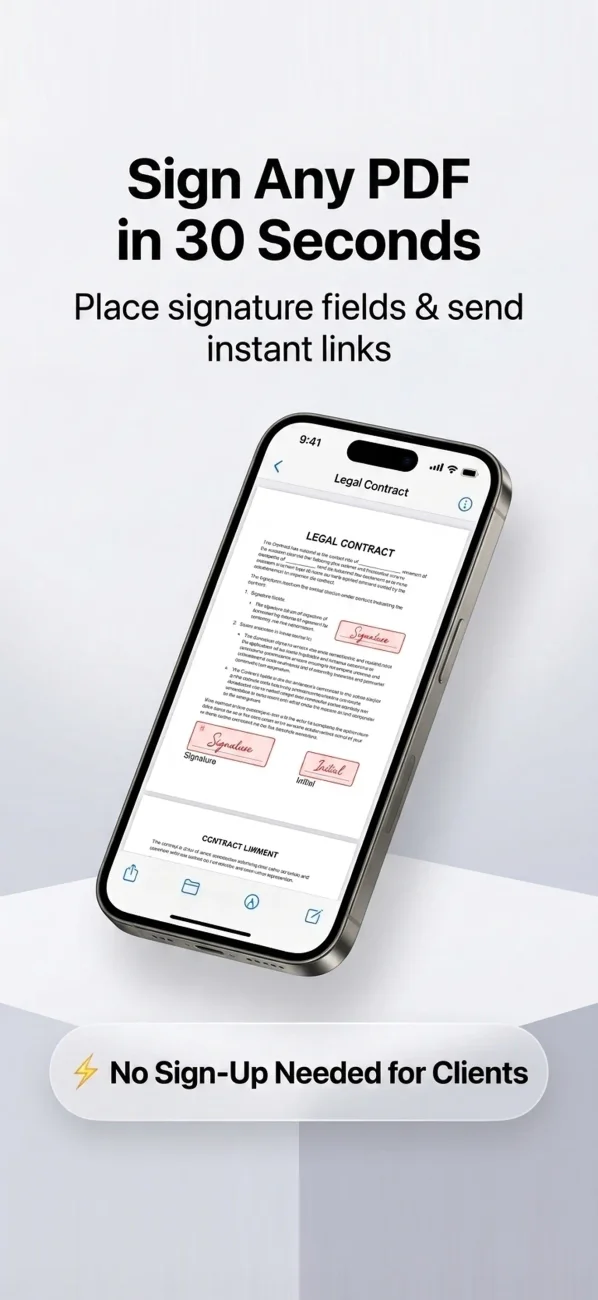
PREPARE & PLACE FIELDS
• Import any PDF or scan paper documents with your camera
• Place signature, initial, date, and text fields exactly where needed
• Pinch to zoom for precise alignment on fine print
• Clean, legible field placement on both iPhone and iPad
SHARE A SECURE SIGNING LINK
• Generate an encrypted, tamper-evident signing link in one tap
• Share via Messages, WhatsApp, AirDrop, or any chat app
• Recipients open and sign in their mobile or desktop browser
• Zero friction for signers: no app download, no account creation
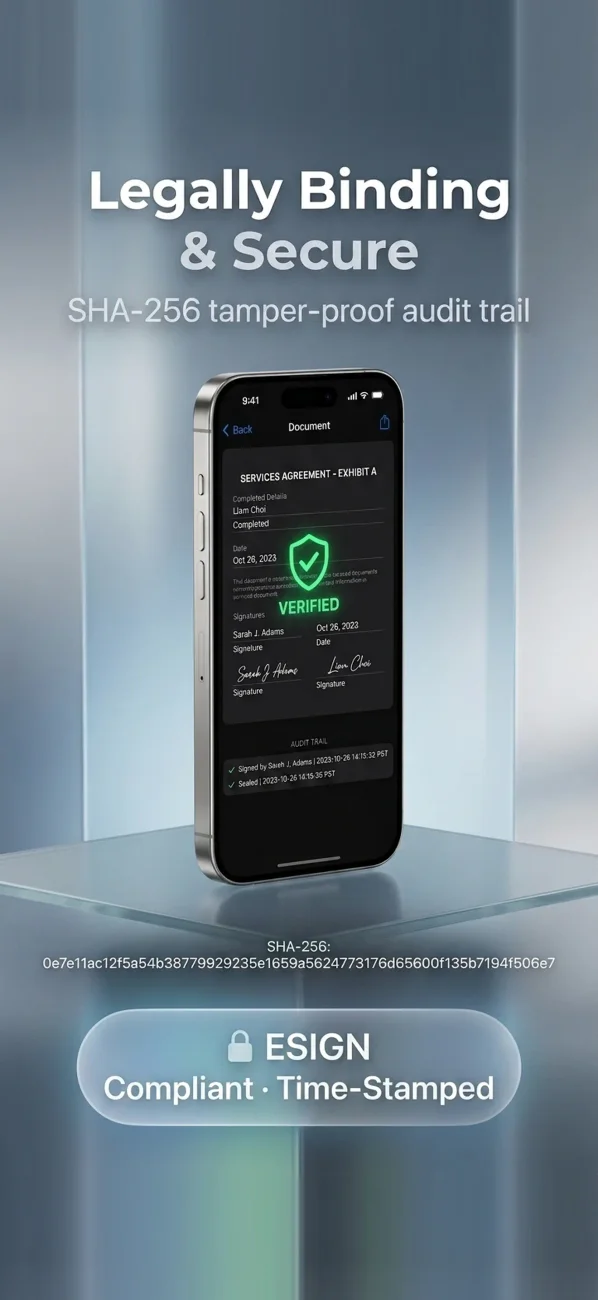
PROOF THAT HOLDS UP
Every signed document includes a comprehensive audit page:
• SHA-256 cryptographic digest before and after signing
• Timestamped audit trail and signer consent verification
• Sealed PDF with tamper-evident digital verification
YOUR FILES, AUTOMATICALLY SAVED
Completed documents are automatically saved to your Files app and iCloud Drive, ensuring you always keep a permanent, secure copy.
STRICT PRIVACY & 90-DAY RETENTION
Documents stored on our servers are automatically deleted 90 days after signing — for everyone, Pro included. We never hold third parties' sensitive identification or personal data indefinitely.
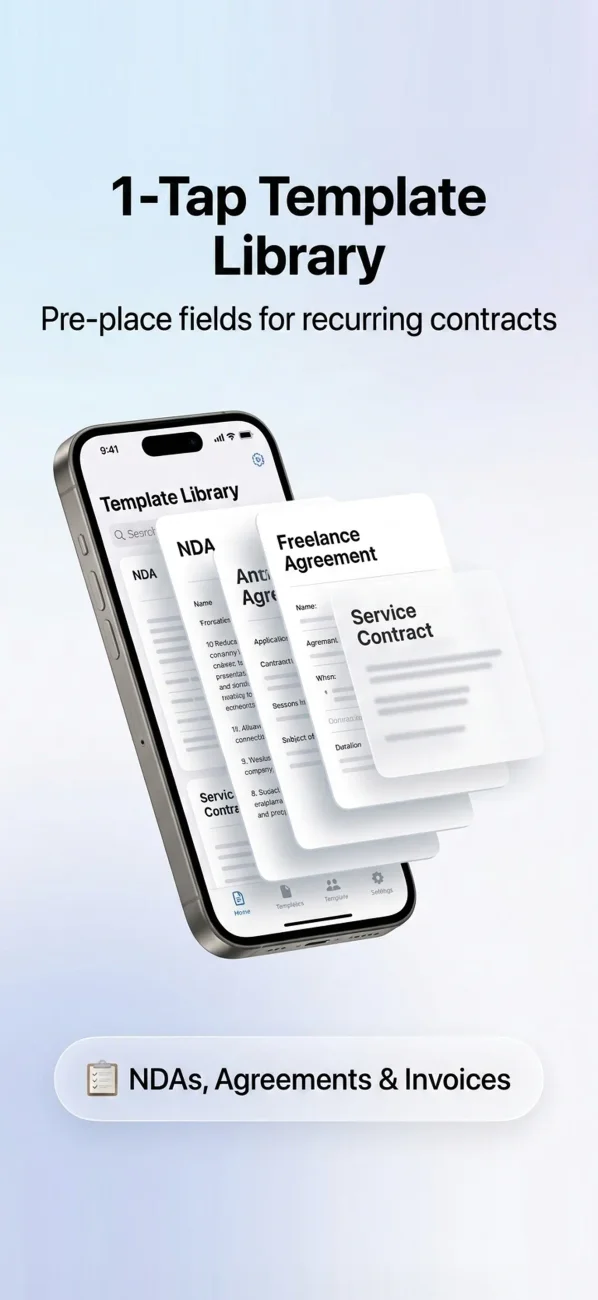
TEMPLATES
Save reusable form templates — tenancy agreements, consent forms, work orders — and generate new signing documents with fields pre-placed in seconds.
INKSTONE PRO
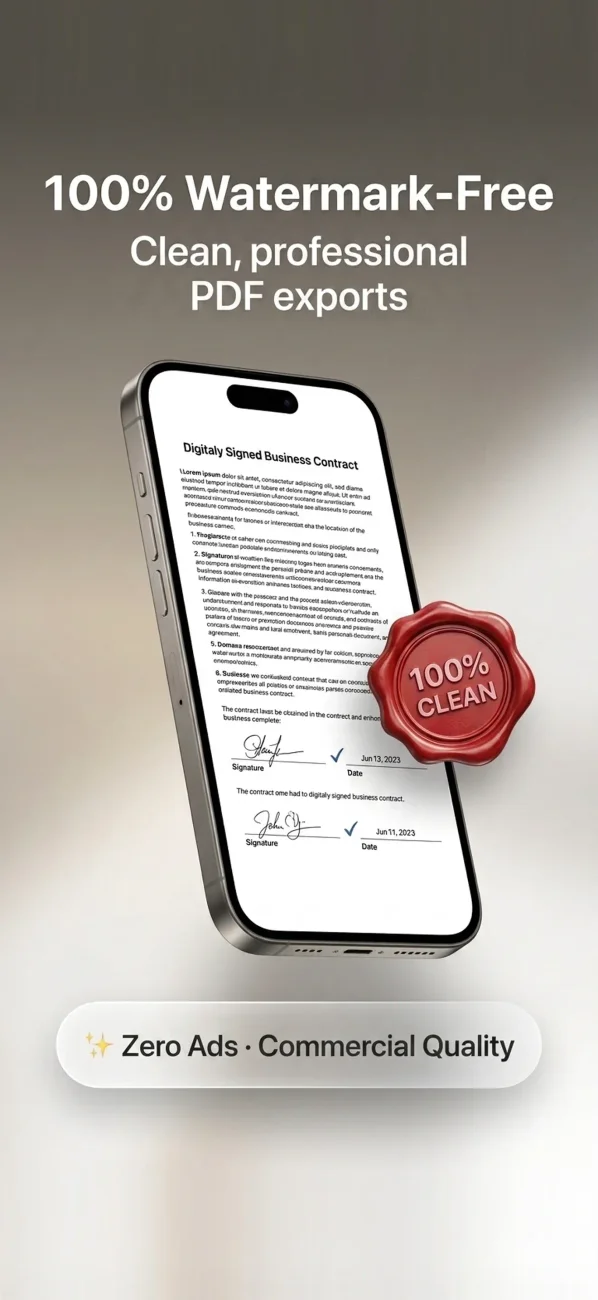
Upgrade to Inkstone Pro for unlimited signing links and watermark-free documents.
Templates are blank formatting references, not legal advice.
SUBSCRIPTION DETAILS
Inkstone Pro is an auto-renewing subscription: 1 month (USD 5.99) or 1 year (USD 39.99). Payment is charged to your Apple Account at confirmation of purchase. It renews automatically unless auto-renew is turned off at least 24 hours before the end of the current period. Manage or cancel in your device Settings after purchase. There is no free trial.
Terms of Use (EULA): https://inkstone-app-prod.web.app/terms
Privacy Policy: https://inkstone-app-prod.web.app/privacy
What’s new
Version 26.10.1 · Nov 1, 2026
Stability improvements and bug fixes.
App privacy
What YI SHIH LIU declares on the App Store about how this app handles data.
-
Data not collected
The developer does not collect any data from this app.
Privacy practices may vary, for example with the features you use or your age.
Information
- Seller
- YI SHIH LIU
- Category
- Business
- Version
- 26.10.1
- Updated
- Nov 1, 2026
- Released
- Sep 4, 2026
- Size
- 9.6 MB
- Requires
- iOS 17.0 or later
- Age rating
- 4+
- In-app purchases
- Yes
- Languages
- Japanese, Spanish, German, French, Traditional Chinese, English, Korean
- Copyright
- © 2026 Louis Liu
You might also like
-
 電子印鑑 - 長い社名も入る角印・丸印Productivity
-
 SealForgeBusiness
-
 Sign PDF Documents & ScannereSign Forms, Signature Maker
-
 PDF押印&日付入力アプリProductivity
-
 Invoice Maker, Bill & QuoteEstimates, Receipts & Billing
-
 SignPdf - PDF SignerQuickly Sign PDF
-
 OWNER'S BANKFinance
-
 PDF Editor: Fill & Sign FormsDocument Scanner & eSign
-
 電子印鑑メーカー - 写真からも文字からも簡単作成Business
-
 TISA BankFinance