PDF Editor: Fill & Sign Forms
Document Scanner & eSign
Designed for iPhone
Free · In-app purchases
- Age rating4+
- CategoryProductivity
- DeveloperDesidari Holding Ltd.
- LanguagesEnglish+ 12 more
- Size33.8 MB
Links to the official App Store page
Download.org hosts no file of PDF Editor: Fill & Sign Forms. The button opens its official App Store page, published by Desidari Holding Ltd. Listing last checked on Nov 16, 2026.
Screenshots
About
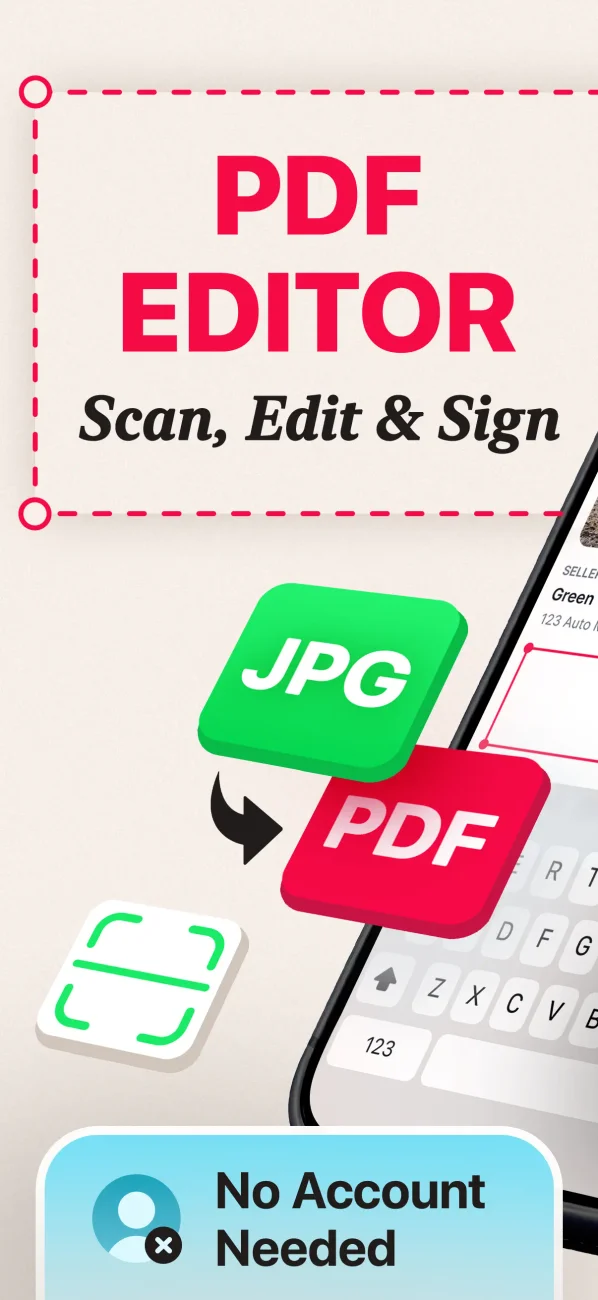
Fill and sign PDFs on your iPhone without turning a simple task into a complicated workflow.
PDF Editor is made for one clear purpose: open or scan a document, complete it, add your signature, and send the finished PDF. No crowded workspace. No mandatory account. Just the tools you need to handle everyday paperwork quickly.
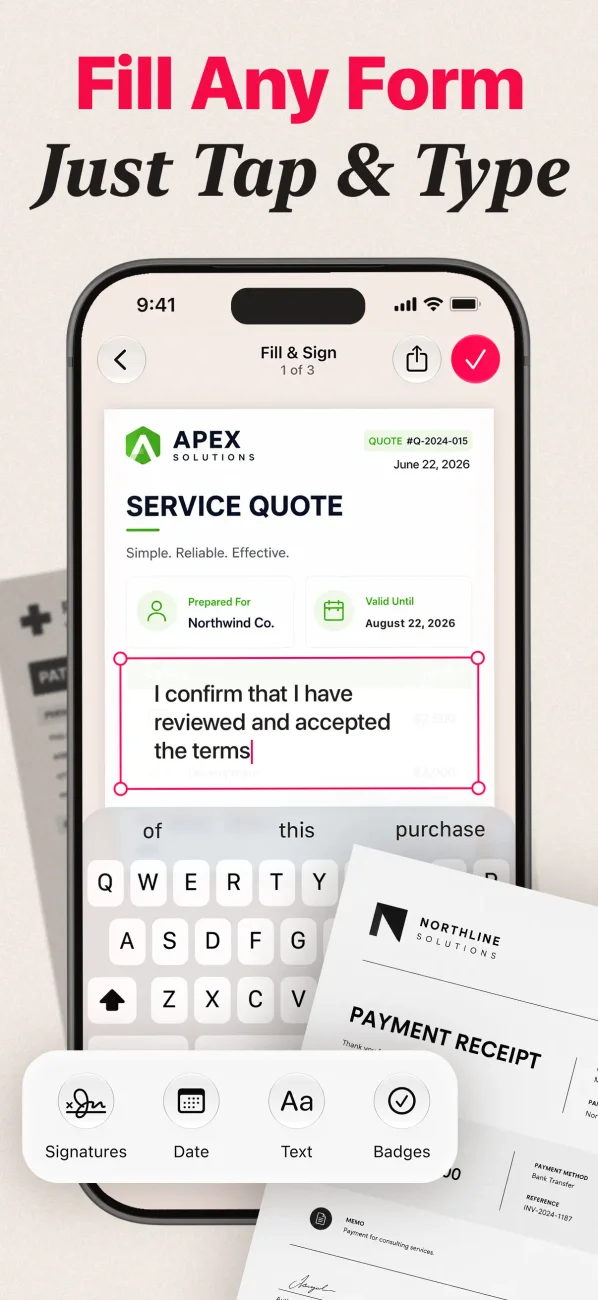
◆ FILL OUT PDF DOCUMENTS
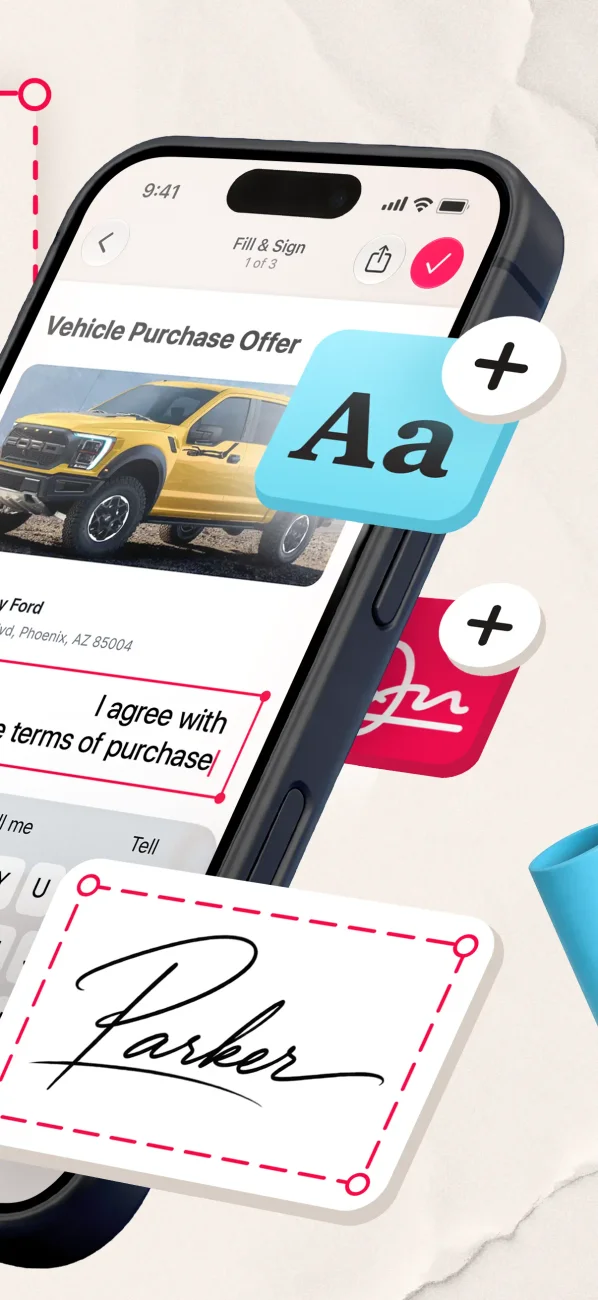
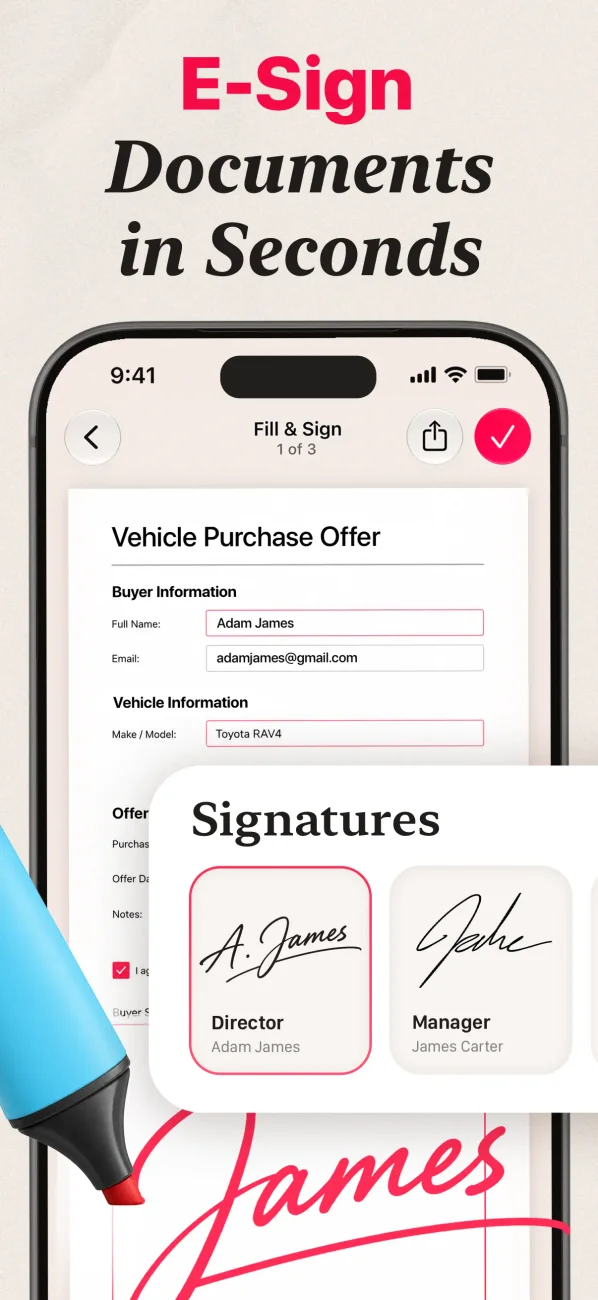
Add text exactly where it belongs. Insert dates, initials, check marks, and other essential details directly into your document. Adjust each item and place it precisely on the page.
◆ CREATE AND ADD YOUR SIGNATURE
Draw your signature on your iPhone and place it anywhere in a PDF. Add initials when a full signature is not required, then resize and position them for a clean result.
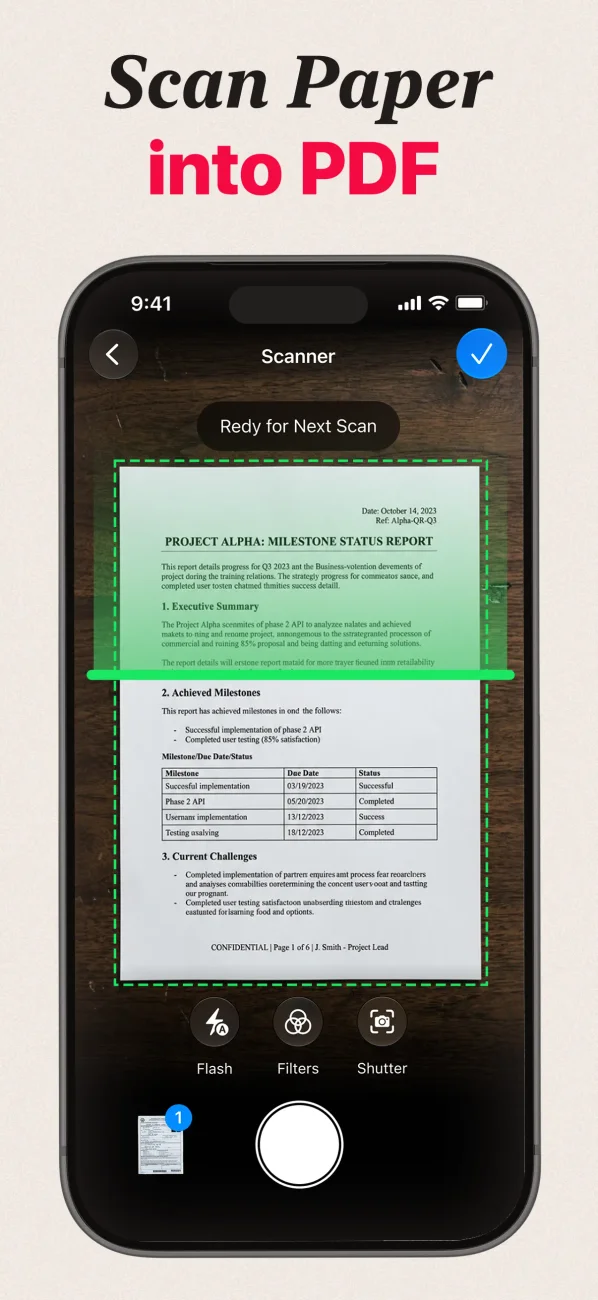
◆ SCAN PAPER DOCUMENTS
Use your camera to turn a paper form into a PDF. Scan the pages you need, check the result, and continue filling and signing without switching apps.
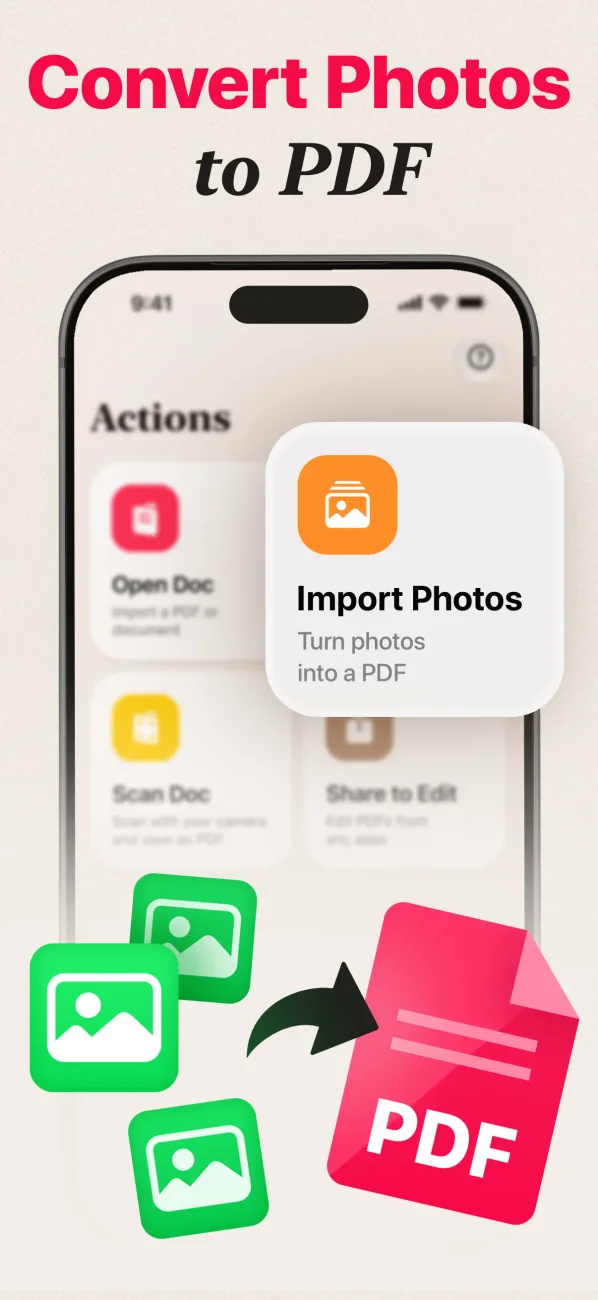
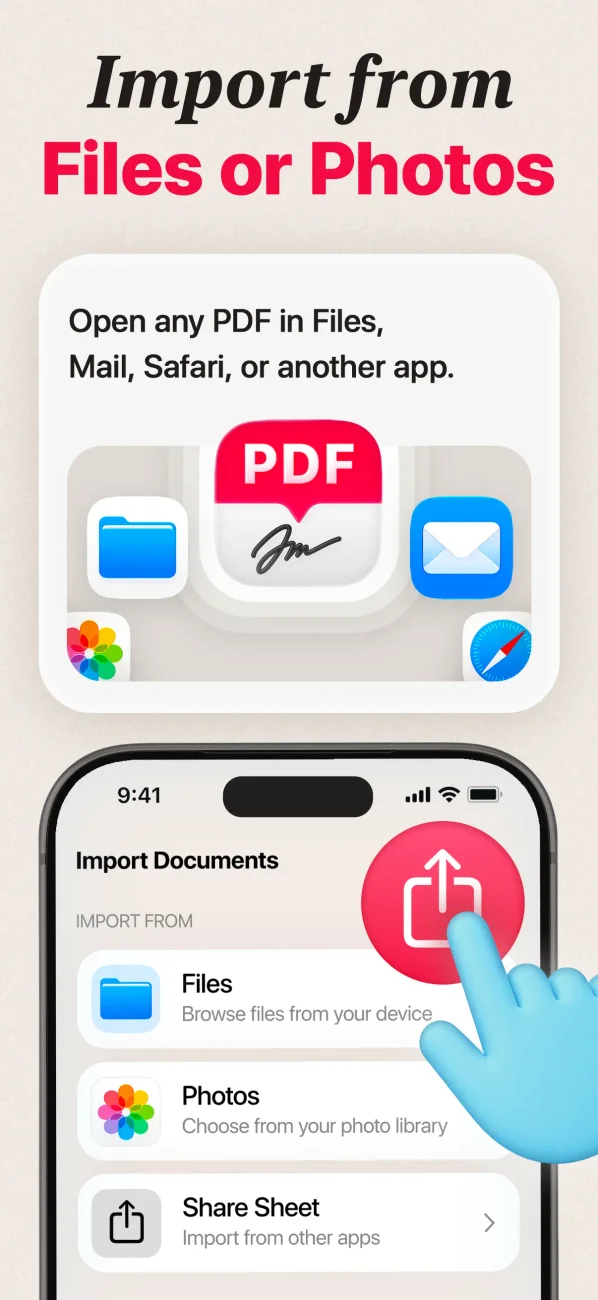
◆ IMPORT IN SECONDS
Open a PDF from Files or scan a paper document with your camera. Start editing as soon as the document is ready.
◆ ADD OR REMOVE PDF PAGES
Add pages to your document or delete pages you no longer need before exporting the finished PDF.
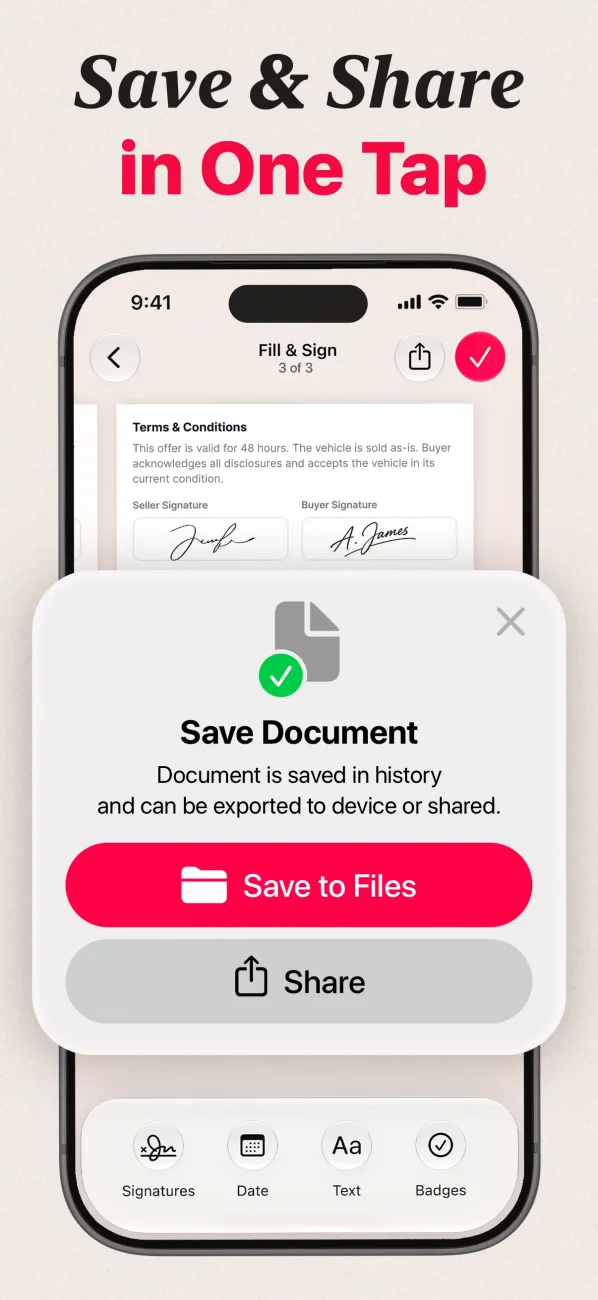
◆ SAVE AND SHARE
Export the completed document as a PDF, save it to Files, or share it directly from your iPhone’s Share menu.
◆ PRIVATE BY DESIGN
Documents are processed locally on your device. You can fill and sign personal files without creating an account or uploading your paperwork to a required cloud workspace.
PDF Editor keeps the process focused:
Open or scan → Fill → Sign → Save or share
Use it for forms, applications, agreements, permission slips, invoices, and other documents that need a quick personal signature.
SUBSCRIPTION INFORMATION:
Payment will be charged to your iTunes Account at confirmation of purchase. Your subscription automatically renews unless auto-renewal is turned off at least 24 hours before the end of the current period. The renewal cost depends on the selected subscription plan. Your account will be charged for renewal within 24 hours before the end of the current period. You can manage or cancel your subscription in your App Store account settings after purchase. Any unused portion of a free trial period, if offered, will be forfeited when you purchase a subscription.
Support Address: support@pdf-editapp.com
Privacy Policy: https://pdf-editapp.com/pp
Term Of Use: https://pdf-editapp.com/tou
What’s new
Version 1.3 · Nov 13, 2026
Better performance. Fewer bugs. More stability.
We've been refining the app to make sure it runs at its best. Smooth, reliable, and ready to go. Download the latest version now.
App privacy
What Desidari Holding Ltd. declares on the App Store about how this app handles data.
-
Data used to track you
May be used to track you across apps and websites owned by other companies.
- Identifiers
-
Data not linked to you
May be collected but is not linked to your identity.
- Purchases
- User content
- Identifiers
- Usage data
- Diagnostics
Privacy practices may vary, for example with the features you use or your age.
Information
- Seller
- Desidari holding ltd
- Category
- Productivity
- Version
- 1.3
- Updated
- Nov 13, 2026
- Released
- Sep 25, 2026
- Size
- 33.8 MB
- Requires
- iOS 18.0 or later
- Age rating
- 4+
- Price
- Free
- In-app purchases
- Yes
- Languages
- English, French, German, Italian, Japanese, Korean, Polish, Portuguese, Russian, Spanish, Swedish, Turkish + 1 more
- Copyright
- © Desidari Holding Ltd.
You might also like
-
 PDF Text Editor ‑ Edit PDFChange & rewrite existing text
-
 PDF Editor - Read, Fill & EditEdit PDF Files & Documents
-
 PDF Filler: Edit & SignWrite on PDF Form Filler
-
 Signature maker - PDF Boostpdf filler, signature scanner
-
 PDF Manager: Editor & ScannerReader, Converter, Sign & OCR
-
 FreeEdit, PDF EditorProductivity
-
 PDF Converter: Sign & EditPhotos & Docs to All Formats
-
 Sign Documents: SignicaYour Signature, Digitized
-
 Word Editor: DOCX, Office, PDFEdit Documents, Sign & Convert
-
 Free PDF Editor, Converter AppReader Maker Pro: Edit & Sign