Inpaint
Remove Objects From Photos!
Designed for iPhone, iPad, iPod touch
Free · In-app purchases
- Age rating4+
- CategoryPhoto & Video
- DeveloperMaxim Gapchenko
- LanguagesEnglish
- Size54.6 MB
Links to the official App Store page
Download.org hosts no file of Inpaint. The button opens its official App Store page, published by Maxim Gapchenko. Listing last checked on Nov 18, 2026.
Screenshots



About
Inpaint - Magically Remove Objects From Your Photos!
Top Reasons to use Inpaint
*Remove unwanted objects
*Repair old photos
*Remove watermarks
*Delete unwanted people from photo
*Erasing wires and power lines
*Digital Facial retouching
*Remove date stamps
*Erase wrinkles and skin blemishes
*Remove tourists from travel photos
*Remove text or logo from images
*Easy to get use & started
*Completely non-technical
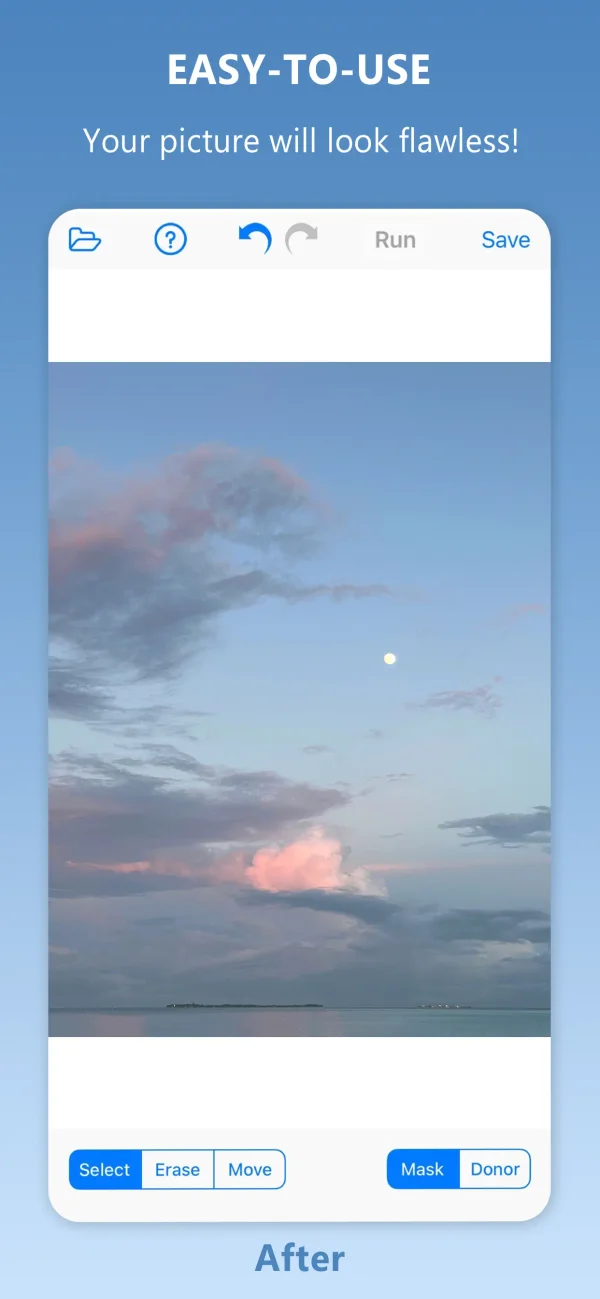
Inpaint photo restoration software reconstructs the selected image area from the pixels near the area boundary. Remove undesirable objects from your images, such as logos, watermarks, power lines, people, text or any other undesired artefacts. There's no need to manually go through messing around with your old clone tool any more! Now you can use Inpaint to easily remove all those unexpected objects that end up spoiling an otherwise really great photograph.
Aside from the information we truly want to see on our photographs, there are also many not so crucial for composition if not worse. These are camera date stamps, watermarks placed by various websites, and other objects we don't want to be on a picture. After all, if you gonna hang a photo on a wall, you want it to look eye-catching not due to various visual wreckage on it. So remove it with Inpaint! With simple and efficient tools you are able to remove any unwanted elements totally effortlessly.
PRICING
Inpaint requires a subscription: Annual for $19.99/year or Monthly for $2.99/month.
Without a subscription, Inpaint runs in trial mode, where users can process images and view the results on screen.
In the trial mode, the save option is disabled.
LEGAL
The purchase will be charged to your iTunes account. An account will be charged for renewal within 24-hours prior to the end of the current period, and identify the cost of the renewal. Manage your subscription from User Settings in iTunes after purchase. Cancel the auto-renewing subscription from there at any time. Any unused portion of a free trial period, if offered, will be forfeited when the user purchases a subscription to that publication, where applicable.
Terms of Use: https://theInpaint.com/terms-of-use
Privacy Policy: https://theinpaint.com/privacy-policy
What’s new
Version 3.0.1 · Oct 12, 2024
*Performance improvements
*New feature added: Smart Selection Tool - Select an object with one click!
*Continuous app improvements
*Major upgrade to the object removal algorithm
App privacy
What Maxim Gapchenko declares on the App Store about how this app handles data.
-
Data not collected
The developer does not collect any data from this app.
Privacy practices may vary, for example with the features you use or your age.
Information
- Seller
- Maxim Gapchenko
- Category
- Photo & Video
- Version
- 3.0.1
- Updated
- Oct 12, 2024
- Released
- Jul 28, 2018
- Size
- 54.6 MB
- Requires
- iOS 15.0 or later
- Age rating
- 4+
- Price
- Free
- In-app purchases
- Yes
- Languages
- English
- Copyright
- © 2007-2024 Maxim Gapchenko
You might also like
-
 Remove Unwanted ObjectAI-powered Video/Image retouch
-
 Retouch: AI Object RemoverFix Background Photo Eraser
-
 Merge Videos - CompilationStitch many videos at ease.
-
 Video Eraser - Remove ObjectErase text & people from video
-
 AniEraser: AI Object RemoverRetouch, Enhance & Restore
-
 Video Eraser .AI Remove Objects
-
 AI Magic Eraser: AiRetouchRemove Objects & Retouch Photo
-
 Video Retouch:Object RemovalVideo Eraser & Collage Maker
-
 Photo AI Eraser-Object RemovalAI Editor & Background Remover
-
 ToonCameraSee your world as a cartoon