Retouch: AI Object Remover
Fix Background Photo Eraser
Designed for iPhone, iPod touch
Free · In-app purchases
- Age rating4+
- CategoryPhoto & Video
- DeveloperAnthony Durbin
- LanguagesEnglish
- Size231.2 MB
Links to the official App Store page
Download.org hosts no file of Retouch: AI Object Remover. The button opens its official App Store page, published by Anthony Durbin. Listing last checked on Nov 27, 2026.
Screenshots

About
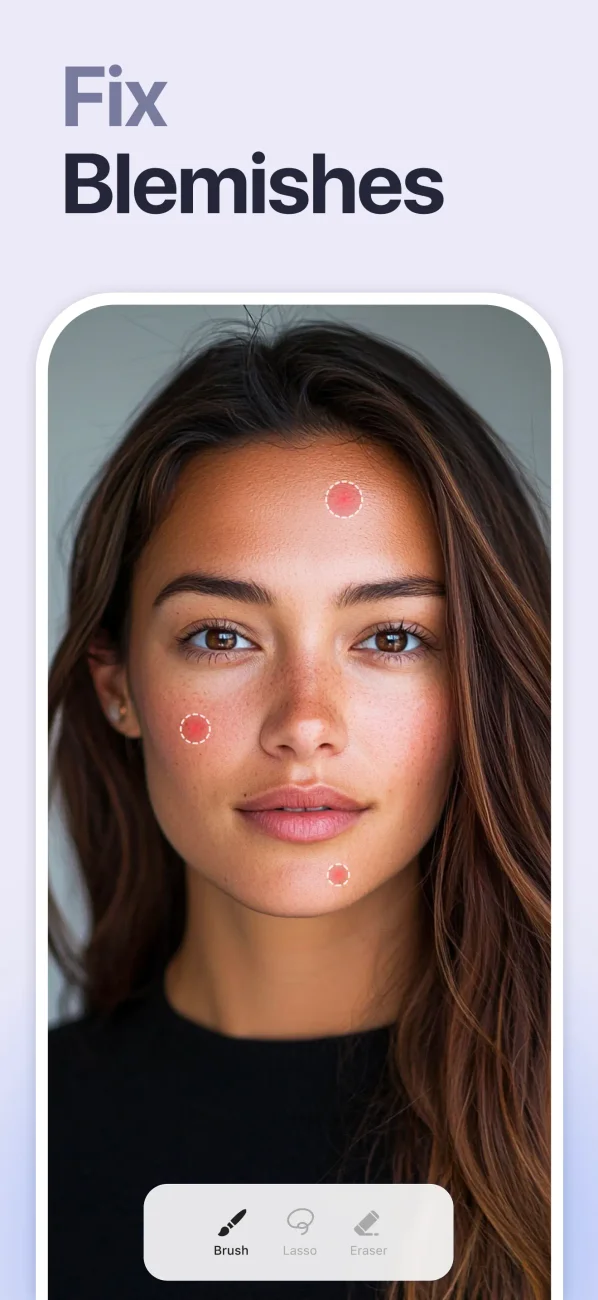
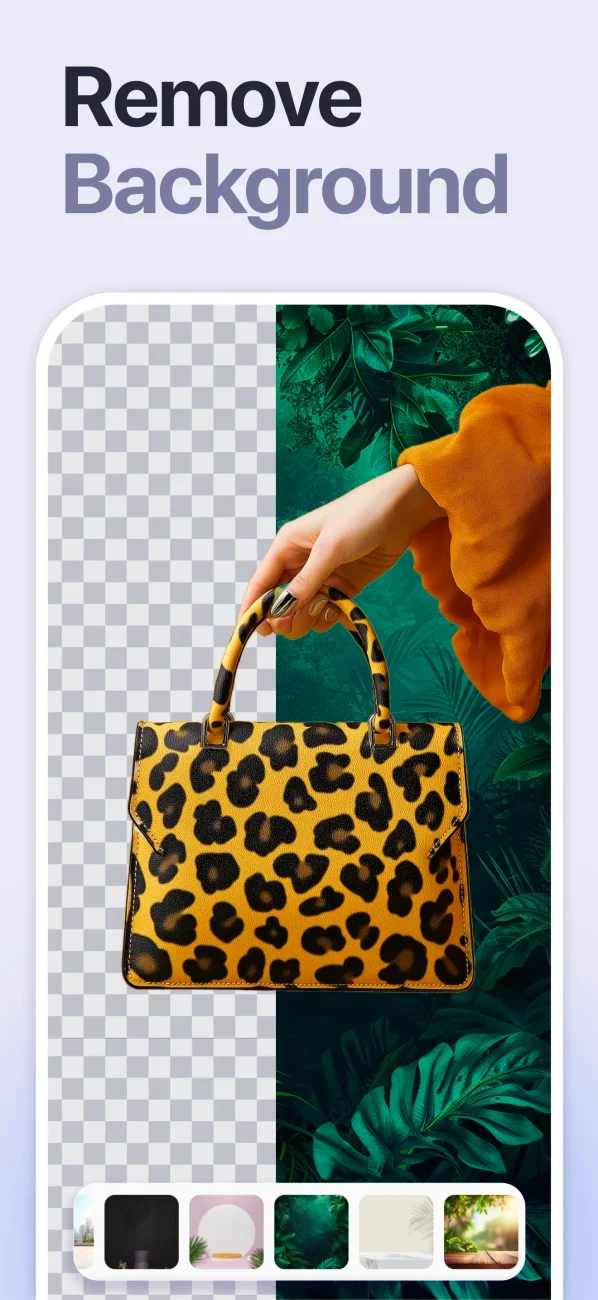
Remove objects & people from photos easily with this ai retouch app. Erase backgrounds of a photo and save as transparent with just one tap. Fix your blemishes also with advanced one-tap-retouch feature.
Features
Remove Object: Tap or brush away tourists, wires, or stains. Quick Mode erases with AI; Brush & Lasso gives precise control.
Clone Stamp: Sample any clean patch and paint over distractions. Edge-aware blending matches texture, light, and perspective.
AI Retouch: One swipe zaps blemishes, smooths skin, sharpens eyes, adds a natural glow, and whitens teeth while preserving pores.
Replace Background: Auto-cut subjects and drop them onto built-in scenes, your own images, or transparent PNGs for pro-grade product shots.
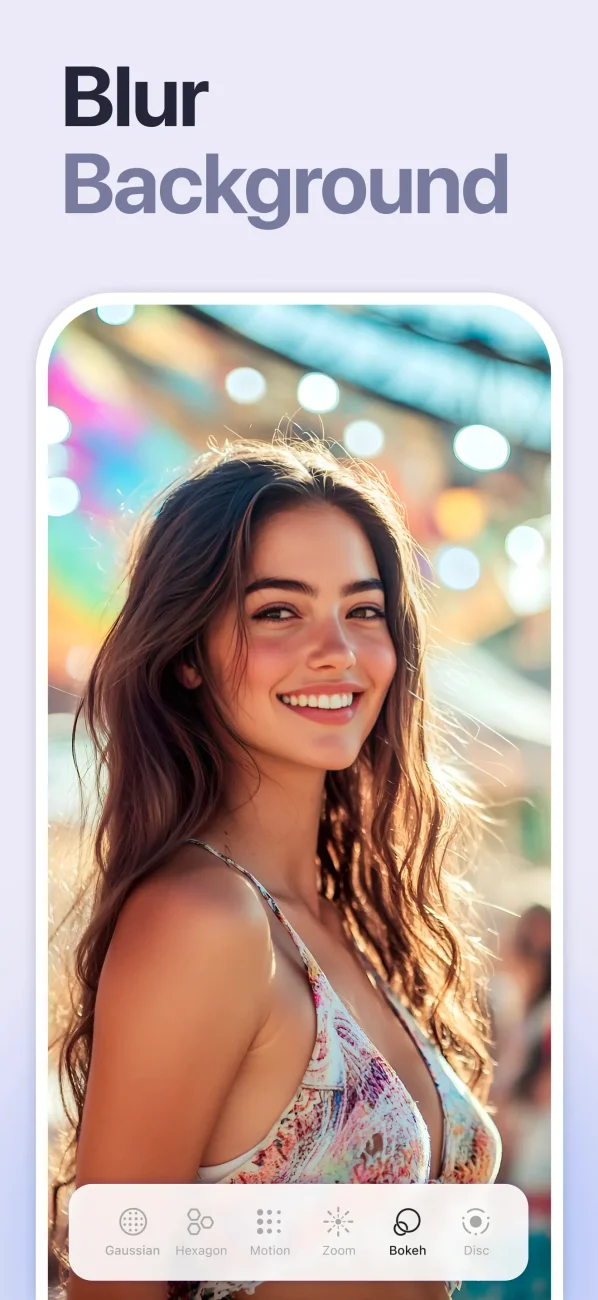
Background Blur: Pop subjects with DSLR-style depth—Gaussian, Motion, Bokeh, Hexagon, Disc, and more—and adjust focus and strength in real time.
Photo Overlay & Double Exposure: Layer textures, designer frames, or a second image, then fine-tune opacity and blend modes for instant magazine vibes.
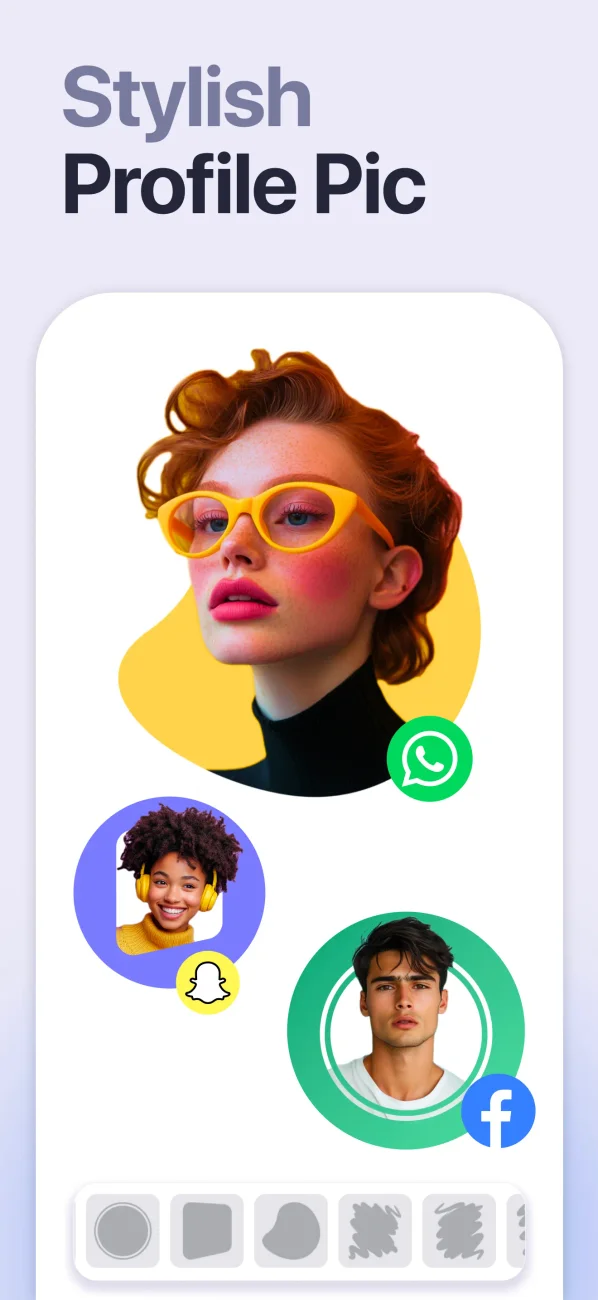
Stylish Portrait: Soft-focus backgrounds, polish facial details, and apply studio color toning for a cover-ready finish.
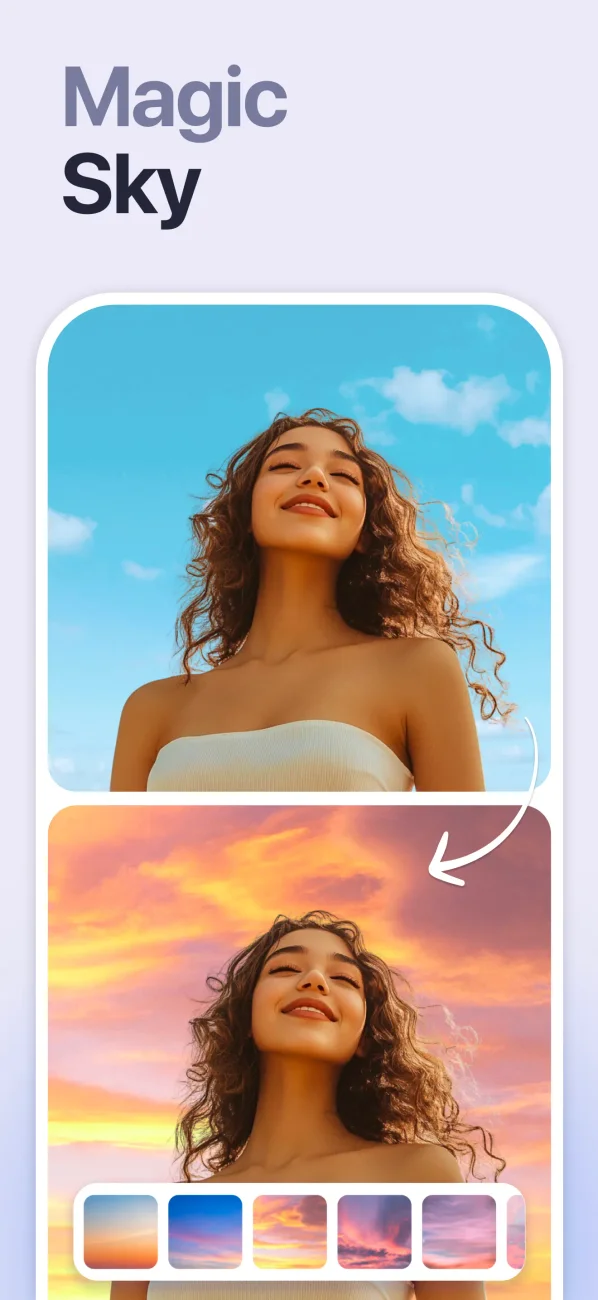
Sky Changer: Auto-detect the horizon and swap gray skies for golden sunsets, auroras, or storm clouds with natural color matching and crisp edges.
Photo Blending: AI isolates your subject and fuses it with artistic overlays; refine with manual brush and eraser for cinematic double exposures.
Dripping Portrait: Melt edges into flowing paint drips; pick preset shapes or draw your own, then adjust length, direction, and gradients.
Spiral Effects: Wrap subjects in neon coils, glitter ribbons, or dotted trails. Tweak thickness, color, and rotation for instant 3-D pop.
This app includes advertisement. To enjoy ad free experience and using all premium contents, we are offering a Premium subscription package.
Retouch Premium Subscription information
• Subscription Length: Weekly, Monthly.
• Your payment will be charged to your Apple account as soon as you confirm your purchase.
• You can manage your subscriptions and turn off auto-renewal from your Account Settings after the purchase.
• Your subscription will renew automatically unless you turn off auto-renew at least 24 hours before the end of the current period.
• The cost of renewal will be charged to your account 24 hours before the end of the current period.
• When canceling a subscription, your subscription will stay active until the end of the period. Auto-renewal will be disabled, but the current subscription will not be refunded.
• Any unused portion of a free trial period, if offered, will be forfeited when purchasing a subscription.
Privacy policy: https://sites.google.com/view/anthonydurbins/privacy
Terms of service: https://sites.google.com/view/anthonydurbins/terms
Contact for support, reporting bug or improvement suggestions
email: app.care.anthony@gmail.com
You may also contact our support team through the app’s settings screen.
What’s new
Version 5.4 · Aug 29, 2026
We update our apps on a regular basis in order to make it better for you. Feel free to contact us with your valuable feedback at app.care.anthony@gmail.com or leave us a review on the App Store.
App privacy
What Anthony Durbin declares on the App Store about how this app handles data.
-
Data used to track you
May be used to track you across apps and websites owned by other companies.
- Identifiers
-
Data not linked to you
May be collected but is not linked to your identity.
- Identifiers
Privacy practices may vary, for example with the features you use or your age.
Information
- Seller
- Anthony Durbin
- Category
- Photo & Video
- Version
- 5.4
- Updated
- Aug 29, 2026
- Released
- Apr 28, 2022
- Size
- 231.2 MB
- Requires
- iOS 15.0 or later
- Age rating
- 4+
- Price
- Free
- In-app purchases
- Yes
- Languages
- English
- Copyright
- © Anthony Durbin
You might also like
-
 Retouch Photo - Remove ObjectsBackground Editor
-
 Photo Eraser - Remove ObjectsAI retouch & erase background
-
 Photo Retouch-Object RemovalPimple Eraser&Blemish Remover
-
 Video Eraser .AI Remove Objects
-
 Background Eraser: AI RemoveSmart Cutout, Superimpose Tool
-
 Beauty Editor: Blemish RemoverAI Face Retouch,Teeth Whitener
-
 Object Remover by Touch UpEdit out unwanted things
-
 Pixomatic - AI Photo BG EraserRemove Background & Objects
-
 Video Retouch:Object RemovalVideo Eraser & Collage Maker