Inside: Phone Check
Test a used iPhone first
Designed for iPhone, iPad
In-app purchases
- Age rating4+
- CategoryUtilities
- DeveloperYi-Chiun Wu
- LanguagesEnglish+ 7 more
- Size17.6 MB
Links to the official App Store page
Download.org hosts no file of Inside: Phone Check. The button opens its official App Store page, published by Yi-Chiun Wu. Listing last checked on Nov 11, 2026.
Screenshots
About
A warm, clear look at how your phone is doing, and a guided check before you buy a used iPhone.
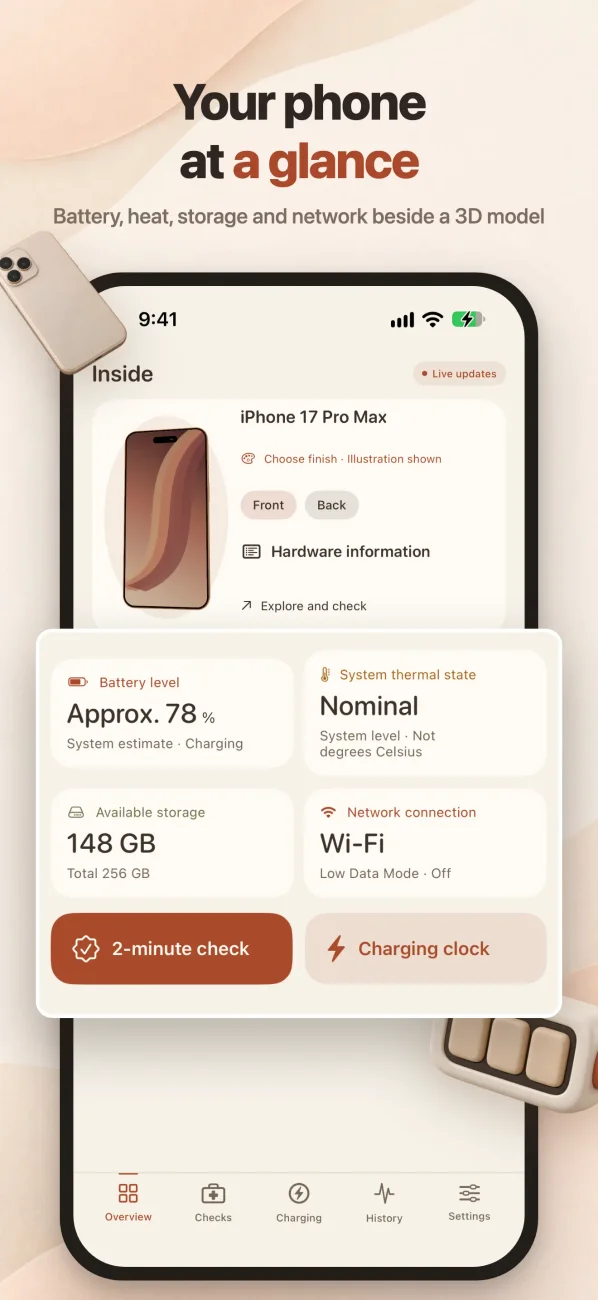
Inside combines a step-by-step check, live system information, importable diagnostic logs, a 3D model and a charging clock.
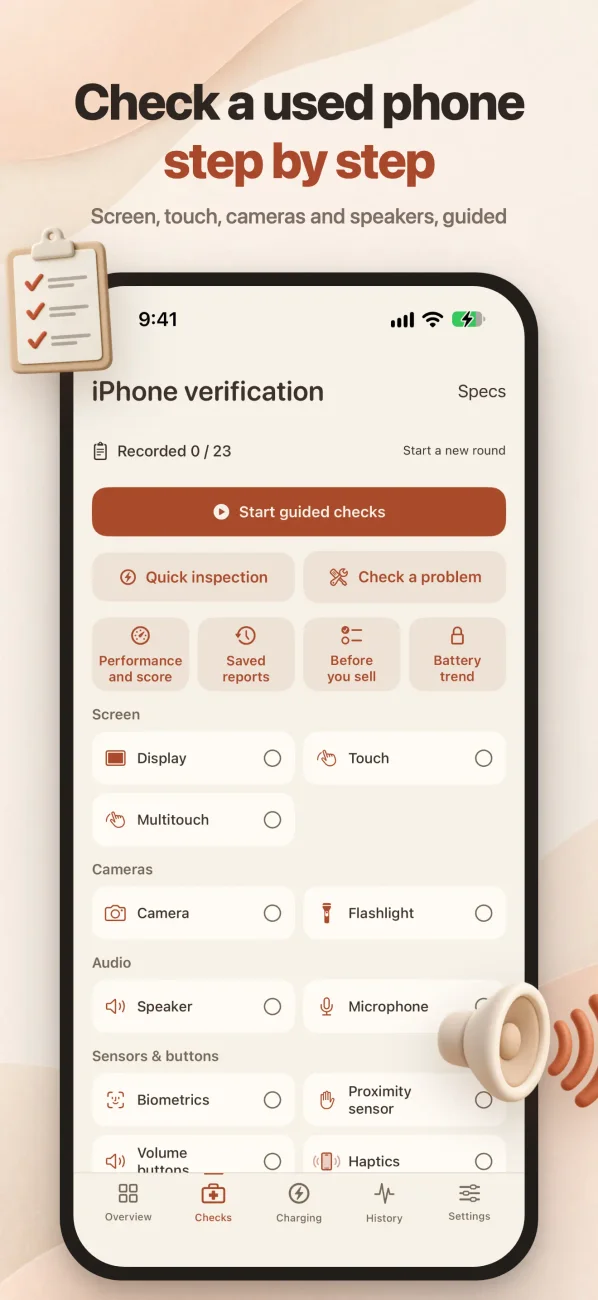
• Used-iPhone check
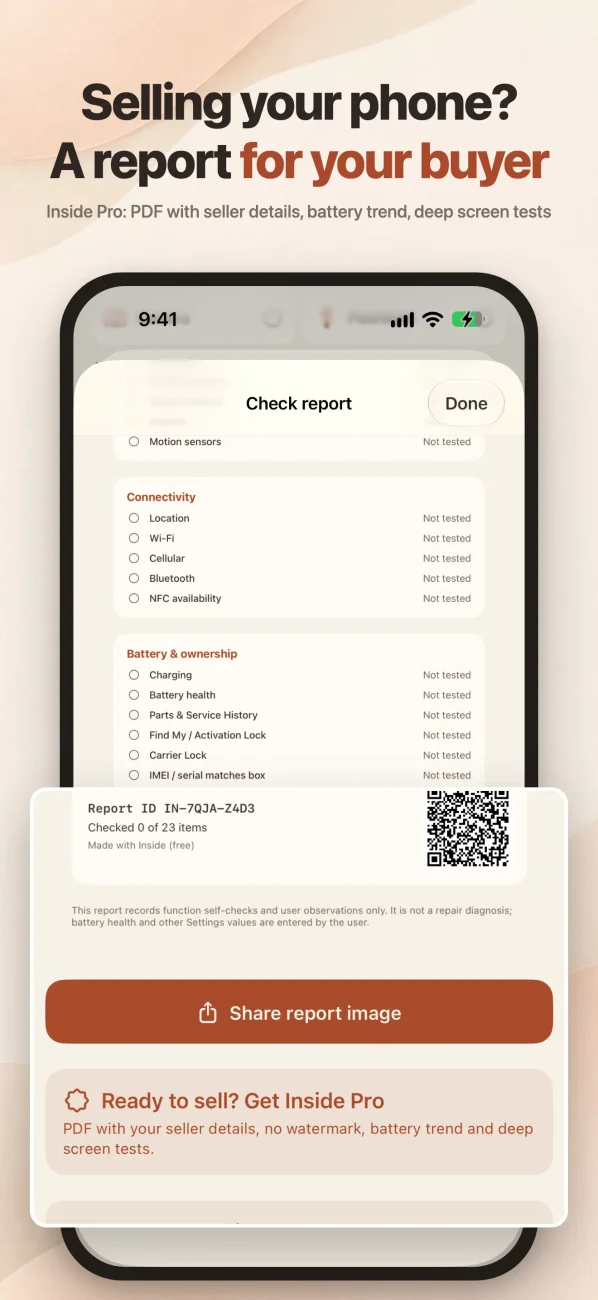
Groups: screen, cameras, audio, sensors and buttons, connectivity, battery and ownership. Test the display and touch, each camera, speaker and microphone, Face ID or Touch ID, buttons, sensors, Wi-Fi, cellular, Bluetooth, NFC and charging. Some run automatically; you run the rest and record what you see. Items no app can read (battery health, parts and service history, Find My, whether the IMEI and serial match the box) you look up in Settings and enter; the report marks them as entered by you. The battery step can fill in the cycle count from an imported Analytics log. Continue later, or use Quick inspection for common checks. Saved reports can be compared and shared as image or text.
• 2-minute check and Inside Pro
One tap on the overview checks display, touch, cameras, speaker, microphone and charging. Reports carry an ID and a QR summary a buyer can scan; untested items never count as passing. Inside Pro, a one-time purchase, adds a PDF report with your seller details and no watermark, a battery health trend and deep screen tests. Basic checks and report comparison stay free.
• Performance and score
CPU, sustained performance, storage speed and GPU tests run on the device. The score is mostly your check results (70%) plus CPU performance (30%), compared only with this device's own normal runs; it needs at least 80% of checks done.
• Hardware info and diagnostic files
Live values show their source. Import an Analytics log or sysdiagnose to see battery cycles, capacity, display, memory and device records it contains. Imported data stays separate, with source and time. Availability depends on the file and iOS version; original files are never uploaded and serial numbers are masked.
• 3D explorer
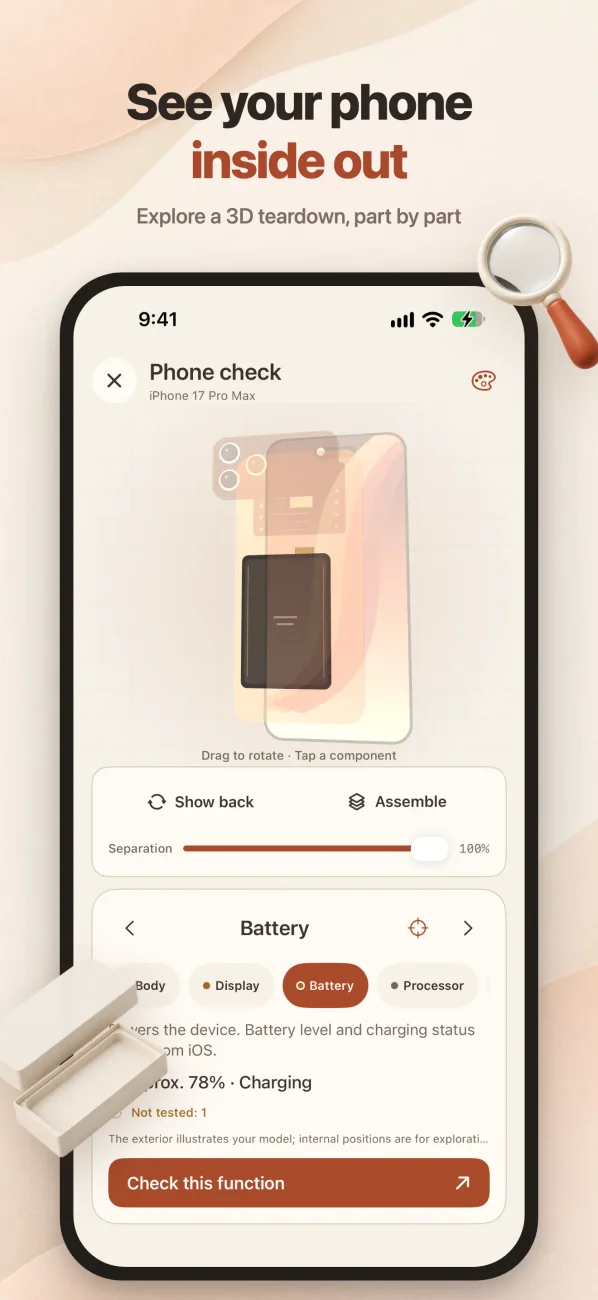
Rotate, take apart and zoom an illustrative model. Supported iPhones show their own shape and official colours; others use a neutral one. Inner parts and colours are illustrations, not scans.
• Charging clock
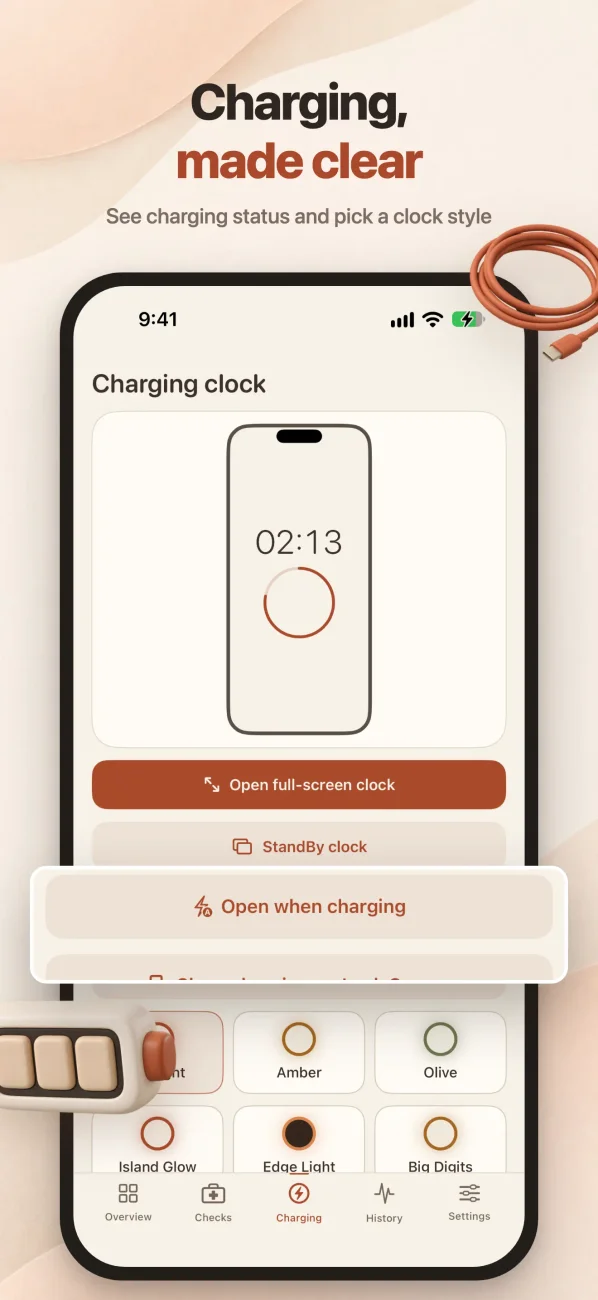
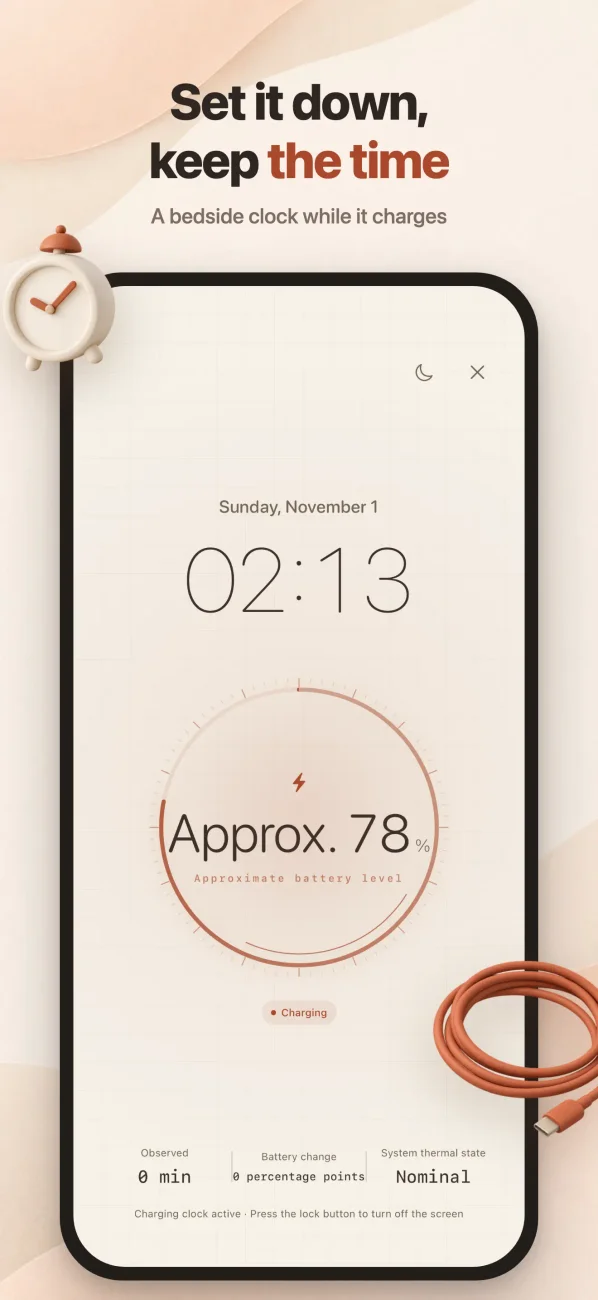
With the app open it shows time, battery and a charging animation, in portrait or landscape. Six clock faces are free; twenty optional style packs add three faces each, All Styles unlocks every pack including future ones, and you can try a pack for 24 hours by watching an ad. Charging history groups sessions you can label by charger and compare; it covers only foreground time and exports as CSV.
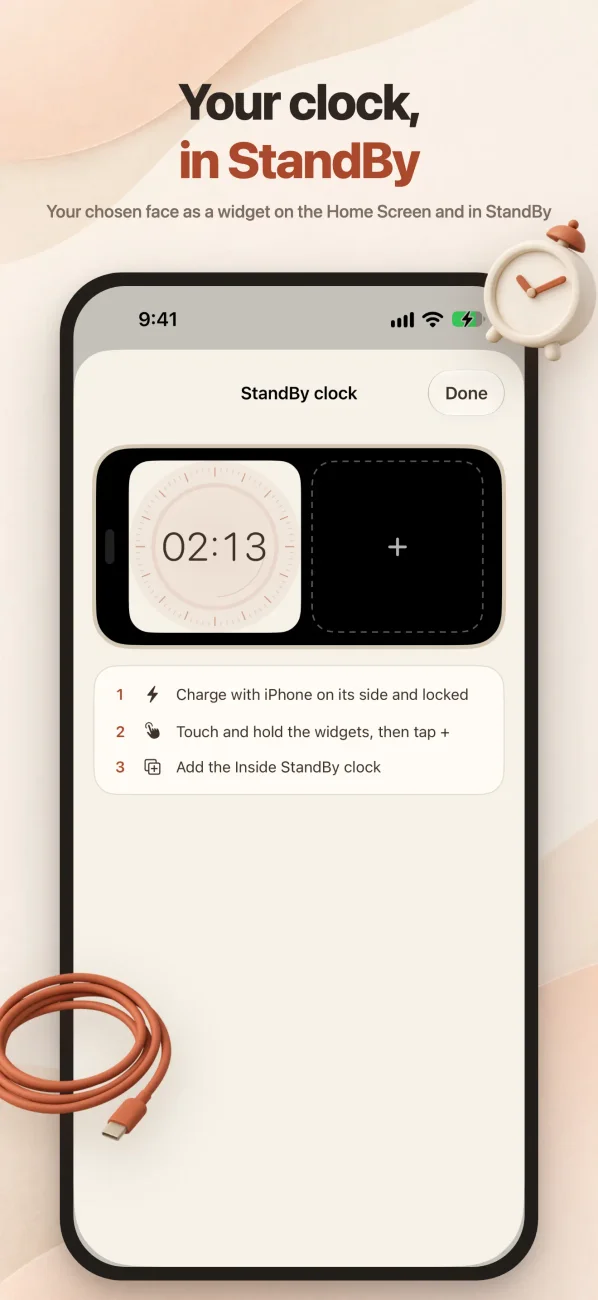
• Lock Screen and StandBy
While charging, one tap shows the starting level and time charged on the Lock Screen and in the Dynamic Island, in your clock style; the StandBy widget uses your style too. A Phone check widget counts days since your last check.
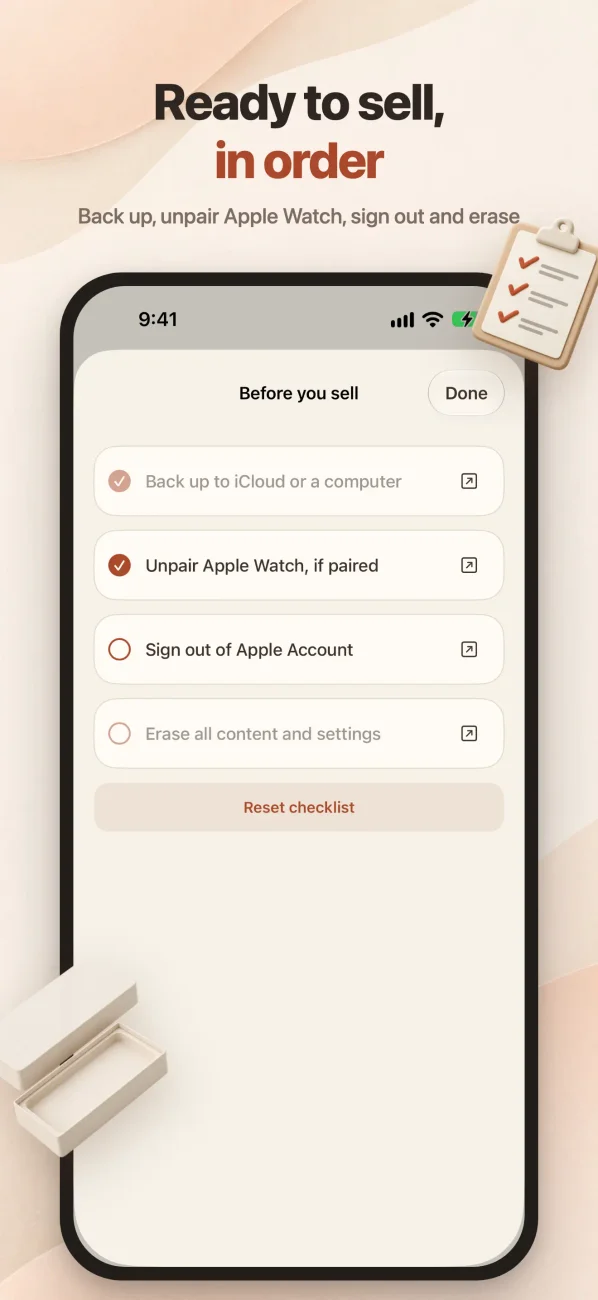
• Before you sell
Tick off backing up, unpairing Apple Watch, signing out of your Apple Account and erasing the phone, each with a link to Apple's guide.
• iPhone Duo and Apple Watch
On iPhone Duo, the two pages split overview and checks, a hinge check follows the angle and the 3D model folds open. The Apple Watch app checks display, touch, Digital Crown, haptics, speaker and microphone for the iPhone report and shows iPhone charging.
Inside is free and shows banner ads. Closing the report image after a finished check may show one full-screen ad, at most once a day; trial ads play only when you choose. A one-time purchase removes ads; Unlock Everything adds Pro and every style. Family Sharing included.
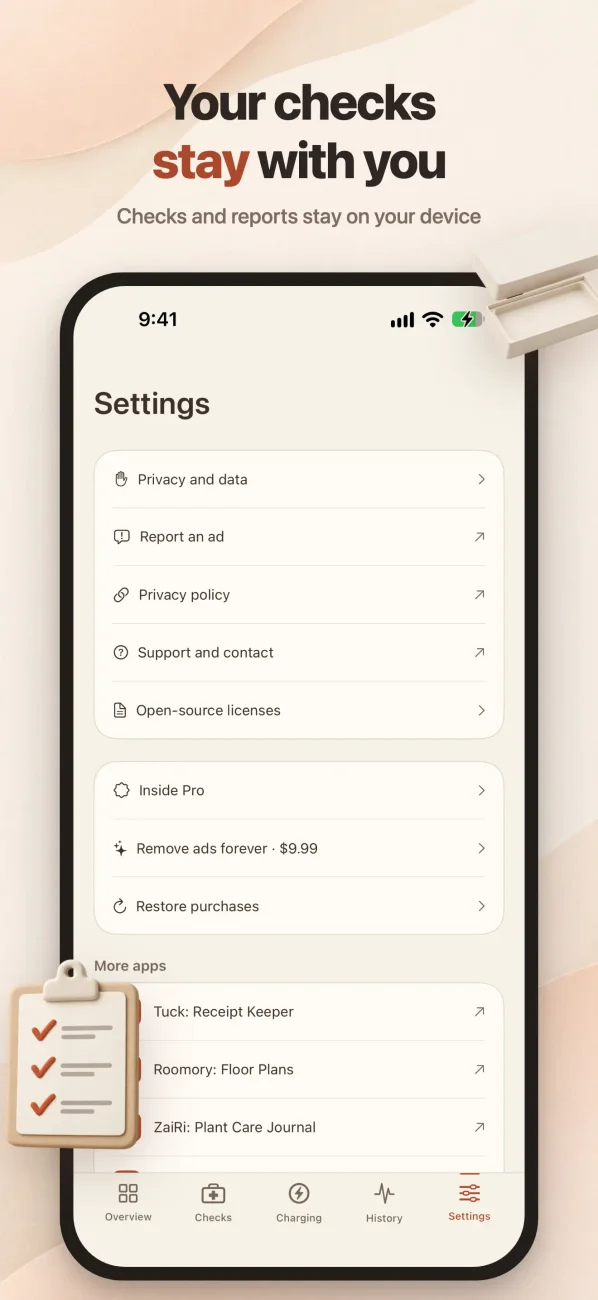
About the data: values iOS does not expose (live CPU temperature, the Settings battery health figure, actual charging wattage and the device colour) are never presented as measured. Some part names may come from an imported log; unknown codes are not guessed. Thermal state is the level iOS reports. Checks record only this session and your judgement; they cannot rule out intermittent faults or wear and are not a repair diagnosis.
What’s new
Version 1.9.0 · Nov 1, 2026
Checks now run automatically first: Wi‑Fi, mobile network, NFC, Face ID setup, sensors and charging are checked for you, and the speaker plays a test tone the microphone listens for. Only what can’t be confirmed automatically is left for hands-on checks.
New model specifications: chip, cores, memory, display, battery, cameras and water resistance, for reference with sources (may not be exact). Enter the model number from About to estimate whether the phone was sold new, Apple refurbished, as a replacement unit or personalized, and its intended market.
Hardware information adds System and settings, Display capabilities, and Sensors and radios; cameras show aperture, field of view and focus distance.
Open the charging clock automatically when you plug in, with a Shortcuts automation. Battery health entry shows your last record, and reminders offer Open Settings when notifications are off.
App privacy
What Yi-Chiun Wu declares on the App Store about how this app handles data.
-
Data used to track you
May be used to track you across apps and websites owned by other companies.
- Identifiers
-
Data linked to you
May be collected and linked to your identity.
- Purchases
- Location
- Identifiers
- Usage data
- Diagnostics
-
Data not linked to you
May be collected but is not linked to your identity.
- Diagnostics
Privacy practices may vary, for example with the features you use or your age.
Information
- Seller
- Yi-Chiun Wu
- Category
- Utilities
- Version
- 1.9.0
- Updated
- Nov 1, 2026
- Released
- Oct 7, 2026
- Size
- 17.6 MB
- Requires
- iOS 18.0 or later
- Age rating
- 4+
- In-app purchases
- Yes
- Languages
- English, French, German, Japanese, Korean, Simplified Chinese, Spanish, Traditional Chinese
- Copyright
- © 2026 Eason Wu
You might also like
-
 RynDevice - Info & Phone CheckTest, compare and share
-
 PhoneCheck: Device DiagnosticsUsed Device Inspection
-
 FullIMEI – IMEI CheckerBlacklist & carrier lock check
-
 Phone Diagnostics - HardwarePhone Test & Device Check
-
 Hardwise: Phone Test & CheckerDiagnostic & Used Phone Check
-
 Duo Trackpad - Touch ControlTrackpad, gestures & shortcuts
-
 Veilary: Private Photo VaultOnly what you choose to show
-
 昐昐The Creation of Inspiration
-
 System GuardBattery, Storage & Device Info
-
 CamCheck - Camera TesterDust, Focus & Shake Check