
- Age rating4+
- CategoryPhoto & Video
- DeveloperDorin Vancea
- LanguagesEnglish
- Size951.0 KB
Links to the official App Store page
Download.org hosts no file of Instacrop.app. The button opens its official App Store page, published by Dorin Vancea. Listing last checked on Nov 12, 2026.
Screenshots

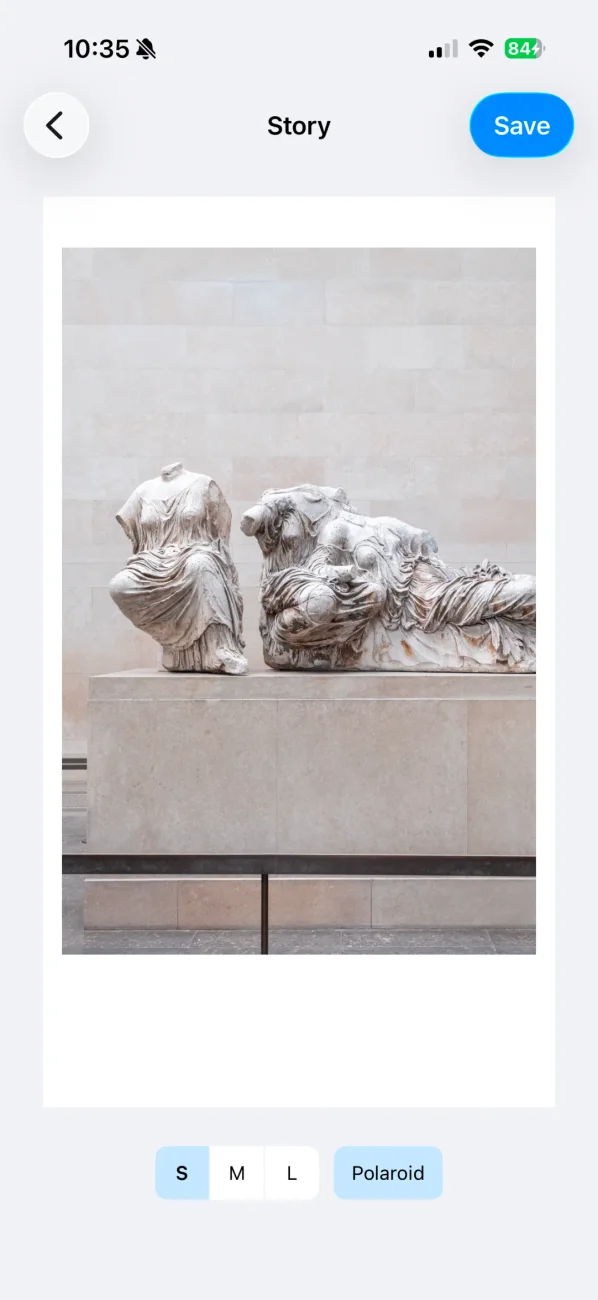
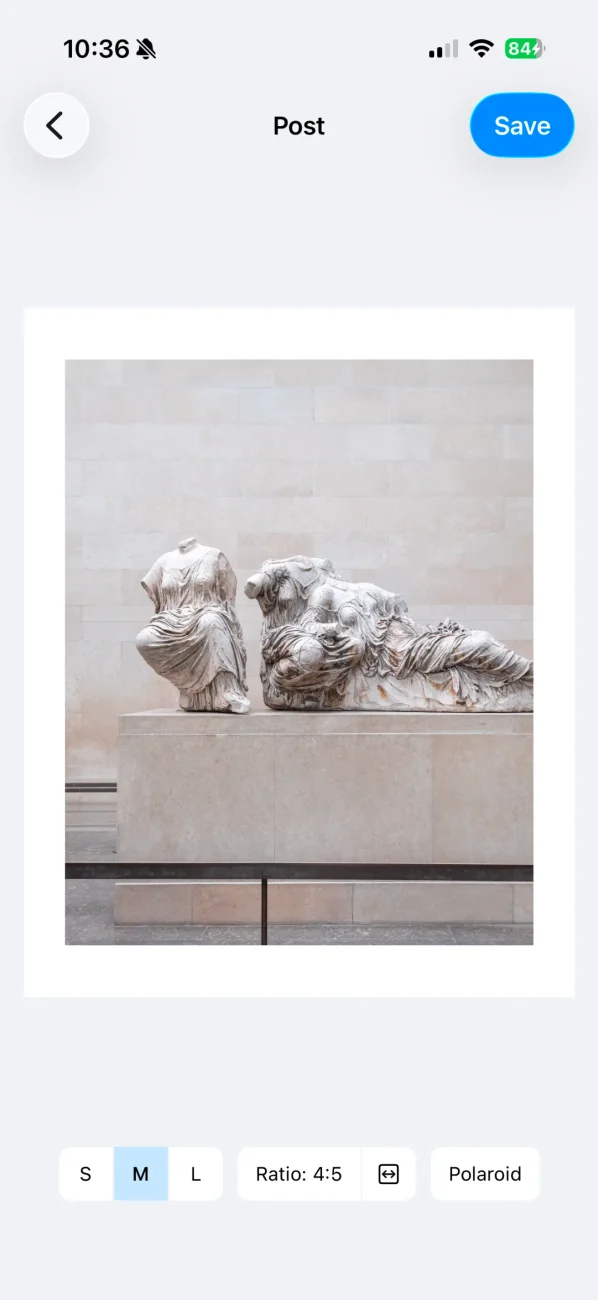
About
A minimal app for framing Instagram posts. No clutter, no distractions, just beautifully framed photos, ready for sharing.
Choose your frame format, adjust the border size, and export. That's it. Simple and clean.
Free, No In-App Purchases.
What’s new
Version 3.2 · Jul 18, 2026
- Added the option to preserve the original image aspect ratio
- Camera Logo and model are now Off by default
- Keep the user's preferences after saving an image or returning to the app
App privacy
What Dorin Vancea declares on the App Store about how this app handles data.
-
Data not collected
The developer does not collect any data from this app.
Privacy practices may vary, for example with the features you use or your age.
Information
- Seller
- Dorin Vancea
- Category
- Photo & Video
- Version
- 3.2
- Updated
- Jul 18, 2026
- Released
- Jul 20, 2022
- Size
- 951.0 KB
- Requires
- iOS 16.6 or later
- Age rating
- 4+
- Price
- Free
- Languages
- English
- Copyright
- © Dorin Vancea
You might also like
-
 Insta Crop - Photo Grid EditorResize your posts and stories
-
 SquareFit: No Crop Photo FitWhite Background & Borders
-
 White Background FramePlan Your Grid, Frame Photos
-
 No Crop - Simple BorderWhite background for Instagram
-
 White BorderPerfect Borders for Instagram
-
 No Crop - Square quick sizedPhoto & Video
-
 INSTFIT - Post Without CroppinSquare Fit / Size Pictures!
-
 Frames - Photo & Collage MakerFrame, Border, Grid & Template
-
 No Crop & Square For InstagramPhoto & Video Resizer + Editor
-
 No Crop Photo Video ResizeImage Resizer for Instagram