
Interceptor | Network Debugger
Network Traffic & Secure VPN
Designed for iPhone, iPad
Free
- Age rating4+
- CategoryDeveloper Tools
- DeveloperNEVER KNOWS BEST
- LanguagesEnglish+ 1 more
- Size22.8 MB
Links to the official App Store page
Download.org hosts no file of Interceptor | Network Debugger. The button opens its official App Store page, published by NEVER KNOWS BEST. Listing last checked on Nov 14, 2026.
Screenshots


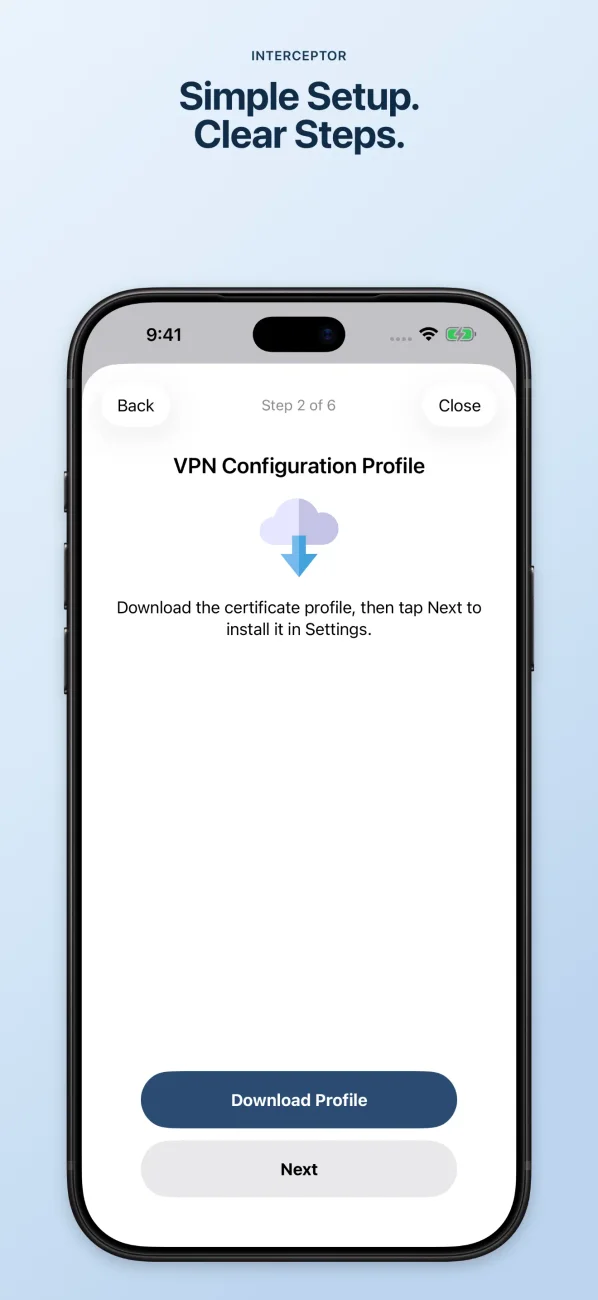
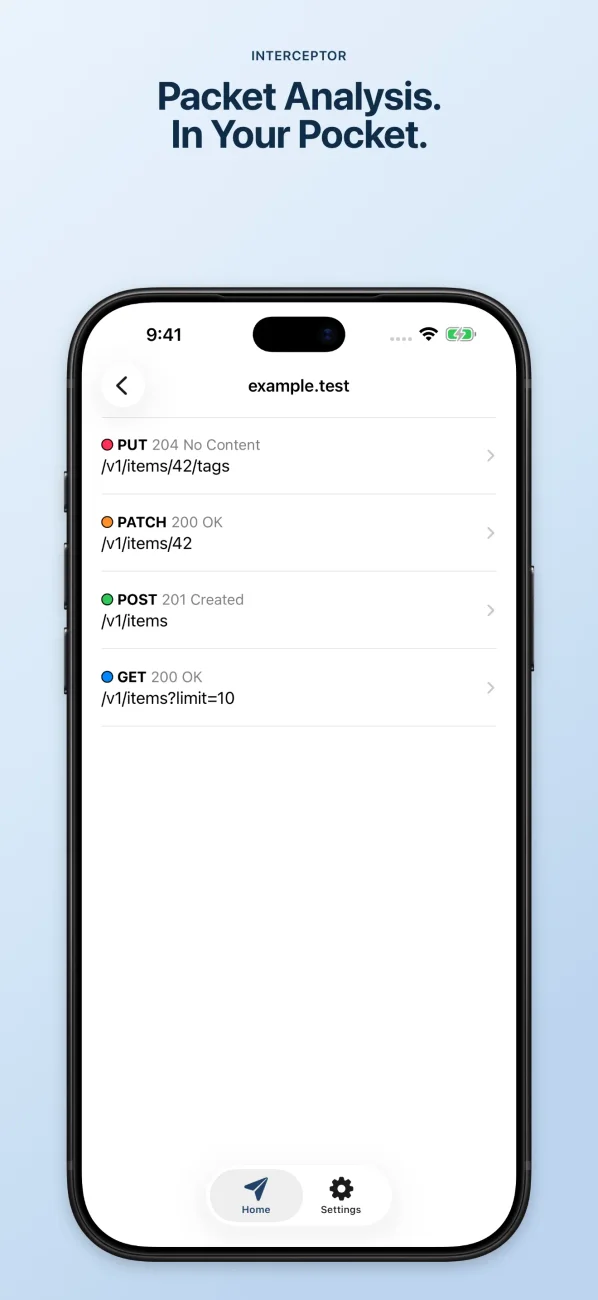
About
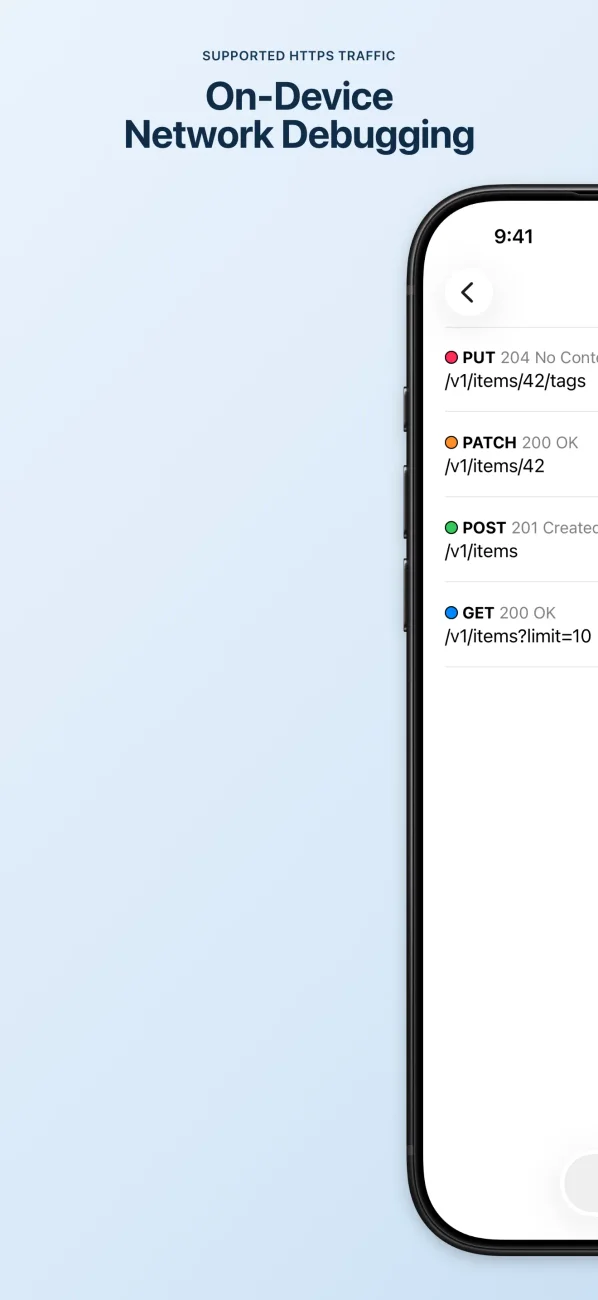
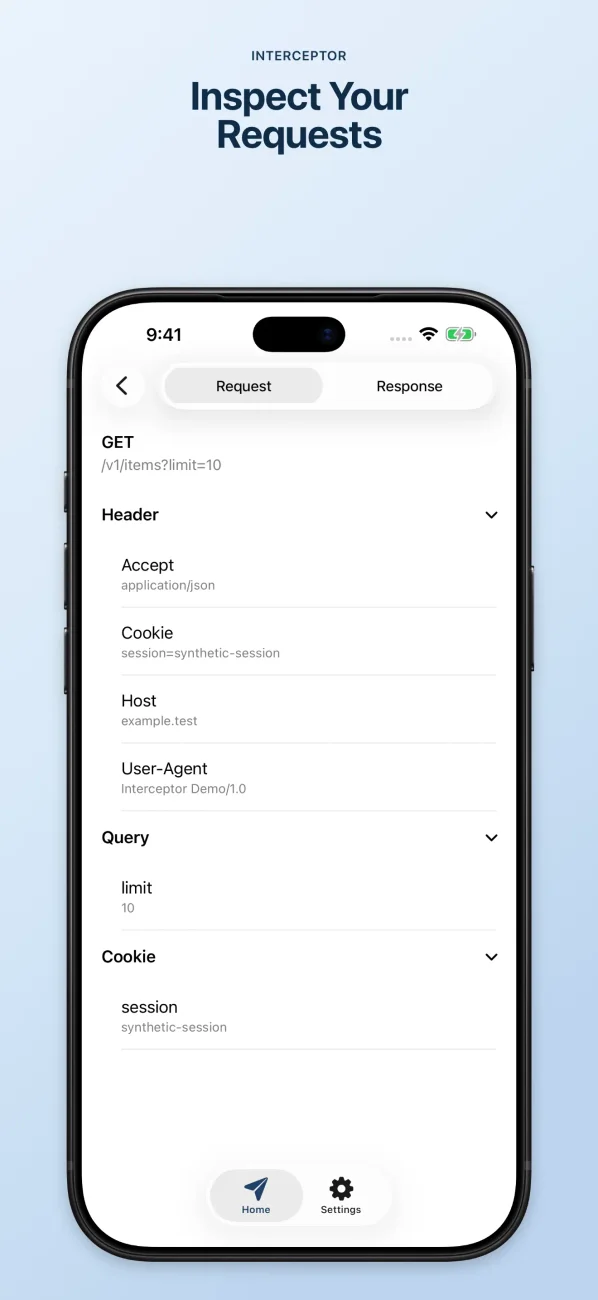
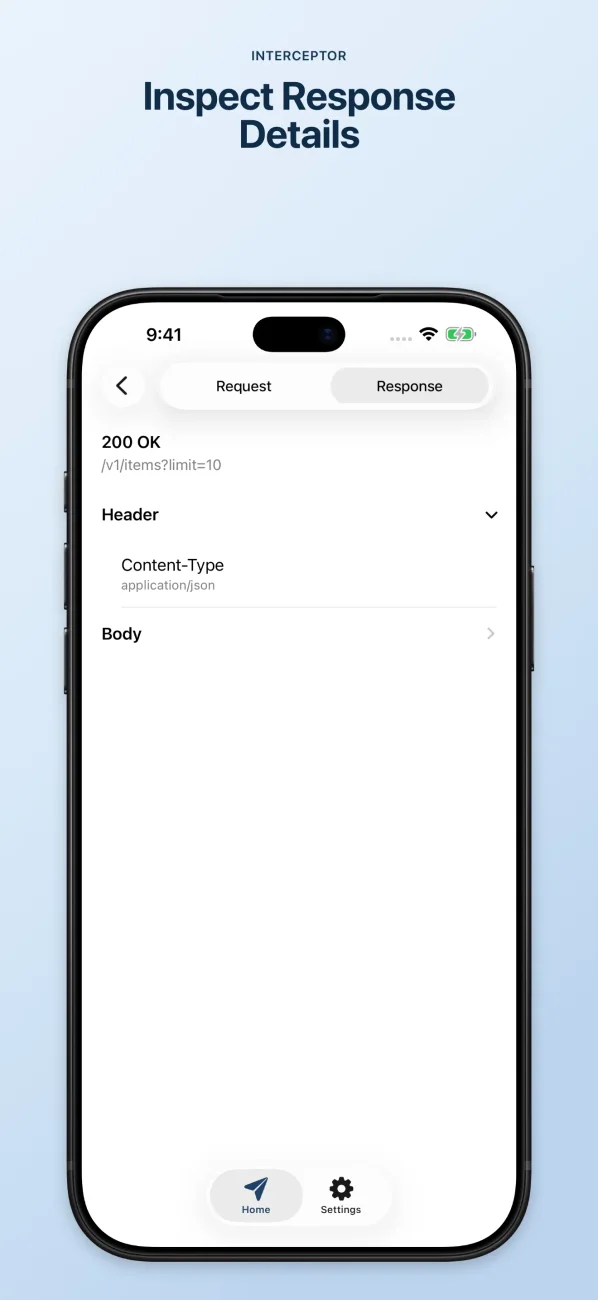
Interceptor helps you inspect HTTPS traffic for selected hosts on your own iPhone or iPad. View saved request and response headers, cookies, and available JSON bodies, and inspect supported service tokens.
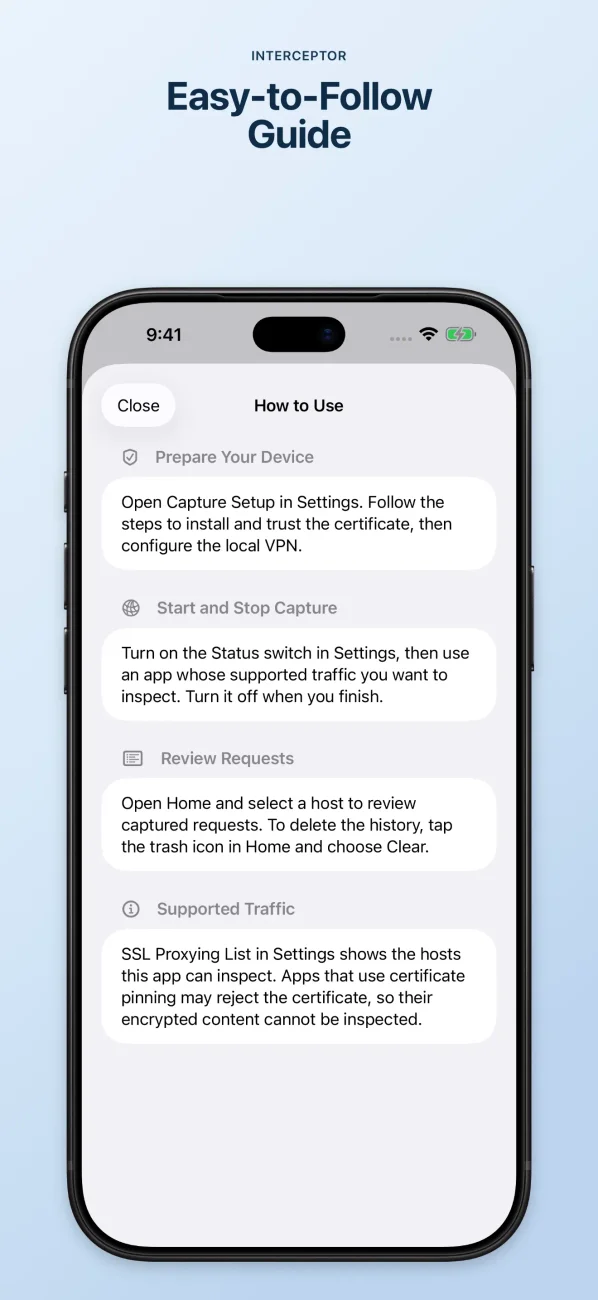
The app uses an iOS VPN configuration to direct selected hosts through a proxy running on your device. It does not provide a remote VPN server, change your public IP address, or protect public Wi-Fi traffic. HTTPS inspection requires you to install and trust a locally generated certificate authority certificate in iOS Settings.
At startup, Interceptor explains what it can access and requires agreement to the current data-use notice before you can access the main interface. Agreement alone does not start capture, install a certificate or VPN configuration, or request notification permission. Captured traffic can contain sensitive cookies, authentication tokens, account identifiers, and request or response content. Use it only with accounts and devices you are authorized to inspect. Capture is limited by the app's configured hosts; service changes or certificate restrictions may prevent capture.
New capture records are stored in the app's local shared storage. New certificates, private keys, and saved tokens use Keychain items with iCloud Keychain synchronization disabled. Interceptor does not upload captured data to a developer-operated server, sell it, use it for advertising, or automatically share it with third parties. Requests still reach their original destination services. Data you choose to copy, earlier iCloud Keychain copies, and operating-system backups are separate from this local capture flow.
You can review the notice and withdraw consent in Settings → Data Use & Consent. Withdrawal stops the VPN, disables automatic reconnection and clears capture notifications, and returns to the required consent screen until you agree again. Withdrawal does not erase saved records, tokens, certificates, or private keys, or remove an installed certificate profile. Clear saved request history from Home. Optional local notifications announce captured records without including tokens or captured headers and bodies in the notification.
What’s new
Version 1.0.1 · Oct 17, 2026
• Unified Data Use & Consent at launch and in Settings.
• Open Capture Setup directly from Settings.
• Show setup status above the action buttons.
• Added host creation, editing, sorting, reordering, and deletion in SSL Proxying List.
• Moved Disagree to the top right of the Data Use & Consent sheet.
App privacy
What NEVER KNOWS BEST declares on the App Store about how this app handles data.
-
Data not collected
The developer does not collect any data from this app.
Privacy practices may vary, for example with the features you use or your age.
Information
- Seller
- NEVER KNOWS BEST
- Category
- Developer Tools
- Version
- 1.0.1
- Updated
- Oct 17, 2026
- Released
- Oct 13, 2026
- Size
- 22.8 MB
- Requires
- iOS 17.0 or later
- Age rating
- 4+
- Price
- Free
- Languages
- English, Japanese
- Copyright
- © 2026 NEVER KNOWS BEST
You might also like
-
 StemStudio AIMobile IDE for StemJSON
-
 Cookie Inspector for SafariManage and edit cookies
-
 Upper – S3 ShortcutsManage S3 Endpoints with Ease
-
 Edit HTTP Headers for SafariCustom HTTP Headers
-
 CSS Inspector for SafariInstant CSS Insights on Safari
-
 Bonsai³: Coding ActivityFrom Commits to Bonsai
-
 AnyPane - SSH/VNC workspaceOne task, One workspace.
-
 HaptiqYour Haptic Design Studio
-
 Senrigan Remote DesktopMulti-Display, Trackpad, PiP
-
 CoreAI ZooOpen AI models, on-device