
AnyPane - SSH/VNC workspace
One task, One workspace.
Designed for iPhone, iPad, Mac
Free
- Age rating4+
- CategoryDeveloper Tools
- DeveloperYou Lu
- LanguagesEnglish
- Size27.3 MB
Links to the official App Store page
Download.org hosts no file of AnyPane - SSH/VNC workspace. The button opens its official App Store page, published by You Lu. Listing last checked on Nov 12, 2026.
Screenshots
About
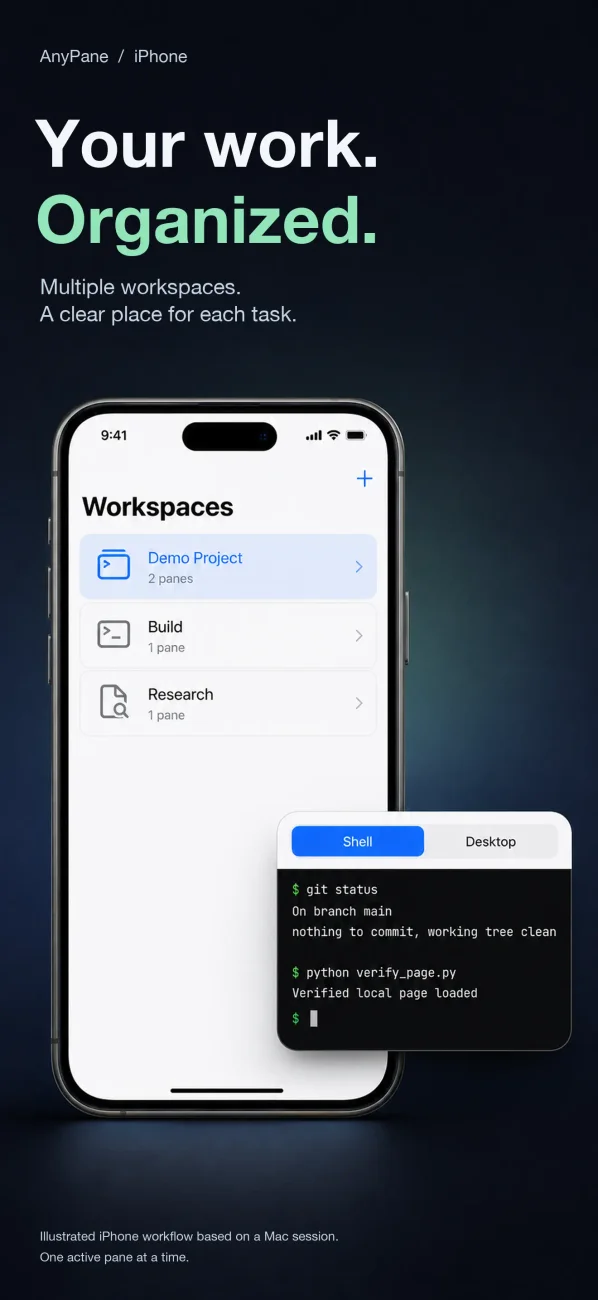
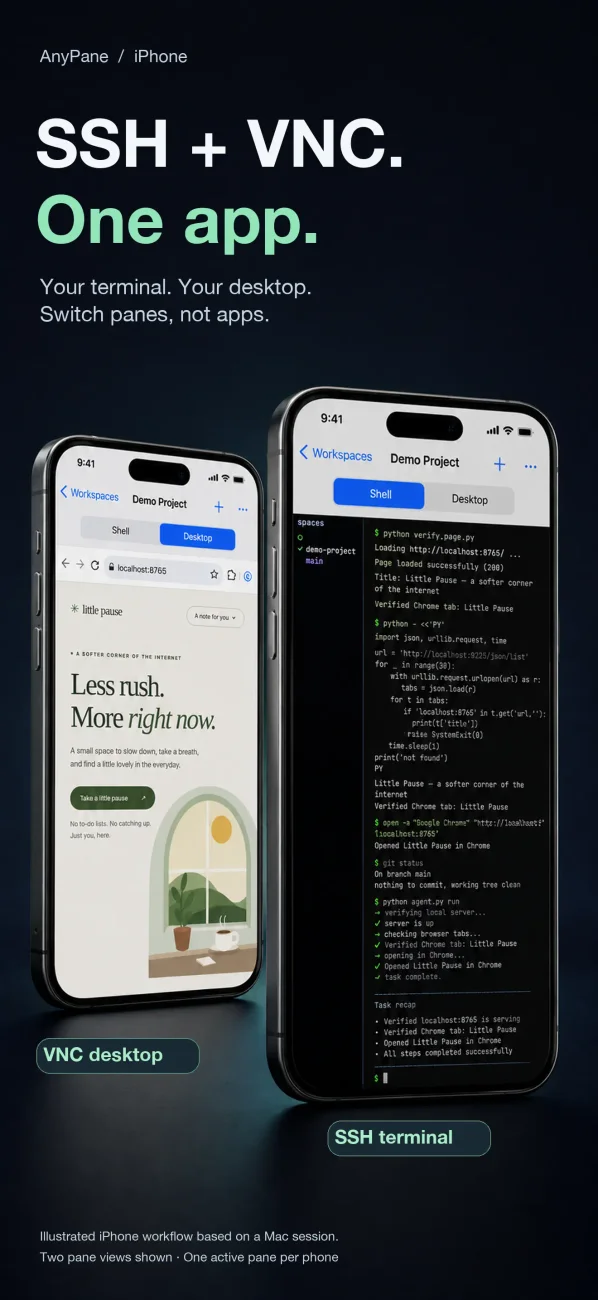
Keep each remote task organized without switching apps. AnyPane brings SSH terminals and VNC desktops into multiple workspaces on iPhone, iPad and Mac.
ORGANIZE YOUR WORK
Create multiple workspaces, each with up to four SSH/VNC panes. Combine terminals and desktops, adjust splits and rearrange panes on iPad and Mac. On iPhone, switch between panes with tabs. SSH terminals belong to each workspace; VNC sessions are shared across workspaces.
CONNECT WITH SSH
Use password authentication or an OpenSSH Ed25519 private key. Verify the server fingerprint on first connection. Reach a target through one SSH jump host and create local port forwards that listen only on your device's loopback address.
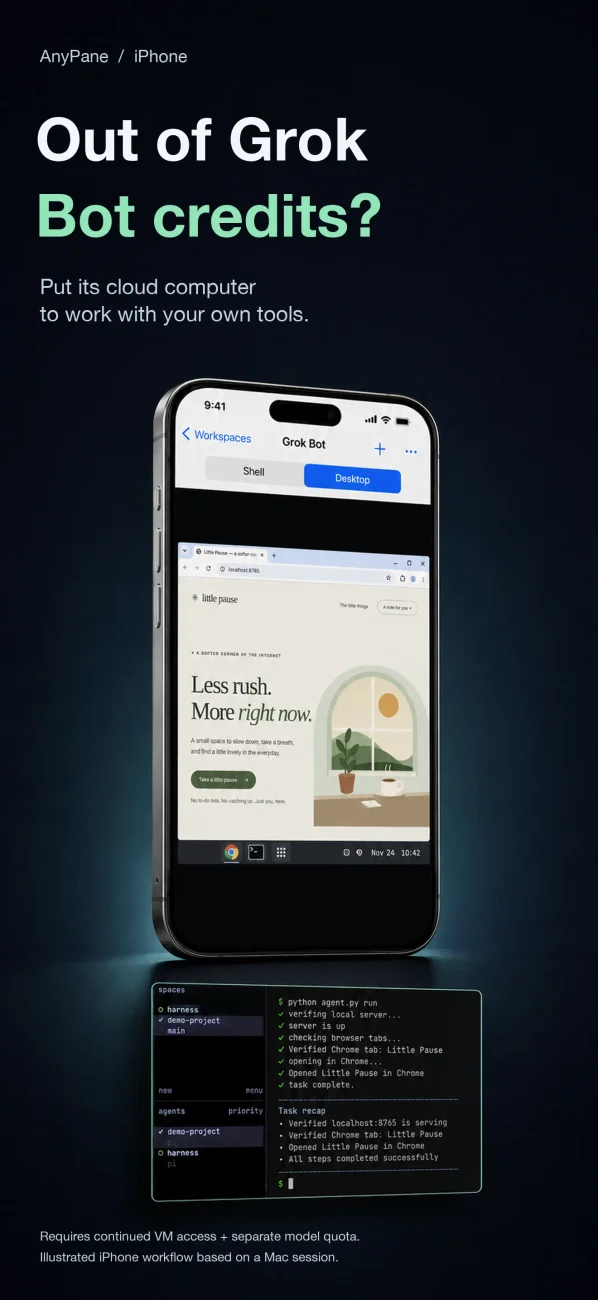
KEEP A DESKTOP NEARBY
Connect to a VNC desktop directly or through SSH. Direct VNC is not encrypted and TLS is not supported; prefer VNC over SSH.
LOCAL CONFIGURATION
Save connection settings on your device, with passwords, private keys and passphrases stored separately in the system Keychain.
REQUIREMENTS AND LIMITS
Requires iOS/iPadOS 17 or macOS 15 and authorized access to a compatible SSH or VNC server, with your own server credentials. AnyPane does not provide servers or service accounts. RSA keys, keyboard-interactive/OTP, SSH Agent, multi-hop jump chains, SFTP, RDP, SOCKS and remote forwarding are not supported. VNC sessions reconnect automatically; SSH reconnection is manual. Background connections on iPhone and iPad are not guaranteed. Closing a pane does not disconnect a session.
What’s new
Version 1.2.0 · Nov 8, 2026
Clearer first-connection errors (local network permission, refused, unreachable, DNS, timeout) with a direct Edit Connection action. Interrupted VNC sessions now reconnect automatically. New guided empty workspace and a Mac Screen Sharing preset. On Mac, import hosts from your ~/.ssh/config.
App privacy
What You Lu declares on the App Store about how this app handles data.
-
Data linked to you
May be collected and linked to your identity.
- Identifiers
- Usage data
- Diagnostics
Privacy practices may vary, for example with the features you use or your age.
Information
- Seller
- Aime Tech Media Limited
- Category
- Developer Tools
- Version
- 1.2.0
- Updated
- Nov 8, 2026
- Released
- Sep 15, 2026
- Size
- 27.3 MB
- Requires
- iOS 17.0 or later
- Age rating
- 4+
- Price
- Free
- Languages
- English
- Copyright
- © 2026 AnyPane
You might also like
-
 Sound function checkDevelop-tool:Sound func
-
 Braid CodeBuild software on autopilot
-
 ParaPortCode, servers and SFTP
-
 BURSU Connection ManagerSSH, RDP, VNC and SFTP client
-
 Interceptor | Network DebuggerNetwork Traffic & Secure VPN
-
 CLI PulseAI coding usage & cost monitor
-
 Senrigan Remote DesktopMulti-Display, Trackpad, PiP
-
 YoloShell-SSH Terminal VNC RDPHerdr, sshfs & remote desktop
-
 .md viewer & editor: NanoFileOpen & Edit Markdown Files
-
 API Testing ToolDeveloper Tools