Inventory Scanner Stock Count
CSV exports for small business
Designed for iPhone, iPad
Free · In-app purchases
- Age rating4+
- CategoryBusiness
- DeveloperOGUZHAN 0ZDEMIR
- LanguagesEnglish+ 14 more
- Size58.5 MB
Links to the official App Store page
Download.org hosts no file of Inventory Scanner Stock Count. The button opens its official App Store page, published by OGUZHAN 0ZDEMIR. Listing last checked on Nov 20, 2026.
Screenshots


About
Scan, count and manage your stock. Clean CSV export for Excel. No account needed, works offline.
Inventory Scanner Stock Count is built for small businesses, shops, sellers and operators who want to keep track of stock without a complicated system.
NEW: PLACES AND LOCATIONS
Know where everything is. Add locations inside your places, like Back room → Shelf 3. Give a whole count its place with one tap, or set a place for a single item. Workplace products show their place, and you can filter and search by it. Exports include place and location columns.
WORKPLACE
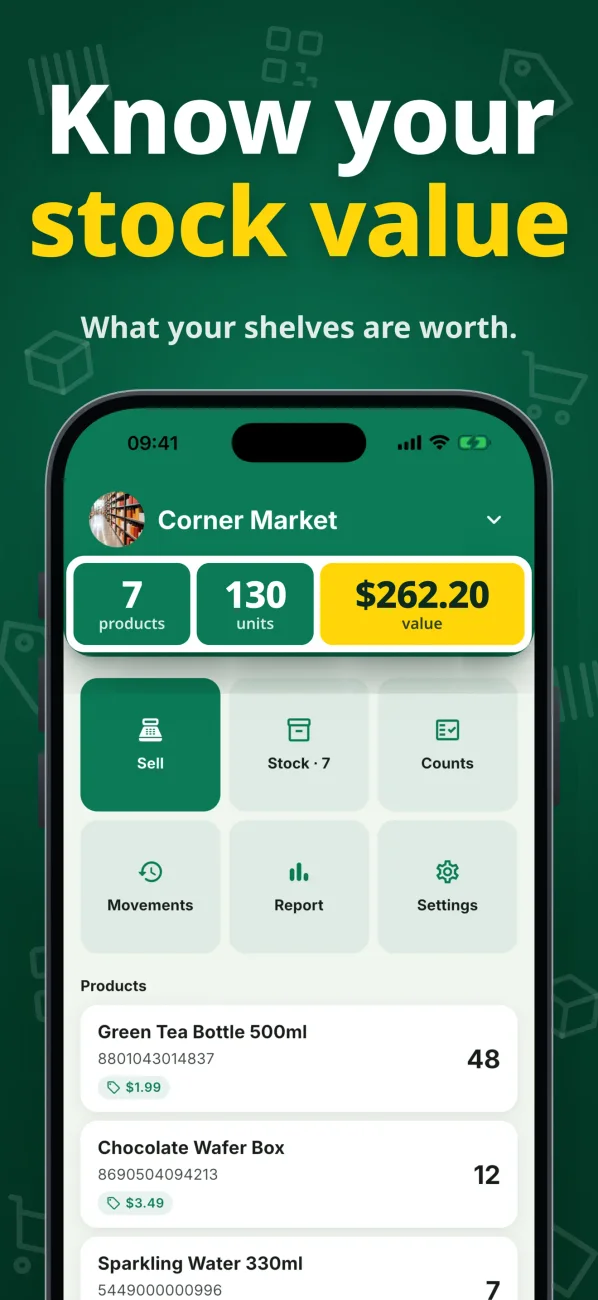
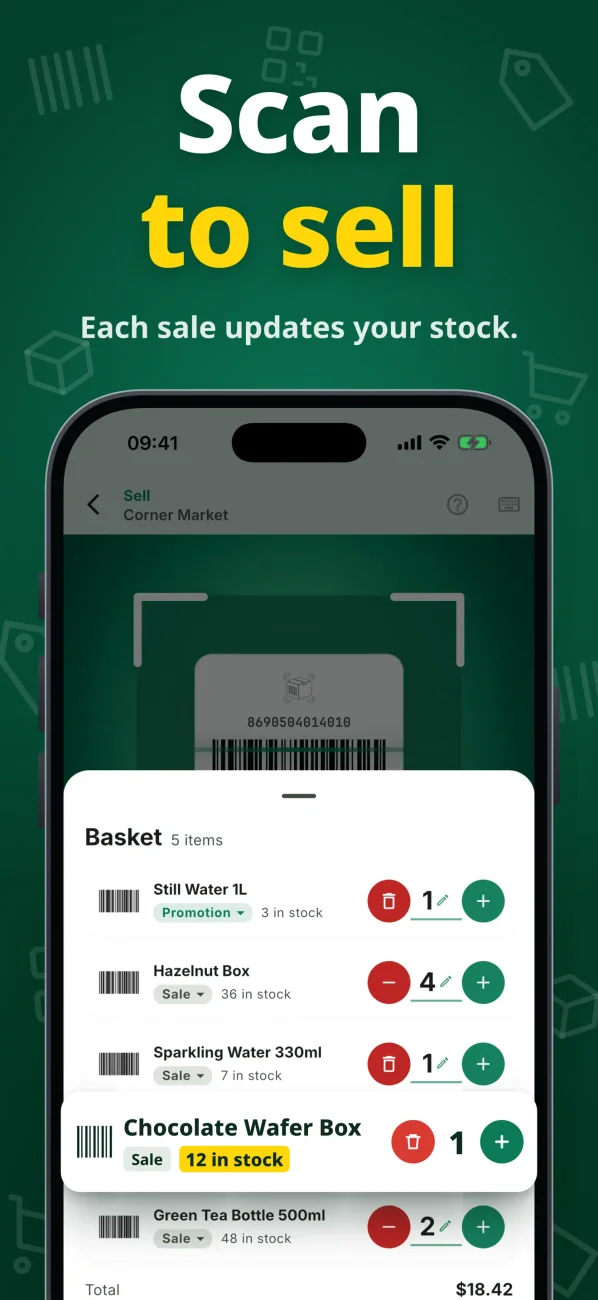
Keep your business stock in one place. Add a price to each product and see your units and total stock value at a glance. Scan to sell: items go into the sale, you confirm, and the quantity drops by itself. Every change is logged, from sales and counts to edits, so you always know what moved.
FAST BARCODE COUNTING
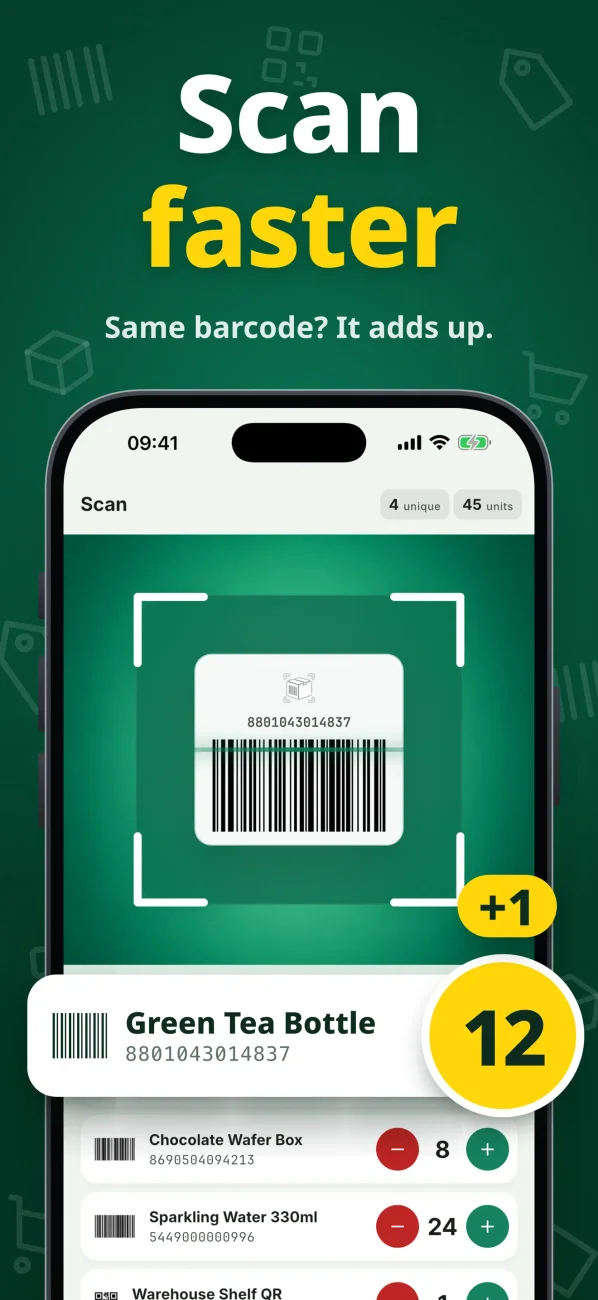
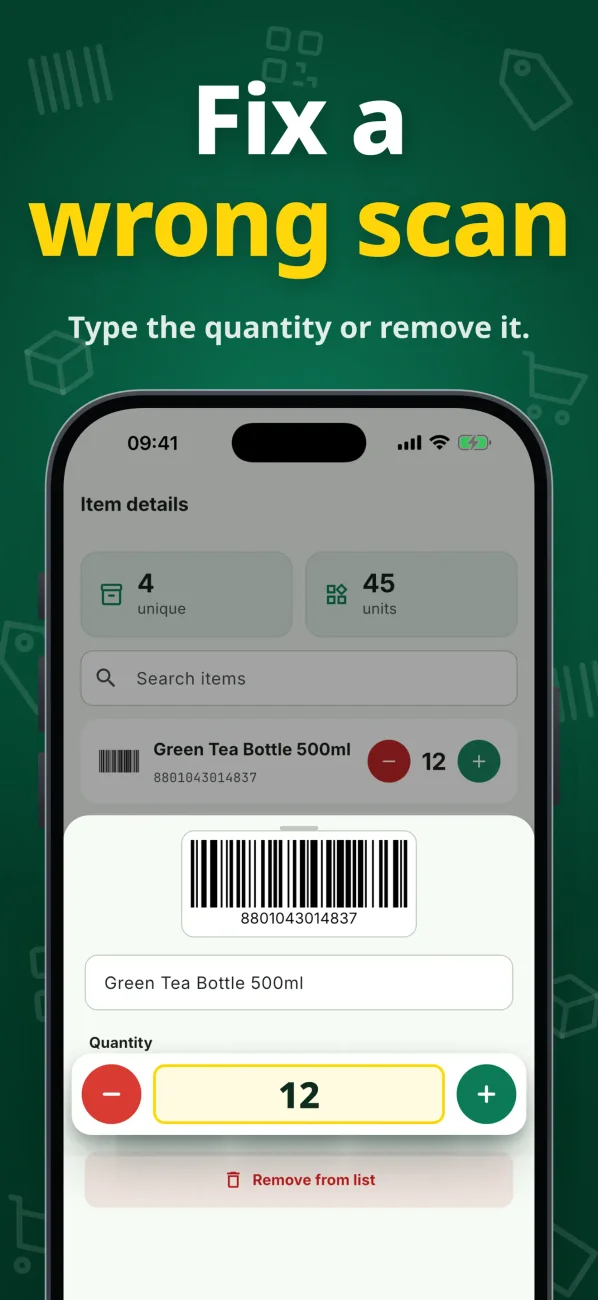
Start a count session and scan. Repeat scans add up automatically, so you don't stop after every item. Use your iPhone camera or a Bluetooth barcode scanner. No barcode? Add the item by its name. Edit quantities, rename items and search inside the session.
CLEAN EXPORT
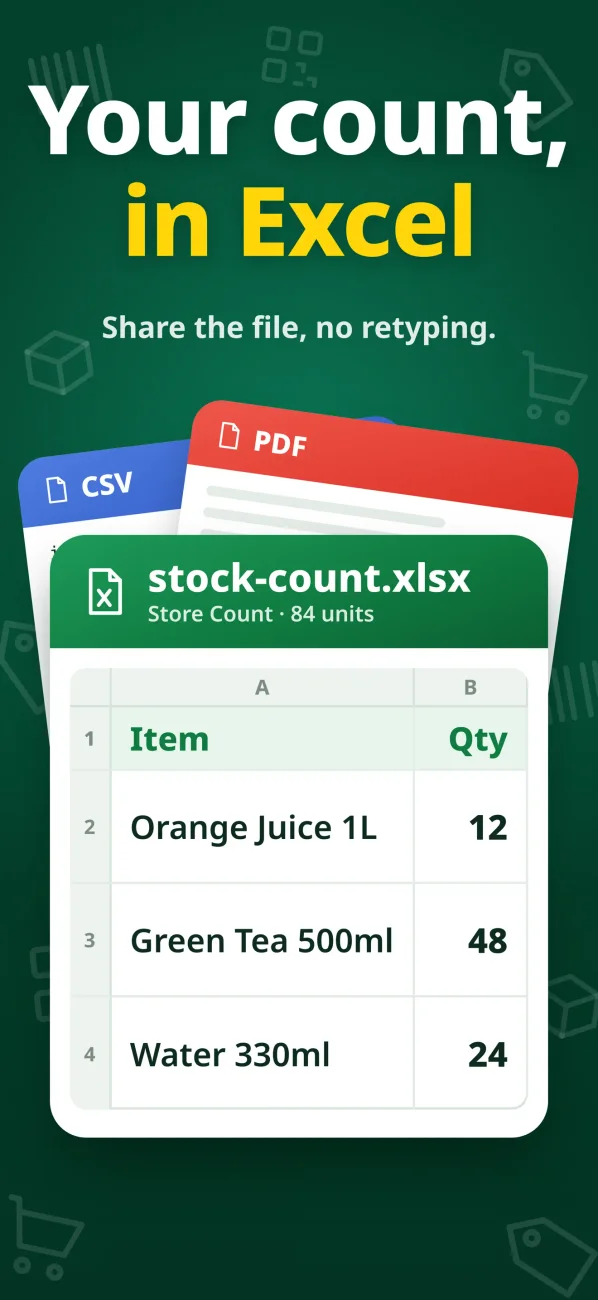
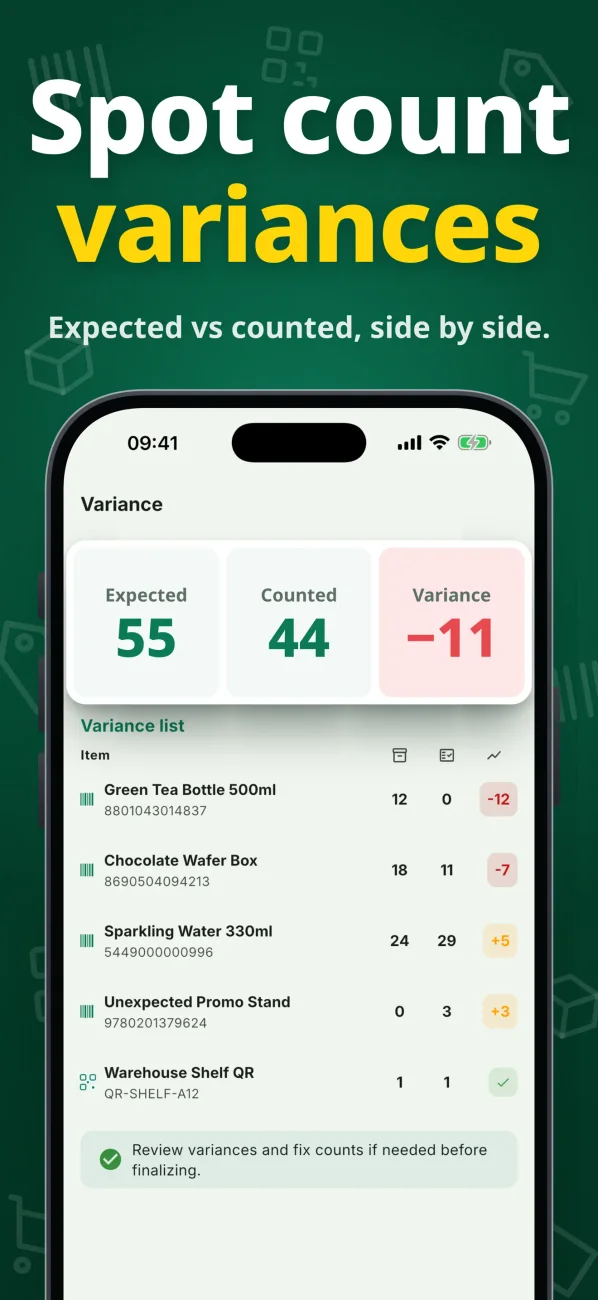
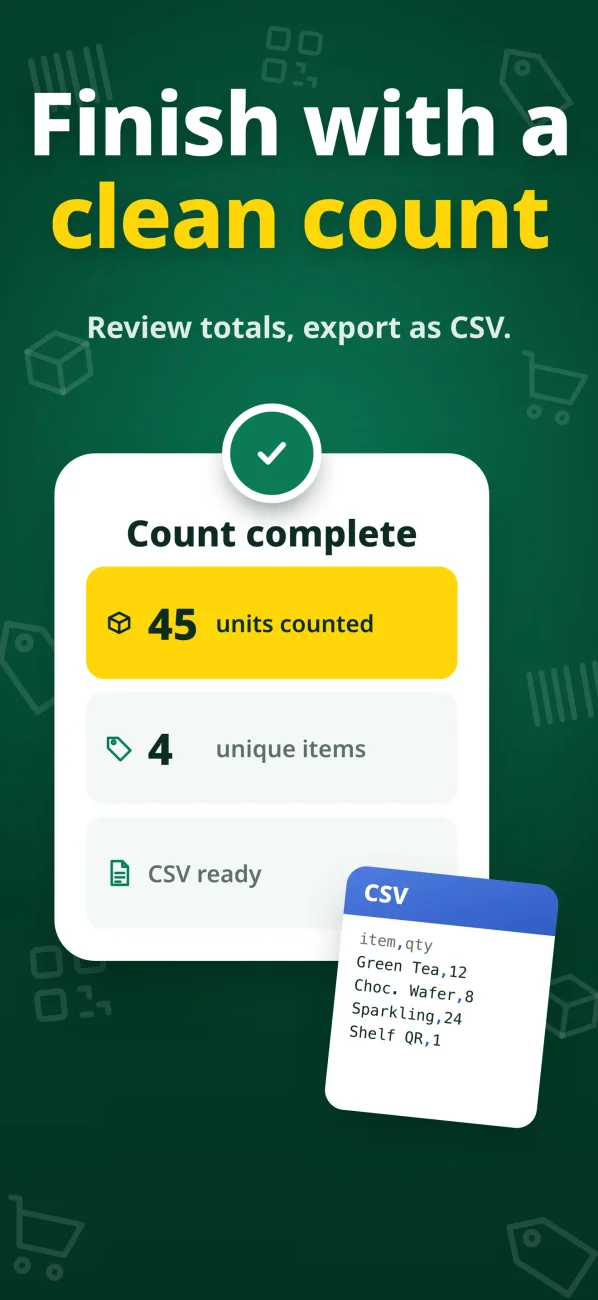
When the count is done, export a clean CSV that opens straight in Excel or Google Sheets. Use recount and variance review to compare expected and counted quantities.
Use it for:
• Shop and retail stock
• Stock takes and shelf counts
• Pop-up and market sellers
• Office, equipment and asset counts
• Pantry and storage lists at home
Key features:
• Places with locations inside them: Back room → Shelf 3
• Workplace: products, prices and total stock value in one place
• Scan to sell, stock updates automatically
• Full history of every change: sales, counts and edits
• Barcode scanning with camera or Bluetooth scanner
• Add items by name, no barcode needed
• Automatic quantity updates for repeat scans
• Count sessions with a live item list
• Manual quantity editing and item search
• Recount and variance review
• CSV export for Excel and Google Sheets, with place and location columns
• CSV import
• Optional reminders for your last count or low stock
Terms of Use (EULA): https://www.apple.com/legal/internet-services/itunes/dev/stdeula/
What’s new
Version 1.4 · Nov 16, 2026
Know where everything is.
• Places now hold locations: Back room → Shelf 3. Give a count or an item its place, then filter, search and export by it.
• Add an item by its name, no barcode needed.
• Optional reminders when a week goes by.
• Bug fixes, including expiry dates showing a day early.
App privacy
What OGUZHAN 0ZDEMIR declares on the App Store about how this app handles data.
-
Data not linked to you
May be collected but is not linked to your identity.
- Identifiers
- Usage data
- Diagnostics
Privacy practices may vary, for example with the features you use or your age.
Information
- Seller
- OGUZHAN 0ZDEMIR
- Category
- Business
- Version
- 1.4
- Updated
- Nov 16, 2026
- Released
- May 10, 2026
- Size
- 58.5 MB
- Requires
- iOS 16.0 or later
- Age rating
- 4+
- Price
- Free
- In-app purchases
- Yes
- Languages
- English, Arabic, Dutch, French, German, Indonesian, Italian, Japanese, Korean, Portuguese, Simplified Chinese, Spanish + 3 more
- Copyright
- © 2026 Inventory Scanner
You might also like
-
 ShelfCount - Inventory ScannerScan barcodes, track SKUs
-
 Stock Count: Barcode CounterInventory & stocktake scanner
-
 Stockly: Inventory ScannerBarcode Stock Tracker & Count
-
 Barcode Inventory: StockLiteStock Count & Variance Audit
-
 InvenioScanBarcode Inventory Scanner
-
 Inventory Scan by HikeBarcode Scanner for Retail
-
 Inventory Count - ScanoidInventory Barcode Scanner
-
 Simple Stock ListEasy stock list management
-
 Barcode CounterStock Counting with Barcode
-
 Inventory Tracker & ManagerFor Small Business Management