- Age rating4+
- CategoryGraphics & Design
- Developer印超 吕
- LanguagesEnglish+ 1 more
- Size4.9 MB
Links to the official App Store page
Download.org hosts no file of iPindou Pattern Studio. The button opens its official App Store page, published by 印超 吕. Listing last checked on Nov 20, 2026.
Screenshots
About
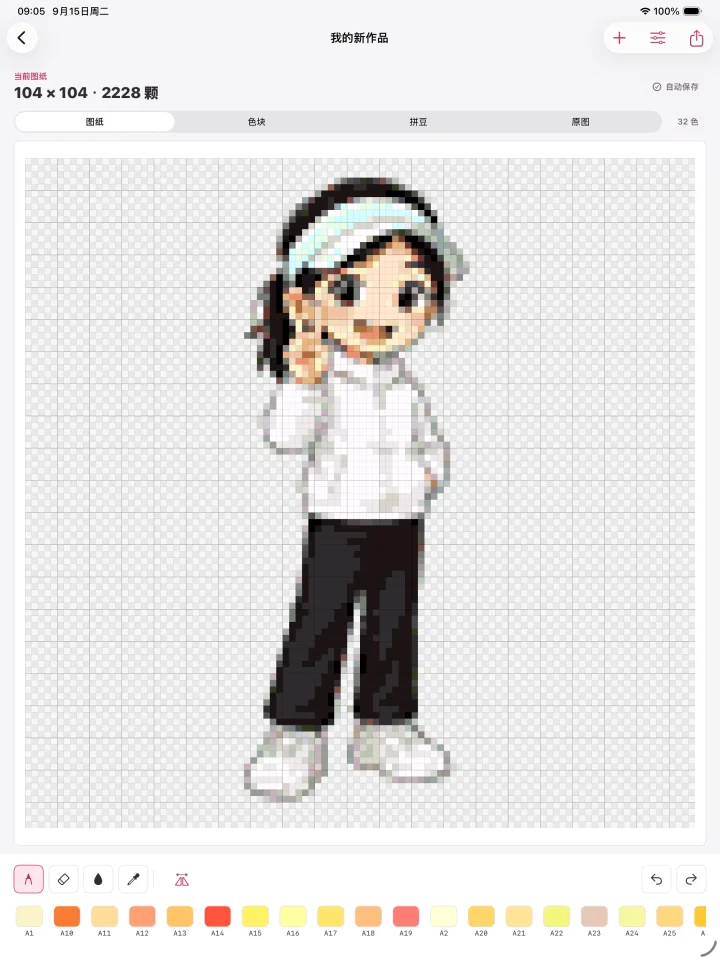
iPindou Pattern Studio is a bead pattern design tool built for iPad.
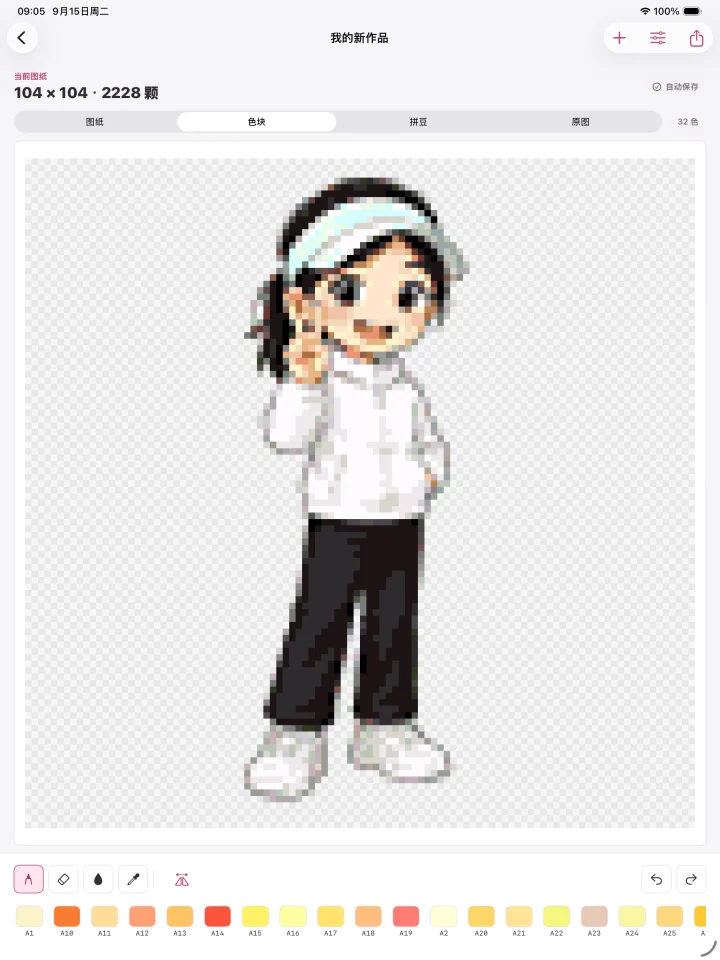
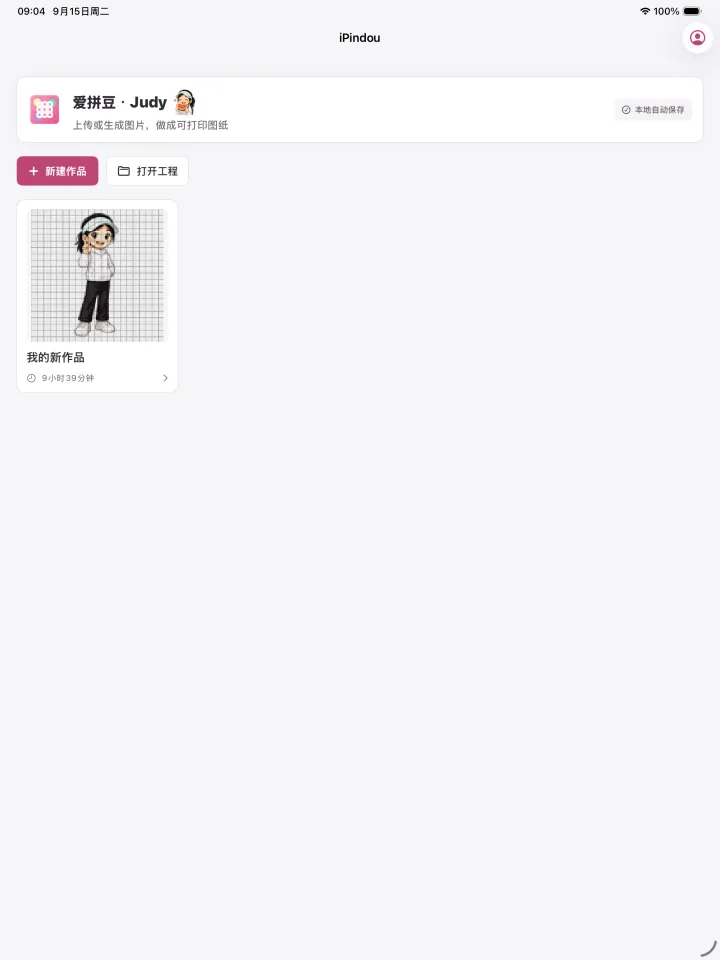
Import a photo or image and convert it on-device into a crisp bead pattern, or draw and edit every bead directly with Apple Pencil. Your work saves automatically on the device — the main creation flow needs no account.
Key features:
• Convert images to bead patterns, 8–160 cells
• Multi-brand bead palettes with color-count control
• Apple Pencil drawing, eraser, fill, picker and mirroring
• Pattern, color-block, finished-bead and source previews
• Undo, redo and isolated-bead inspection
• Material counts and package estimates
• Export PNG, PDF and .pindou project files
• Share and keep editing via the Files app and AirDrop
Conversion, editing, counting and export all happen locally on your device. AI creation is used only after you sign in and explicitly consent.
App privacy
What 印超 吕 declares on the App Store about how this app handles data.
-
Data linked to you
May be collected and linked to your identity.
- User content
- Identifiers
- Usage data
Privacy practices may vary, for example with the features you use or your age.
Information
- Seller
- 印超 吕
- Category
- Graphics & Design
- Version
- 1.0.0
- Updated
- Sep 25, 2026
- Released
- Sep 25, 2026
- Size
- 4.9 MB
- Requires
- iOS 18.0 or later
- Age rating
- 4+
- Price
- Free
- Languages
- English, Simplified Chinese
- Copyright
- © 2026 Yinchao Lv
You might also like
-
 OMO-拼豆图纸·像素画·生活记录·轻社交·兴趣社区Graphics & Design
-
 拼拼豆Graphics & Design
-
 Perler Bead StudioHama & Fuse Bead Patterns
-
 BeadCube: 3D Bead PatternsPhotos, Create & Auto-Check
-
 How to Draw Anime & TutorialDrawing sketch & lessons
-
 拼豆豆-拼豆图案编辑Graphics & Design
-
 BeanCraftPhoto to Bead Patterns
-
 Handpix: Bead Pattern MakerPixel art, perler bead ironing
-
 PixeliaFuse Bead | Pixel Art
-
 拼豆饭 - 不数格子的拼豆提速神器Graphics & Design