
- Age rating17+
- CategoryUtilities
- DeveloperShingo Fukuyama
- LanguagesEnglish+ 7 more
- Size42.9 MB
Links to the official App Store page
Download.org hosts no file of Ohajiki Web Browser. The button opens its official App Store page, published by Shingo Fukuyama. Listing last checked on Nov 28, 2026.
Screenshots
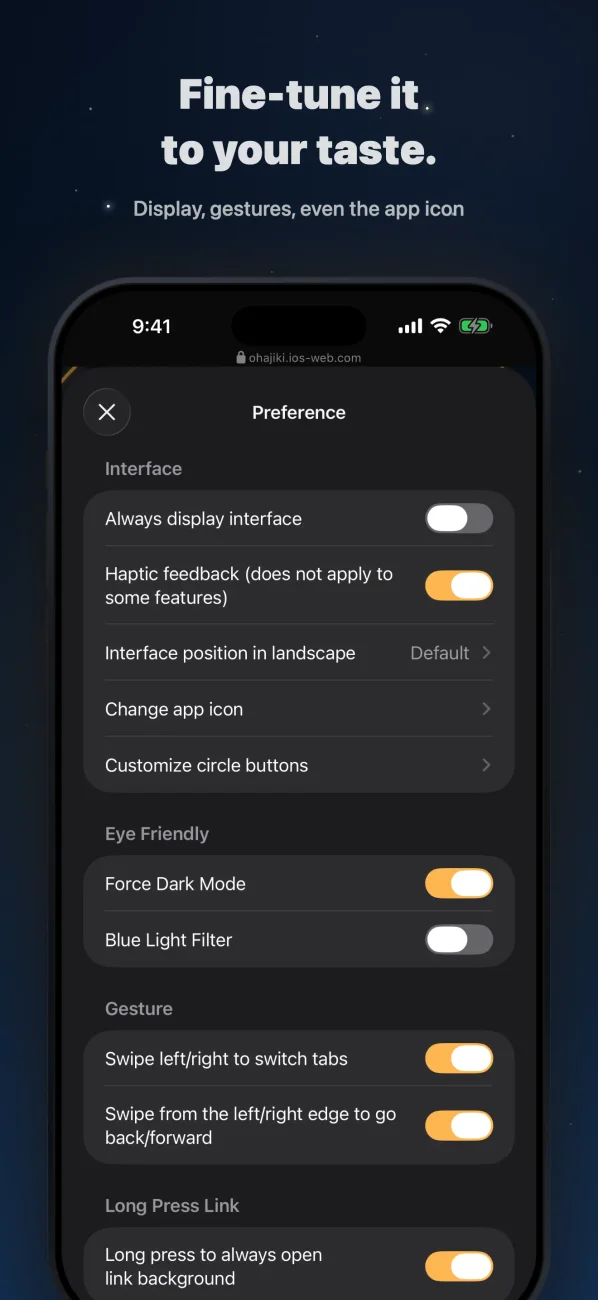
About
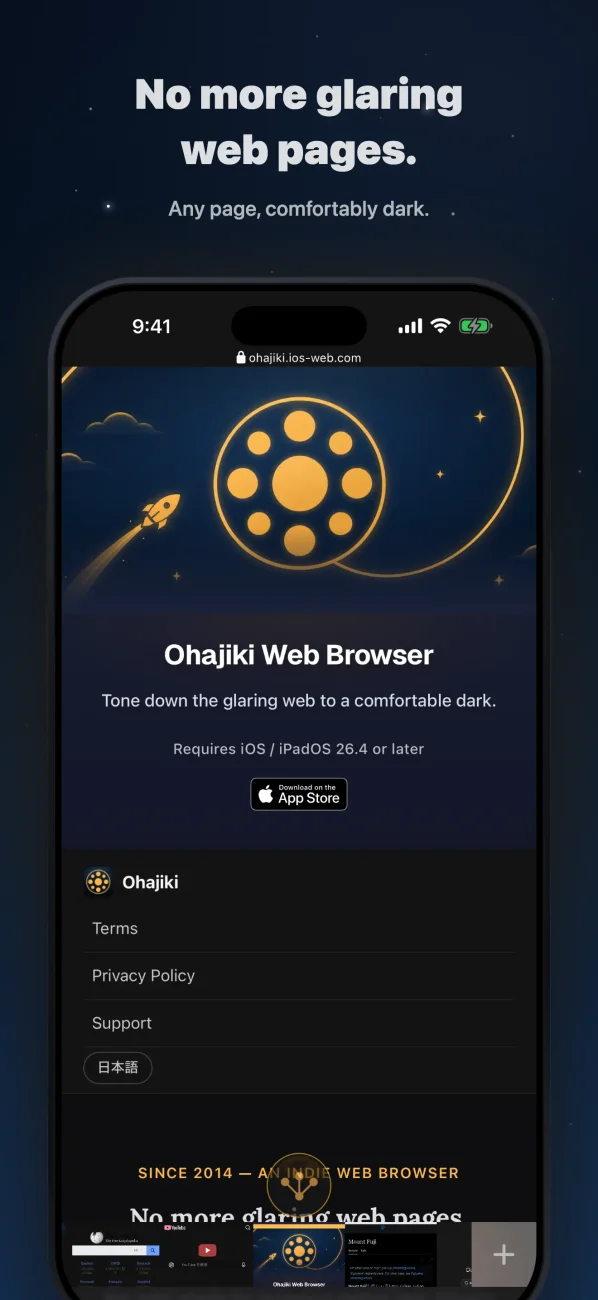
Ohajiki Web Browser is a web browser for iOS and iPadOS that can force any website into dark mode.
■ Dark mode for any site
Even when a site doesn't support dark mode, Ohajiki forces every page into a dark color scheme. It eases eye strain during long browsing sessions at night or in dim places, and helps reduce battery consumption on OLED displays. You can switch back to the original colors in bright environments — turn it on only when you need it.
■ Page summaries with Apple Intelligence
Pages are summarized by Apple's on-device language model (Foundation Models). The page content is never sent to the cloud, and the resulting summary also stays on your device. You can choose from 16 languages including English, plus an "Auto" option.
* Available only on Apple Intelligence-capable devices.
■ Data that stays on your device
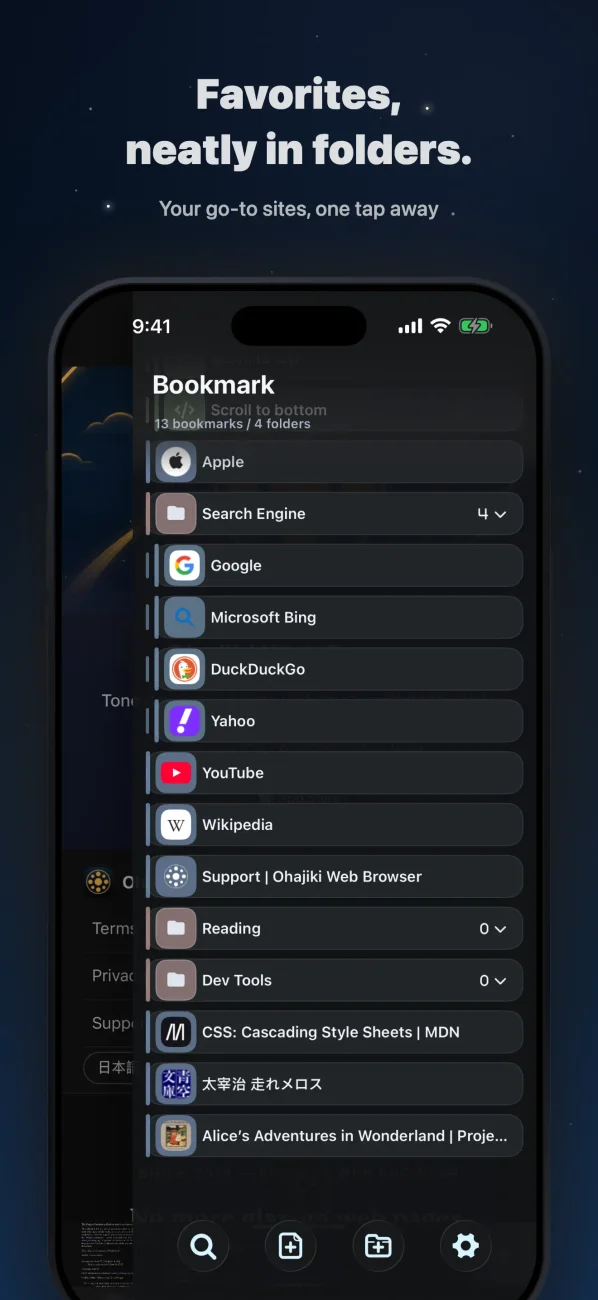
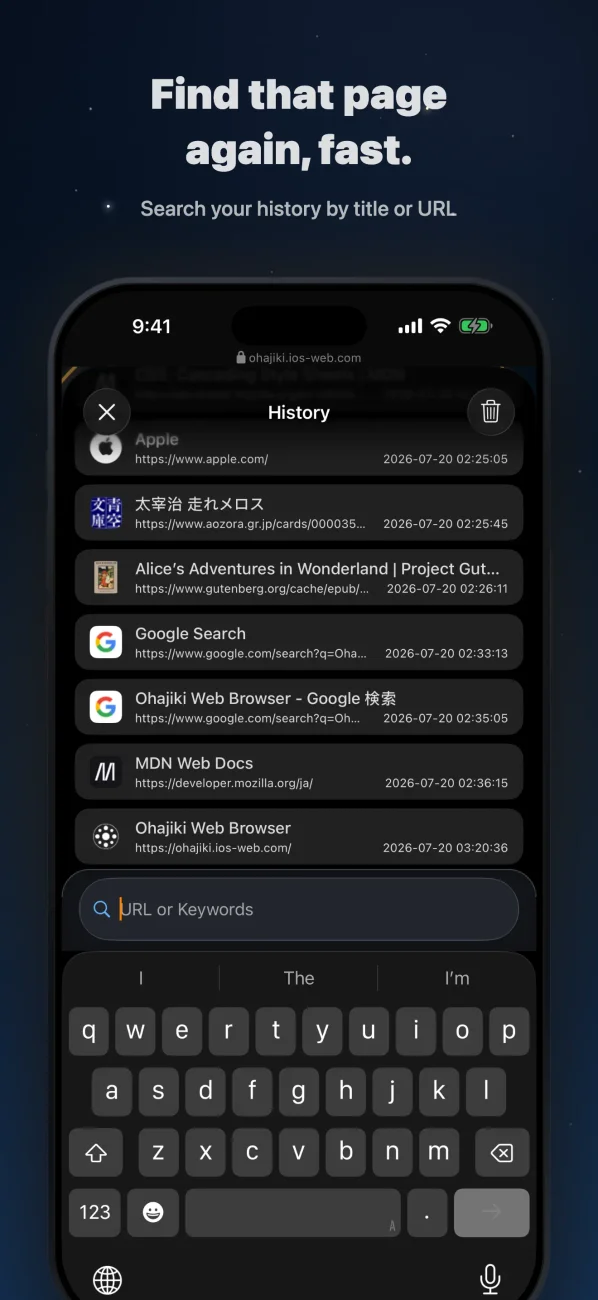
Bookmarks, page history, QR / ISBN scan results, user scripts, and per-site font sizes are all stored locally.
■ Versatile tab handling
Switch tabs with a swipe, reorder them with a long-press drag, and lock tabs to prevent accidental deletion. WebKit session state is saved and restored, so you can pick up right where you left off after a restart.
■ Powerful search
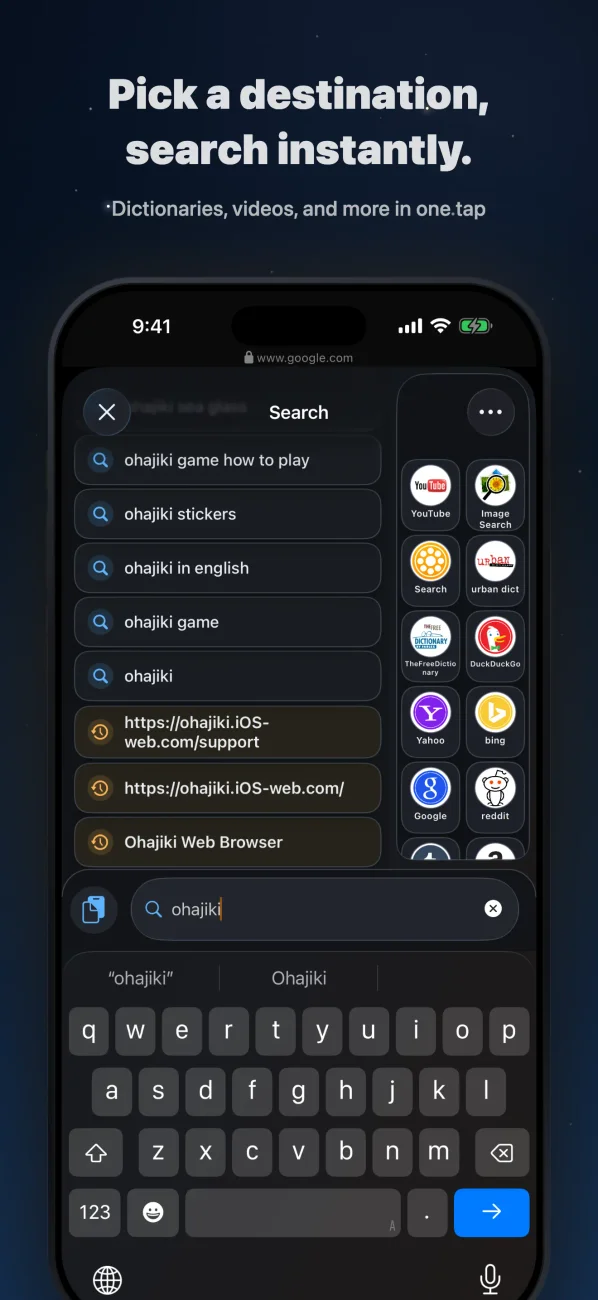
Multiple search engines are supported. In-page search, in-site search, and image search are all available, along with book lookup from QR codes and ISBN barcodes.
■ Per-site customization
Tune each site to your liking with per-site font sizing, reader view, image blocking, privacy protection (blocks ads & trackers), and a blue-light filter.
■ Private mode
Once you close a private tab, the session data created during that tab — browsing history, search queries, cookies — does not remain on your device.
For more on our privacy approach:
https://ohajiki.ios-web.com/privacy-policy
What’s new
Version 5.2.3 · Jul 31, 2026
Version 5.2.3
NEW
• You can now add a site to your Home Screen right from the share menu, so your favorite pages are always a tap away.
IMPROVED
• Improved the accuracy of article text extraction.
FIXED
• Other minor refinements and stability improvements.
App privacy
What Shingo Fukuyama declares on the App Store about how this app handles data.
-
Data not linked to you
May be collected but is not linked to your identity.
- Usage data
- Diagnostics
Privacy practices may vary, for example with the features you use or your age.
Information
- Seller
- Shingo Fukuyama
- Category
- Utilities
- Version
- 5.2.3
- Updated
- Jul 31, 2026
- Released
- Oct 24, 2014
- Size
- 42.9 MB
- Requires
- iOS 26.4 or later
- Age rating
- 17+
- Price
- Free
- Languages
- English, German, Japanese, Korean, Portuguese, Simplified Chinese, Spanish, Traditional Chinese
- Copyright
- © 2014-2026 Shingo Fukuyama
You might also like
-
 Shiori Web BrowserQuickly search the web
-
 Split Screen Browser - TwookuLUtilities
-
 Safe Page – Web BrowserFast & private web browser.
-
 eBrowser: Private Web & FilesFast, Private, Download Files
-
 Sleipnir MobileMake your searches worth it.
-
 Lunascape BrowserWeb3 Browser with Ad Blocker
-
 Lion Browser: Safe BrowsingParental Control & Web Filter
-
 Perfect Browser - Dark ModeAI Summary & Auto Reload
-
 SplitTabBrowserSplitScreen&Picture-in-Picture
-
 Private Web Incognito BrowserSecret Browser and Adblock