iSureType
On-device AI keyboard + OCR
Designed for iPhone, iPad
Free · In-app purchases
- Age rating4+
- CategoryProductivity
- DeveloperPenDraco Limited Company
- LanguagesEnglish
- Size148.2 MB
Links to the official App Store page
Download.org hosts no file of iSureType. The button opens its official App Store page, published by PenDraco Limited Company. Listing last checked on Nov 23, 2026.
Screenshots


About
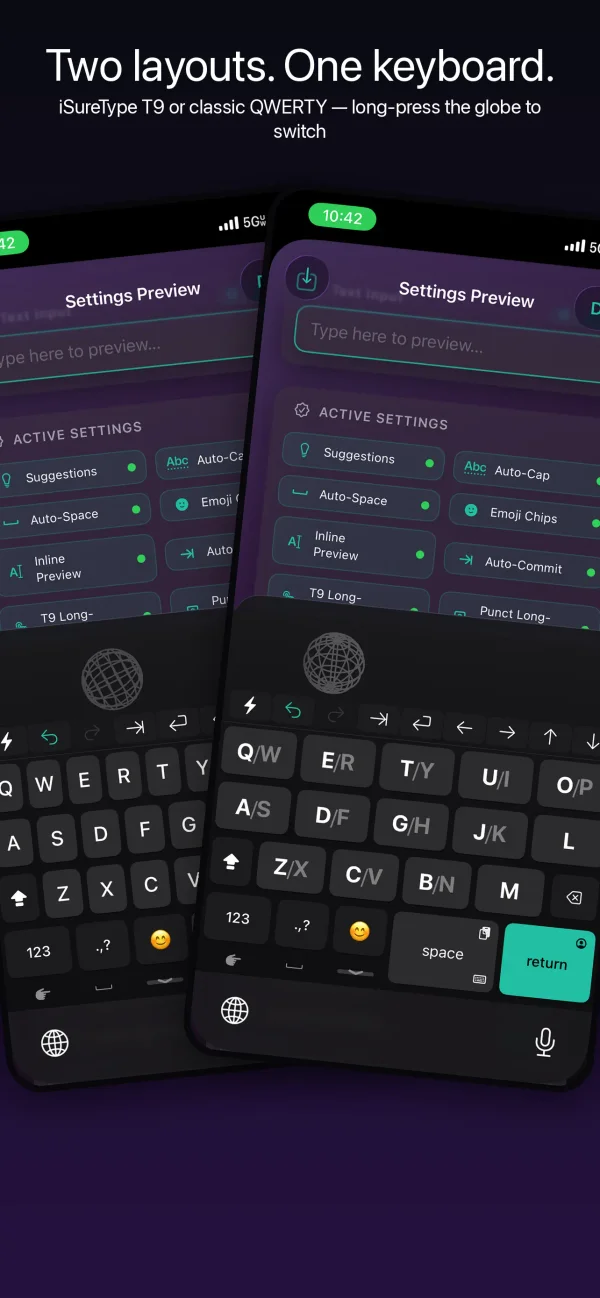
iSureType reimagines typing on iOS. A T9 multi-tap engine — backed by
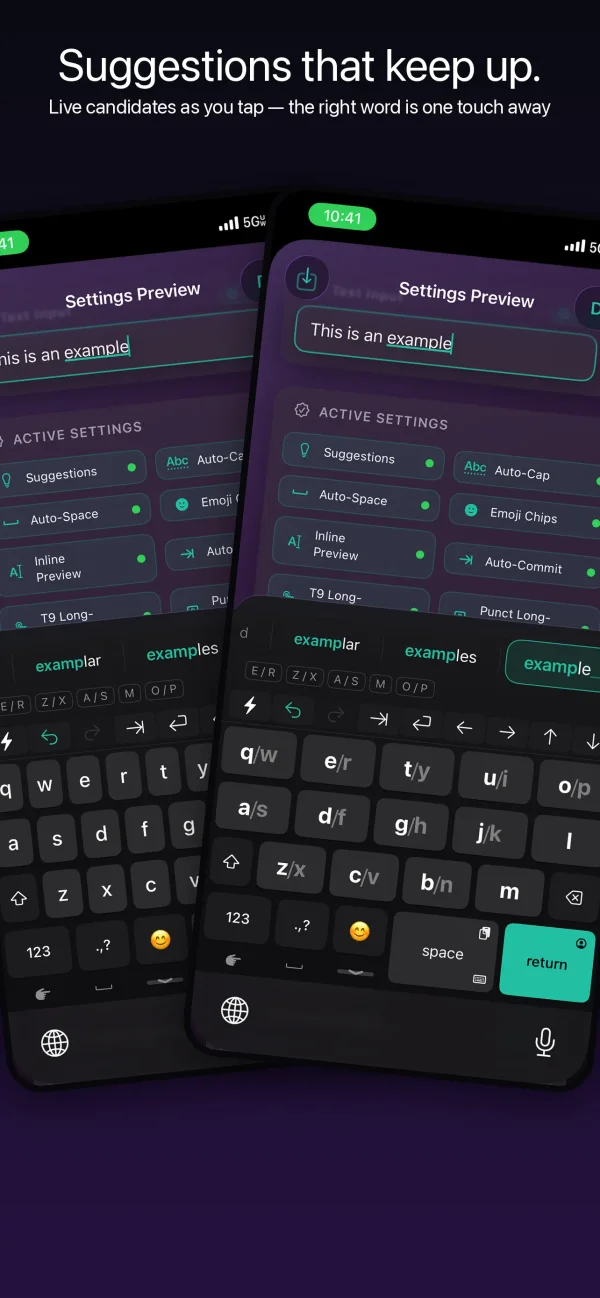
a 370,000-word dictionary and grammar-aware ranking — turns three or
four taps into the word you meant. An on-device OCR wizard powered by
Apple's Vision framework lifts text out of any photo, structures
documents as Markdown, and extracts contact fields from business cards.
Two Liquid Glass home-screen widgets put your most-used surfaces one tap
away.
iSureType is a subscription app: the keyboard, OCR, widgets, and every feature
below require an active iSureType subscription. Try it all free for 7 days, then
$39.99/year (US — pricing varies by region). Cancel anytime.
PRIVACY BY CONSTRUCTION
Every recognition path runs on your iPhone. No photos are uploaded.
No typed text is logged. No third-party model weights are bundled.
iSureType requests no network entitlement. For more details, see:
• https://isuretype.com/privacy
• https://isuretype.com/terms
KEYBOARD
• T9 disambiguation with contextual ranking and contraction expansion.
• QWERTY mode with the literal you typed always available as chip 0.
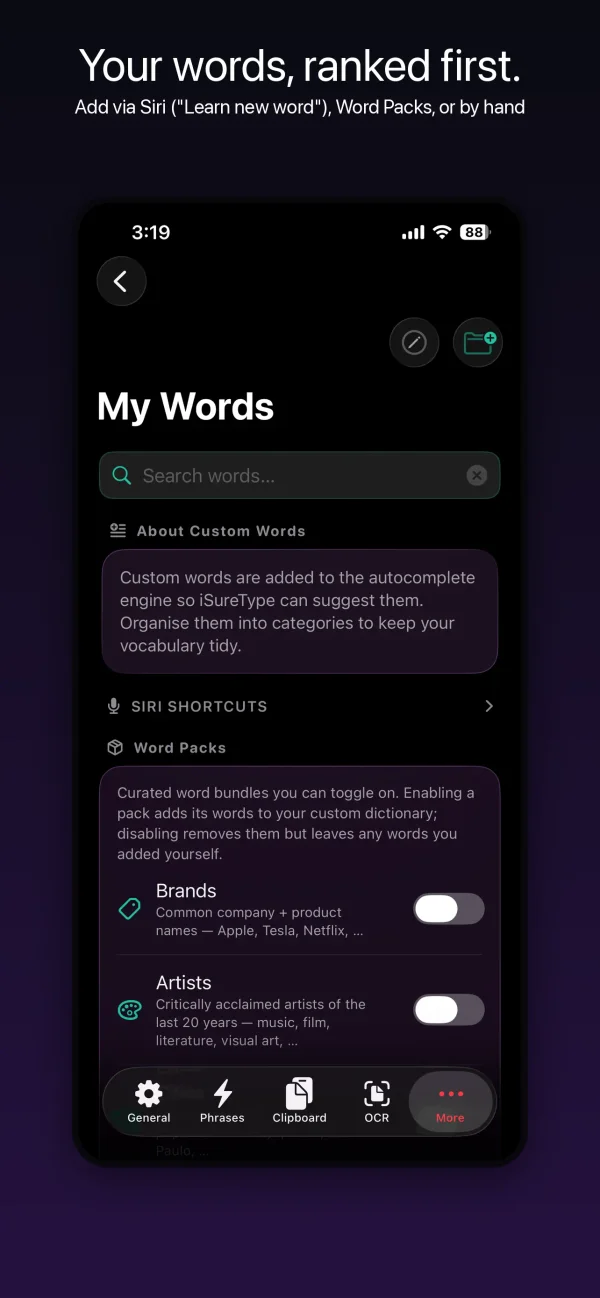
• Custom words, smart phrases (with categorised collapsible sections),
autocorrect pairs — all editable in the host app, all yours.
• Word Packs (Brands, Cities, Animals, Actors, Artists, National Parks)
and Phrase Packs (Medicine, Legal) bundled and toggleable.
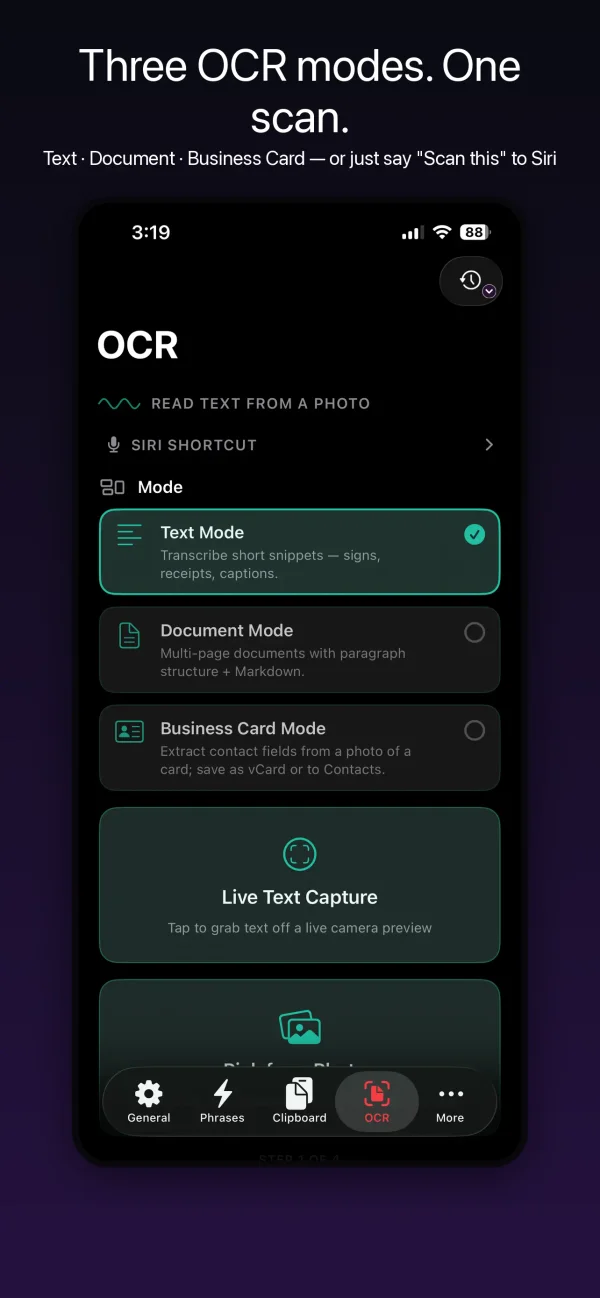
OCR (Image Recognition)
• Text mode — quick single-line transcription for signs, captions,
receipts.
• Document mode — paragraph-clustered output. On iOS 26 the wizard
upgrades to RecognizeDocumentsRequest; you get structured Markdown
with headings, ordered/unordered lists, and pipe tables. Export as
.md to Files, iCloud Drive, or any document provider.
• Business Card mode — Apple NSDataDetector + NLTagger pull Name /
Title / Company / Email(s) / Phone(s) / Website(s) / Address(es)
out of a scanned card. A touch-friendly mapping step lets you
re-assign chips before commit. Save as .vcf, drop into Contacts.app,
or copy the vCard body to the system pasteboard.
WIDGETS (iOS 26 Liquid Glass)
• Clipboard — recent captures with per-row pin / star / delete buttons,
source-app badges, and a Capture-pasteboard-now footer. Small,
Medium, Large.
• Scan — one tile, three OCR modes, recent-scans list. Small is a
tap-to-scan launcher; Medium and Large add three large finger-
friendly glass buttons.
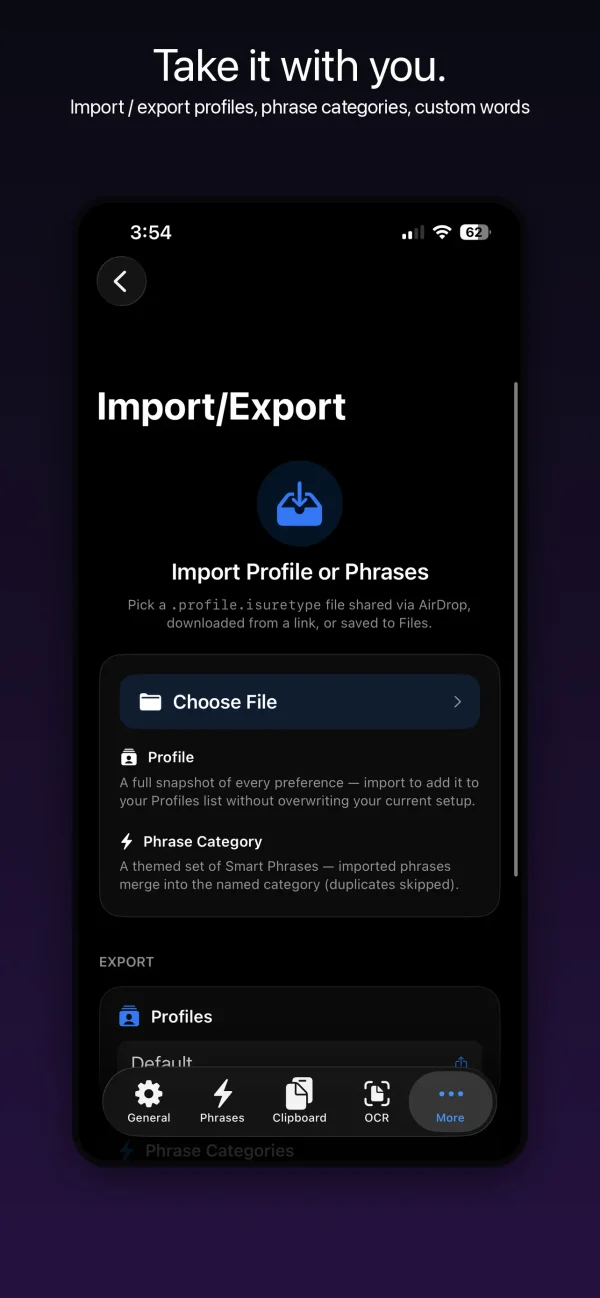
POWER USERS
• Profiles — duplicate, switch, customise. Tab order is per-profile.
• Per-tab Siri shortcuts — "Scan this", "Learn new word", "Learn new
phrase".
• Background OCR — keep typing while a long document transcribes;
toast confirms when it lands.
• Accessibility-first — Dynamic Type, Reduce Motion, Reduce
Transparency, Increase Contrast all honoured.
REQUIREMENTS
• iOS 26 or later (older OS support drops with this release for the
Liquid Glass surface).
• Allow Full Access on the keyboard so it can read the shared
clipboard. iSureType has no network entitlement; Full Access is not
used to send any data anywhere.
SUBSCRIPTION
• iSureType is an auto-renewable annual subscription.
• Length: 1 year. Price: $39.99/year (US; prices vary by storefront), after a
7-day free trial for new subscribers.
• Payment is charged to your Apple Account at confirmation of purchase. It renews
automatically unless auto-renew is turned off at least 24 hours before the end
of the period. Manage or cancel in iOS Settings → Apple Account → Subscriptions.
• Terms of Use (EULA): https://isuretype.com/terms
• Privacy Policy: https://isuretype.com/privacy
Made in Texas by PenDraco.
What’s new
Version 0.13.1 · Nov 19, 2026
• Suggestions appear sooner as you type, most of all on the T9 layout.
• Fixed a problem that could erase what the keyboard had learned about your typing.
• Fixed two crashes that could close the keyboard in the middle of typing.
App privacy
What PenDraco Limited Company declares on the App Store about how this app handles data.
-
Data not collected
The developer does not collect any data from this app.
Privacy practices may vary, for example with the features you use or your age.
Information
- Seller
- PenDraco Limited Company
- Category
- Productivity
- Version
- 0.13.1
- Updated
- Nov 19, 2026
- Released
- May 5, 2026
- Size
- 148.2 MB
- Requires
- iOS 26.0 or later
- Age rating
- 4+
- Price
- Free
- In-app purchases
- Yes
- Languages
- English
- Copyright
- © 2026 PenDraco Limited Company | All Rights Reserved
You might also like
-
 Clipboard - Copy Paste ProClipboard, Keyboard, Translate
-
 CopyBox - Copy & PasteSave clips. Paste faster.
-
 edge talkPrivate AI Chat, Own Your Data
-
 Sqroll: Screen Time ControlBlock Apps. Get Fit.
-
 QWERTY mini Std ENGEasy and comfortable typing
-
 KeepText: Snippet KeyboardPaste saved text in any app
-
 OfflineChatbot - Private LLM100%offline local AI assistant
-
 AI Keyboard: Rewrite & GrammarFix Writing, Reply, Translator
-
 Nestwell: All-in-One OrganizerPlan, Write, Scan & Secure.
-
 Pantry for NextcloudHome lists, photos & notes