
iView Learning
Comprehensive Tutorials
Designed for iPhone, iPod touch
In-app purchases
- Age rating4+
- CategoryEducation
- DeveloperWyvern Business Systems
- LanguagesEnglish
- Size39.5 MB
Links to the official App Store page
Download.org hosts no file of iView Learning. The button opens its official App Store page, published by Wyvern Business Systems. Listing last checked on Nov 14, 2026.
Screenshots



About
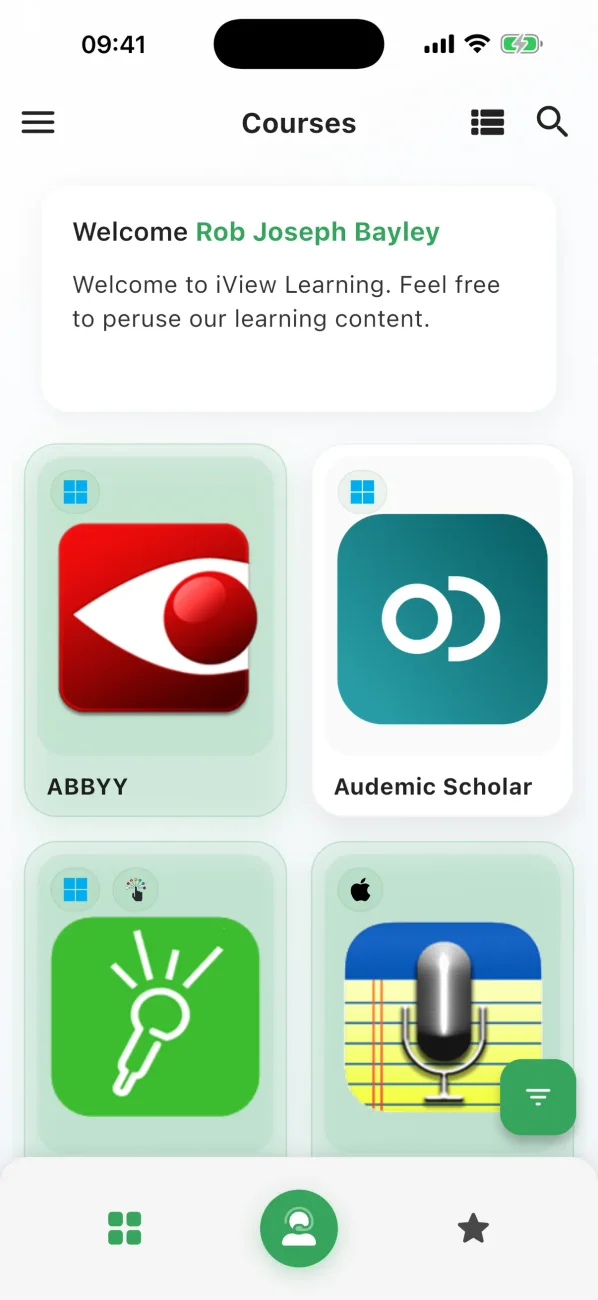
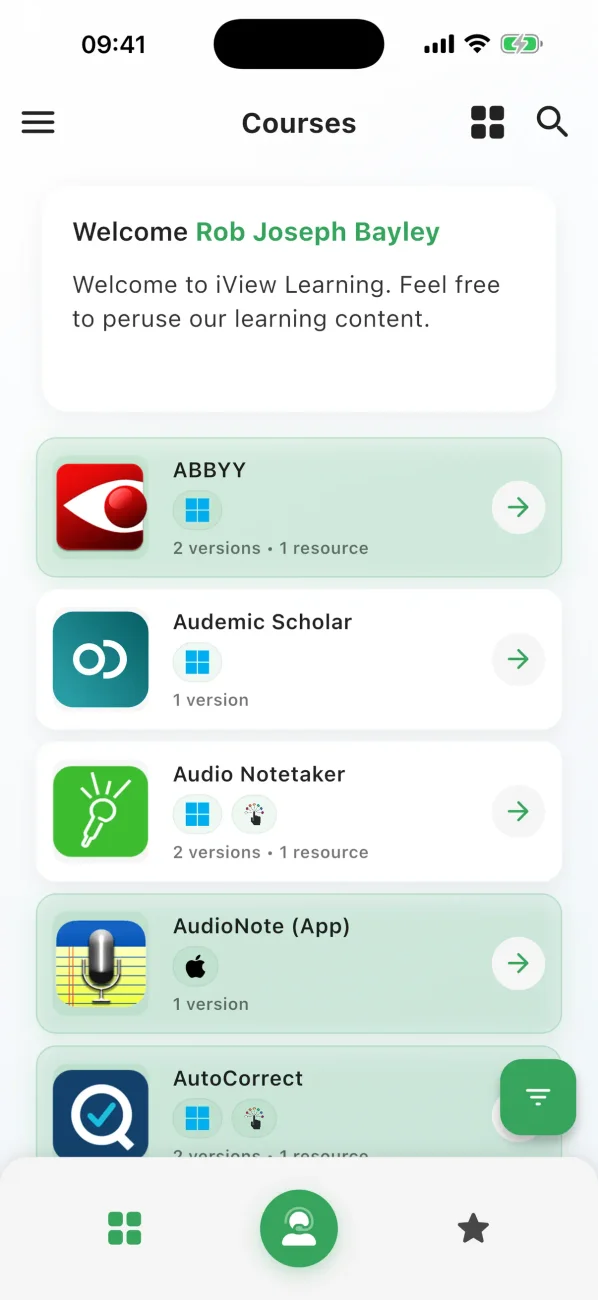
iView Learning covers a wide range of Assistive Technology, with new content being added all of the time. Covering all of the popular assistive software programs such as text-to-speech, voice recognition, mind mapping, note-taking and more!
As well as Assistive Technology, there is also an extensive library of content covering productivity software, such as the Microsoft Office suite, including Microsoft Word, Excel, PowerPoint, Publisher and OneNote, and more recently G-Suite, including Google Docs, Sheets, Slides and Forms.
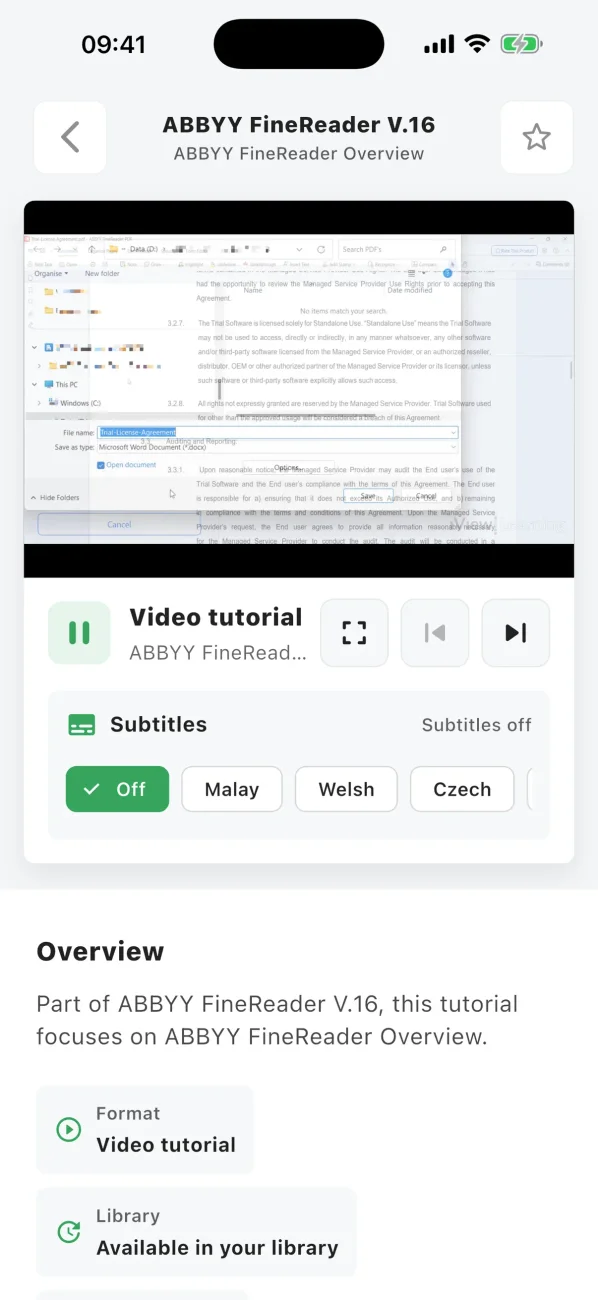
iView Learning features over 800 high-quality videos and counting. Each video is concise and to the point, with most under 90 seconds or less. As well as the video itself, each topic includes a detailed PDF guide too which breaks down the instructions of the video for quick reference. Featuring high-quality visuals and professional narrative, iView Learning works cross-platform on Windows and Mac, mobile Operating Systems including iOS and others. Bookmark videos or courses to return back to your favourites for quick reference.
AN EVER-EXPANDING LIBRARY OF CONTENT:
With over 800 videos and counting, we are constantly adding more videos and courses to iView Learning, with all of the latest software programmes and versions.
CONCISE, SHORT AND SNAPPY VIDEOS:
Each of our videos are concise and to the point, with the vast majority of them being 90 seconds or less, so you can get the information you need straight away.
HIGH QUALITY VIDEO AND PROFESSIONAL AUDIO:
Every video contains High-Quality visuals, with professional audio recordings used throughout to offer clear and effective audio and visual communications.
PDF GUIDES FOR EVERY INSTRUCTIONAL VIDEO:
As well as the videos, there is also a PDF guide attached to each video. They detail the key points of the video, the perfect miniature reference guide
AVAILABLE ACROSS A MULTITUDE OF DEVICES:
Cross-platform compatibility means you can access iView Learning from any device, complete with a dedicated App for iOS and other Mobile OS devices.
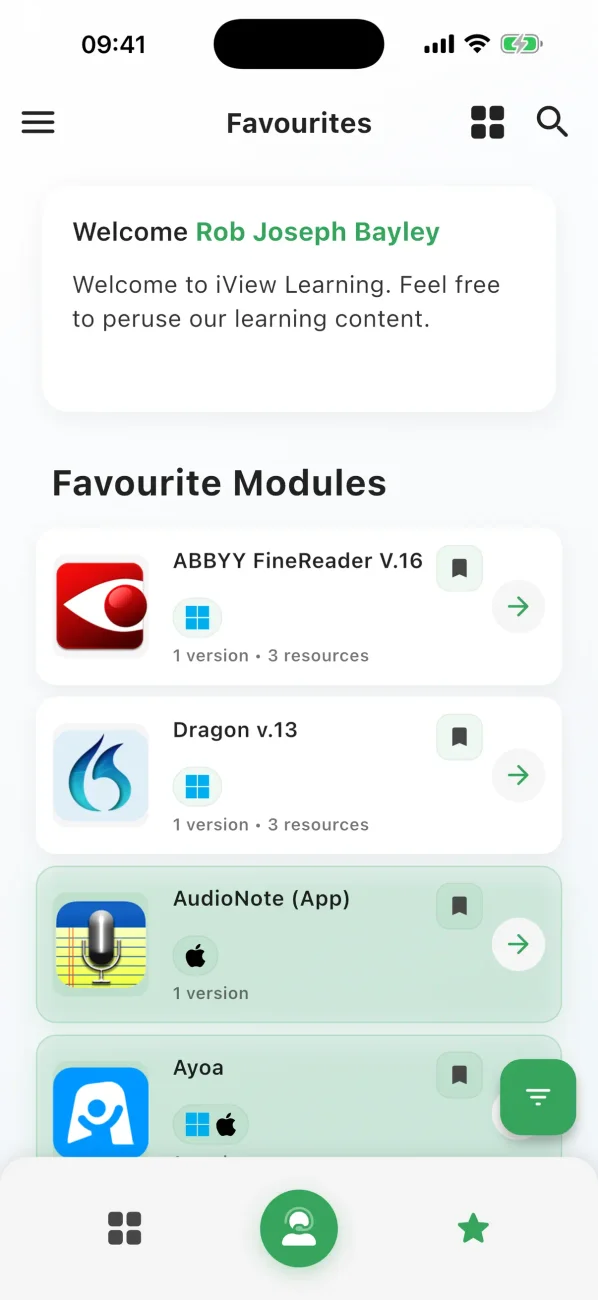
MARK YOUR FAVOURITE VIDEOS AND COURSES:
Bookmark courses for the Assistive Software you use, or relevant individual videos for quick reference and access, ideal for your favourites.
What’s new
Version 2.0.13 · Nov 10, 2026
What’s New in 2.0.13
Try AI Voice Mode for spoken conversations, with inline tutorial videos and saved chat history.
Follow lessons more easily with “Pause after each step” and improved progress indicators.
Enjoy refreshed screens and improved audio playback.
Get clearer subscription and renewal guidance, plus a smoother sign-in experience.
App privacy
What Wyvern Business Systems declares on the App Store about how this app handles data.
-
Data linked to you
May be collected and linked to your identity.
- Identifiers
- Usage data
Privacy practices may vary, for example with the features you use or your age.
Information
- Seller
- WYVERN BUSINESS SYSTEMS LTD
- Category
- Education
- Version
- 2.0.13
- Updated
- Nov 10, 2026
- Released
- Dec 11, 2023
- Size
- 39.5 MB
- Requires
- iOS 15.0 or later
- Age rating
- 4+
- In-app purchases
- Yes
- Languages
- English
- Copyright
- © WYVERN BUSINESS SYSTEMS LTD
You might also like
-
 Study KeyEducation
-
 Project AssistEducation
-
 Luna - Simplify RevisionEducation
-
 Sensory ScribeInstant text transcription
-
 Sensory Readergrabs text from photos fast
-
 Audemic ScholarAcademic research via audio
-
 Trugs Word SearchPhonics puzzles you can print
-
 Present PalPresentation flashcards
-
 StudyCogResearch Made Accessible
-
 Trugs Take ItTeach Reading Using Games