
JJ Rhinestone Studio
Designed for iPhone, iPad, iPod touch
Free · In-app purchases
- Age rating4+
- CategoryGraphics & Design
- DeveloperJEFFREY ANDREW COHEN
- LanguagesEnglish
- Size23.2 MB
Links to the official App Store page
Download.org hosts no file of JJ Rhinestone Studio. The button opens its official App Store page, published by JEFFREY ANDREW COHEN. Listing last checked on Nov 23, 2026.
Screenshots
About
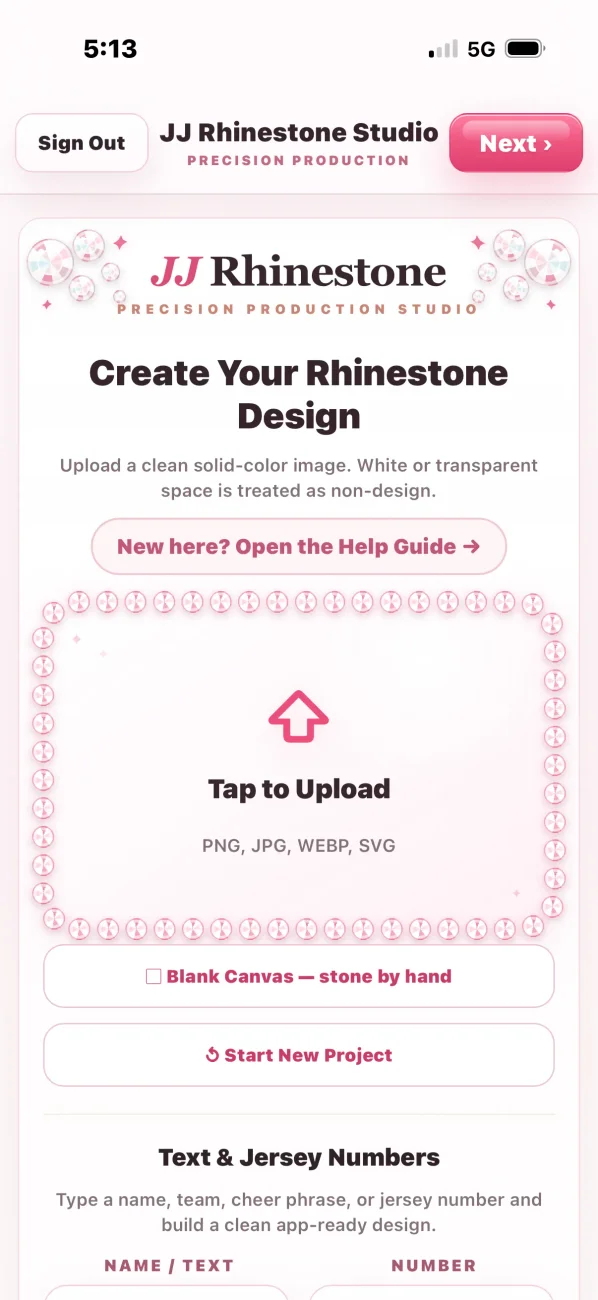
Create rhinestone and vinyl designs your way with JJ Rhinestone Studio.
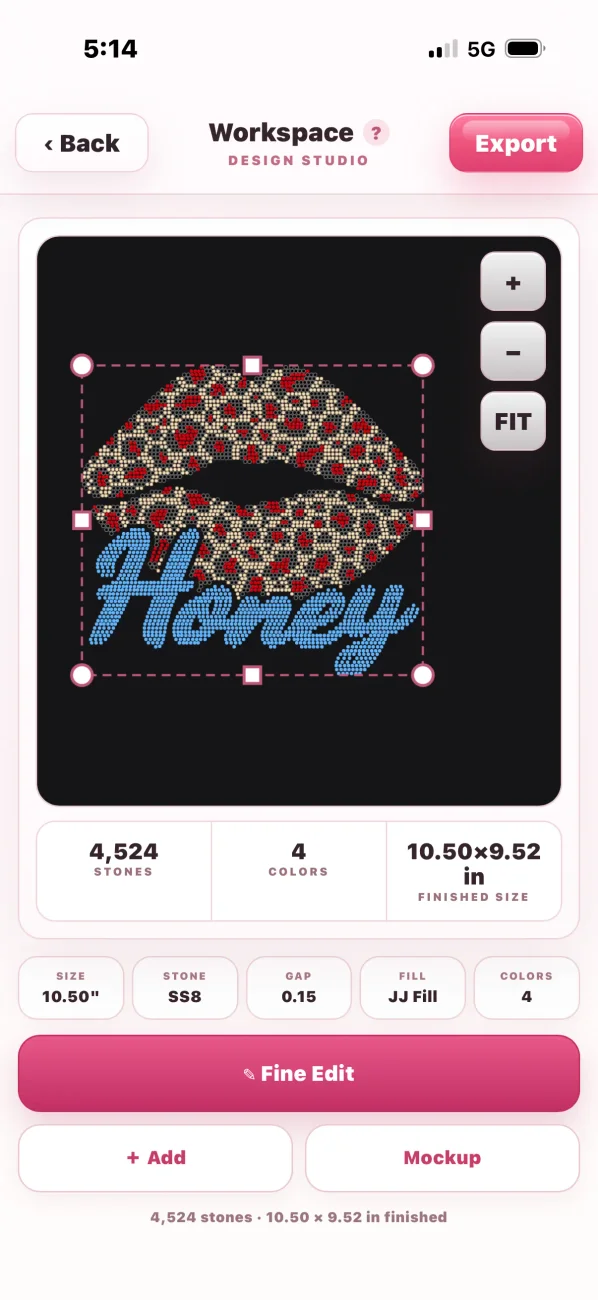
Start with your own artwork, text, or numbers. Build a rhinestone layout, create a vinyl cut design, or combine both materials in one project. Set your dimensions in Workspace, refine your design in Fine Edit, and prepare files for your cutting workflow.
RHINESTONE DESIGN
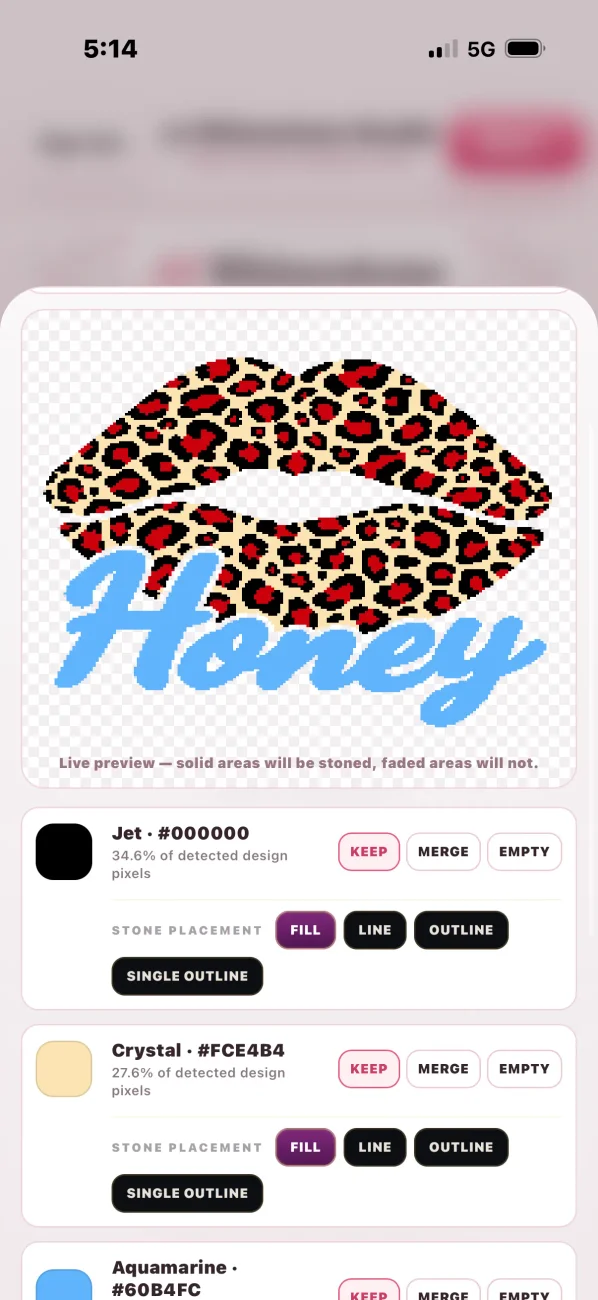
• Import artwork and choose the colors to keep, merge, or leave empty before generating stones.
• Create names and numbers with built-in fonts or upload your own fonts.
• Adjust design dimensions, stone sizes, spacing, and colors.
• Explore outline, fill, line, trail, JJ Fill, JJ Spiral, and scatter tools.
• Try JJ 360 Shatter and JJ 360 Shatter Intact for additional scatter effects.
• Choose from an expanded color palette, including brown and tan shades, and exact 1.2 mm and 8 mm size options.
VINYL AND MIXED-MATERIAL PROJECTS
• Generate vinyl lettering from text.
• Trace single- or two-color PNG, JPG, and WEBP artwork, preview the cut lines, and export vinyl SVG files.
• Add more text or images to a project and choose vinyl or rhinestones for each addition.
• Move, resize, rotate, and recolor individual design pieces.
• Place vinyl over rhinestones and clear stones beneath the actual vinyl shape.
FINE EDIT AND PREVIEW
• Move, add, delete, select, and recolor stones.
• Adjust overlay visibility while positioning artwork.
• Use Undo and Redo to step backward or forward through edits.
• Keep track of the finished design size while editing.
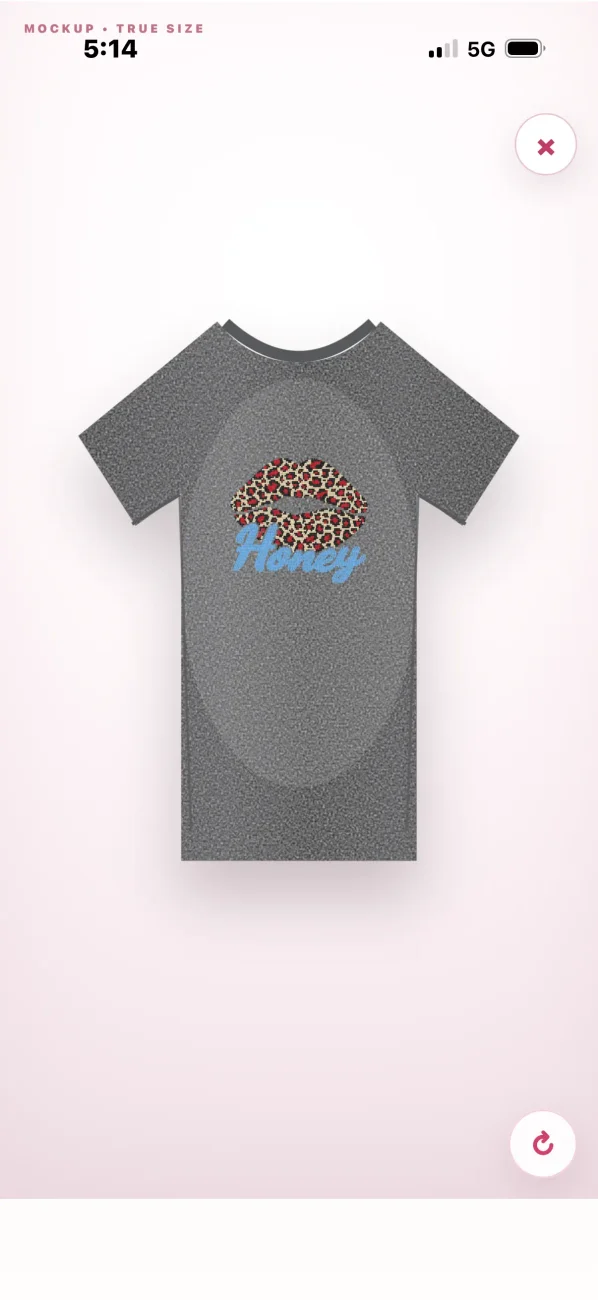
• Preview designs on T-shirt, hoodie, and sports-bra mockups, with garment color and size controls.
• Find tools in a refreshed pink interface with white glass color palettes.
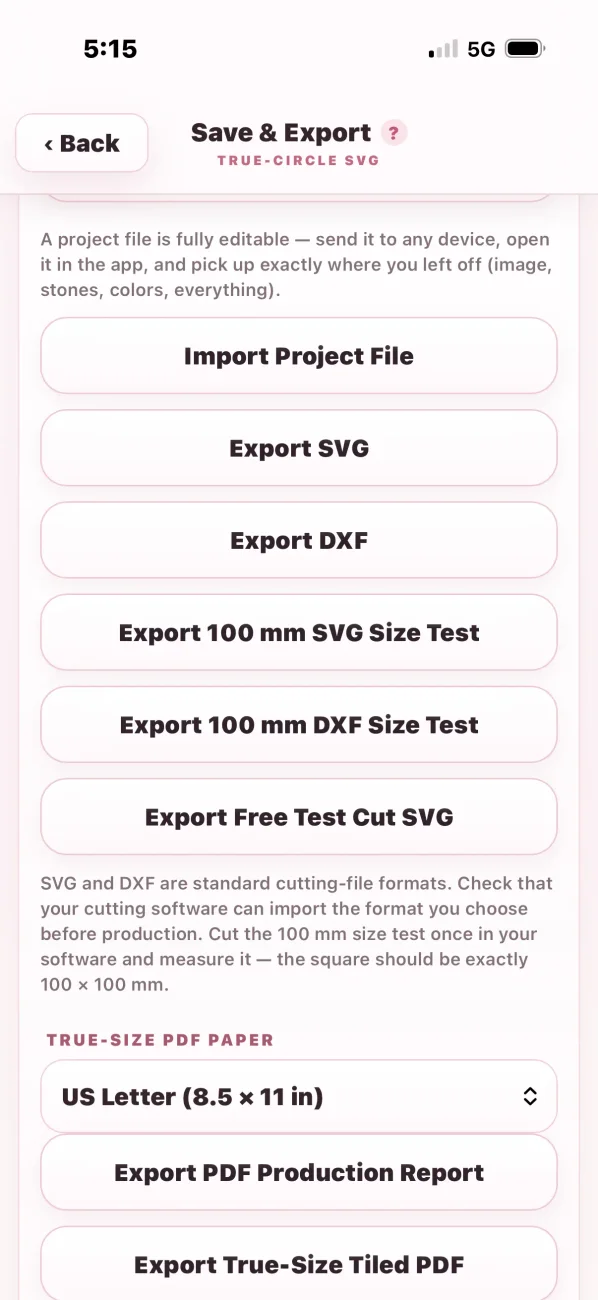
SAVE AND EXPORT
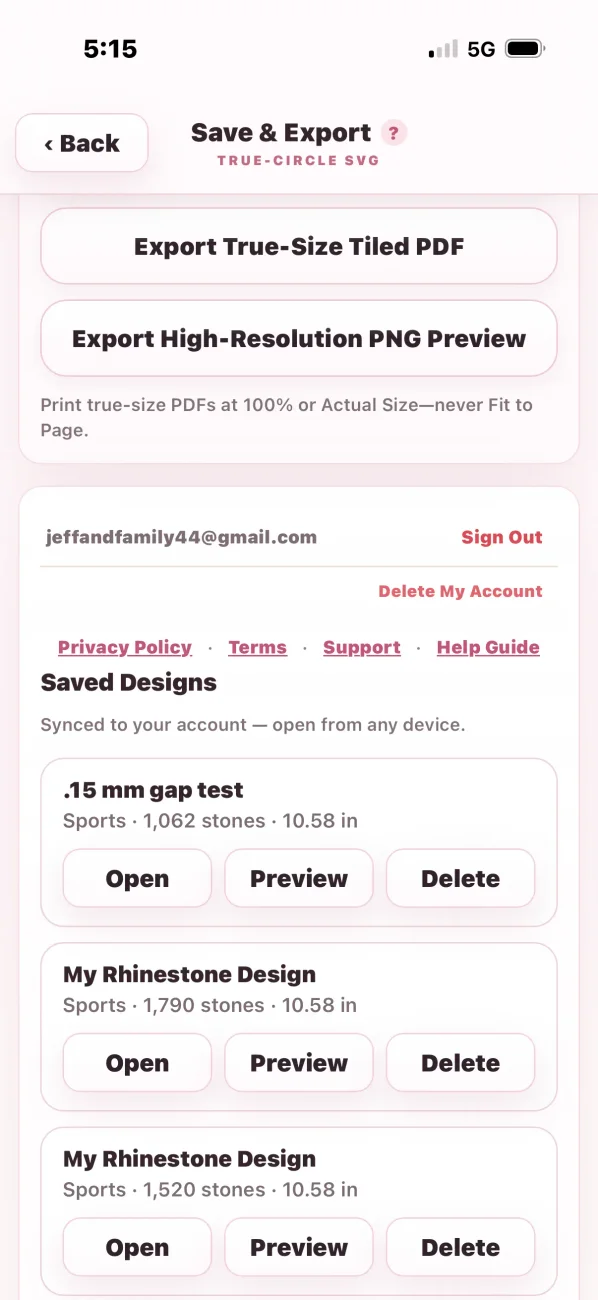
• Save projects to your account’s design library and reopen them to continue editing.
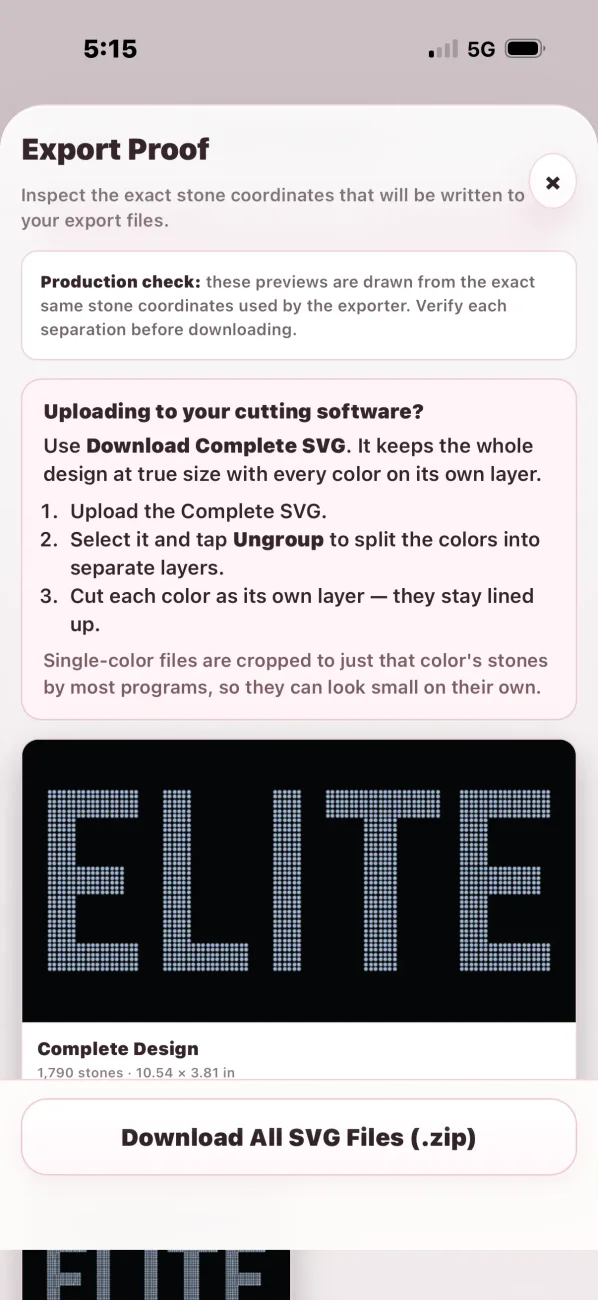
• Export rhinestone SVG and DXF cut files, PDF layouts, and PNG previews.
• Export vinyl SVG files and organize supported cutting files by color.
• Export project files for later use.
Made for crafters, apparel decorators, and small businesses creating custom designs.
An account is required. Cutting requires compatible software, equipment, and materials, sold separately. Supported import formats vary by cutting software and edition. Always verify dimensions and make a small test cut before production.
Support: jjrhinstone@gmail.com
OPTIONAL PURCHASES
Designing and watermarked PNG previews are free. JJ Pro Monthly and JJ Pro Yearly unlock unlimited SVG, DXF, PDF and unwatermarked PNG exports while subscribed. The 3 Export Pack provides three credits; each credit unlocks one design for export in all supported formats. Purchased unused credits do not expire.
Subscriptions renew automatically unless canceled at least 24 hours before the current period ends. Payment is charged to your Apple Account. Manage or cancel subscriptions in your Apple Account settings. Prices and billing periods are shown before purchase. Deleting your app account does not cancel a subscription.
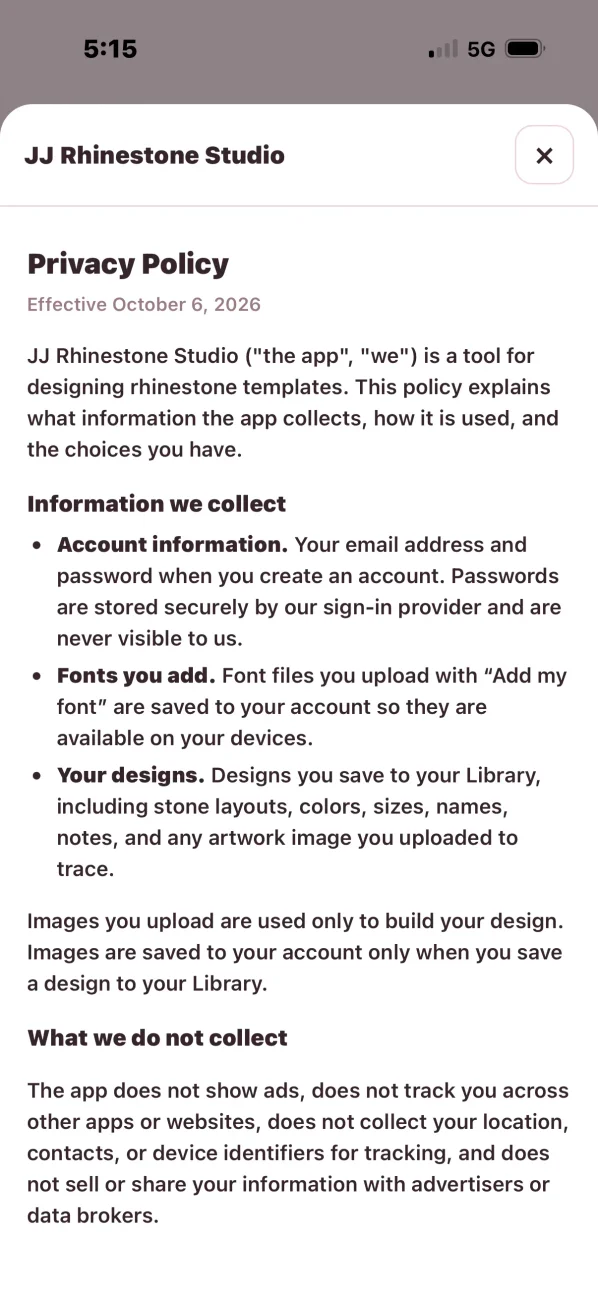
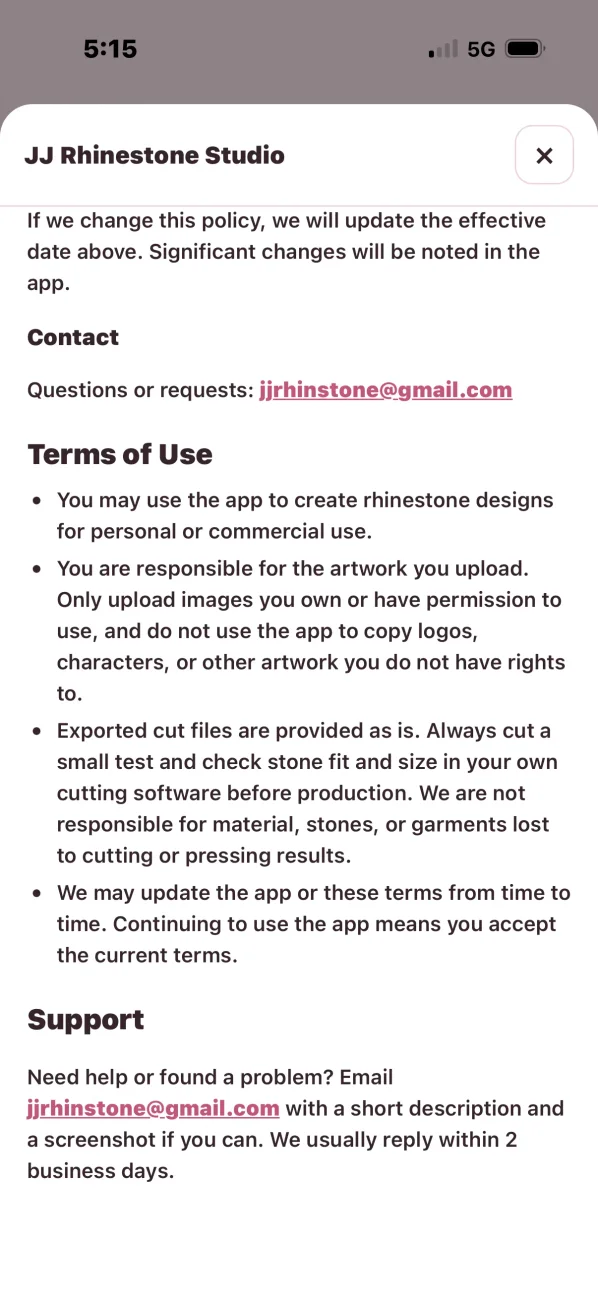
Privacy Policy: https://jj-rhinestone-studio-privacy-terms-support-svmh94.v2.appdeploy.ai/
Terms of Use (EULA): https://www.apple.com/legal/internet-services/itunes/dev/stdeula/
What’s new
Version 1.0.2 · Nov 20, 2026
This update improves the reliability of your saved-design library.
• Fixed an issue that could skip older saved designs when using Load more.
• Improved loading when opening the library or tapping Load more repeatedly.
• Kept saved designs in a consistent newest-first order as more projects load.
• Improved recovery from interrupted connections so you can retry loading while keeping the designs already displayed.
Your existing saved designs remain in your account. This update includes the design tools and improvements introduced in version 1.0.1.
App privacy
What JEFFREY ANDREW COHEN declares on the App Store about how this app handles data.
-
Data linked to you
May be collected and linked to your identity.
- Purchases
- Contact info
- User content
- Identifiers
Privacy practices may vary, for example with the features you use or your age.
Information
- Seller
- JEFFREY ANDREW COHEN
- Category
- Graphics & Design
- Version
- 1.0.2
- Updated
- Nov 20, 2026
- Released
- Nov 6, 2026
- Size
- 23.2 MB
- Requires
- iOS 13.0 or later
- Age rating
- 4+
- Price
- Free
- In-app purchases
- Yes
- Languages
- English
- Copyright
- © 2026 Jeffrey Cohen
You might also like
-
 StoneLabRhinestone template designer
-
 Silhouette GoGraphics & Design
-
 HTVRONTYour Creative Studio
-
 Playground: AI Design & EditorLogos, T-Shirts, Posters, SVG
-
 Creatic: Graphic Design EditorFlyer, Wallpaper, Poster Maker
-
 Cricut Heat: DIY Heat TransferIron-On, Infusible Ink & more
-
 Munbyn PrintMUNBYN Exclusive App
-
 Brother ArtspiraGraphics & Design
-
 Cricut Design SpaceGraphics & Design
-
 Vector & SVG Maker - AssemblyGraphic Design for Art & Logos